Computer skills from the first sitting
A series for people who have never used a computer, or who have used one without anyone explaining it. Written by Ellis Dennis Graham at Cyber Elias Academy, Port Harcourt. 180 lessons, in order. Read them like a magazine: finish one, turn the page.
Lessons 1–10
The first sitting
The machine, files, the keyboard, the internet, email, and the first traps.
Lesson 1·6 min
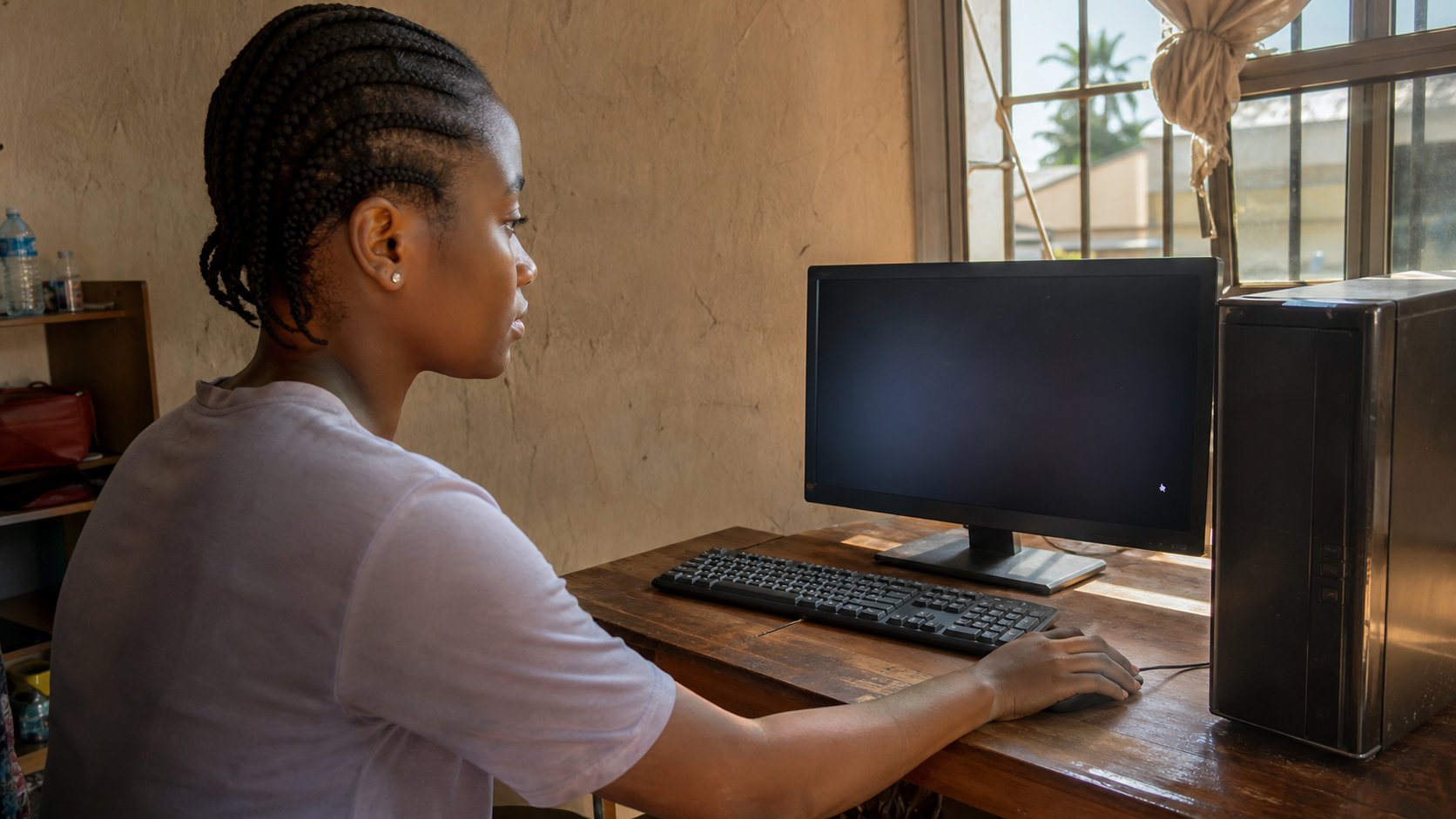
Sitting down at a computer for the first time
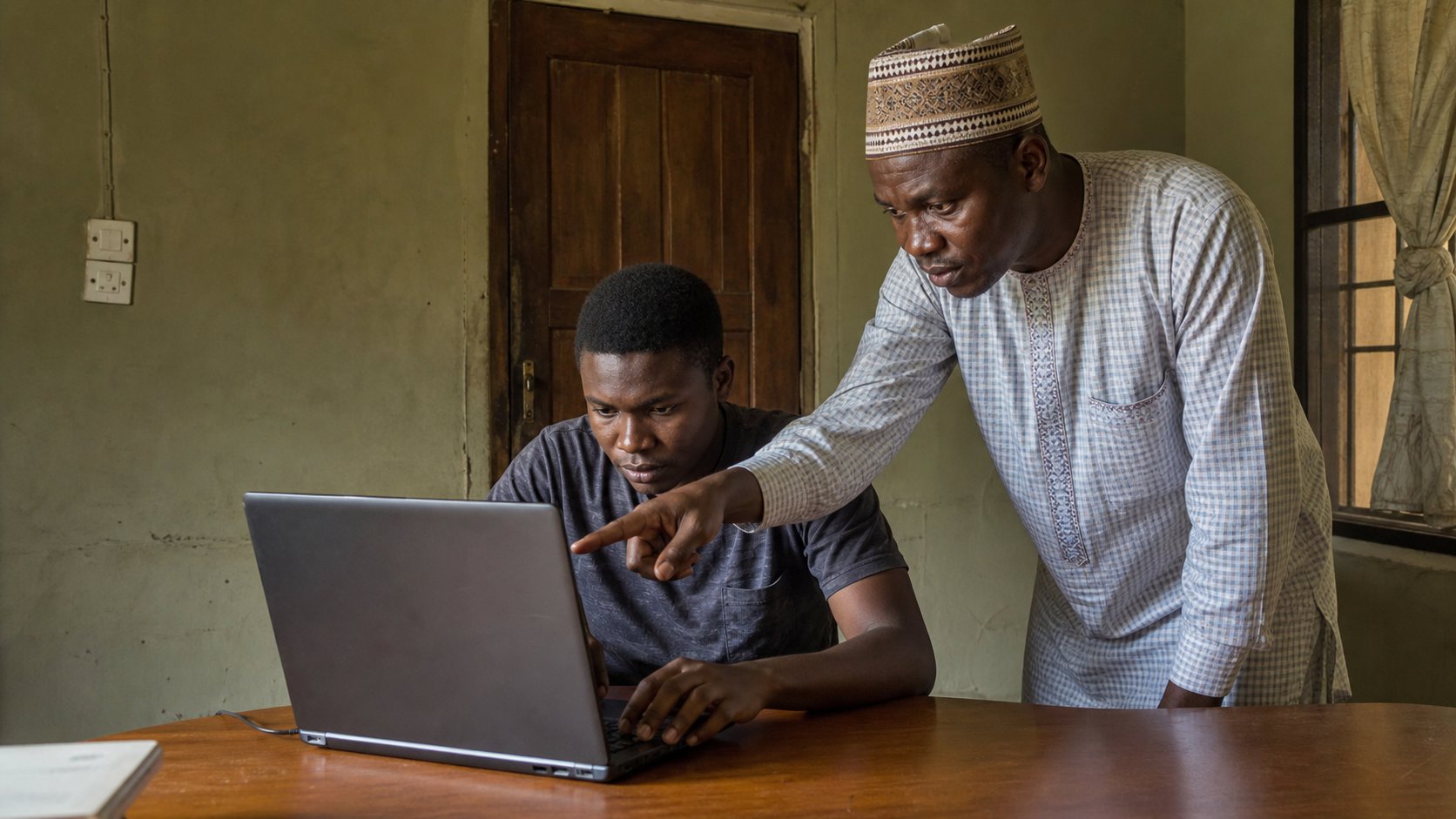
What the box in front of you actually is, how to wake it, and how to move the pointer without fear. The first hour, explained as if someone is sitting beside you.
Lesson 2·5 min
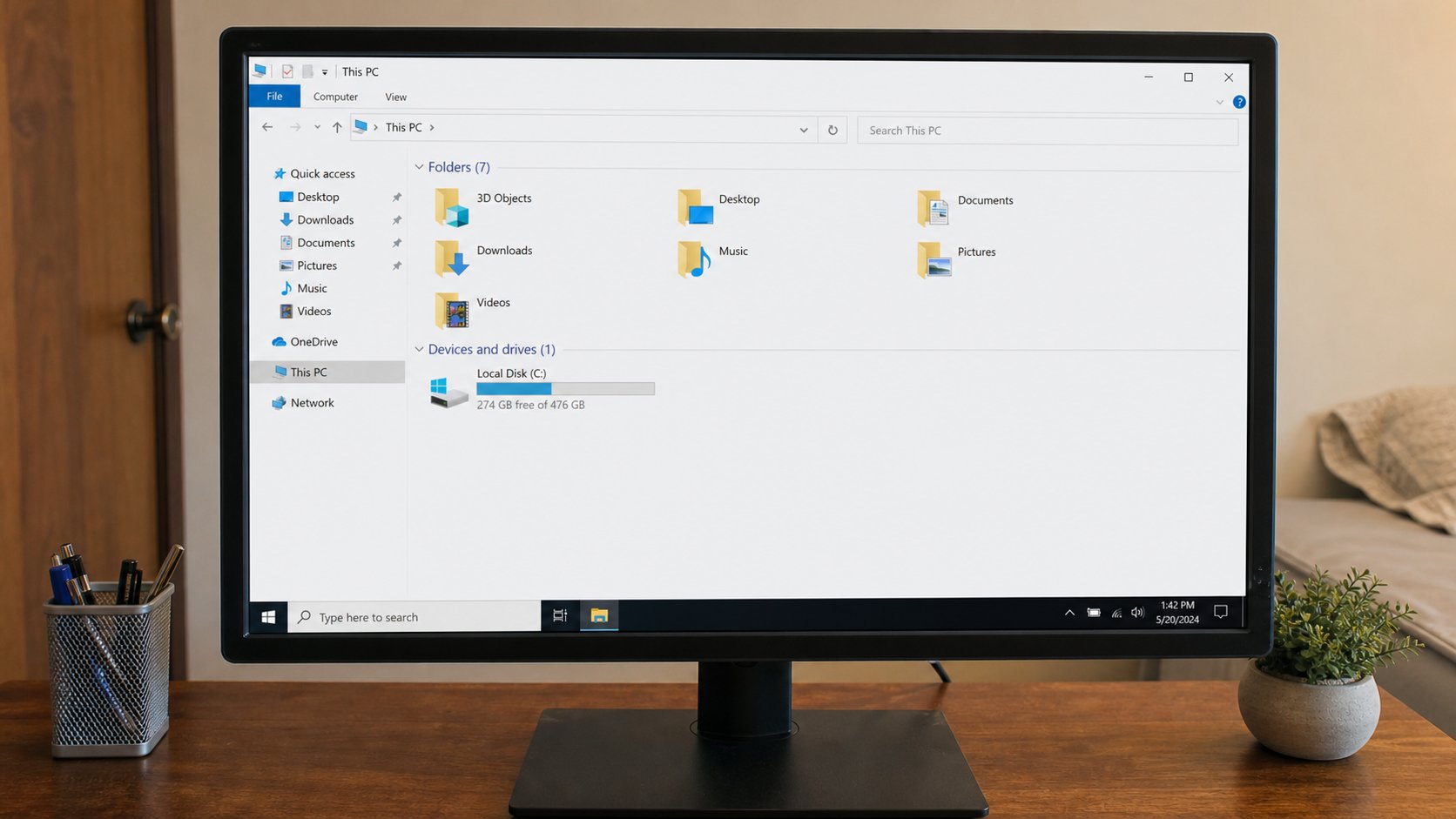
Where your work lives: files and folders
A file is a sheet of paper. A folder is an envelope. The desktop is the table. Once you can see the room this way, nothing you type has to disappear again.
Lesson 3·5 min
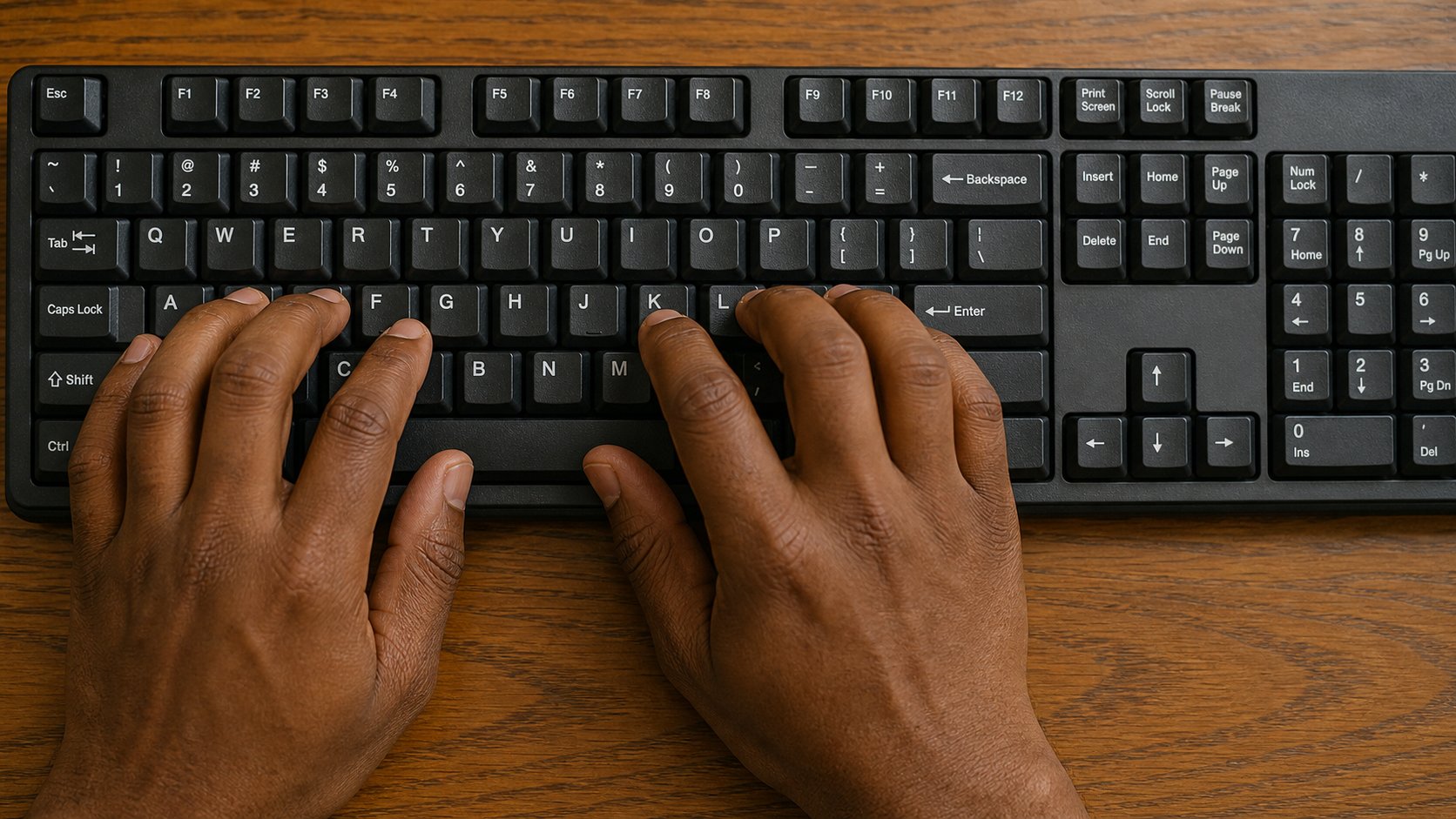
Your hands on the keyboard
Hunt-and-peck works until it does not. Home row, the keys that edit, and the two shortcuts that copy a world. Ten honest minutes a day beats a course you never open.
Lesson 4·5 min
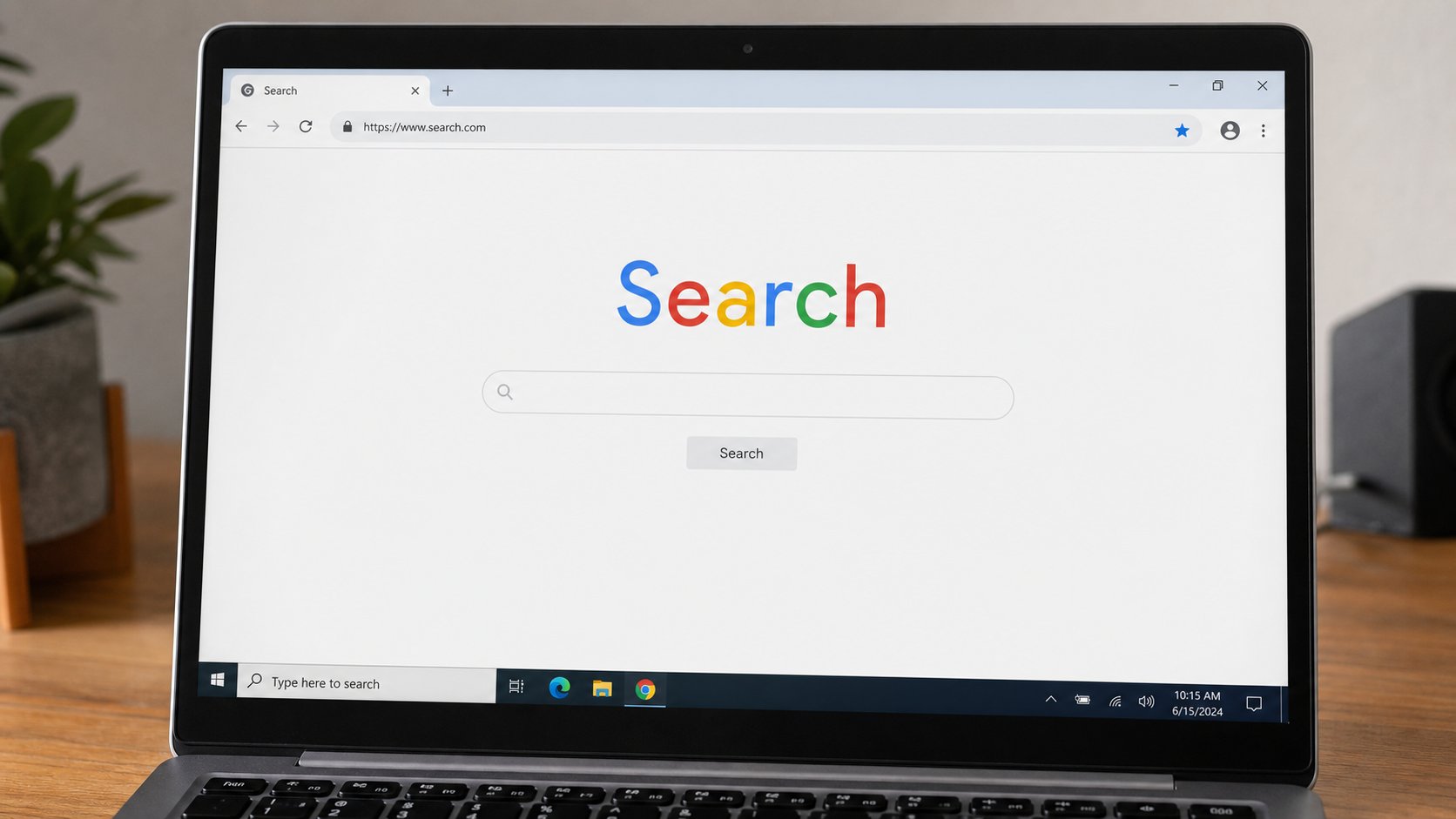
The internet without getting lost
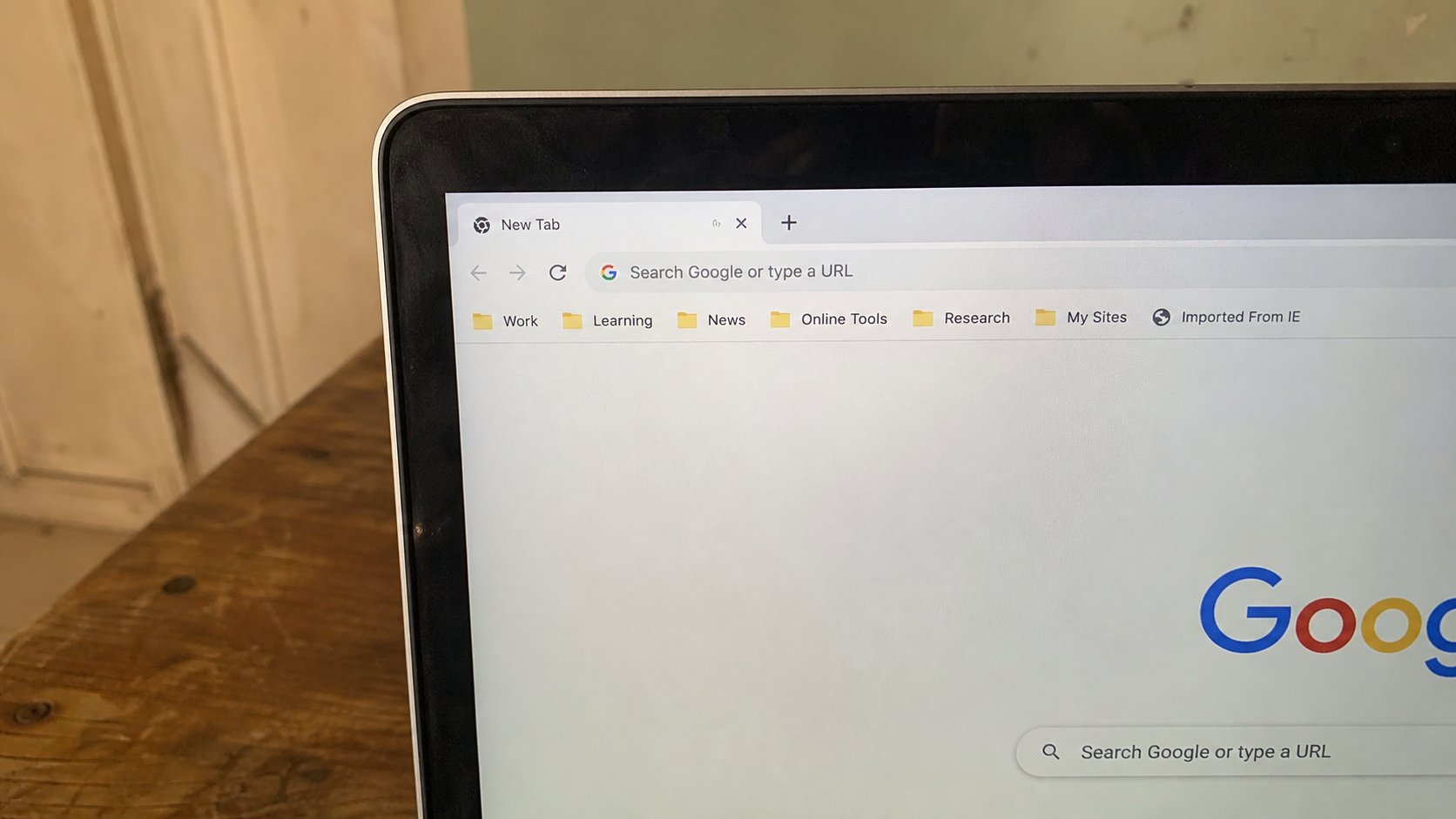
A browser is a vehicle. The address bar is the road you typed. Search is asking a librarian. Tabs, the padlock, and how to come back from a wrong turn.
Lesson 5·5 min
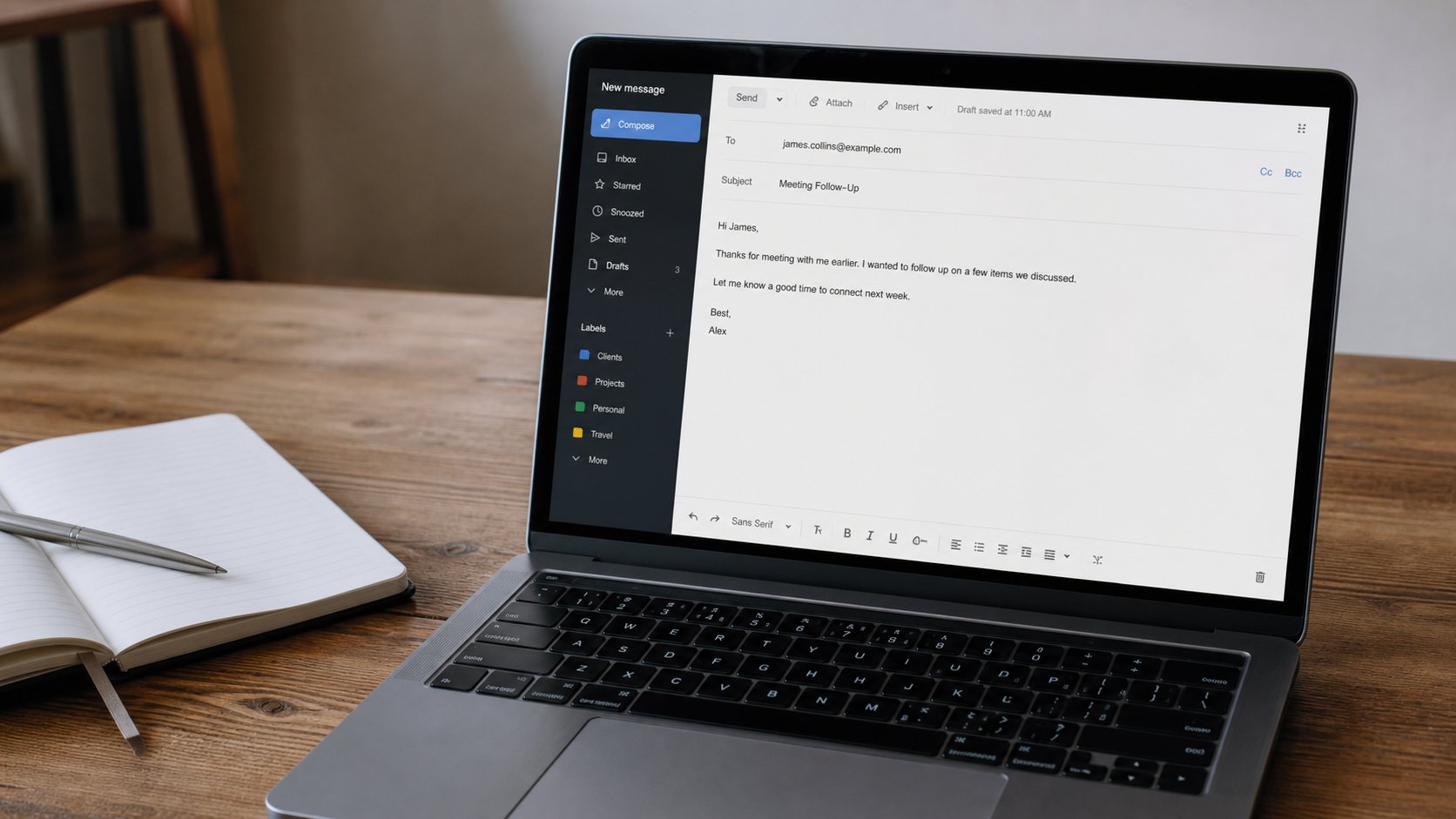
Your first email, sent properly
An address, a subject that tells the truth, a body with one job, and the paperclip. Reply is not Reply all. The first message you send should be one you would still sign on paper.
Lesson 6·4 min
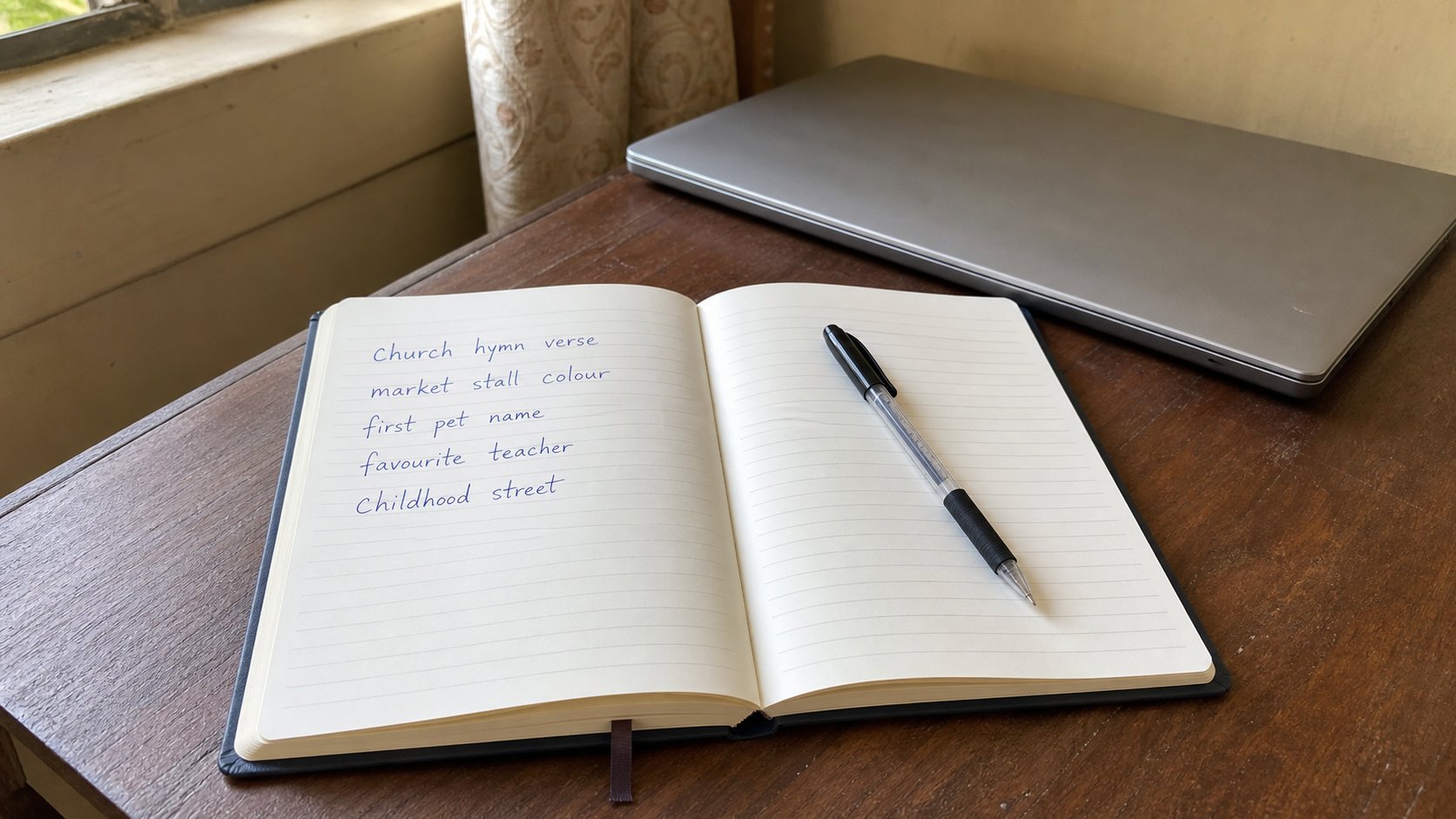
Passwords you can keep
A password is a key, not a motto. Long beats clever. One key per house. A notebook in a drawer beats the same word on every door.
Lesson 7·5 min
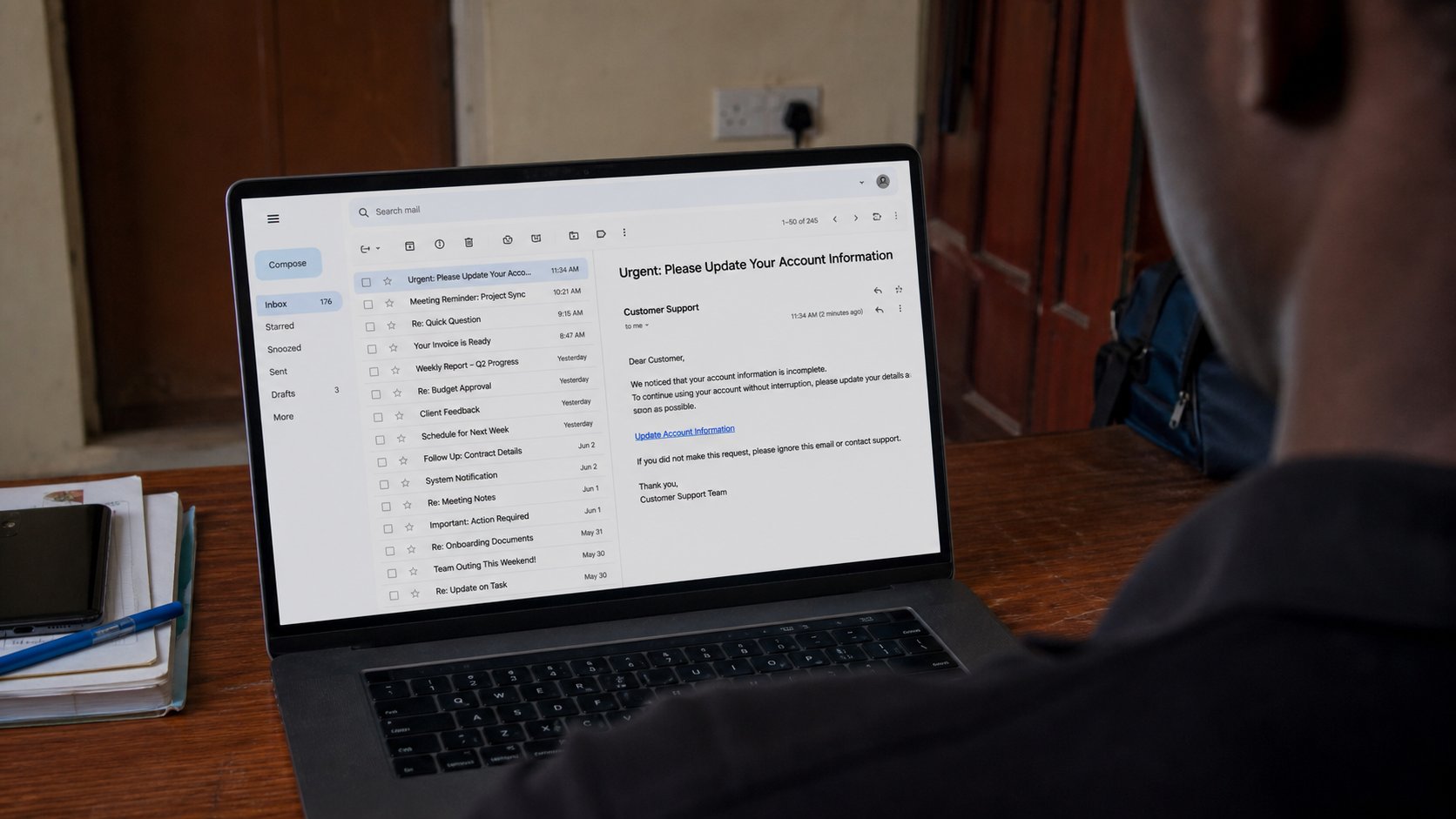
The link you should not open
Hurry is the bait. A real bank already knows you. Open a new tab and walk there yourself. If the story was true, it will still be true on the real street.
Lesson 8·4 min
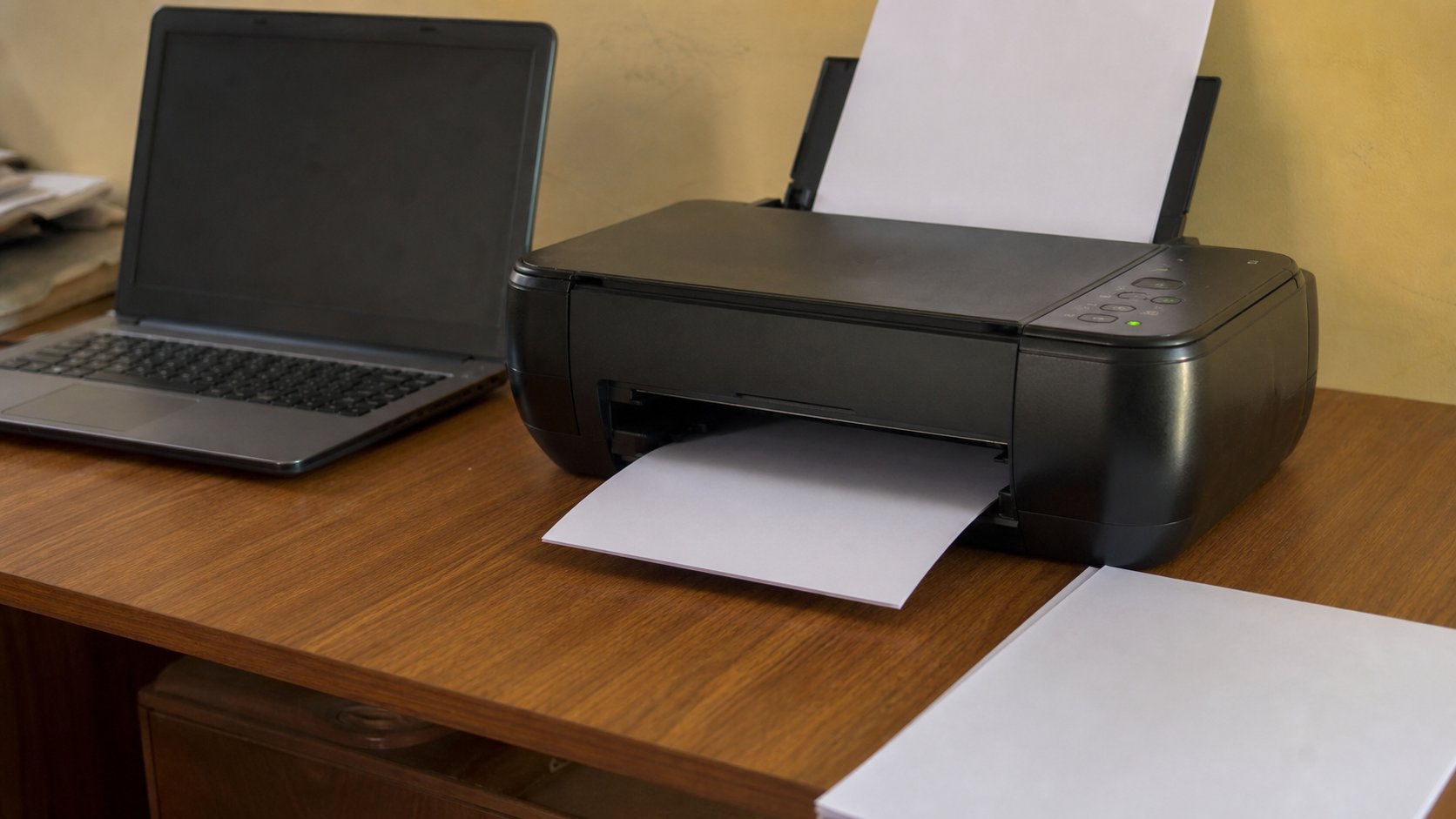
Printing without waste
The printer is a tap. Preview is looking at the sink before you open it. One page, the right side of the paper, and ink that is not a rumour.
Lesson 9·4 min
Spreadsheets: the grid that counts
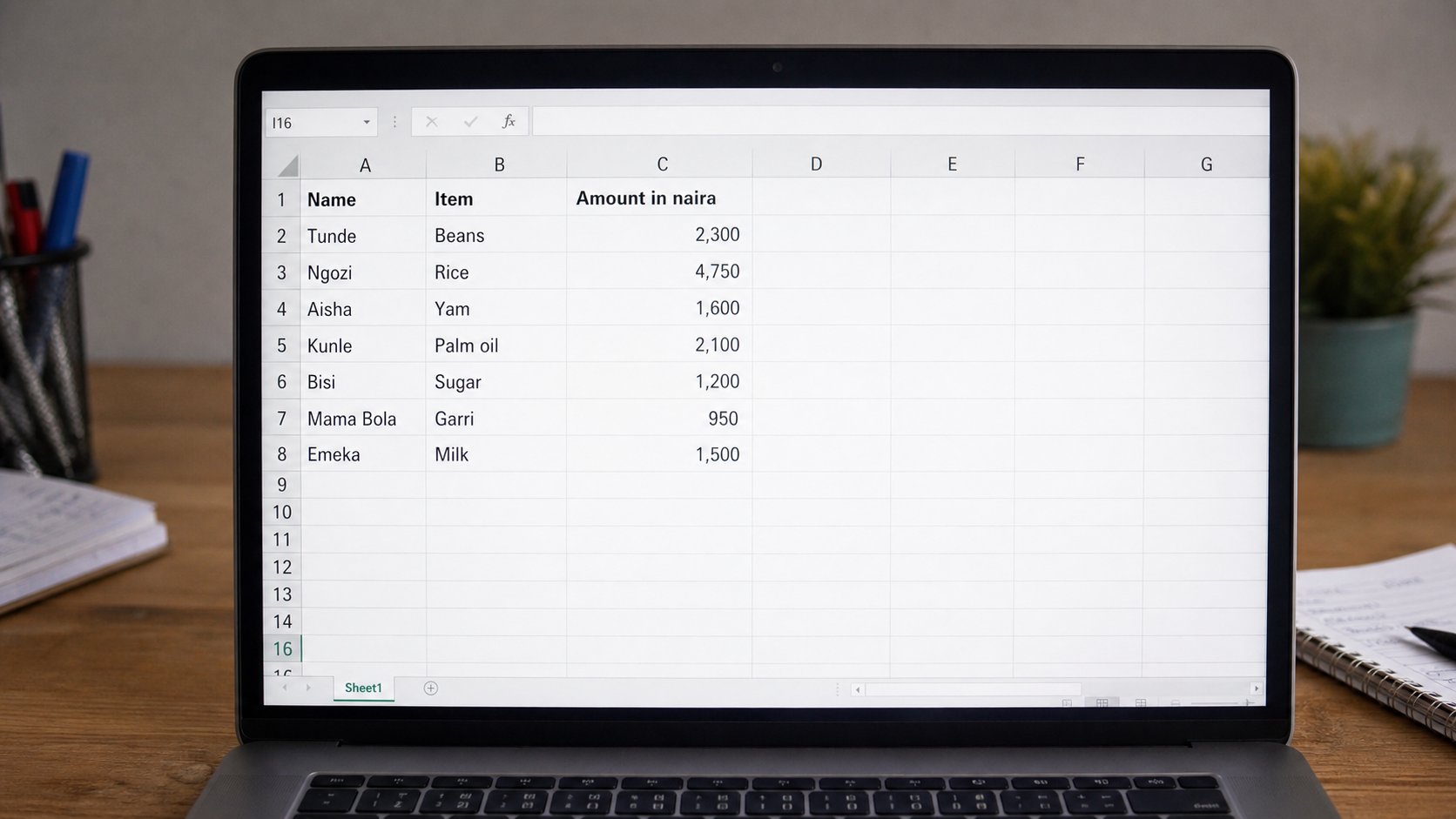
Rows, columns, and one cell where they meet. Type a number, not a picture of a number. Let the grid add, so the total is still right when the light returns.
Lesson 10·4 min
WhatsApp is not email
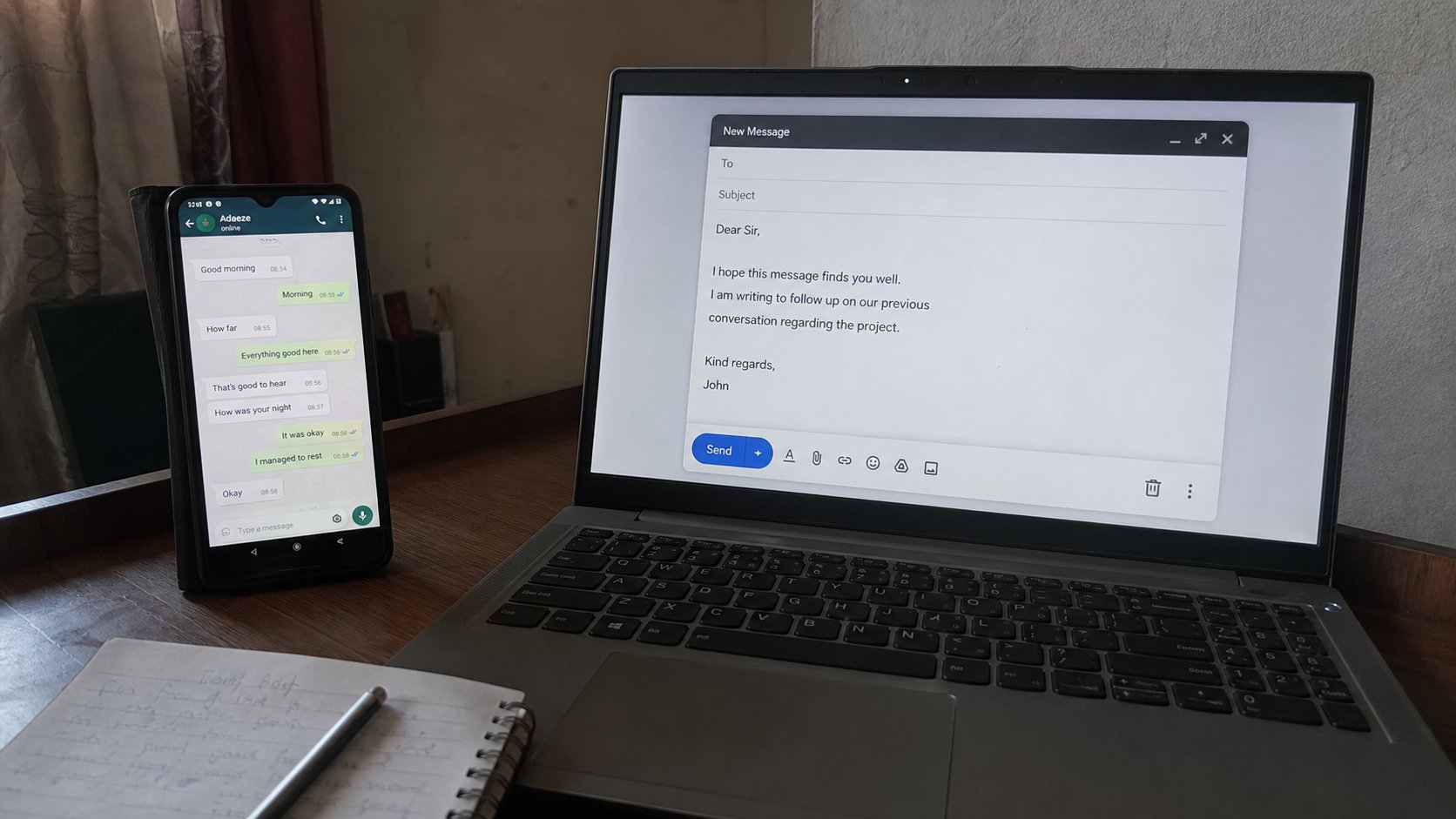
Chat is a tap on the shoulder. Email is a letter on a desk. Schools, banks, and workplaces still want the letter. Knowing which room you are in saves a week of silence.
Lessons 11–20
Keeping the machine
Letters, photographs, updates, backup, Wi‑Fi, power, forms, and a slow computer.
Lesson 11·4 min
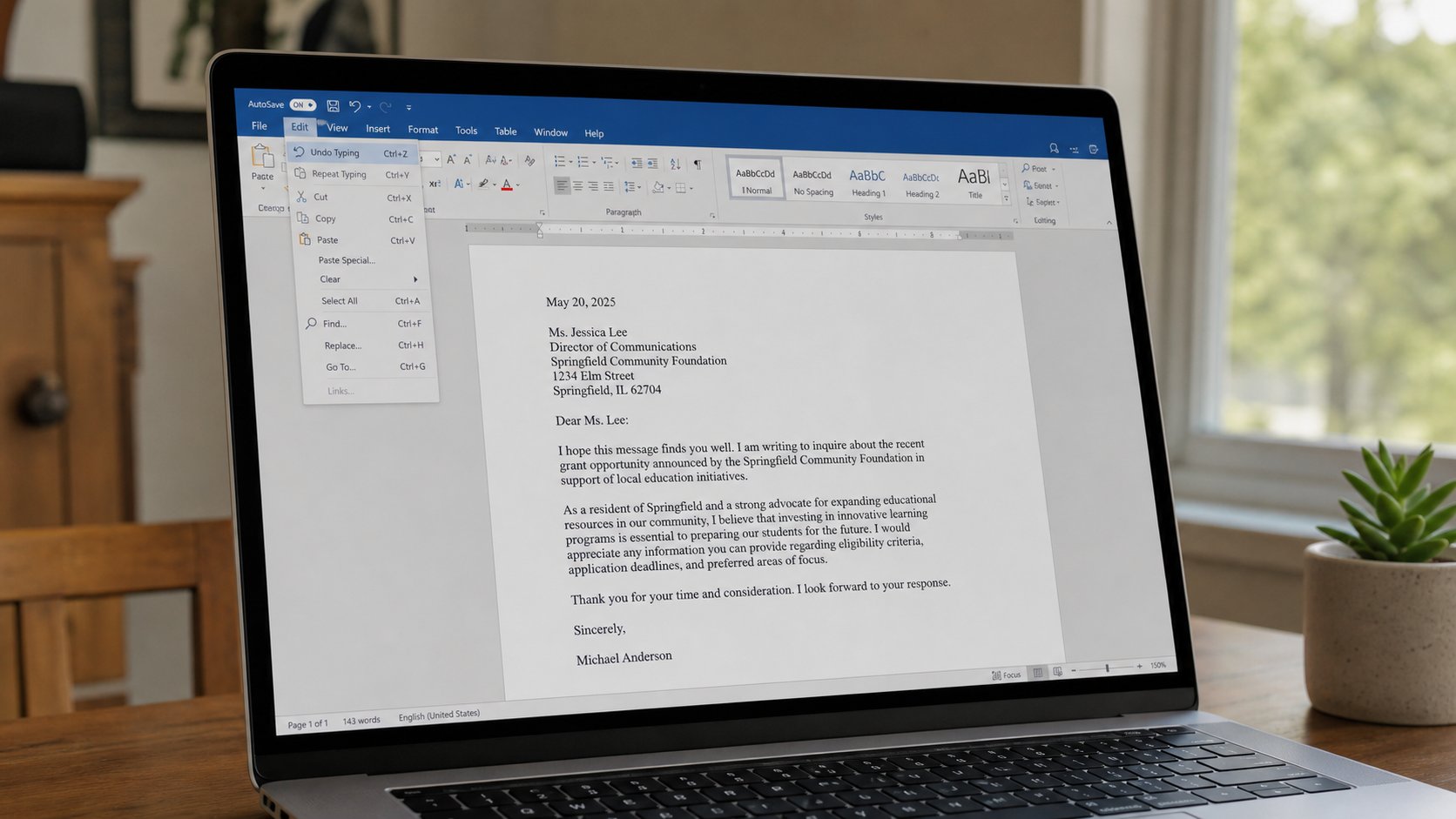
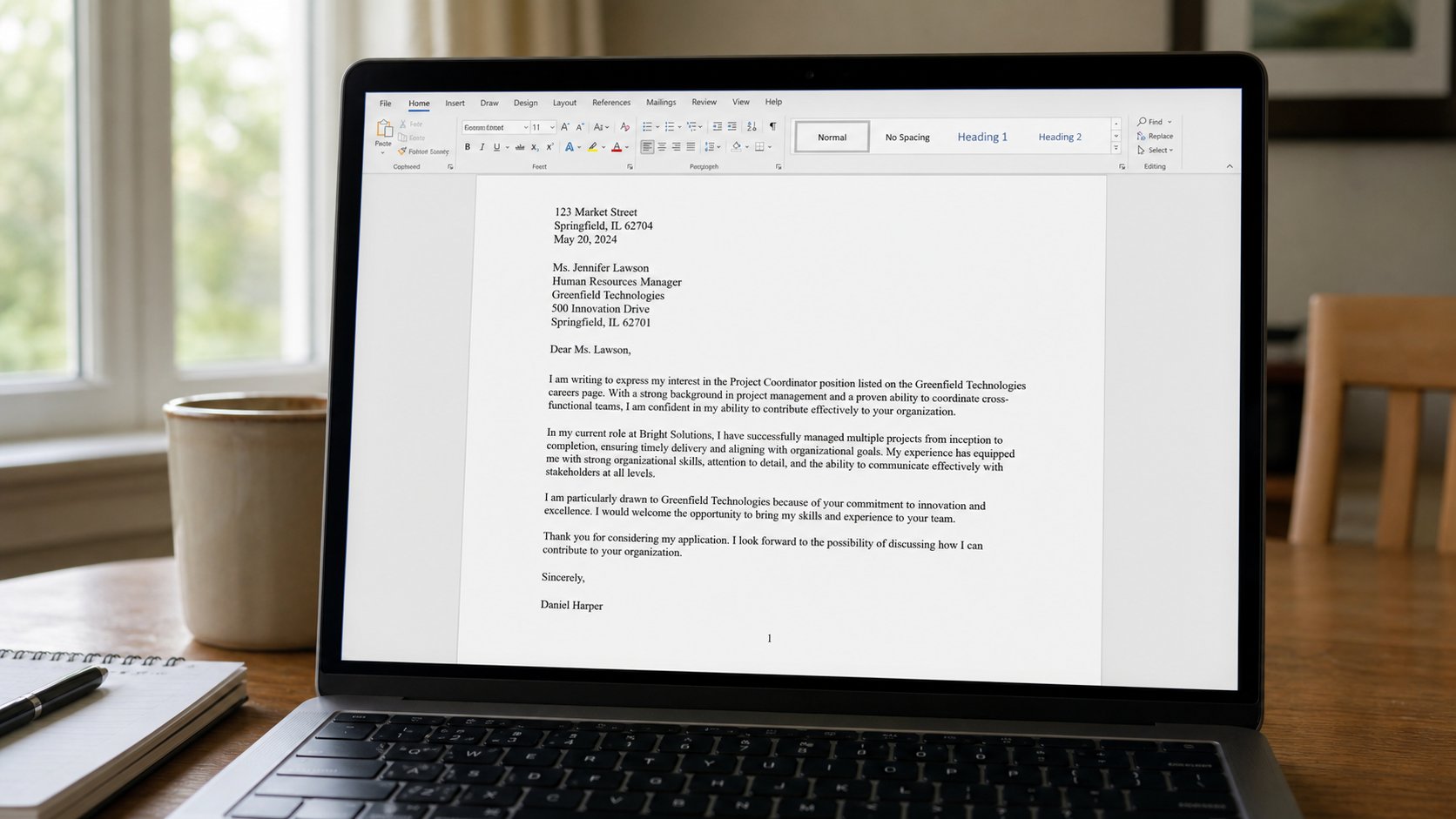
A letter that looks like one
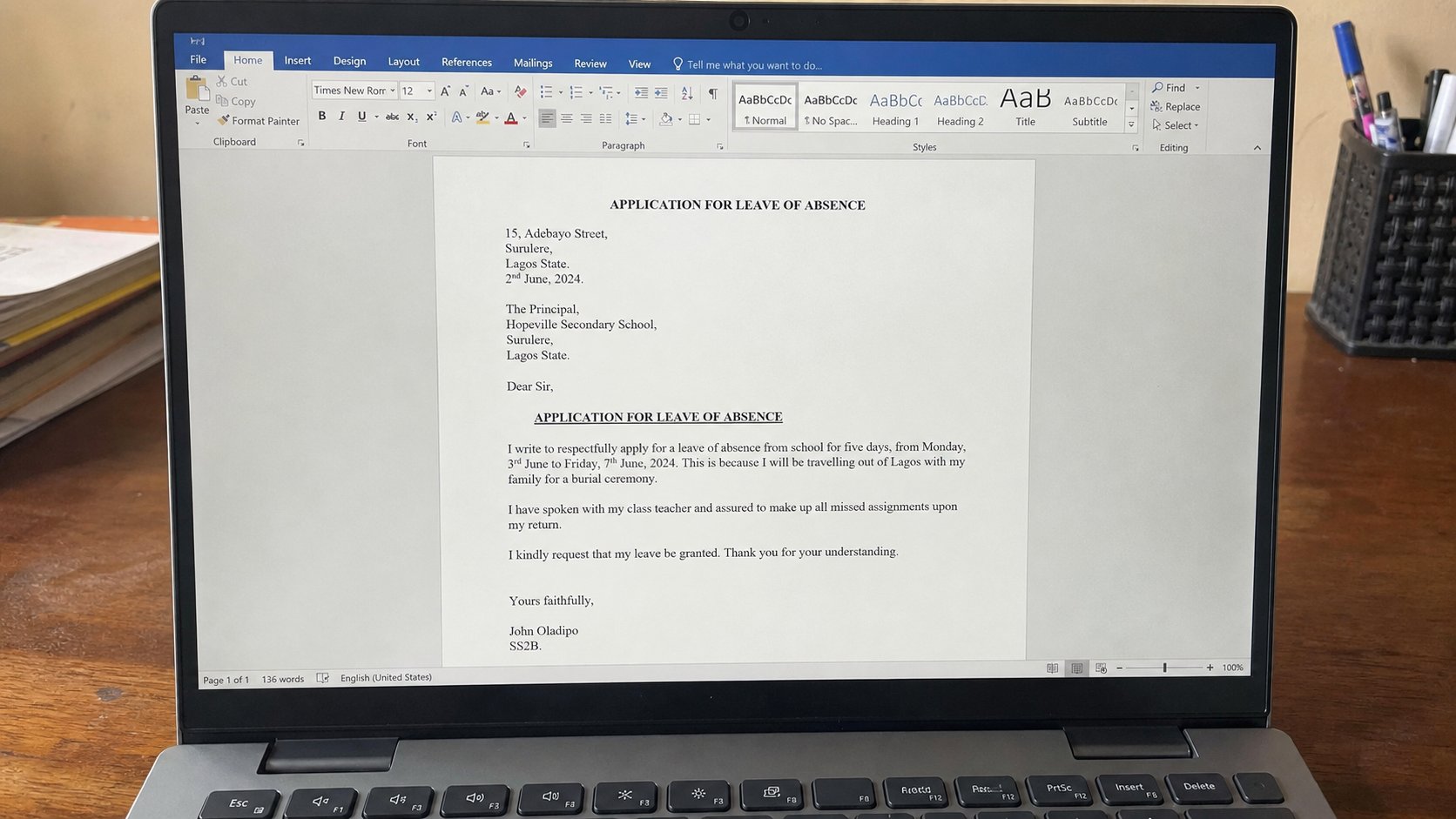
Word is lined paper that can change its mind. Margins, a greeting, one typeface, and Save As PDF so the other person's computer cannot rearrange your name.
Lesson 12·3 min
Getting photographs off the phone
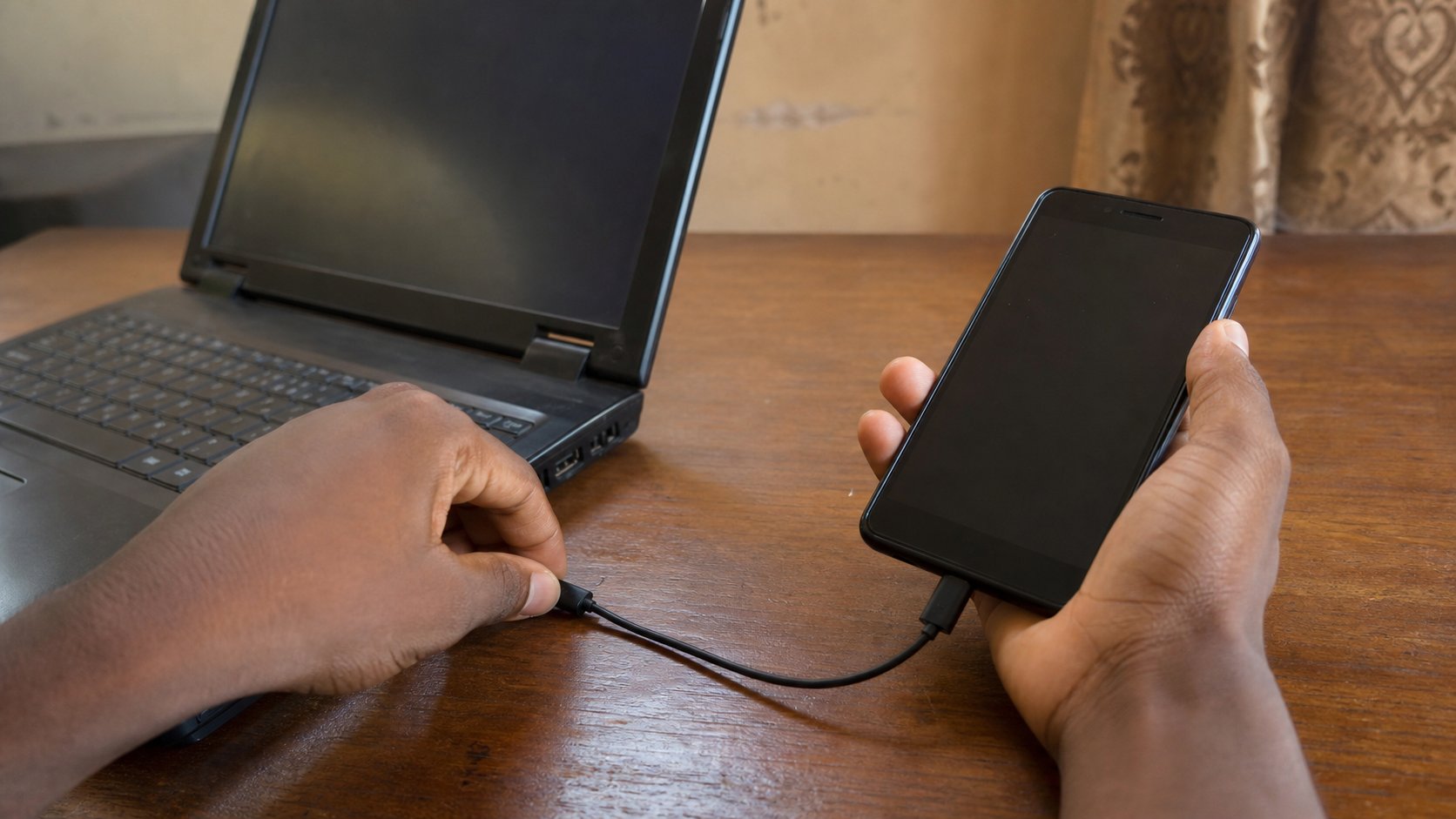
The gallery is a pocket. The computer is a drawer. A cable, a folder called Pictures, and names that will still make sense when the phone is gone.
Lesson 13·4 min
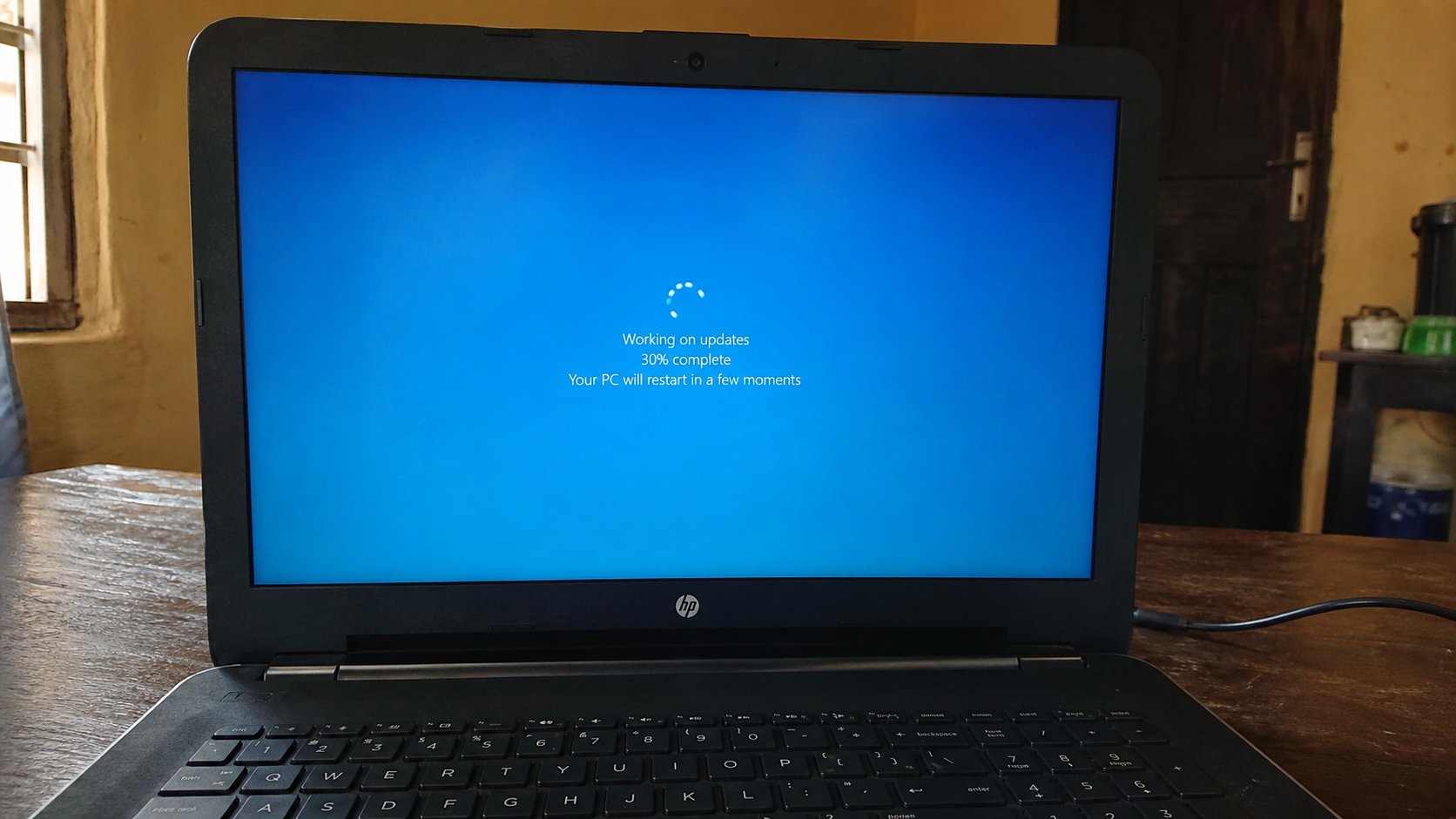
Updates without panic
The restart is not a punishment. Save first, plug in the charger, let the bar finish. An update is a repair the machine already knows how to fetch.
Lesson 14·4 min
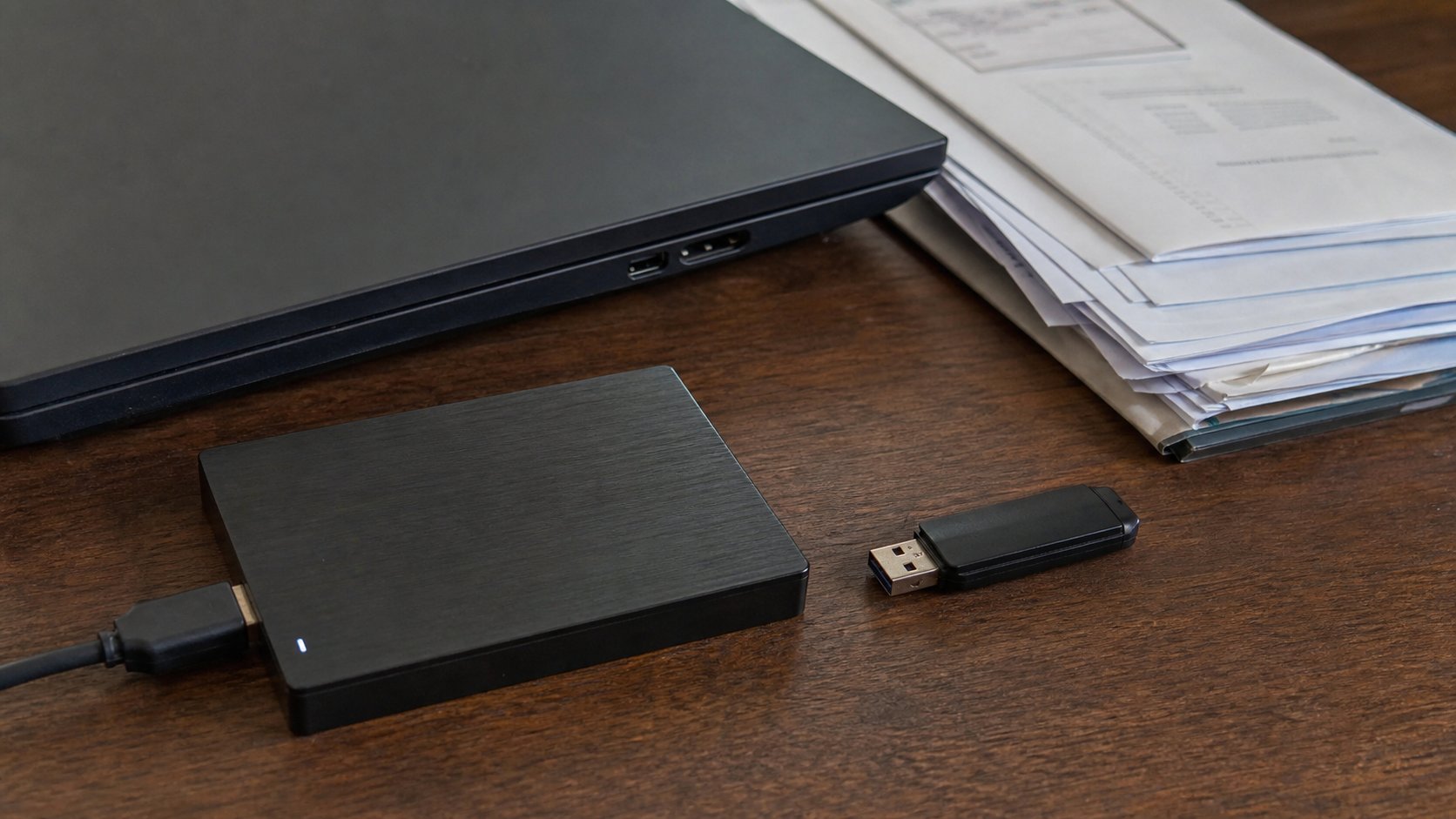
Backup before the light goes
One copy is a rumour. Two copies is a backup. A USB, a folder you named, and a date you will actually repeat.
Lesson 15·4 min
A Google account on purpose
Gmail is a house you rent. Choose a name you can say on the phone, write it down, add a recovery number, and do not let a shop create it for you in a hurry.
Lesson 16·4 min
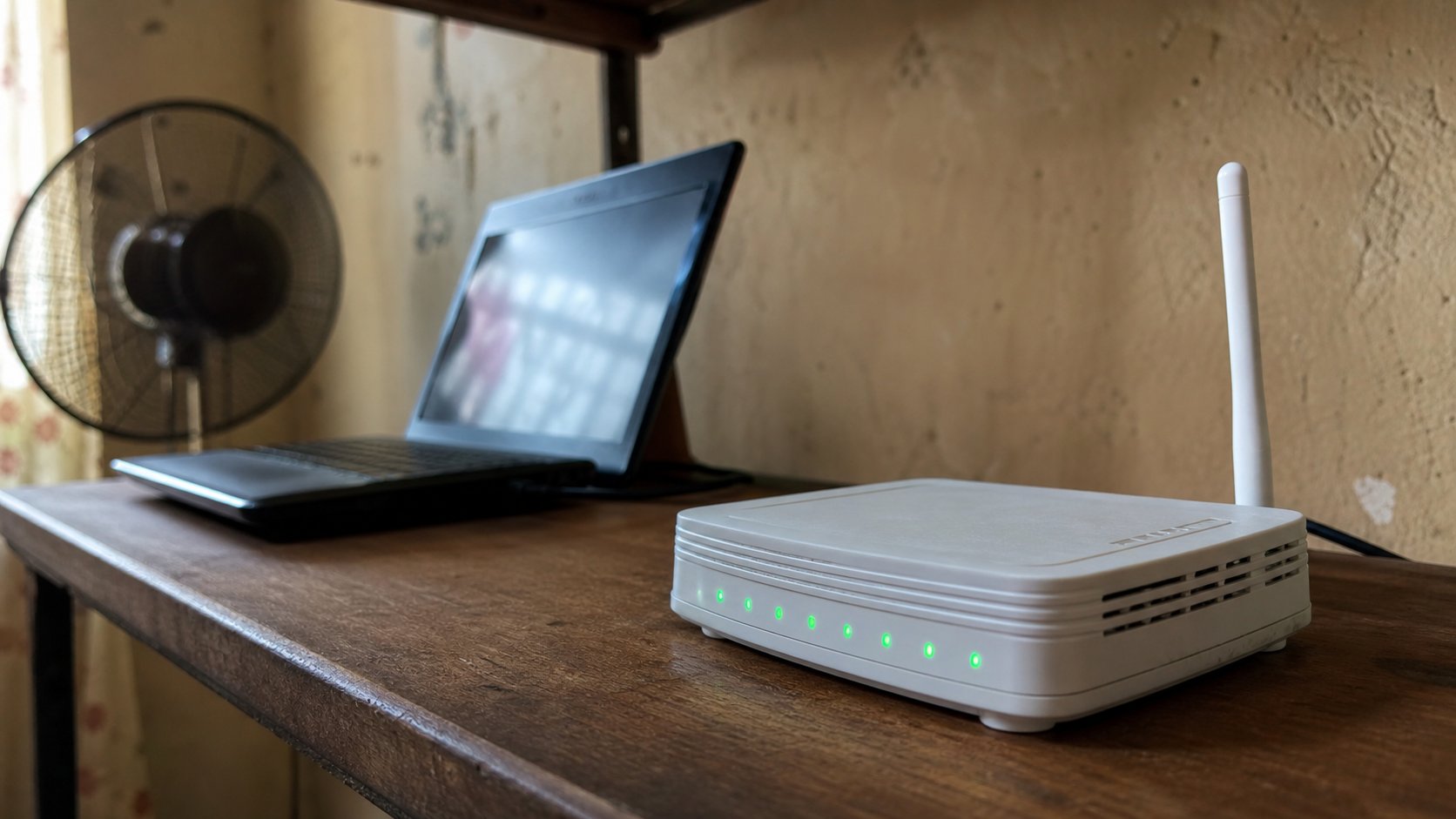
Wi‑Fi at home without mystery
The router is a small radio. The laptop asks for the house name and the key on the sticker. If the internet dies, check the lights before you blame the website.
Lesson 17·4 min
Shut down, sleep, and the power button
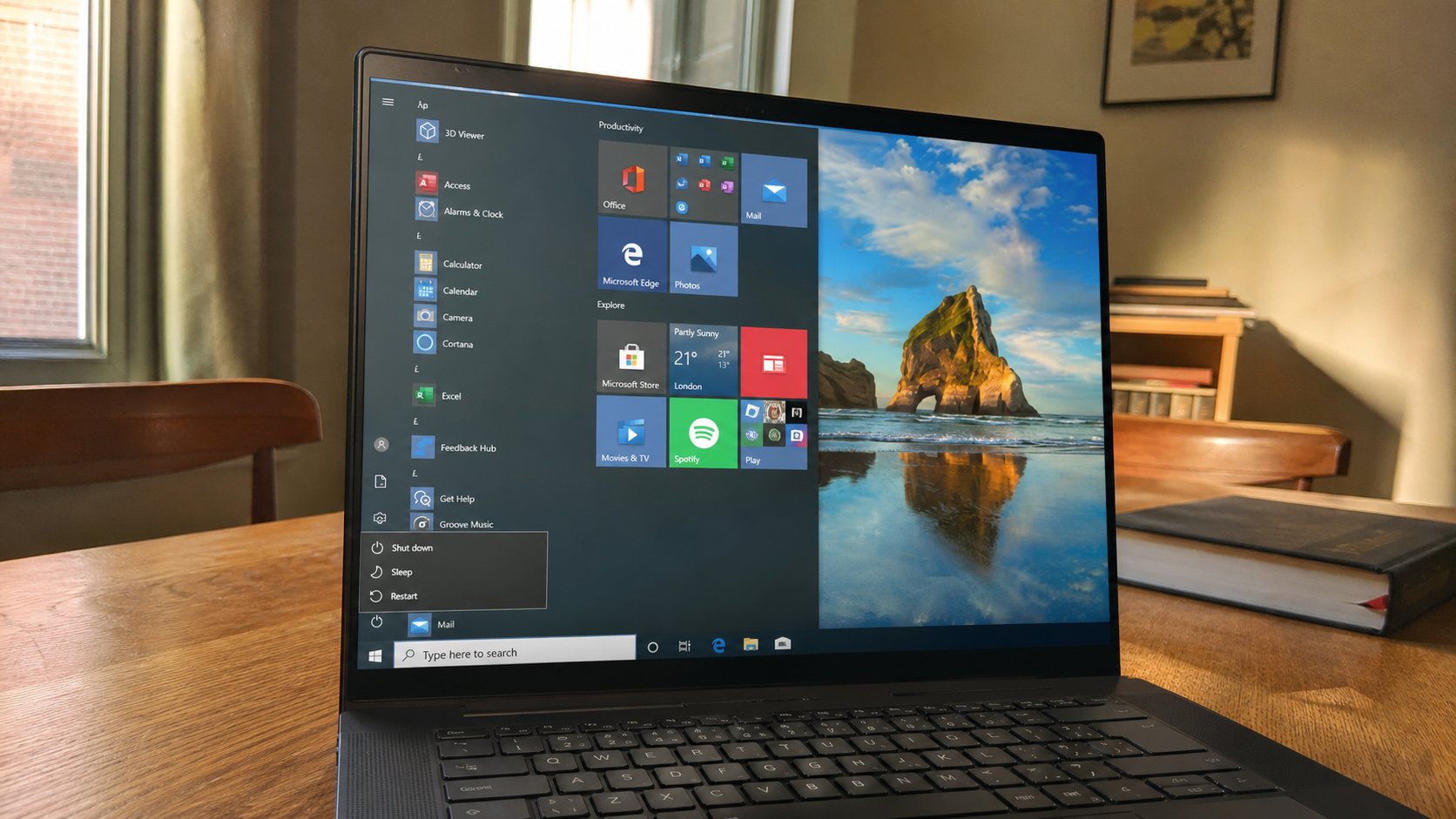
Closing the lid is not the same as leaving. Sleep is a nap. Shut down is going home. Holding the power button is a shove, for when the machine will not wake.
Lesson 18·4 min
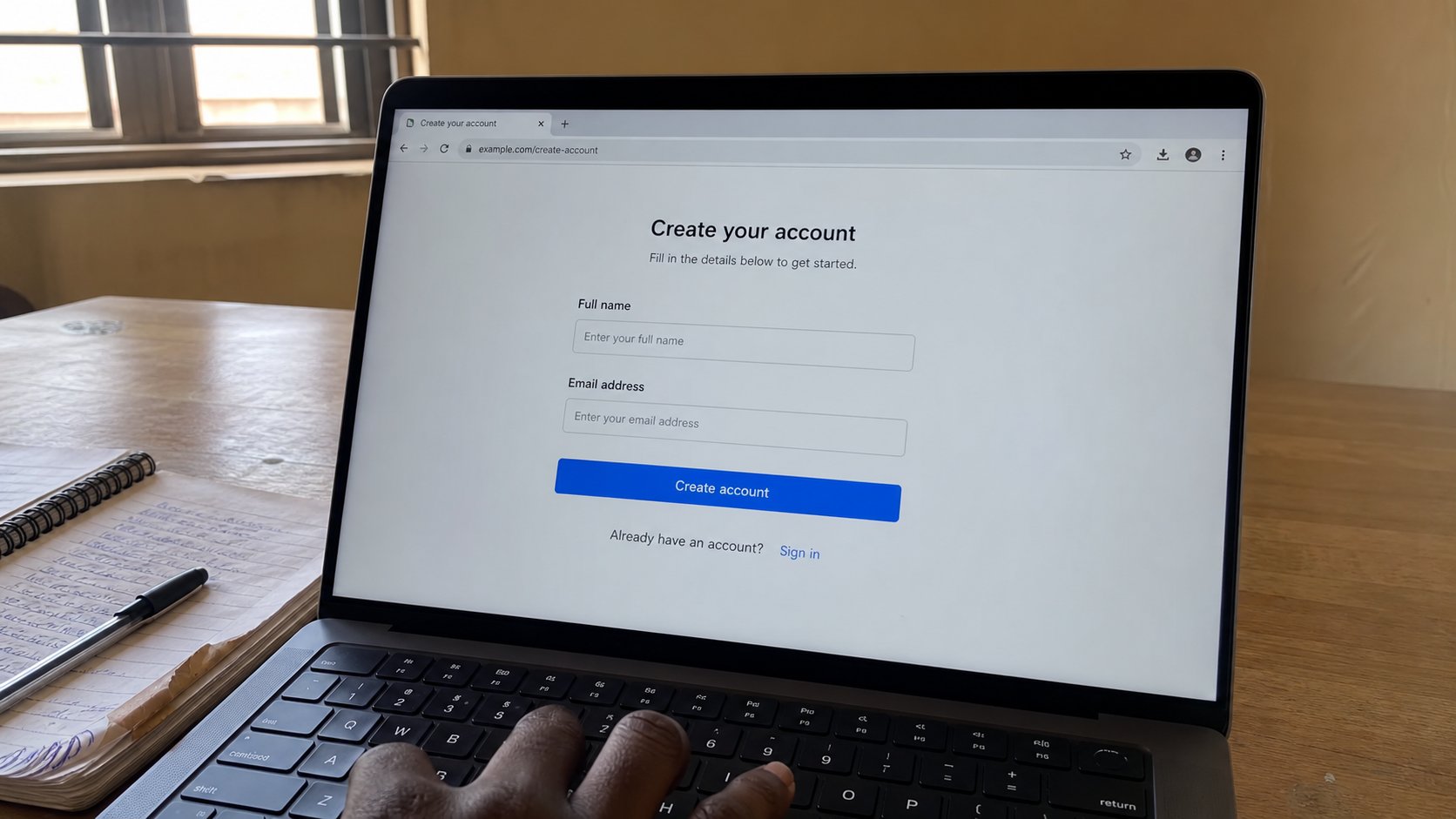
Filling a form on a website
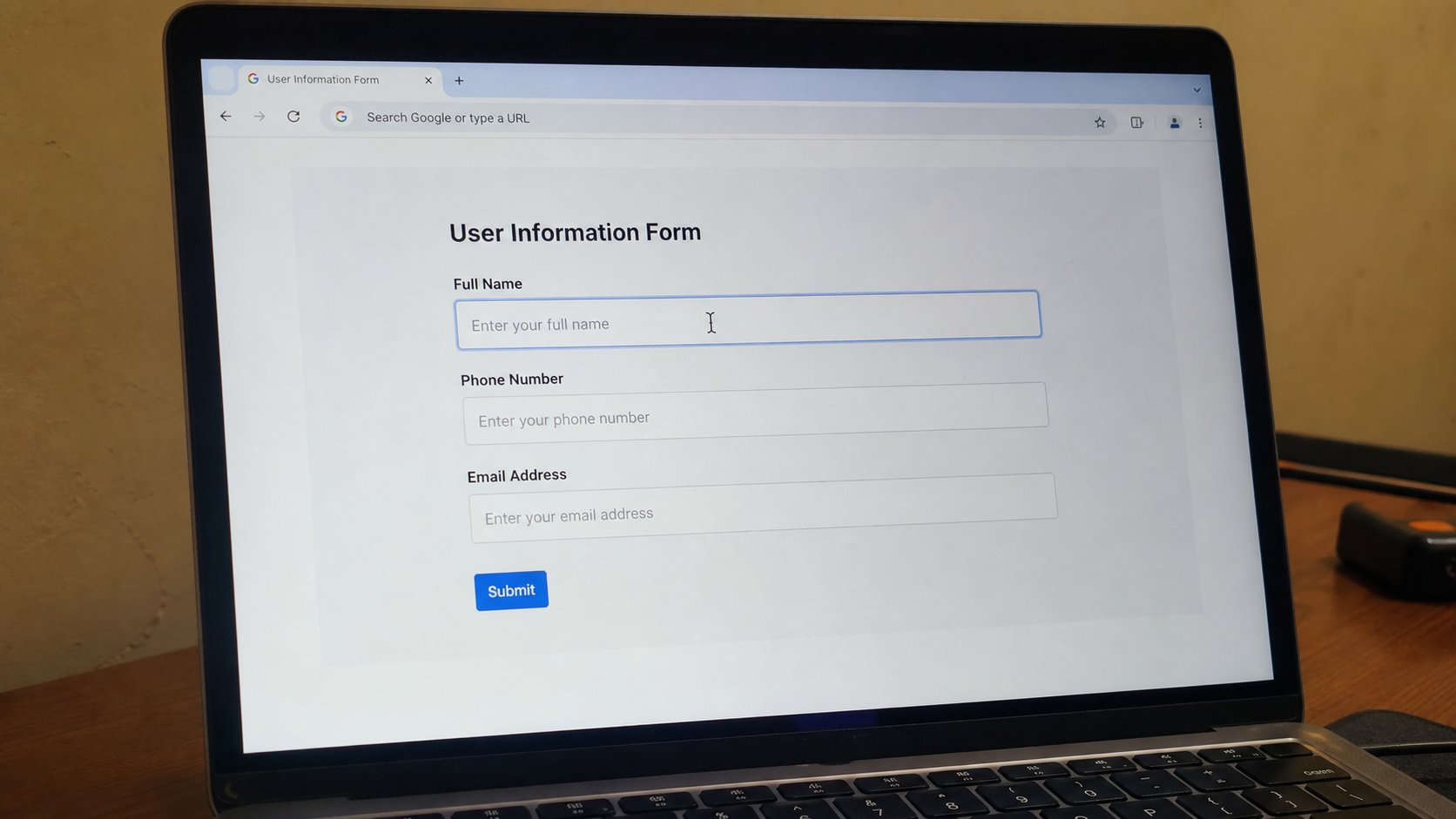
A form is a paper with boxes. Tab moves to the next box. A red star means required. Submit once, then wait. The back button is how people pay twice.
Lesson 19·4 min
A video call without panic
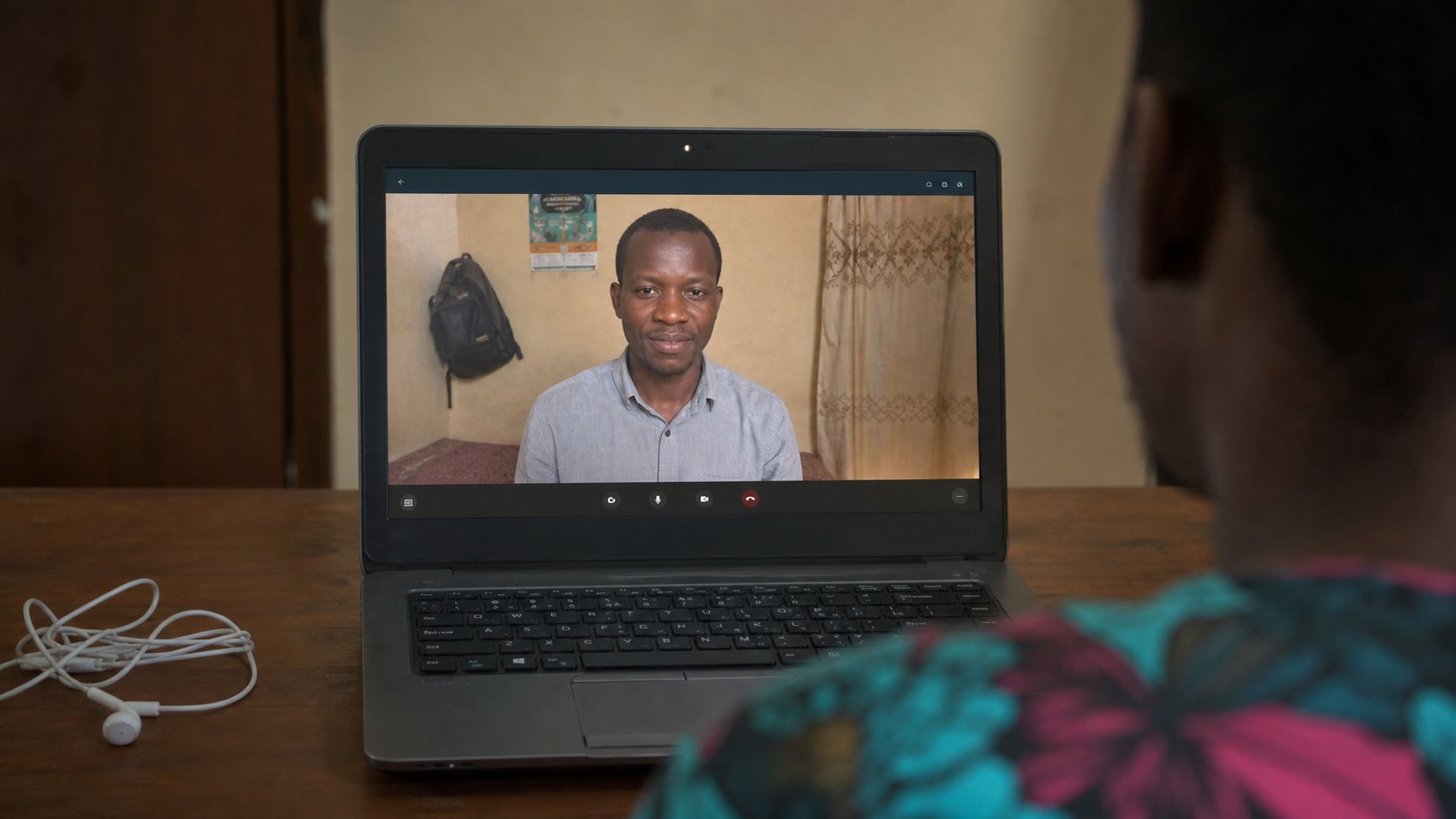
The link is a room. Mute is a kindness. Camera is optional more often than pride admits. Join five minutes early, from the real address, with the kettle elsewhere.
Lesson 20·4 min
When the computer is slow
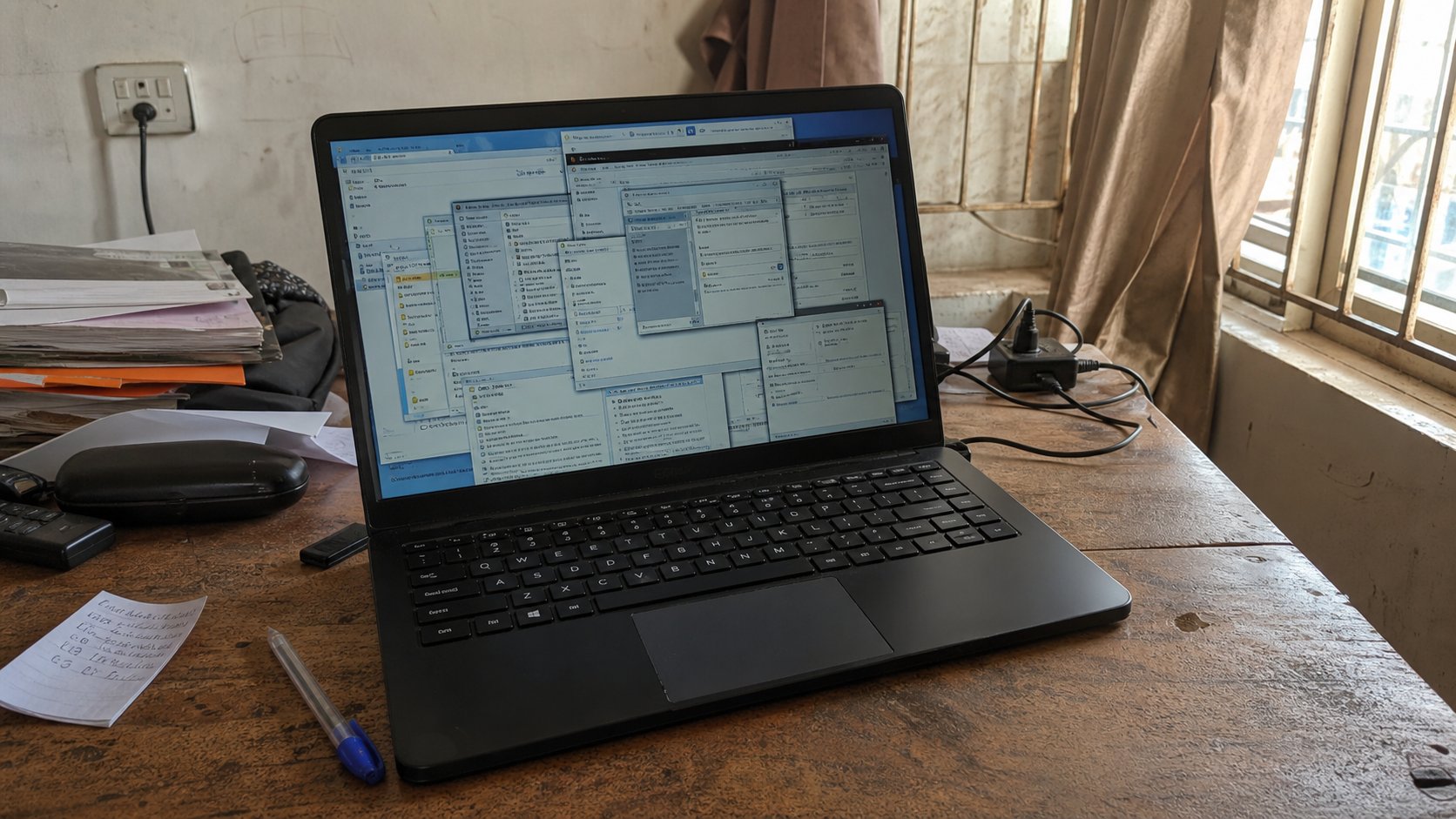
Slow is usually a crowd, a full disk, or a dying drive. Close windows you cannot see. Restart is the polite medicine. A pop-up that sells a “cleaner” is not.
Lessons 21–30
Files that travel
Install, uninstall, copy, screenshots, zip, Bluetooth, and what a PDF is for.
Lesson 21·3 min
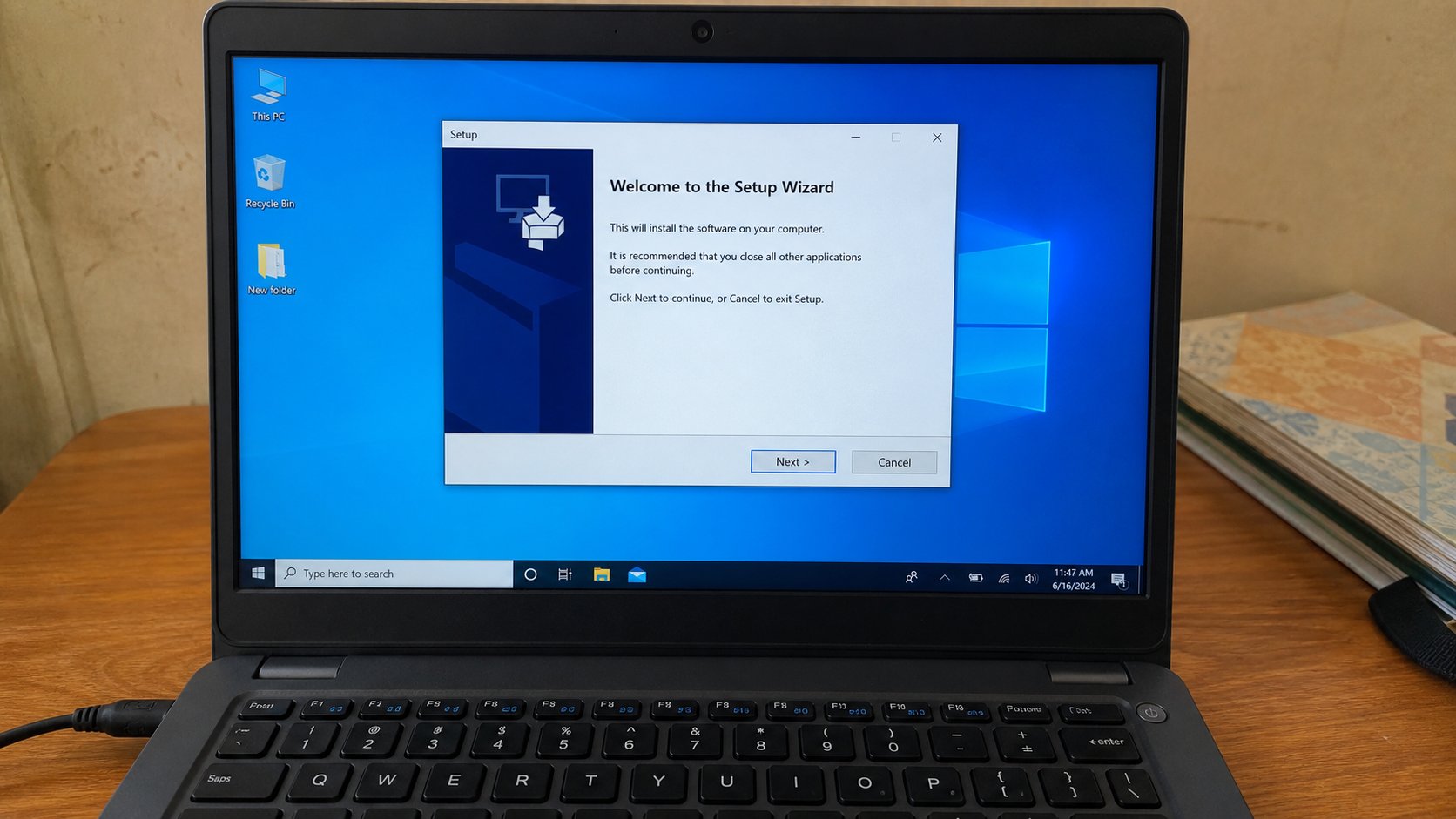
Installing a program on purpose
An installer is a guest you invited. Next is not the same as I agree to extra toolbars. Download from the real street, then walk through the boxes with your eyes open.
Lesson 22·3 min
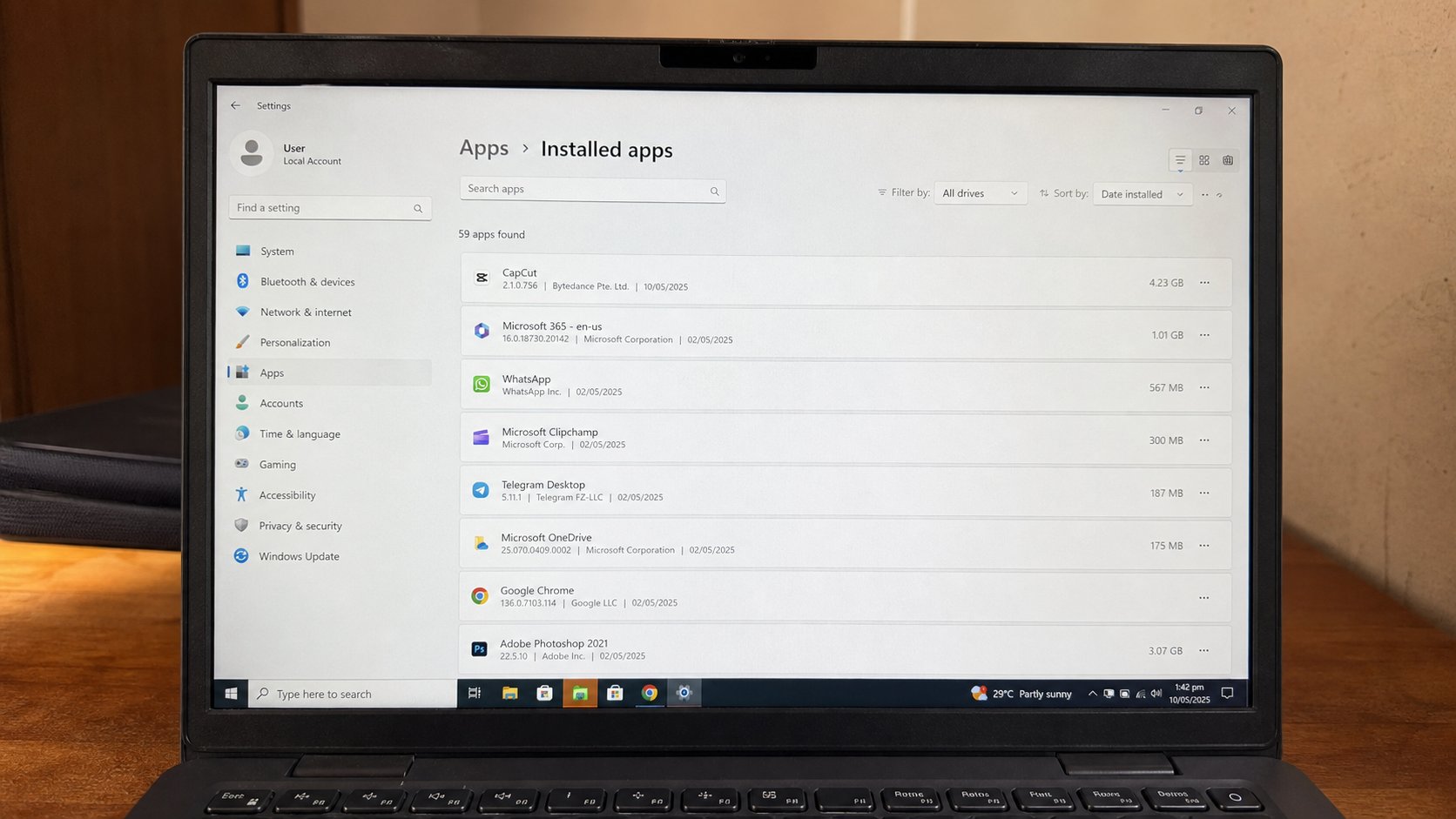
Uninstalling what a shop added
Settings, Apps, the name you do not remember asking for. Uninstall is showing a guest the door. The Start menu is not the same as gone.
Lesson 23·3 min
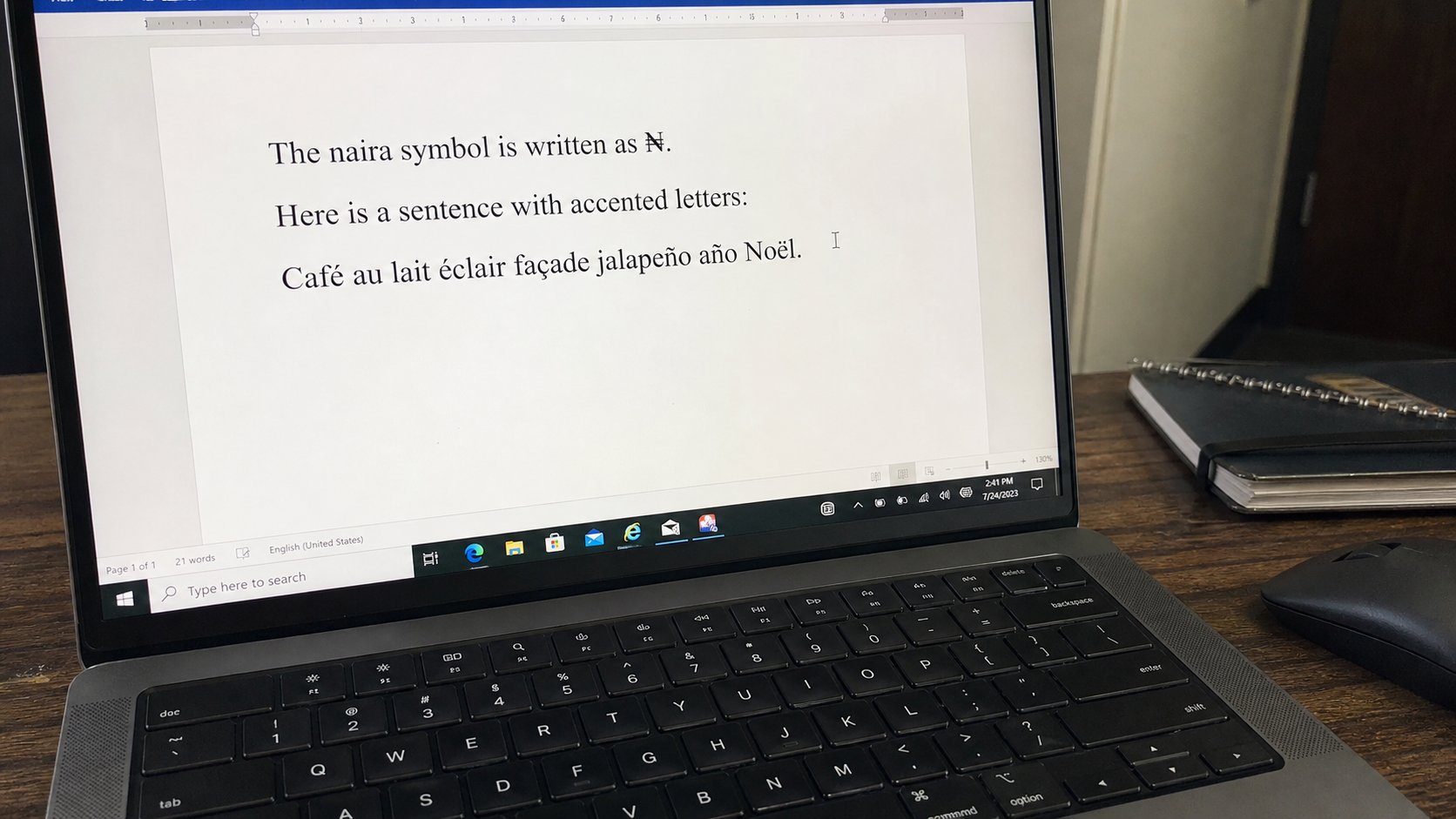
Typing naira, accents, and another language
₦ is a character, not a drawing. A language in the taskbar is a second keyboard laid over the same keys. Alt codes and the emoji panel are how the symbol arrives.
Lesson 24·3 min
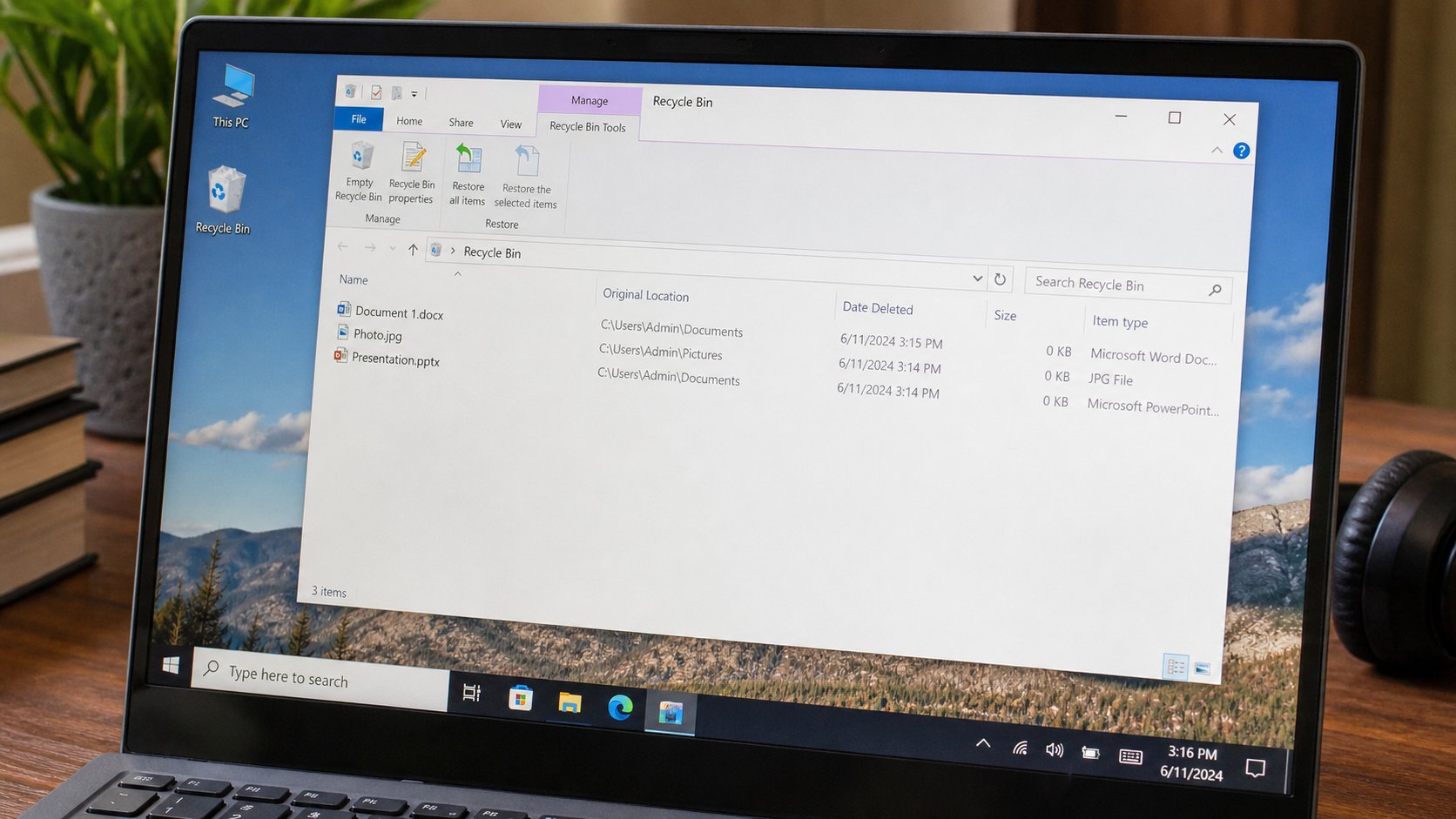
The Recycle Bin and “I deleted it”
Delete is a cupboard, not a fire. Restore puts the file back. Empty is the real goodbye. Shift+Delete skipped the cupboard — look twice.
Lesson 25·3 min
Asking for help without handing over the password
A helper can look. A helper does not need the keys. You type, they point. Remote “support” from a pop-up is not a nephew.
Lesson 26·3 min
Copy and paste between programs
The clipboard is a small tray. Select, copy, click the other window, paste. It holds one thing at a time. That is enough to stop retyping your own address.
Lesson 27·3 min
Taking a screenshot
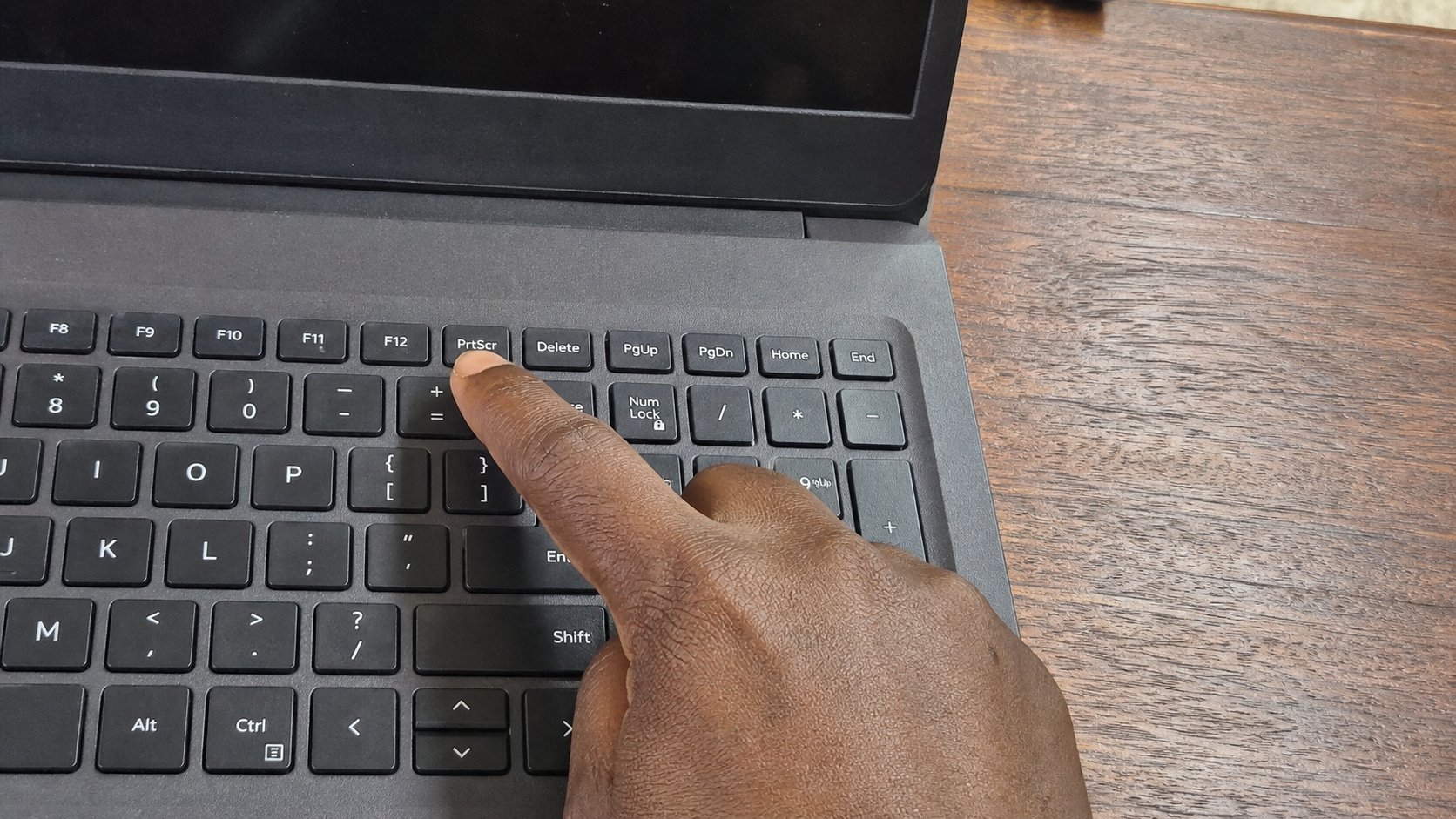
The screen can photograph itself. Print Screen is the shutter. Snipping Tool is the crop. Save it in Pictures with a name, not as a rumour in the clipboard.
Lesson 28·3 min
Zipping a folder to email
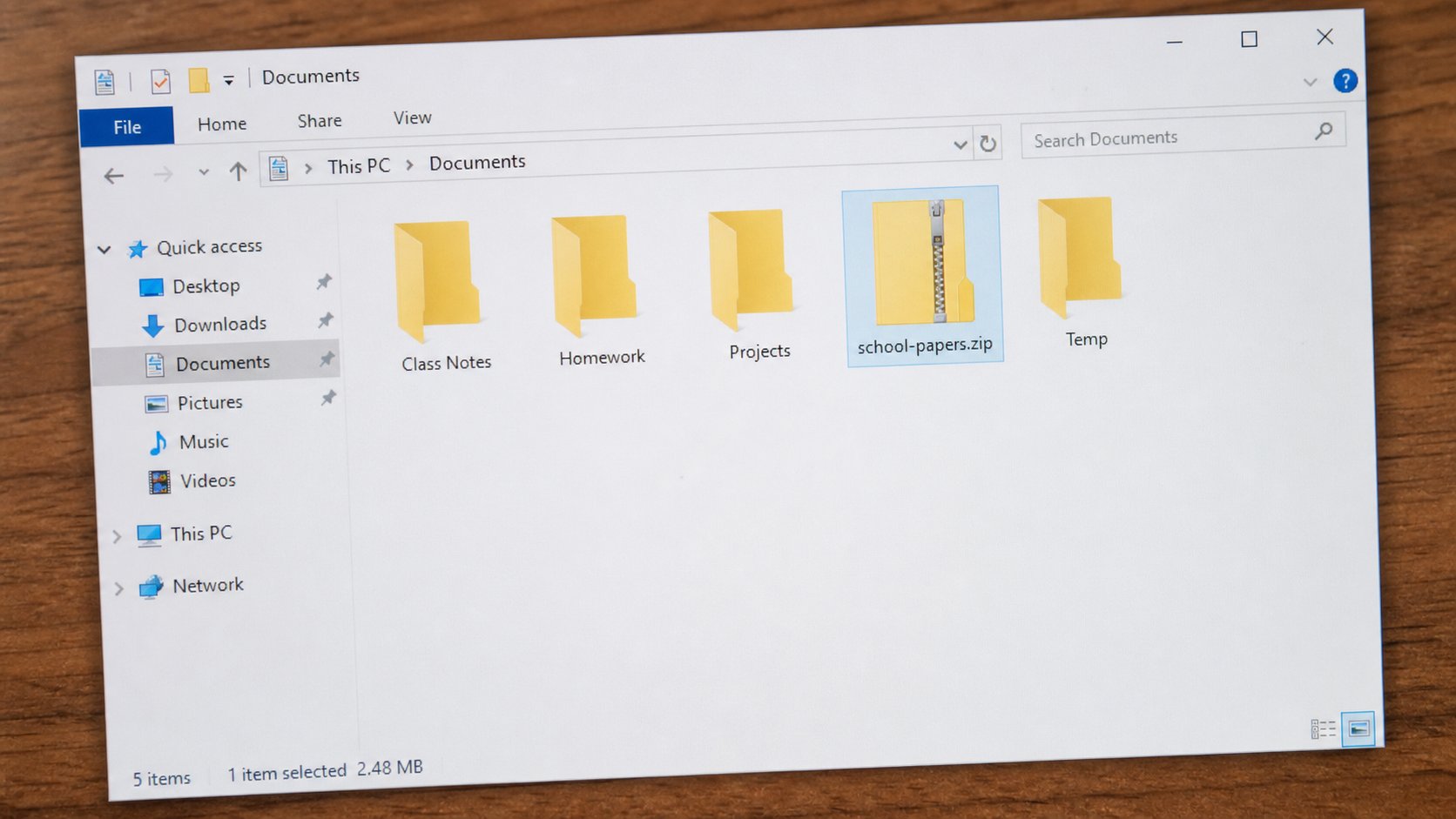
A zip is a suitcase. Many files become one. Attach the suitcase, not twenty photographs. The other person unzips on their desk.
Lesson 29·3 min
Sending a file to a phone with Bluetooth
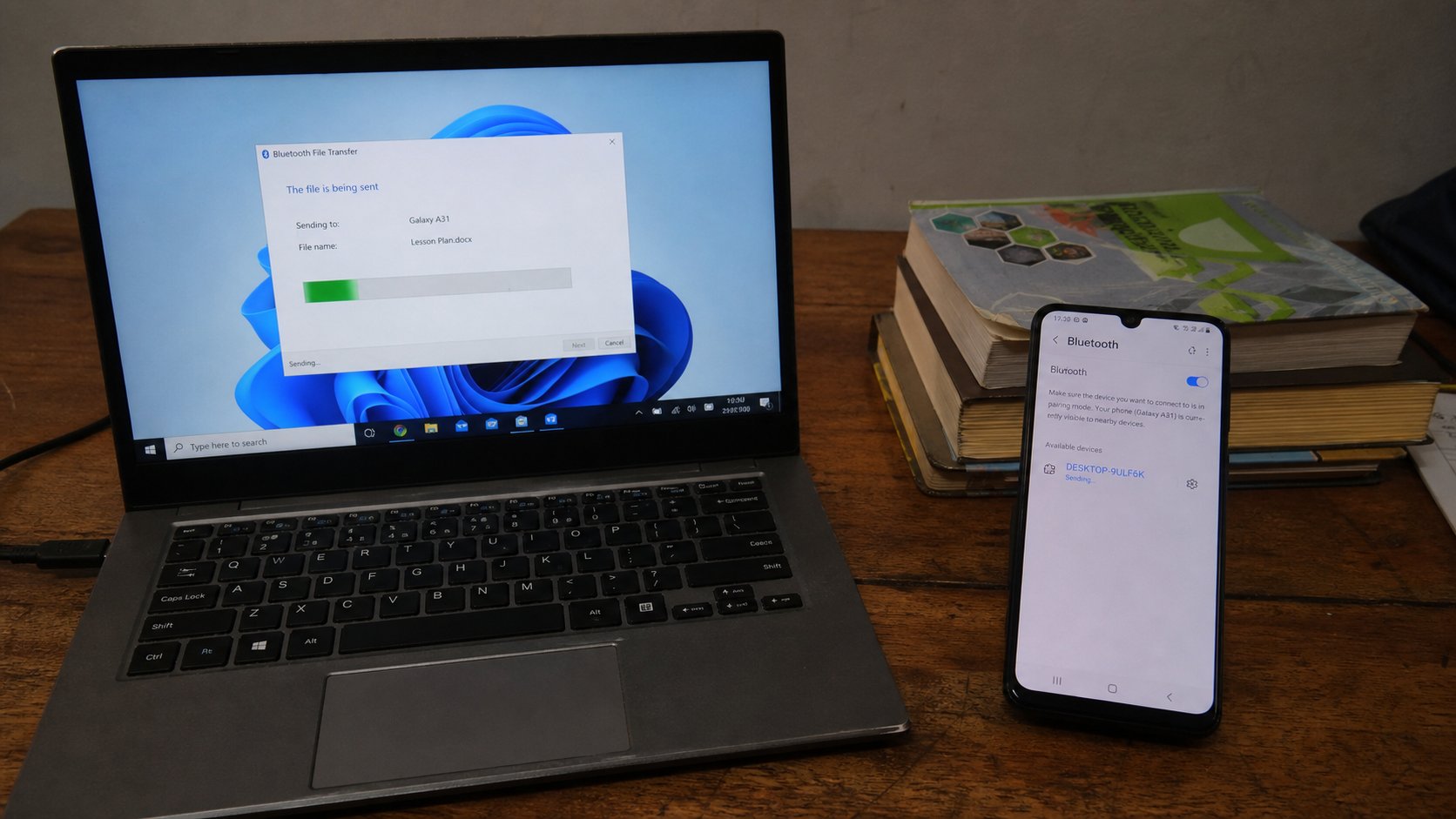
Bluetooth is a short handshake. Pair once, send a file, turn it off. The cable is still better for a wedding. The radio is enough for one PDF across the desk.
Lesson 30·3 min
What a PDF is for
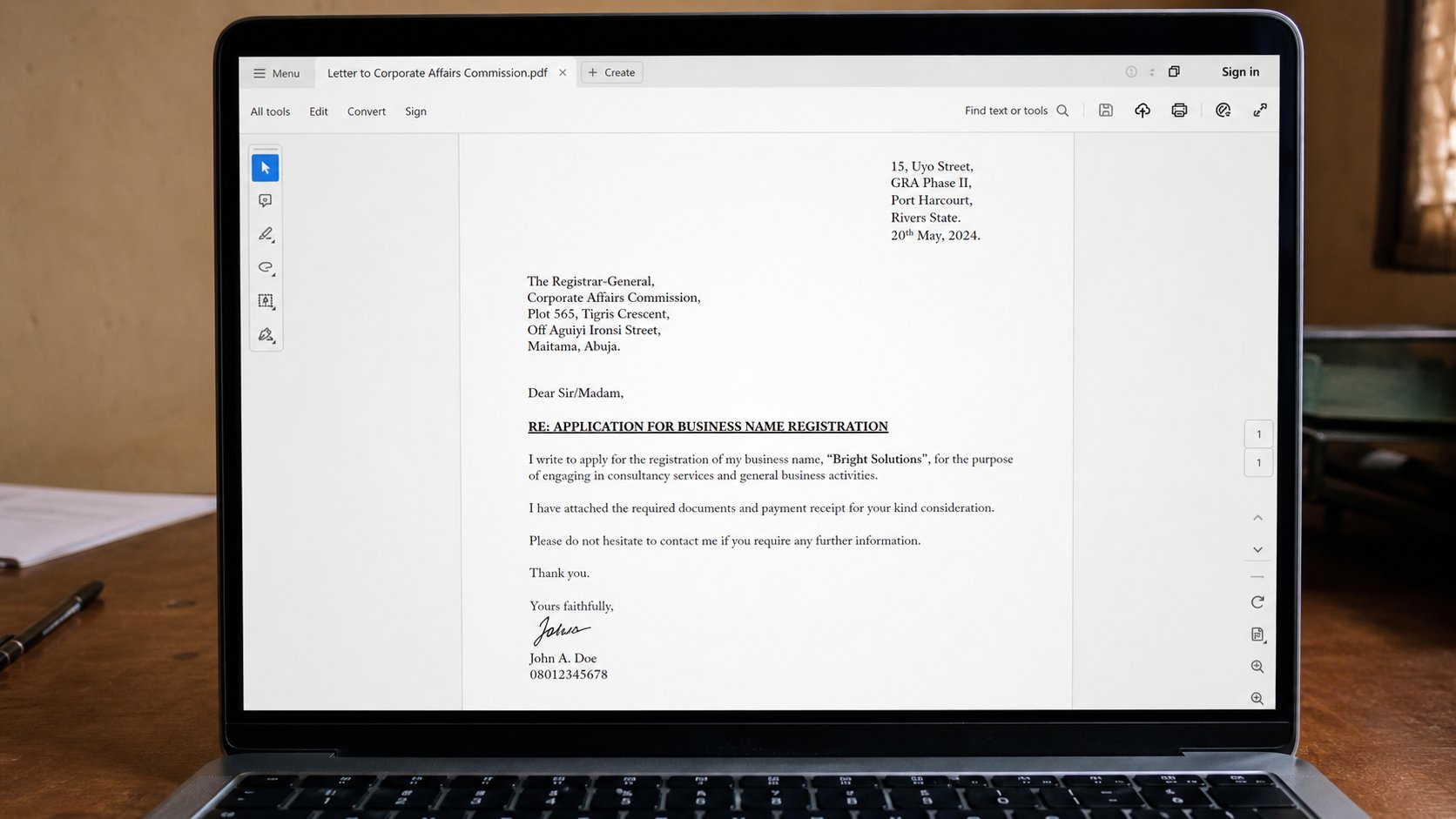
A PDF is a photograph of a page that still lets you select the words. It will not rearrange itself on another computer. That is why offices ask for it.
Lessons 31–40
Finding your way
Folders, names, search, the taskbar, sound, brightness, and extra devices.
Lesson 31·3 min
A folder structure for school or work
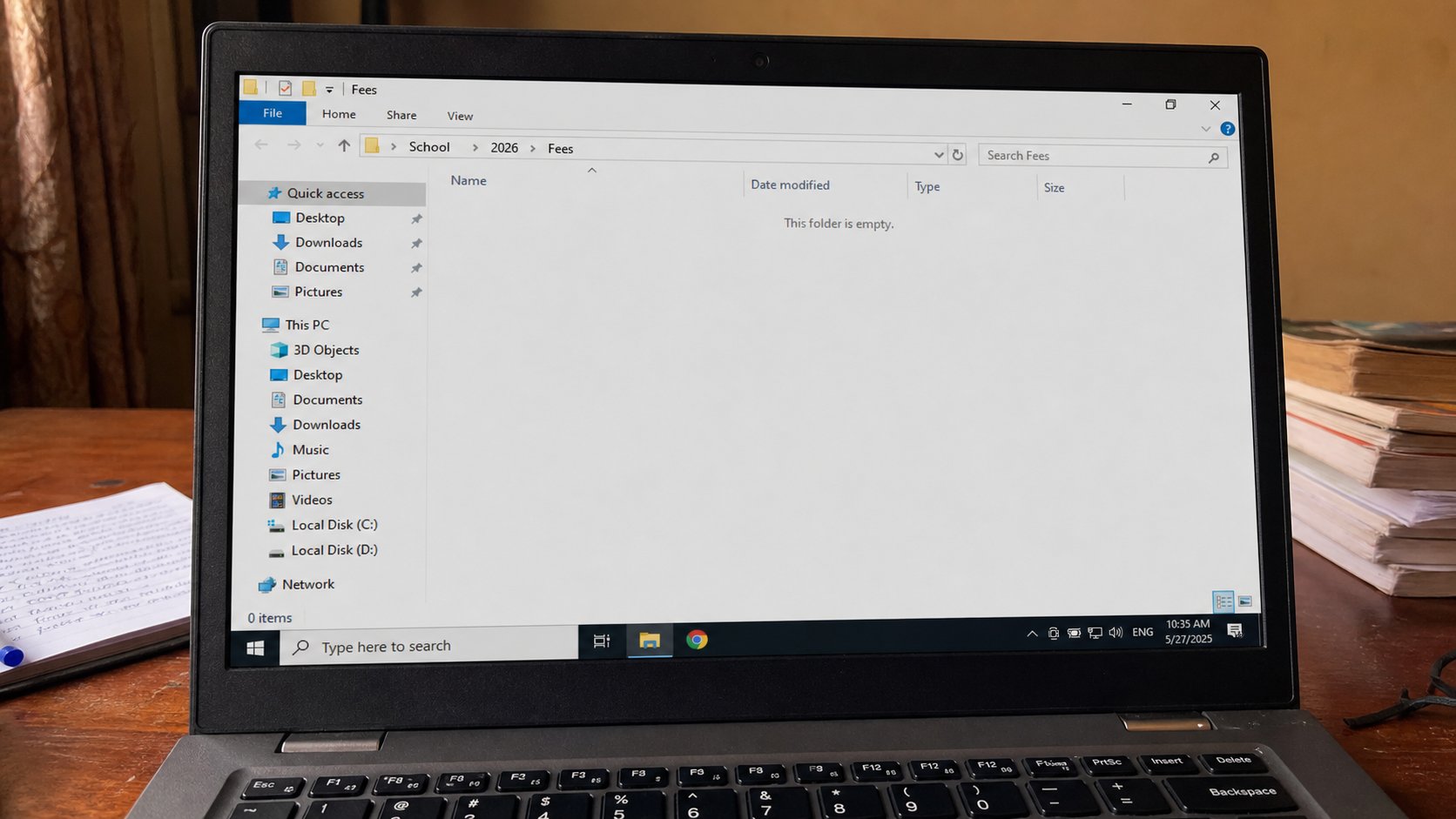
One drawer is not a filing system. School, then the year, then the kind of paper. Name the rooms before the term fills them.
Lesson 32·3 min
Renaming files without breaking them
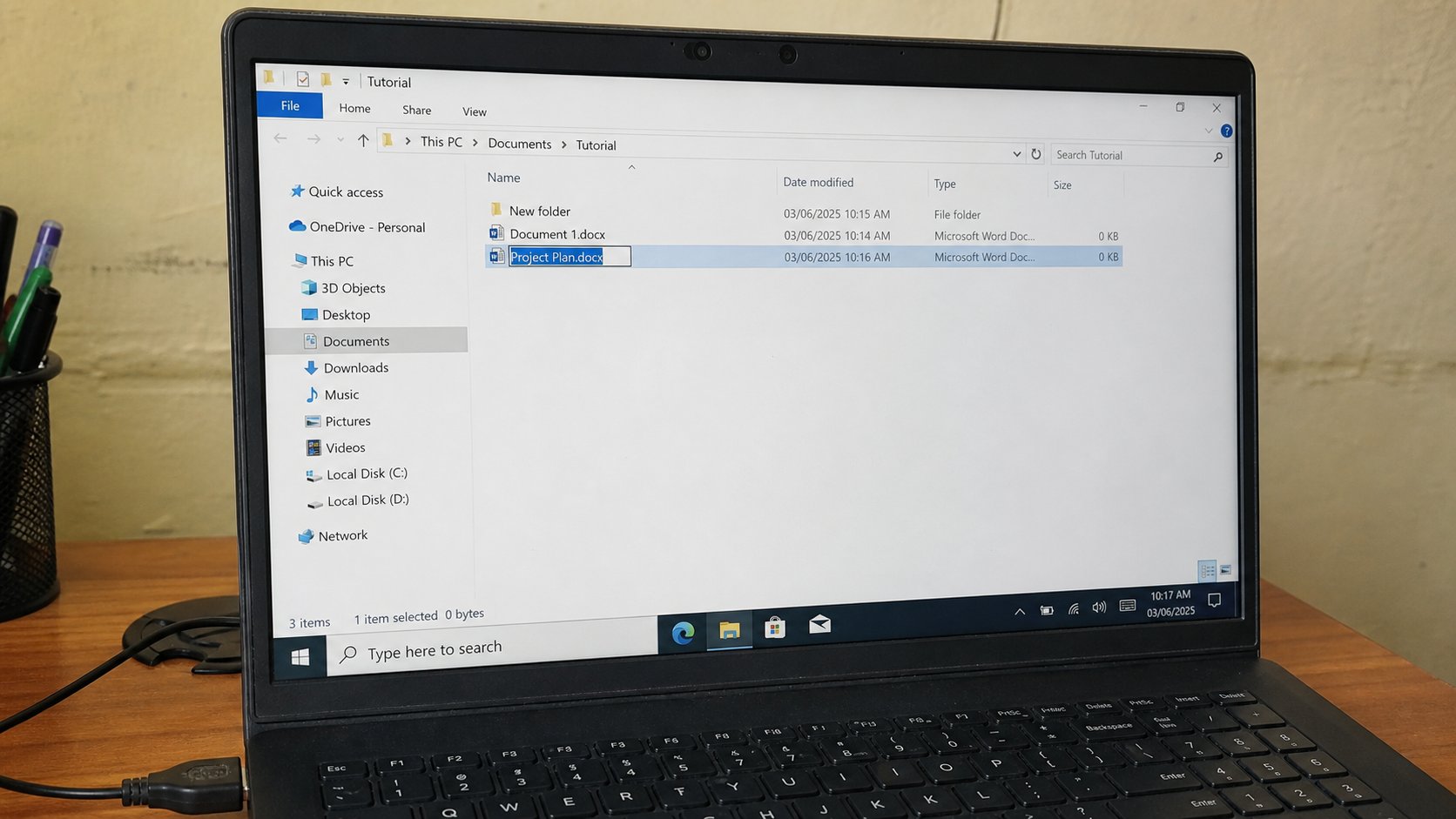
The name is for you. The part after the last dot is for the computer. Change Chidinma-JAMB. Leave .pdf alone.
Lesson 33·3 min
Searching the computer for a lost file
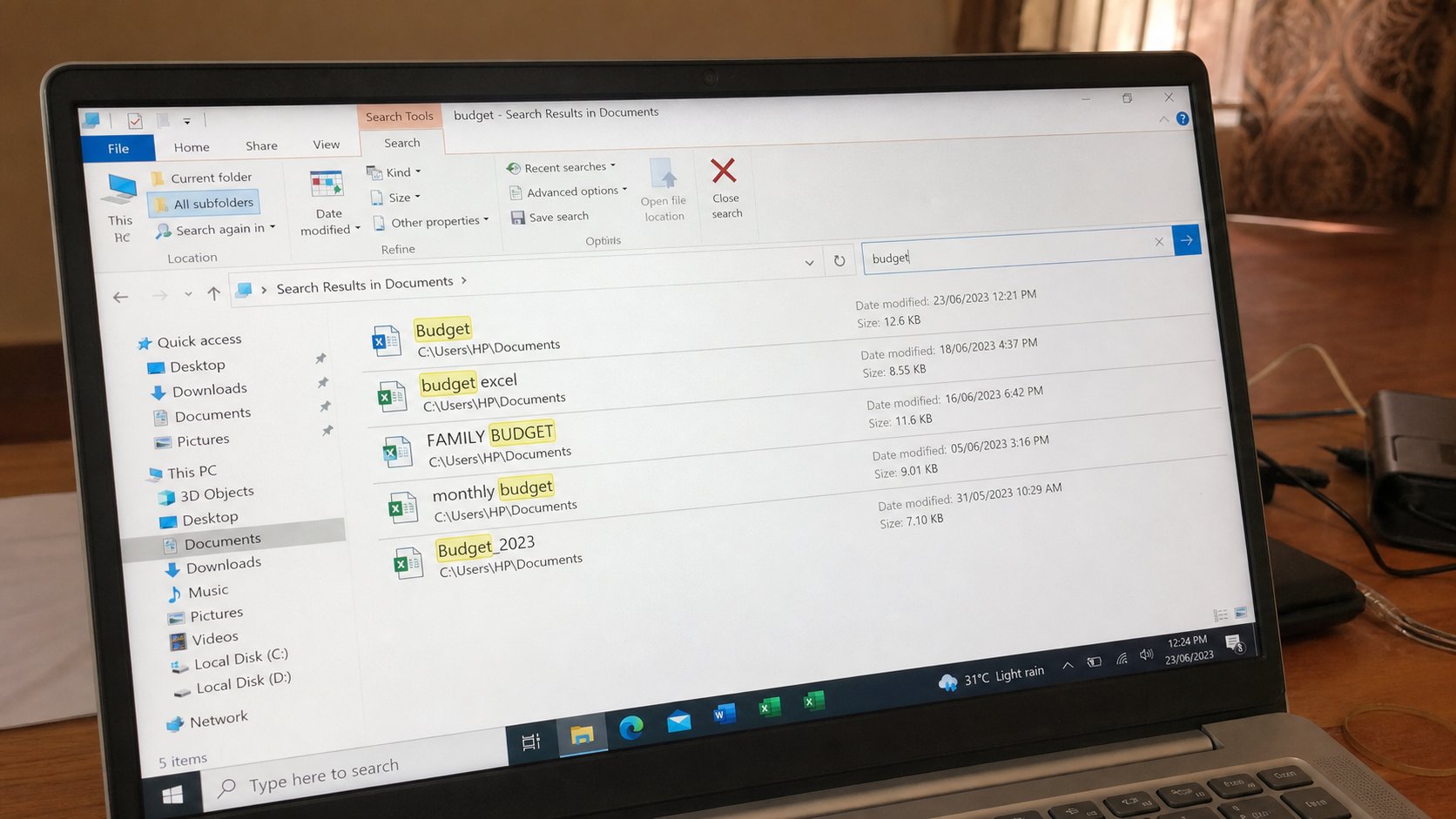
Search is a clerk who can spell part of a name. Start in Documents, not the whole disk. One word you remember is enough if you named it like a human.
Lesson 34·3 min
The Start menu and the taskbar as a map
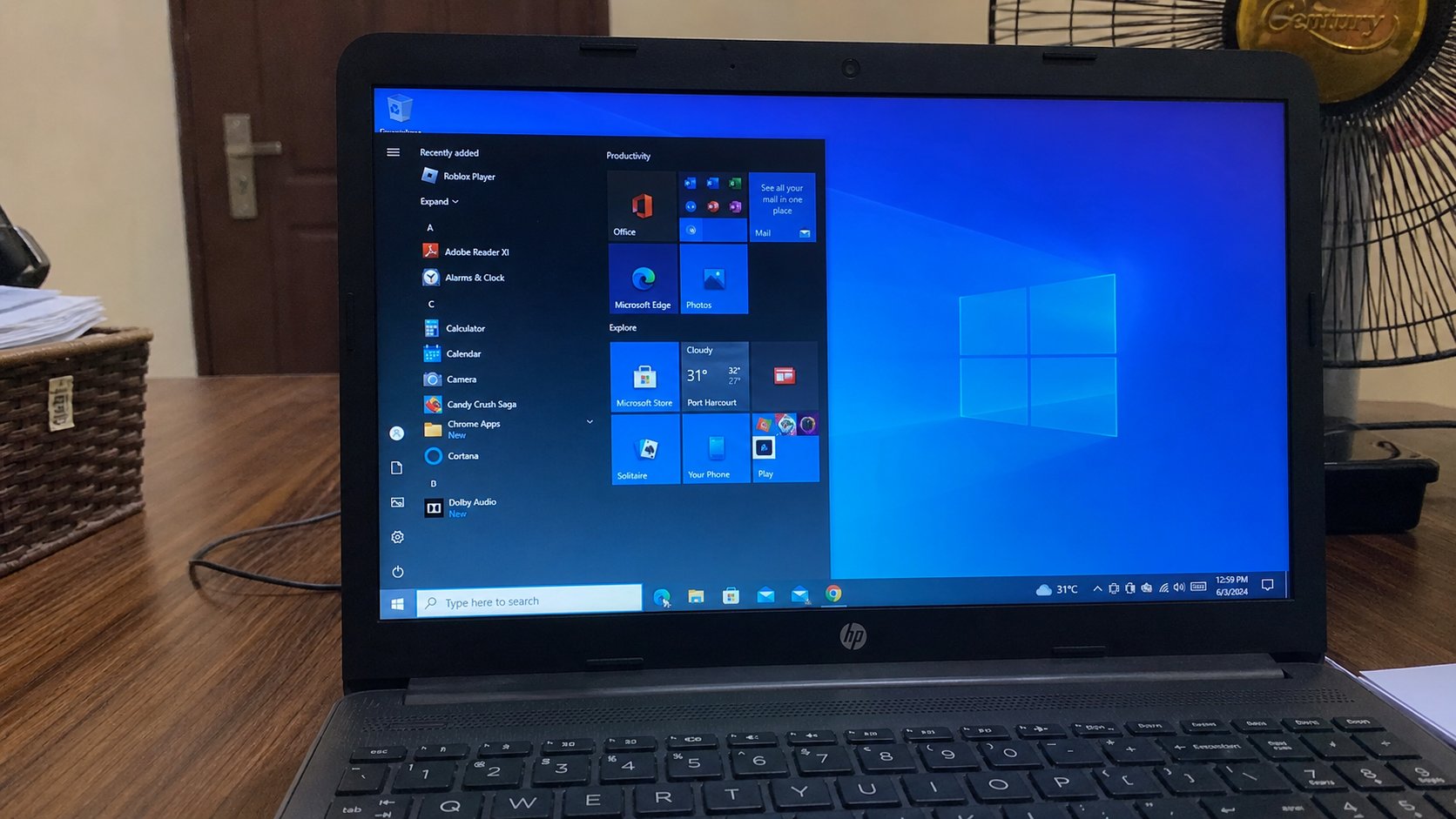
Start is the front door. The taskbar is the row of rooms you are in. Pin what you use. Do not confuse a pin with the program itself.
Lesson 35·3 min
A shortcut is not the file
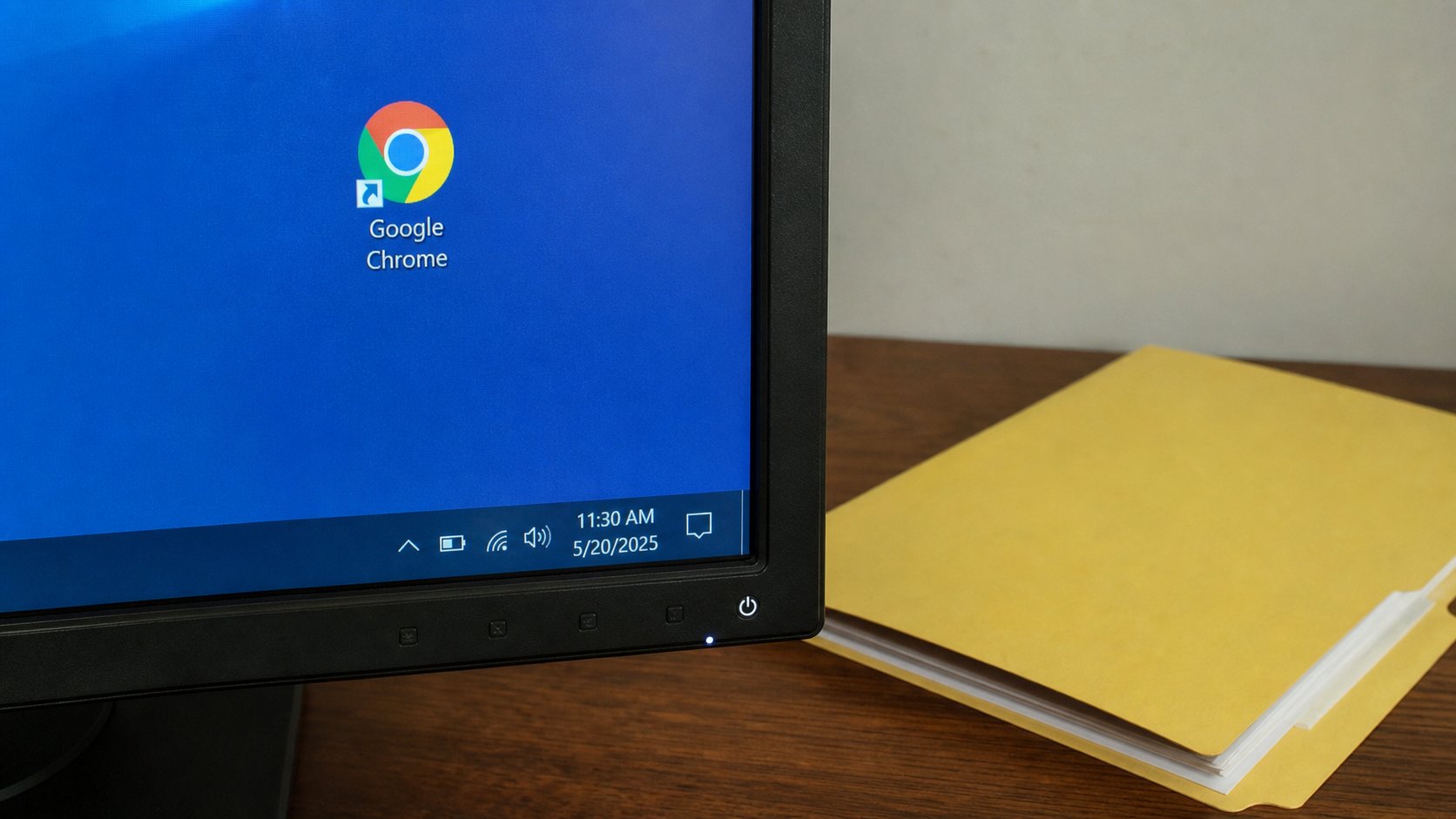
The little arrow means a signpost. Deleting the signpost leaves the house standing. Deleting the real folder takes the house down. Look for the arrow.
Lesson 36·3 min
Volume and headphones
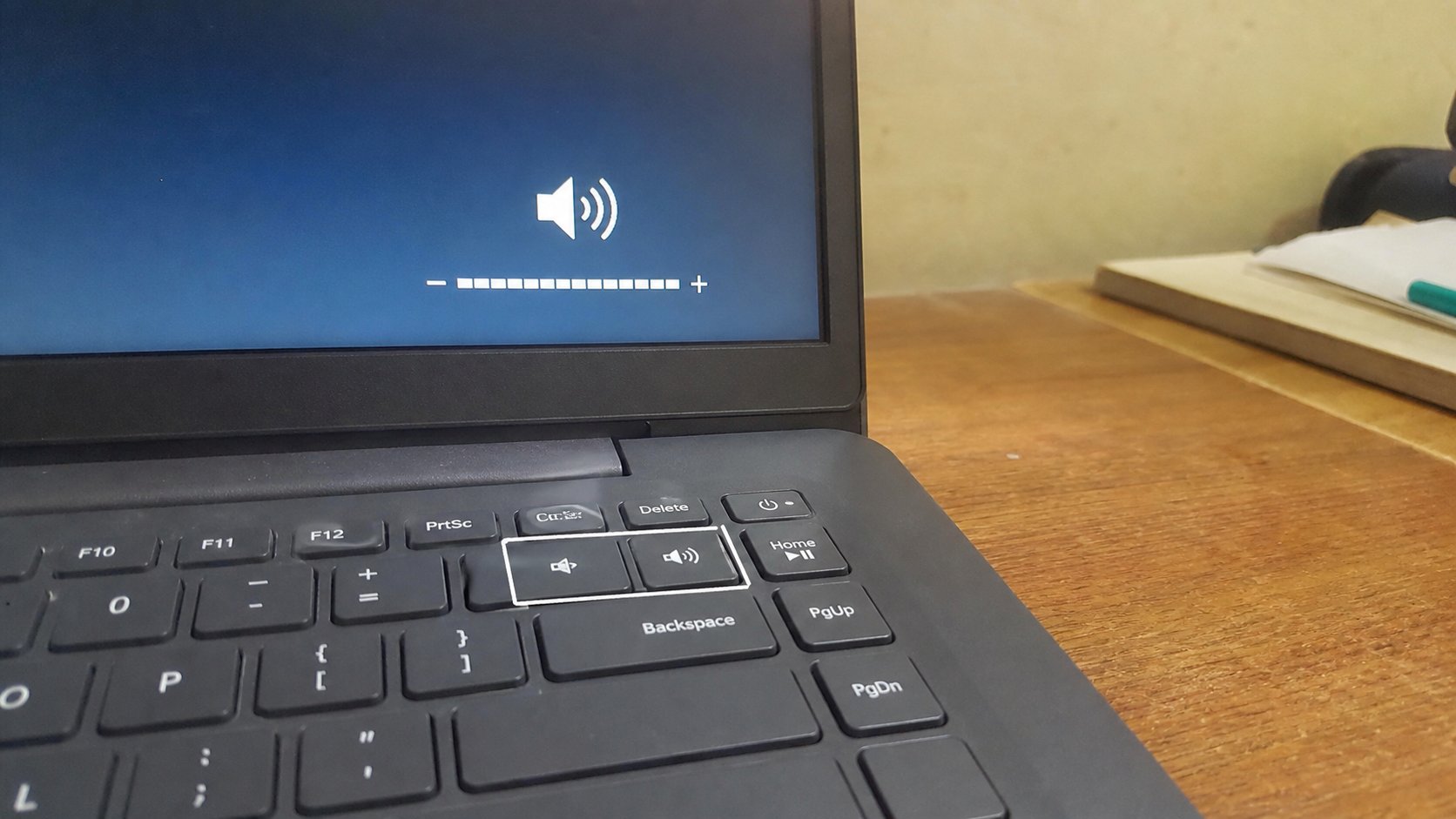
Sound has a tap on the keyboard and a tap in the tray. Headphones steal the speakers until you unplug them. Mute is a line through the speaker, not a broken machine.
Lesson 37·3 min
Brightness and night use
The screen is a lamp. Too bright in a dark room is a headache, not a better computer. A function key, a slider, and a battery that lasts longer when the lamp is dimmer.
Lesson 38·3 min
A second screen or a projector
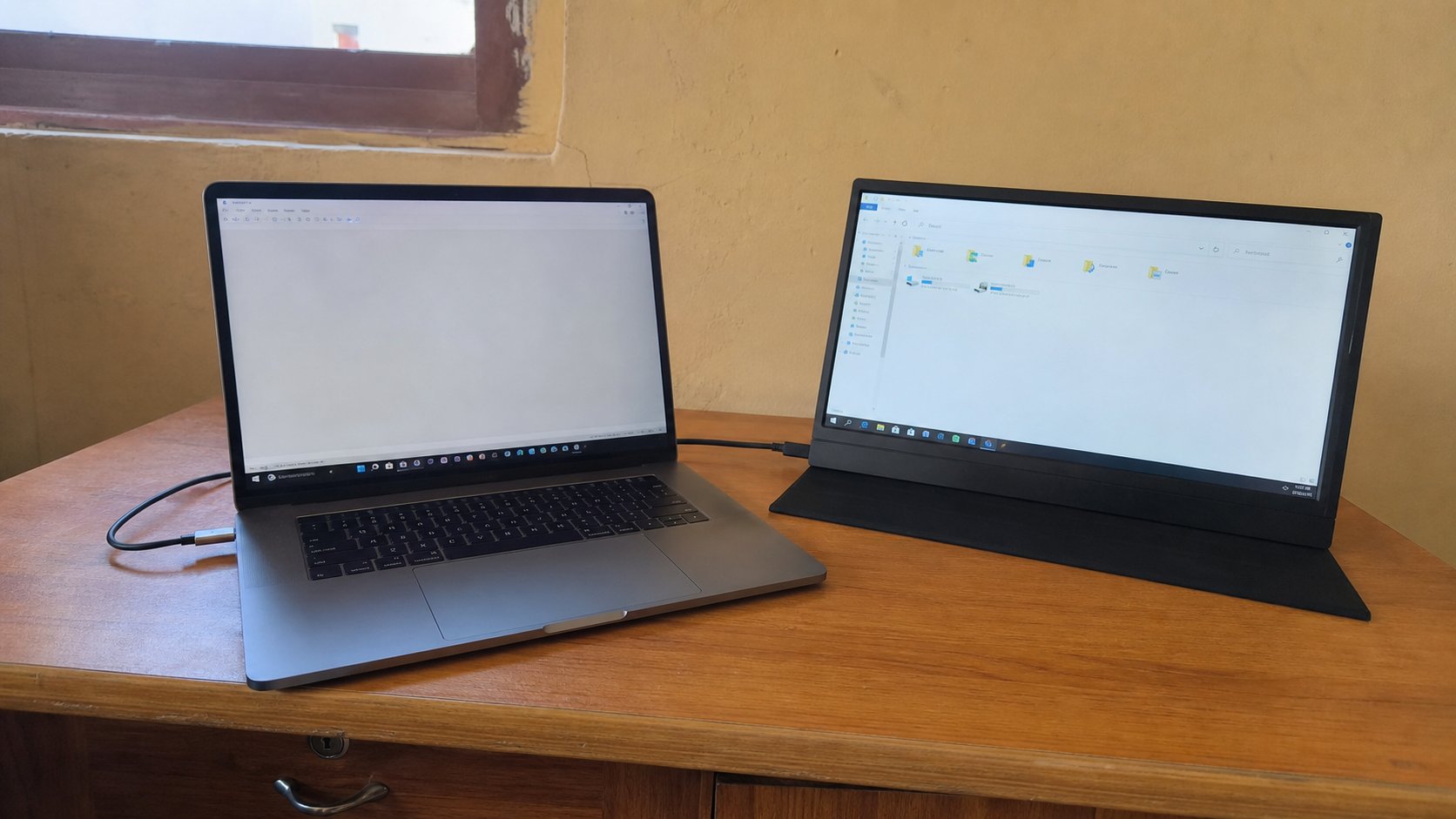
The picture can leave the laptop. Duplicate is the same page twice. Extend is two desks. The projector is just another screen with a long cable.
Lesson 39·3 min
USB devices that are not flash drives
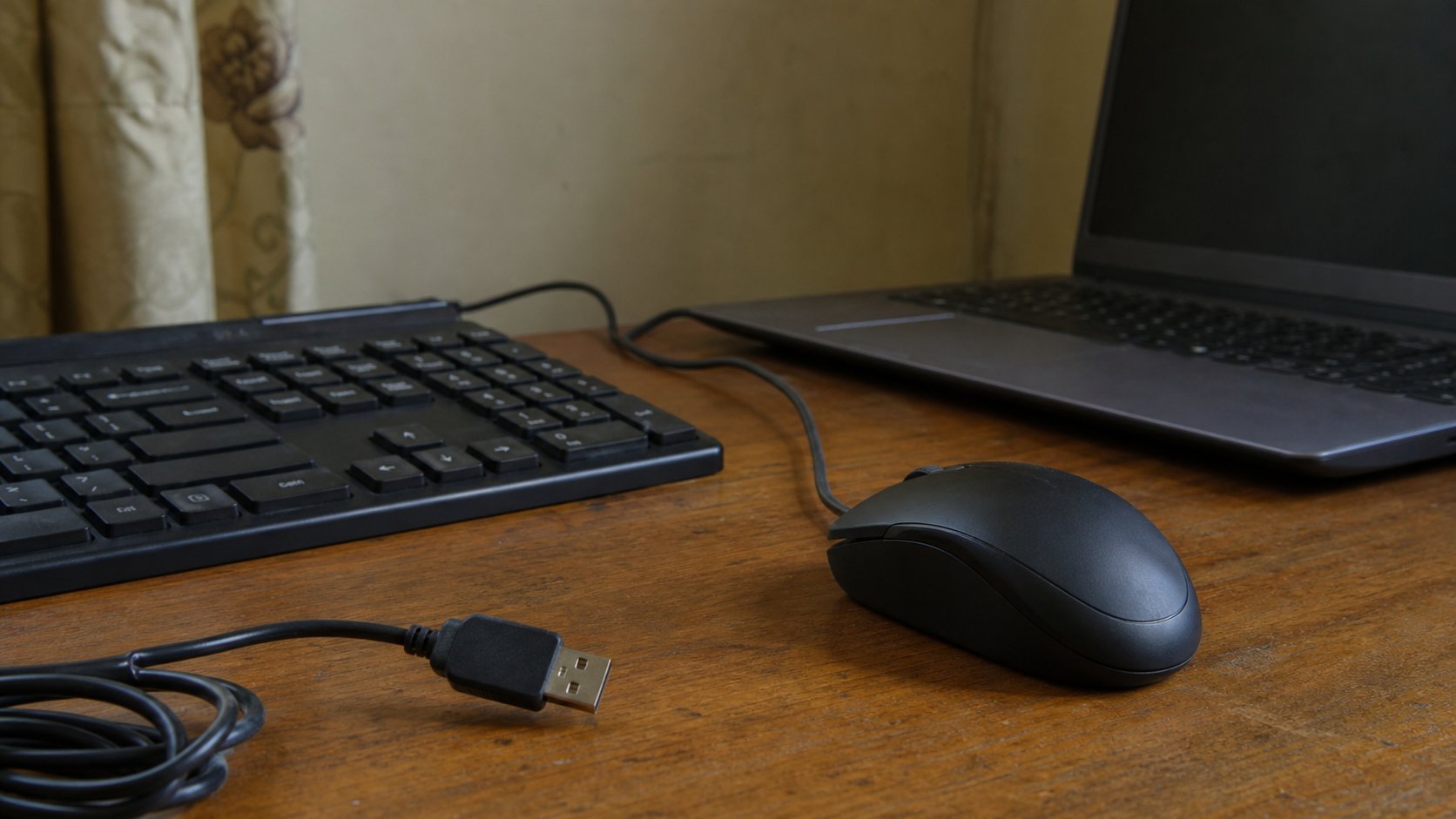
The same hole takes a mouse, a keyboard, a printer, a dongle. Plug in, wait, look at the lights. The computer usually knows the guest. You still have to seat the plug.
Lesson 40·3 min
When there is no sound
Silence has a checklist: mute, headphones, the wrong speaker, the player, then the driver. A pop-up “audio fixer” is not on the list.

Lessons 41–50
Other people’s computers
Battery, heat, the webcam, cookies, a shared machine, bookmarks, and signing out.
Lesson 41·3 min
Charging without killing the battery
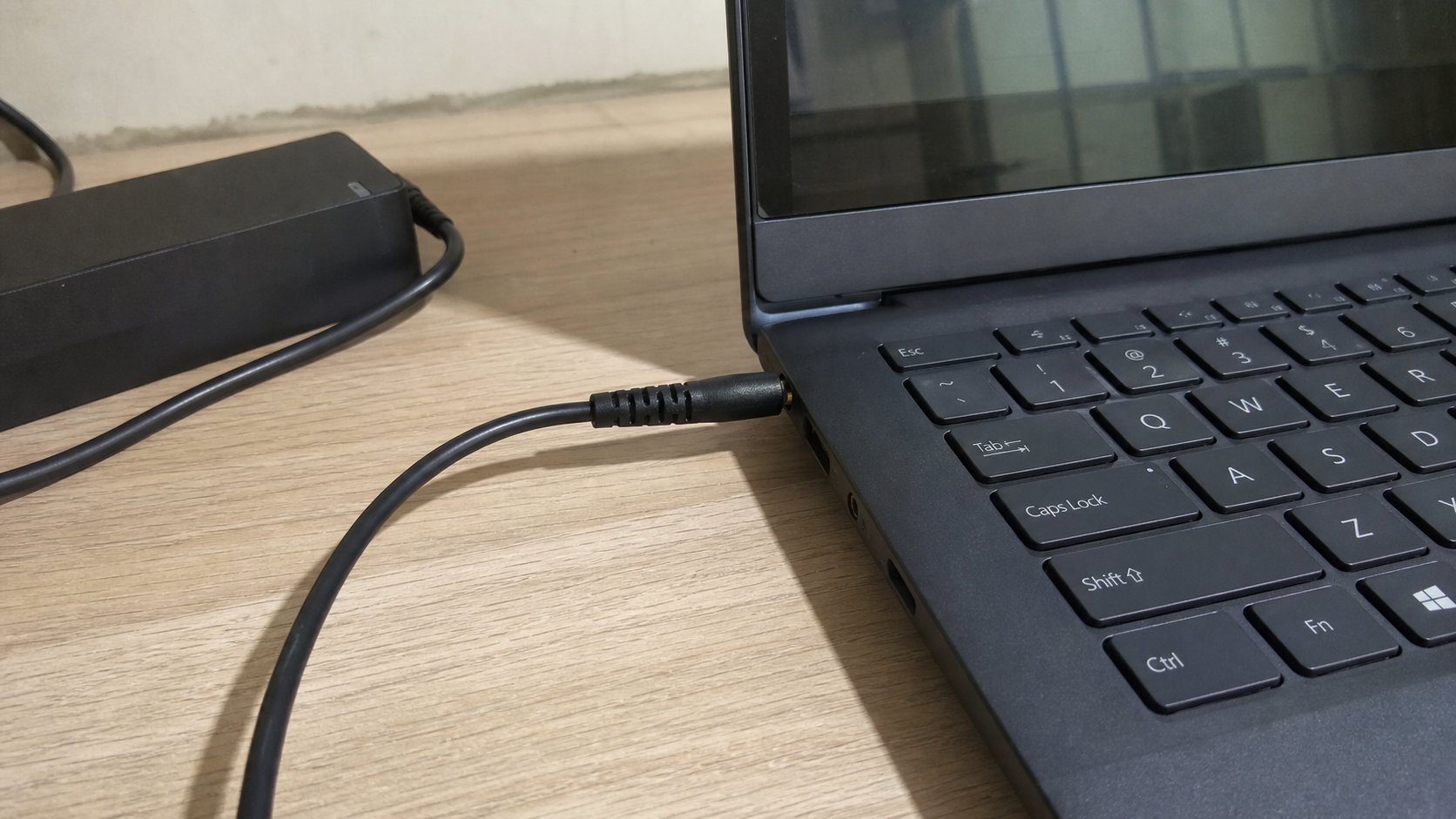
The brick and the cable are two parts. Use the one that fits. Leave it on the table while it drinks. A red X on the battery is a story; a swollen pack is a shop the same day.
Lesson 42·3 min
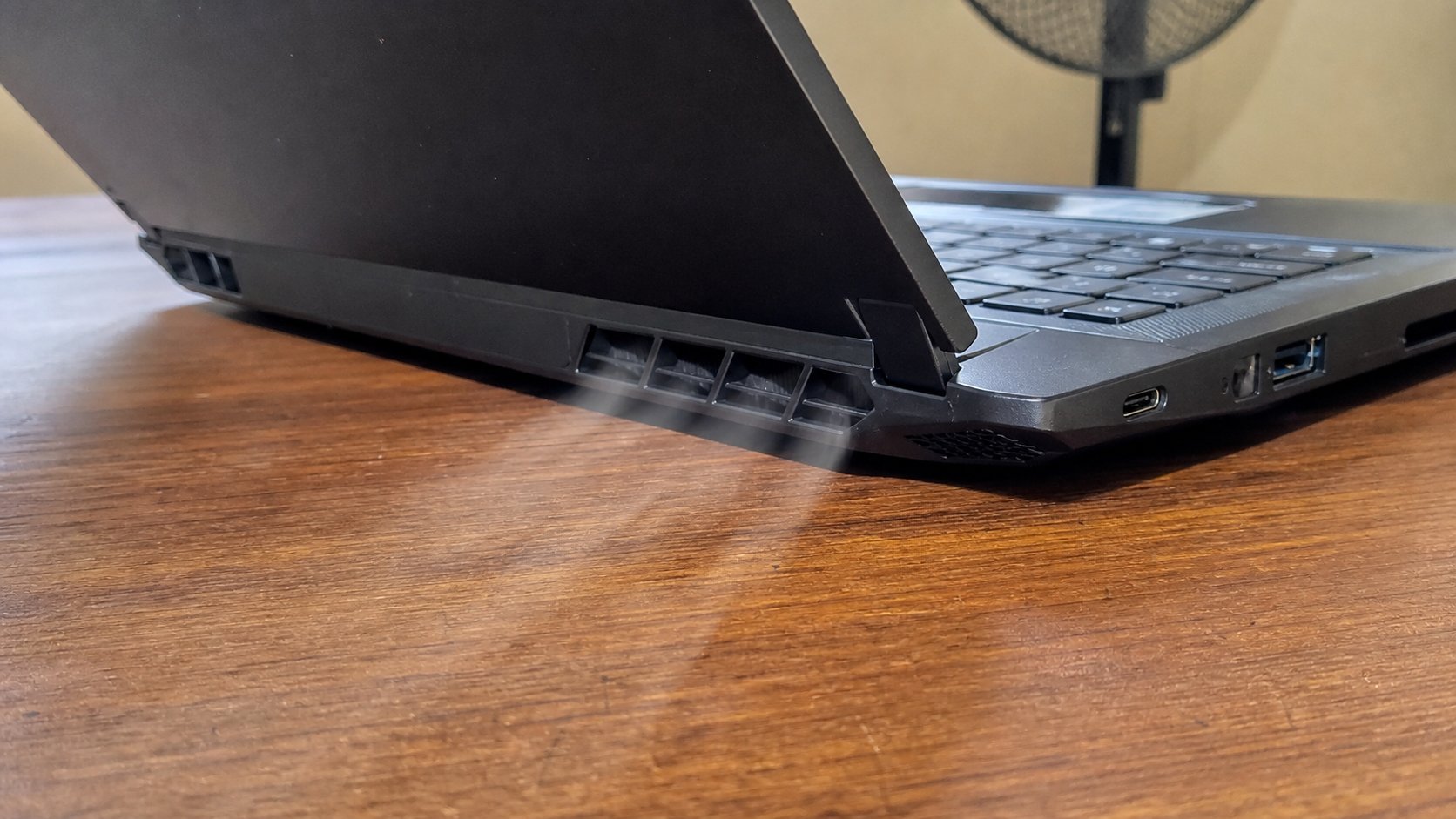
Heat and the vents
The fan is a lung. Beds and cloths are pillows over the lung. A table, a few centimetres of air, and a shutdown when it is too hot to touch.
Lesson 43·3 min
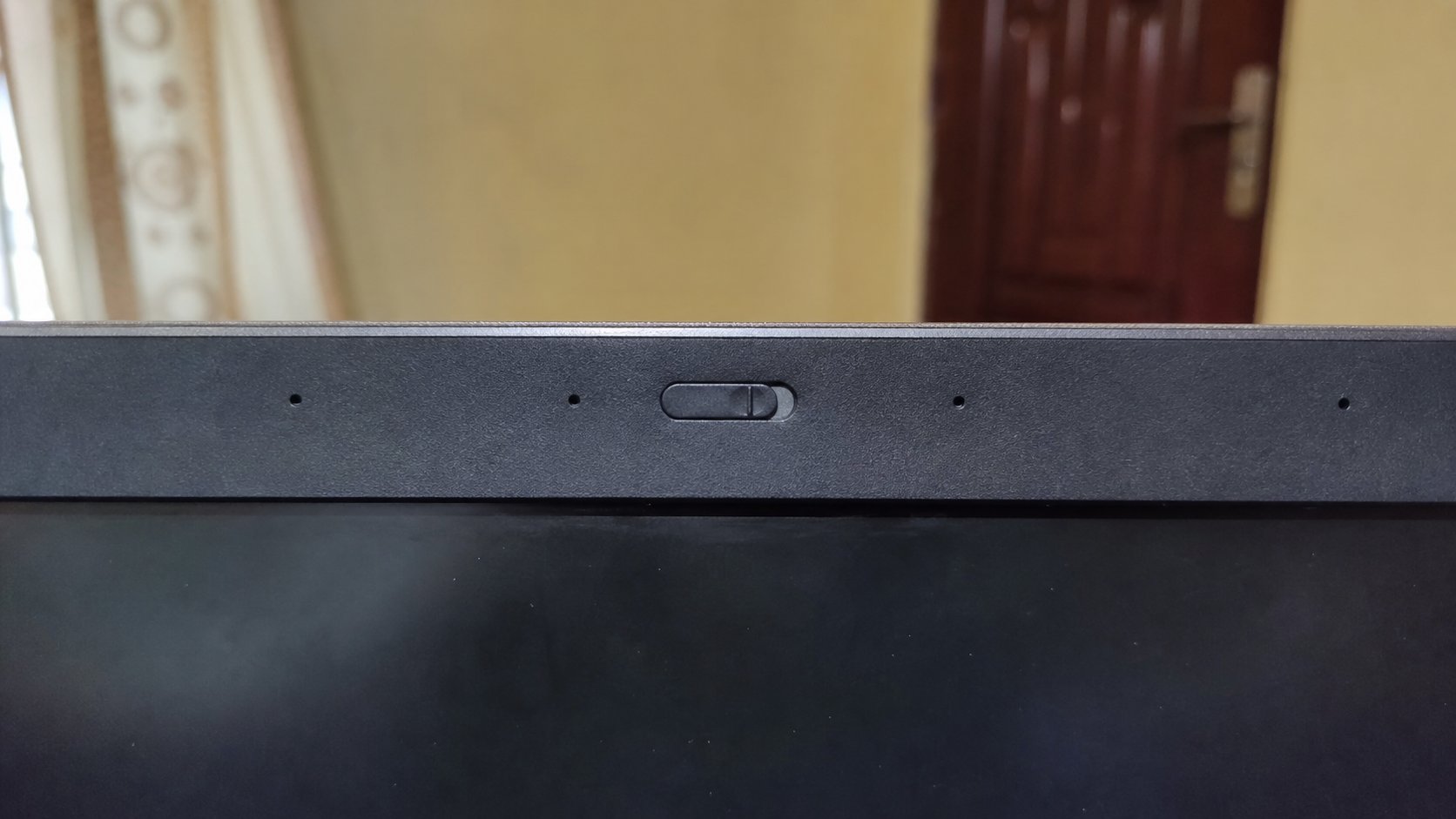
The webcam and who can see you
The camera is a hole at the top of the screen. A light means it is looking. A cover is a curtain. Off in the meeting is not the same as a closed curtain.
Lesson 44·3 min
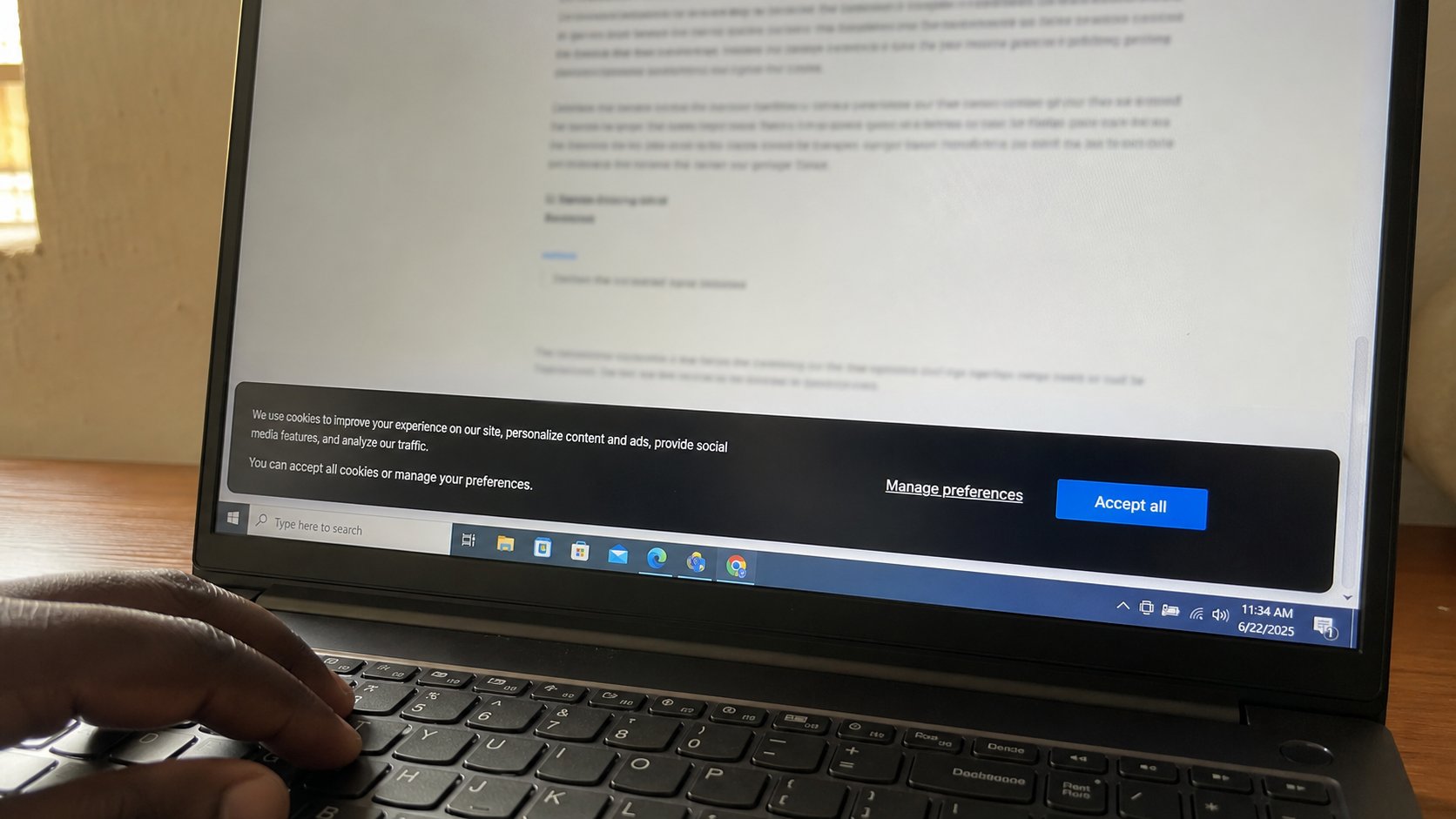
Cookies and “Accept all”
A cookie is a small note a site leaves on your machine. Accept all is a long signature. Necessary is often enough. You can refuse a fair without refusing the page.
Lesson 45·3 min
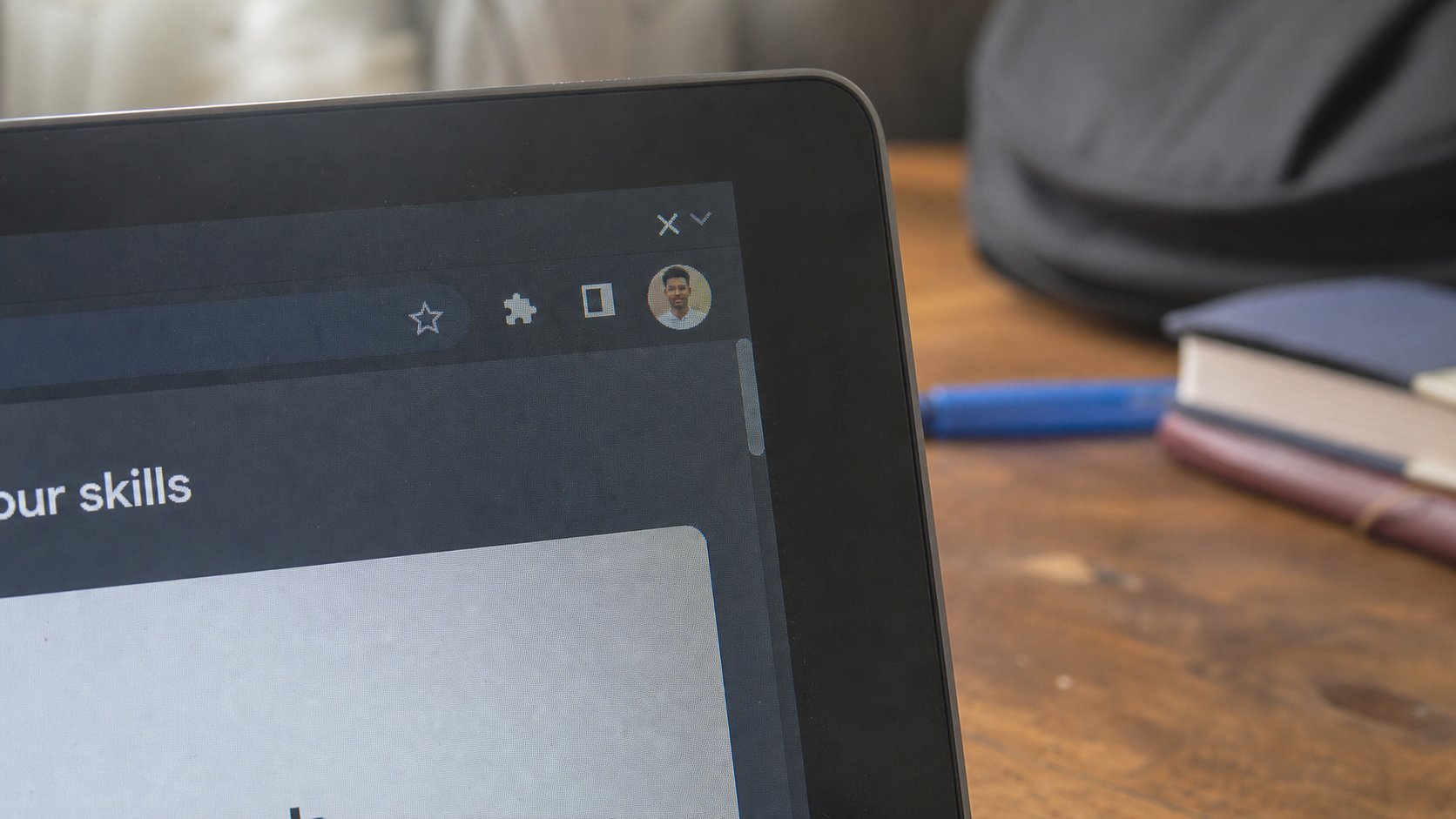
A browser profile on a shared computer
A profile is a schoolbag. Yours holds your mail and your passwords. Guest is a bag that empties. Sign out is not as empty as you think. Use Guest, or your own bag, not the house bag.
Lesson 46·3 min
Bookmarks you can find again
The star is a pin in a map. Name it. Put it in a folder. The address bar's memory is not a filing cabinet. A bookmark is.
Lesson 47·3 min
History and private windows
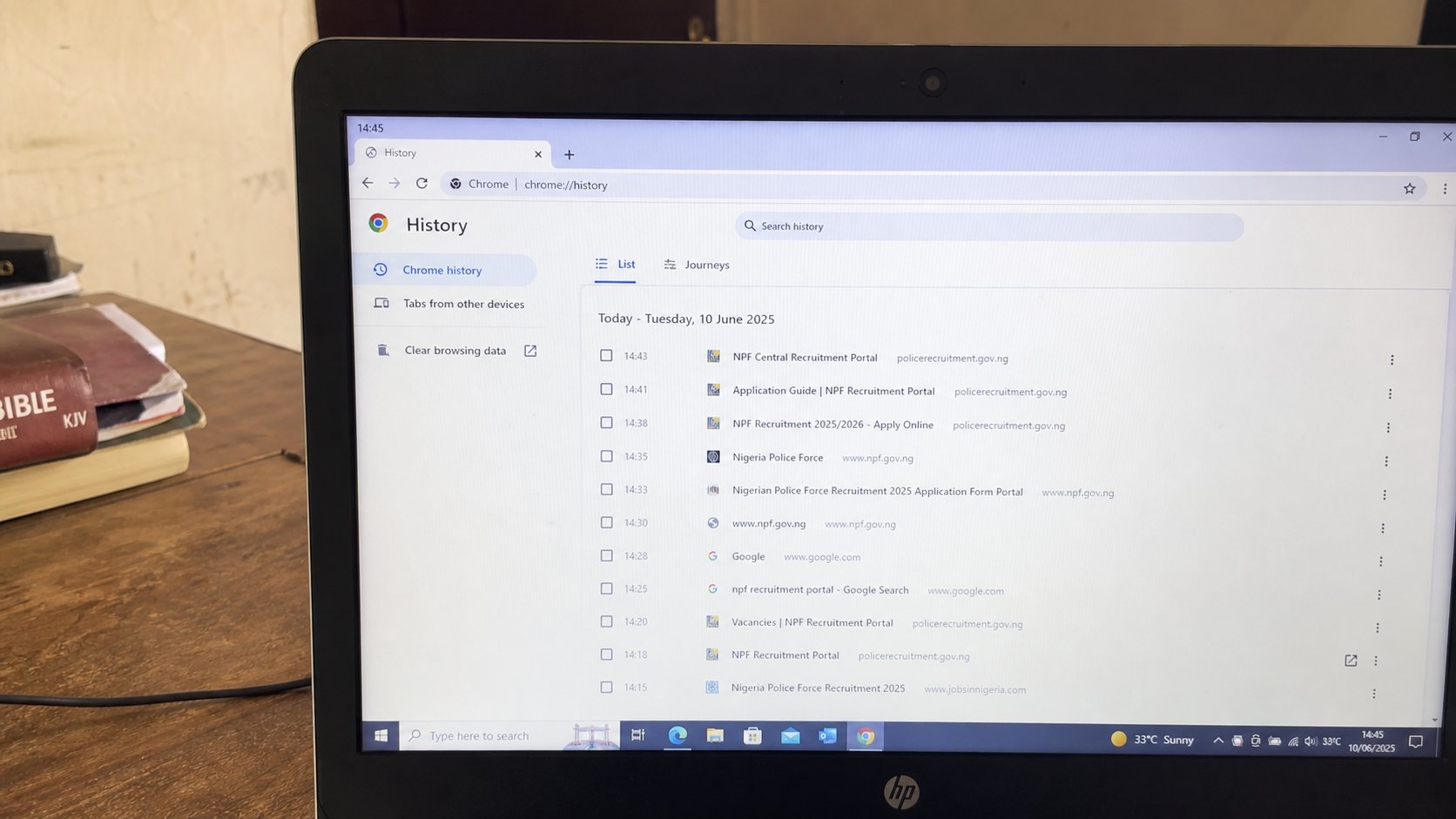
History is a list of rooms you walked through. A private window does not write on that list. It is not invisible to the network, the school, or the café.
Lesson 48·2 min
The Downloads pile
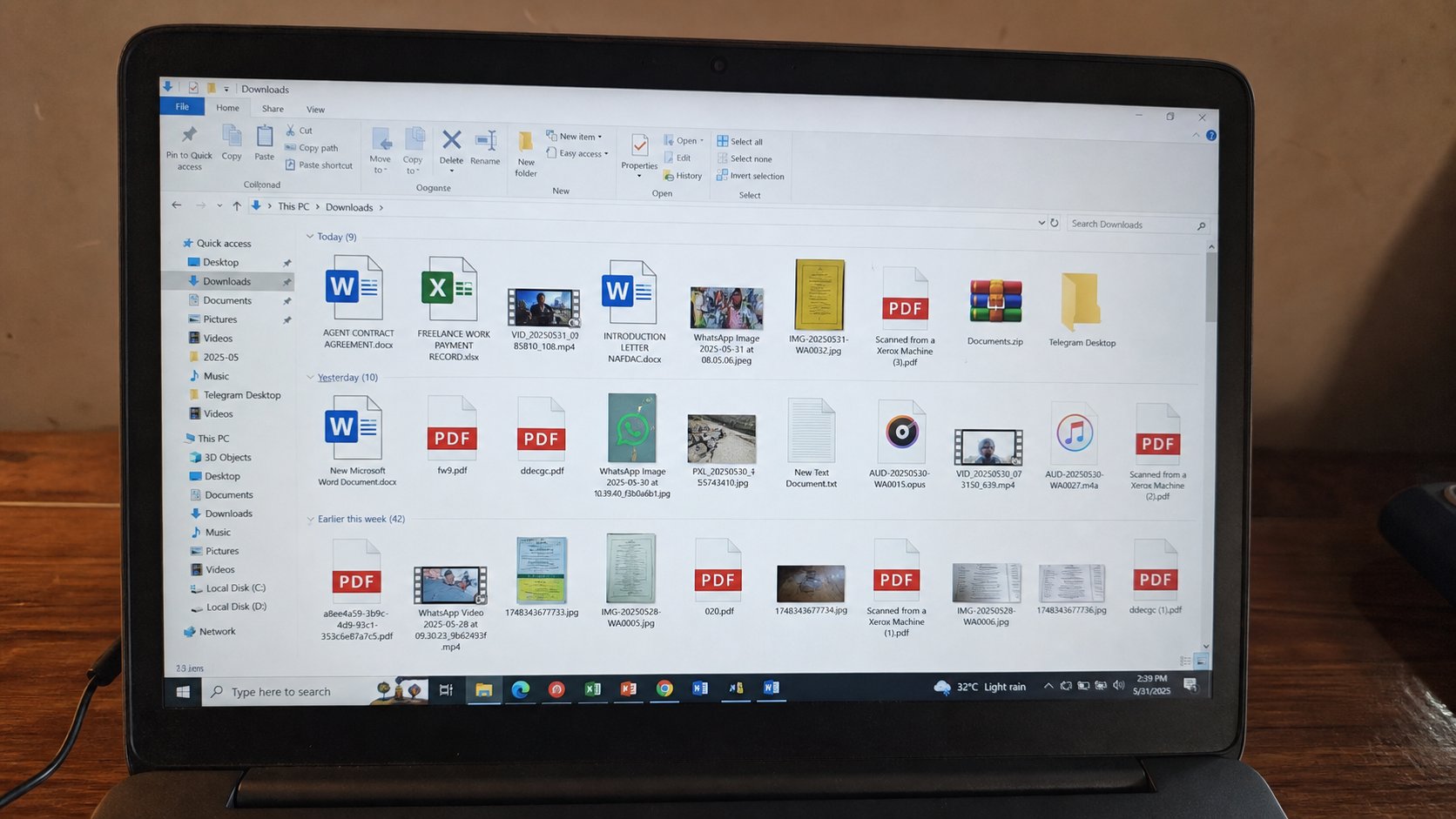
The mat by the door fills. A file that matters should walk into Documents the same day. The pile is not a folder structure. It is a habit of not finishing.
Lesson 49·3 min
What the cloud is, in ordinary words
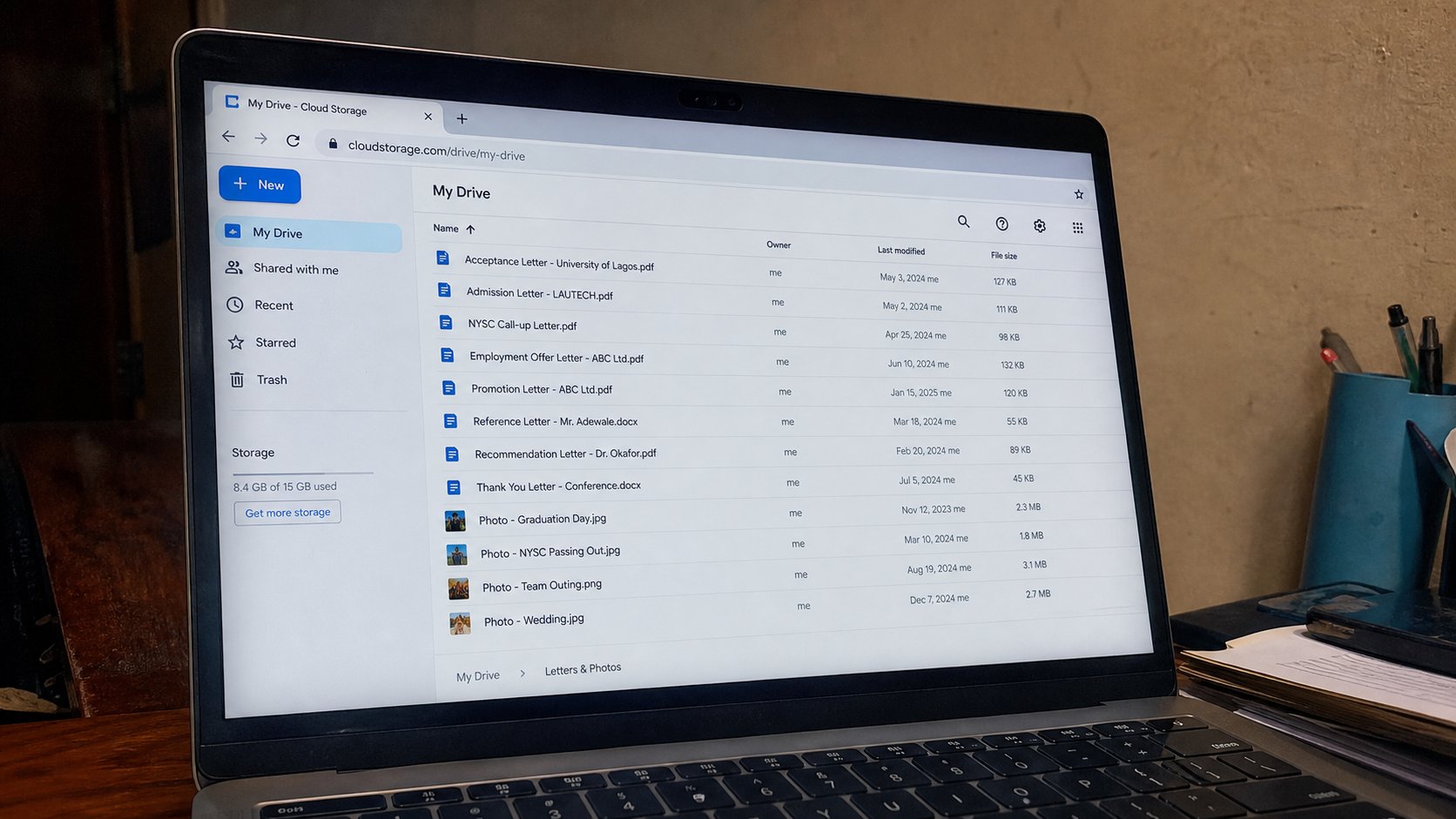
The cloud is a computer that is not in the room, with a door on the internet. Drive, Photos, iCloud are rooms in that building. It is not magic, and it is not a backup until you can open the file on a second machine.
Lesson 50·3 min
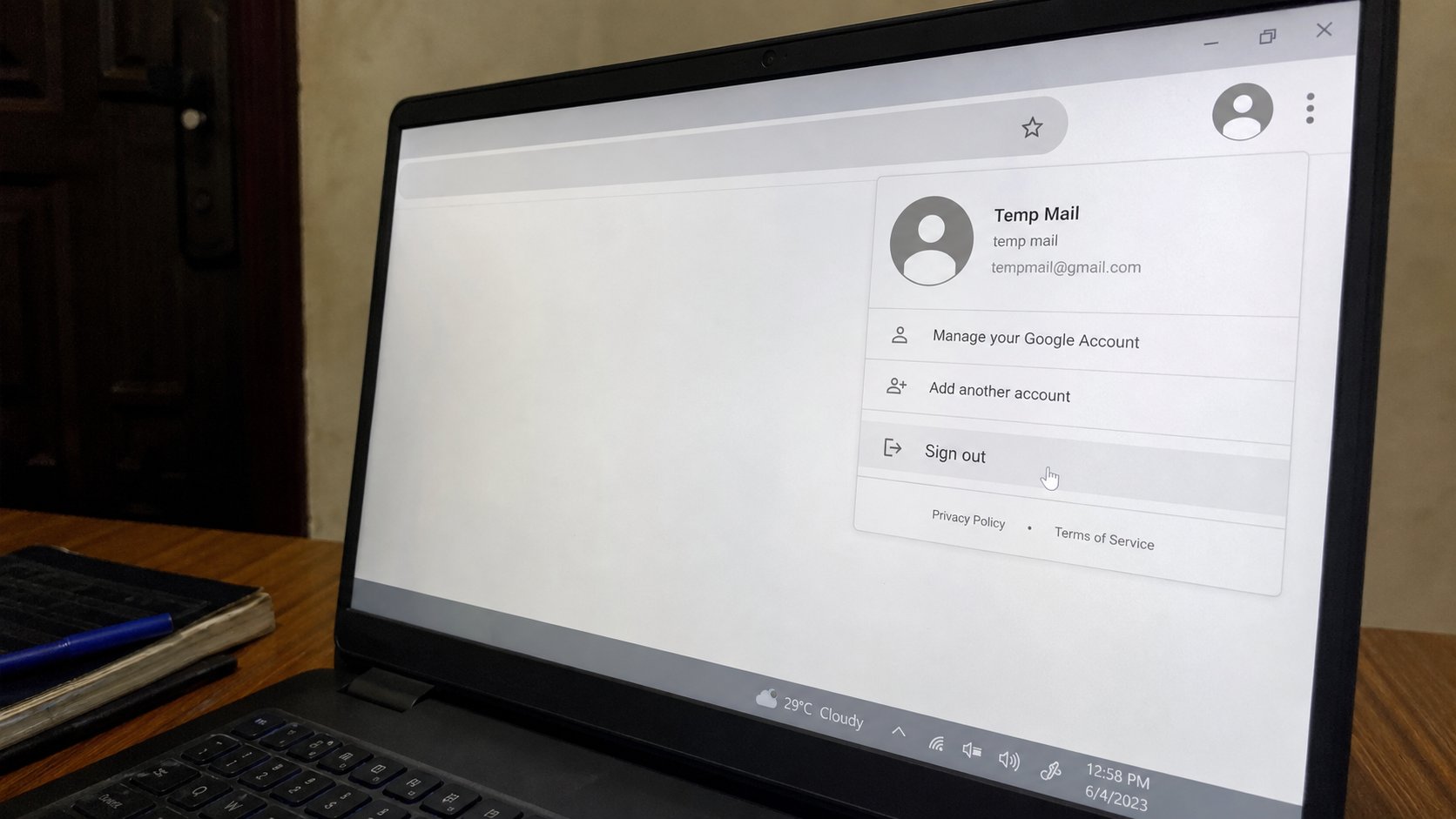
Signing out of a machine that is not yours
Close is not sign out. Remember me is a trap you tick once. A last five minutes: mail, Drive, WhatsApp Web, browser, Guest. Then stand up.
Lessons 51–60
Everyday office
Tables, calendar, contacts, QR codes, WhatsApp Web, maps, a poster, and “virus” scares.
Lesson 51·3 min
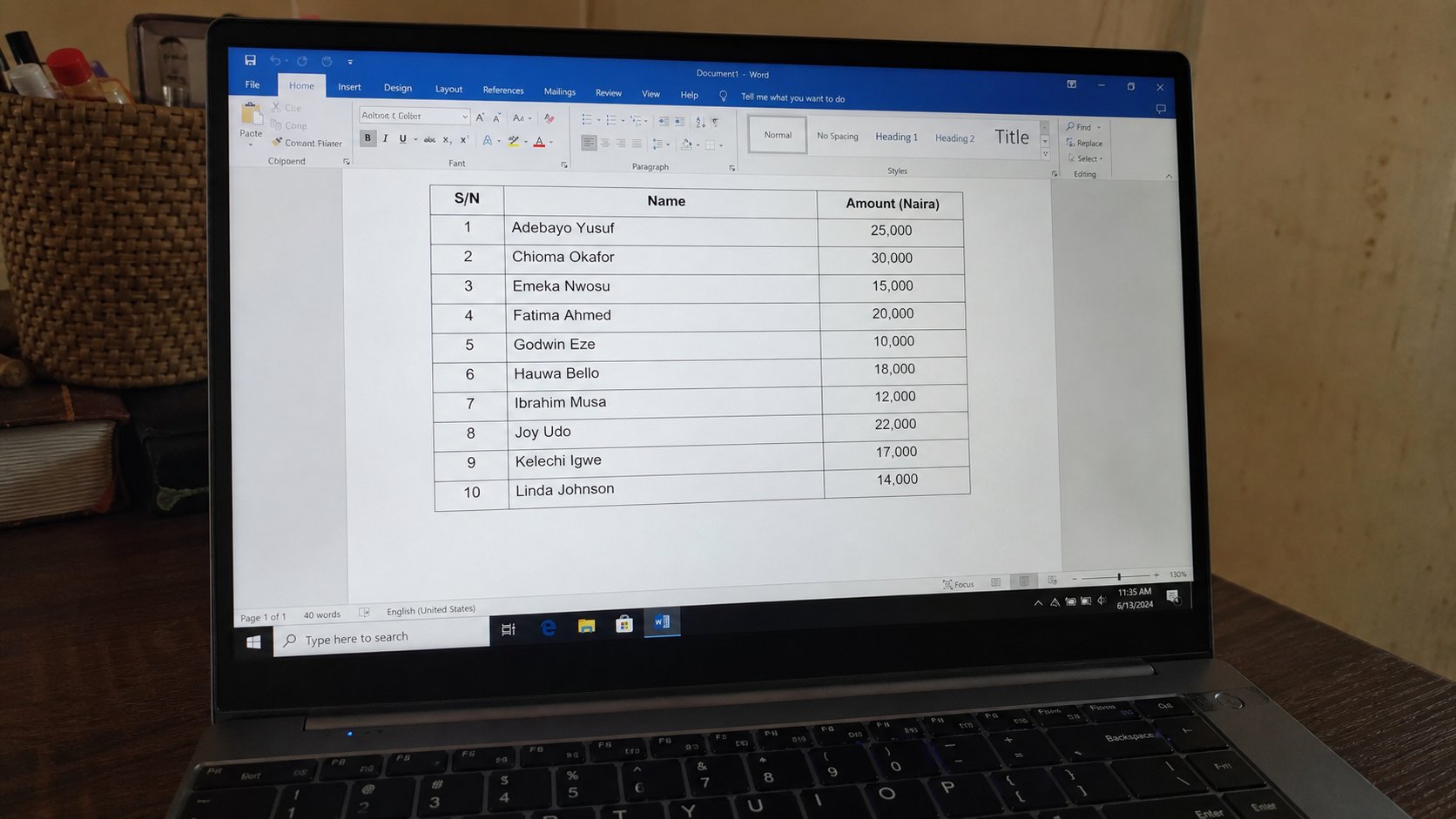
A table in a letter
A table is a grid that lives on a page, not in a spreadsheet. Rows, columns, one fact per cell. Tab moves. The borders are for reading, not for decoration.
Lesson 52·3 min
Mail merge, and when you can skip it
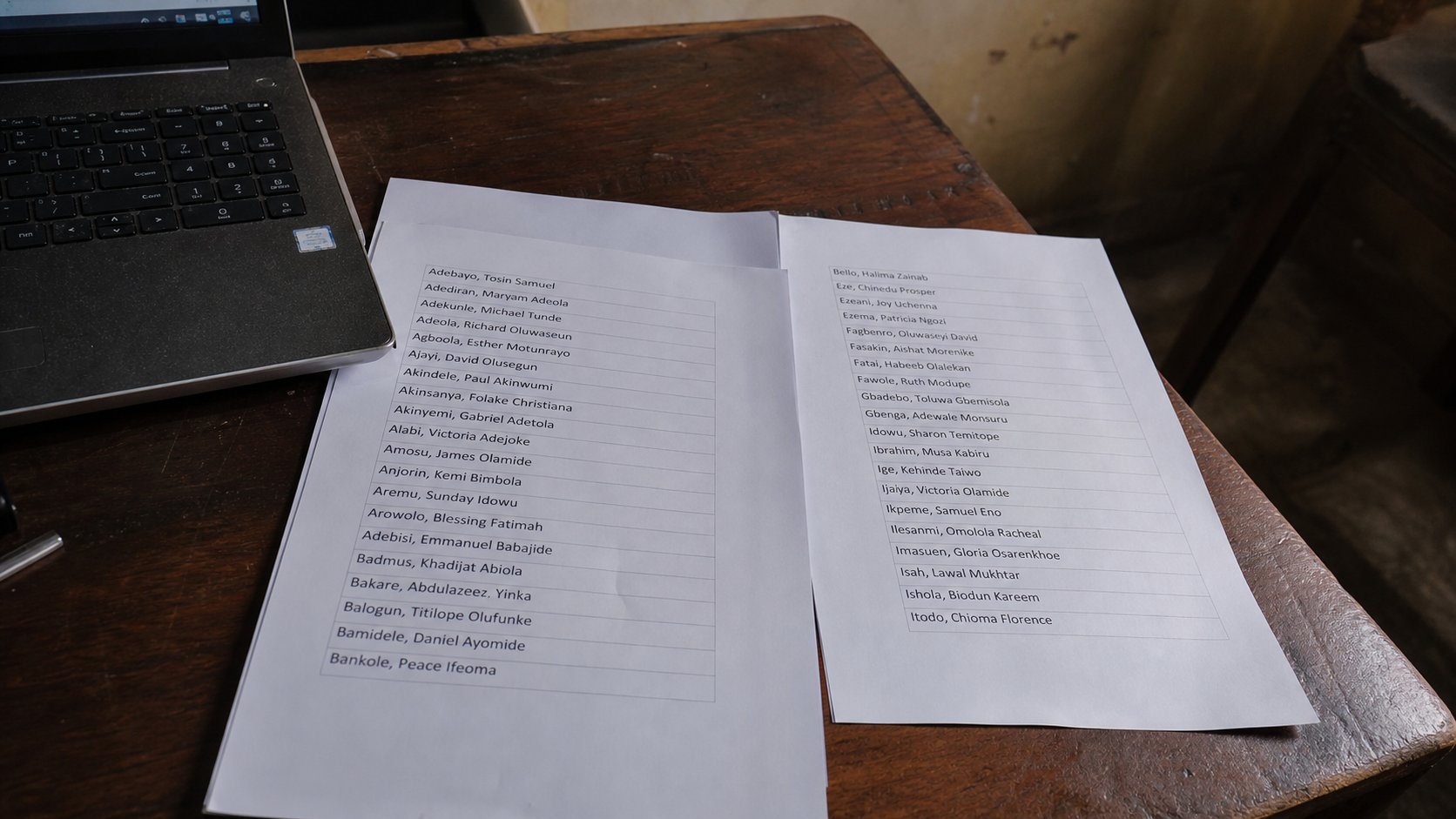
Mail merge is a factory for letters. Thirty names, one template. For three letters, type the name. For thirty, a list and a skip-or-learn moment. You do not owe the factory yet.
Lesson 53·2 min
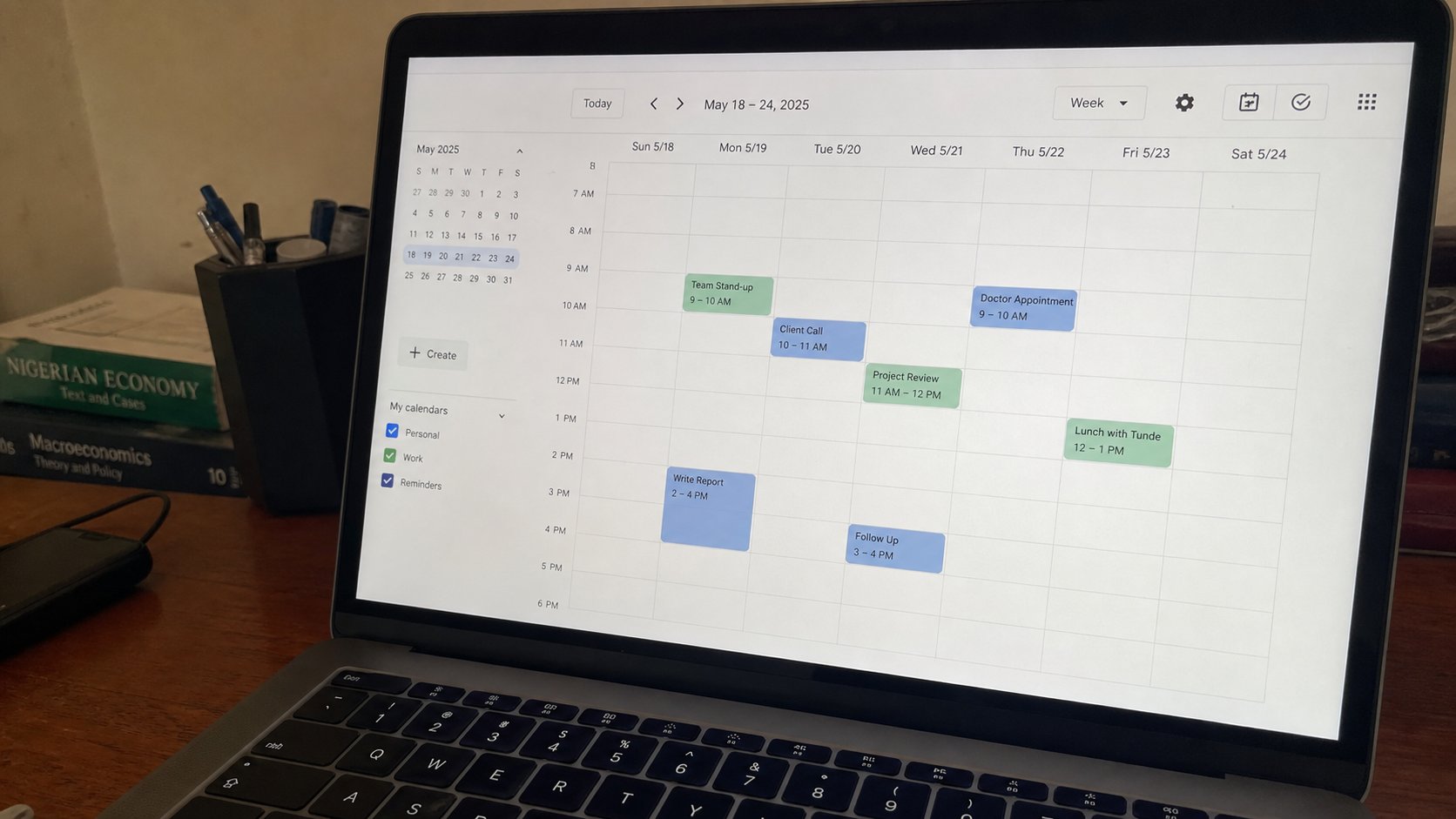
Calendar and reminders
A calendar is a wall chart that can tap you on the shoulder. One sitting, one date, a time, a name. The phone and the laptop can share it if they share an account.
Lesson 54·3 min
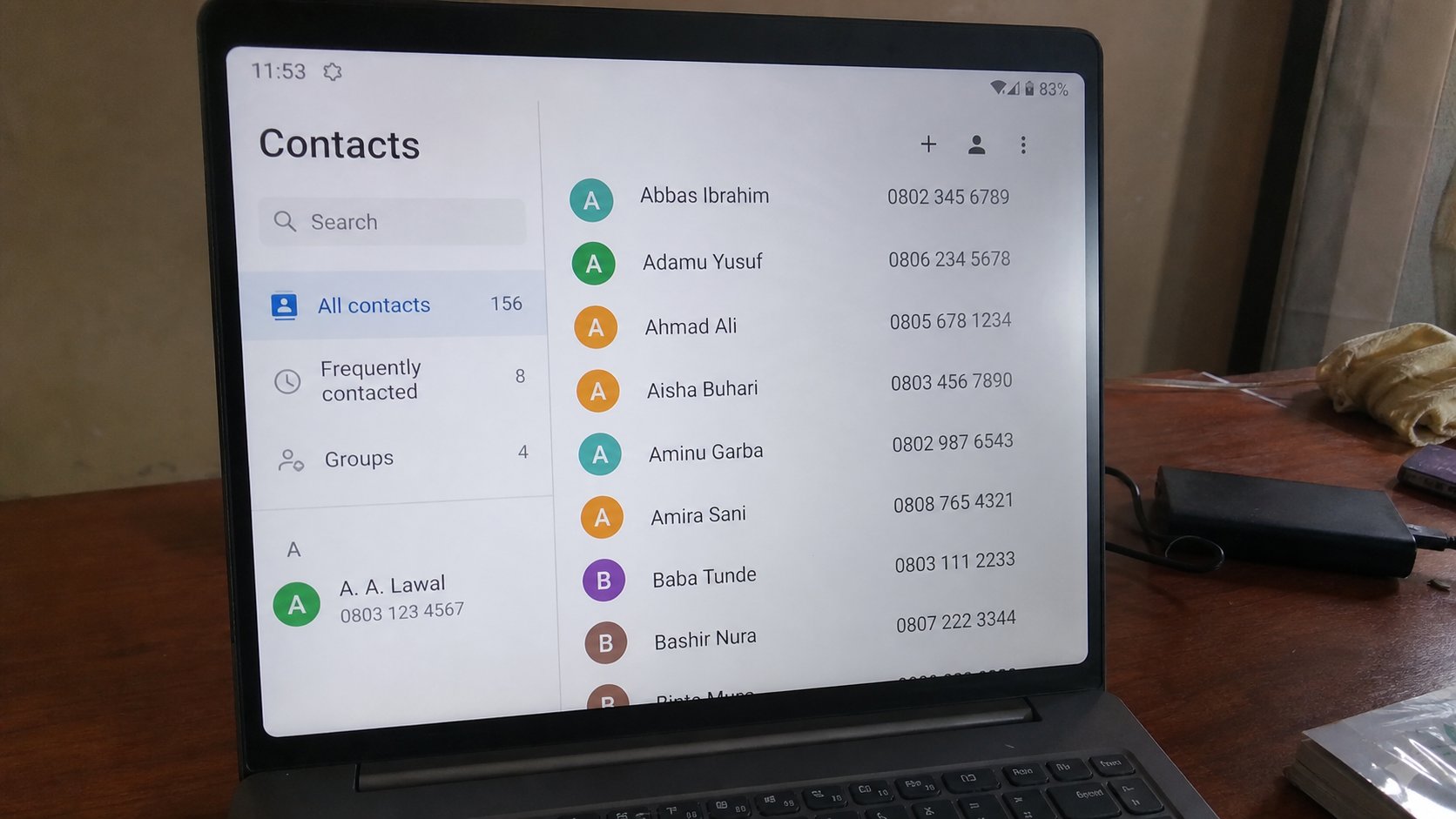
Contacts versus the phone book
A contact is a card: name, number, maybe email. The SIM is one drawer. The Google account is another. Two drawers is how numbers vanish when the phone dies.
Lesson 55·3 min
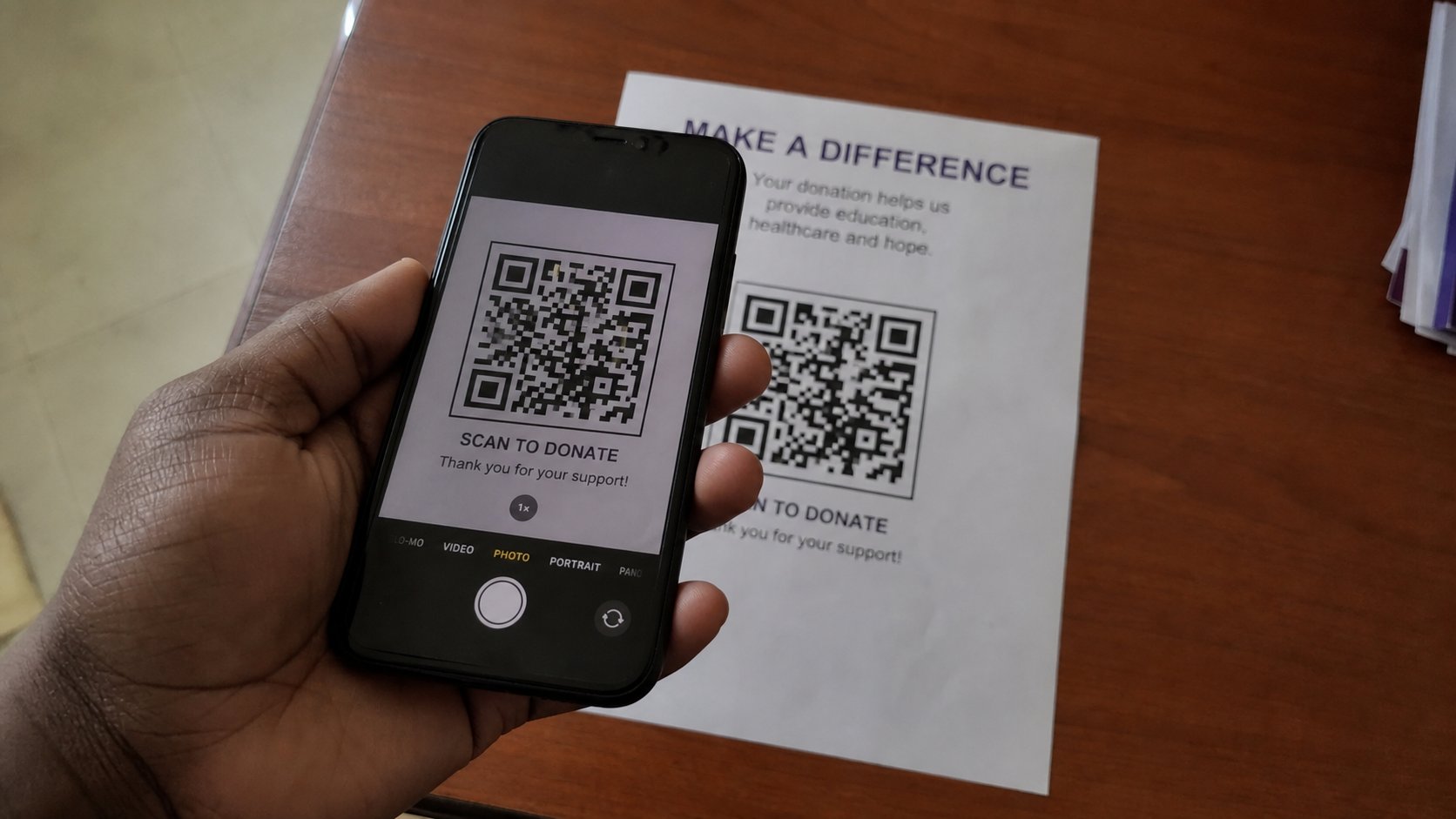
What a QR code is doing
A QR code is a printed address. The camera reads it and offers a door. Read the door before you walk. A sticker on a pole is not your bank.
Lesson 56·3 min
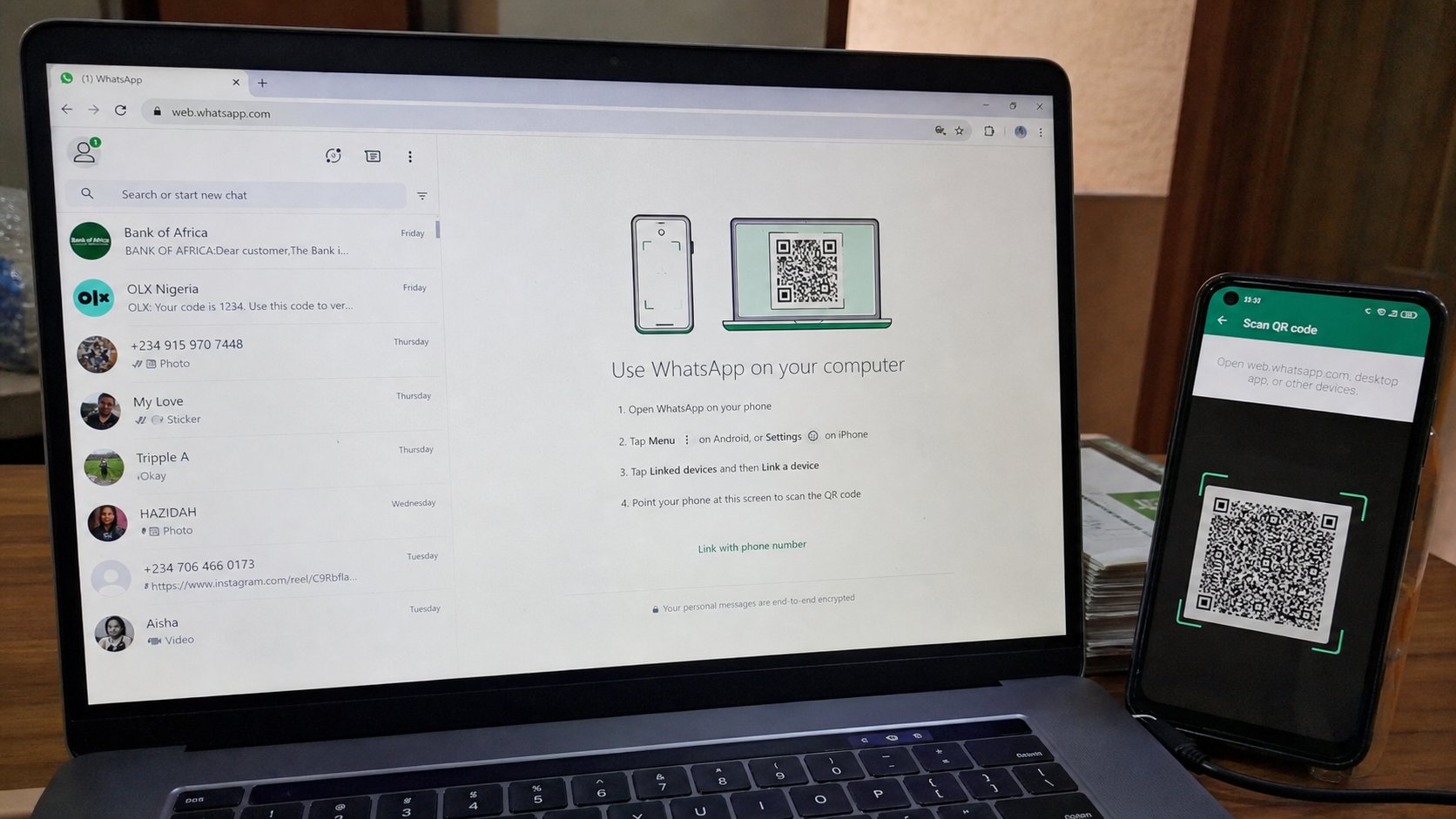
WhatsApp Web on a computer
The green app can sit in a browser. The phone stays the key. Scan once, type with a keyboard, log out when the desk is not yours.
Lesson 57·3 min
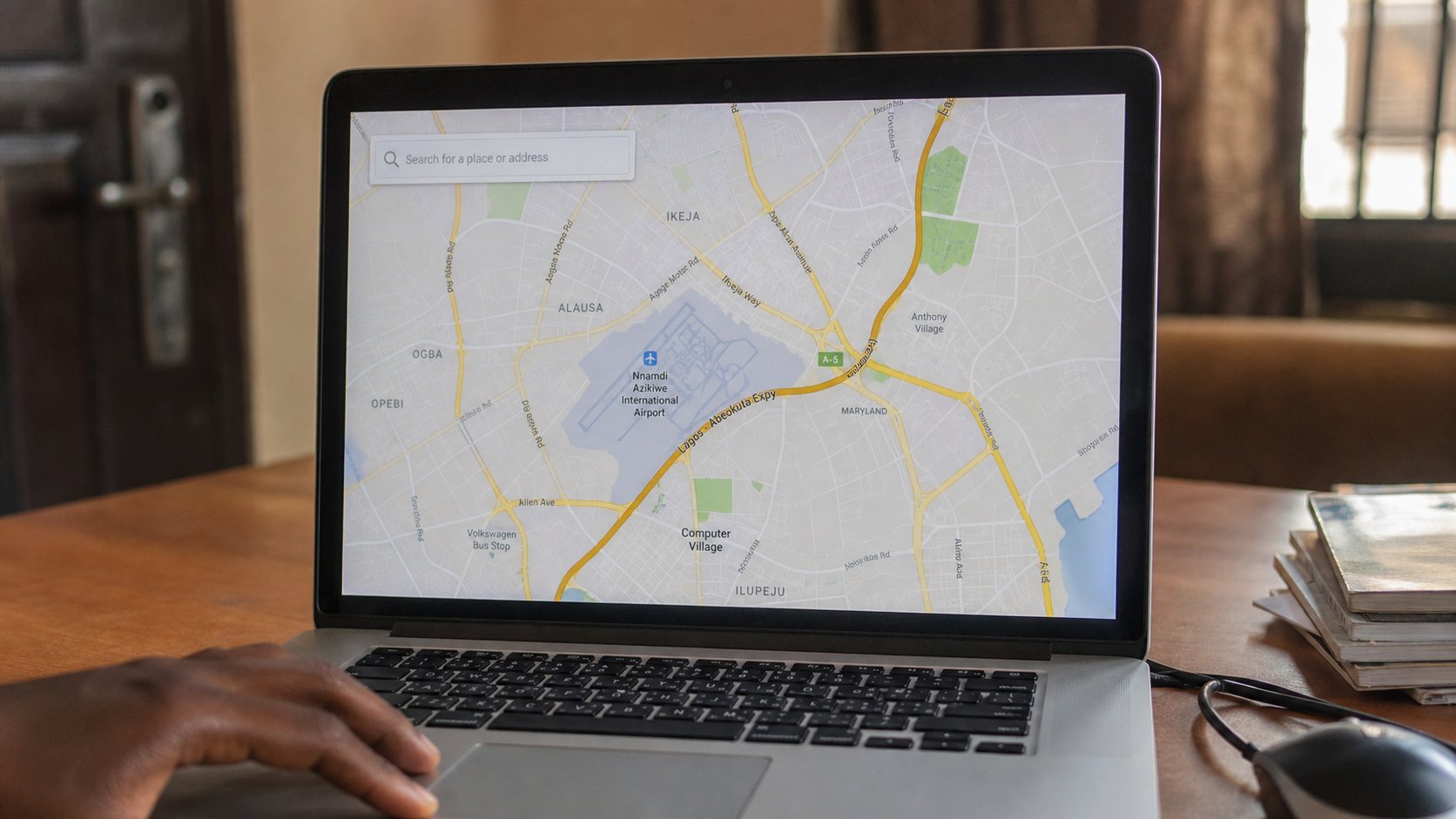
Maps without getting lost
A map app is a paper map that can talk. Search a place, read the pin, then the road. Download the area if the data will die. The blue dot is you, not the destination.
Lesson 58·3 min
A simple poster that can be read
A poster is a shout from across a room. One heading, one sentence, one time and place. Size 72 is not pride. It is distance. Colour is optional. Printing is the test.
Lesson 59·3 min
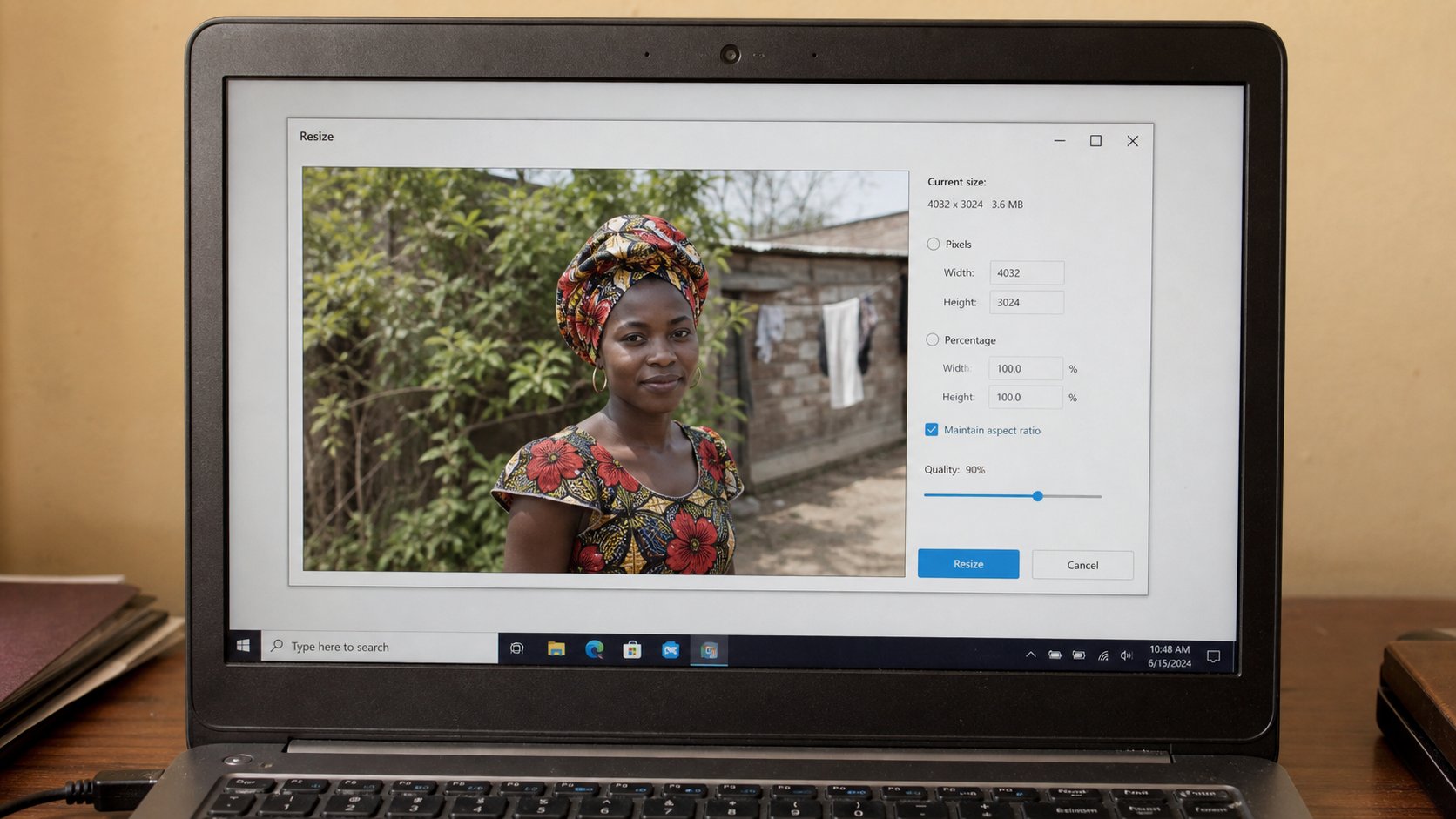
Shrinking a photo so email will take it
A phone photograph is a wall. Email wants a window. Resize is not crop. Save a copy. The original stays in Pictures.
Lesson 60·3 min
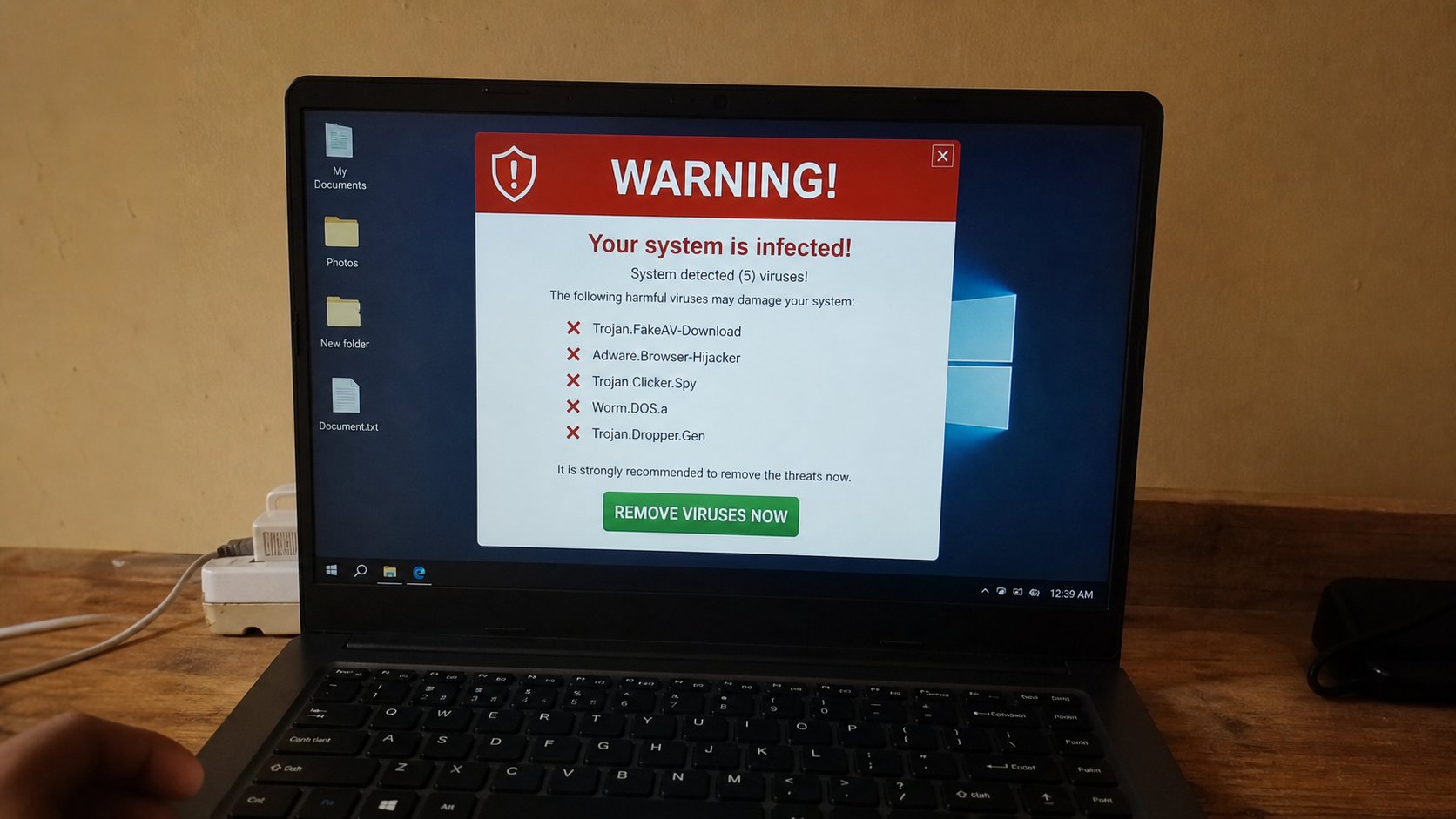
What “the computer has a virus” usually is
A flashing count of infections is usually an advert. A real problem is quieter: a file you cannot open, a browser that will not leave a stranger's page, a program you did not install. Close the scare. Do not call the number on it.
Lessons 61–70
Writing on the page
Two windows, lists, spell check, find and replace, undo, page numbers, Cc, and a signature.
Lesson 61·3 min
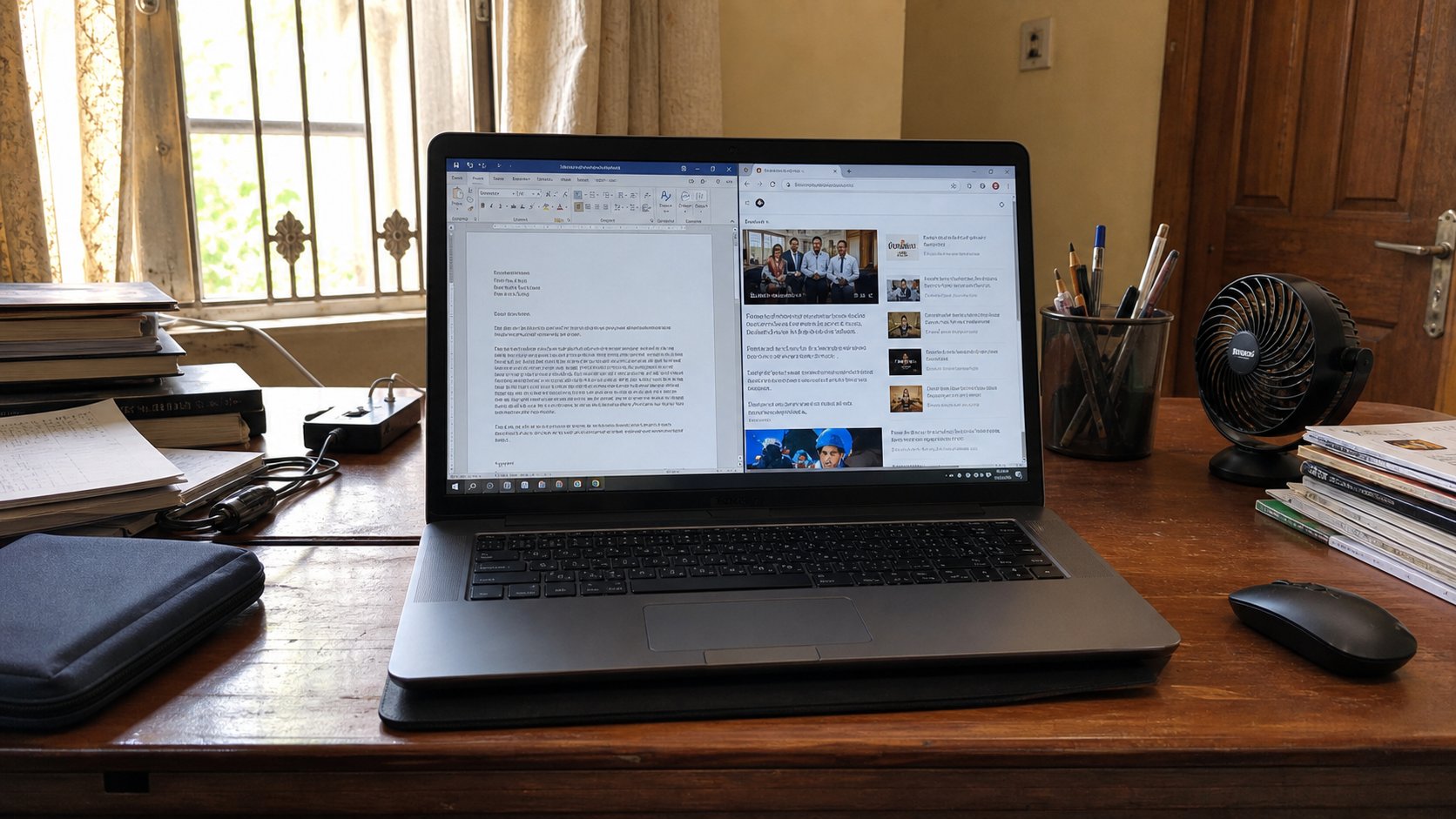
Two windows at once
A letter on the left, a page on the right. Snap is not magic. Alt+Tab is the other door. You do not have to close one room to stand in the other.
Lesson 62·3 min
Making the page larger without breaking it
Ctrl and plus is a magnifying glass on this page. It is not a new font. Accessibility is a lamp you are allowed to turn up. Squinting is not a virtue.
Lesson 63·3 min
Bullets and numbered lists
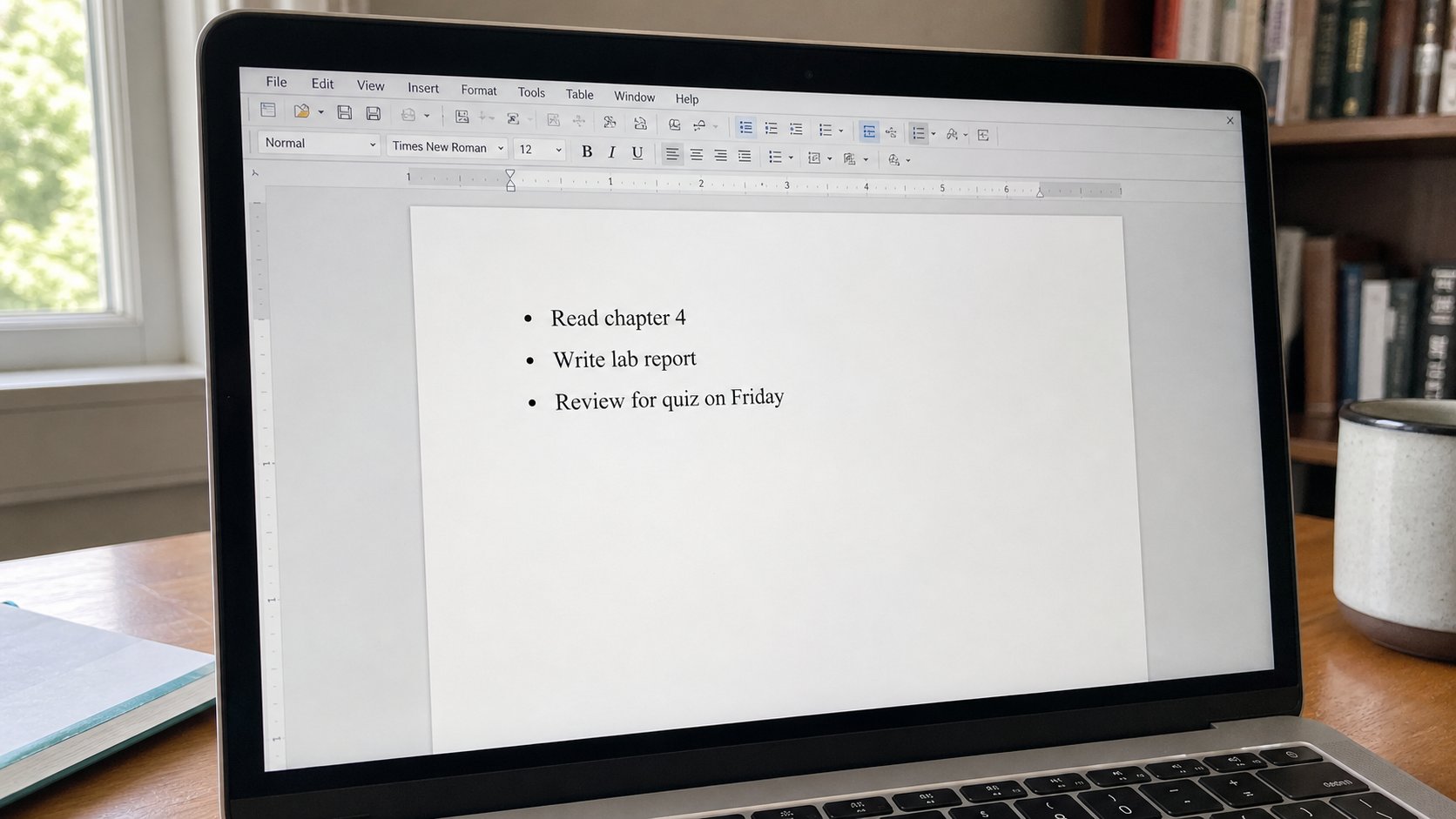
A list is a set of steps or a set of things. Numbers mean order. Dots mean a pile. Tab nests. Enter twice gets you out. Space-bar art is not a list.
Lesson 64·3 min
Spell check is a cousin, not a teacher
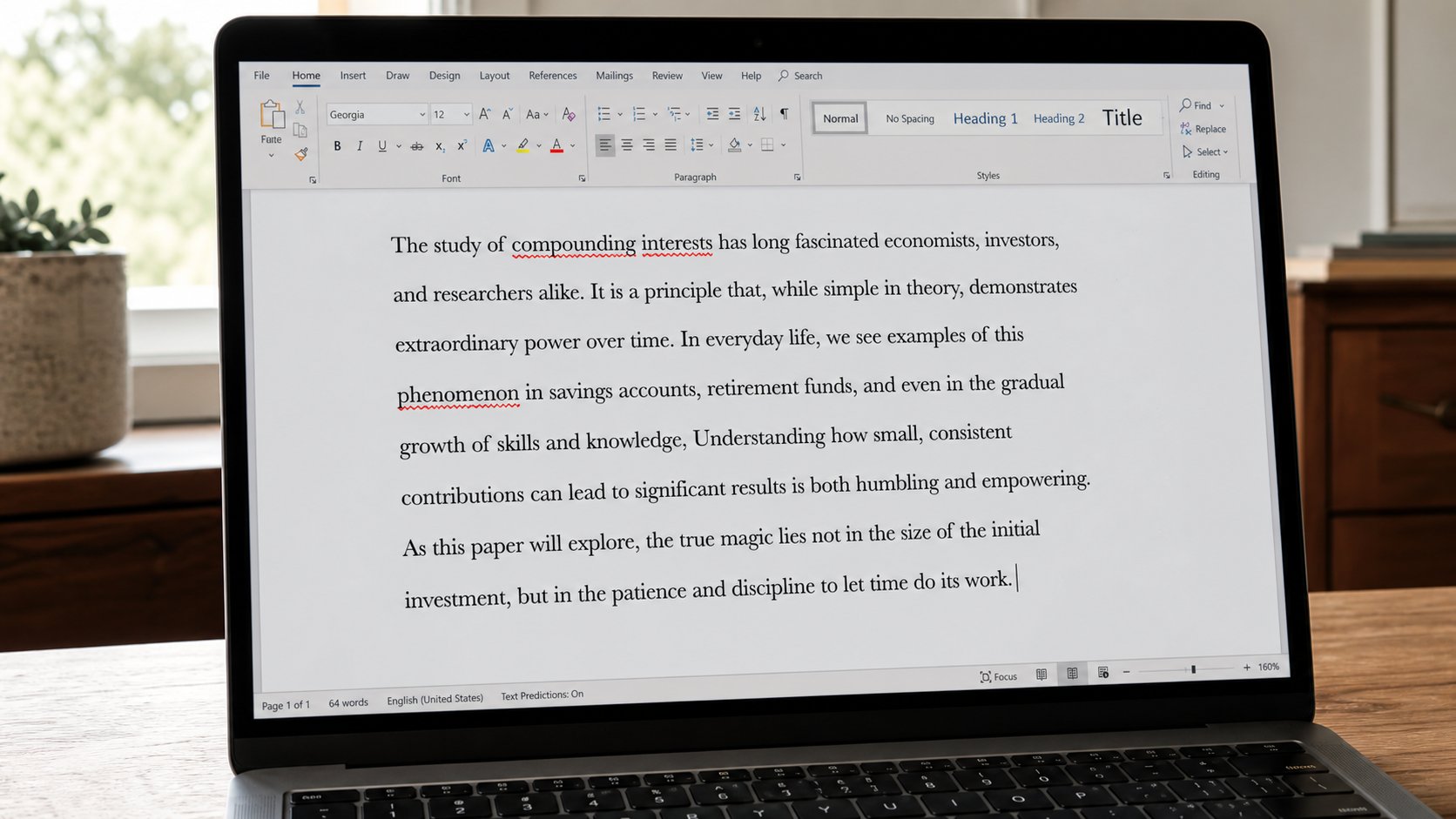
The red line catches letters. It will not catch from for form. Read the letter out loud. Right-click a squiggle. Do not Accept all like a cookie banner.
Lesson 65·3 min
Find and replace
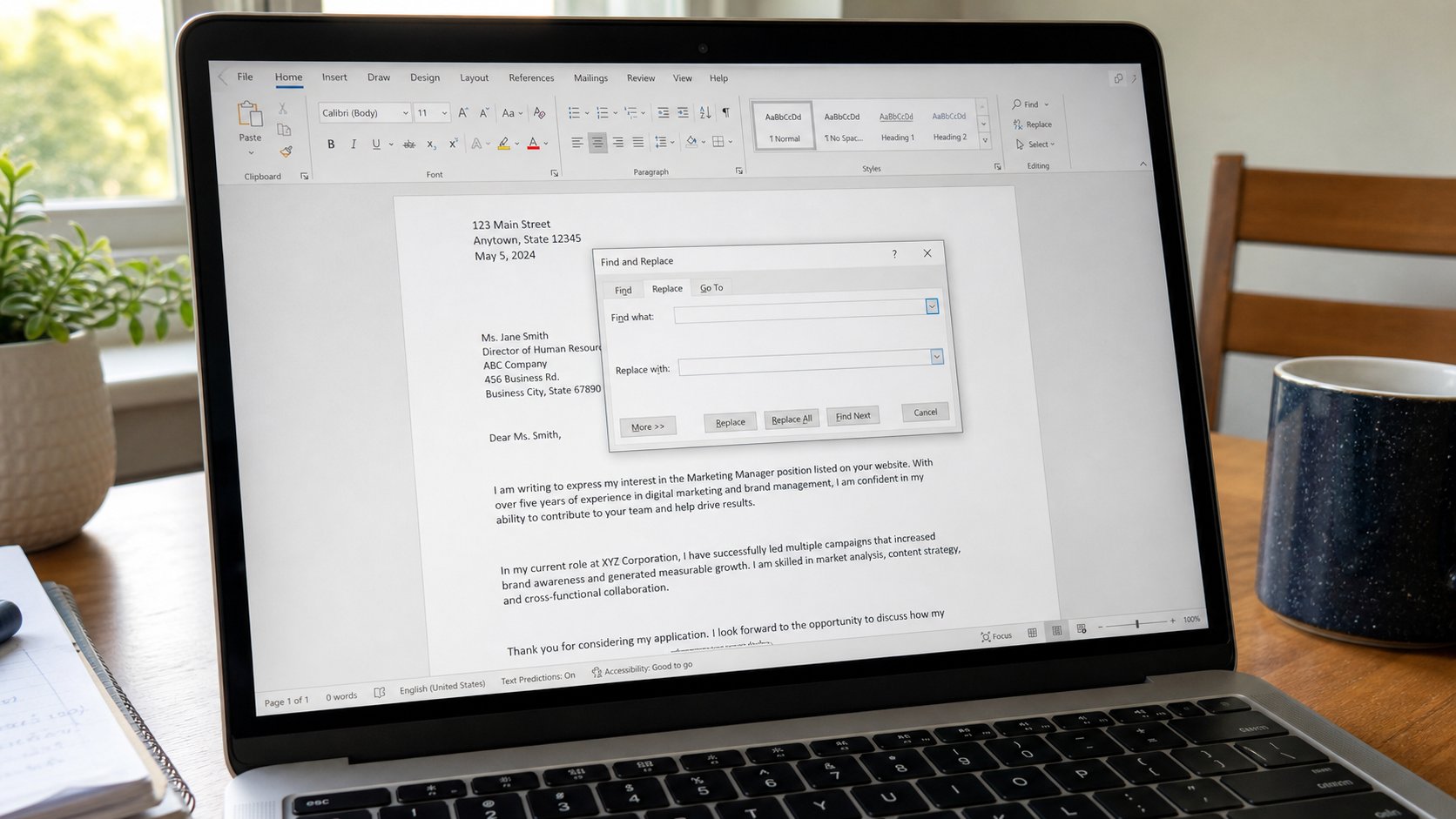
Find is search inside the page. Replace is change, once or everywhere. Look at the one before you change the thirty. Replace all is a tap you cannot always undo in email.
Lesson 66·3 min
Undo, and the thing you did not mean
Ctrl+Z takes back the last act. Ctrl+Y puts it back. Save is still the floor. Undo is a rope, not a time machine, and it dies when you close the window.
Lesson 67·3 min
Selecting text without rage
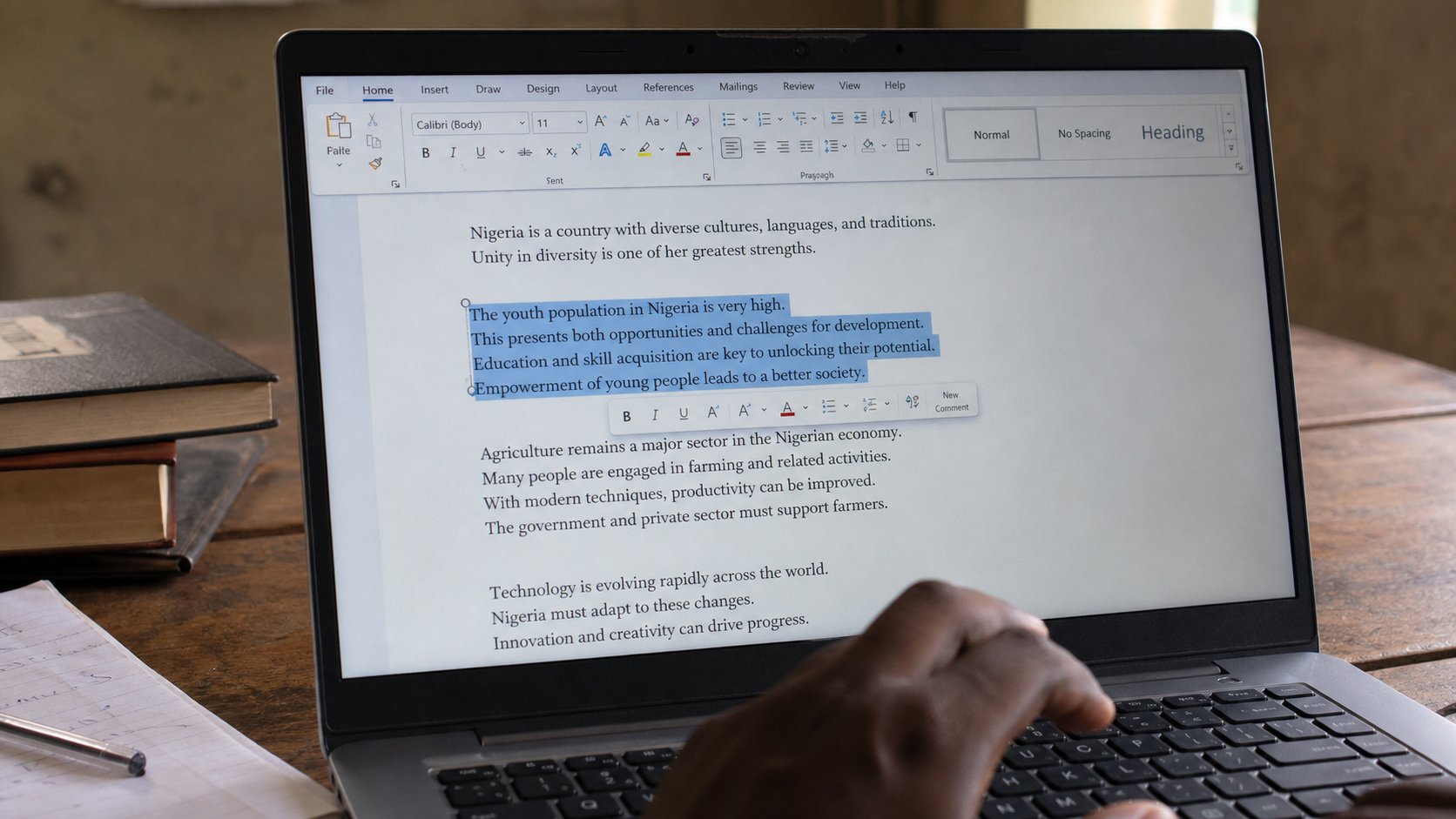
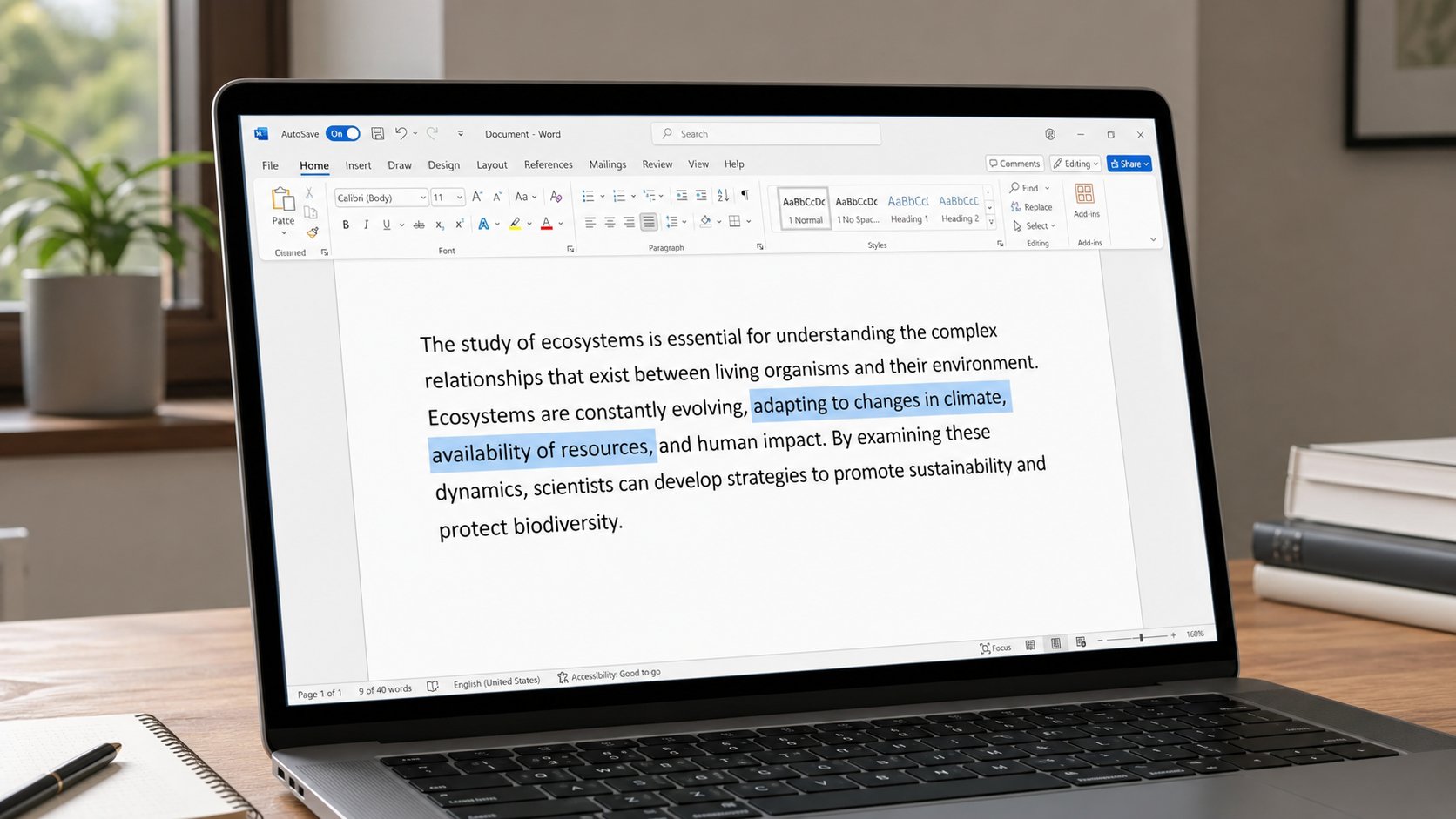
Highlight is how the machine knows which words you mean. A drag, a double-click, Shift and an arrow. Click once in empty space if the blue block was a mistake.
Lesson 68·3 min
Page numbers and a quiet header
A header is a small line that repeats. A page number is a counter, not a number you type at the bottom of each sheet. Insert it once. The next page will count.
Lesson 69·3 min
Cc, Bcc, and Reply all
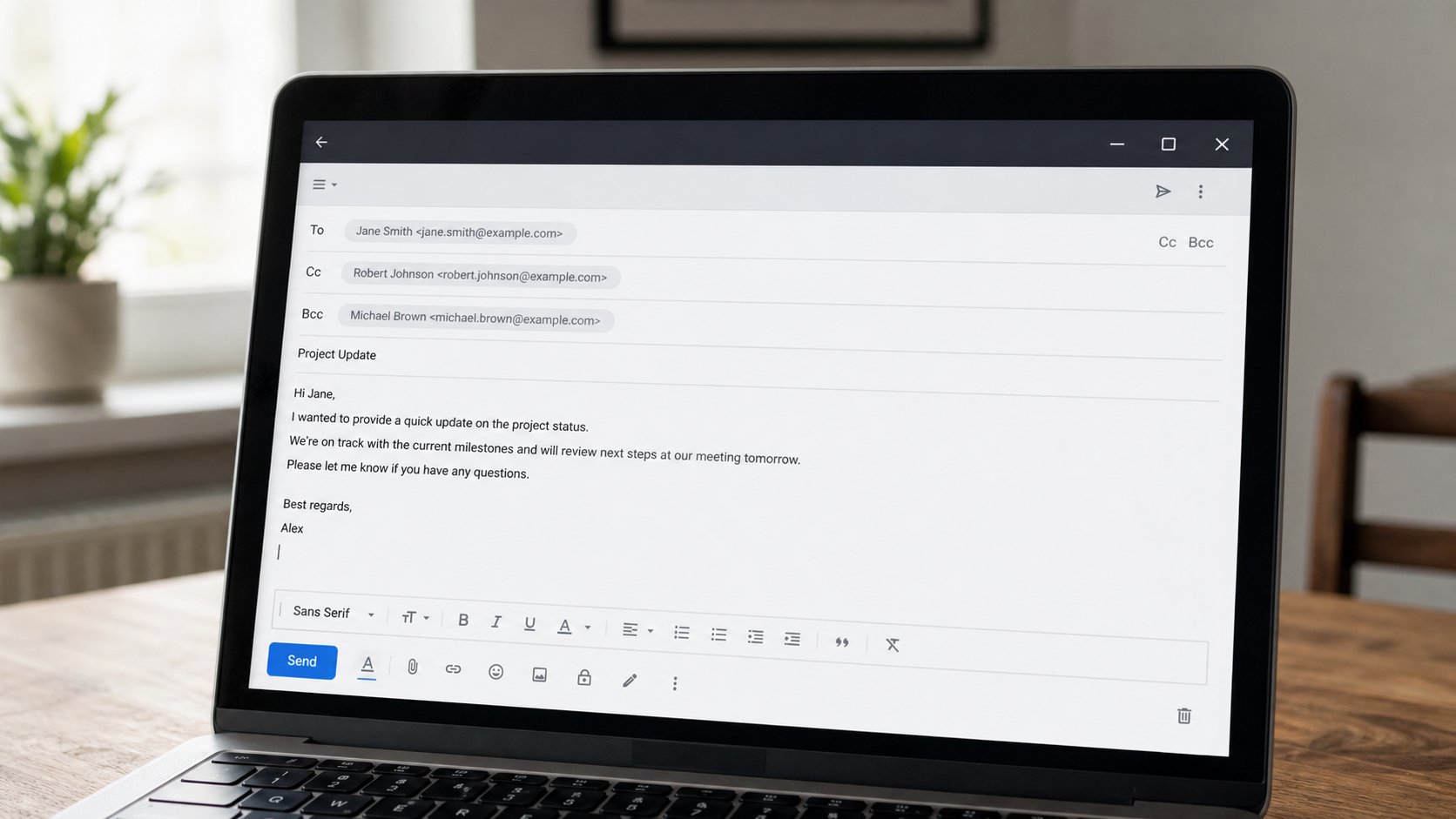
To is the person who must act. Cc is the person who should see. Bcc is a copy they did not all see each other get. Reply all is a loud room. Use it rarely.
Lesson 70·3 min
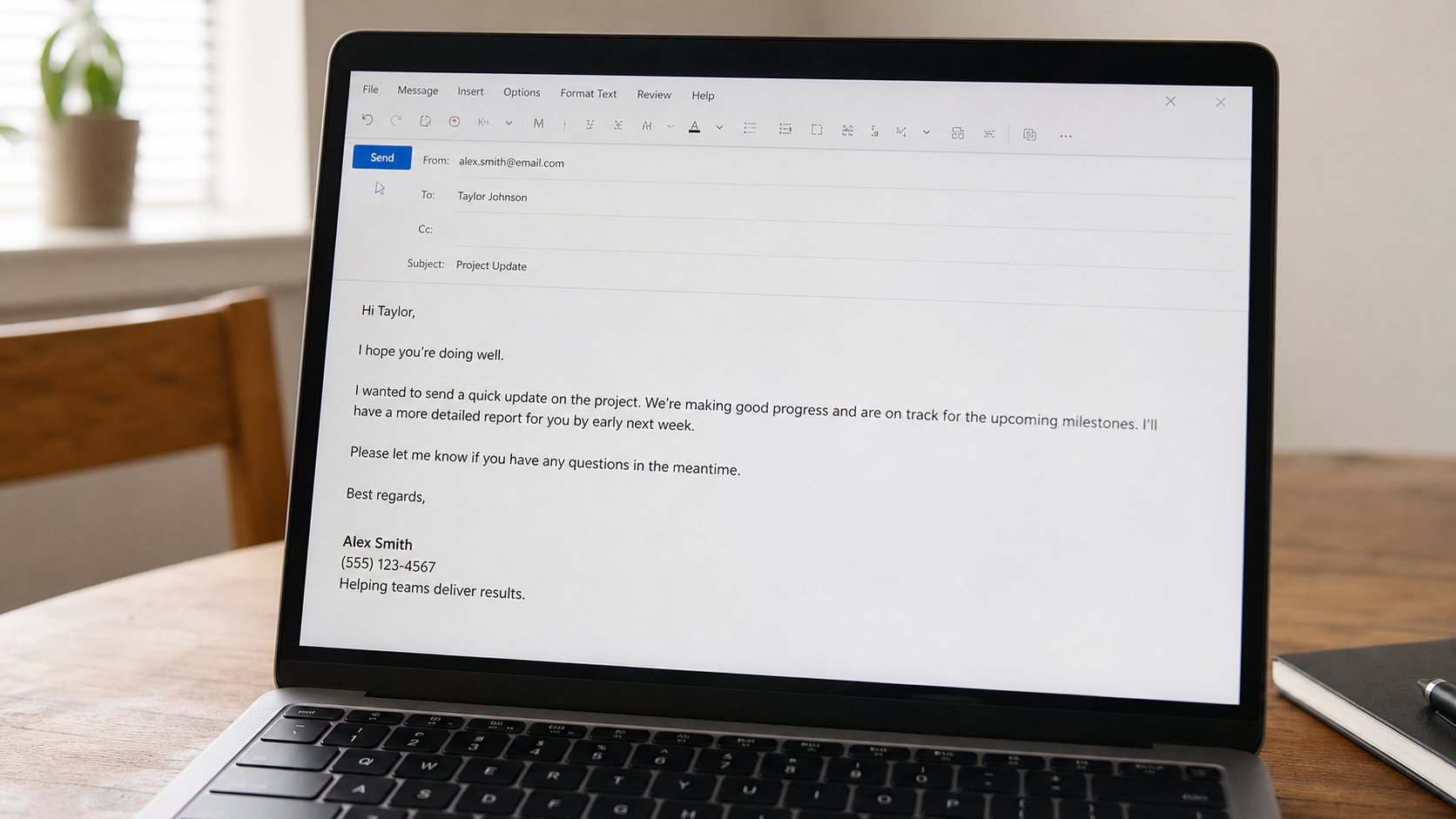
A signature at the bottom of a mail
A signature is your name and how to reach you, repeated without retyping. Three lines is enough. A novel, a logo, and a quote are a poster glued to a letter.
Lessons 71–80
Spreadsheets and sharing
Open with, file size, drag and drop, a CV, Google Docs, comments, sort, and print.
Lesson 71·3 min
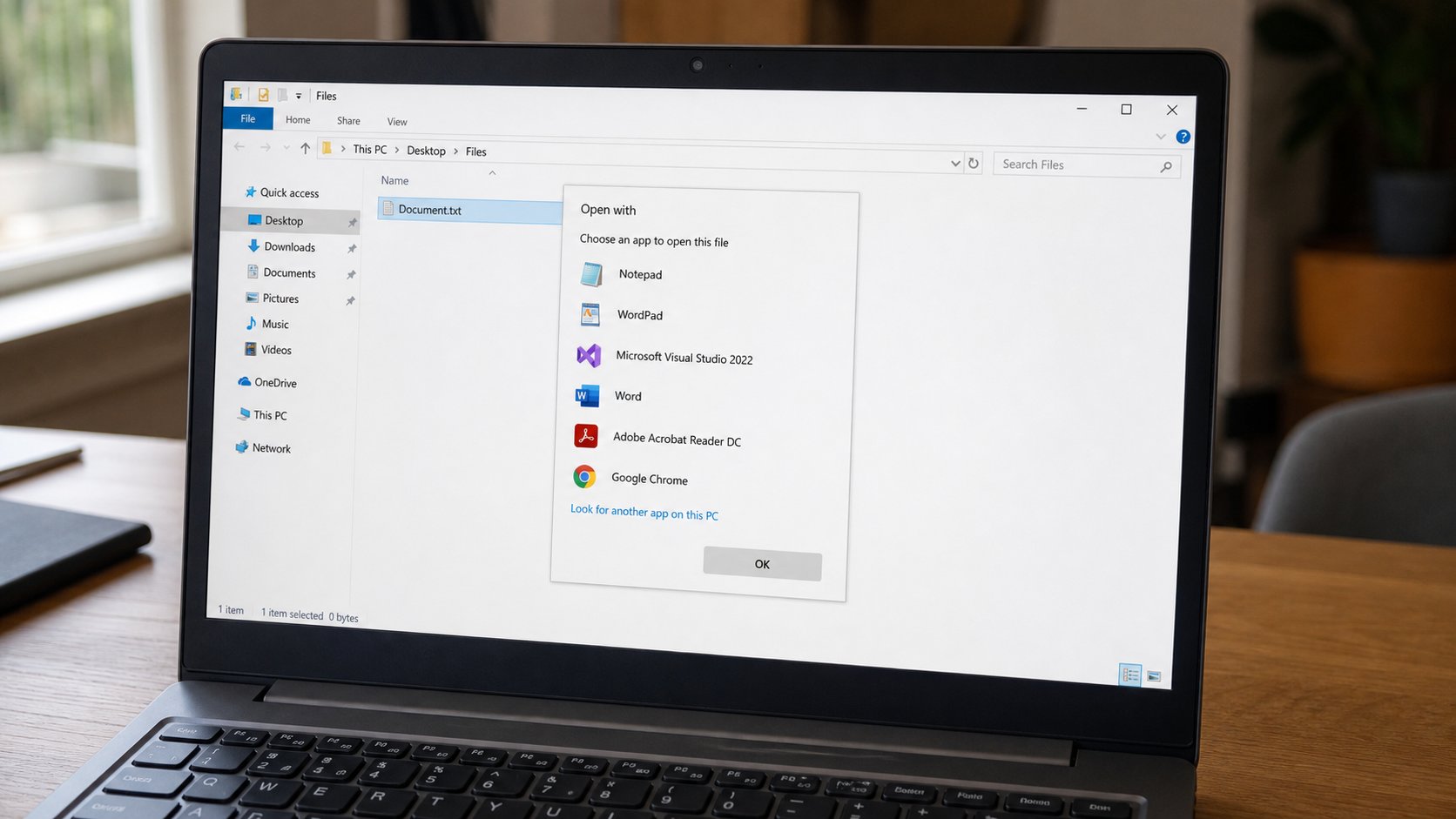
Open with — this program, not that one
A file is not a program. Double-click asks Windows to guess. Open with is how you choose. Always is a marriage. Once is a visit.
Lesson 72·3 min
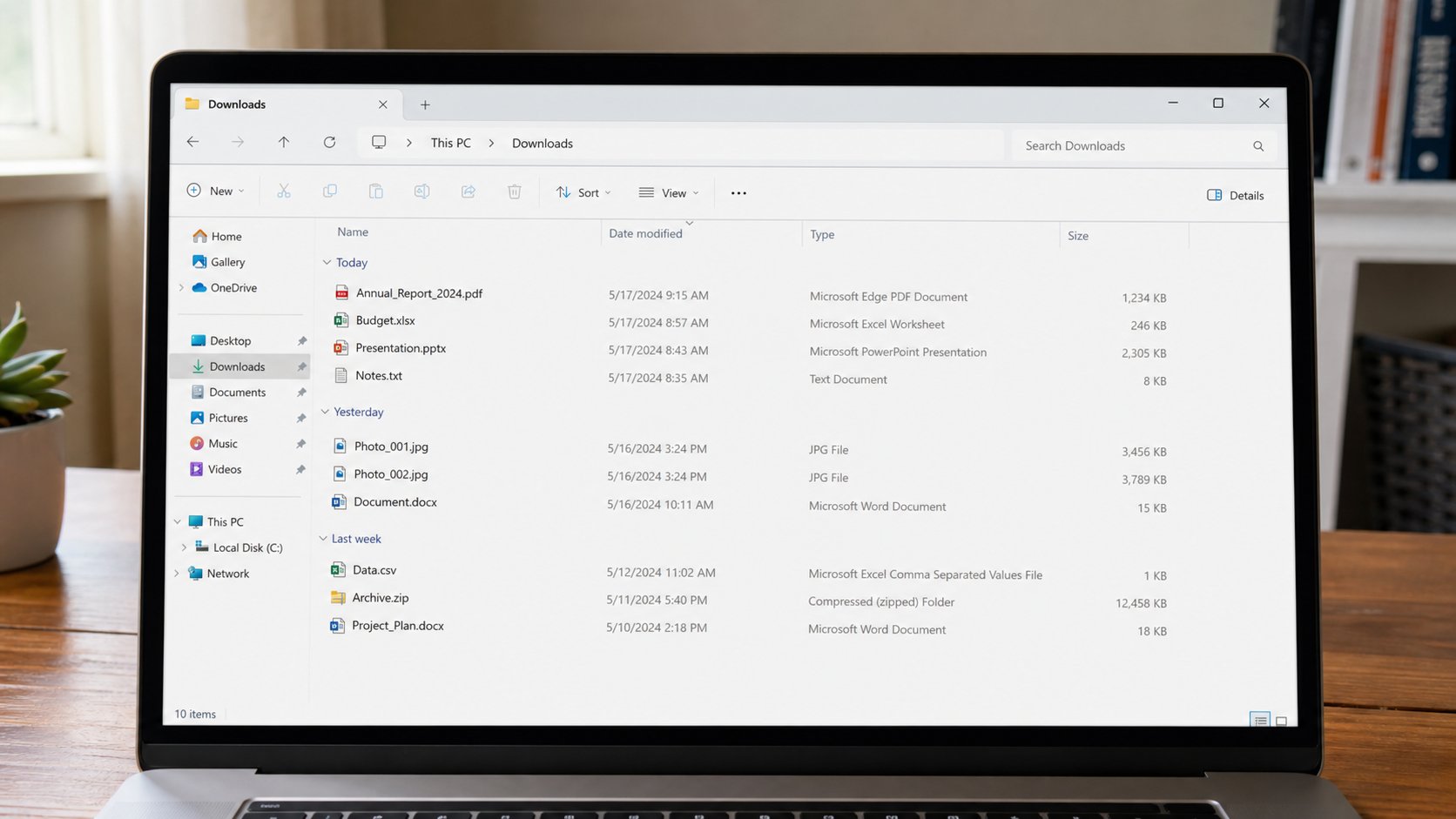
What KB, MB and GB actually mean
Size is how heavy the suitcase is. A page of text is light. A phone photograph is a brick. Email has a door that will not take bricks. Look at the Size column.
Lesson 73·3 min
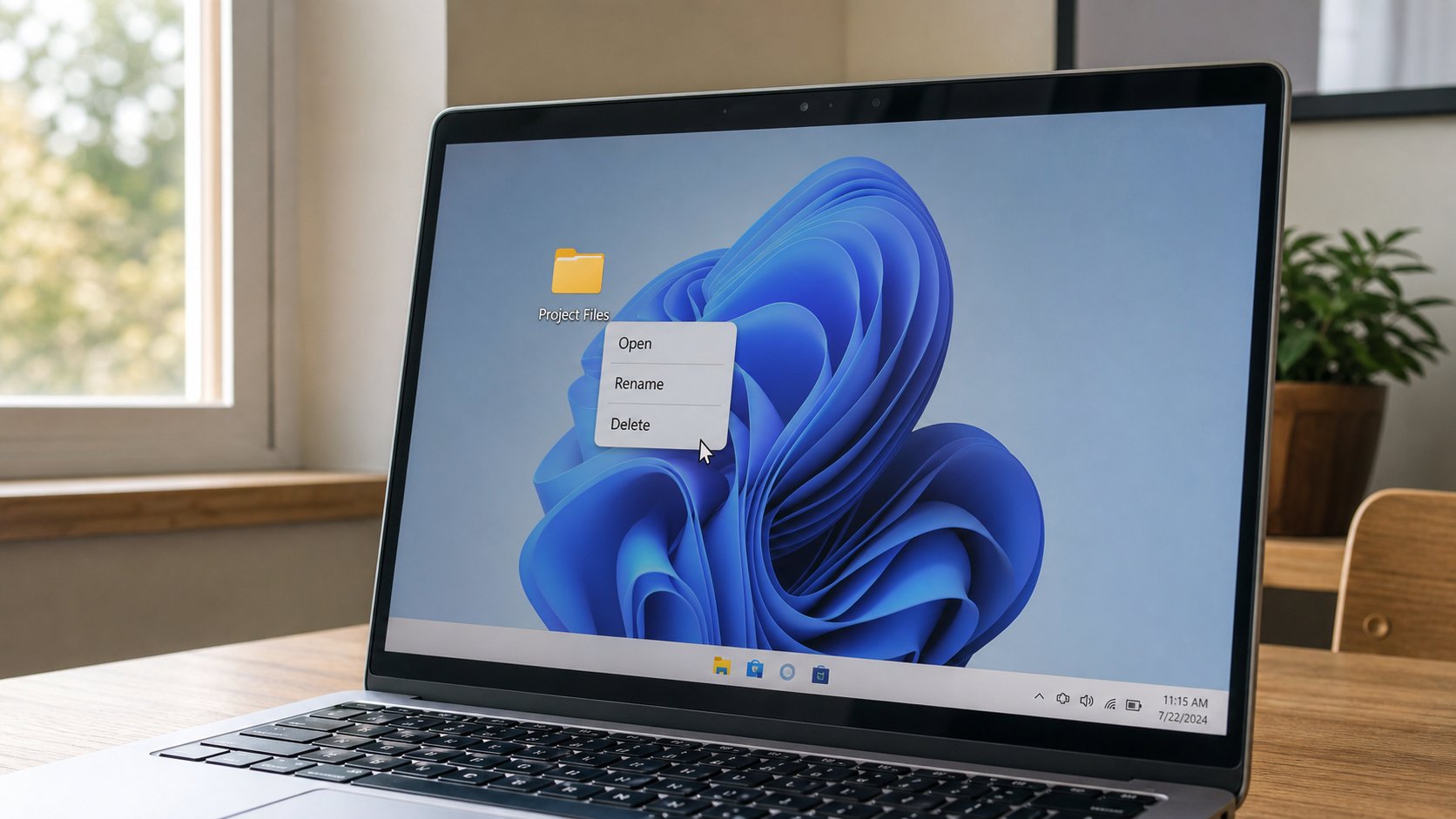
The right-click menu is a map
The right button is not a second click. It is a list of extra acts for whatever is under the pointer. Open, Rename, Delete, Open with, Properties. Click empty space to dismiss it.
Lesson 74·3 min
Drag and drop without losing the file
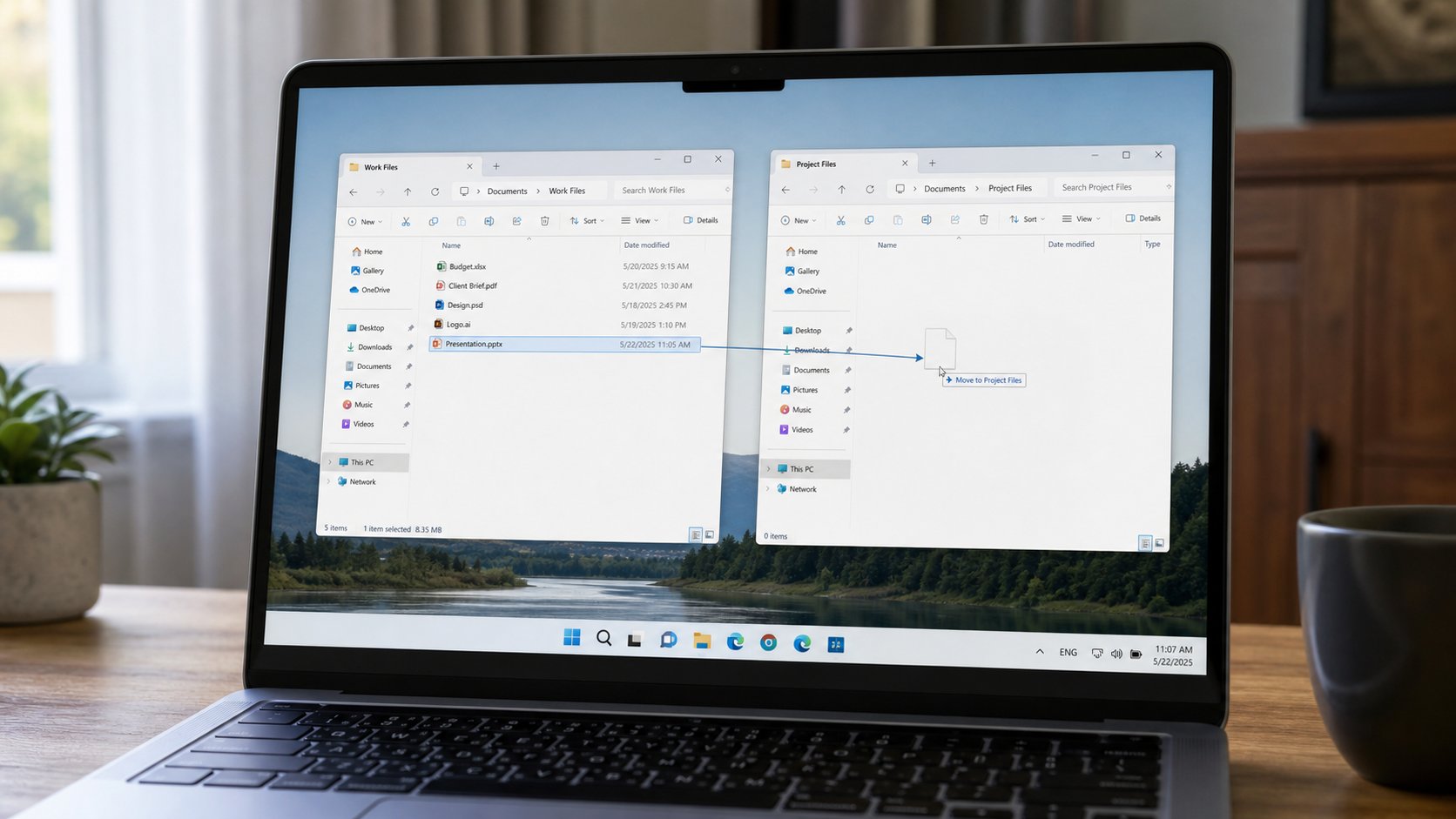
Hold, move, release. Inside one disk, that is often a move. Onto a USB, it is often a copy. Watch the ghost icon. Drop on a folder, not on a hole.
Lesson 75·3 min
A one-page CV that is honest
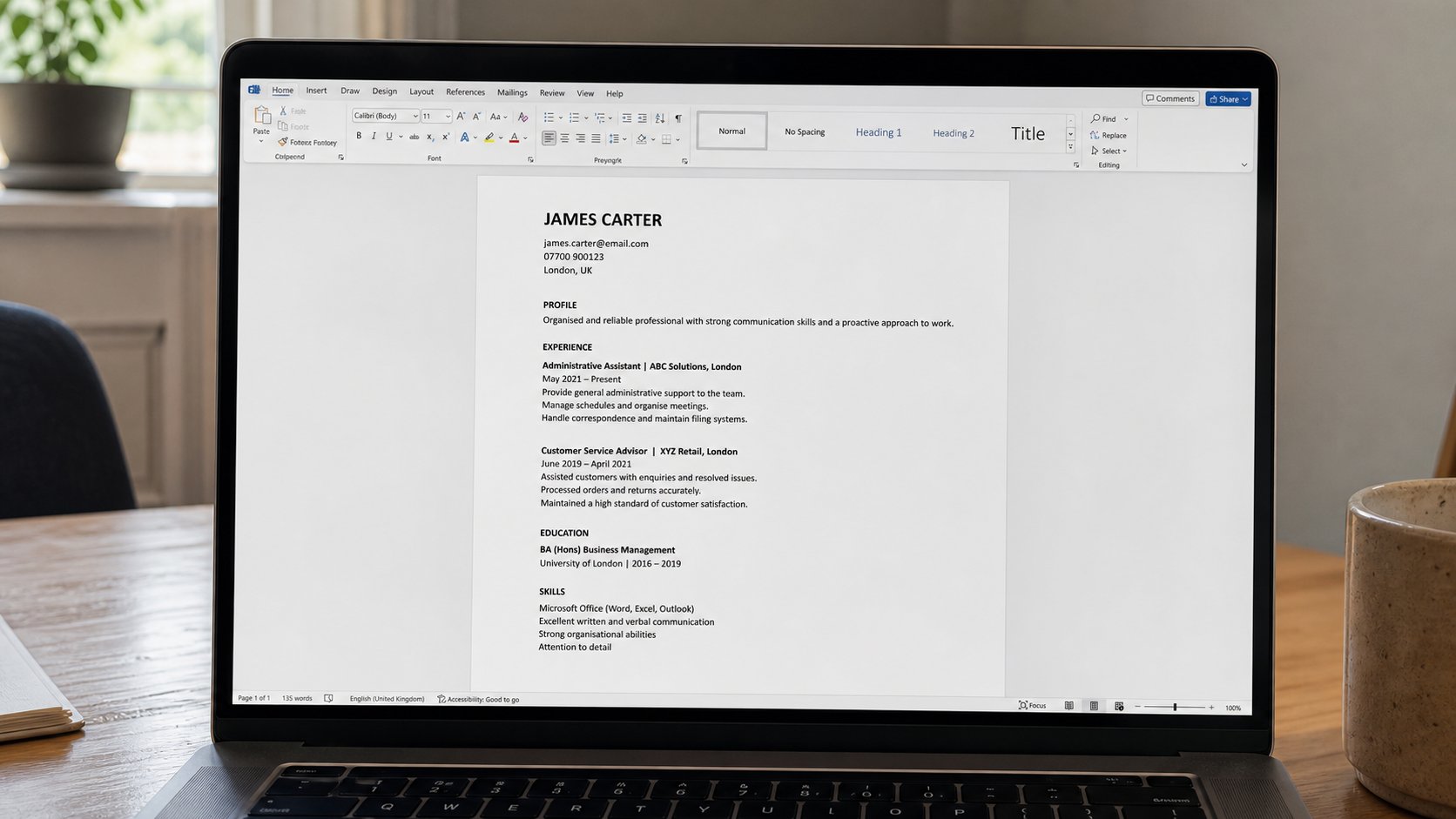
A CV is a letter about work you have actually done. One page, real dates, a number that rings. Empty years are allowed. Invented jobs are not.
Lesson 76·3 min
Google Docs when there is no Word
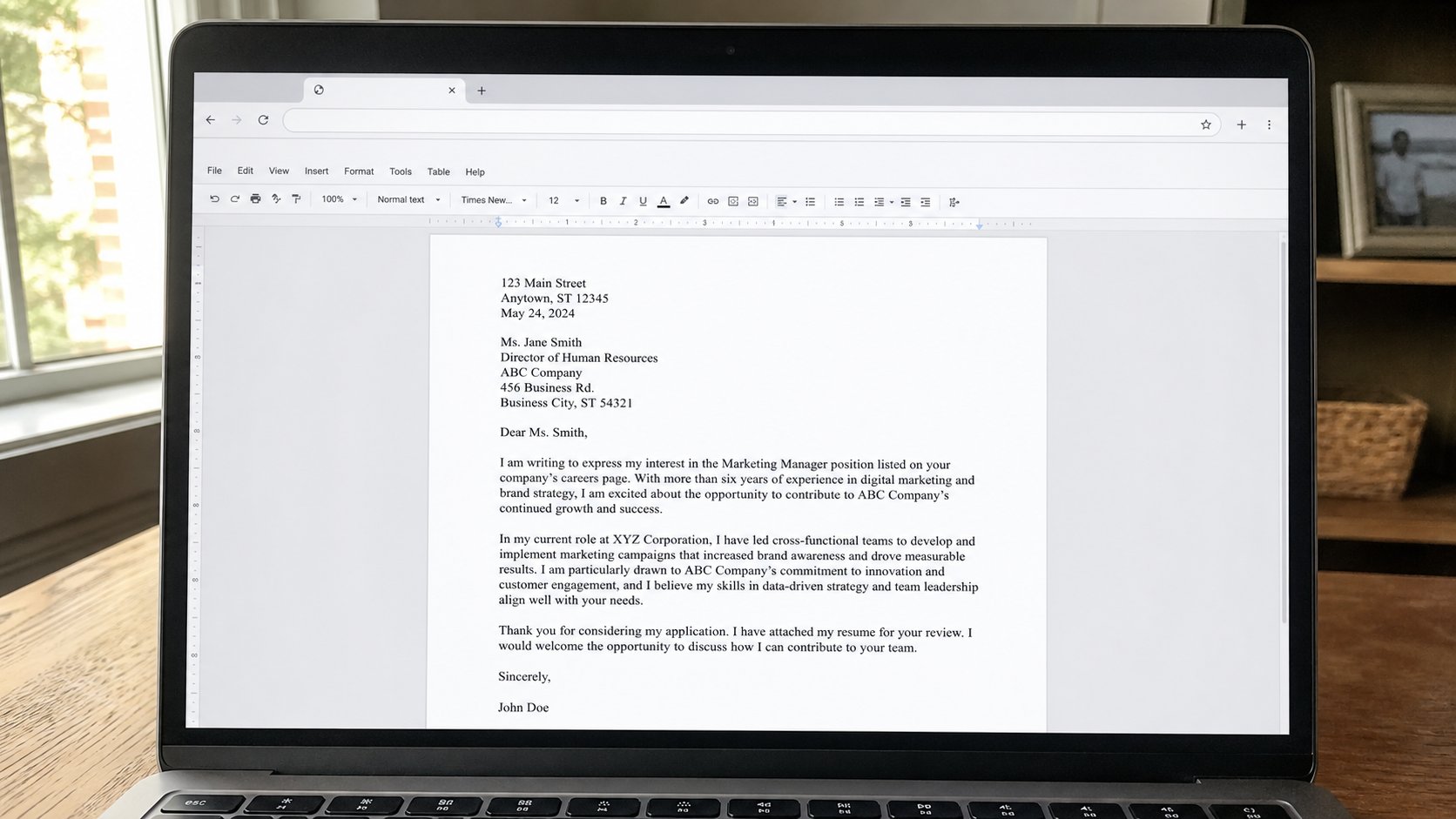
A letter can live in the browser. Same bones: a page, a cursor, Save that happens by itself if you are online. Download a PDF before you send it to an office.
Lesson 77·3 min
Sharing a file without publishing it
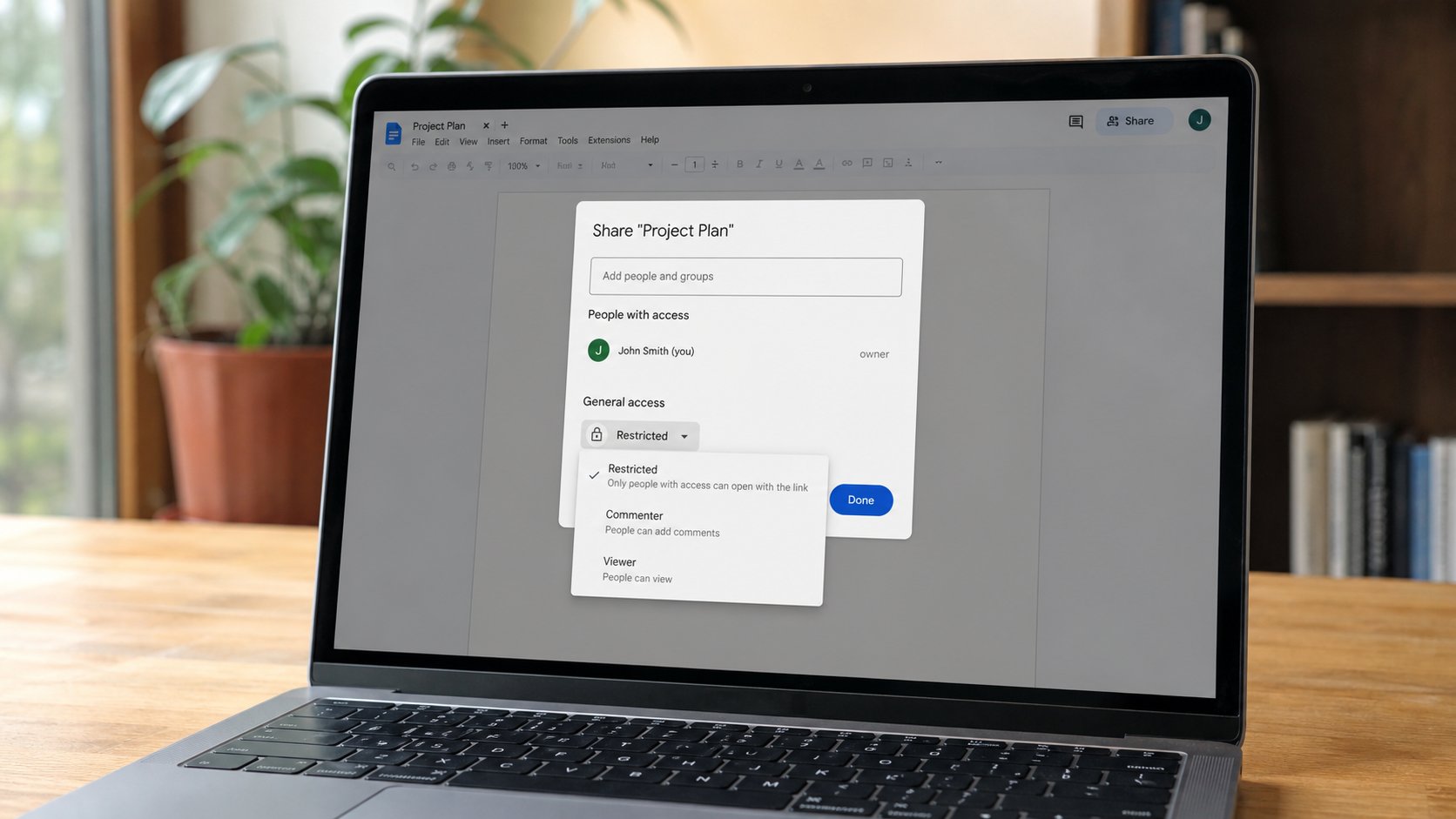
Anyone with the link is a public tray. A named email is a letter to one person. Viewer is enough for a receipt. Editor is a second pair of hands on your only copy.
Lesson 78·3 min
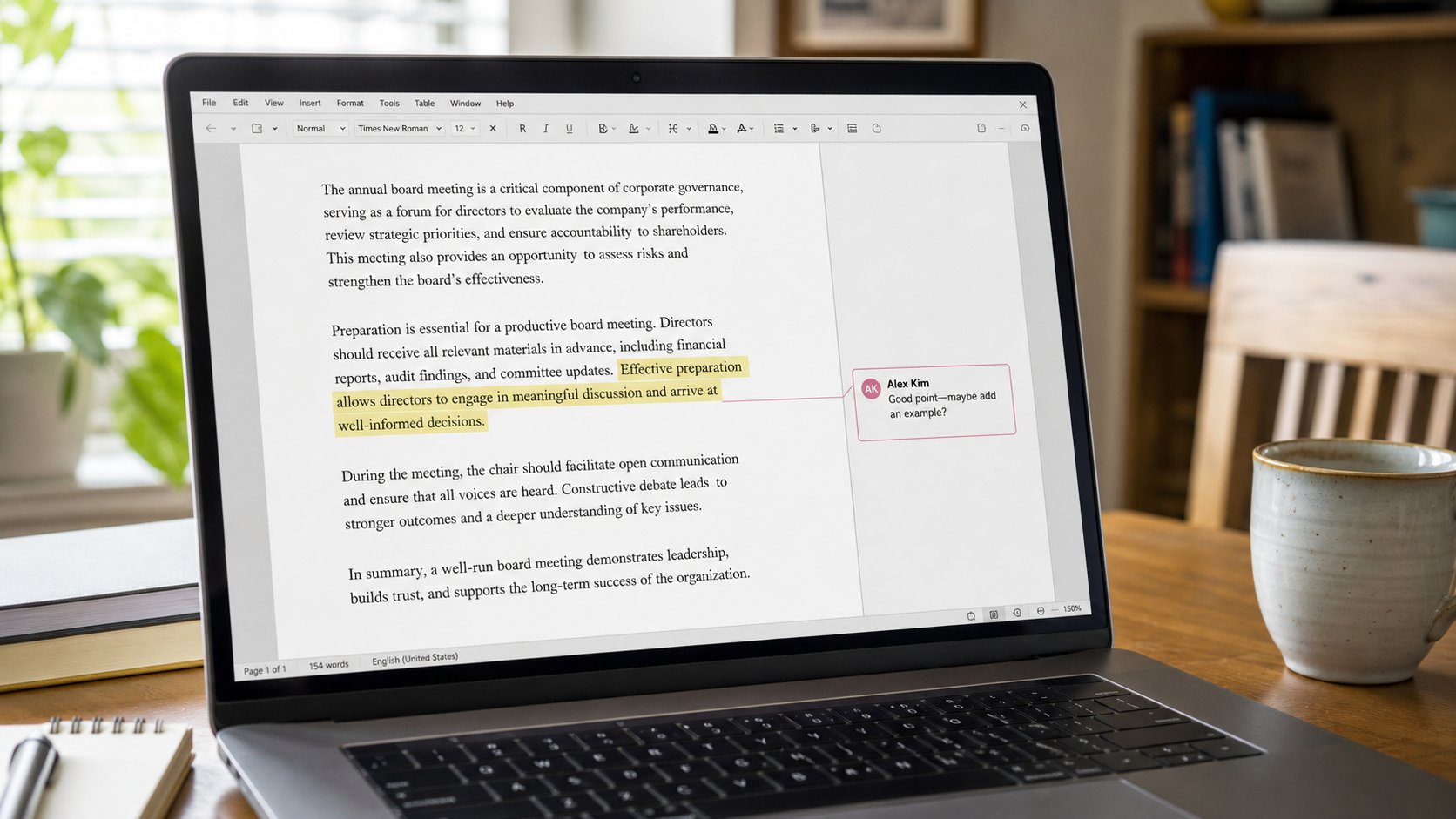
Comments on a document
A comment is a note in the margin, not a change to the letter. Reply, resolve, or ignore. Suggesting is a cousin that writes in another colour. You still own Accept.
Lesson 79·2 min
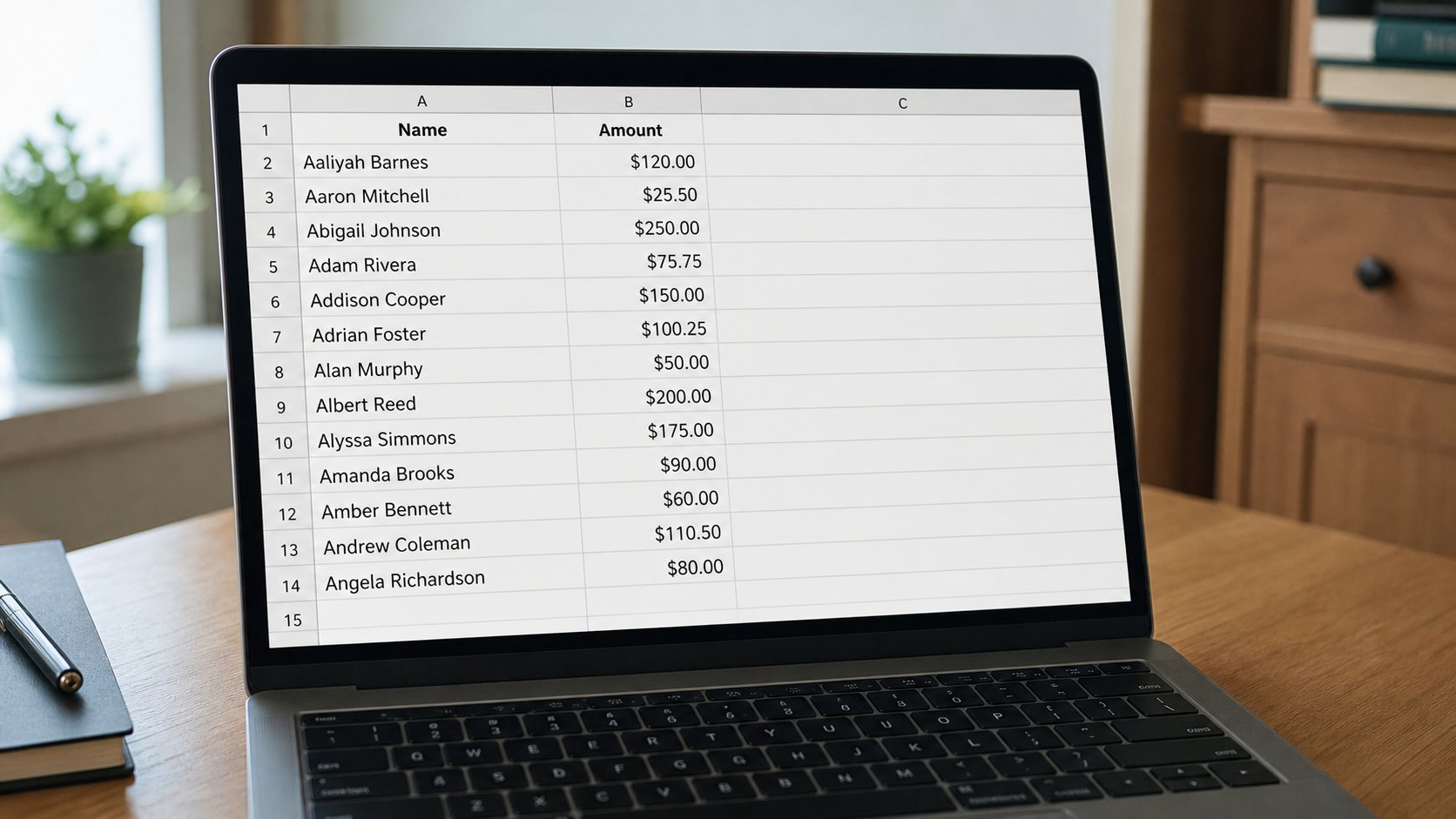
Sorting a column without scrambling the rows
Sort is lining up a register. Select the whole table, then sort by one column. Sorting a single column on its own is how names leave their amounts.
Lesson 80·3 min
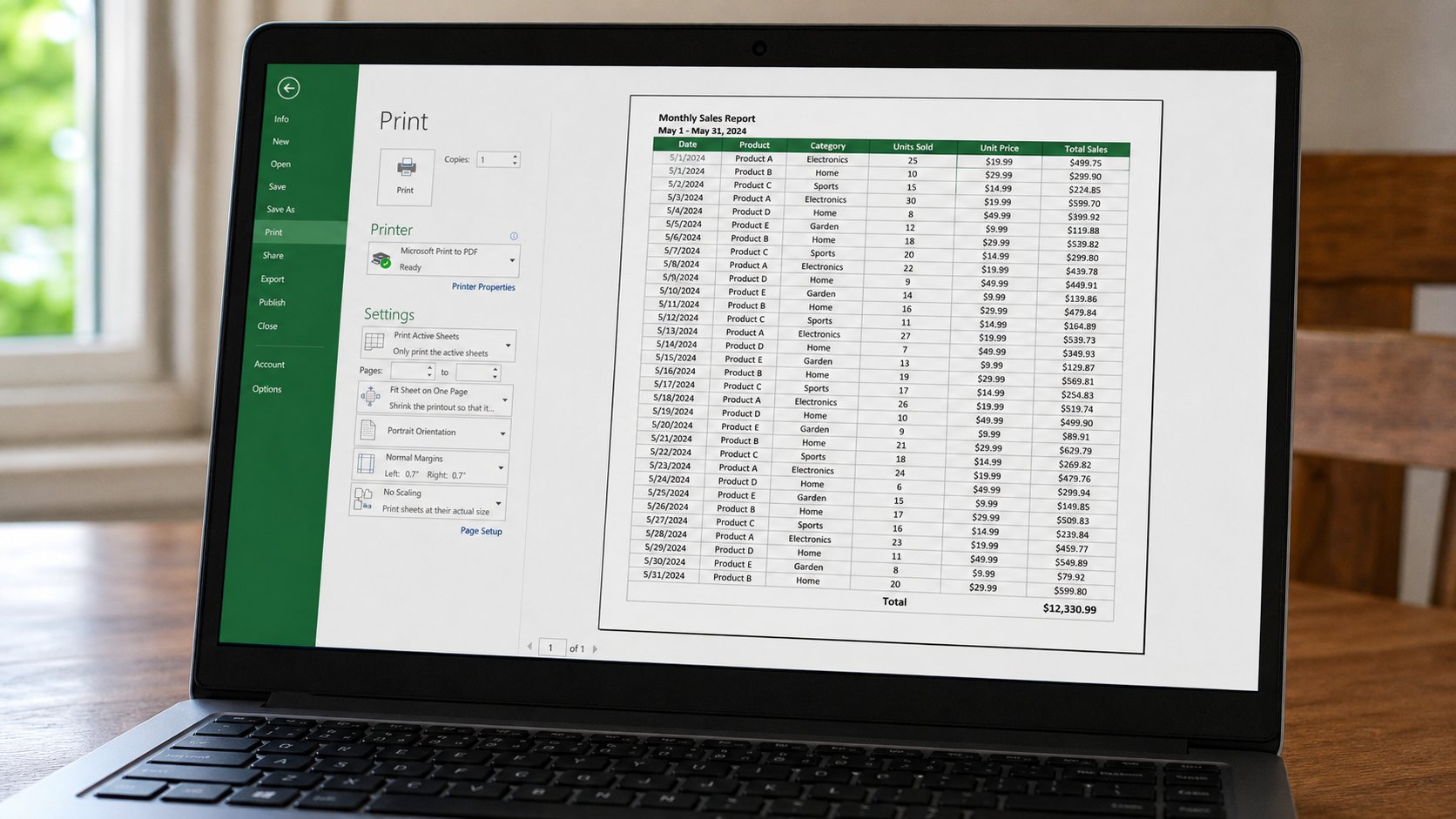
Printing a spreadsheet so it fits
A grid is wider than a letter. Preview, landscape, fit to one page wide. A shrunk ant-stack is not a register. Cut columns, or take two sheets on purpose.
Lessons 81–90
The phone
Money on a grid, video, captions, airplane mode, storage, permissions, and a hotspot.
Lesson 81·3 min
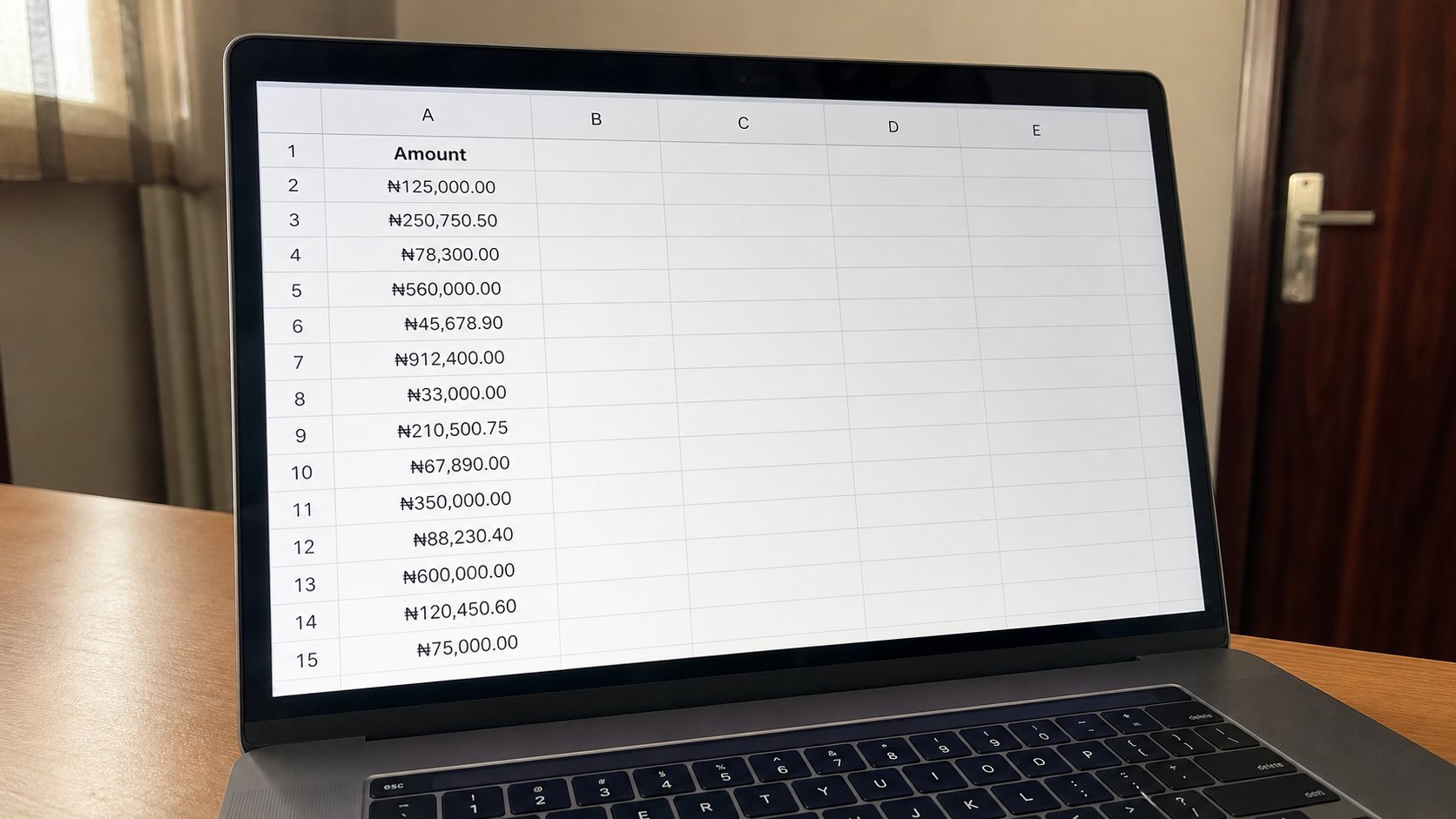
Making numbers look like money
Type 1500. Then tell the grid it is naira. The sign is a costume. The number underneath still adds. Typing ₦ yourself is how totals become words.
Lesson 82·3 min
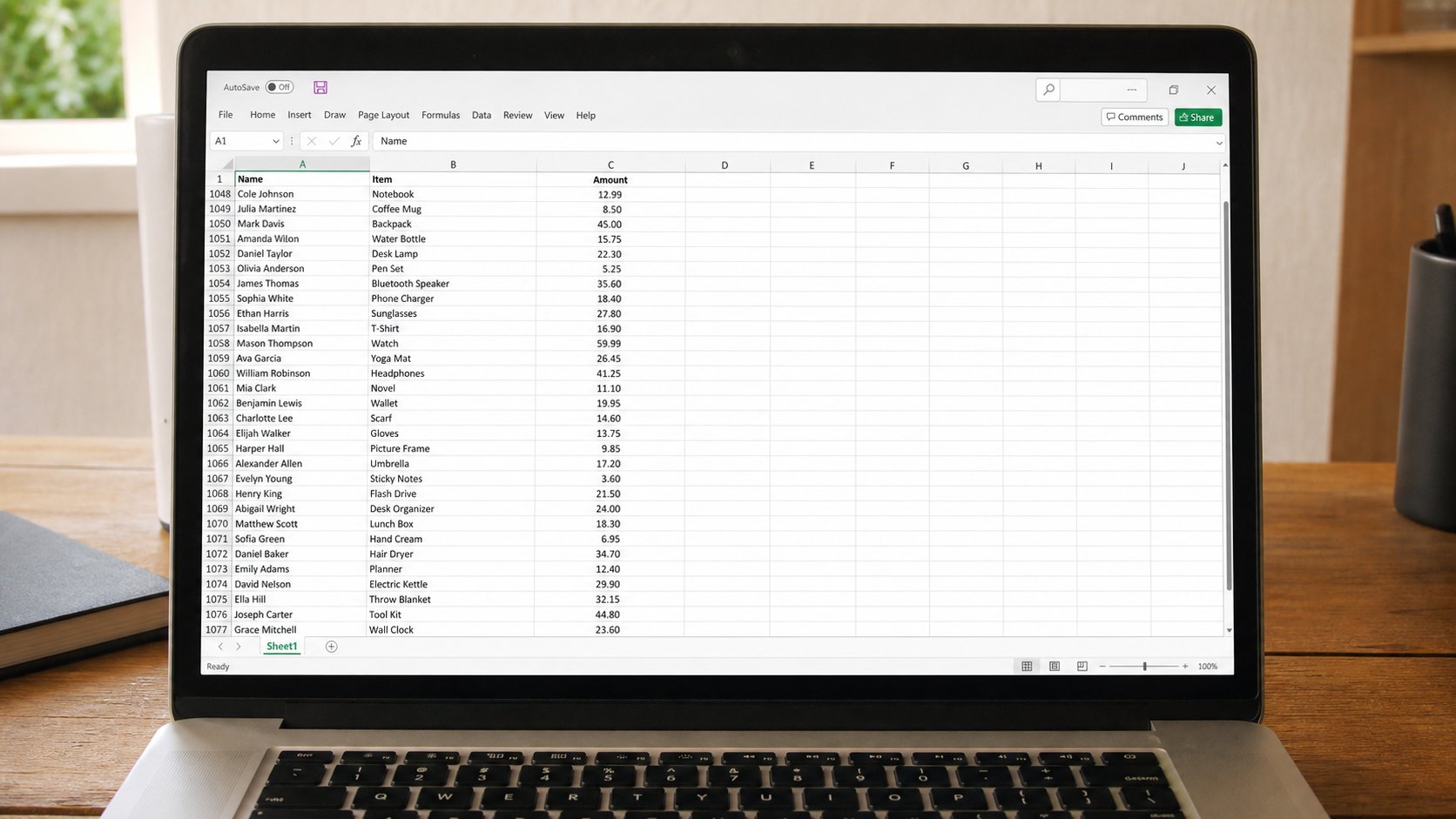
Freeze the top row so the header stays
A long list swallows the words Name and Amount. Freeze panes pins the header. Scroll the people, keep the labels. You have not split the file. You have pinned a ruler.
Lesson 83·3 min
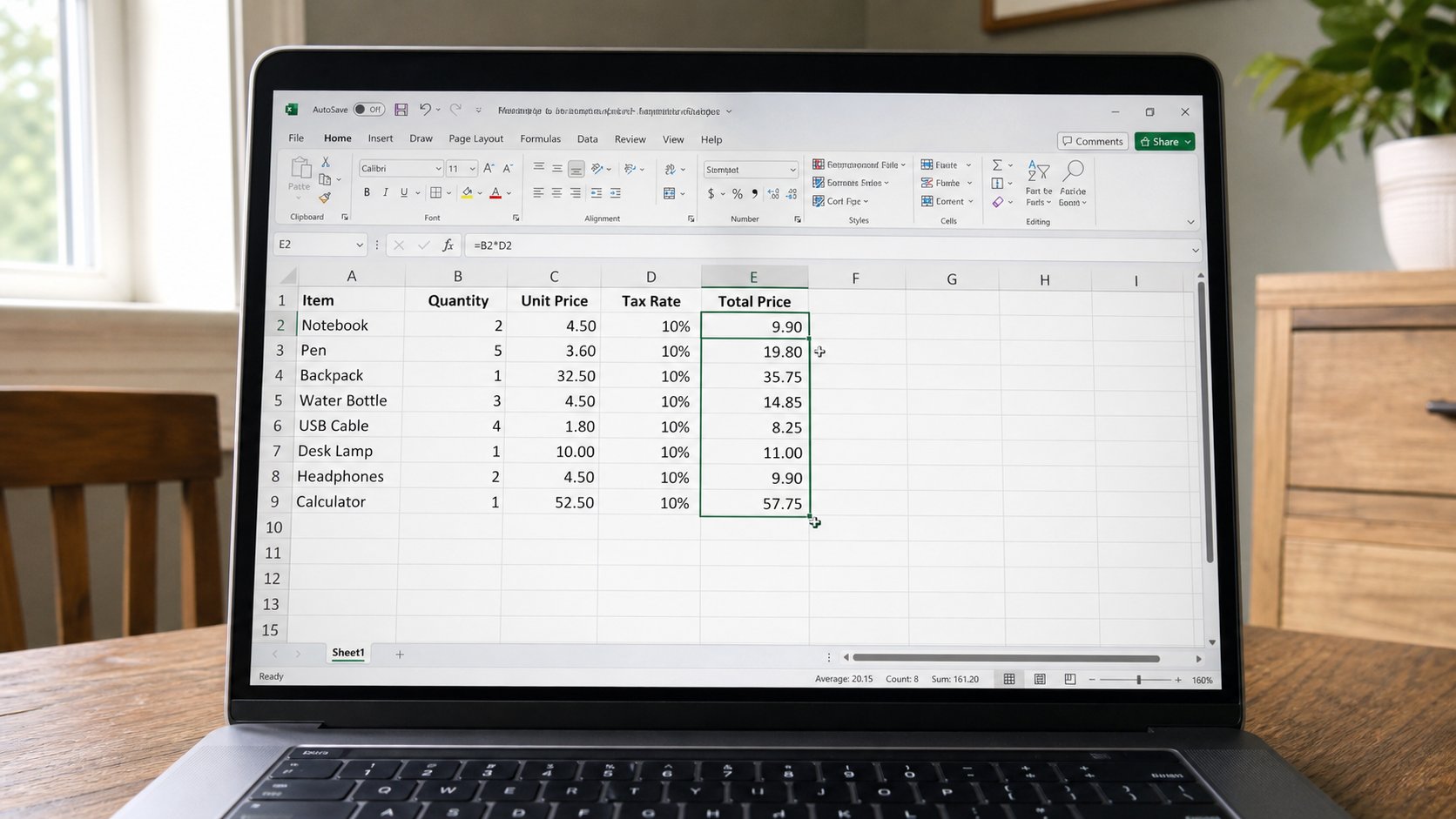
Filling a formula down a column
One SUM or one price times quantity is enough. The fill handle copies the idea down. Each row should keep its own cells. Watch the first three answers before you fill a hundred.
Lesson 84·2 min
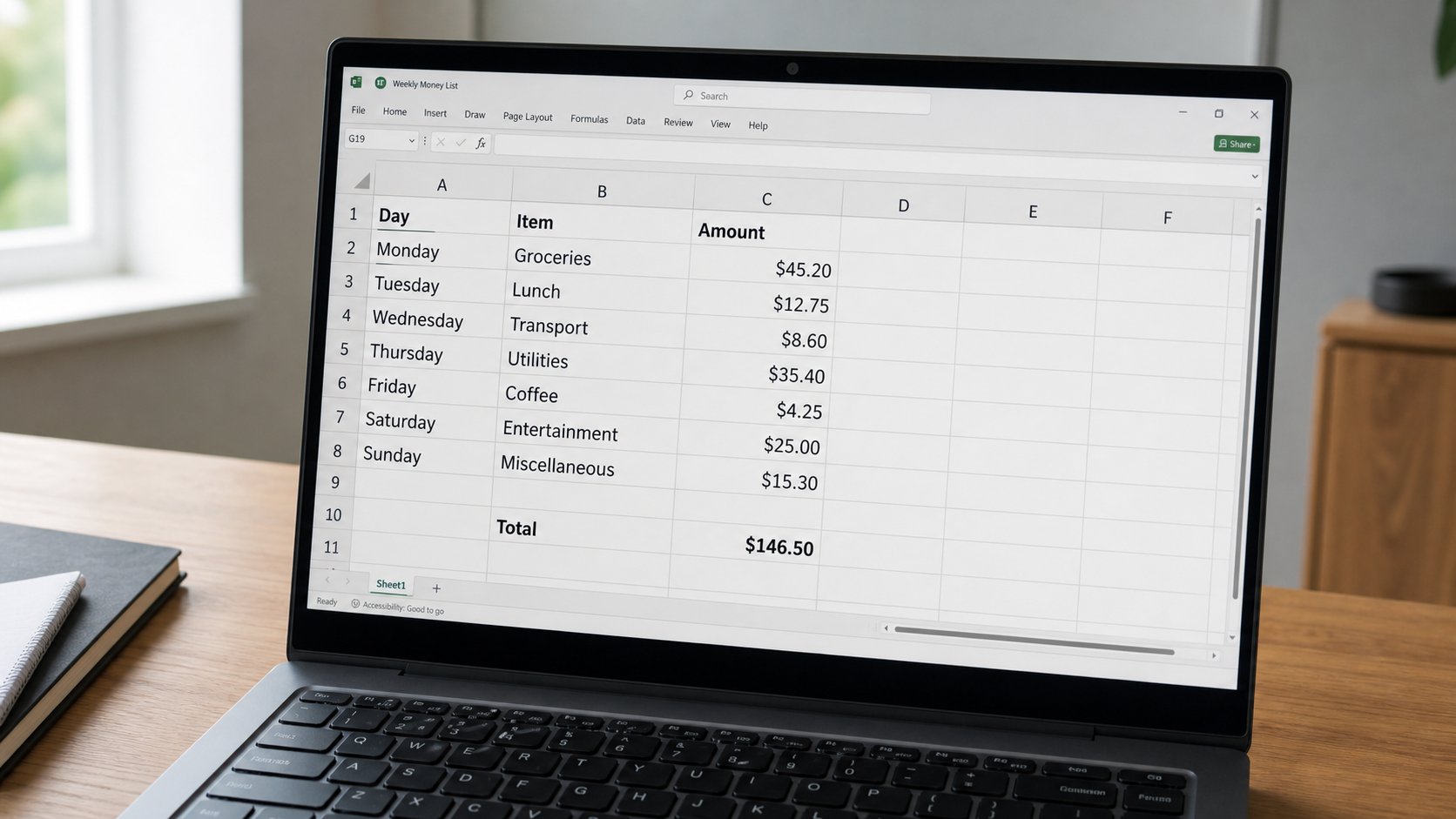
A simple weekly money list
Four columns, seven days, one total. The grid is a shop book for a life. If you will not open it on Sunday, a paper envelope is still allowed.
Lesson 85·3 min
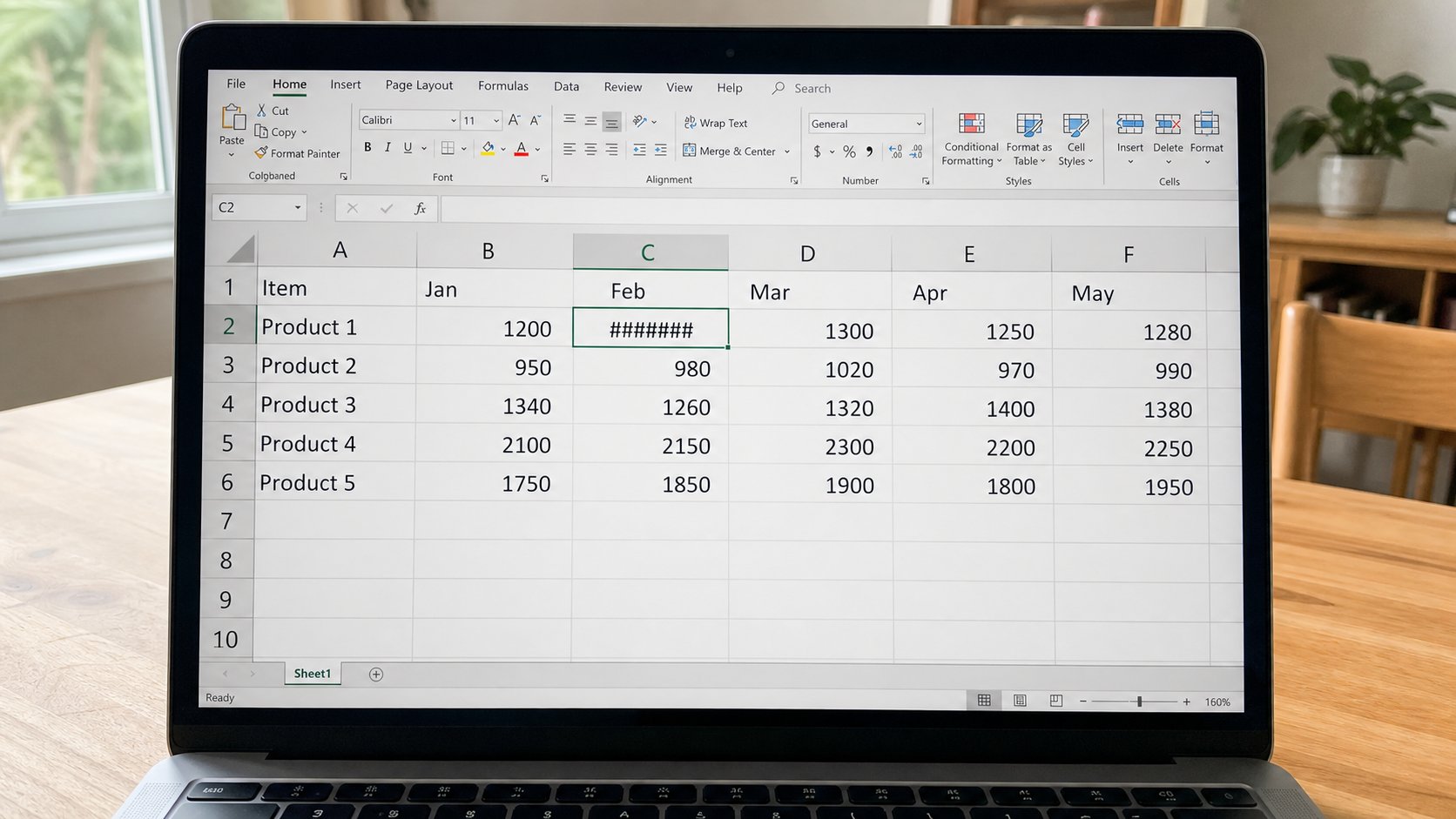
When the cell says ##### or #DIV/0!
Hashes are a curtain: the column is too thin. #DIV/0! is divide by empty. #VALUE! is a word where a number should be. The amount is often still there. Widen, or fix the formula, before you panic.
Lesson 86·3 min
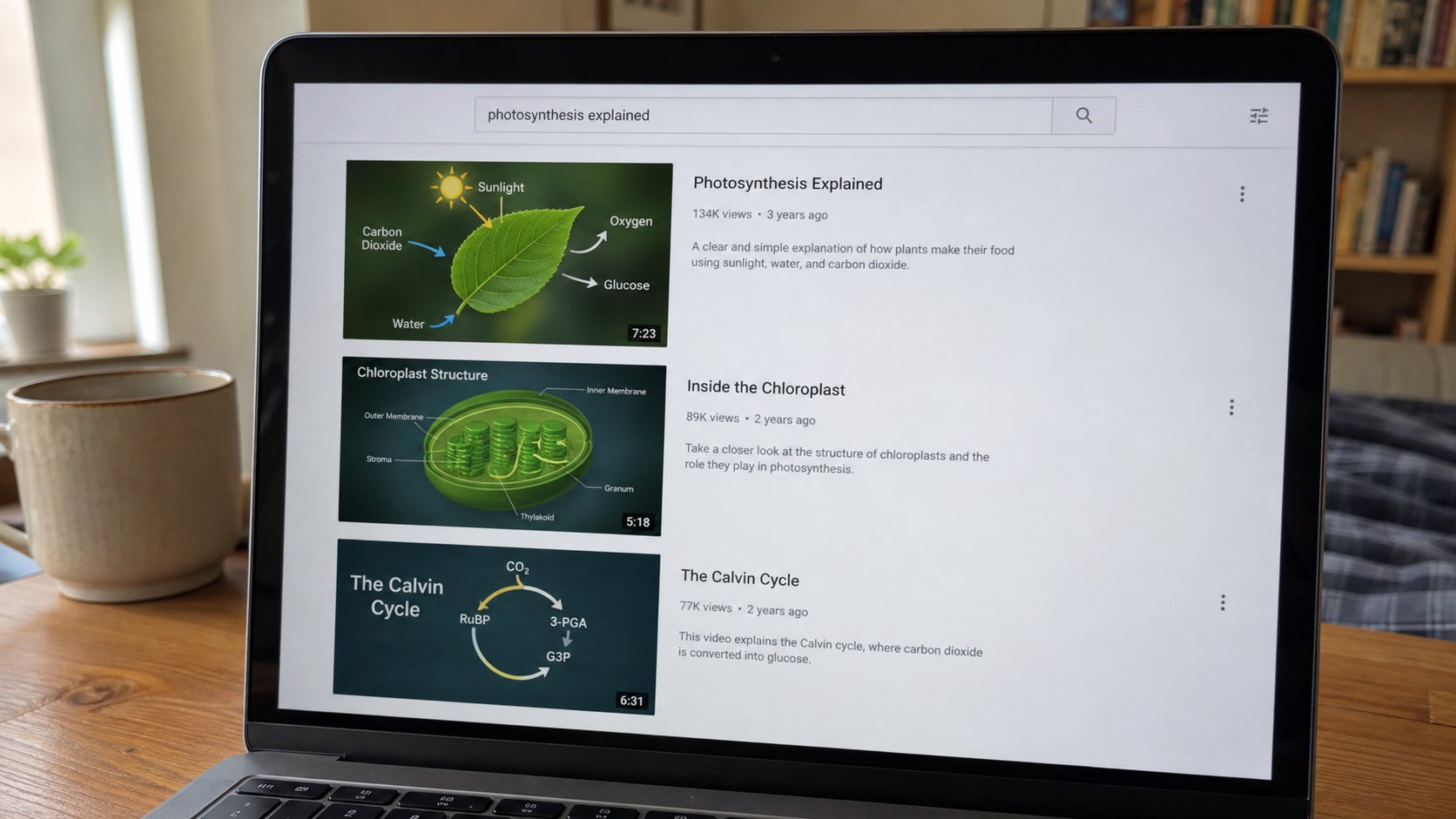
Watching a video without getting lost
A video site is a market with a search box. Type the thing you came for. Full screen is not a new street. The sidebar is a stall shouting. You may leave.
Lesson 87·3 min
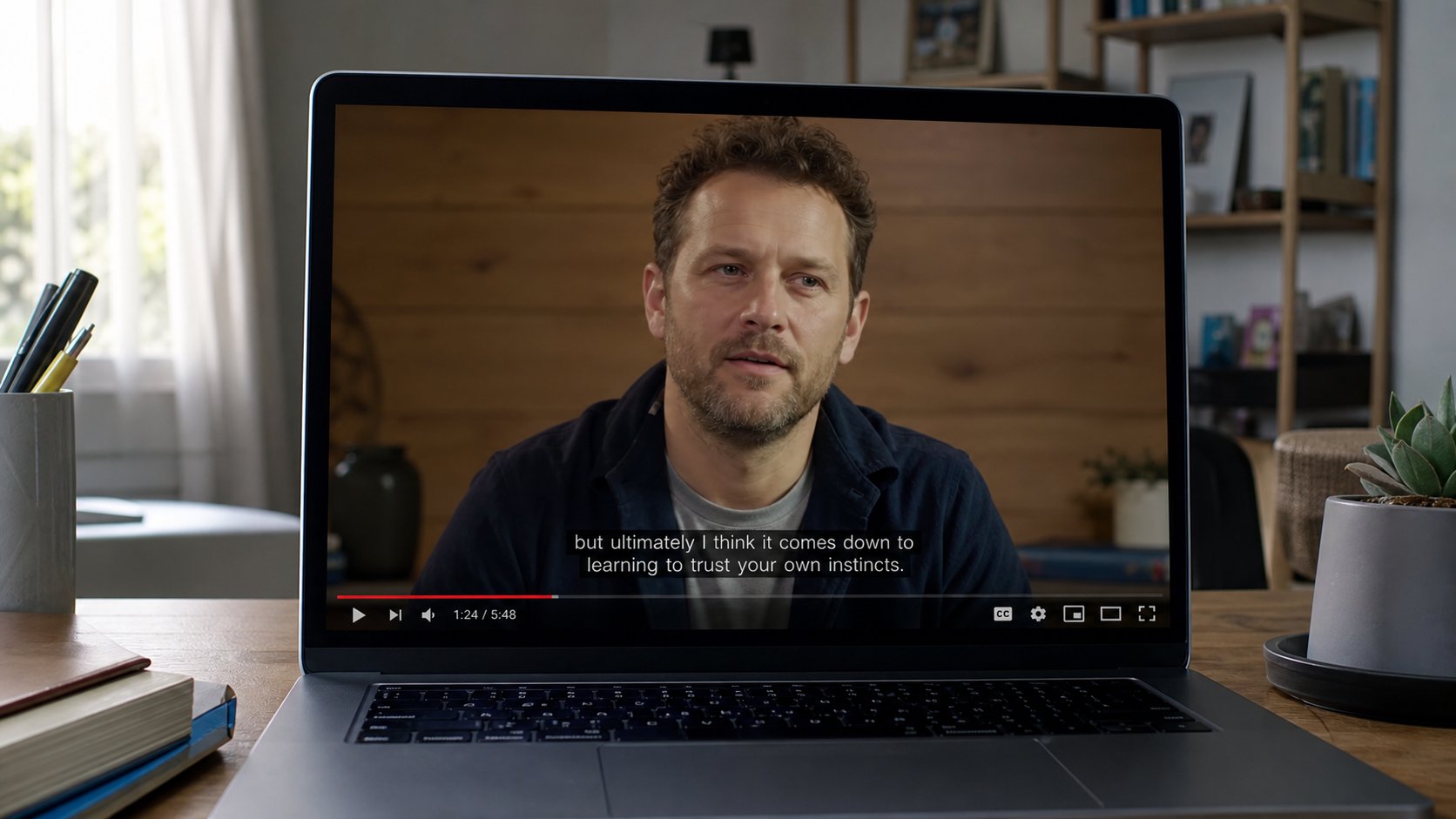
Captions, pause, and speed
CC is words on the picture. Pause is thinking time. Speed is not a virtue. 0.75 is allowed. A notebook is still faster than rewinding ten times without writing.
Lesson 88·3 min
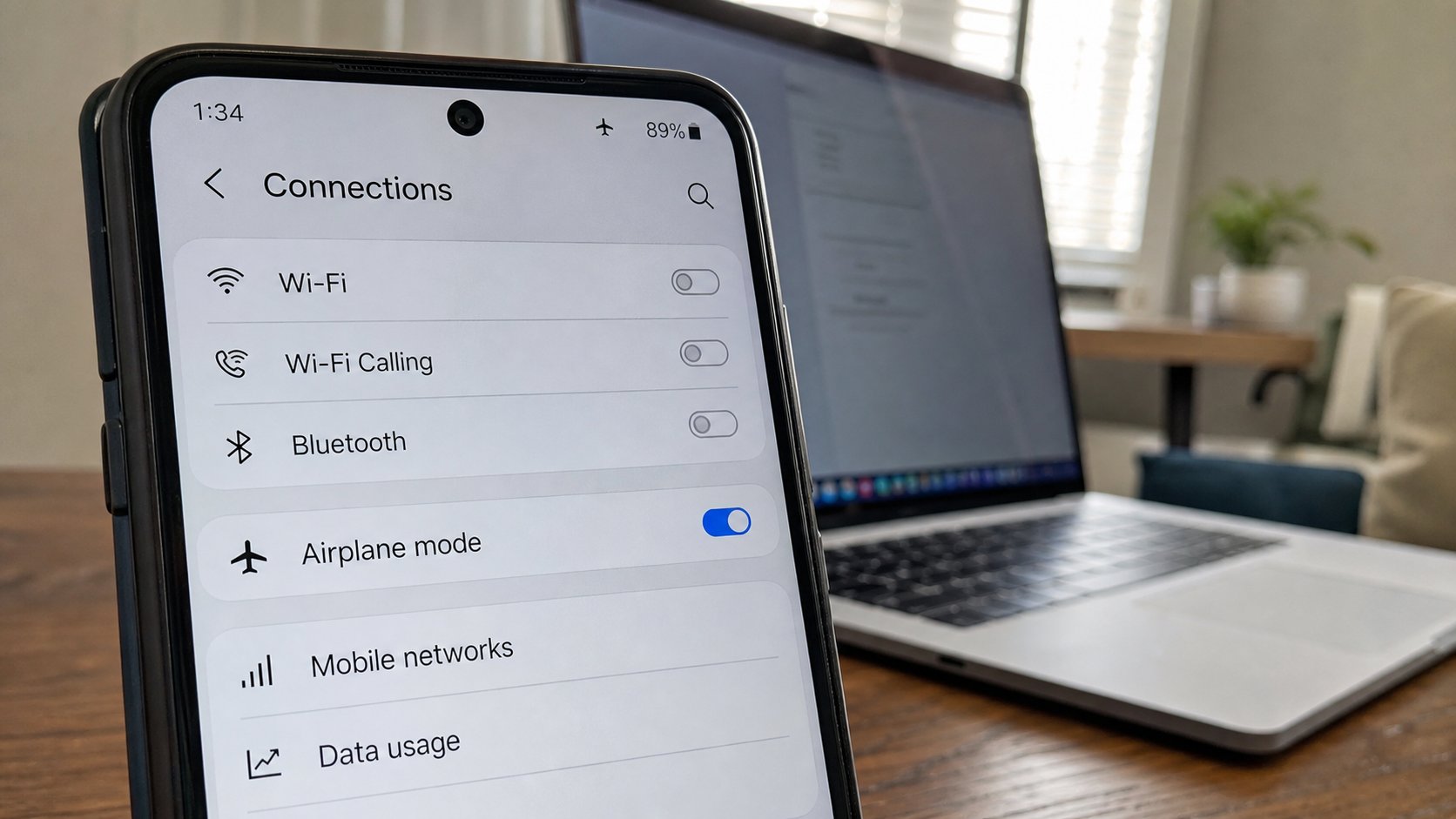
Airplane mode
The plane icon mutes the radios: calls, data, Wi‑Fi, Bluetooth. The phone is still a clock, a camera, a torch. Use it in a hall, in a queue, and when the bundle must sleep.
Lesson 89·3 min
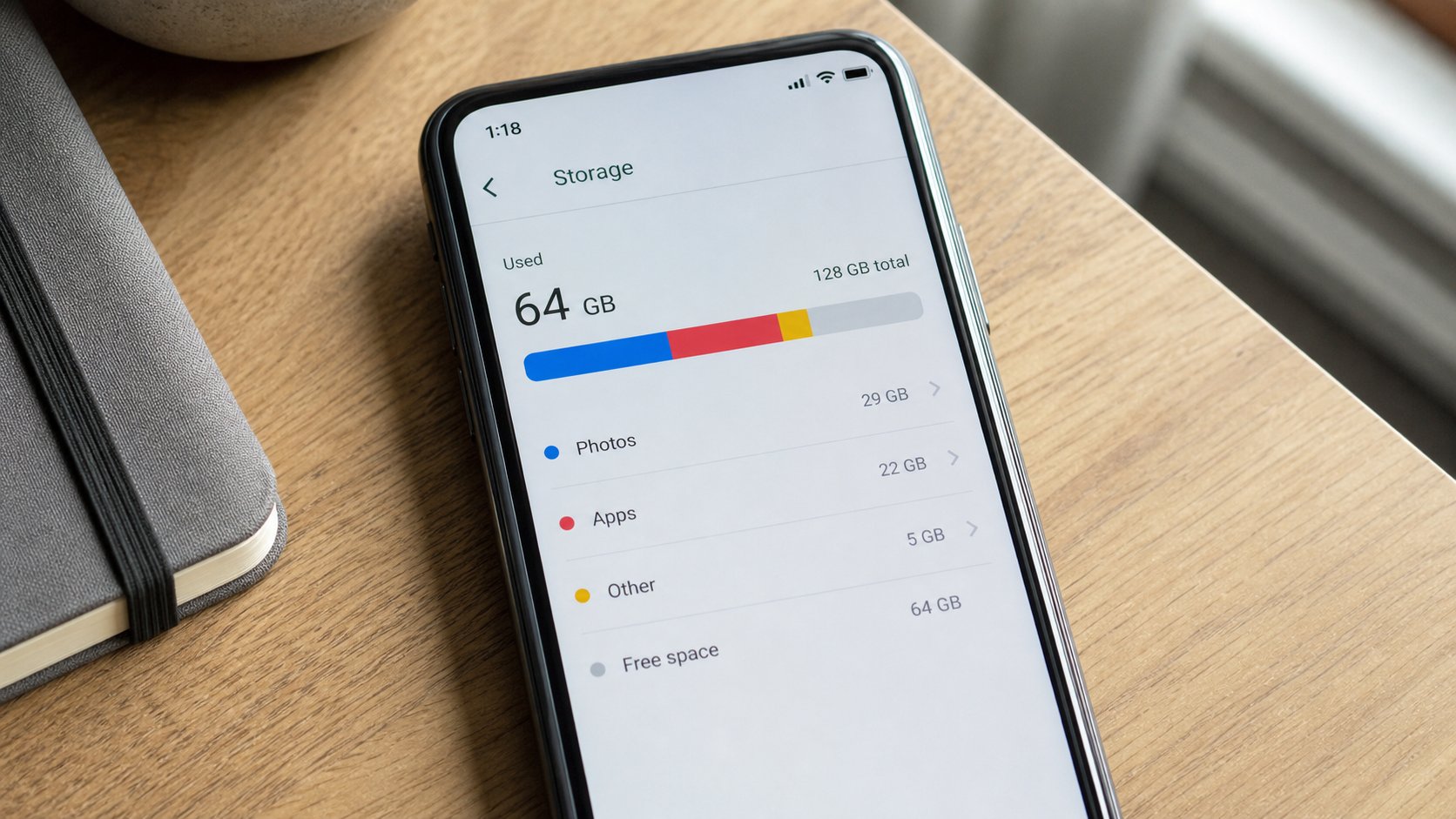
When the phone says storage is full
Photos, WhatsApp, and video fill a pocket. The computer is a drawer. Delete the soup, keep the originals you already copied. A “cleaner” app is usually a stall.
Lesson 90·3 min
When an app asks for the camera or your location
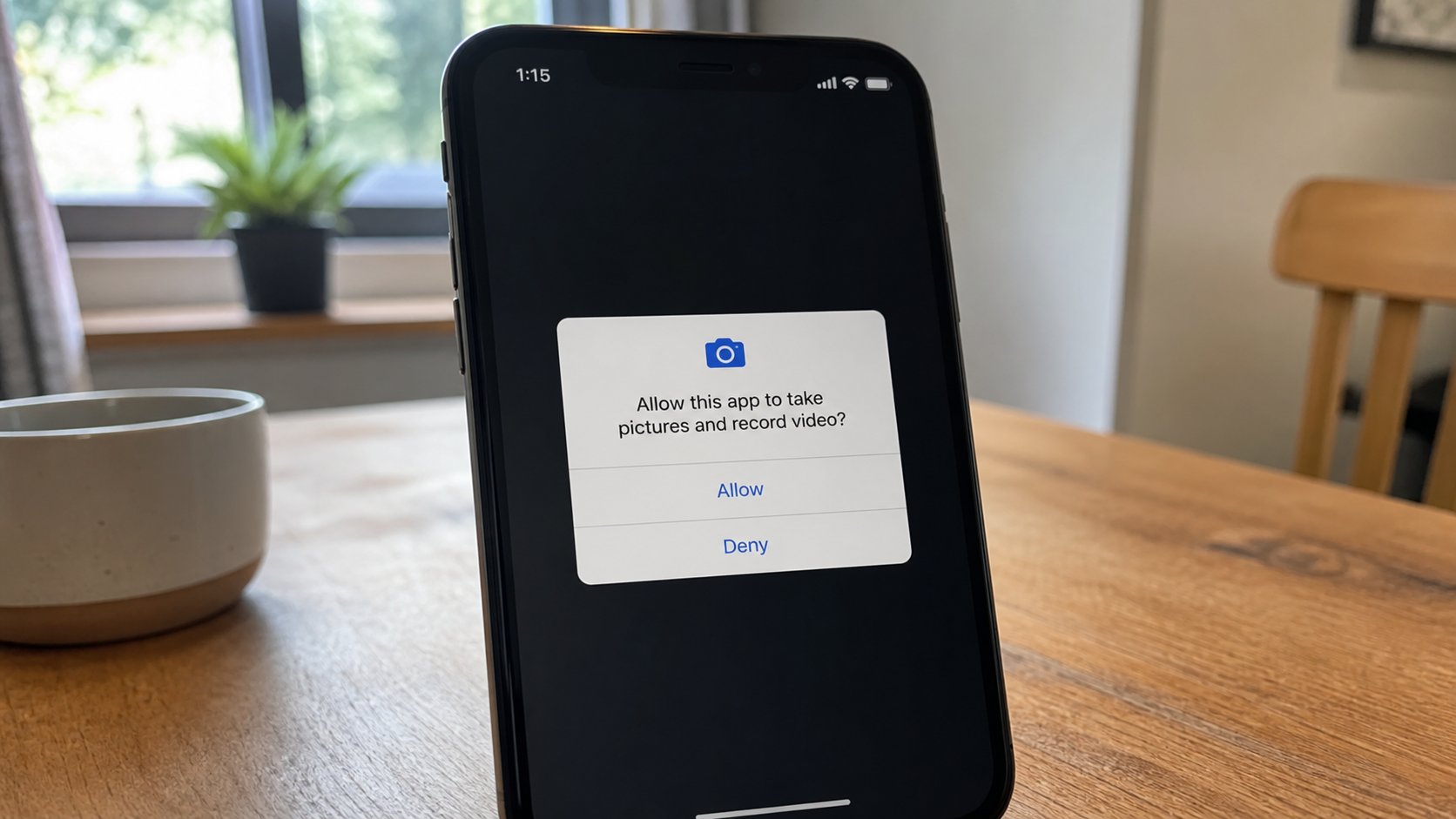
A permission is a door. Camera, microphone, location, contacts. Allow only if the app needs that door for the job you asked. Deny is a full sentence.
Lessons 91–100
Stay safe
Locks, a stolen phone, OTPs, public Wi‑Fi, scanning a page, and the prize that wants a fee.
Lesson 91·3 min
Locking the phone and the laptop
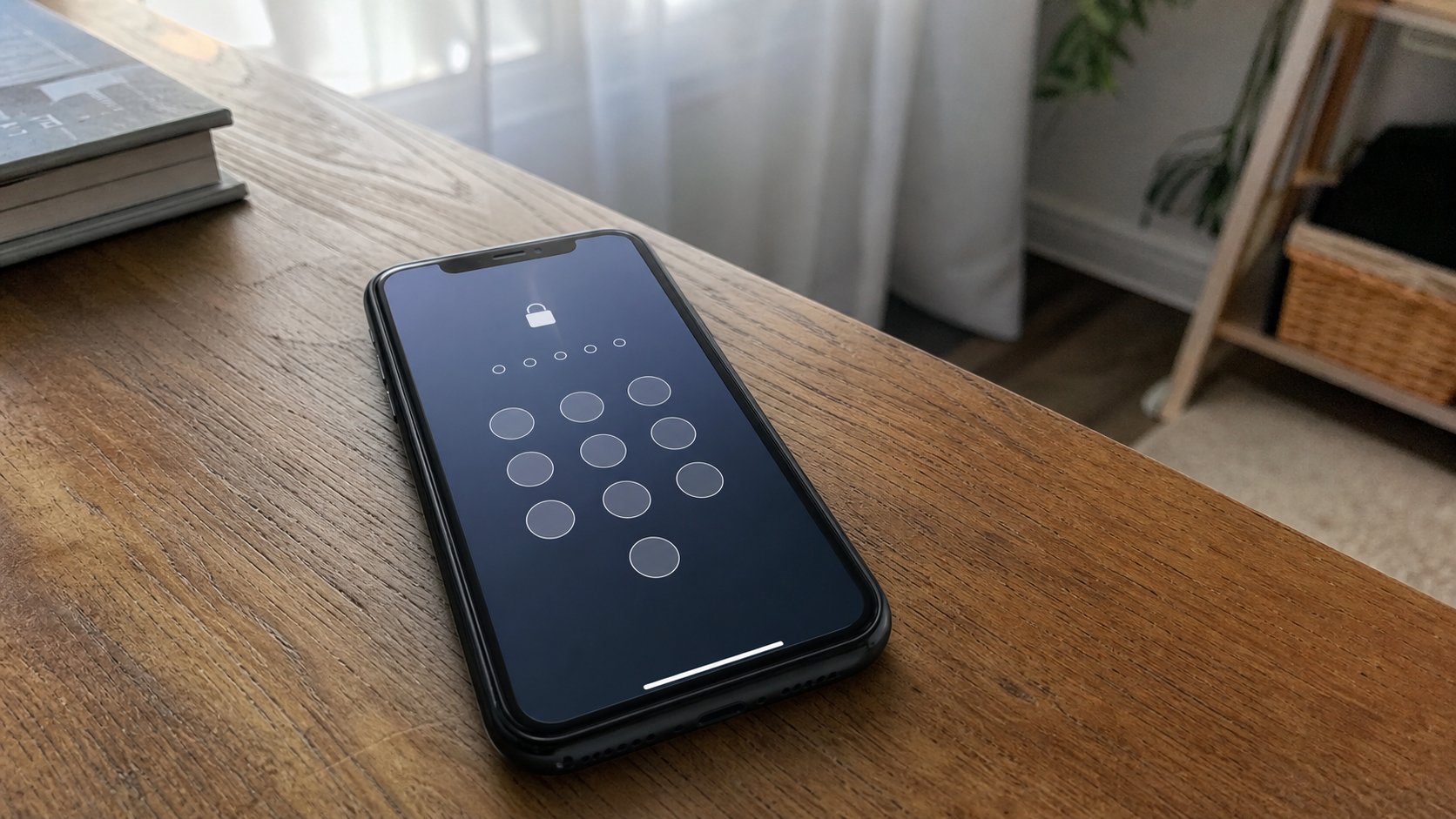
A lock is a gate, not a decoration. PIN, pattern, fingerprint, Windows+L. The screen going dark is not a lock. A cousin should meet a gate, not your mail.
Lesson 92·3 min
If the phone is stolen
Call the network. Change mail and bank from another machine. Find My Device is a map, not a miracle. The lock you set yesterday is today’s whole defence.
Lesson 93·3 min
Do not disturb
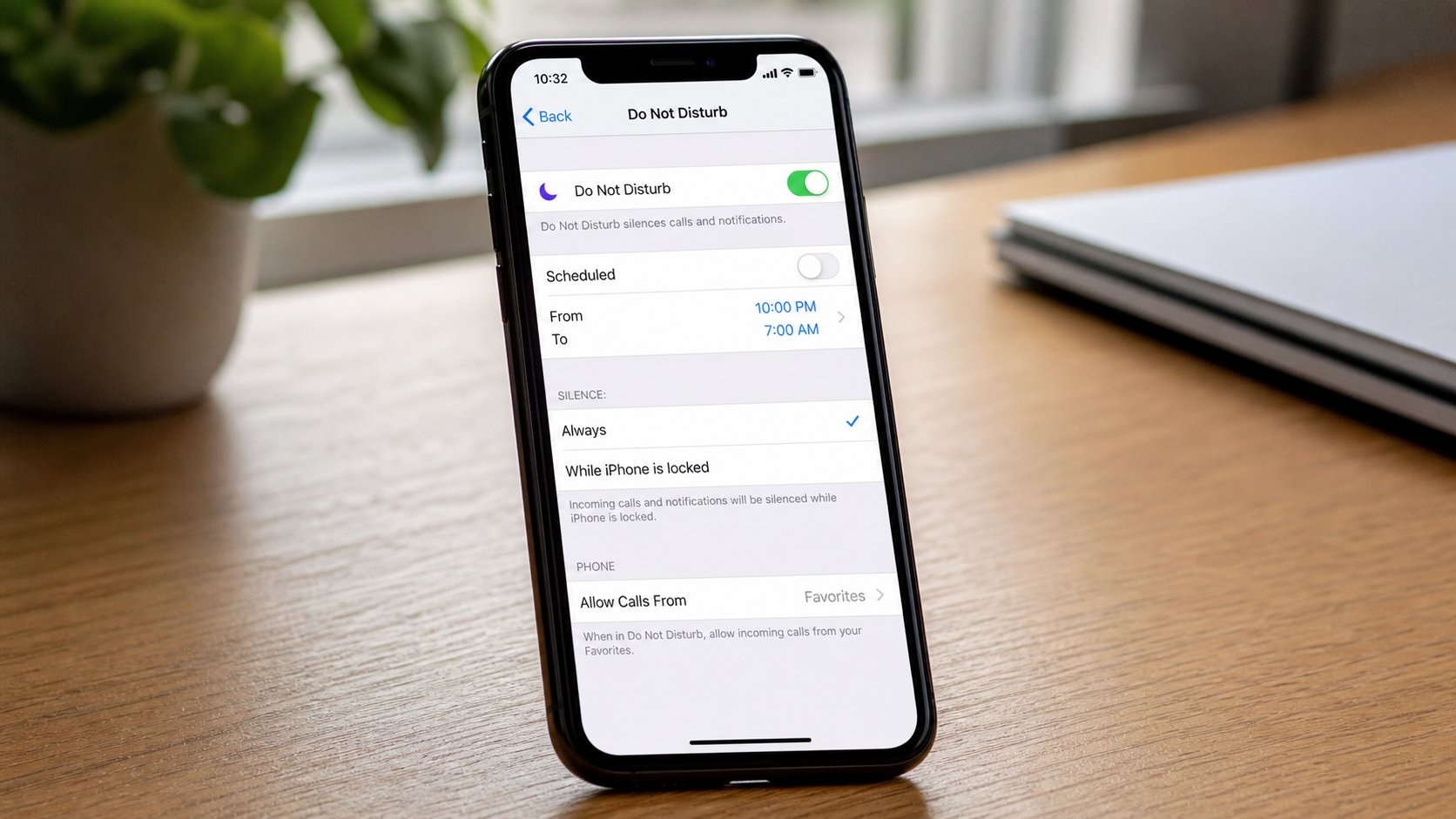
The moon icon silences rings and banners and leaves the radios on. Alarms still speak if you allow them. A class, a night, a driving seat. Not airplane mode.
Lesson 94·3 min
The phone as a hotspot
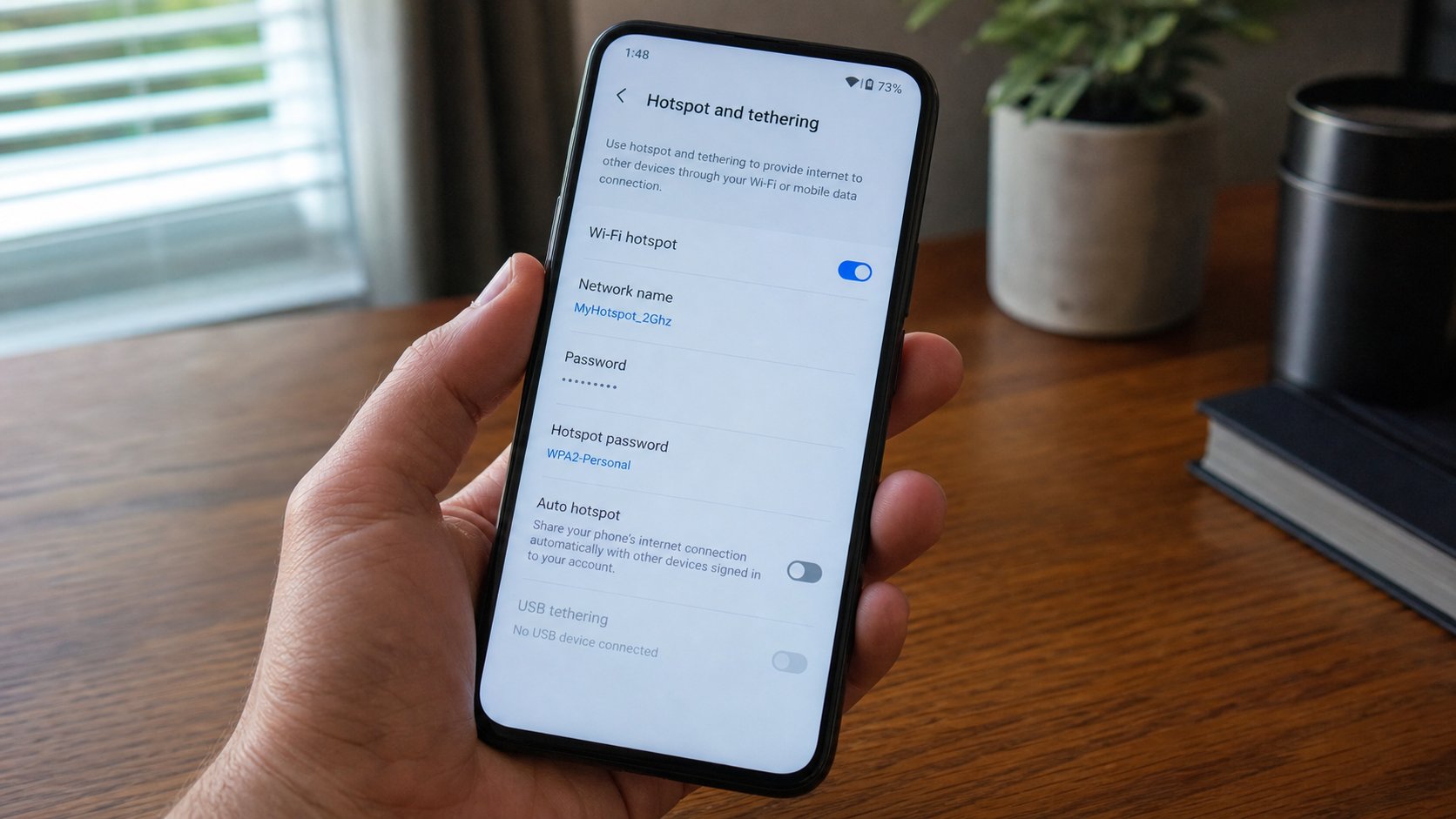
The pocket can be a router. A name, a key, the laptop joins. The bundle pays. Heat and battery follow. Switch it off when the sitting ends.
Lesson 95·3 min
Wi‑Fi or mobile data — which tap is open
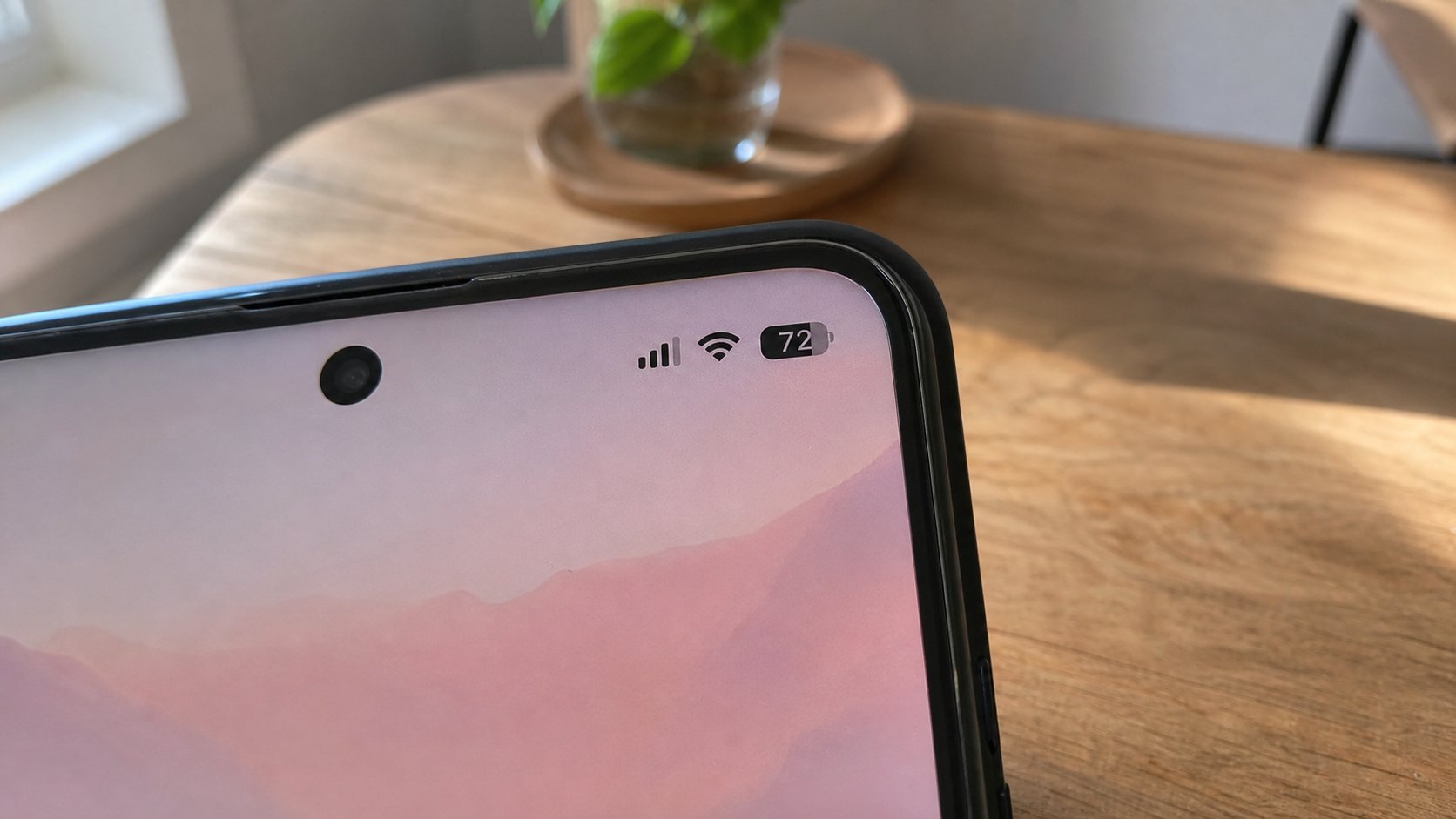
The fan is house radio. The arrows are the SIM. Both can be on; one is used. Look at the top of the phone before a video. A download on the wrong tap is a bill.
Lesson 96·3 min
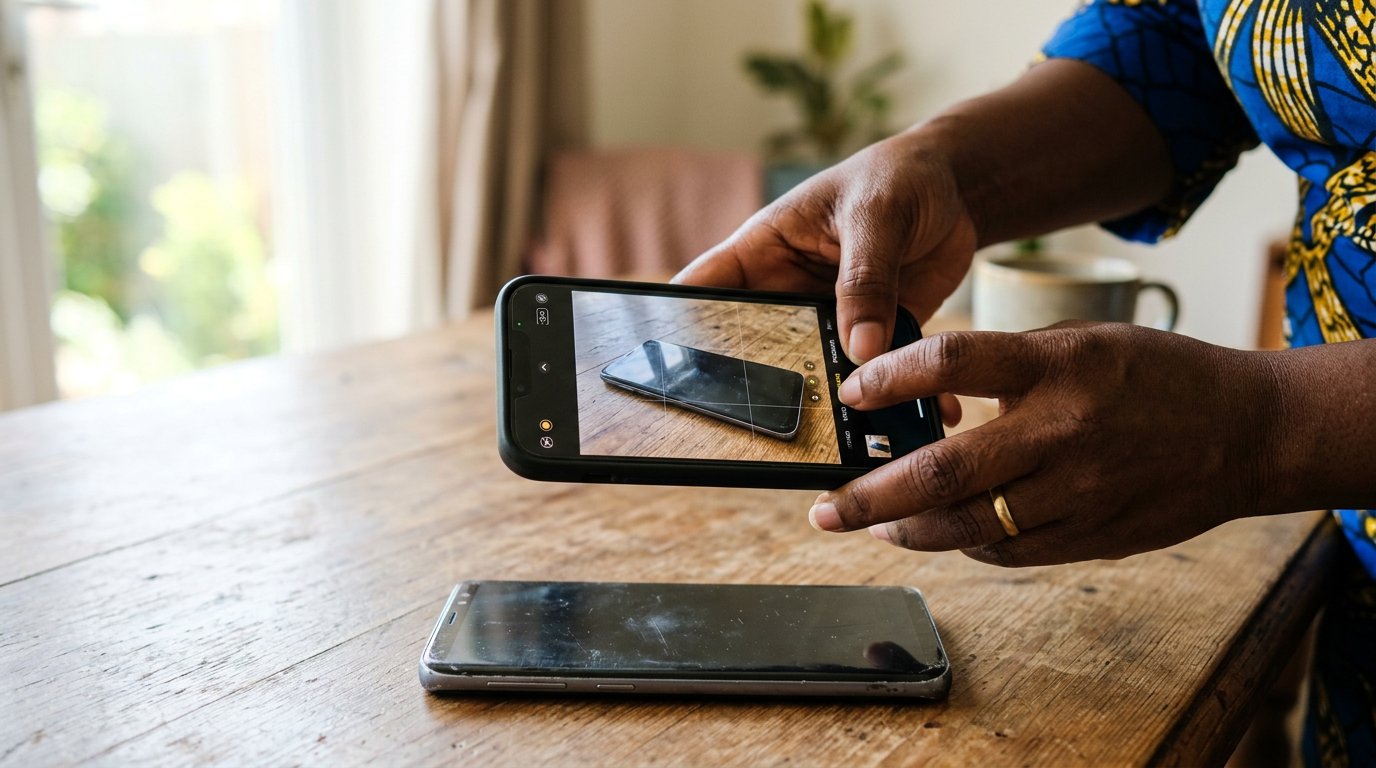
Photographing a document so it can be read
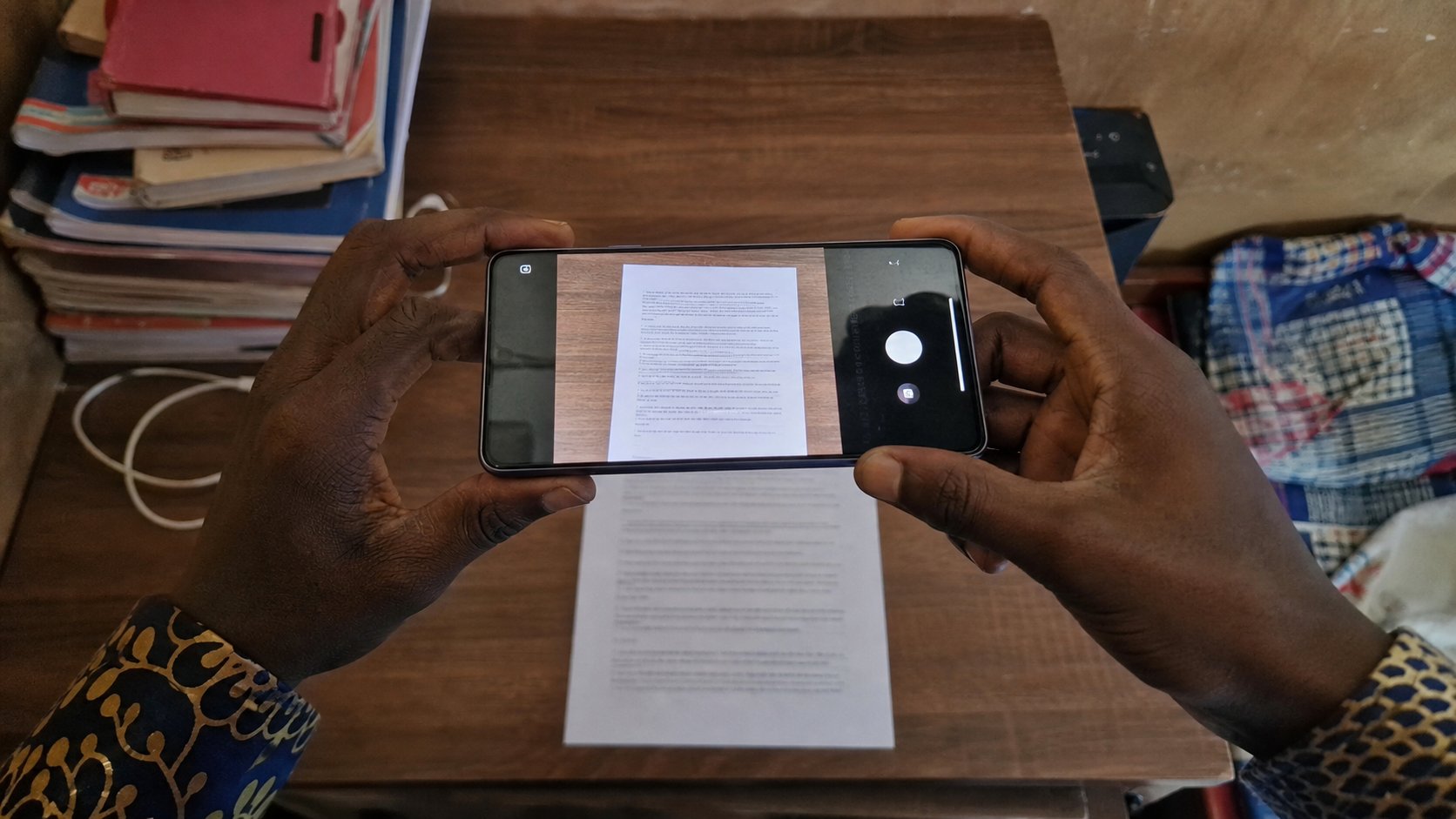
A receipt at an angle is a riddle. Flatten the paper, stand above it, fill the frame, check the naira amount before you send. Light is the whole trick.
Lesson 97·3 min
Scanning a page to PDF on the phone
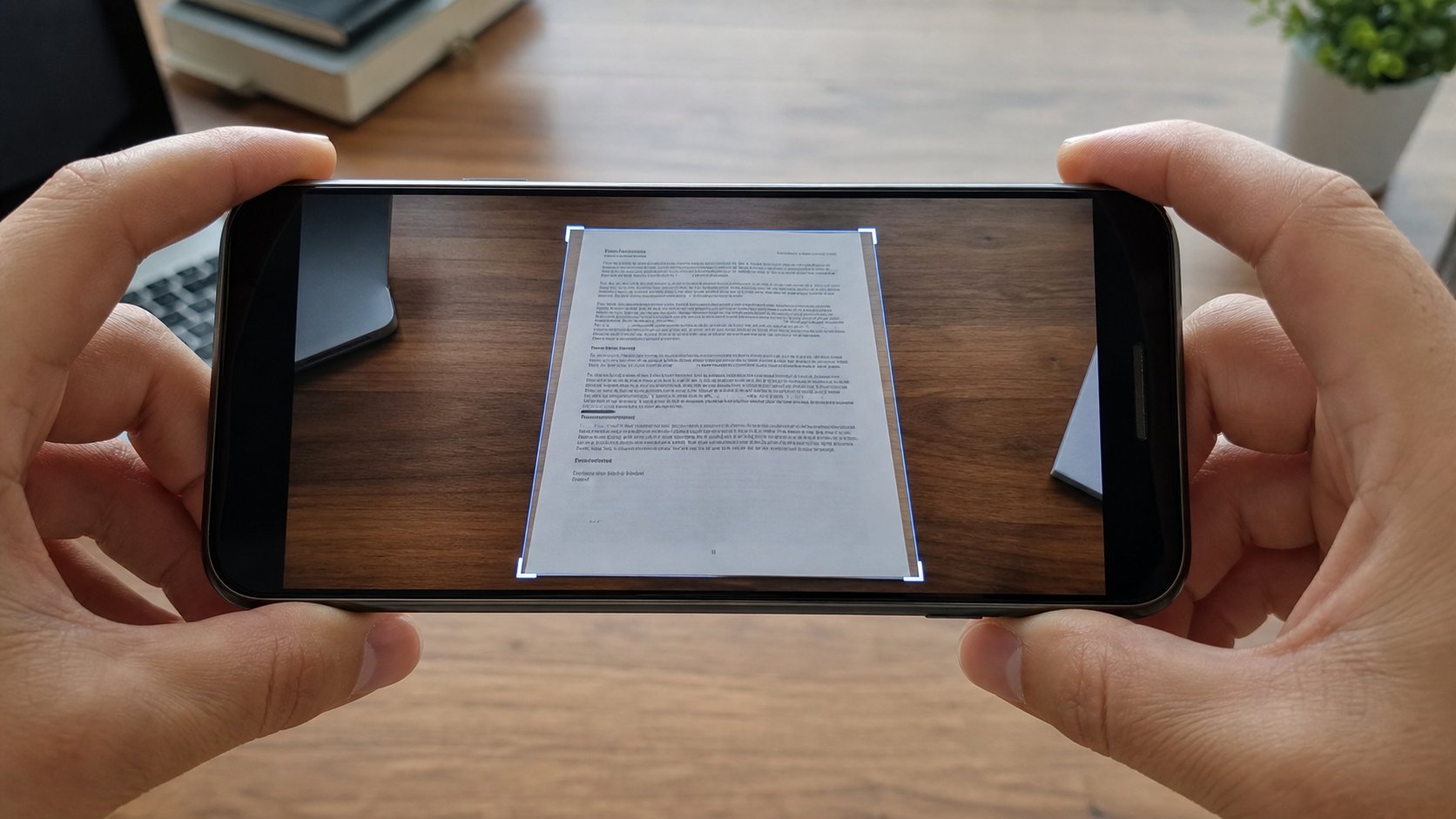
A scan is a photograph with manners: edges found, a page, a PDF. Notes, Drive, and the camera's document mode are enough. A random scanner app from an advert is not.
Lesson 98·3 min
OTPs — codes that die
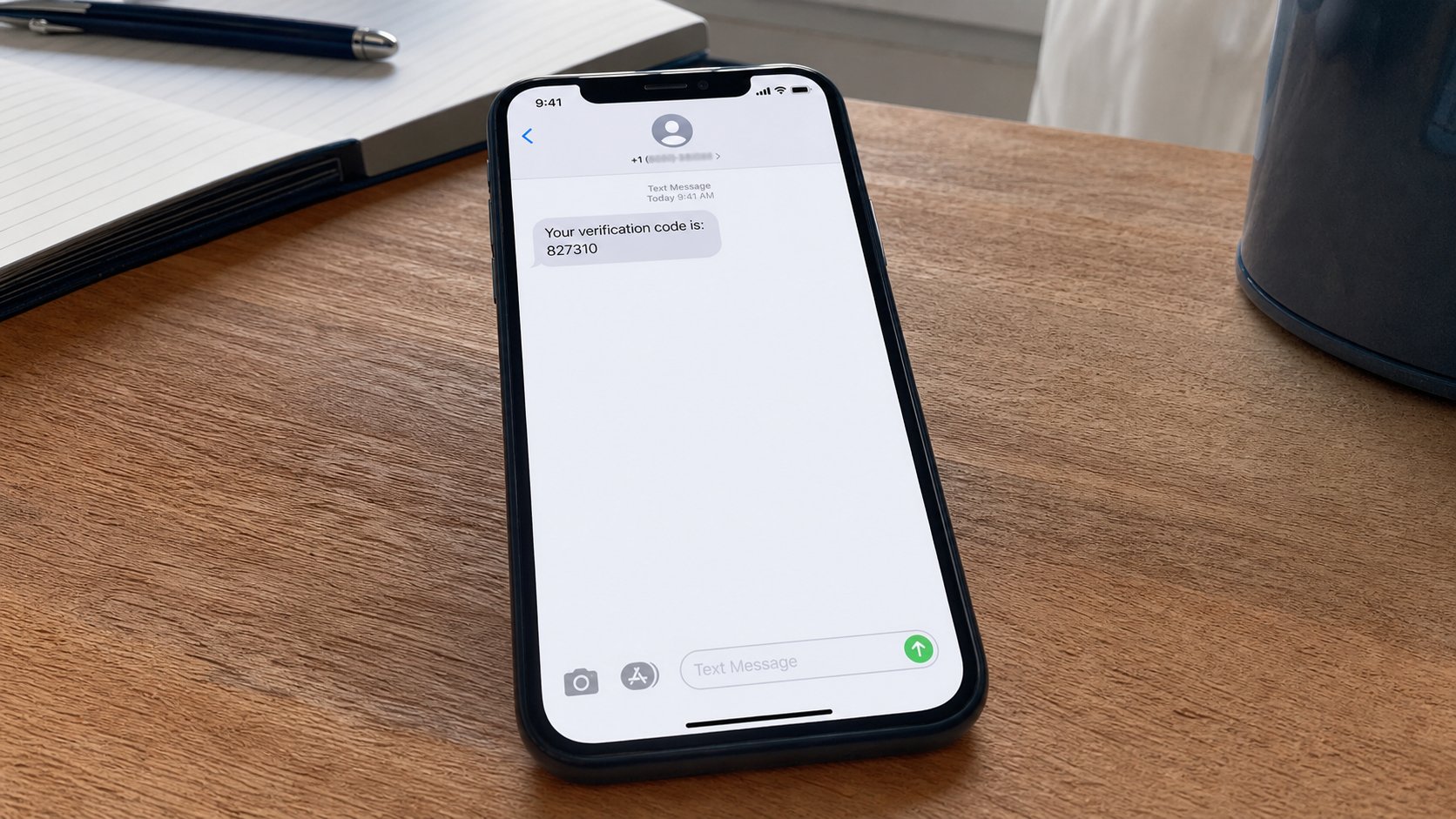
A six-digit SMS is a key that works once. Nobody who is helping you needs to hear it. Type it into the page you opened on purpose. Then let it expire.
Lesson 99·3 min
Public Wi‑Fi and the bank
A free fan in a café is a shared tap. Mail can wait. The bank should use the SIM or the house. A login page that is not the café's is a street you did not mean.
Lesson 100·3 min
“You have won” — the message that wants a fee
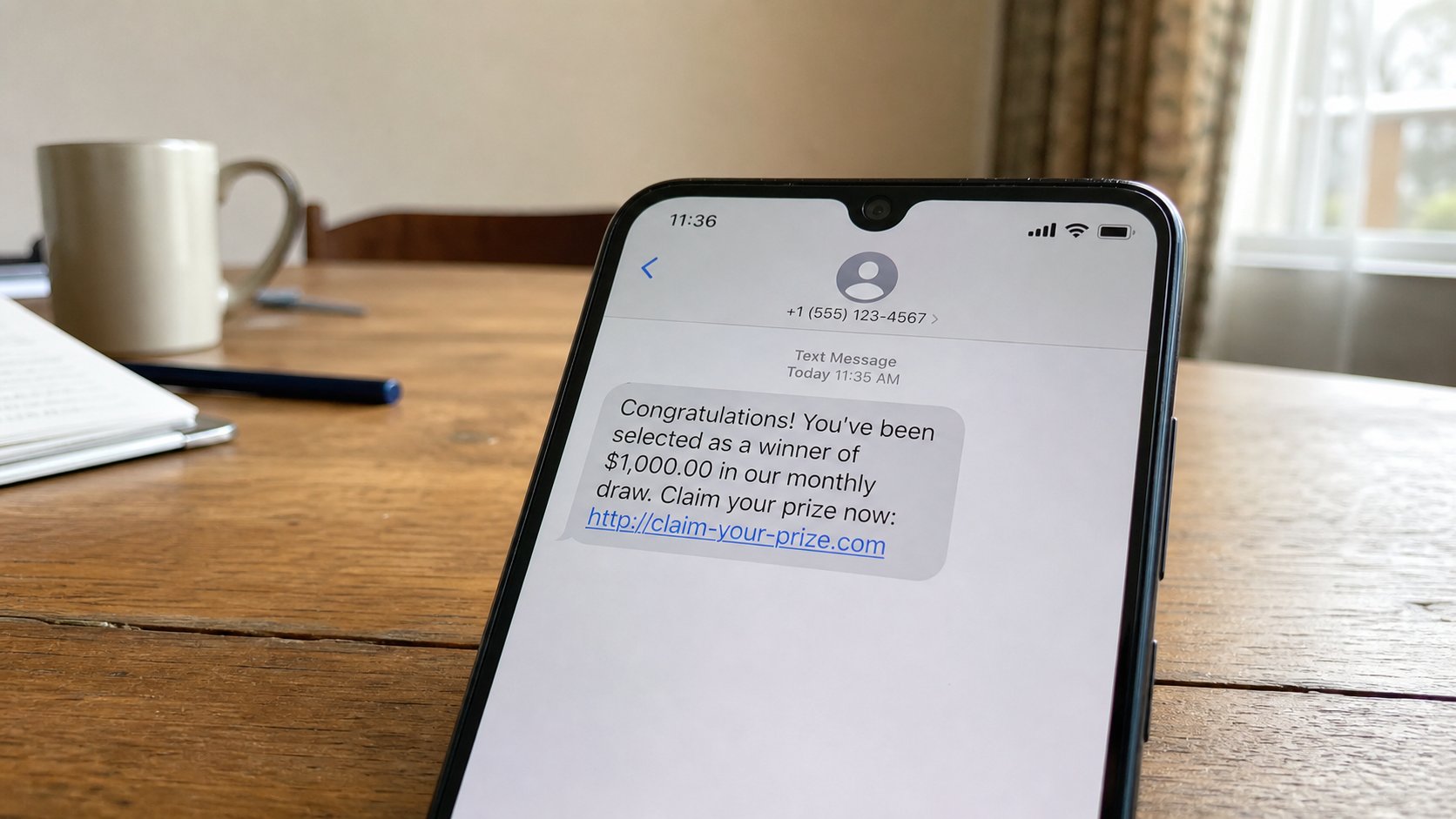
A prize you did not enter is not a prize. A fee to release money is a tap that only flows out. Delete. Do not call the number. Do not send airtime to claim a car.

Lessons 101–110
On your own
Shortcuts, the phone keyboard, voice typing, email in the pocket, uploads, papers in Drive, recovery, the second lock, the lying forward, and the first honest online purchase.
Lesson 101·3 min
Six more keystrokes, then rest
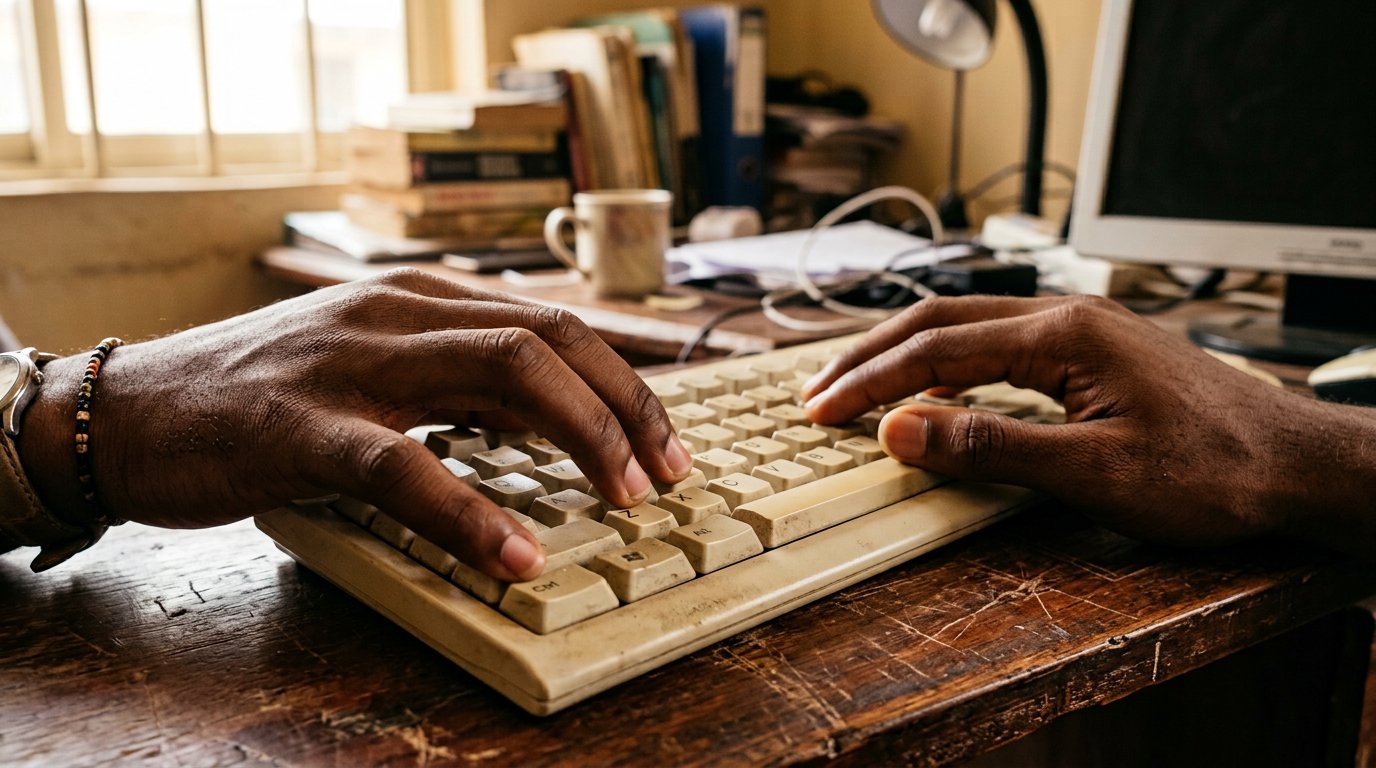
You already own copy, paste, and undo. Add save, find, select all, and three for the browser — then stop collecting. Six is a year's worth.
Lesson 102·3 min
The keyboard on the phone
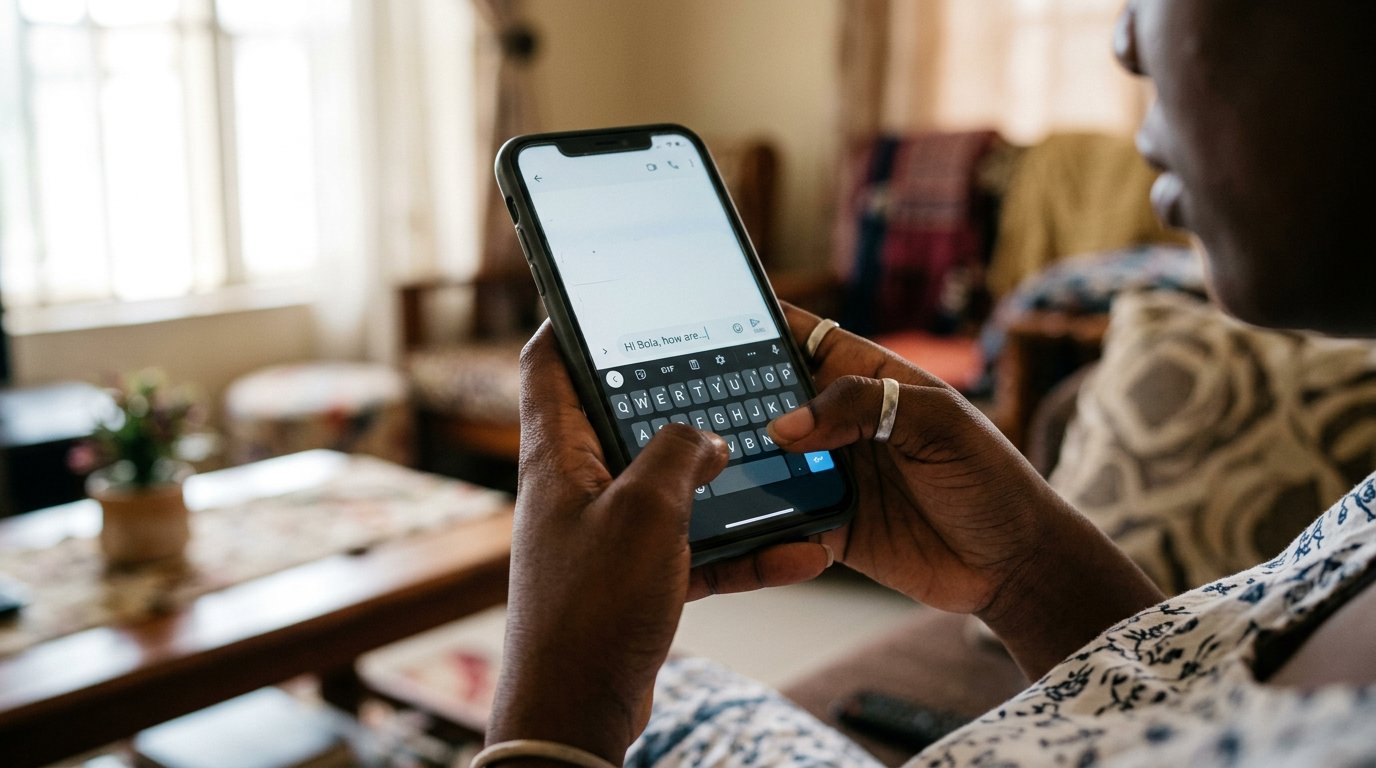
You type more on glass than on any keyboard you will meet. Long-presses, a cursor you can slide, and autocorrect put firmly in its place — one quiet hour with the keys you carry everywhere.
Lesson 103·3 min
Talking to the keyboard
Your voice is faster than your thumbs. The microphone key writes as fast as you speak — where it shines, where it fails, and the codes that must never be spoken aloud.
Lesson 104·3 min
Your email in your pocket
The desk taught the manners; the phone carries the letter. Attachments opened on glass, the CV attached from where it lives, and the right account chosen before you press send.
Lesson 105·3 min
The file that goes up
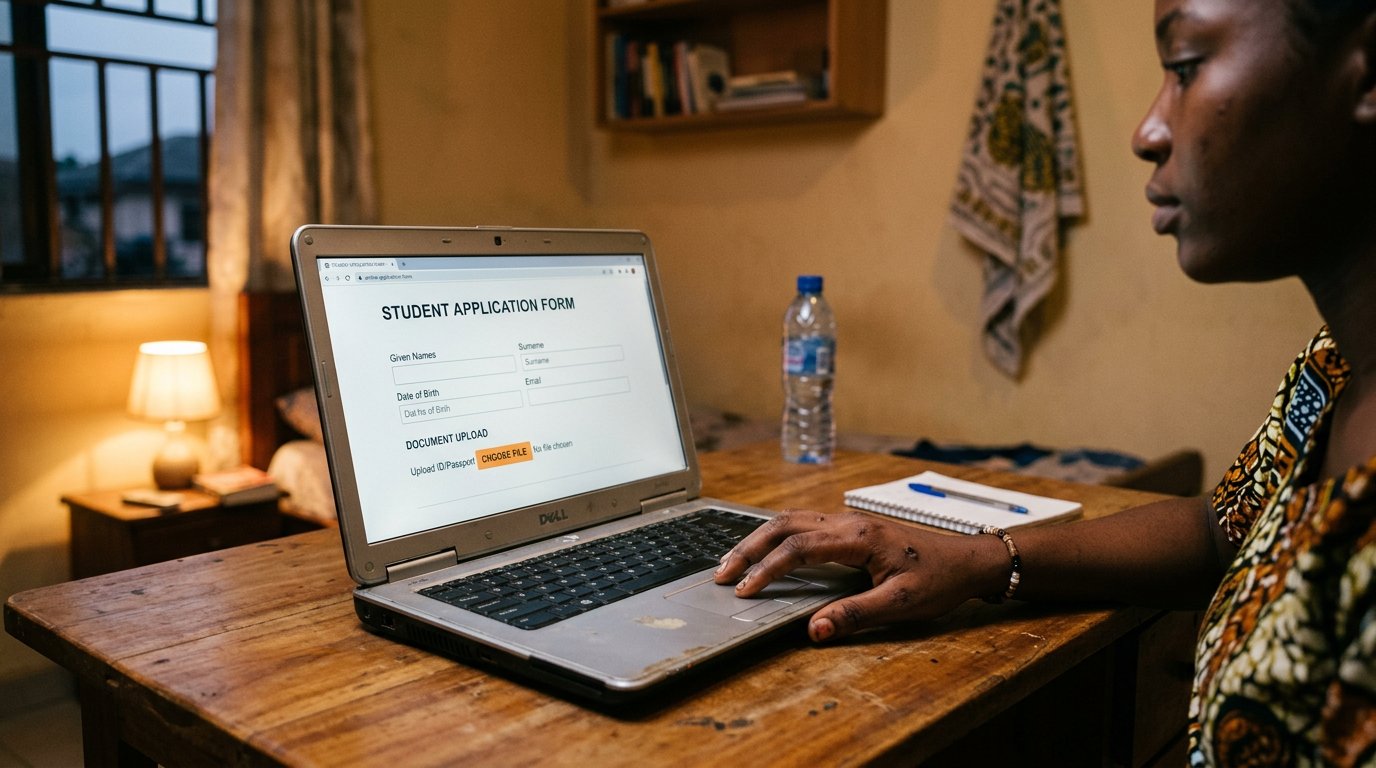
Downloads taught where files land. Applications need the other direction: choose the file, watch the bar finish, keep the slip. Uploading, done calmly.
Lesson 106·3 min
Papers the bag cannot lose
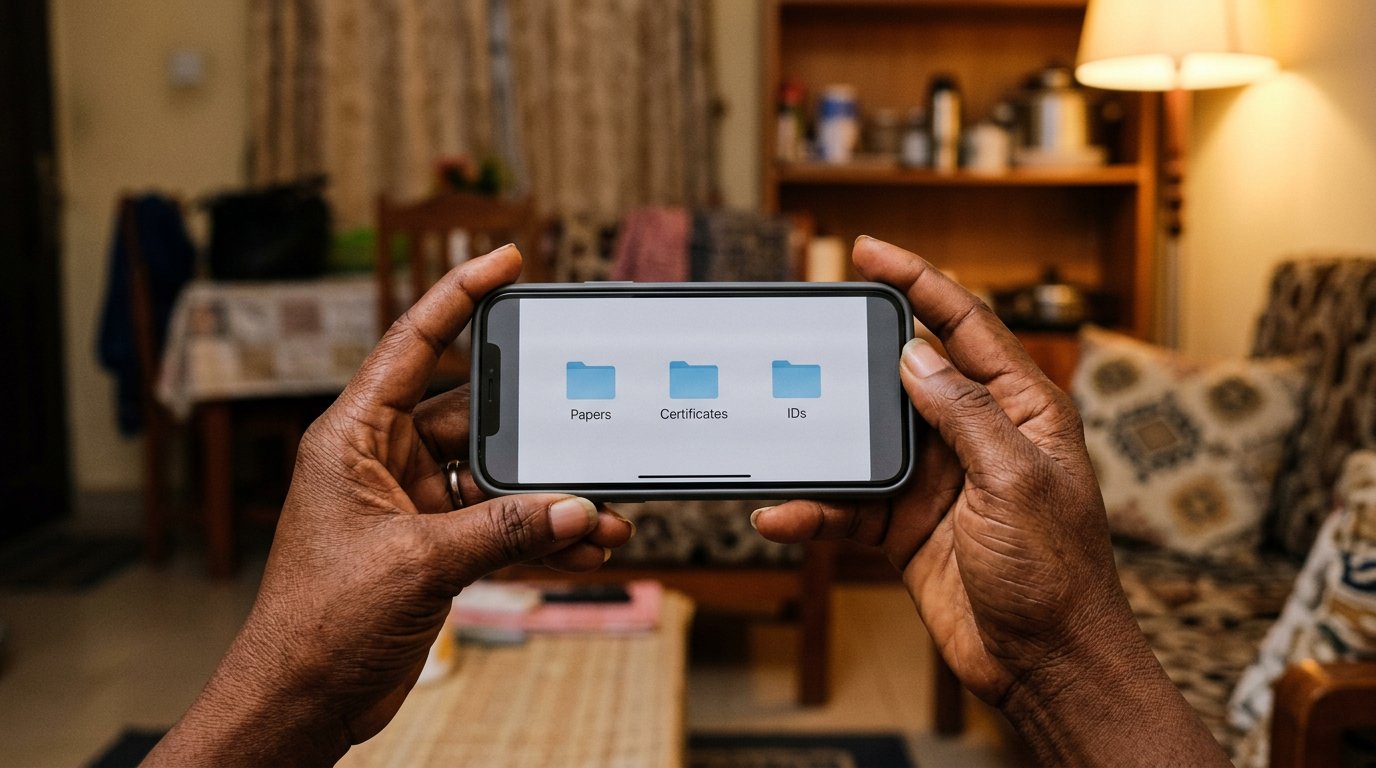
Certificates drown, burn, and walk out of bags. Scanned, named, and parked in Drive, they survive all three — one quiet evening of work, private until you say share.
Lesson 107·3 min
Before you forget the password
Recovery is the spare key, cut while the main key still opens the door. Set it today, in daylight, and never accept recovery help from a caller.
Lesson 108·3 min
The second lock
A stolen password should not be enough to be you. Two-step verification, backup codes on paper, and the rule for prompts you did not start.
Lesson 109·3 min
The forward that lies
Some lies want your money; some want only your finger. The sixty-second check before you forward, and your name as the envelope every lie travels in.
Lesson 110·3 min
Paying for something online
The first honest purchase: pay on delivery, the padlock's honest limits, and counting your change in a market made of screens.


Lessons 111–120
The wider street
The bank app, a new phone, selling, the ride, government portals, free learning, a work profile, the cloned voice, the yearly clean, and teaching the next person.
Lesson 111·3 min
Your bank in your hand
The bank in your pocket, used with market sense: the name before the confirm, the receipt kept, the card switch found in daylight. Your money's front door, locked properly.
Lesson 112·3 min
A new phone without losing your life
Moving day is where people lose more than thieves ever take. WhatsApp backed up, the Google account carried over, and the old phone wiped like a house whose keys have found a new owner.
Lesson 113·3 min
Selling the thing you own
You are the shop now: photographs that tell the truth, a price from the real market, and the one rule — money is confirmed in your own app, never by an alert's tone or a stranger's screenshot.
Lesson 114·3 min
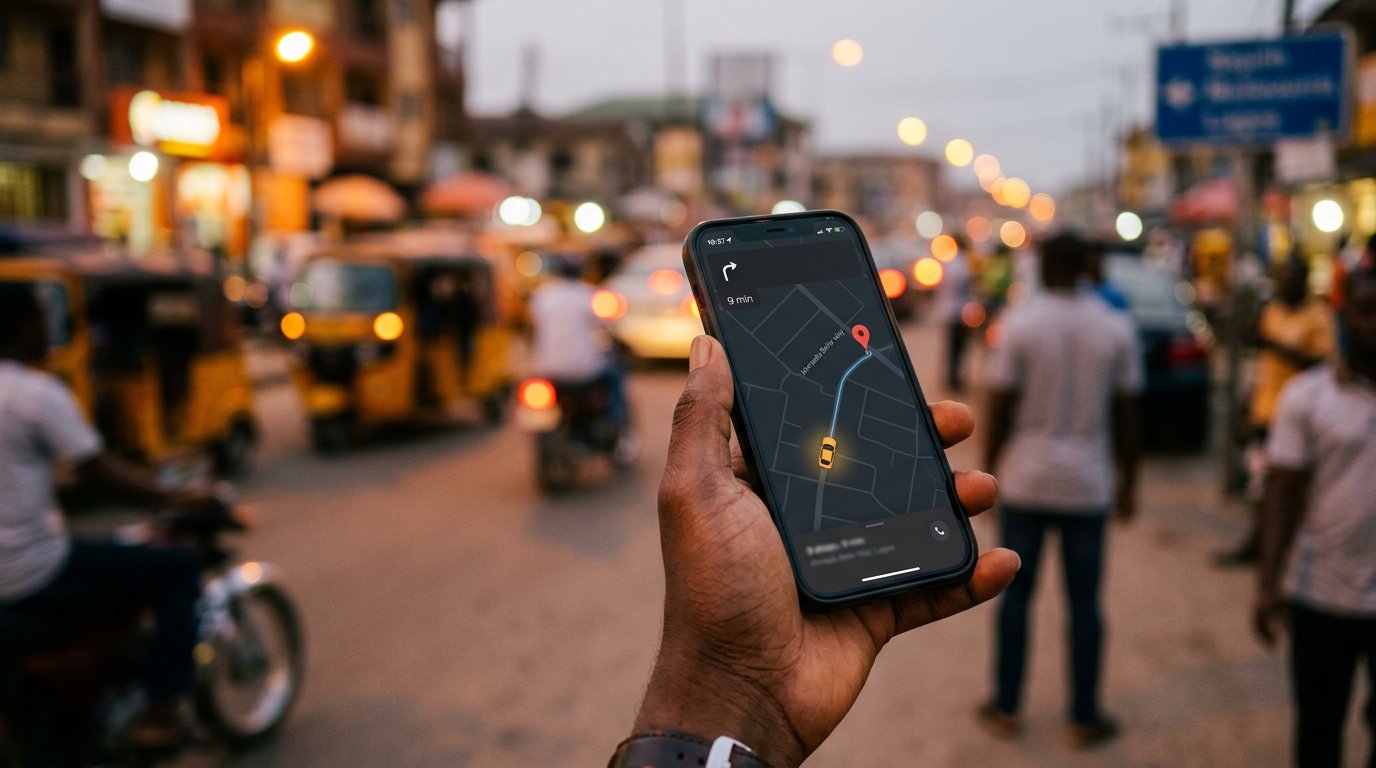
The ride that comes to you
Bolt, Uber, inDrive — the street's bargaining, arranged neatly on a map. The plate, the PIN, the person told, and the driver who asks you to cancel answered politely and refused.
Lesson 115·3 min
Government things, done online
NIN, passports, company names: the paperwork of a Nigerian life, on screens. Finding the real gov.ng door, surviving the fakes advertised above it, and keeping every reference number.
Lesson 116·3 min
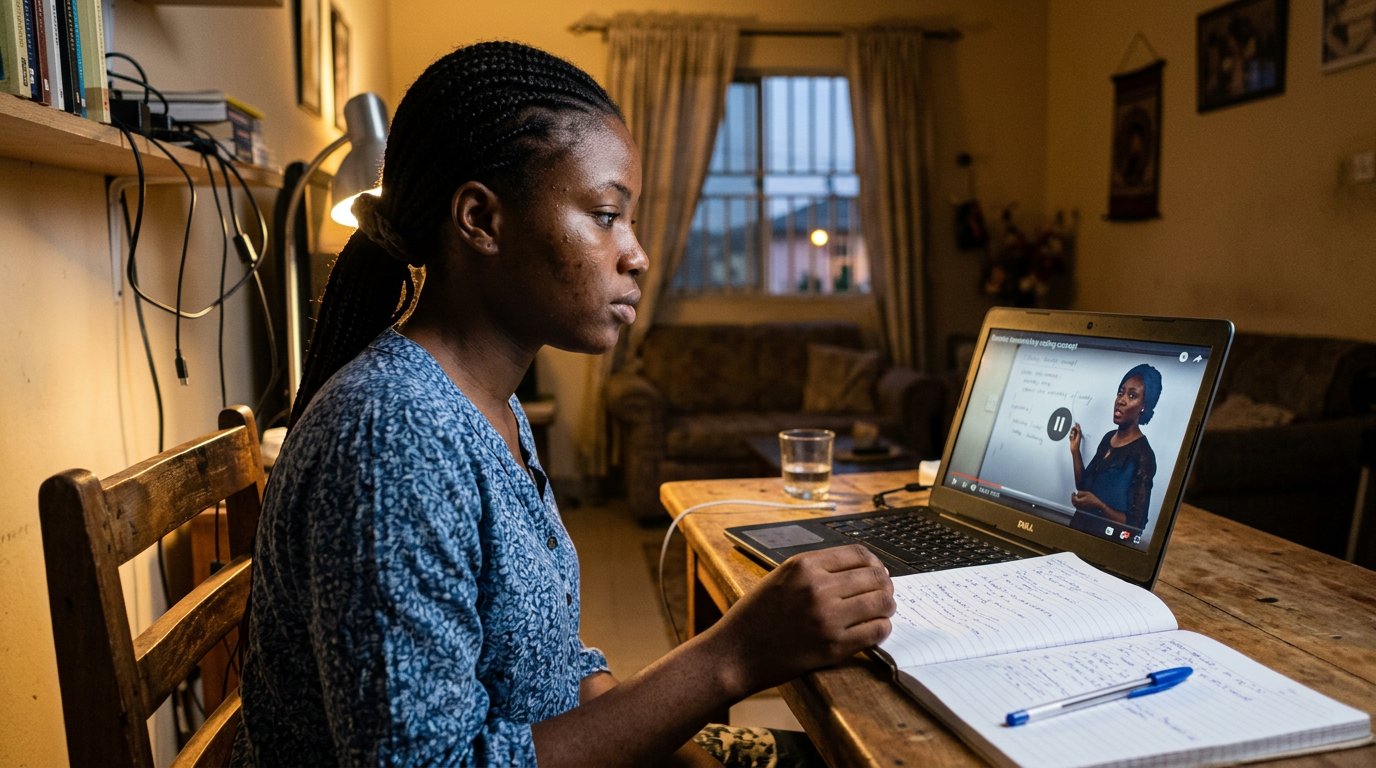
Learning online, mostly free
The classroom in your pocket, mostly free: search like a student, use pause and captions, finish one thing with your hands, and close the gap between watching and doing.
Lesson 117·3 min
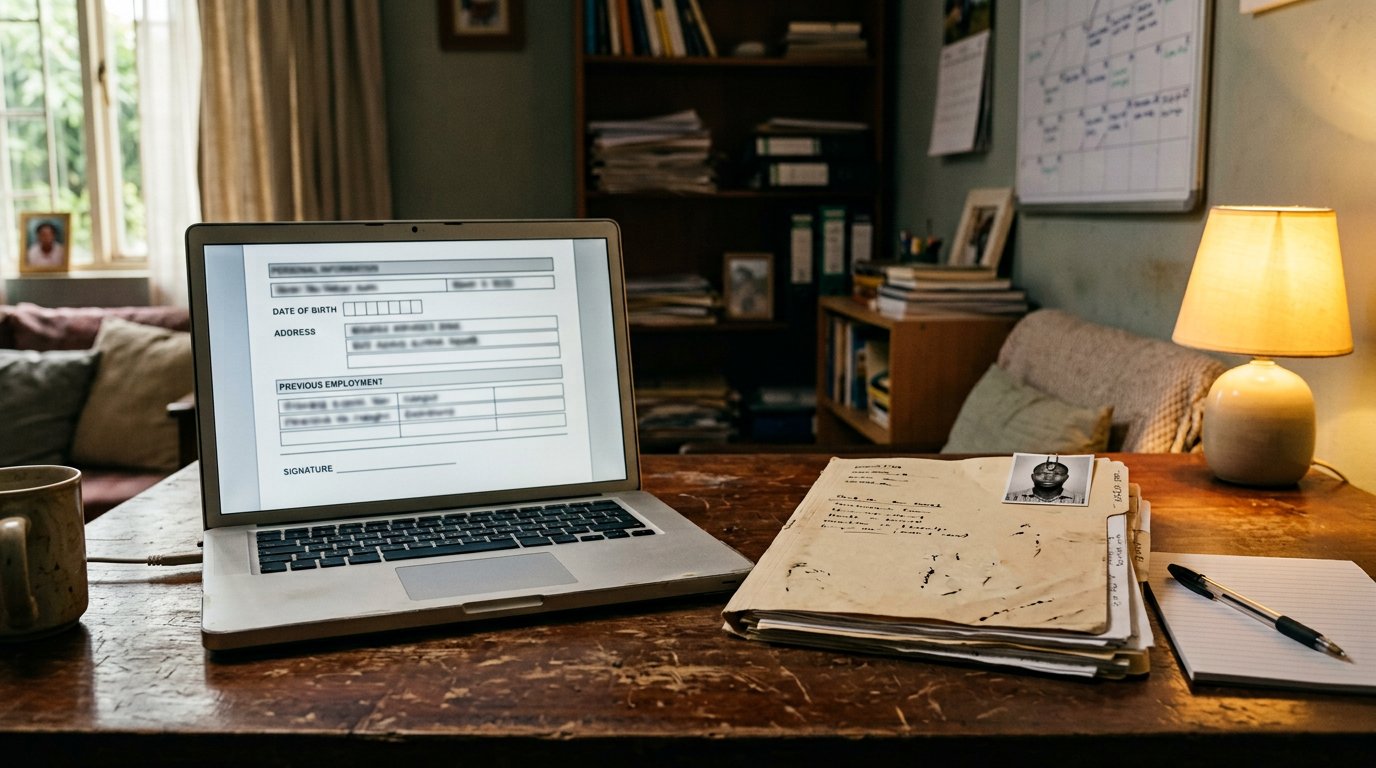
The profile that finds work
The employer searches your name before the handshake. A CV in Drive, a photograph that is your face, one honest profile, and the two sentences that make an application yours.
Lesson 118·3 min
The voice that borrowed a face
A clone needs twenty seconds of somebody's voice. The family word, the callback on the known number, and the rule that survives every costume: hurry, secrecy, money — pause.
Lesson 119·3 min
Cleaning the digital house once a year
Once a year, open the drawers: apps deleted, subscriptions cut, permissions revoked, the gallery backed up and pruned. The house lighter, the doors fewer, the mind quieter.
Lesson 120·3 min
Each one, teach one
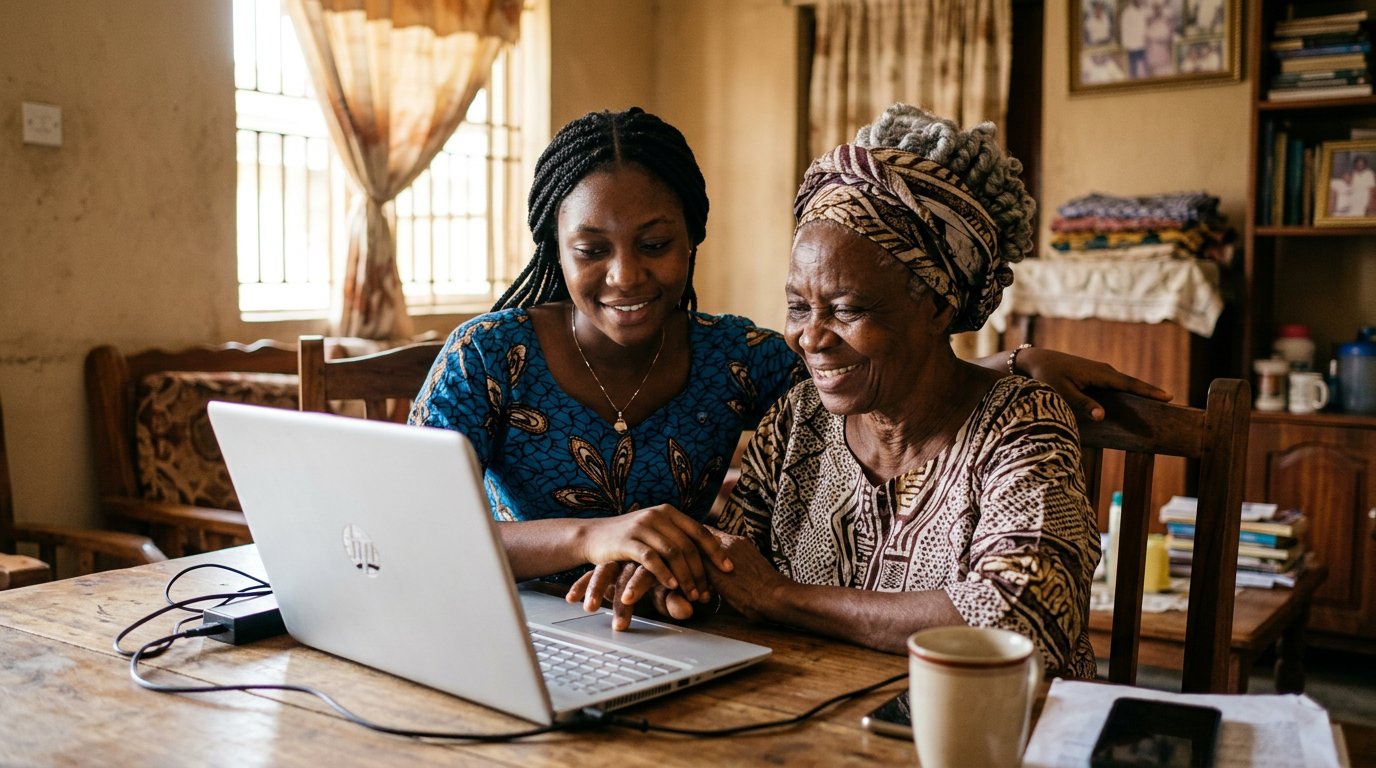
Somebody sat beside you once, or a note did. Now you are the somebody. Teaching one person, patiently, with their hands on the machine — the skill that travels every other skill.
Lessons 121–130
Where this leads
The analyst, the SOC, SIEM, zero trust, the fence check, TCP/IP, the digital signature, the frontend developer, the machine-learning engineer, and the teams that build.
Lesson 121·3 min
The cybersecurity analyst, at work
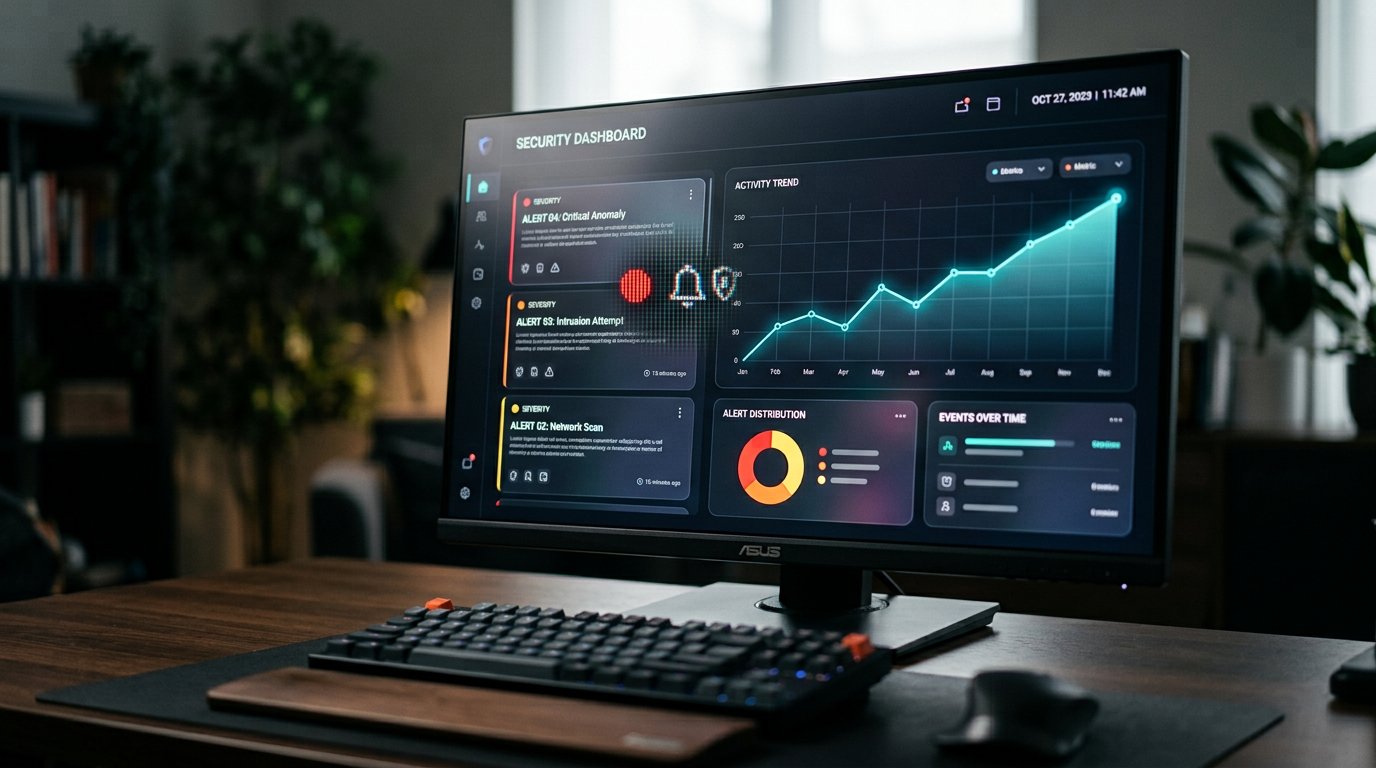
Somebody is paid to sit on the other side of everything these notes taught you — watching, triaging, asking who knocked. What the job actually is, and how a person walks into it.
Lesson 122·4 min
The room that never sleeps: the SOC
You will hear people say they work in a SOC. Here is the room, the tiers, the shifts — the place where the watching profession actually sits, explained without the mystique.
Lesson 123·3 min
SIEM, in ordinary words
SIEM — said like seam — is the ledger that collects what every machine saw, and shouts when the pieces make a pattern. The tool at the heart of every watching room, demystified.
Lesson 124·3 min
Zero trust: the gate that trusts nobody
What is zero trust security? The old walls trusted whoever was inside. Zero trust trusts nobody — every knock, every time, identity and device both checked. You already carry its front door in your pocket.
Lesson 125·3 min
The vulnerability assessment: checking the fence
A vulnerability assessment is the systematic walk around your own walls before thieves do it for you — find the weak boards, rank them, fix the loudest first. Here is the honest method.
Lesson 126·4 min
TCP/IP: how the road carries the mail
TCP/IP is the shared grammar of the internet — a long letter torn into numbered parcels, each finding its own road, reassembled at the door. One lesson to never fear the word again.
Lesson 127·4 min
What a digital signature really signs
A digital signature is not a picture of your name. It is arithmetic that proves who sealed a document and that nobody has touched it since. The padlock's cousin, explained.
Lesson 128·4 min
The frontend developer, explained
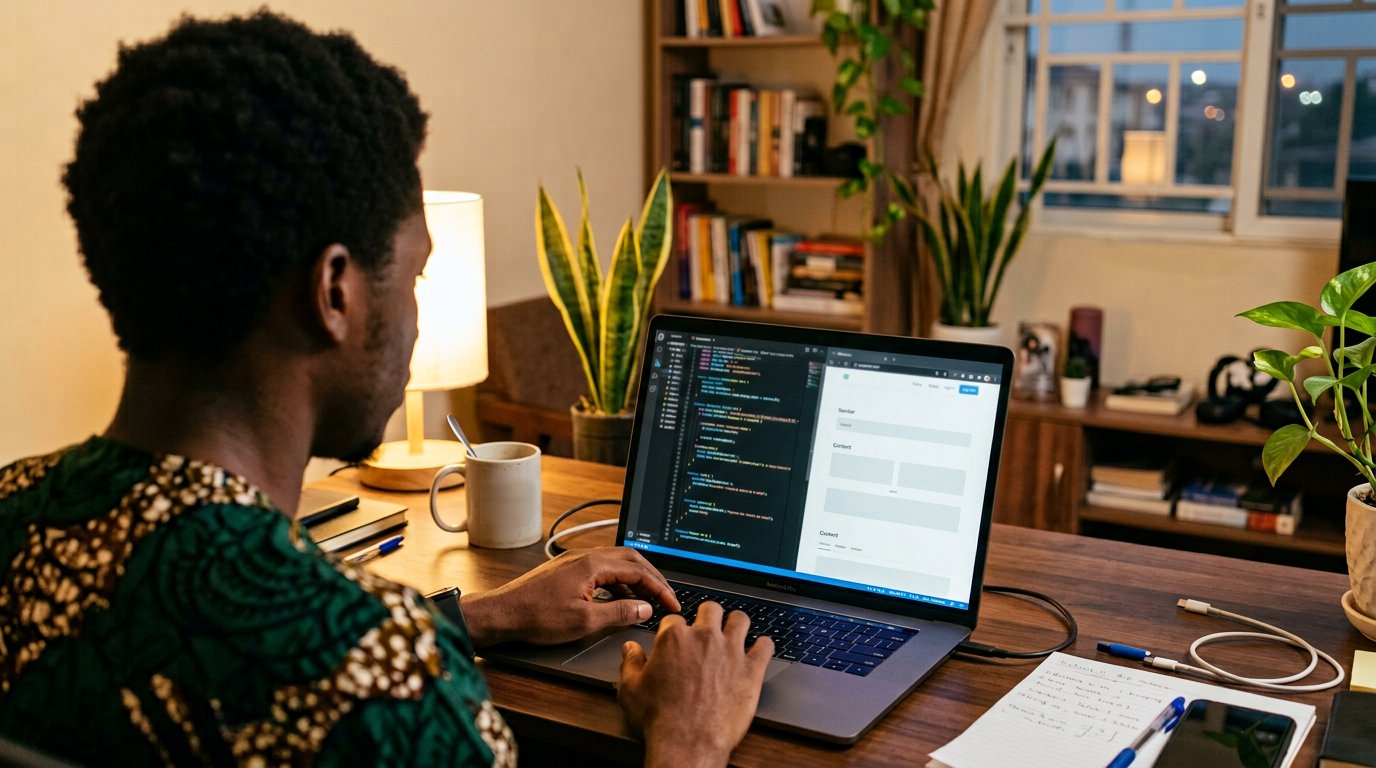
The frontend developer builds everything you have ever touched on a screen — the stall that faces the road. What the work is, what the words mean, and how this shelf is already the first step.
Lesson 129·4 min
What a machine learning engineer does
A machine learning engineer teaches machines by example instead of instruction — and spends most of the working day cleaning the examples. What the work is, and what it honestly pays.
Lesson 130·4 min
Agile and DevOps: how the teams build
Two words that fill every job advert, explained at a market stall: build small, show early, adjust; and let the people who build carry it live. Agile and DevOps, without the incense.





Lessons 131–140
Making a living
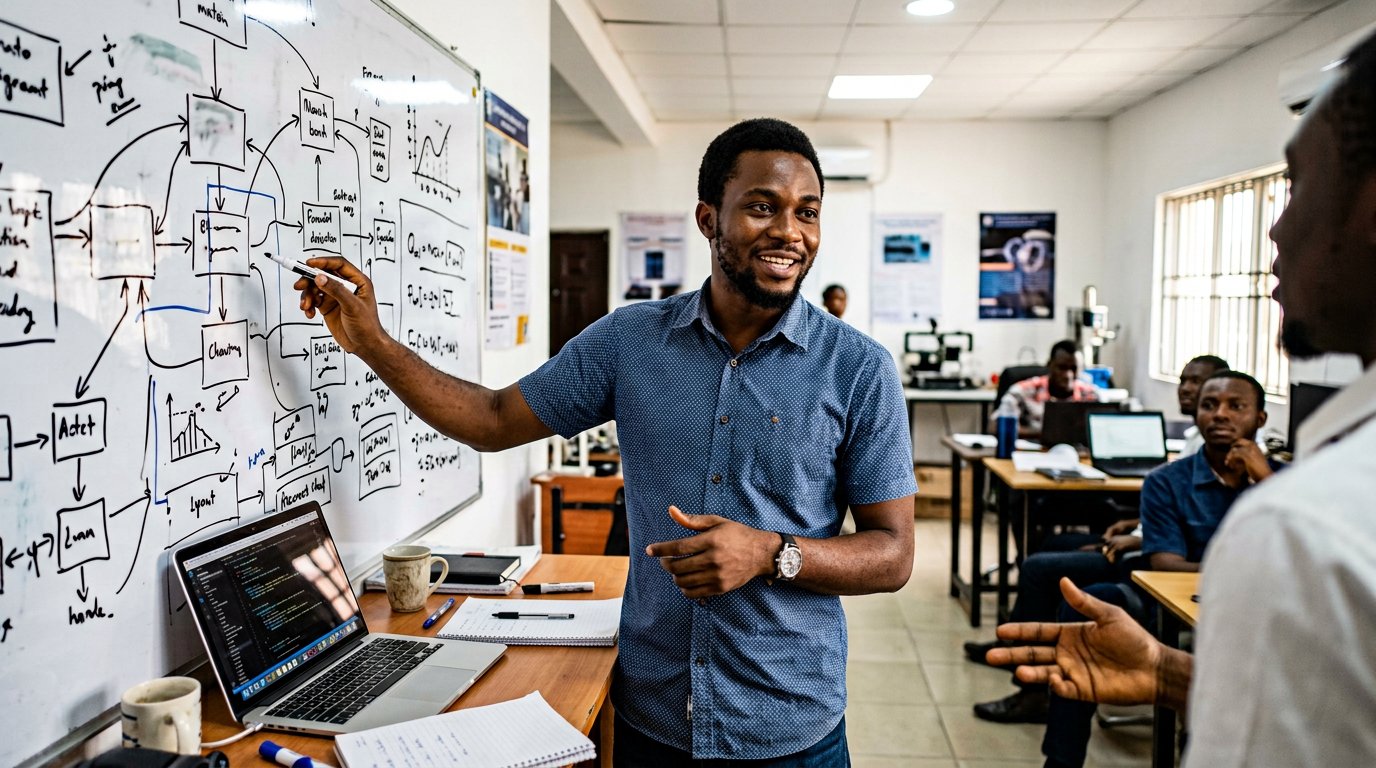
Data analytics, building an app, choosing a school, IT support, websites for shops, social media, design, remote work, pricing your work, and the portfolio that proves it.
Lesson 131·4 min
Careers in data analytics: the person who reads the numbers
A data analyst turns an organisation's piles of records into decisions — who buys, what works, where the money leaks. What the career actually is, what it pays, and the honest road in.
Lesson 132·4 min
How to build a mobile app in Nigeria, from the first sentence
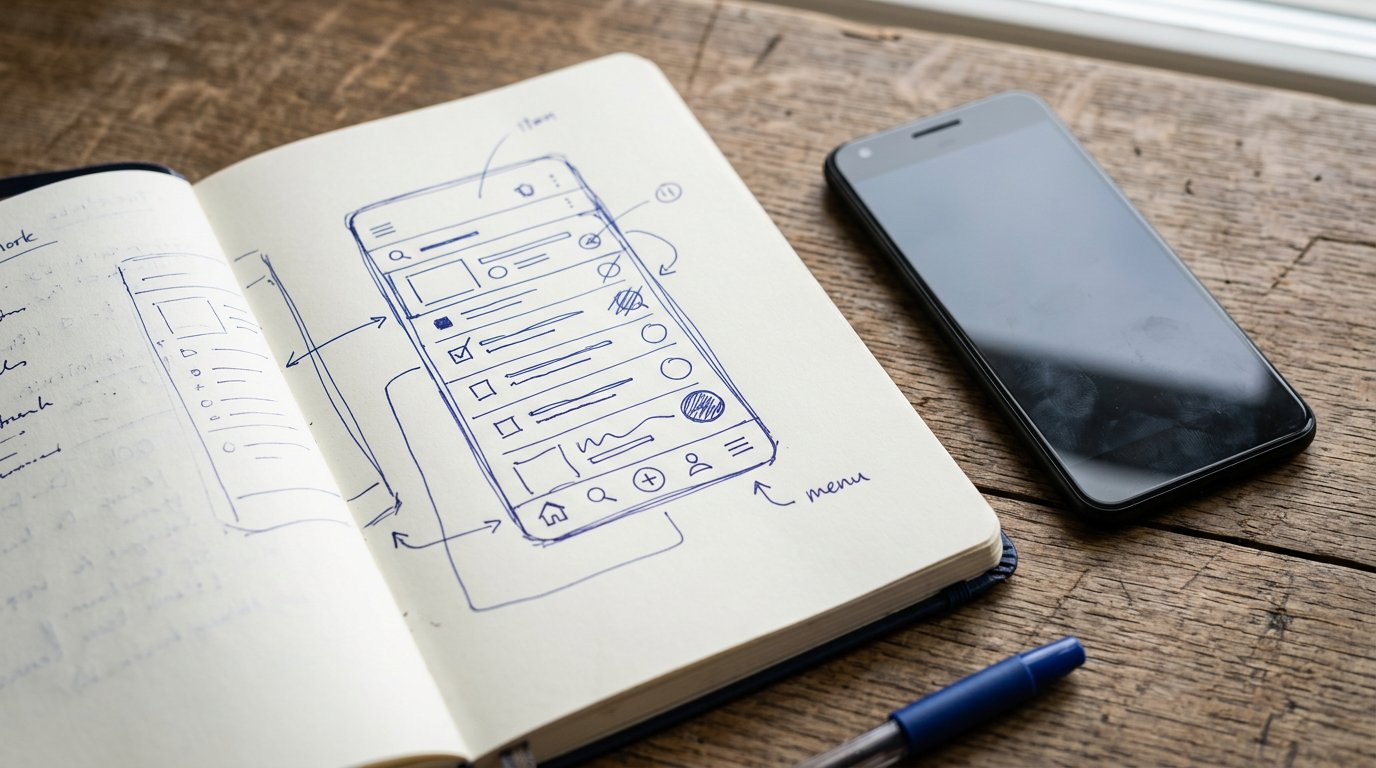
The honest ladder from idea to screen: write it small, prototype on paper, start with the web, learn the code or brief a developer, then the Play Store. No magic, no container loads of cash.
Lesson 133·4 min
Choosing where to learn: bootcamps, night classes, and honest papers
A data science bootcamp in Nigeria can be the best money you ever spend or the fastest you ever lose it. The questions that tell one from the other, before you pay anybody.
Lesson 134·4 min
IT support: the person who fixes the day
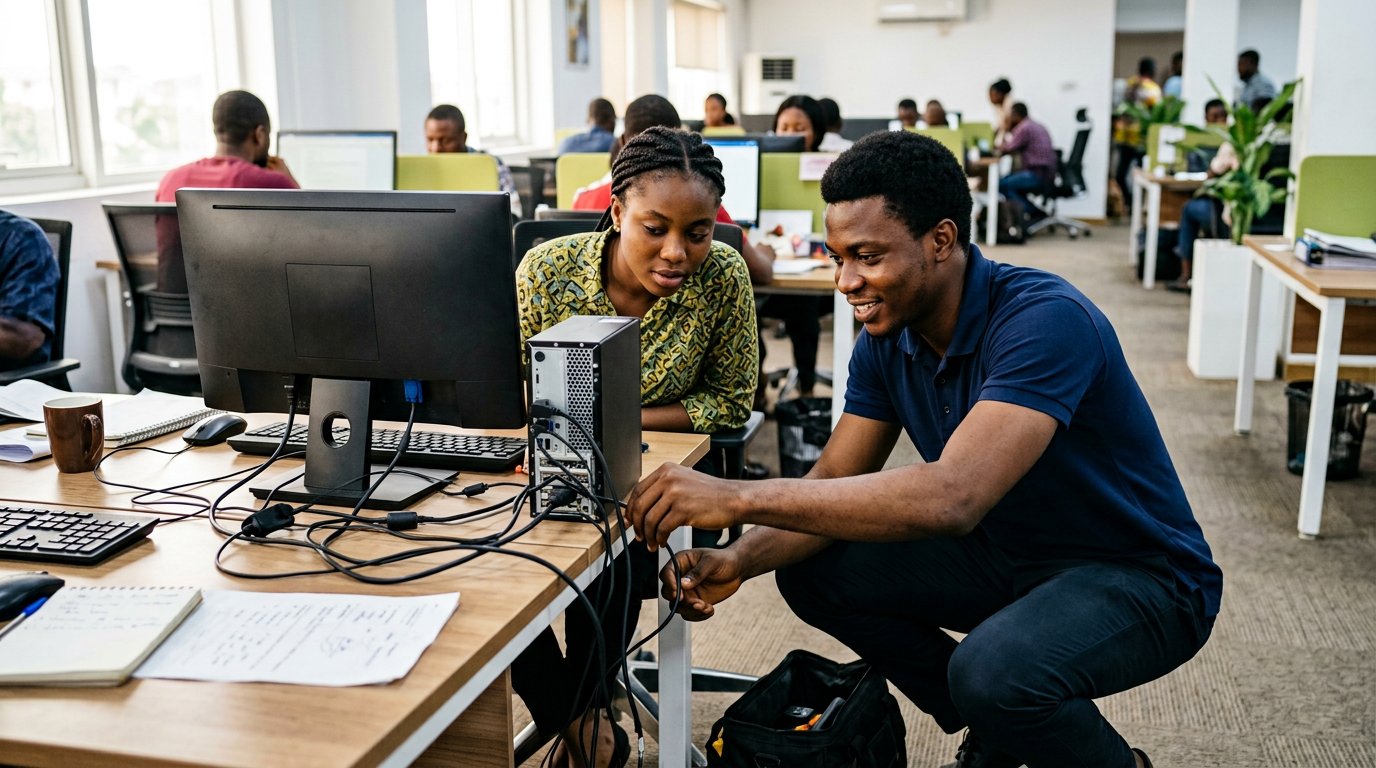
When the printer dies before the meeting, one person becomes the most important in the building. What IT support work actually is, and why patience is the core qualification.
Lesson 135·4 min
Websites for small businesses: a trade you can start this year
Every shop, school and church needs one honest page on the internet — and somebody local to build and keep it. That somebody can be you, from skills this shelf has already begun.
Lesson 136·4 min
The social media manager, behind the posts
The job is not posting; it is selling with manners at scale — a calendar, a camera, a reply written like a host, and numbers read honestly every week.
Lesson 137·4 min
Design as a trade: the graphic designer's table
The designer's job is not beauty; it is clarity that sells — hierarchy, restraint, and the discipline to stop. What the work is, what the tools cost, and how the first paid jobs arrive.
Lesson 138·4 min
Working remote from here: dollars, hours, and the light
Remote work is not a hustle, it is a job with a longer commute. The four things it actually demands — proven skill, power and data, written English, and a way to be paid — and how to arrange each.
Lesson 139·4 min
Pricing your work without apologising
The freelancer's hardest lesson: a price is not a confession of worth, it is a tool with a floor, a market, and a value. How to quote, hold, deposit, and raise.
Lesson 140·4 min
The portfolio: proof over promises
A CV says you can; a portfolio shows you did; a client decides in one glance. How to build the small body of evidence that turns every trade in this chapter into a living.




Lessons 141–150
The working life
The first paid client, AI assistants, books for a one-person business, client secrets, the body at the desk, learning in public, quiet clients, a first hire, certificates, and the long game.
Lesson 141·3 min
Your first paid client, start to finish
One real job, walked the whole way: the enquiry, the written quote, the deposit, the delivery, the invoice, and the ask that turns one client into the next.
Lesson 142·4 min
Working with AI assistants
The assistant that answers everything and is sure about all of it: how to use the tools as apprentices — drafts, explanations, ideas — and where their confidence must be checked.
Lesson 143·3 min
The books of a one-person business
You earned it; now keep it. Separate the money, record every in and out, set aside the tax-and-rain share, and reconcile once a month — books a one-person business can actually keep.
Lesson 144·4 min
Secrets that are not yours
Professional work means holding other people's keys: their data, their logins, their files. Confidentiality in ordinary words — what you may see, what you may keep, what you must never carry.
Lesson 145·4 min
The body at the desk
The trade you chose is a sitting trade, and sitting is a hazard. Eyes, wrists, neck and back — the small arrangements that let a person work for decades instead of years.
Lesson 146·3 min
Learning in public
Share what you learn, ask questions worth answering, and let the next person watch you climb. The habit that compounds a course into a career — and strangers into colleagues.
Lesson 147·4 min
When a client goes quiet
The work is delivered; the phone goes silent. Chasing payment with dignity: the gentle ladder, the documents that win disputes, the pause of work, and when to walk away.
Lesson 148·4 min
Your first hand: from freelancer to small studio
The day the work exceeds your hands is a good day with a hard question. Hiring your first person — paying fairly, teaching openly, checking quality, and the arithmetic of two desks.
Lesson 149·4 min
Certificates, exams, and the track record
When a certificate opens a door and when it merely decorates a wall — how to prepare for the exams that matter, and how to keep the proof that outranks every paper.
Lesson 150·4 min
The working life
The last note of the chapter is about the years: routines that survive motivation, integrity that survives temptation, and a career walked one honest Thursday at a time.






Lessons 151–160
Standing taller
Checking results, the family table, the CV that gets read, the screen interview, slides, email that gets answered, notes that last, the pivot table, health online, and the upgrade habit.
Lesson 151·3 min
Checking results and admissions online
WAEC, NECO, JAMB: the portals, the tokens, the careful typing of exam numbers — and the one scam that hunts results season every single year.
Lesson 152·3 min
The family table: phones, kids, and parental controls
Children inherit our screens before our manners. Family Link, app approval, the bedtime rule that binds adults too — raising the next generation of users without a fight.
Lesson 153·4 min
The CV that gets read
Most CVs die inside a machine before a human ever sees them. The plain format that survives the robot parser, the honest keywords that match the advert, and the one page that opens doors.
Lesson 154·4 min
The interview on a screen
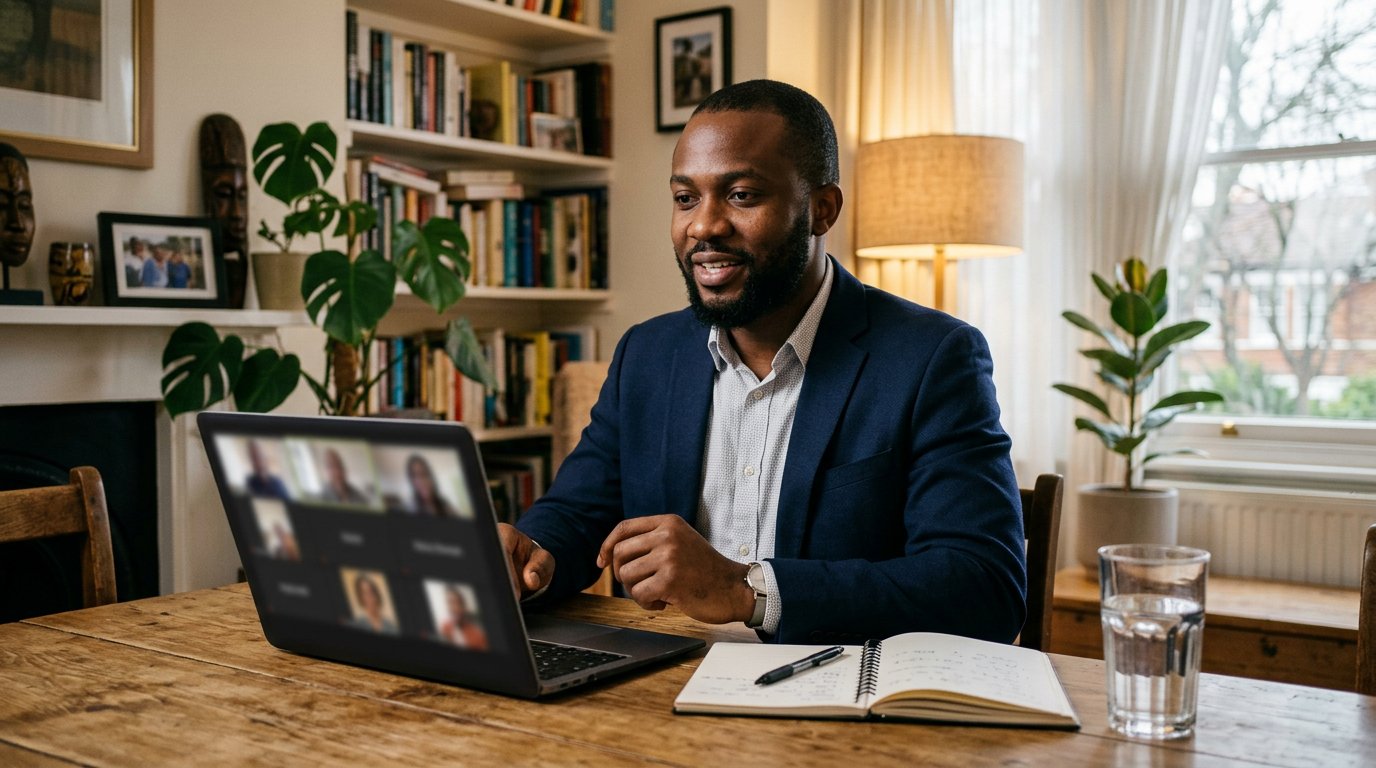
The online interview is won before it begins: the test run, the window behind you, the camera at eye level, and the manners of a guest in somebody's parlour.
Lesson 155·3 min
Slides that speak
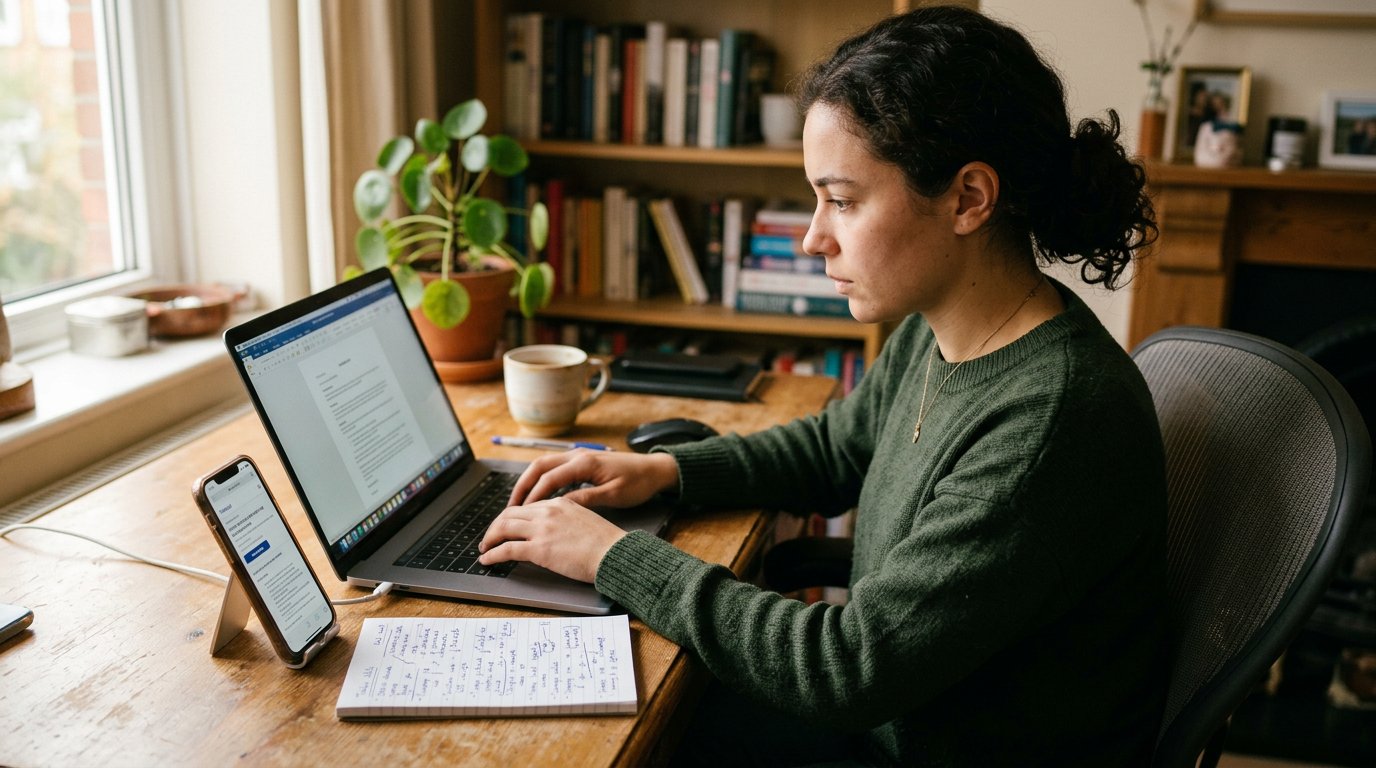
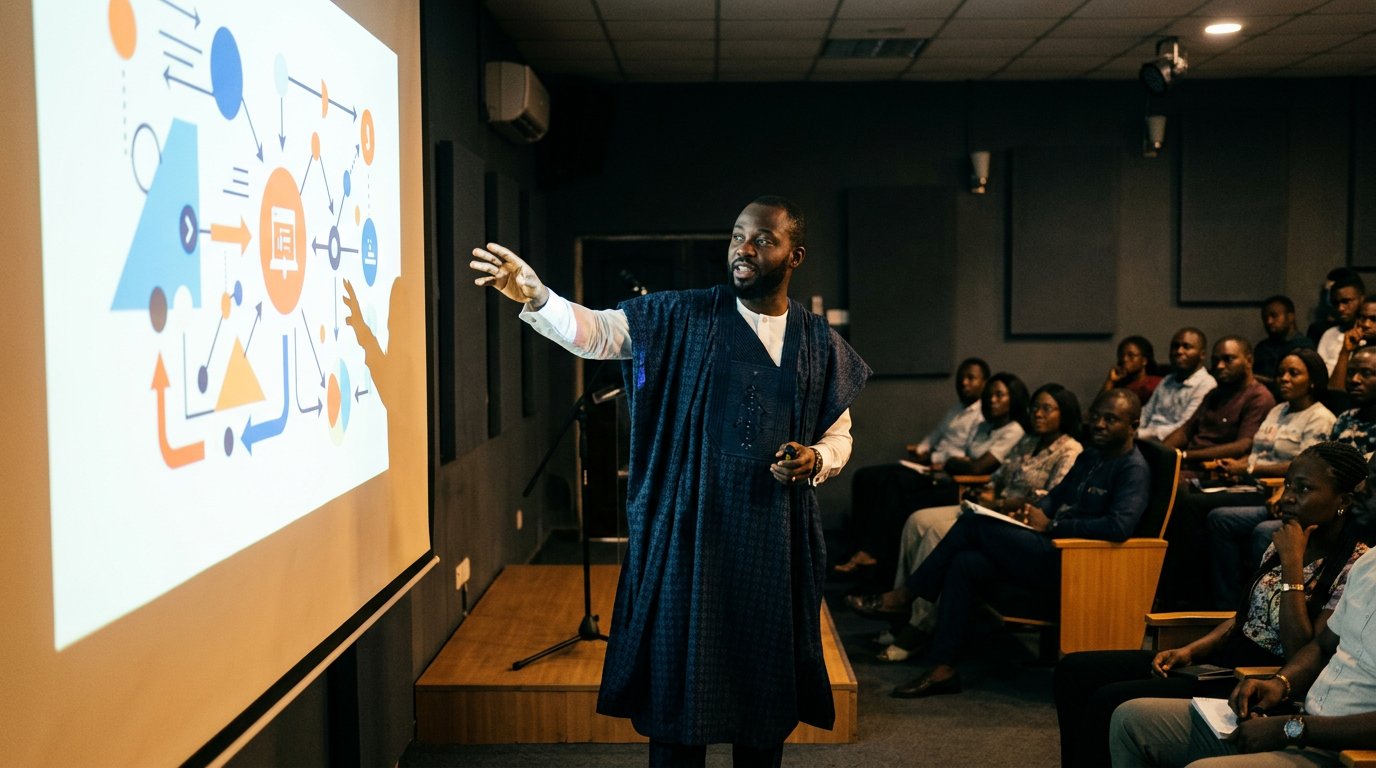
The audience cannot read and listen at once, so the slide carries the lantern and you carry the talk. One idea per slide, letters for the back row, and the rehearsal that removes the fear.
Lesson 156·4 min
Email that gets answered
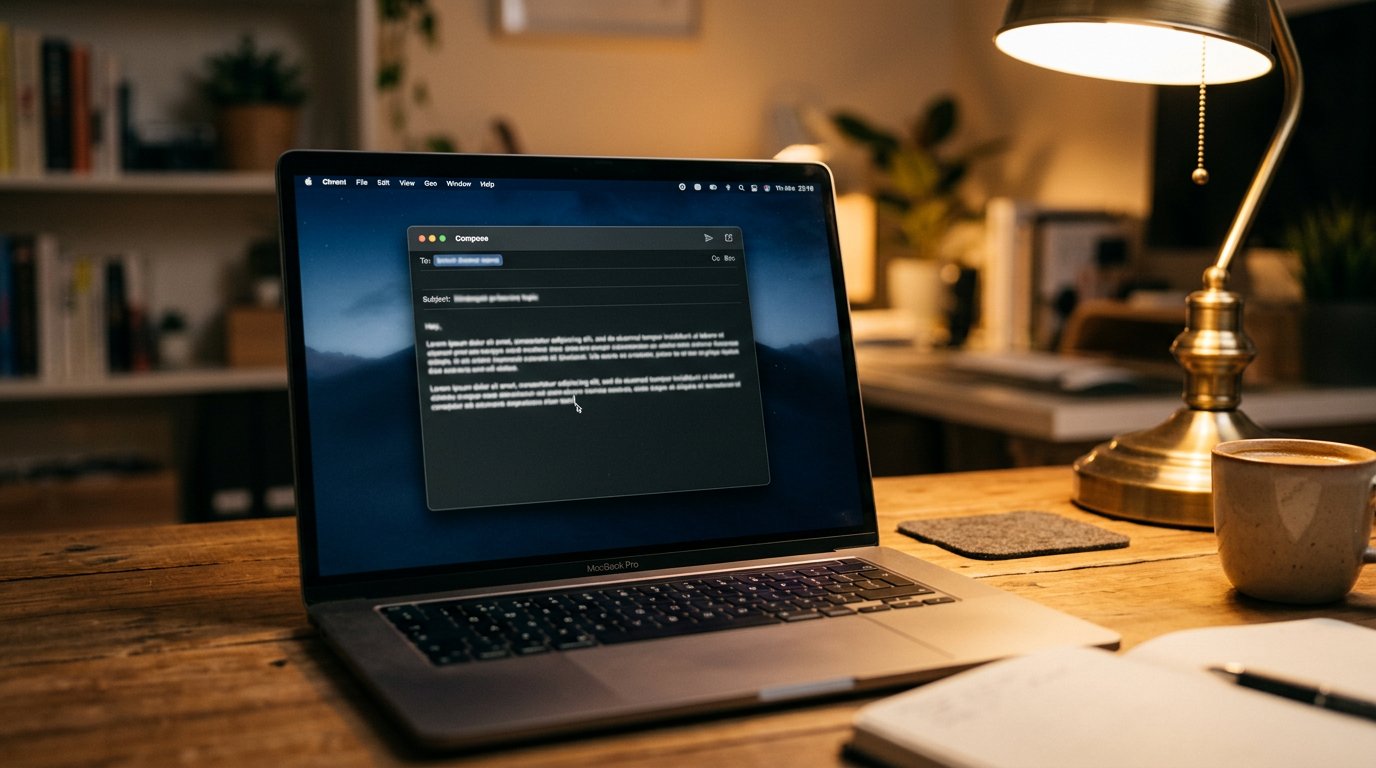
A busy person answers mail between meetings, in twenty seconds each. The subject line that says the thing, the first sentence that asks, and the follow-up that is polite and shameless.
Lesson 157·4 min
Notes that last
You will not remember Friday in March, so Friday must write to March. One home for every note, named and dated, reviewed weekly — the quiet system that turns busy weeks into a memory.
Lesson 158·4 min
The pivot table, properly
One thousand rows in, three sentences out, without touching a formula: select, drag, read. The spreadsheet's most respected tool, walked slowly in the series voice.
Lesson 159·4 min
Health online, without the lies
Booking appointments, verified telemedicine, pharmacy delivery — and the hard rule the forward lesson left behind: symptoms go to professionals, never to a search box or a broadcast list.
Lesson 160·4 min
The upgrade habit
Every tool on this shelf will be replaced someday, and none of the habits will. The yearly skills audit, one new tool per quarter, unlearning with grace — how to stay current for decades.


Lessons 161–170
The pocket and the purse
USSD banking, line deductions, data bundles, ATMs and POS, power banks and surges, prepaid tokens, booking a flight, the VPN, loan apps, and the money that doubles.
Lesson 161·4 min
Banking without the internet
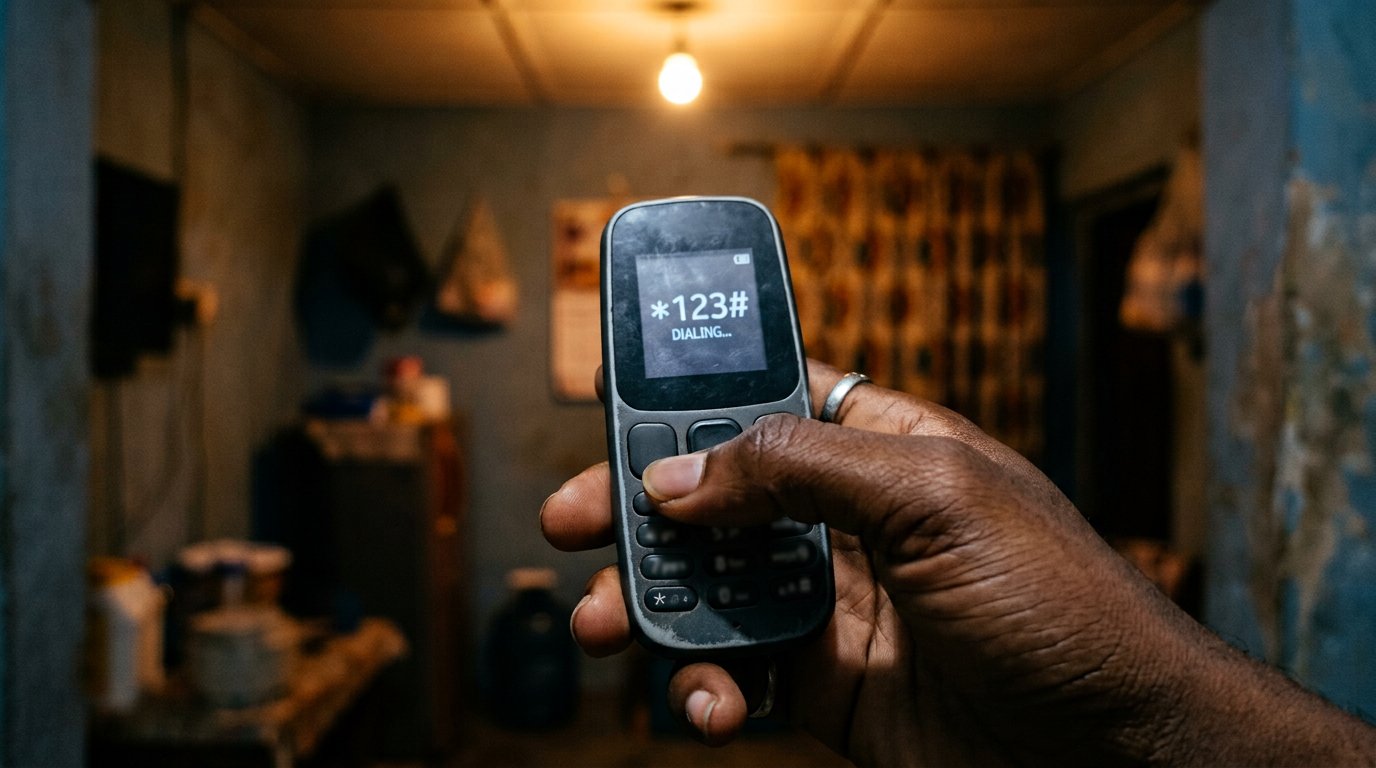
Data dead, network alive: the short codes that move money on any phone in Nigeria, the fake codes that collect instead, and the pocket habits that keep the two apart.
Lesson 162·4 min
The deductions on your line
Fifty naira here, twenty there, and the airtime is gone by Wednesday. The quiet subscriptions eating your line, how to see them, how to stop them, and the doors they walked in through.
Lesson 163·4 min
Where the data goes
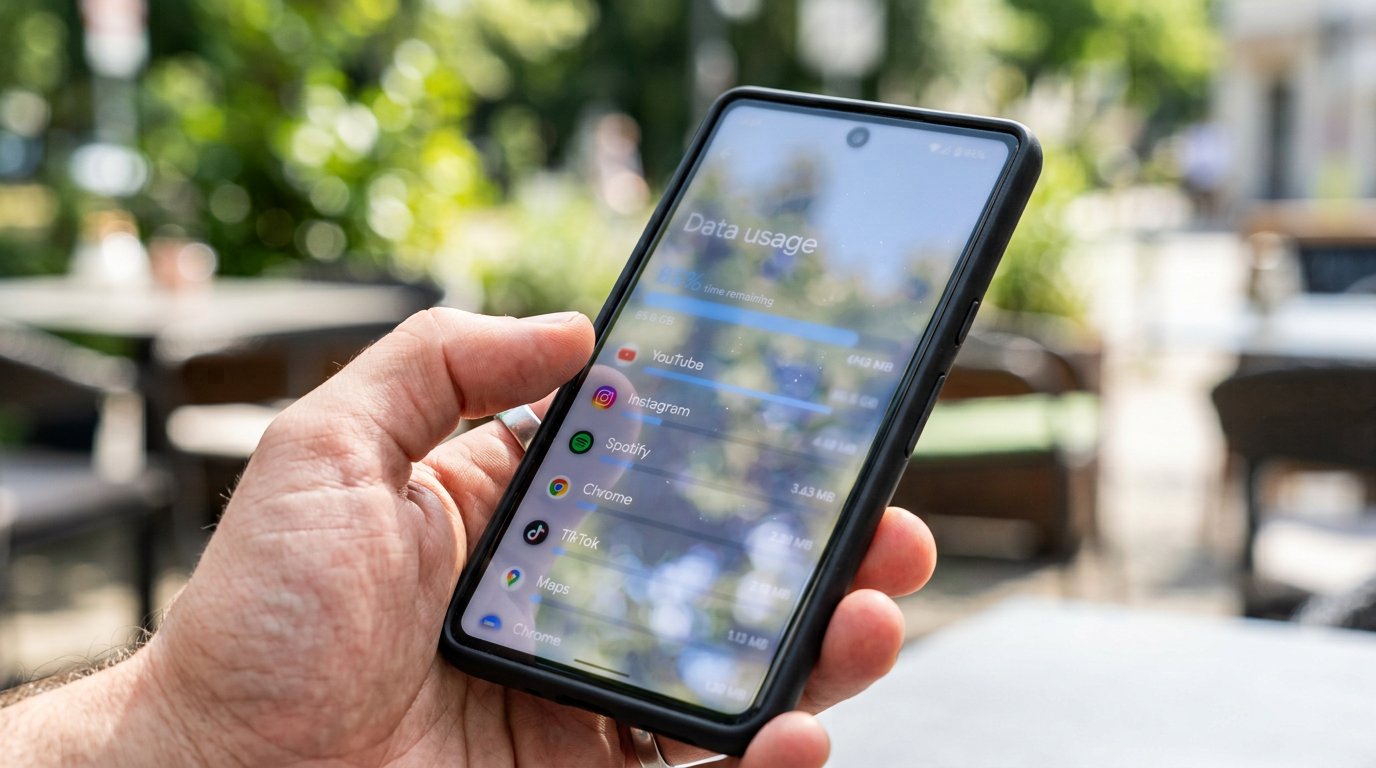
Two gigabytes, finished by Thursday, and you barely watched anything. The four quiet eaters of a bundle, the settings that leash them, and the buying that stops the middlemen.
Lesson 164·4 min
The ATM, the POS, and the card manners
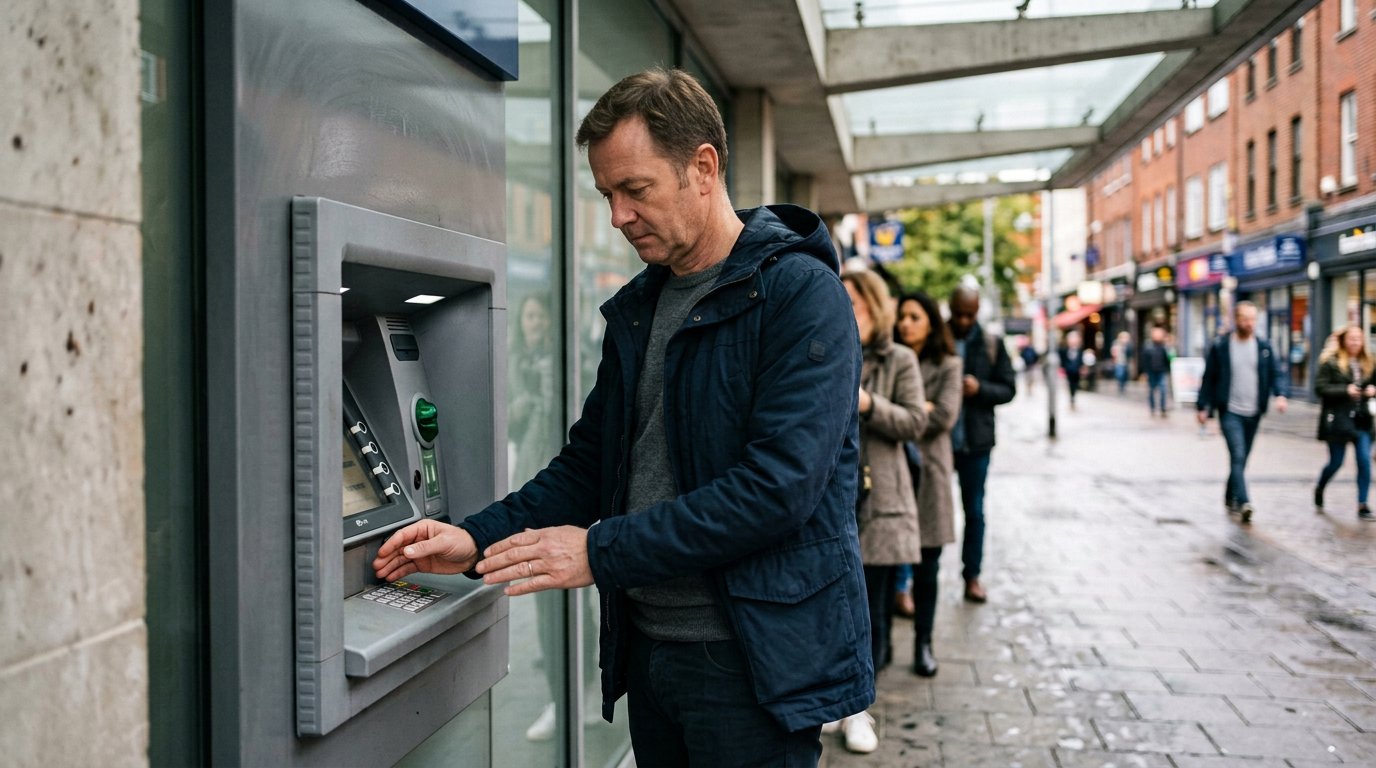
The queue under the umbrella, the slot that wiggles, the keypad worth covering: cash machines done correctly, the market POS done politely, and the card that gets frozen in one tap.
Lesson 165·5 min
Power banks, surges, and the charging life
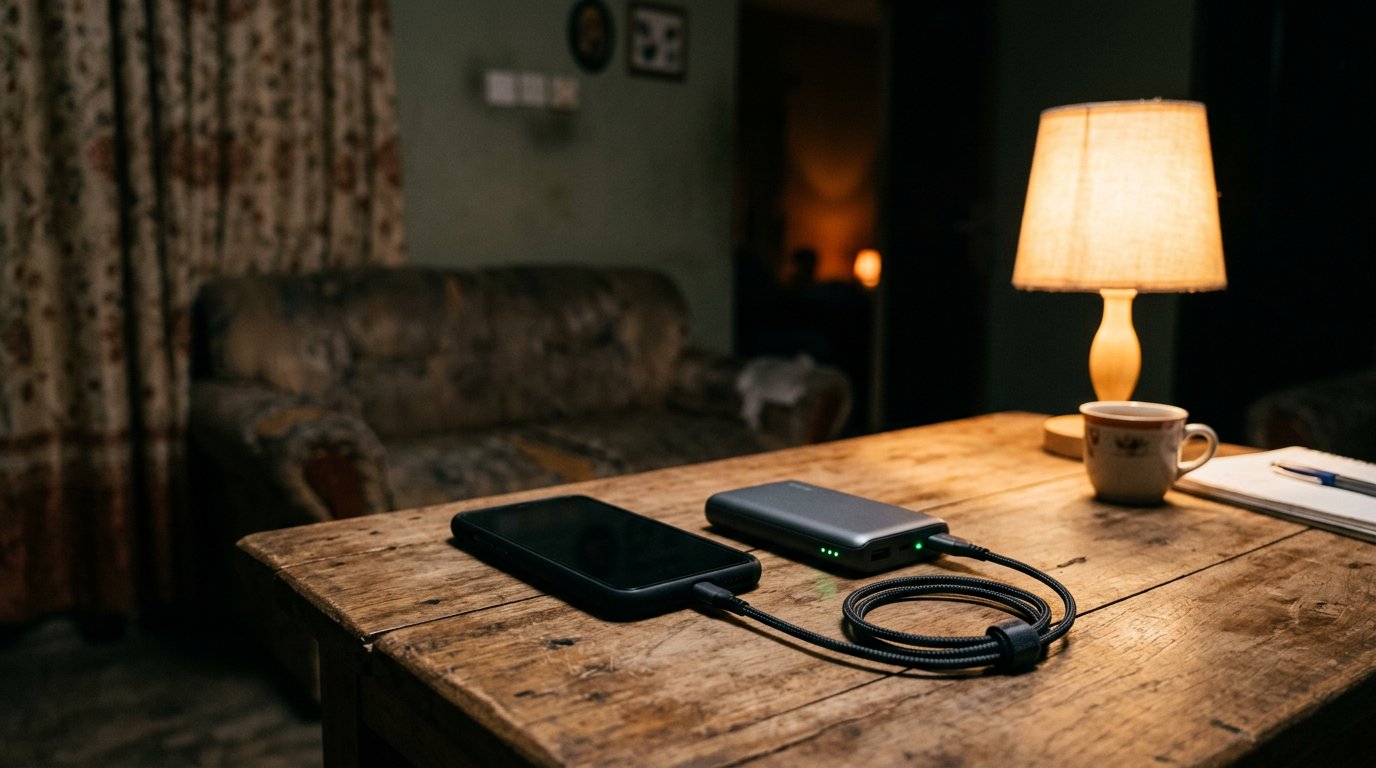
The grid has moods; your machines have limits. Choosing a power bank that tells the truth, charging on hard ground, and the seconds after the light returns that decide a device's life.
Lesson 166·4 min
Electricity units, bought online
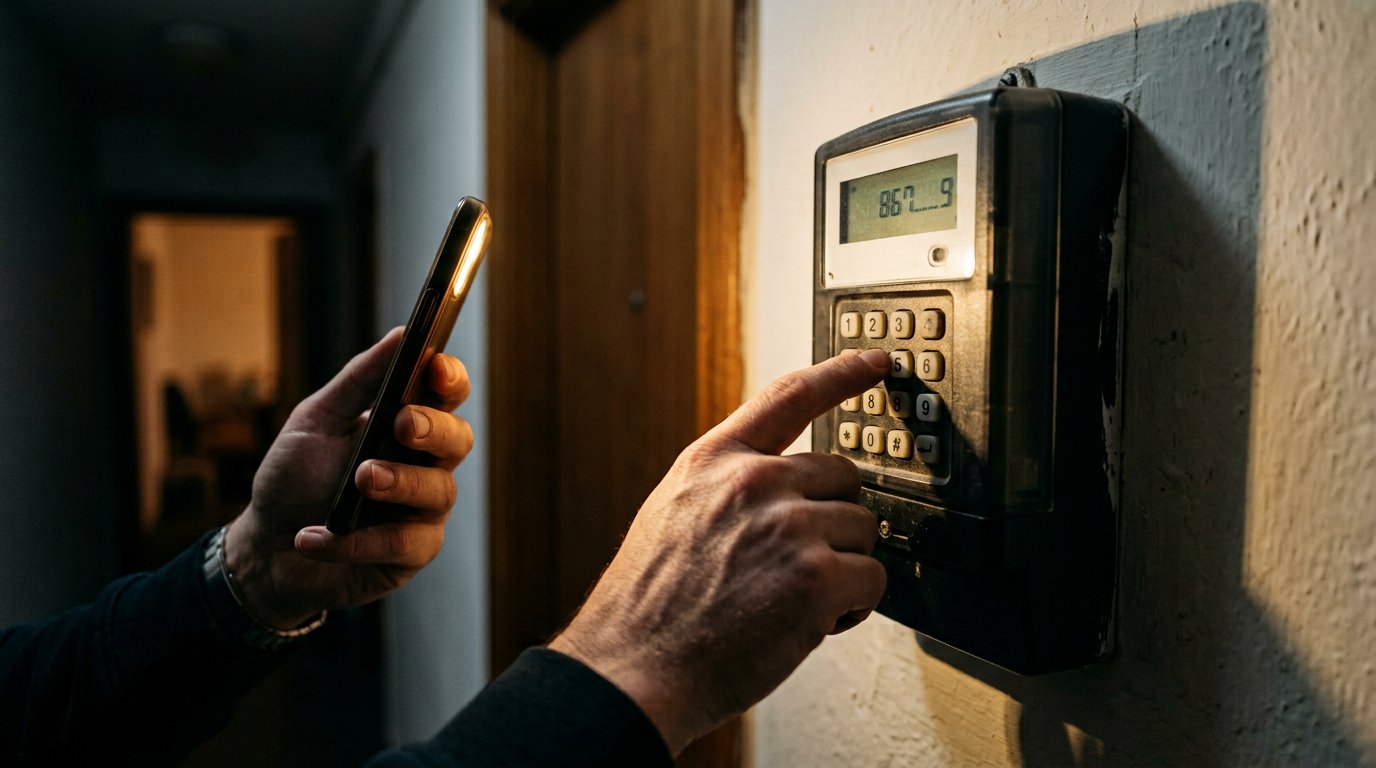
The meter is beeping and the night is dark: prepaid tokens bought correctly, typed patiently, kept as receipts — and the cheap-units man at the junction, declined politely forever.
Lesson 167·4 min
Booking a flight, online, by yourself
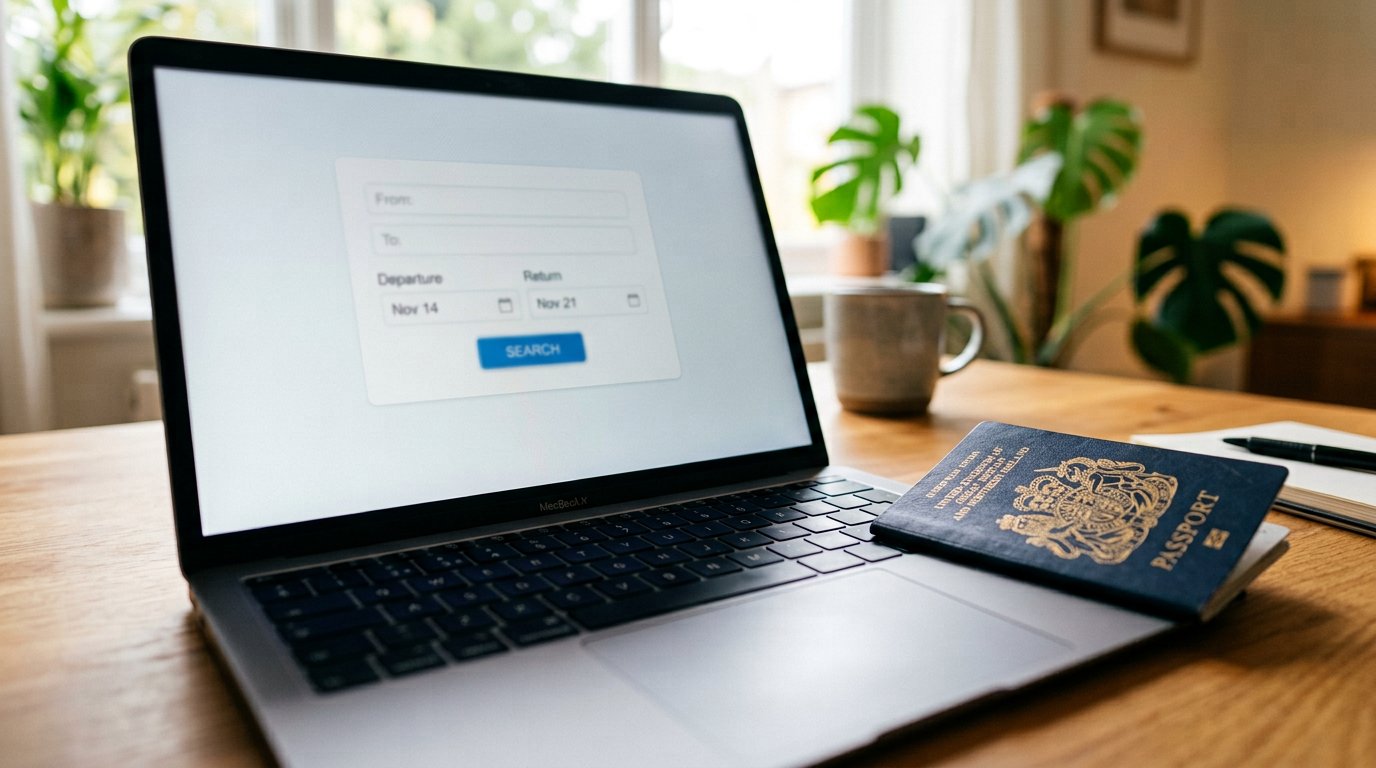
The first flight, booked by your own hands: the airline's door, the name spelled like the passport, the reference guarded like a receipt — and the cheap-ticket man at the DM, declined.
Lesson 168·4 min
The VPN, explained like a tunnel
Your traffic, wrapped and carried through another town: what a VPN actually does, when it genuinely helps, when it sells you courage — and why the free ones are the most expensive.
Lesson 169·4 min
Loan apps: the money that costs a reputation
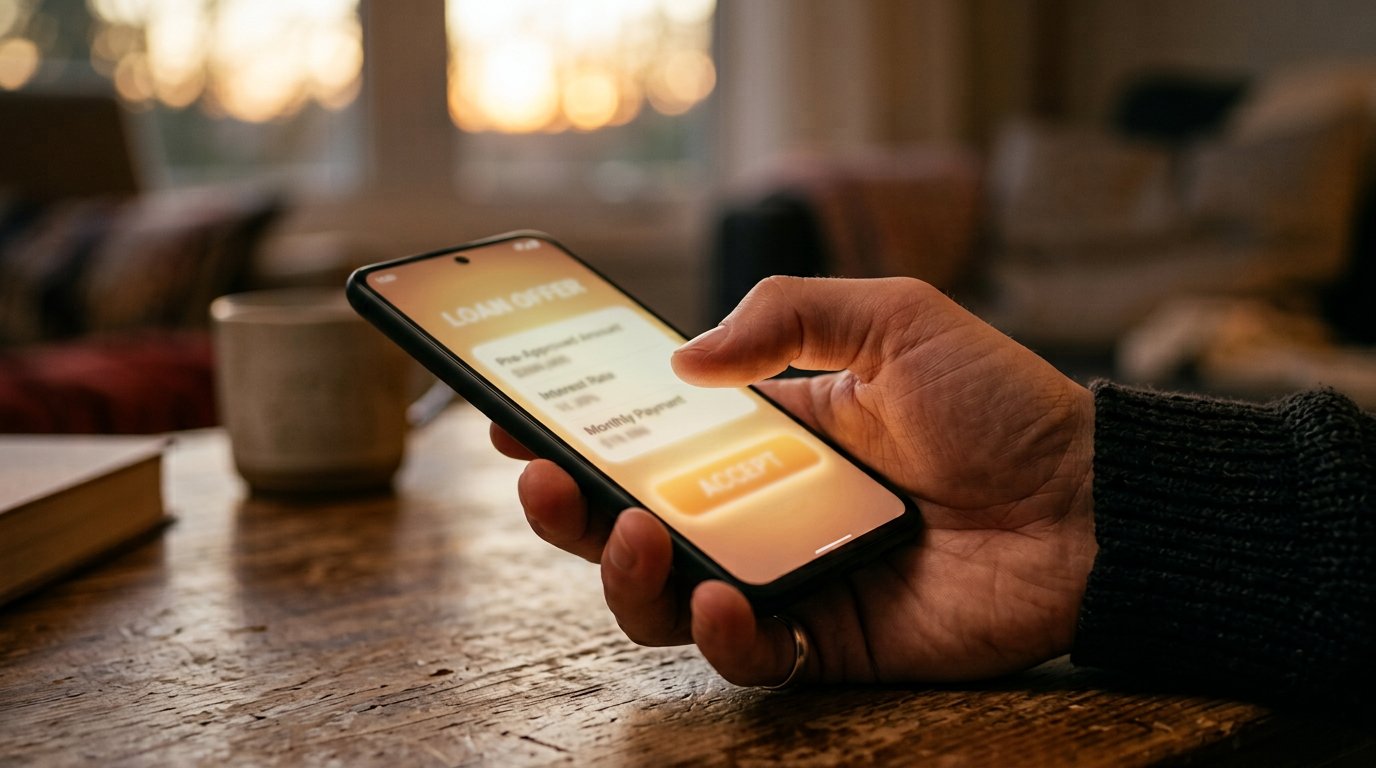
Fifteen minutes, no collateral, and your whole phonebook held as surety. How the instant-loan machine actually works, what the law says, and the defences that keep your name yours.
Lesson 170·4 min
Double your money: the oldest lie
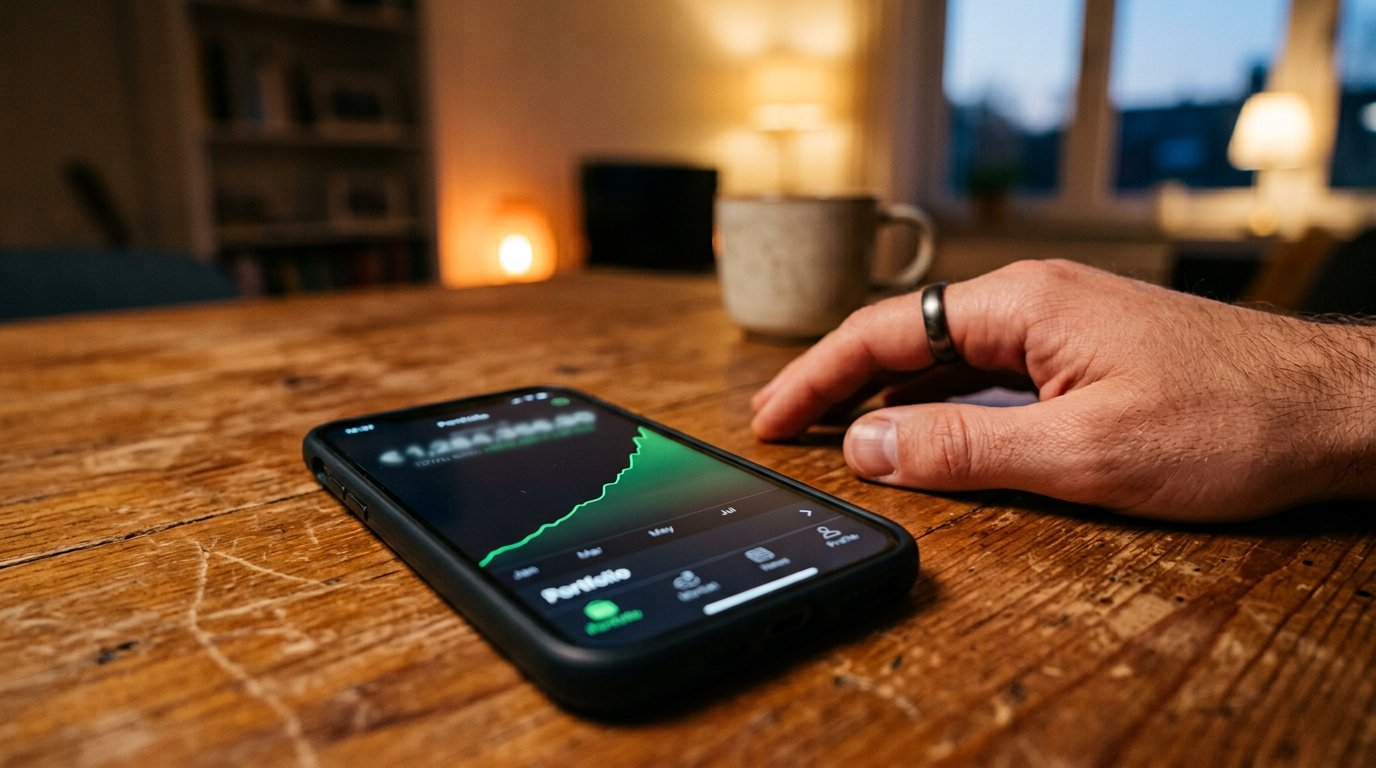
The dashboard glows green, the first withdrawal lands, the compound meeting claps. Inside the arithmetic of doubling schemes, the tells that survive every costume, and the boring cure.
Lessons 171–180
The workshop and the bench
Dark screens, screaming fans, clicking drives, liquid spills, used-laptop inspection, charger math, blue screens, RAM upgrades, repairs manners, and ten years from one machine.
Lesson 171·5 min
When the screen stays dark
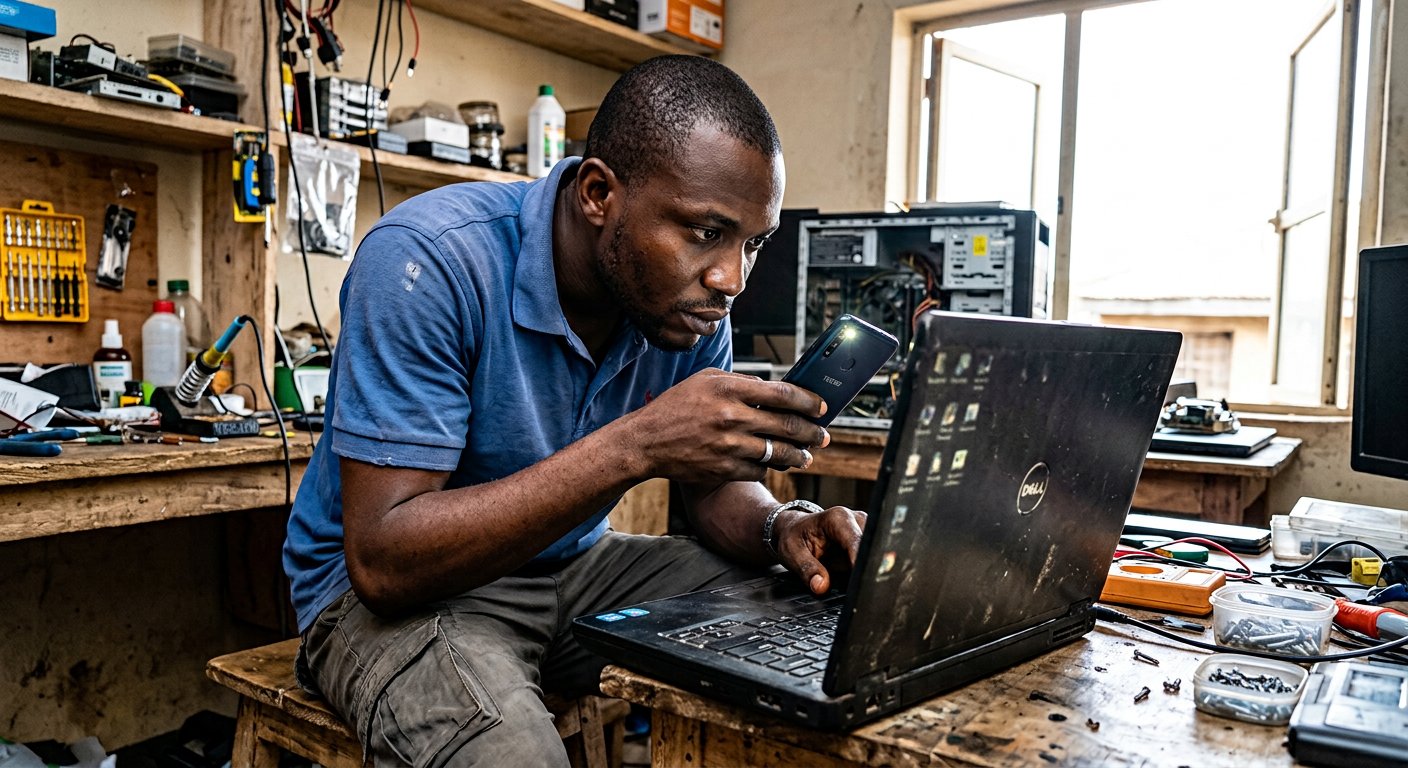
The power light breathes, the fan spins up, but the glass screen stays as dark as midnight. How to test the light, the memory stick, and the TV cord before anybody touches a screwdriver.
Lesson 172·4 min
The fan that screams and the machine that burns
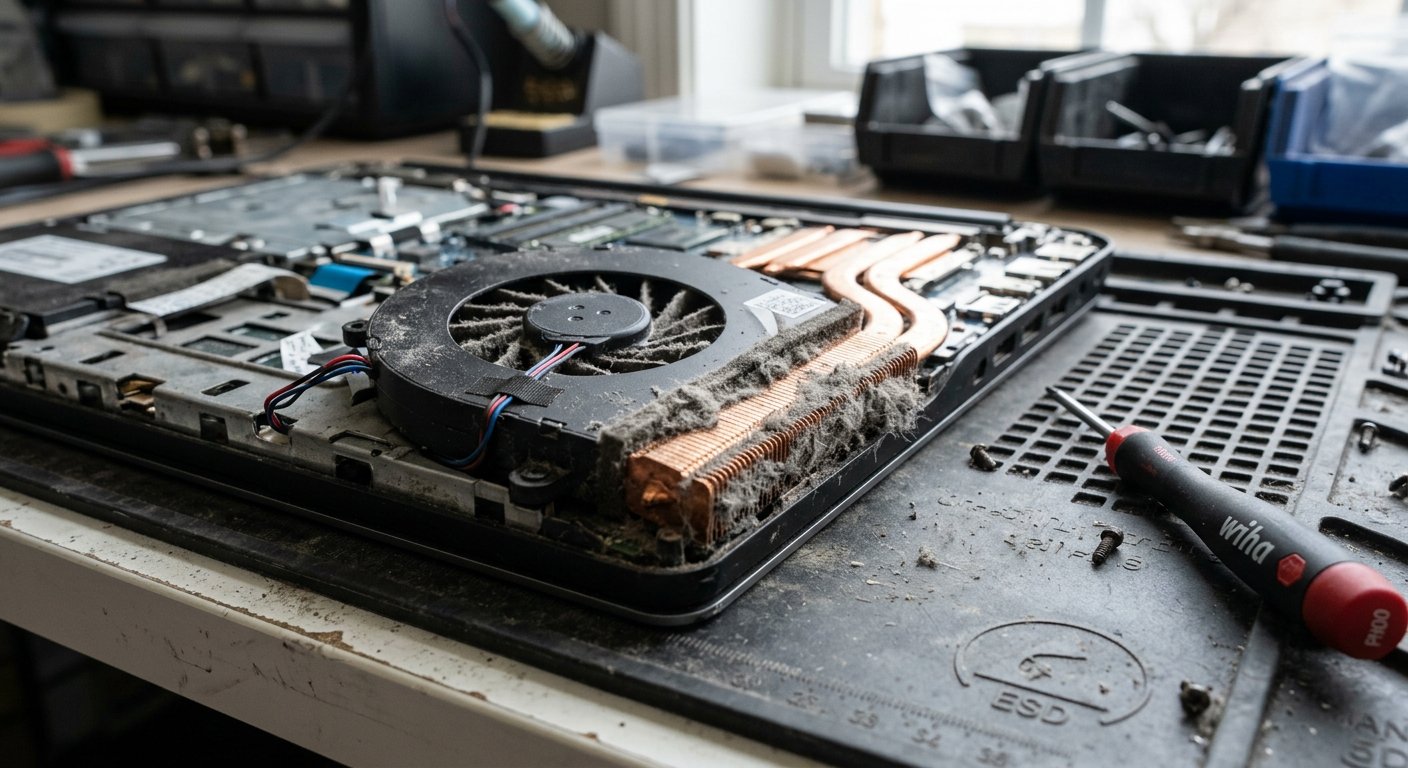
Laptops do not slow down because they are getting old; they slow down because they are choking on dust. The grey carpet behind the vents, the mattress trap, and how to give the machine cool air.
Lesson 173·4 min
The hard drive that clicks and the solid-state cure
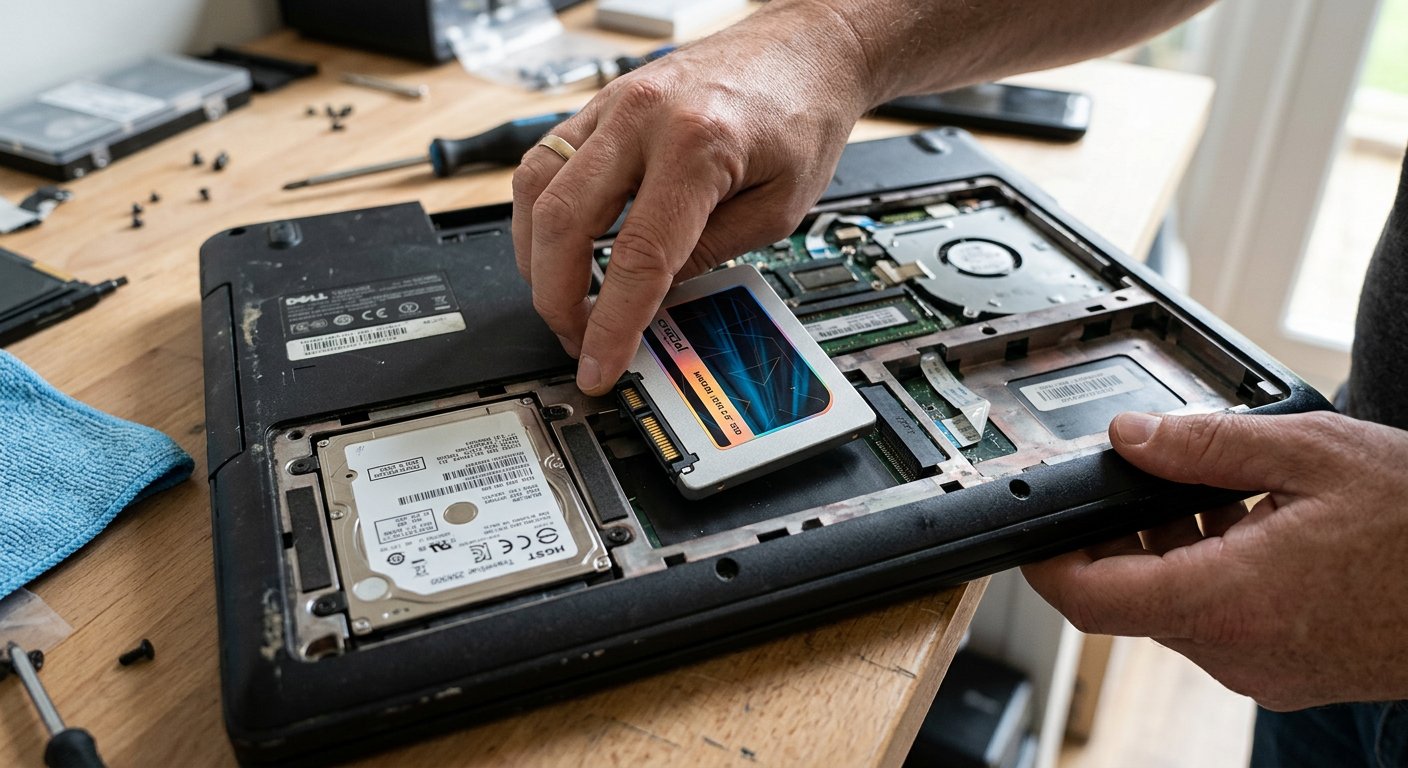
Tick, tick, tick, click. The tiny record player spinning inside an old laptop, why the clicking needle means stop immediately, and how a solid-state drive gives an old machine new wings.
Lesson 174·4 min
Water, tea, and the spill on the keyboard
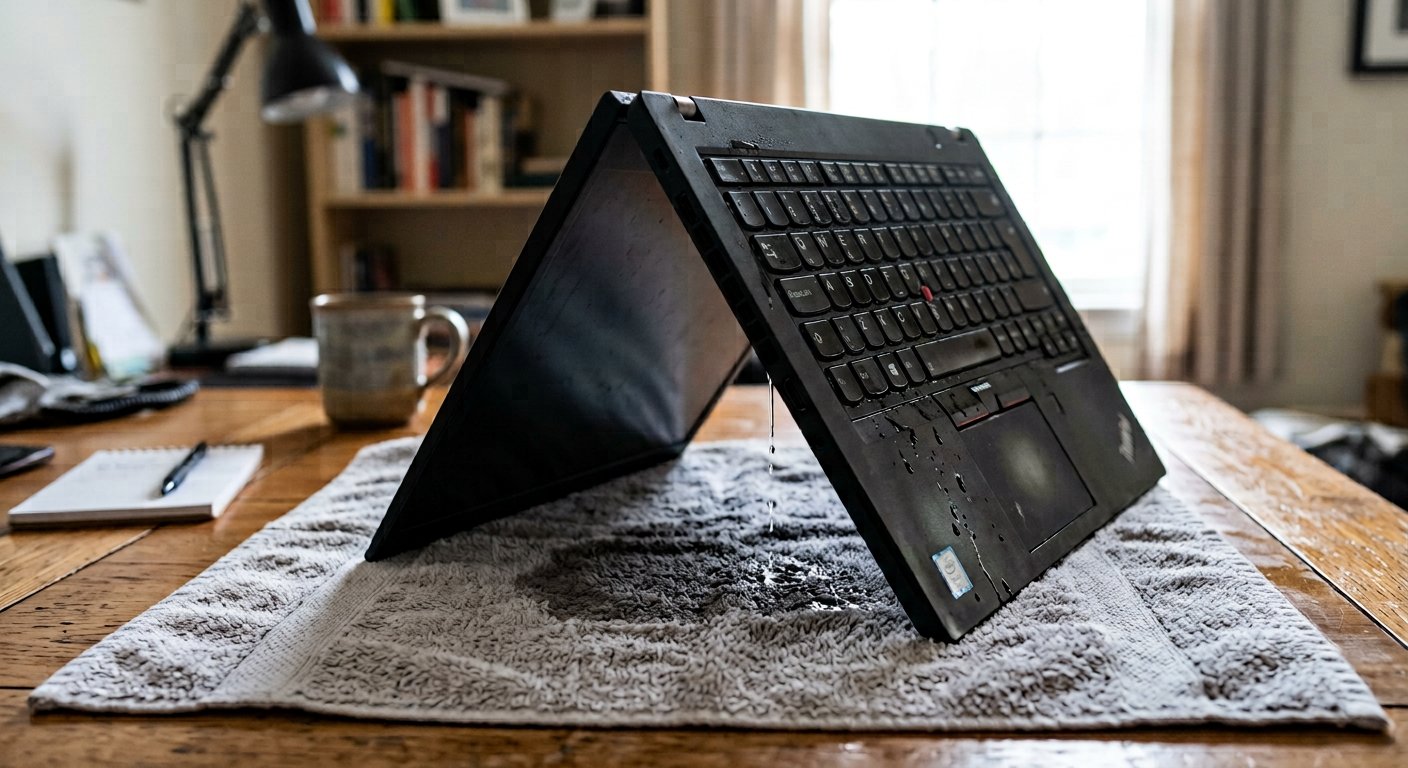
The mug tips, tea floods the keys, and panic takes over. The immediate five-second drill: pull the plug, hold the button, the upside-down tent, and why raw rice ruins machines.
Lesson 175·4 min
Buying a used laptop without tears
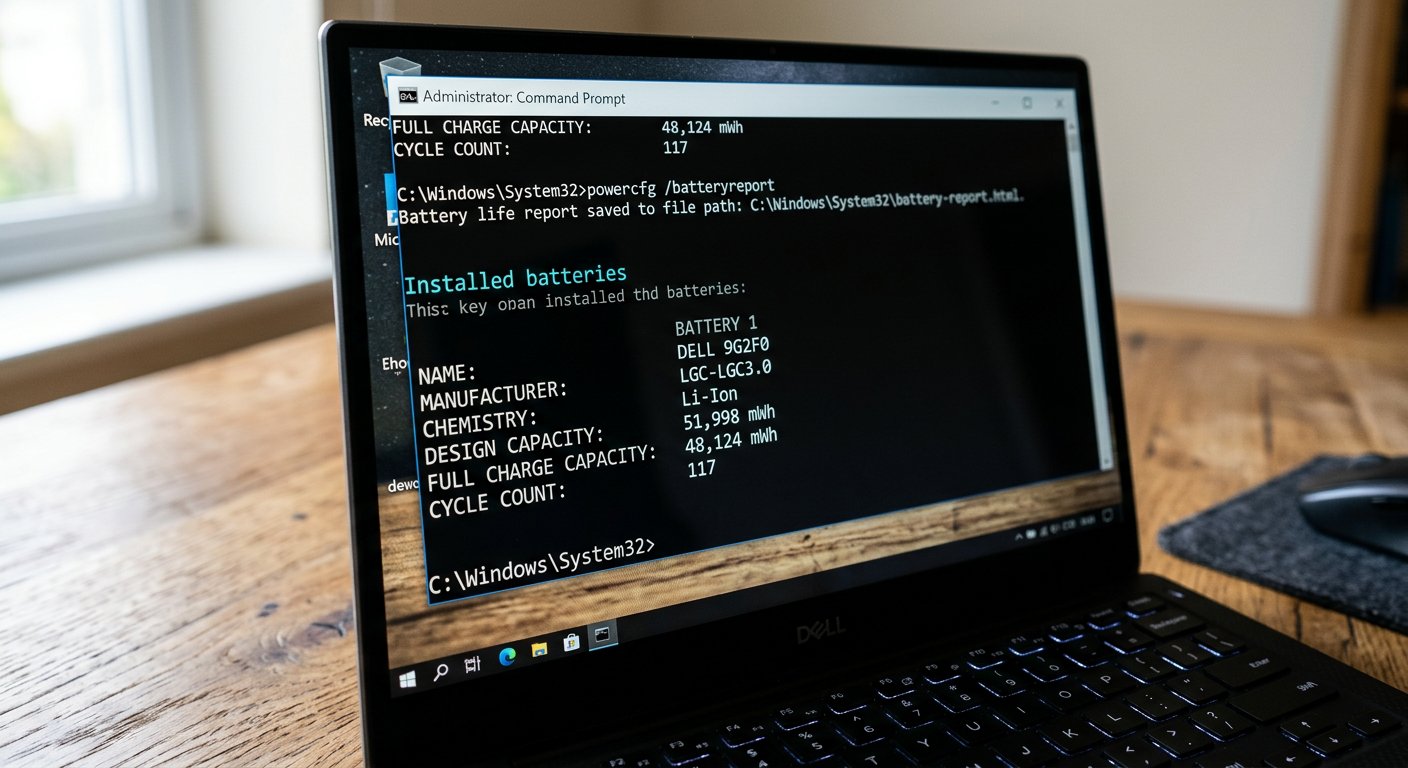
In the market, oily rags and sweet words hide tired batteries and cracked hinges. The five-minute inspection test: the battery report, drive hours, key grids, and corner checks.
Lesson 176·4 min
Chargers, cables, and the blue spark
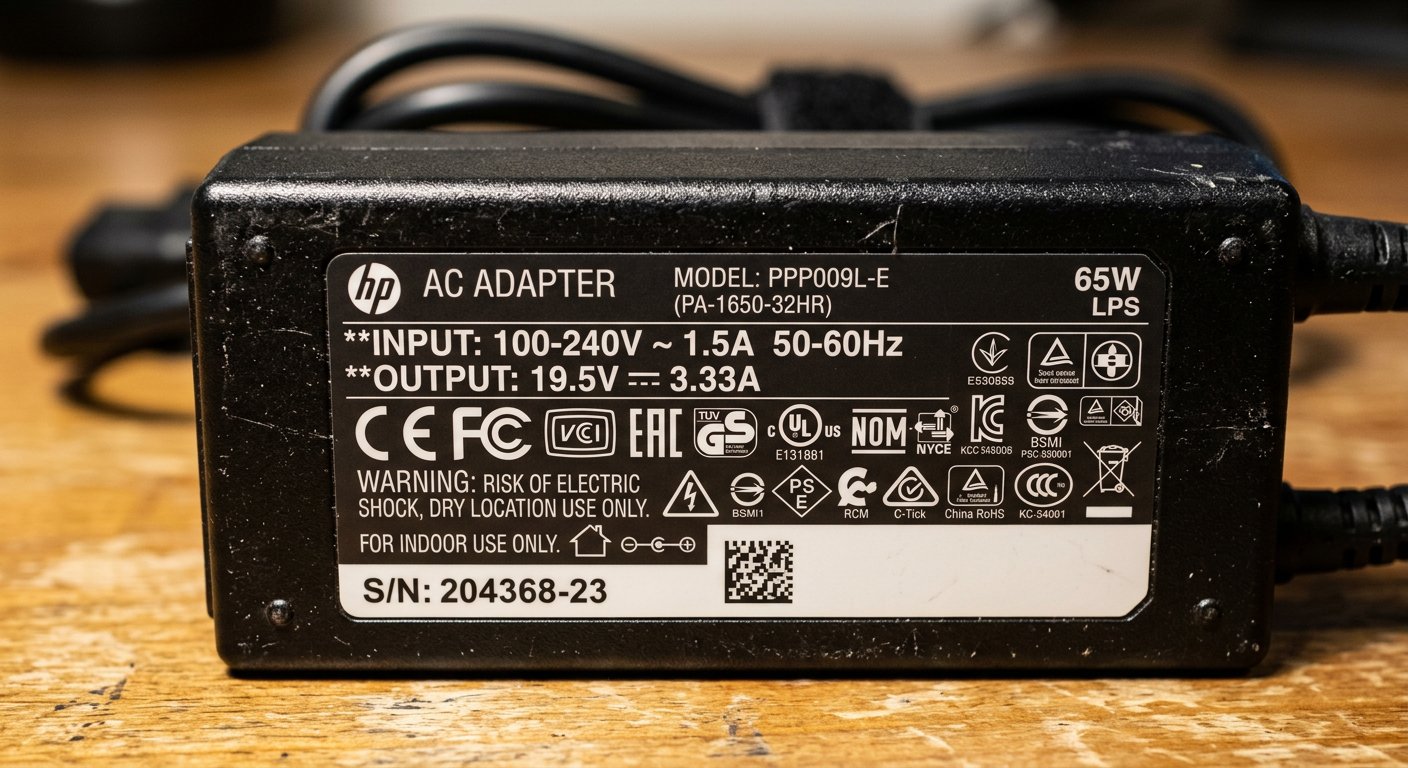
Universal chargers with wobbly tips, cords that get hot to the touch, and power rules. Shoe size versus water buckets, center pins, and why the third brass pin saves motherboards.
Lesson 177·4 min
The blue screen and the spinning circle
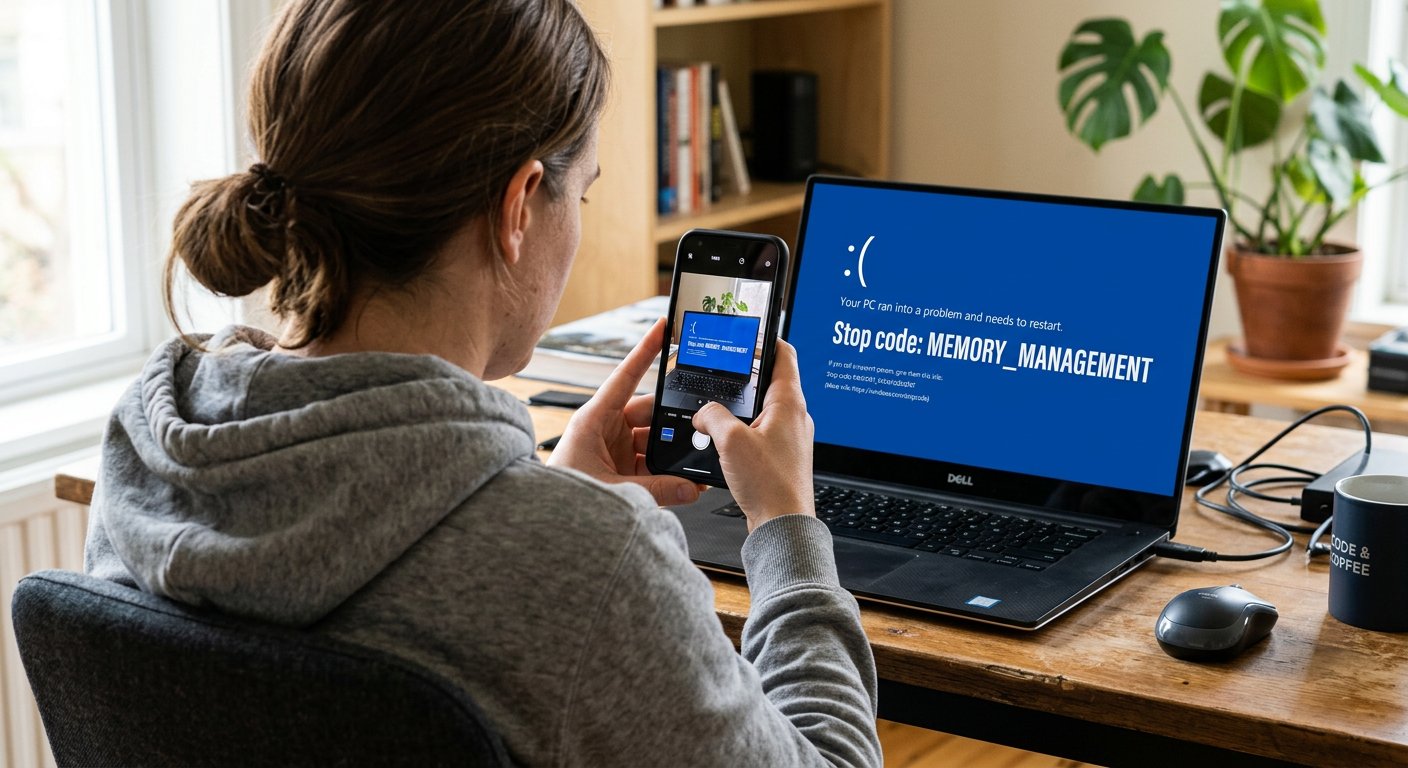
The sudden blue flash, the sad face, the white capital letters. Why Windows crashes to protect your files from corruption, photographing the stop code, and the Safe Mode cure.
Lesson 178·4 min
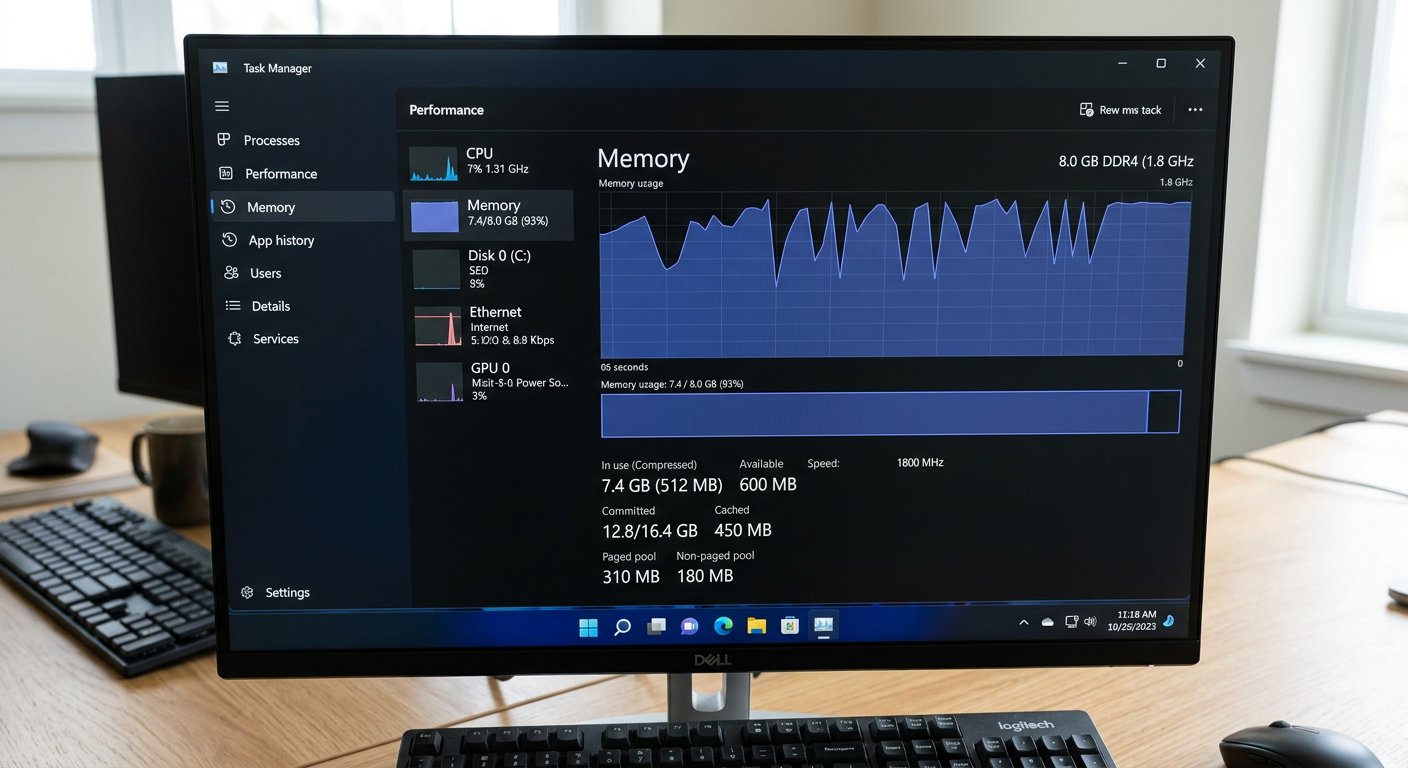
Upgrading RAM: the honest math
A friend shouts that you need sixteen gigabytes of RAM to make your computer fast. Reading the numbers before spending money, the study desk rule, and the soldered chip trap.
Lesson 179·4 min
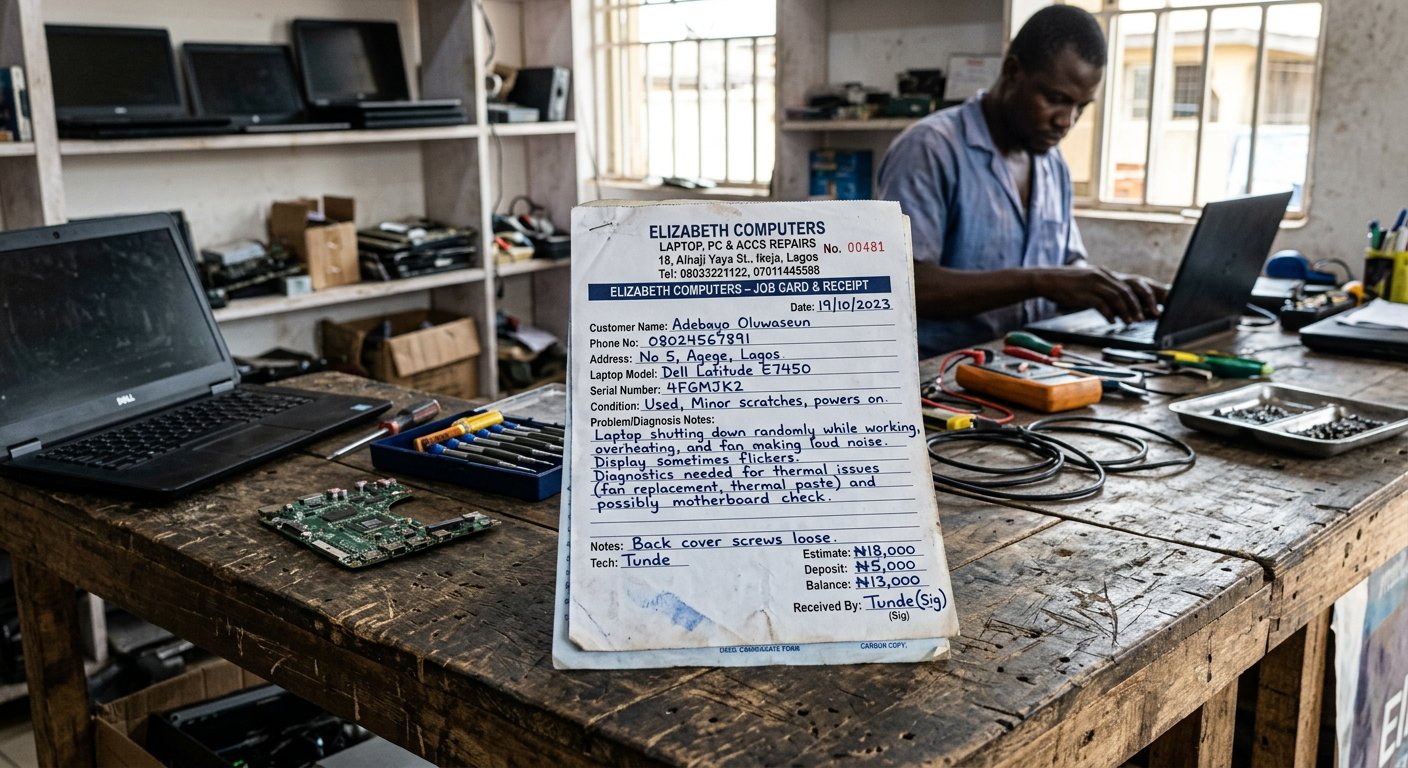
The repairs engineer and the bench
Taking your laptop to a commercial workshop in town. The photographic inventory, serial numbers, password rules, agreed diagnostic bounds, and asking for old parts back in your hand.
Lesson 180·4 min
Ten years from one machine
Every advert tells you to buy a new laptop every two years; the workshop bench knows the quiet dignity of maintenance. Battery thresholds, lightweight software, and the tool that lasts.
Prefer a class?
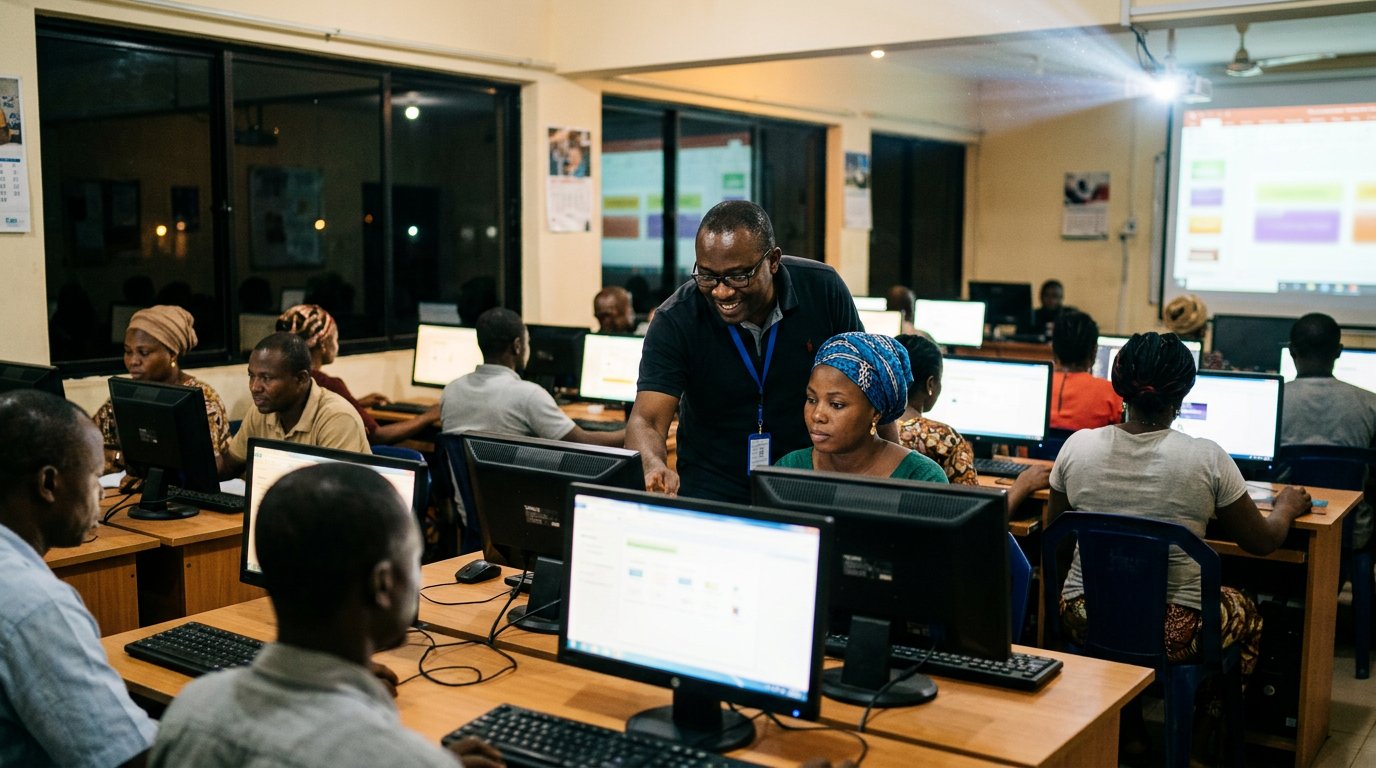
The same basics are taught at the centre, two sessions a week, with a machine in front of you.