Computer skills from scratch·The wider street·Lesson 112 of 180
A new phone without losing your life
 Ellis Dennis GrahamFounder, Cyber Elias Academy 2026-02-20 3 min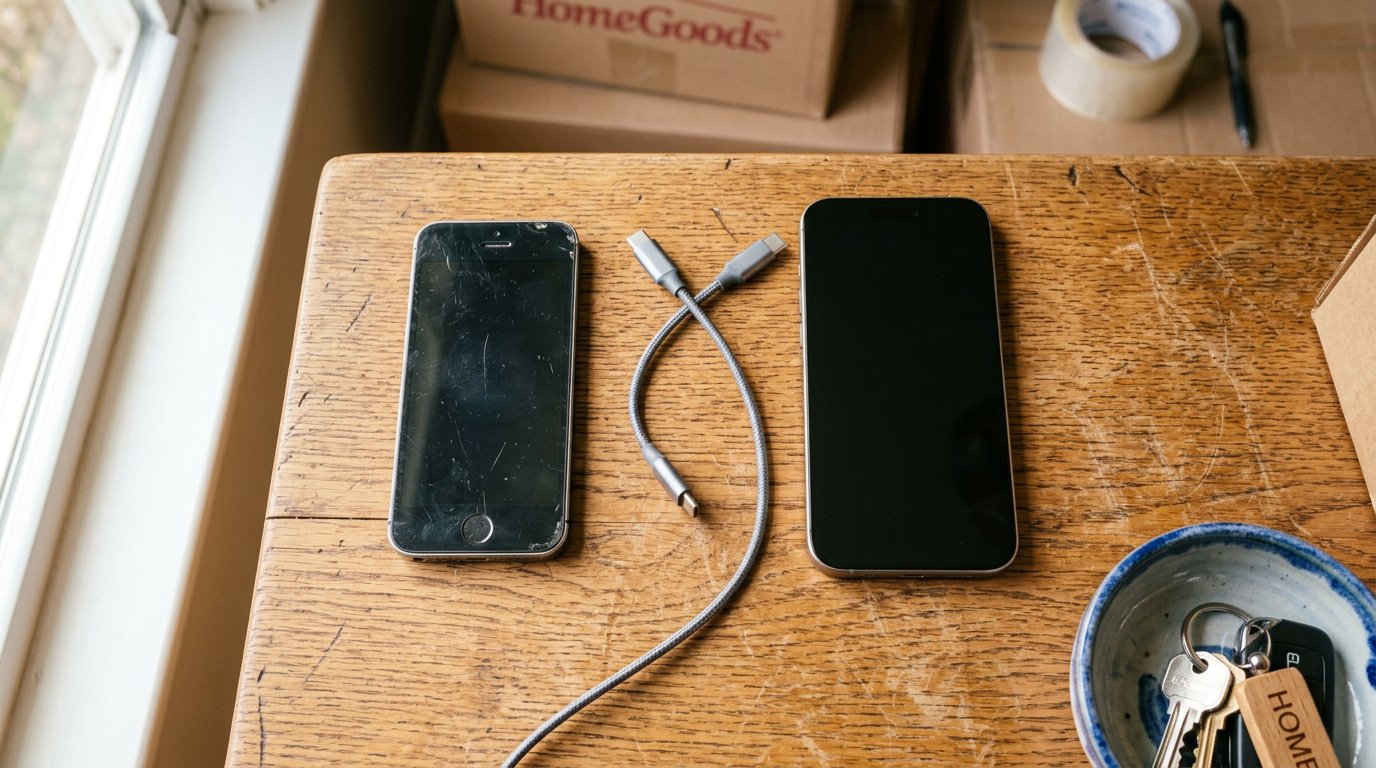
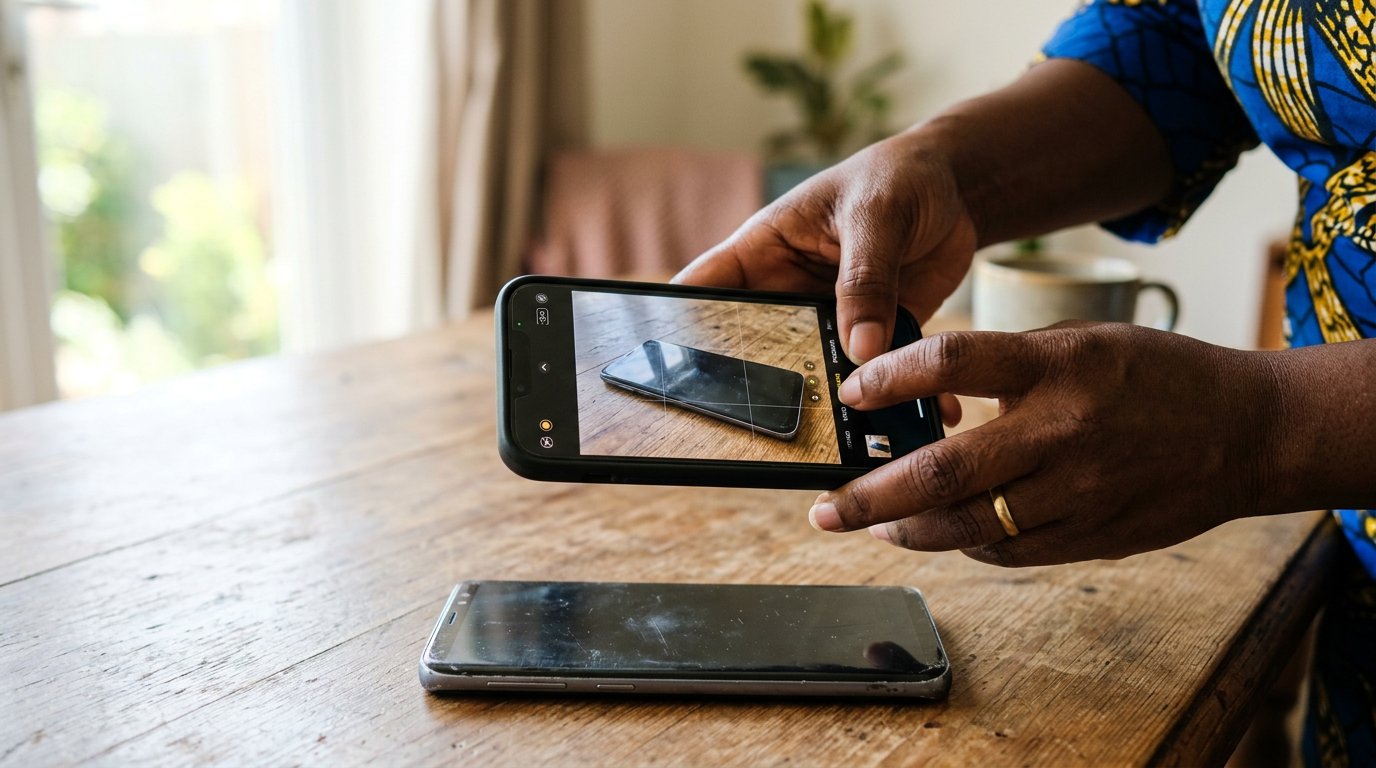
Moving day is where people lose more than thieves ever take. WhatsApp backed up, the Google account carried over, and the old phone wiped like a house whose keys have found a new owner.
A phone stopped being a telephone some years ago. It is the address book, the photograph album, the office, the bank queue, the family. And the day people change phones, they lose more than any thief has ever taken from them — not to bad luck, but to a moving day done in a hurry. This lesson is moving day, done slowly, in the right order.
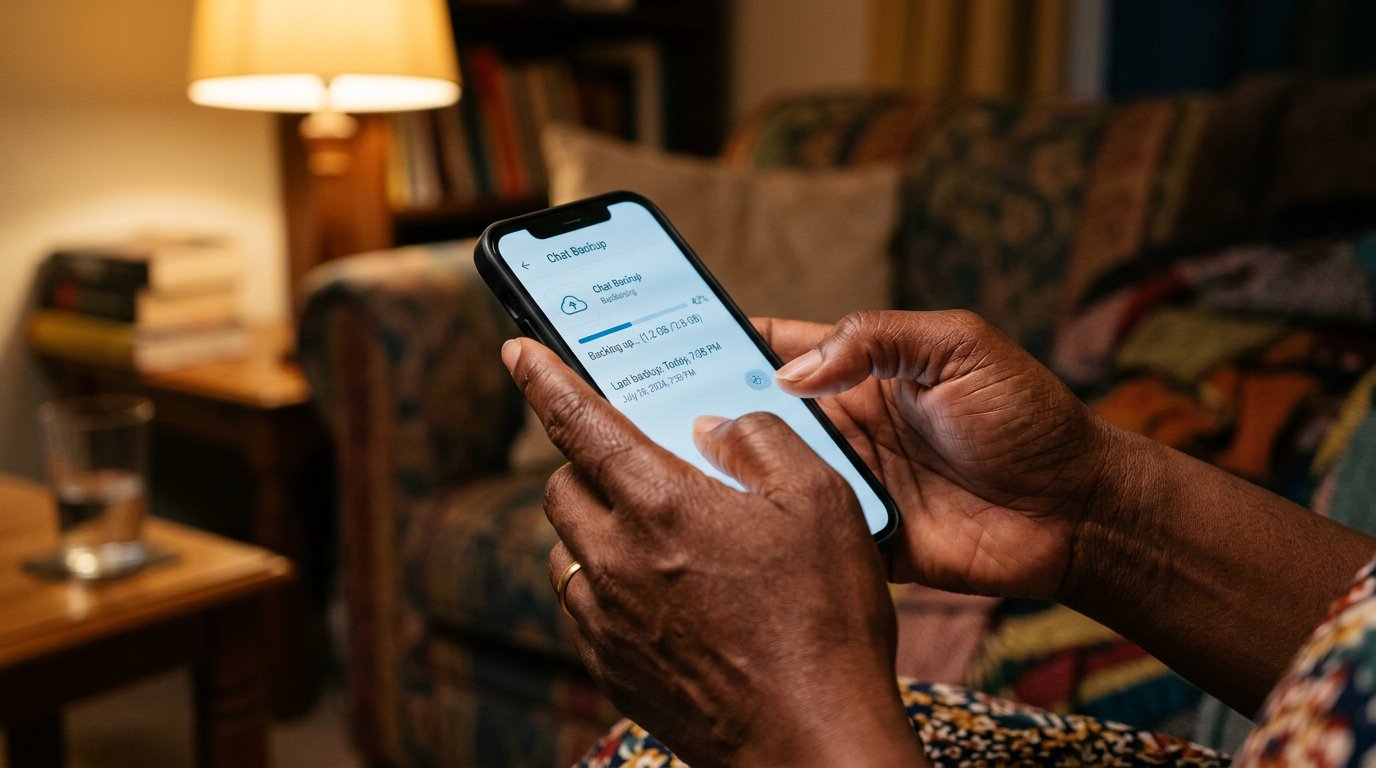
Begin before the new phone exists. Tonight, whatever the age of your phone: open WhatsApp, Settings, Chats, Chat backup, and back up to Google Drive — the account you made on purpose. Note the last-backup time the way you note the last time the tank was filled. Contacts: if the phone was signed into your Google account, they already live with it, safe above the flood line. Photographs: backed up or not, you will check. The backup is the whole secret. The new phone is only a faster shelf for things that already exist in two places.
The order of the day
Moving day: charge both phones fully — a move interrupted at thirty percent is its own small tragedy. The SIM moves to the new phone first, because WhatsApp will want to verify the number it already knows. Then set the new phone up, and when it asks, sign in with the same Google account: the apps come down from the store on their own, the contacts arrive like a ledger being restored. Then WhatsApp, verify, and when it offers Restore from backup — accept. The chats come back the way books come back from a shelf, all the voices in their places.
Photographs last, because they are the heaviest: if the gallery was backed up to Google Photos they will drop in overnight; if not, cable the old phone to a computer and copy the camera folder the way the photographs lesson taught. Then keep the old phone whole and charged for a week — it is the attic now, and attics are not demolished while the new house is still being unpacked. Something always turns out to be missing. The attic holds it.
- Tonight, on the present phone: run the chat backup and look at the last-backup time. That is the whole lesson in one minute.
- Moving day order: SIM, Google sign-in, WhatsApp restore, gallery last.
- Keep the old phone untouched for a week before anything is deleted.
- Before selling or giving it away: remove the Google account, remove the SIM and memory card, then factory reset from Settings.
Wiping the old one properly
A phone sold with your accounts inside is a house handed over with keys still in the doors. Sign out of the Google account. Remove the SIM and the memory card. Then factory reset — Settings, System, Reset — and the machine returns to the afternoon it was born, empty and honest. Only then does it go to the market. The new phone will never be sentimental; it is the same ten rooms, rearranged and brighter. What mattered crossed over in the backup. That is what the backup was for.