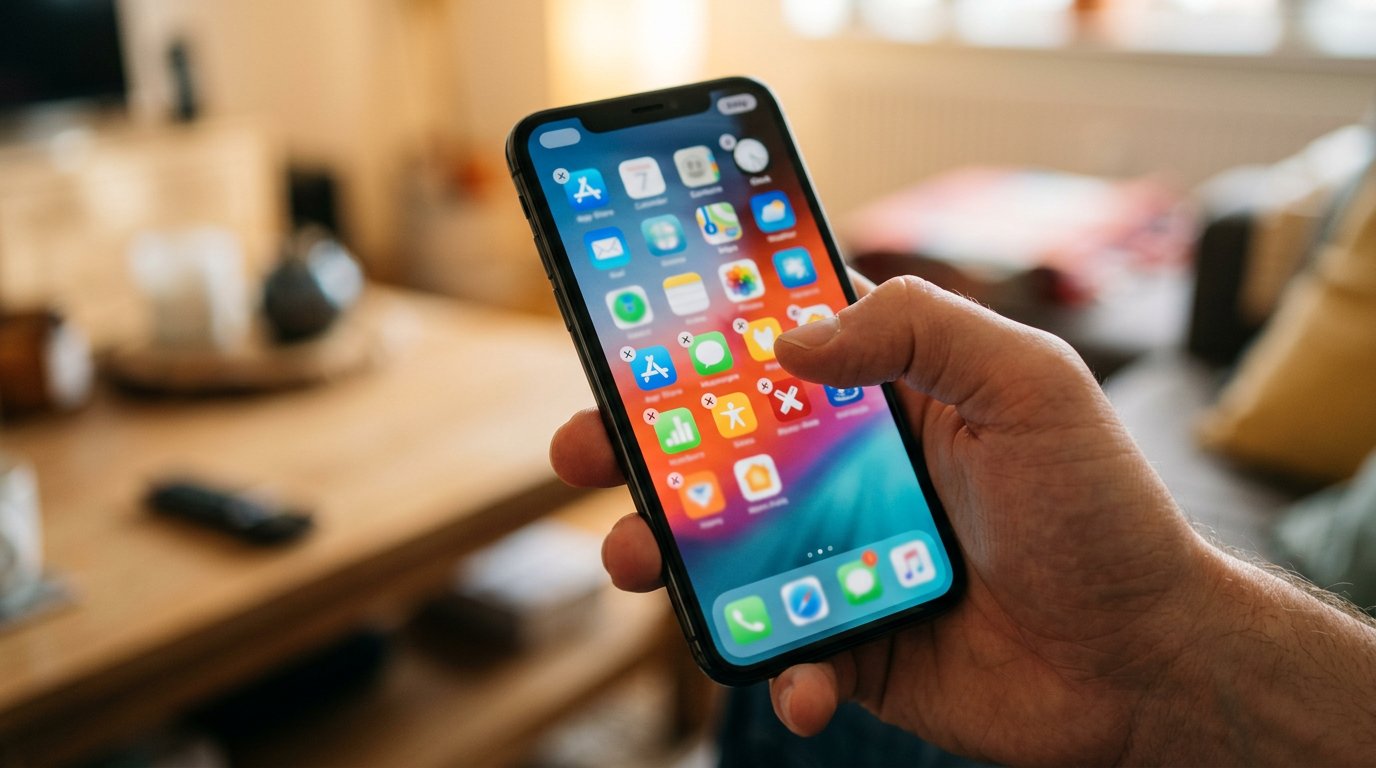
This lesson is a yearly clean-up: removing apps you never open, cancelling subscriptions you forgot, closing old accounts, and clearing files that take up space. An hour once a year keeps the phone faster and the bank balance honest.
Digital clutter is quiet. It costs storage, battery, and sometimes money every month, and nobody notices until the storage warning appears.
Before you begin
- The phone, charged, on wifi.
- A bank statement for the last three months.
- About an hour, and a second session for anything unfinished.
Remove the apps you do not open
- Open the app list and sort by last used, if the phone allows it.
- Uninstall anything you have not opened in three months.
- Keep the ones you need rarely but truly need, such as a bank app.
- Check the app sizes first, since one large game can free more than twenty small ones.
- Revoke permissions for apps you keep but rarely use.
- Download the file of photos before uninstalling anything that stores them.
You will see the storage figure at the top of the settings screen drop as each app is removed, and the home screen lose an icon. The freeing is visible within seconds.
It looks like uninstalling an app cancels the subscription. It removes the app from the phone, and the monthly charge continues until you cancel it in the store.
Find the subscriptions
- On Android, open the Play Store, then Payments and subscriptions.
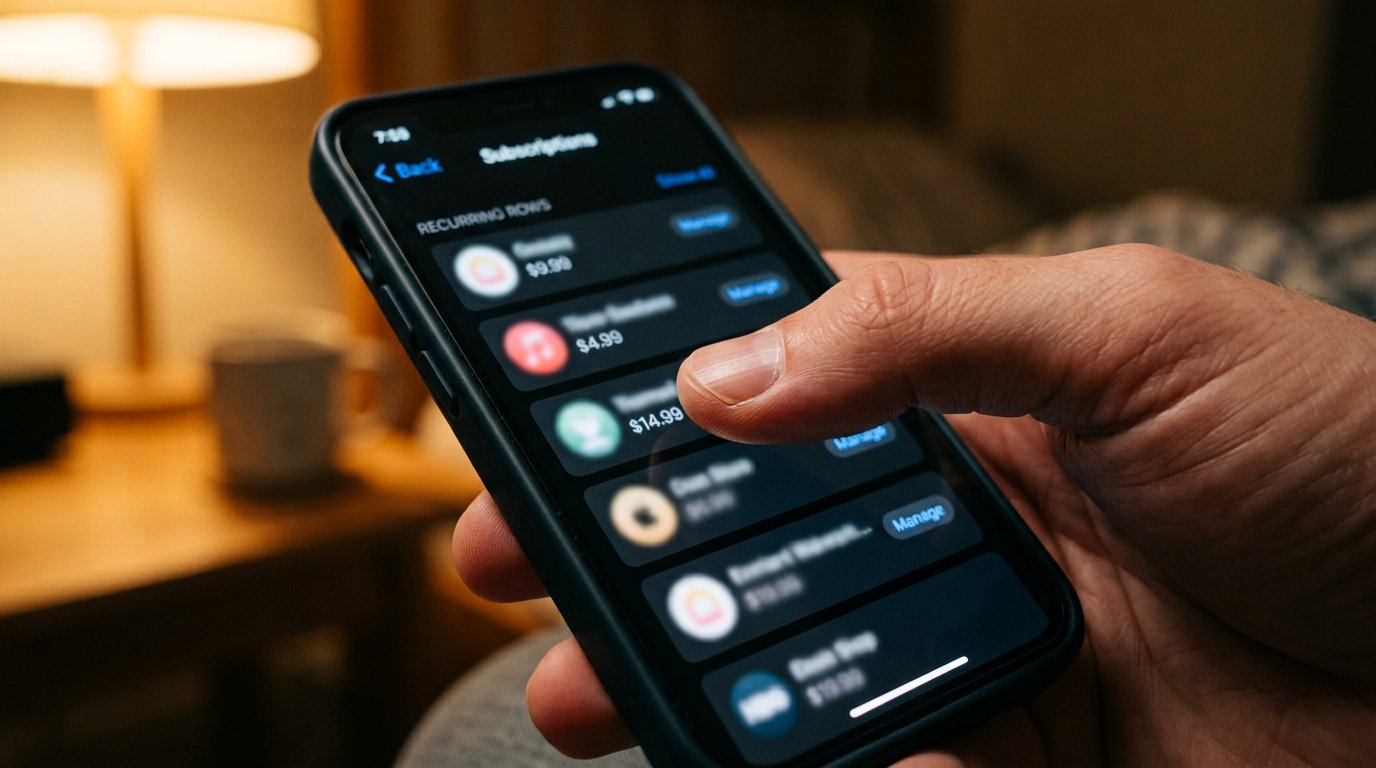
- On an iPhone, open Settings, then your name, then Subscriptions.
- Read each entry and its renewal date.
- Cancel anything you have not used in two months.
- Cancel in the store rather than in the app, which is where the charge begins.
- Read the bank statement for the last three months and match each repeat charge.
The subscription list will show the price and the next billing date beside each service, which is often the first time you see the total. Add them up before deciding what stays.
Close the accounts you have left
- List the accounts you opened and no longer use, starting with shopping sites.
- Search the service's help pages for how to delete the account, since it is often buried.
- Download anything you need before deleting, such as receipts or photos.
- Delete rather than deactivate, unless you may return.
- Remove the app afterwards, so the account does not come back with it.
- Keep a short list of accounts you closed and the date, for your own records.
None of this is urgent, and doing it all in one evening is a mistake. One category a month finishes the whole job by the end of the year.
Do not worry about losing something you might need. Keep the accounts you use once a year, and close only the ones you had forgotten existed.
When it fails
Each has a cause you can find.
- You cancelled the wrong subscription: resubscribe, which takes two minutes.
- An app you removed held your photos: check the service's website before panicking.
- The charge continues after cancelling: check the store's confirmation email, then call the provider.
- You deleted an account by mistake: start a new one, and note the loss for next year.
- The bank statement has a charge you cannot identify: call the bank rather than ignoring it.
- The phone is slower after the clean-up: restart it, which clears the temporary files.
Try it now
One category today, and put the rest in the calendar.
- Uninstall three apps you have not opened this month.
- Open the subscription list and read every price.
- Cancel one subscription you do not use.
- Note one account to close next month.
- Write the date in the calendar, one year from today.
You can now keep a phone tidy and a budget honest. In the next lesson you will teach somebody else, which is the fastest way to be sure you know it.