Free · iDICESkills-to-Jobs training for young people in the South-South — applications are open.
How to applyYour next skill changes everything.
Start with what you know. Discover what you can do. Build practical digital skills with real projects, transparent Naira fees, and a classroom at 24 Ebony Road.
- From ₦20,000
- Published fees
- 2–4 weeks
- 2 sessions / week
- 210 notes
- Knowledge library
- 10 labs
- Practise in browser
CEA Skill Core · 07 Worlds
Tap or hover a territory to inspect what you can learn and build
Computer Basics & Office
Master files, folders, calm typing, Word documents, Excel spreadsheets and clean presentations for everyday work.
You don’t need to know where to start.
Pick what you want to be able to do and we will match you to the right starting point — courses, free notes, or browser practice.
Find your starting point
What could you learn next?
Tell us what interests you, then try two everyday computer questions. We will suggest a path from our 13 core courses. It is not an exam or an admissions decision—it's fine to be unsure.
This interactive guide needs JavaScript. You can also browse all courses and compare their fees and requirements.
Your discovery journey
Explore at your own pace.
No scores, no timer. Every answer is a step forward.
- Interest: not answered
- Goal: not answered
- Try one: not answered
- Try two: not answered
Your answers stay on this page and are not submitted or stored. This short guide checks only two basic concepts, not your full skills or potential. Fees and schedules can change; confirm details with admissions before paying.
The Skill Universe
There is more than one way into technology.
Explore all seven CEA skill territories. Each opens straight into real tools, finished projects, beginner courses, free lessons, and interactive browser labs.
Turn messy rows into decisions you can trust.
Clean records, write SUMIF/VLOOKUP spreadsheet formulas, and query multi-table databases with SQL.
Skills you build
- Data cleaning
- Excel formulas
- SQL JOIN & GROUP BY
- Record validation
Tools & finished work
Output: A cleaned sales ledger and structured SQL query report.
Learn skills that do something.
Every course lists its fee, duration, requirements, and the real finished piece you leave with before you apply.
- Office & Data
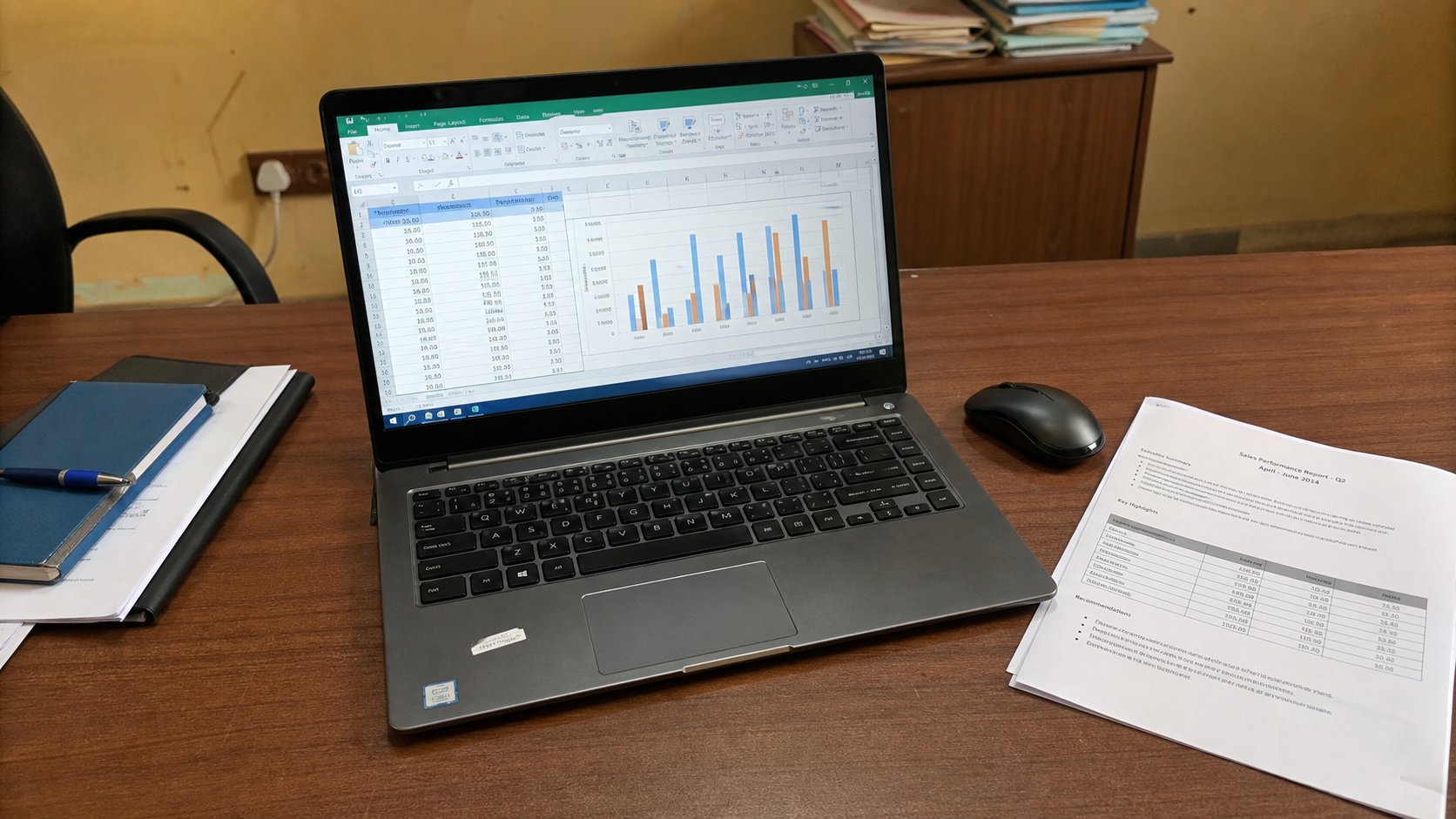
Microsoft Office
A formatted document, a working spreadsheet and a presentation
A laptop, or a seat at one of the academy's practice machines · Microsoft Office (Word, Excel, PowerPoint) — free trial or academy licence · No prior computer experience required
₦30,000
3 weeks · Absolute beginner
- Office & Data
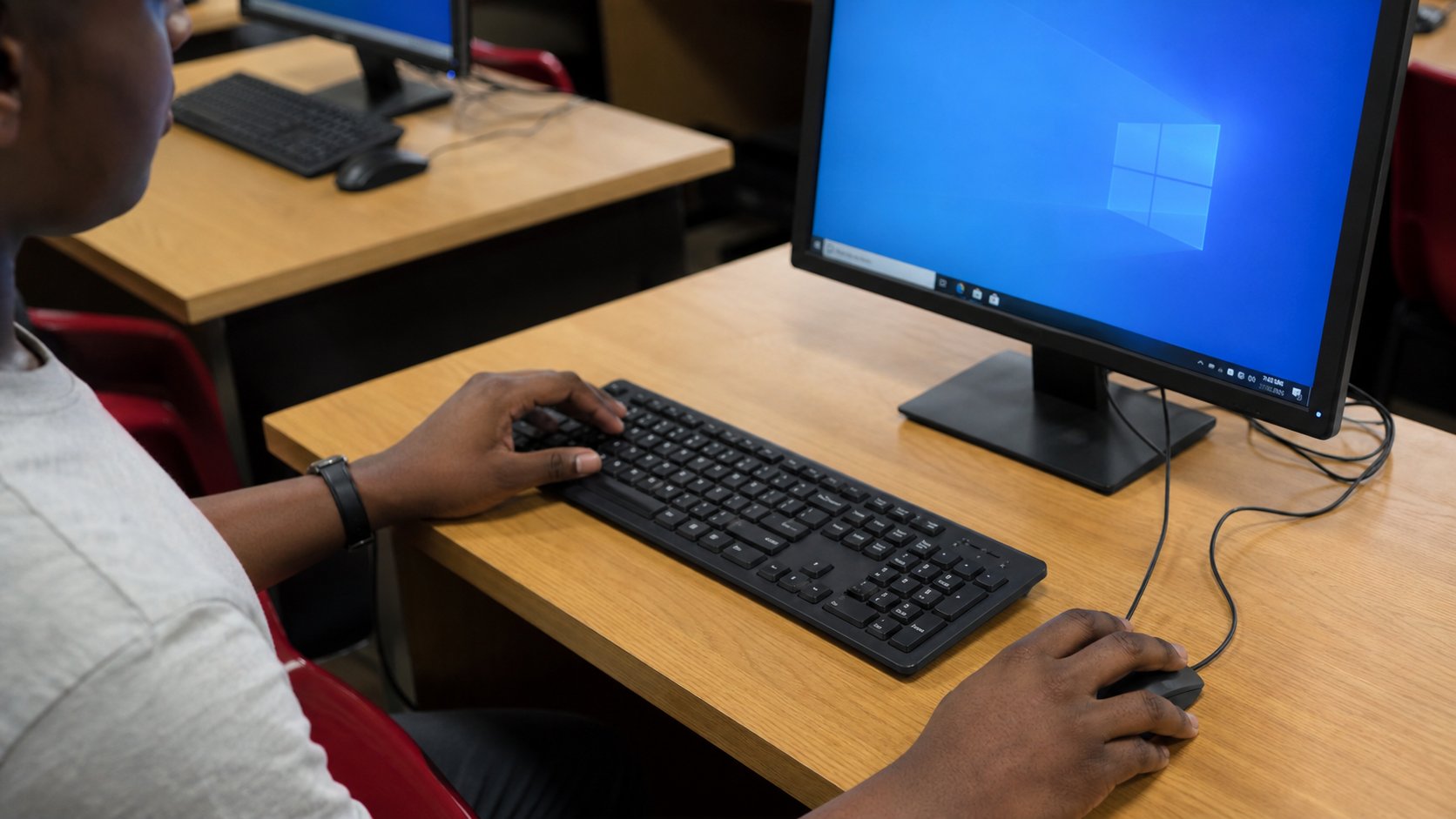
Typing & Computer Basics
Demonstrated independence
A practice machine at the academy (no laptop needed to enrol) · Comfortable clothing for long typing sessions · No prior knowledge of any kind
₦20,000
2 weeks · Absolute beginner
- Creative & Media

Graphic Design
A mini brand package
A laptop or tablet, or an academy machine · A free Canva account (the academy uses the free tier throughout) · A phone camera for sourcing your own photographs
₦40,000
4 weeks · Beginner
- Web & Code
Web Design
A published 3–5 page website
A laptop (any operating system) with a modern browser · A free code editor — we set up VS Code in session one · A free GitHub account for publishing
₦50,000
4 weeks · Beginner
- Office & Data
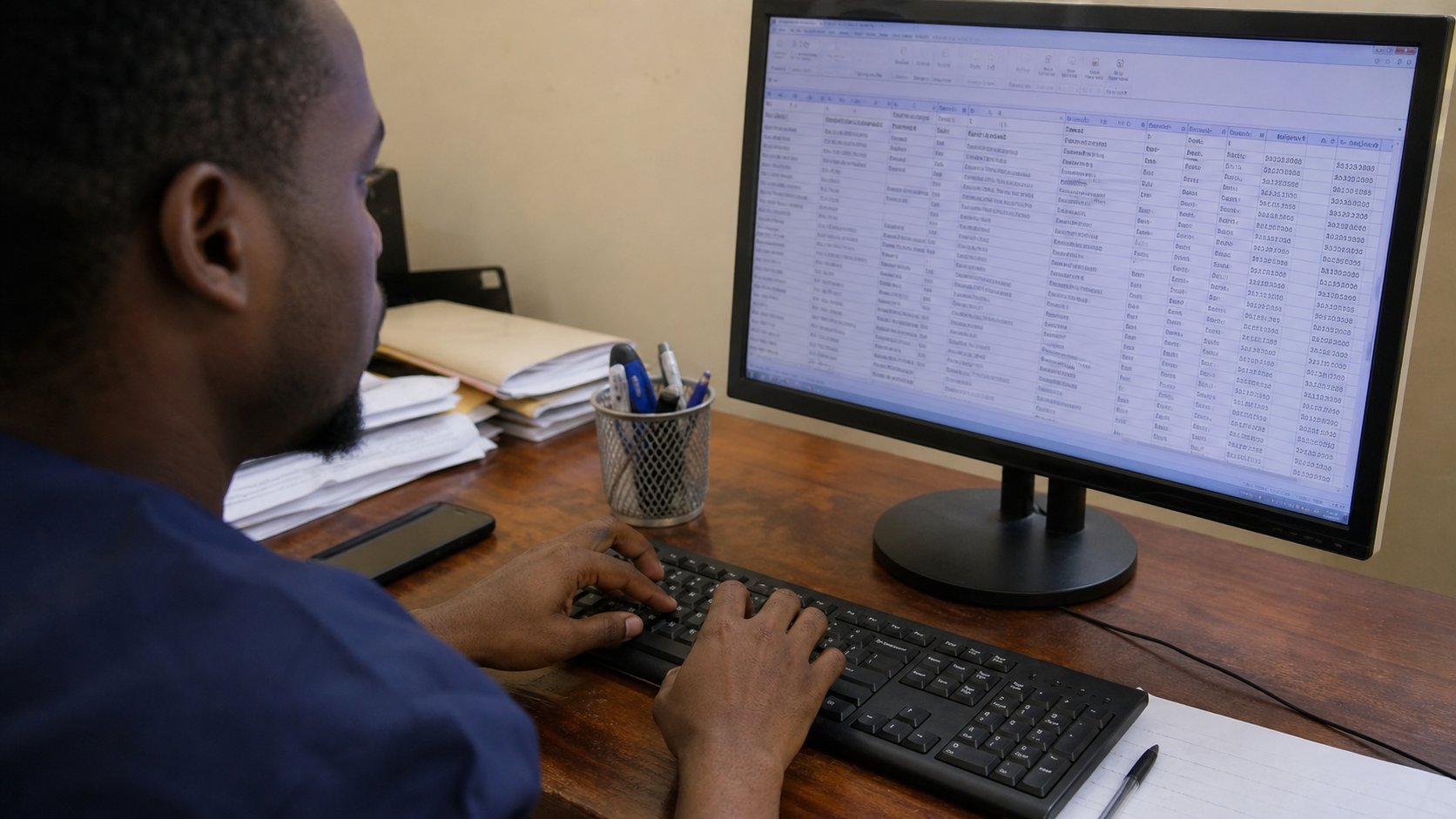
Data Entry
A cleaned and organised dataset
Access to a computer and Microsoft Excel or Google Sheets · Basic keyboard familiarity (Typing & Computer Basics helps but is not mandatory) · Attention and patience — accuracy is the whole point
₦20,000
2 weeks · Beginner
- Hardware & Security
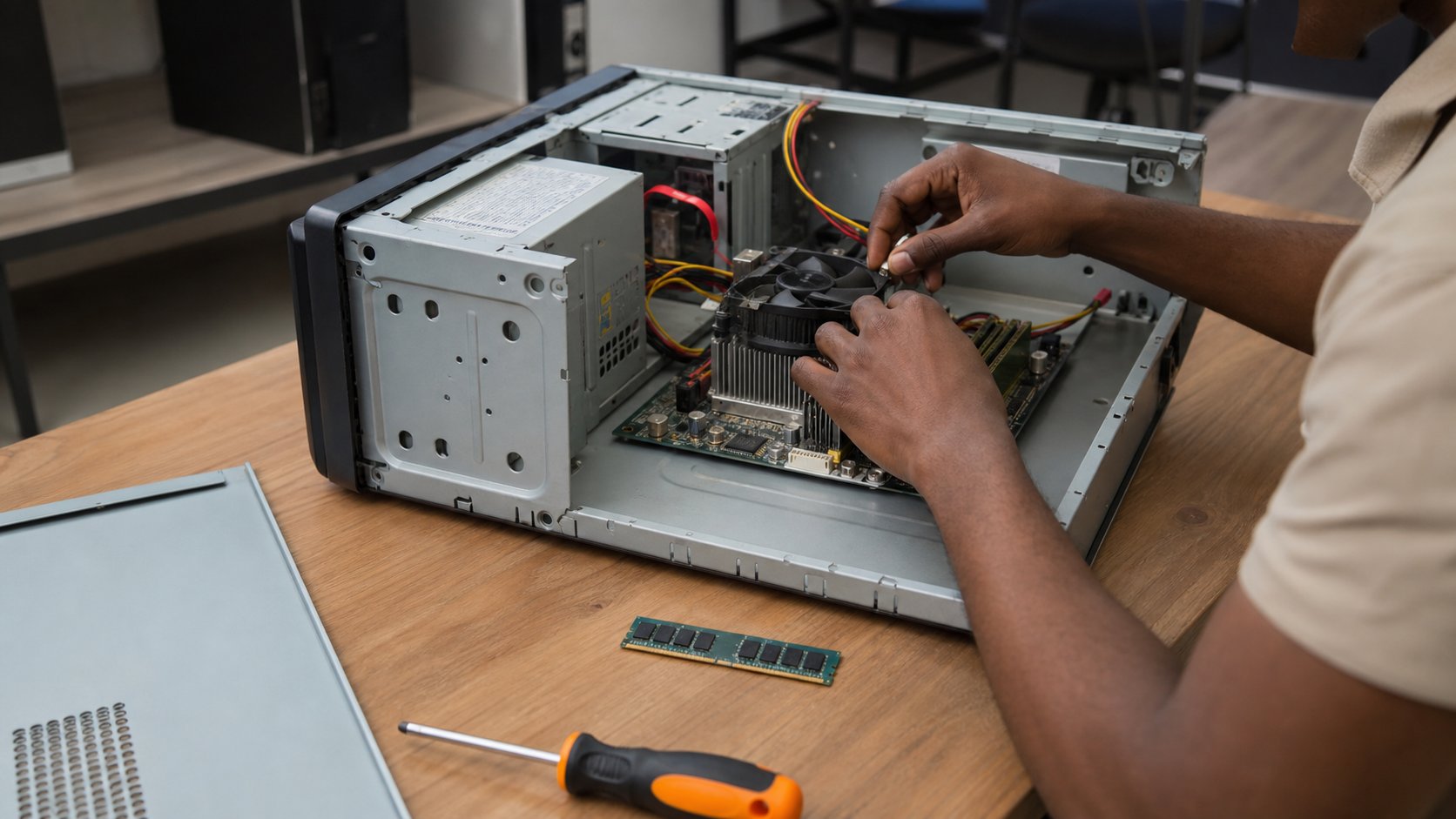
Computer Repairs
A diagnosed and serviced machine
Closed footwear for workshop sessions · No tools needed — the academy provides screwdrivers, testers and practice machines · Willingness to work on real hardware under supervision
₦50,000
4 weeks · Beginner
Transparent pricing promise
Every course carries one honest fee receipt.
No hidden registration add-ons, no surprises mid-course. Every syllabus page lets you inspect the exact Naira fee, sessions per week, required device, and print a 1-page A4 sheet to keep or share at home.
CEA Lab · Free Browser Environments
Don’t just learn it. Try it.
Practise coding, SQL queries, spreadsheet formulas, and keyboard typing right inside your browser — zero sign-up, zero installs, 100% free.
- Launch labBUILD
Code Studio
Write live HTML, CSS and JavaScript directly in your browser.
- Launch labANALYZE
SQL & CSV DataLab
Run SQL queries against Nigerian business tables with zero setup.
- Launch labCOMPUTE
Spreadsheet Lab
Drill SUMIF, VLOOKUP, IF and everyday office formulas live.
- Launch labFOUNDATION
Typing Lab
Measure speed, accuracy and build calm keyboard confidence.
Absolute Beginners
Never touched a computer? Start with the four parts.
Inspect the interactive blueprint, then try our safe browser sandbox for pointing, clicking, typing, and naming files.
Open Computer Basics LabFirst-day blueprint · Lesson 01
Four things. That is the whole machine.
Part 01 · Monitor
Shows what you are doing — windows, files, documents, and websites.
In class, we start by naming what is on the screen: desktop, taskbar, and open windows.
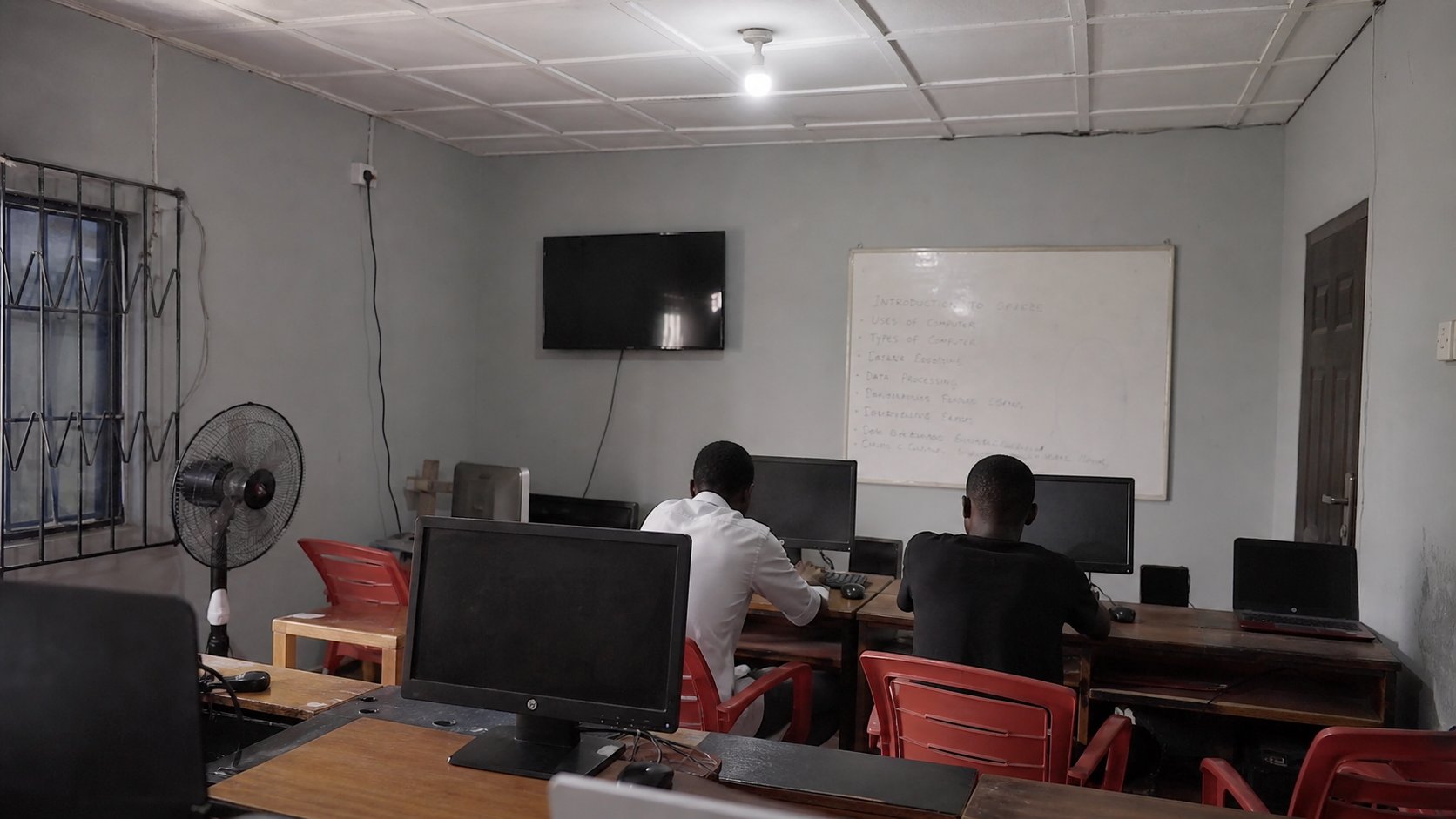
Technology is learned by people.
Every session follows six deliberate steps — guided practice, real work, immediate correction — with a teacher in the room so you leave able to demonstrate what you built.
- 01
Learn
- 02
Practice
- 03
Create
- 04
Correct
- 05
Repeat
- 06
Demonstrate

Founder & Lead Educator
Ellis Dennis Graham
Runs the centre at 24 Ebony Road and teaches the courses. The 210 free Notes on this site are written in his classroom voice.
Read the CEA storySchool leavers & NYSC
Office fluency, typing, and your first portfolio project.
Office & NGO staff
Documents, spreadsheets, and everyday workplace tools.
Business owners
Invoices, flyers, clean web presence, and PC care.
Knowledge should not have a gate.
210 free self-paced lessons across 21 chapters: files, email, office work, phones, spreadsheets, and safer browsing.
 Lesson 01 · 5 min
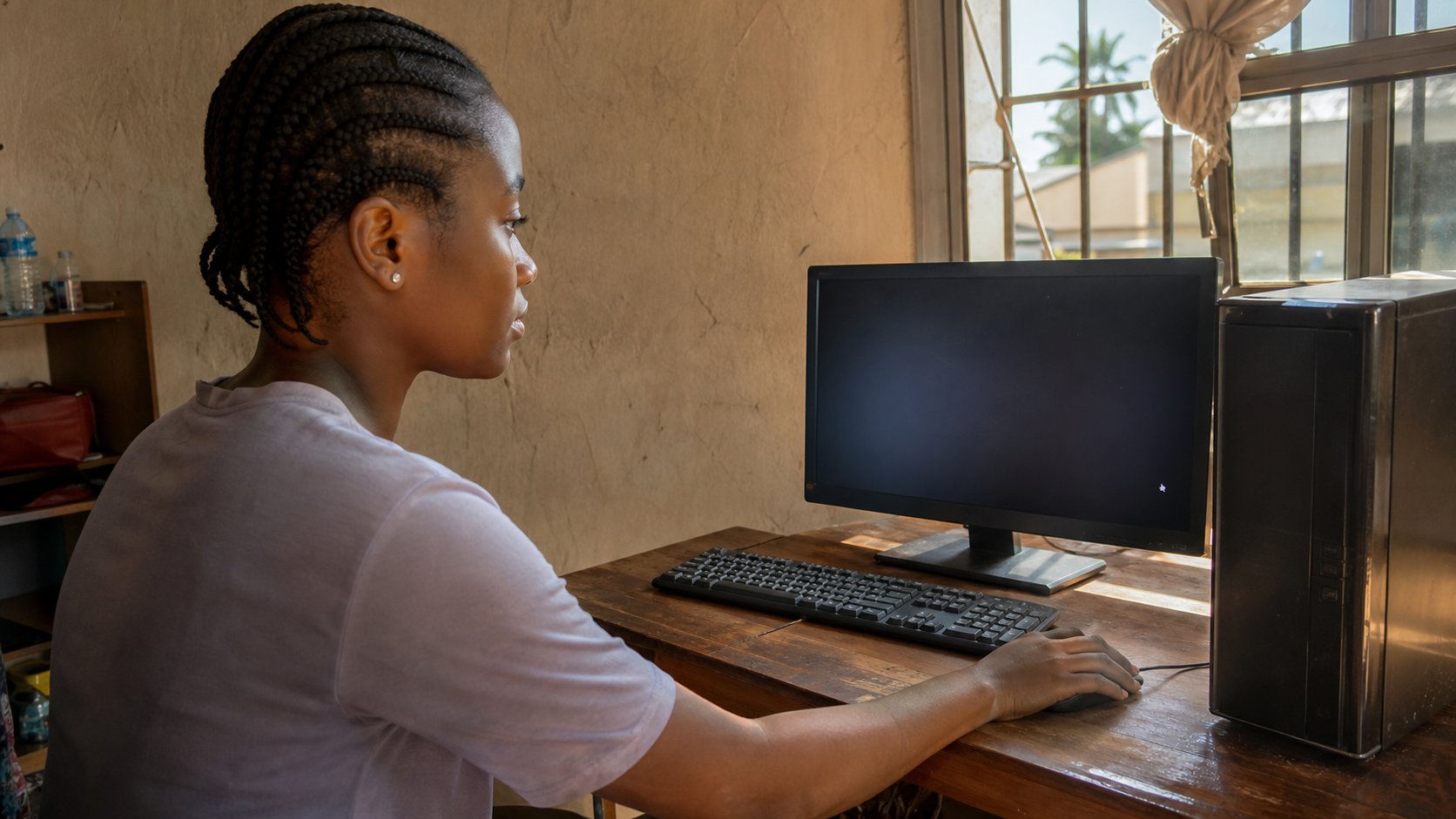
Sitting down at a computer for the first time
What each part does, how to switch it on, and how to move the pointer without fear. A calm first hour for anyone who has never used a computer.
 Lesson 02 · 5 min
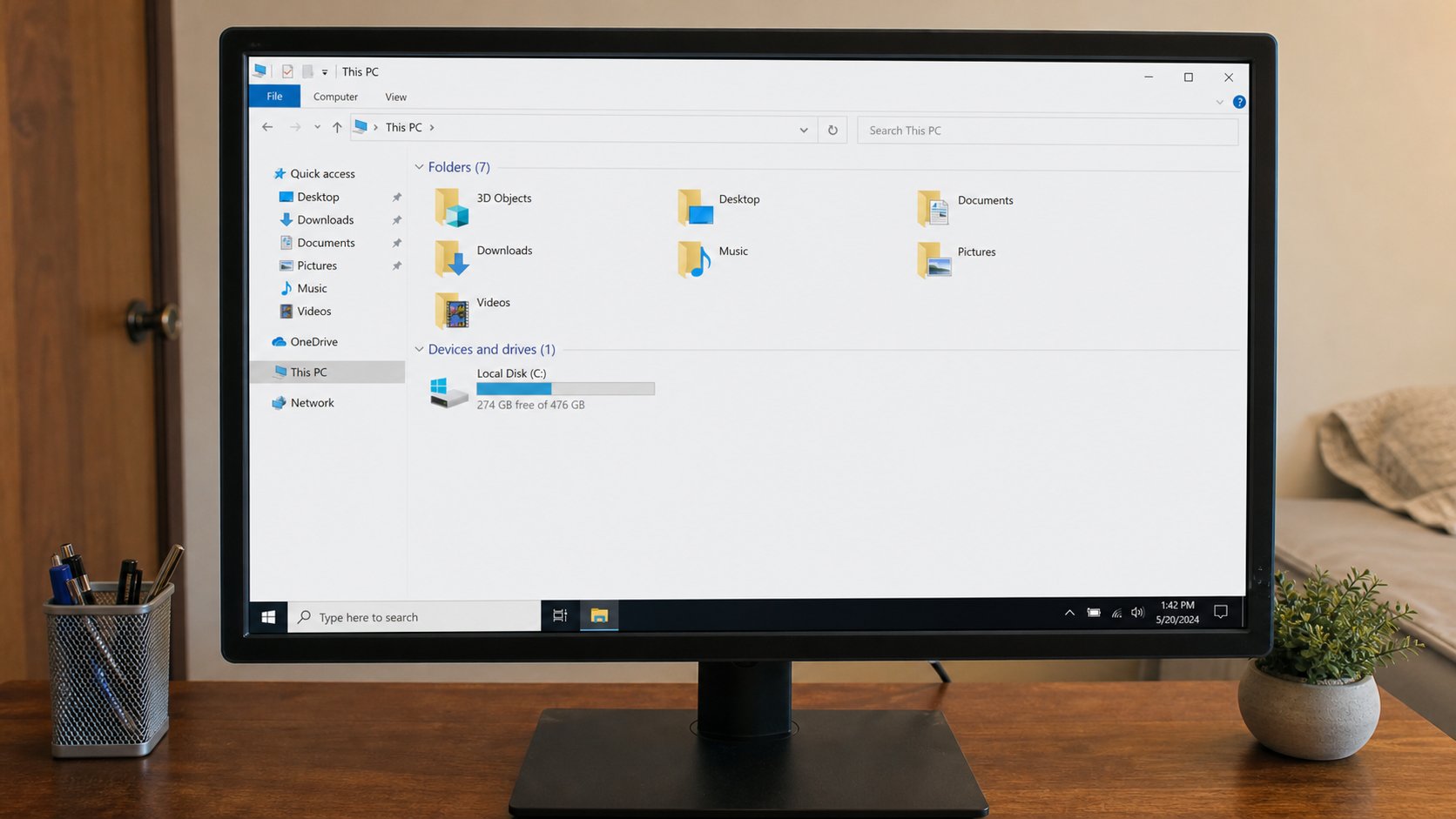
Where your work lives: files and folders
A file is one document. A folder holds files. Learn where your work is kept, how to save it under a name you will still understand later, and how to find it again.
 Lesson 03 · 5 min
Your hands on the keyboard
Where to rest your fingers, which keys fix mistakes, and the shortcuts that save hours. Ten minutes of practice a day is enough to stop hunting for letters.
 Lesson 04 · 5 min
The internet without getting lost
How to open a browser, tell the address bar from the search box, use tabs, read a web address, and save a page you will want again. Simple habits that prevent most mistakes.
 Lesson 05 · 5 min
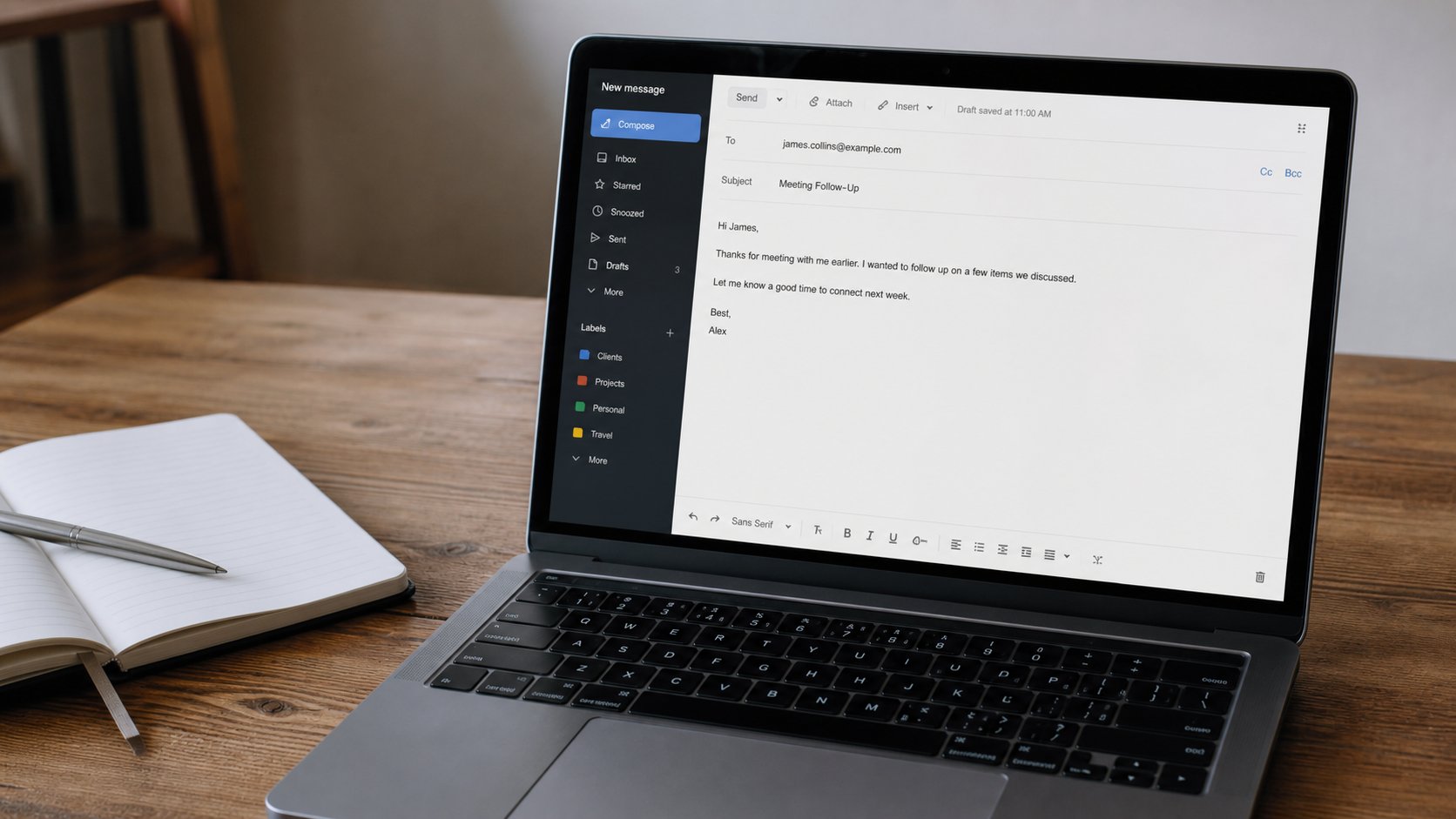
Your first email, sent properly
An address, a subject that tells the truth, a short body with one job, and the paperclip. How to write and send a first email that a school or office will answer.
 Lesson 06 · 5 min
Passwords you can keep
How to make a password you can remember, store it safely, and add a second lock to the accounts that matter. Includes what to do when someone gets in.
CEA Digital Solutions Studio
Bring your ideas. We build the technology.
Websites, internal tools, networks, and practical digital systems built by CEA for businesses, schools, and local organisations.
Digital Presence
Websites, online visibility, business profiles and digital identity.
IT Infrastructure
Networks, connectivity, workstations, setup and maintenance.
Business Systems
Digital workflows, records, inventory, automation and operations.
Development
Web applications, portals, integrations and custom digital solutions.
24 Ebony Road, Port Harcourt.
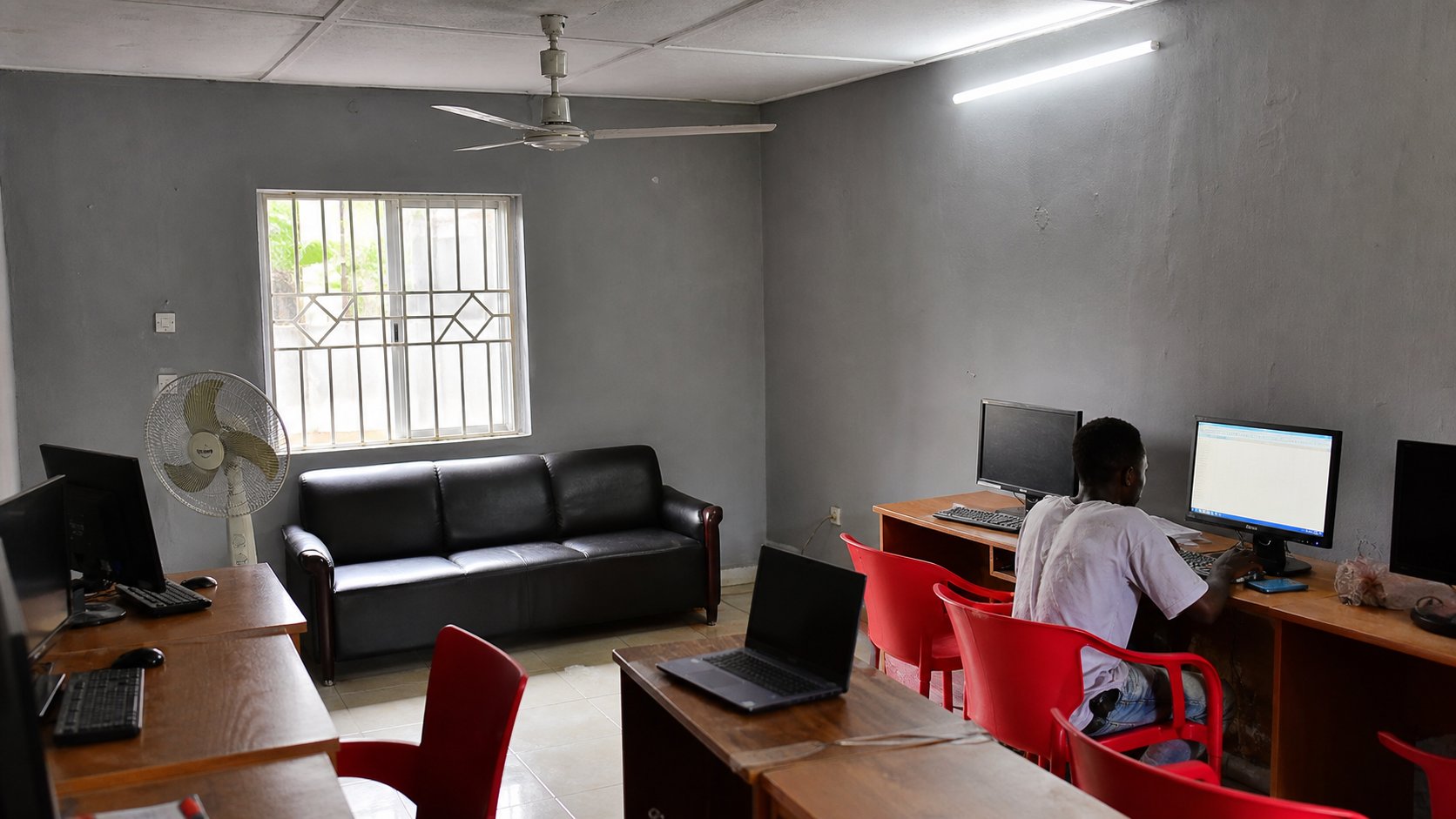
Off Rumuola Road, Port Harcourt. Drop in during opening hours to see the classroom, ask about upcoming dates, or get help choosing a course.
- Address
- 24 Ebony Road, Off Rumuola Road, Port Harcourt
- Hours
- Mon–Sat, 8:00–20:00 WAT
- Phone
- +234 905 862 8386
- [email protected]
Asked every week.
Fees, schedules, requirements, and what happens on day one.
View all questionsDo I need any prior experience?
Not for beginner courses. Computer Basics and Microsoft Office start from the beginning. Other courses list what you should already be able to do on the course page.
Can I study while working?
Yes. Courses run two sessions a week. Ask for the current timetable when you apply — evenings and Saturdays are used when there is demand.
Is there a payment plan?
Fees are listed in naira on each course page. Monthly instalments can be arranged for the length of the course. Ask when you apply.
What do I get at the end?
A named piece of work — a document, a spreadsheet, a design, a website, a serviced machine — and a certificate awarded for that work, not for attendance. Certificates can be checked on our public verification page.
Where is the academy?
24 Ebony Road, off Rumuola Road, Port Harcourt, Rivers State. Some courses can also be followed online.
How do I apply?
Use the application form, or visit or call during opening hours. There is no application fee. We reply with dates, the fee, and what to bring.
Is CEA accredited?
Cyber Elias Academy Ltd is a registered Nigerian company (RC 8413776). Certificates are issued by the academy and can be verified on this site. They are not a university degree or a government licence.
Begin Today