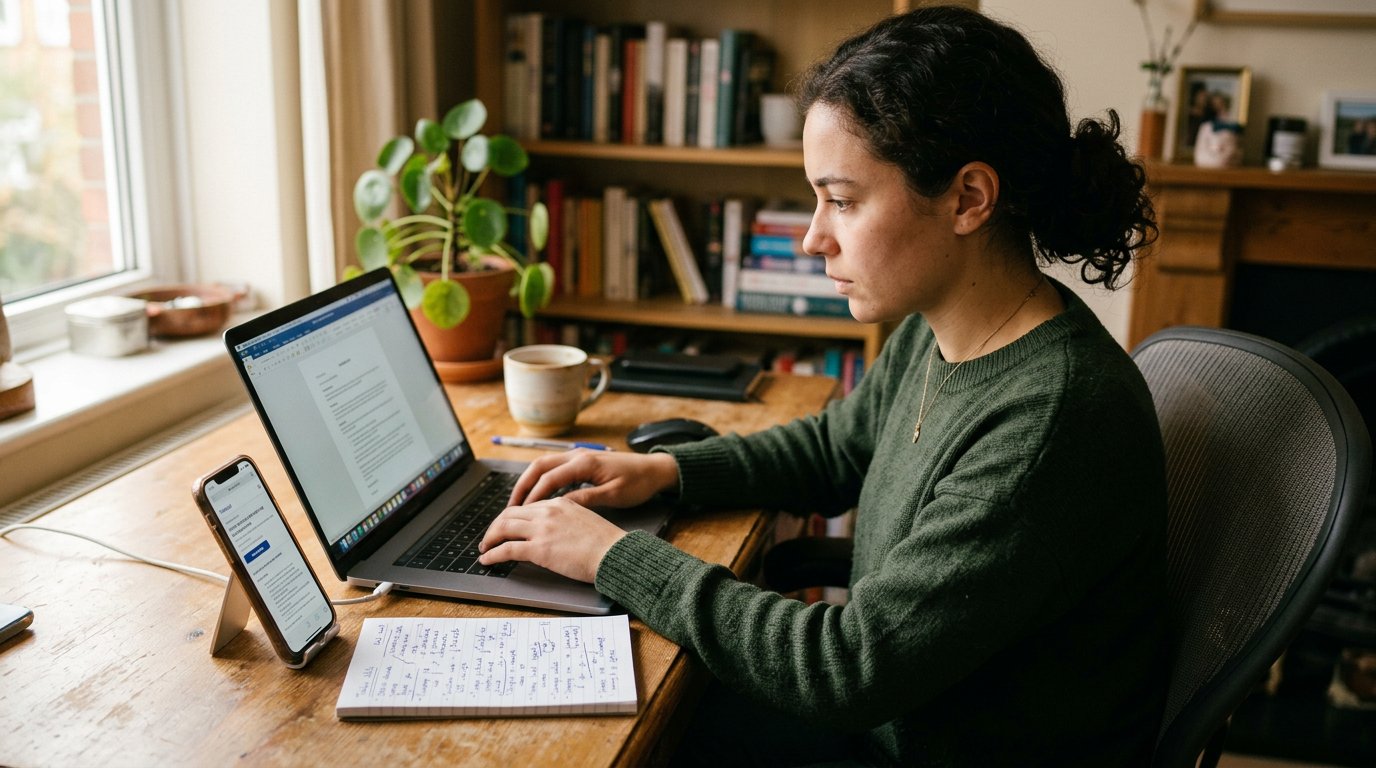
Here you will learn to check a result or an admission status online, on the official page, without paying anybody for a free link. You will have the details ready, handle a page that times out, and keep a printed copy.
Result portals are slow on the day results are released, because thousands of people open them at once. Knowing that in advance prevents most of the panic.
What you will need
- The candidate's registration number or index number.
- The exam year or session, exactly as written on the slip.
- A phone or computer, and data, with the battery charged.
- Ten minutes, and the patience for a page that may need a second try.
Find the real portal
- Search for the exam body or the institution by name.
- Read the address before clicking, since official pages use a government or institution domain.
- Ignore any result-checking site that asks for a payment to a personal account.
- Bookmark the page once you are sure of it.
- Have the school's phone number ready, in case the portal is down completely.
- Ask a teacher or the school office for the exact portal address, which they use themselves.
You will see the official page carry a crest, a plain layout, and a form with two or three fields. A page with more advertisements than fields is not the portal.
It looks like paying an agent is the only way to get the result quickly. The portal is free to check, and the agent is charging for a page you can open yourself.
When the page will not load
- Try again after fifteen minutes, since the first hour is the busiest.
- Check the number and the session before assuming the site is broken.
- Look at the error message: wrong details and a busy server give different messages.
- Use a different network if the page fails completely, since one provider may be blocked.
- Write the number on paper first, so a mistake in typing shows at once.
- Keep the page open once it loads, and take a screenshot before refreshing.
The result page will usually show the candidate's name, the subjects or the course, and the status in large text. Read the name first, since a wrong result for the right number is a common and frightening surprise.
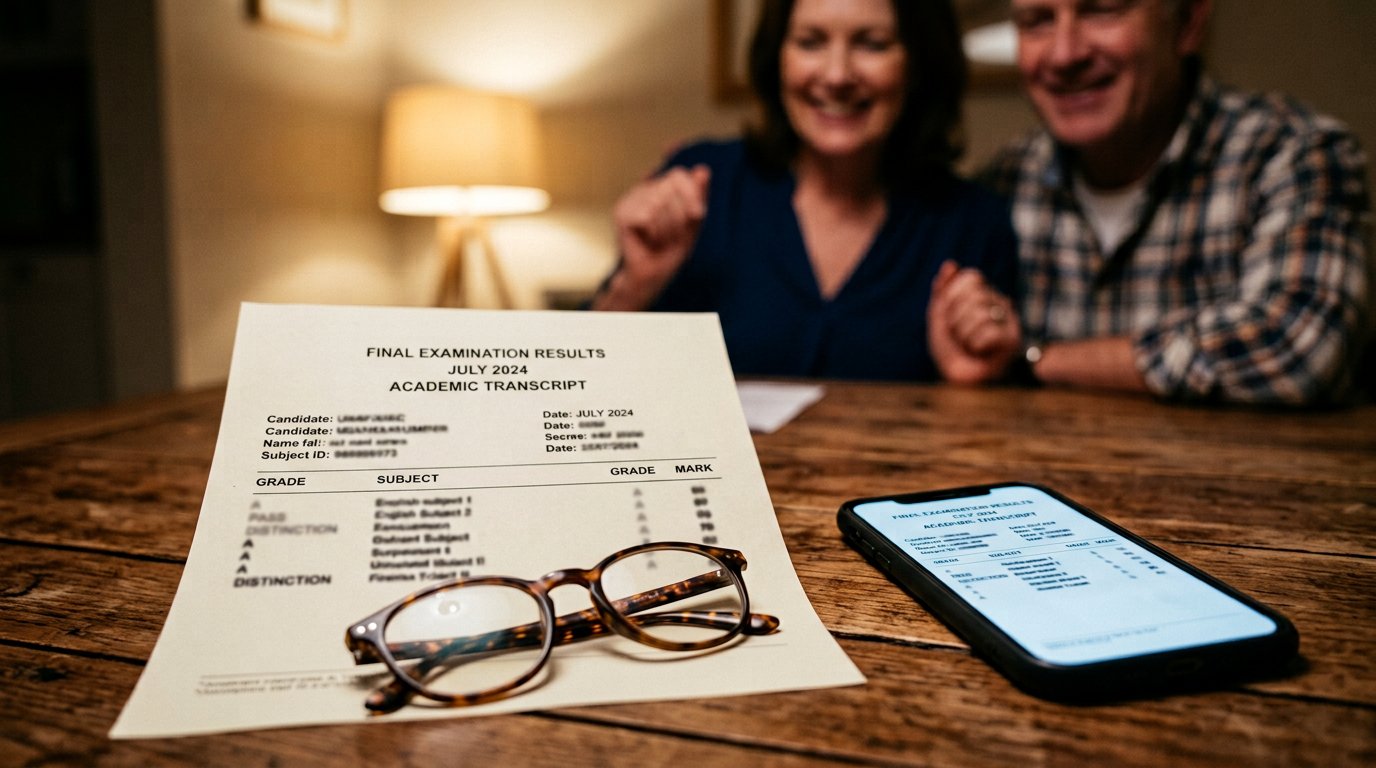
Keep a copy that lasts
- Screenshot the page with the address bar visible, which shows where it came from.
- Save it as a PDF, or print it at a business centre.
- Keep the printed copy in the envelope with the certificates.
- Photograph the printout and upload it to the folder of documents from an earlier lesson.
- Note the date and time of the check, in case of a later dispute.
- Check again the next day to confirm the result has not changed.
None of this needs an office visit. A printed copy, a photograph of it, and a folder are enough to prove what the page said.
Do not worry about checking on the first morning. The result is the same at noon, and the portal is readable then.
Troubleshooting
Most of them have a plain fix.
- The details are rejected: check the session year first, which is the usual error.
- The result is not the expected one: confirm the name and the number, then contact the school.
- The page asks for a card payment: stop, and check with the school before paying anything.
- The server is completely down: call the school office, which often has a list.
- The portal asked for a PIN you do not have: ask the school where the PIN is issued.
- You lost the printed copy: check the portal again, and print two this time.
Your turn
Do the preparation before the result is released.
- Write the registration number and session on paper.
- Find the official portal and bookmark it.
- Test that the page opens, without entering details.
- Save the school's phone number in contacts.
- Decide where the printed copy will be kept.
You can now check a result yourself, without paying for the privilege. In the next lesson you will set the family rules around phones and children.