Computer skills from scratch·Other people’s computers·Lesson 41 of 180
Charging without killing the battery
 Ellis Dennis GrahamFounder, Cyber Elias Academy 2026-04-24 3 min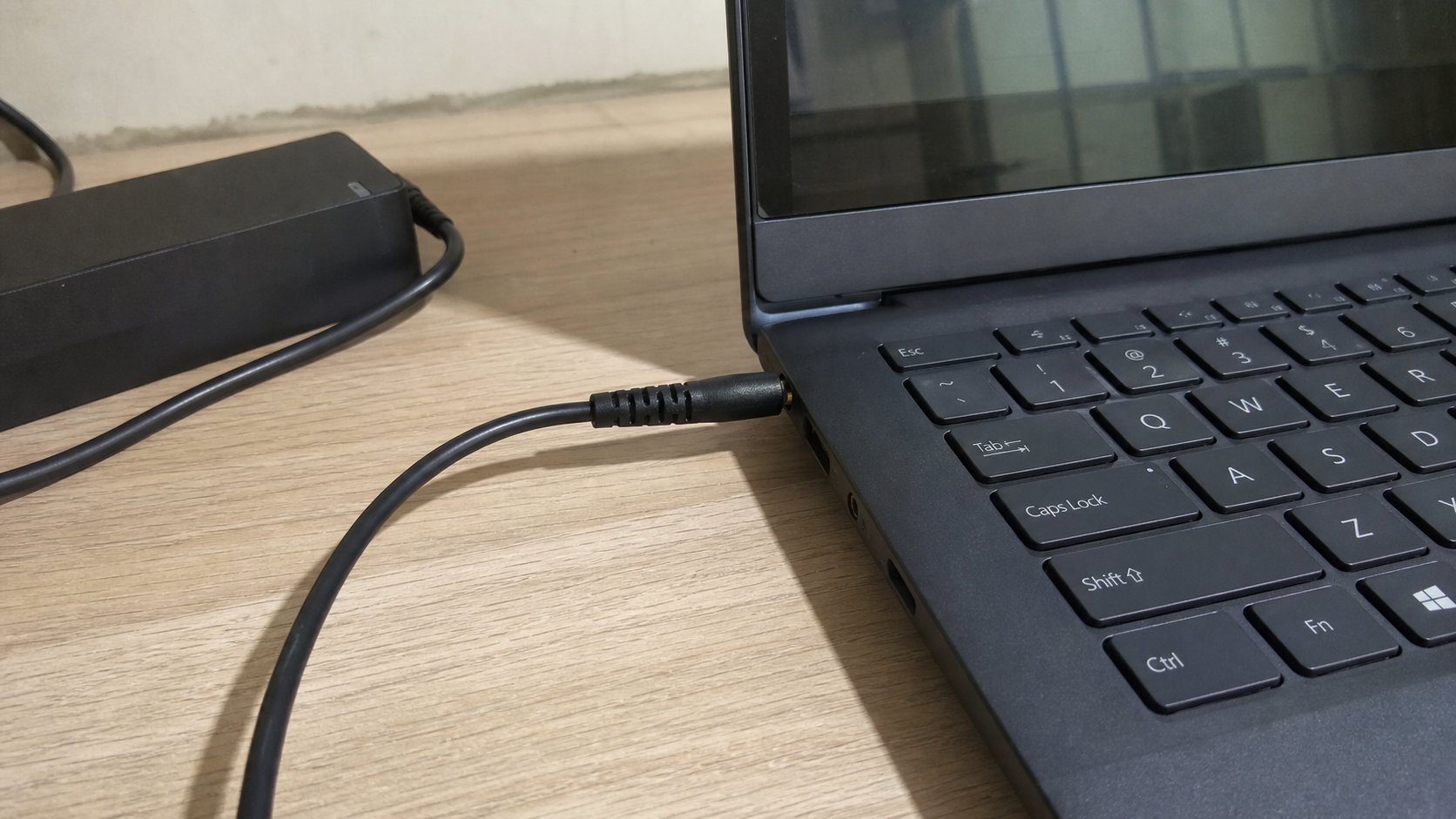
The brick and the cable are two parts. Use the one that fits. Leave it on the table while it drinks. A red X on the battery is a story; a swollen pack is a shop the same day.
A laptop drinks through a brick and a cable. The brick is the heavy square that sits on the floor. The cable is the thin line to the wall, and the thicker line to the machine. People borrow a phone charger, or a cousin's brick that almost fits, and then wonder why the battery icon never moves. Wrong brick, or a cable that only looks right. This lesson is how to feed the machine without cooking it, and without the myths that say you must drain it to zero every time.
Use the brick that came with the laptop, or one the maker named. The plug on the laptop side is particular — round with a pin, or USB-C. USB-C chargers from phones may trickle a little charge into some machines and starve others. If the brick is hot as a kettle, unplug. If the cable is broken at the elbow, tape is not a repair; a new cable is. Cheap copies from a market stall fail by melting, slowly.
The icon, and the old story about zero
The battery icon near the clock tells the truth more often than a cousin. Plugged in, charging. Plugged in, not charging — the brick is wrong, the port is loose, or the battery is full and resting. Not plugged in, a percentage. At 20 percent, save and find a wall. At 5 percent, the machine will sleep itself and take unsaved work with it. You already know Ctrl+S.
You do not need to drain to empty to “calibrate” every week. Modern packs prefer not to live at 0 percent. Leaving it on charge while you work is ordinary. Leaving it in a hot car at 100 percent for a month is not. If the maker offers a “care” slider that stops at 80 percent, that is a kindness for a machine that stays on the desk. Use it if you live at a desk. Ignore it if you live on NEPA and need the full tank.
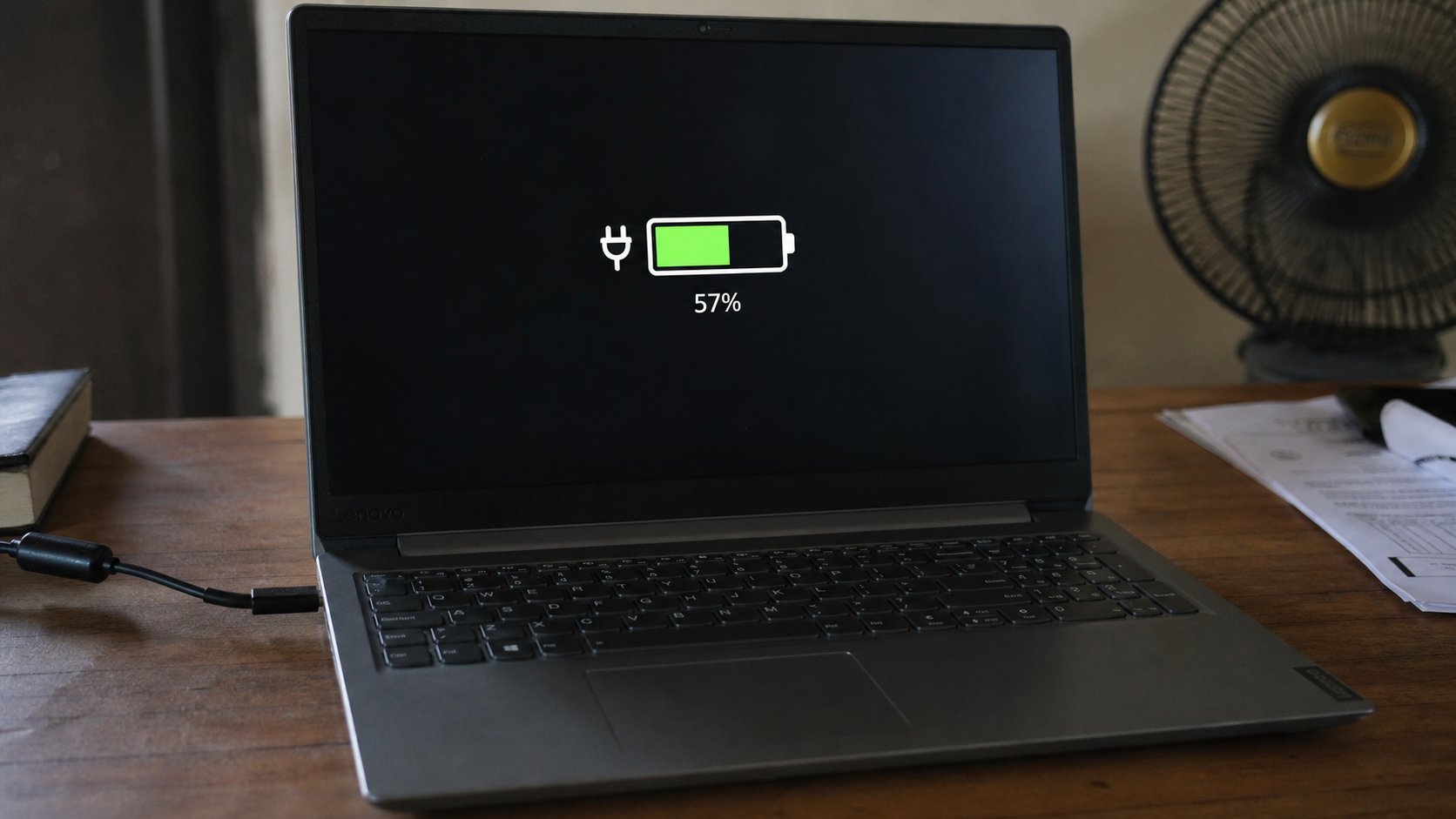
- Plug in the proper brick. Confirm the icon changes within a minute.
- Feel the brick. Warm is normal. Too hot to hold is unplug.
- Save a file. Unplug. Confirm the percentage is visible. Plug in again.
- Do not twist the cable at the port. Hold the plastic.
Swollen, wet, and the generator
If the trackpad no longer sits flat, or the lid will not close, the pack may be swollen. Stop using it. Do not puncture. A shop, same day, after you copy files off if the machine still boots. Water in the port: unplug, dry, wait. Do not blow-dry on hot. A generator's wild voltage can kill a brick; a small surge protector is cheaper than a motherboard. That is household wisdom, not a gadget cult.
A desktop does not have this pack. It still wants a good cable to the wall, and a UPS if the light dances. The laptop is just a desktop with a tank. Fill the tank with the right hose. Do not sleep with it charging under a duvet. Heat is the next lesson. Charge on the table, like a kettle on a counter, not in a bed.