Computer skills from scratch·The phone·Lesson 87 of 180
Captions, pause, and speed
 Ellis Dennis GrahamFounder, Cyber Elias Academy 2026-08-18 3 min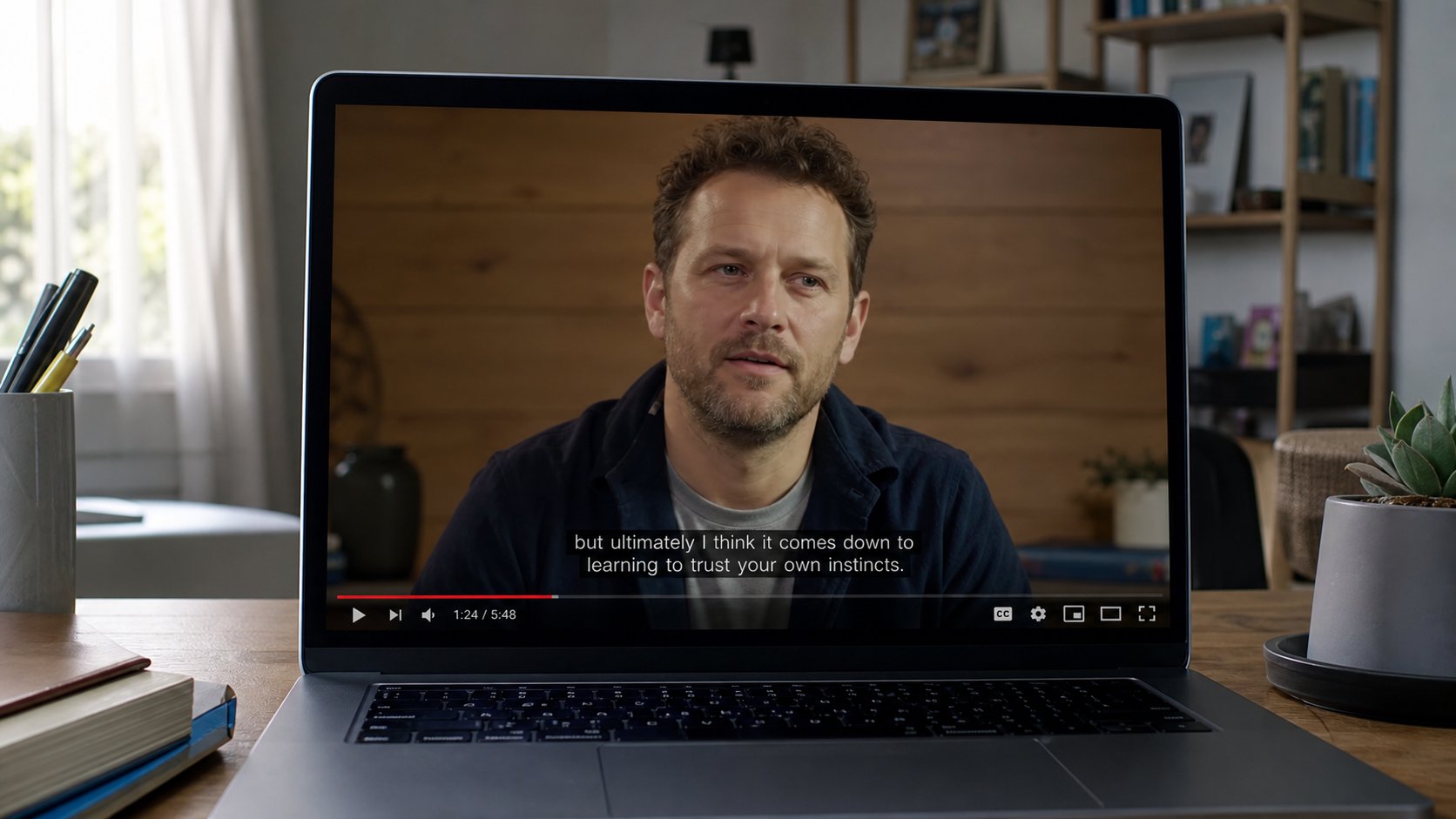
CC is words on the picture. Pause is thinking time. Speed is not a virtue. 0.75 is allowed. A notebook is still faster than rewinding ten times without writing.
A video is speech. Speech is easy to miss when the accent is new, the fan is loud, or the teacher talks like a train. Captions — CC, subtitles — write the words on the picture. Pause stops the train. Speed, a gear like 0.75 or 1.25, is a courtesy, not a race. This lesson is those three taps, so a tutorial is a class and not a blur.
Look along the bottom of the video for CC, or a wheel, Settings, Subtitles. Turn captions on. English is fine when the speaker is English. Auto-generated captions will miss naira, Okoro, Rumuola — they are a cousin of spell check. If the line is nonsense, use your ears for that word. If the line helps you catch “Save As,” keep them on. Size and colour live in the same settings if the type is small. You may zoom the page, as you learned, without changing the film.
Pause, rewind, a notebook
Space bar, or the tap on the picture, pauses. Left arrow often jumps back a few seconds. That is enough to catch a sentence. If you rewind the same ten seconds five times, pause and write the step. The notebook is cheaper than another pass. Full screen plus captions plus a notebook is a desk. Autoplay plus no notes is a bus window.
Speed: the gear, Playback speed. 0.75 when the mouth is fast. 1.25 when they repeat themselves and you only need the shape. 2× is how people “finish” a course and remember nothing. You are not late. The video will wait. On a phone the same gear lives in the three dots. Earphones help captions and speech sit together without the street.
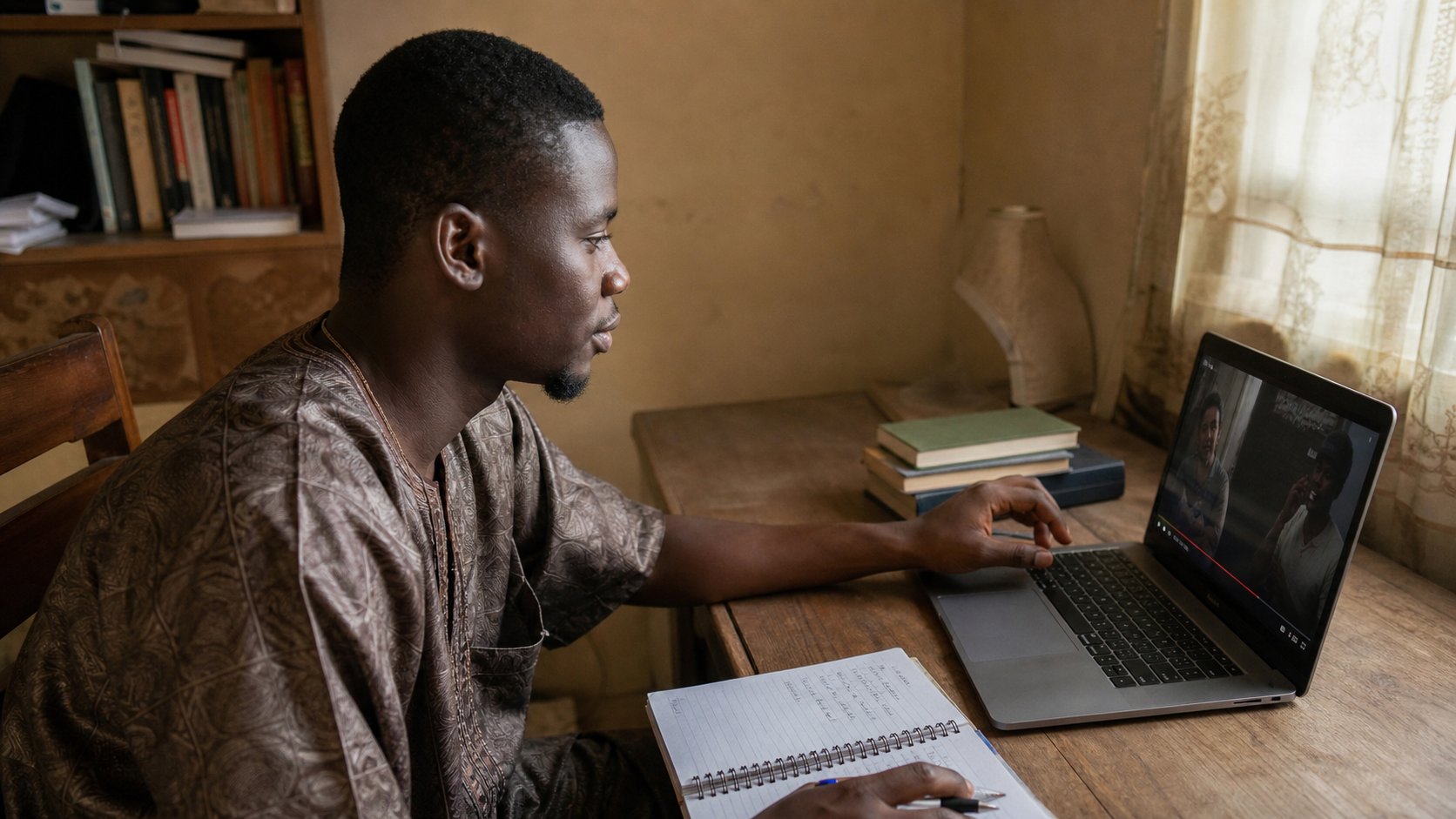
- Open a short tutorial. Turn captions on. Read one line. Confirm it matches the mouth, more or less.
- Pause. Write one step. Play. Pause again.
- Try 0.75 for a sentence, then 1. You are allowed to return to 1.
- Do not download a “subtitle plugin” from a banner under the video.
When there are no captions
Some films have none. Lower the speed, use earphones, write. A live class on Meet may have captions if the host switched them on — a different tap, still CC. Do not trust live captions with a fee amount. Ask in the chat. And if a video is only music with no speech, captions will be empty or wild. You did not break them.
The point of a tutorial is one thing you can do after. Captions, pause, speed, paper. Then close the tab. The next video will offer itself. You already know how to leave a market. Leave.