Computer skills from scratch·Files that travel·Lesson 26 of 180
Copy and paste between programs
 Ellis Dennis GrahamFounder, Cyber Elias Academy 2026-03-17 3 min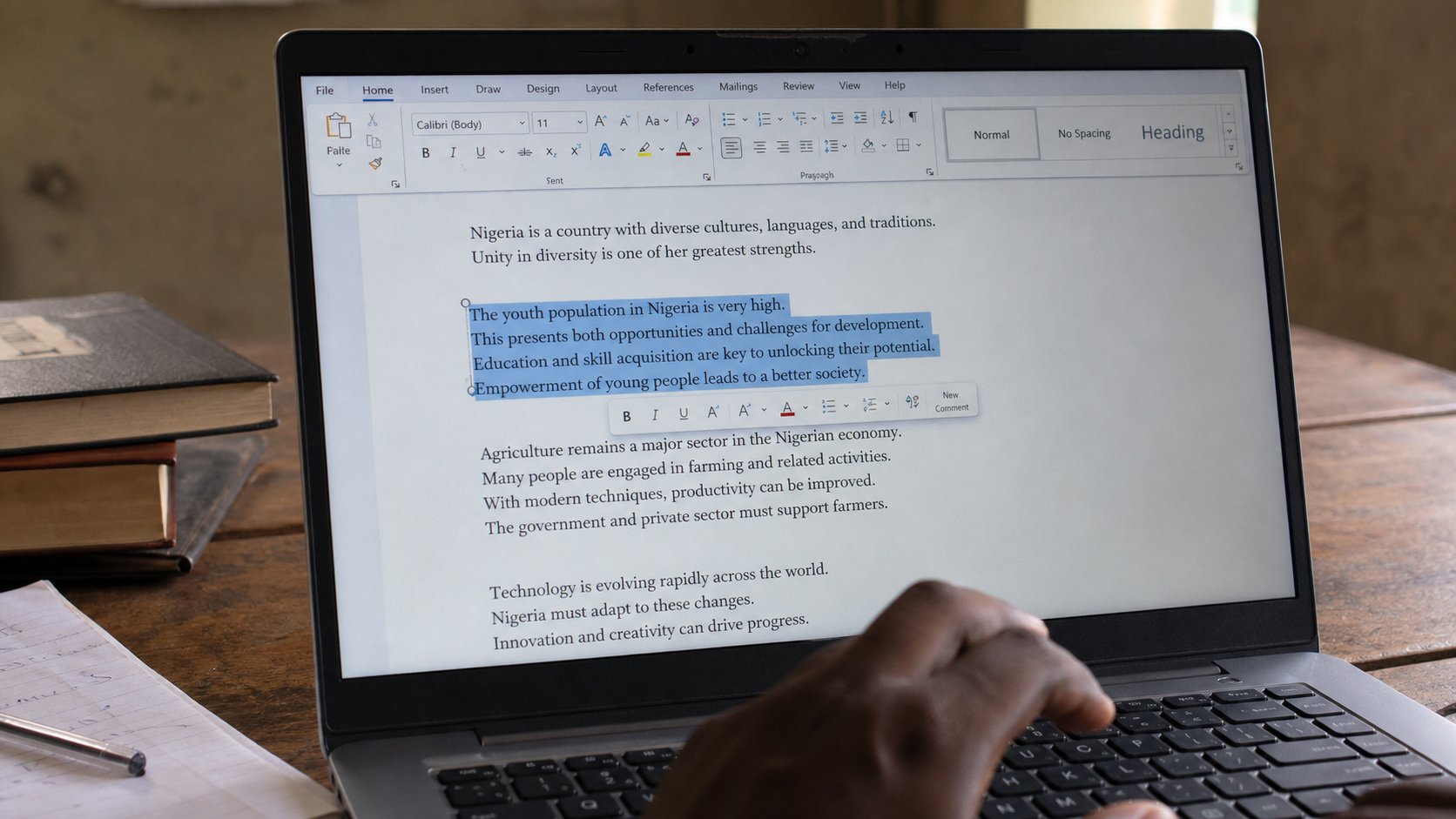
The clipboard is a small tray. Select, copy, click the other window, paste. It holds one thing at a time. That is enough to stop retyping your own address.
You met copy and paste on the keyboard lesson as two shortcuts. This lesson is the tray those shortcuts use, and the fact that the tray travels between programs. A sentence in a browser can become a sentence in Word. A number in a spreadsheet can become a number in an email. People retype because they do not trust the tray. Trust comes from watching it once.
The clipboard is an invisible plate that holds one thing. Copy puts something on the plate. Cut puts it on the plate and removes it from where it was. Paste sets down whatever is on the plate, without emptying the plate — you can paste twice. Copy again, and the old thing falls off. There is no cupboard of yesterday's copies unless you install extra software. One plate is enough.
Select, then copy, then the other window
Drag the mouse across the words, or hold Shift and tap the arrow keys. The words sit on a coloured block. Ctrl+C. Nothing looks different — that is correct. Alt+Tab, or click the other program's title bar, to go to Word or Gmail. Click where the words should land. Ctrl+V. The words arrive. If they do not, you either never selected, or you clicked somewhere that cannot receive paste — a picture, a locked PDF, a box that only wants a date.
Pictures copy too. Click a picture in a page, Ctrl+C, then paste into Paint or Word. Websites sometimes block this. A screenshot, next lesson, is the fallback. Files copy in File Explorer the same way: select the file, Ctrl+C, open the other folder, Ctrl+V. That is how you filled the USB. The plate does not care whether it is holding a sentence or a photograph. It cares that you selected first.
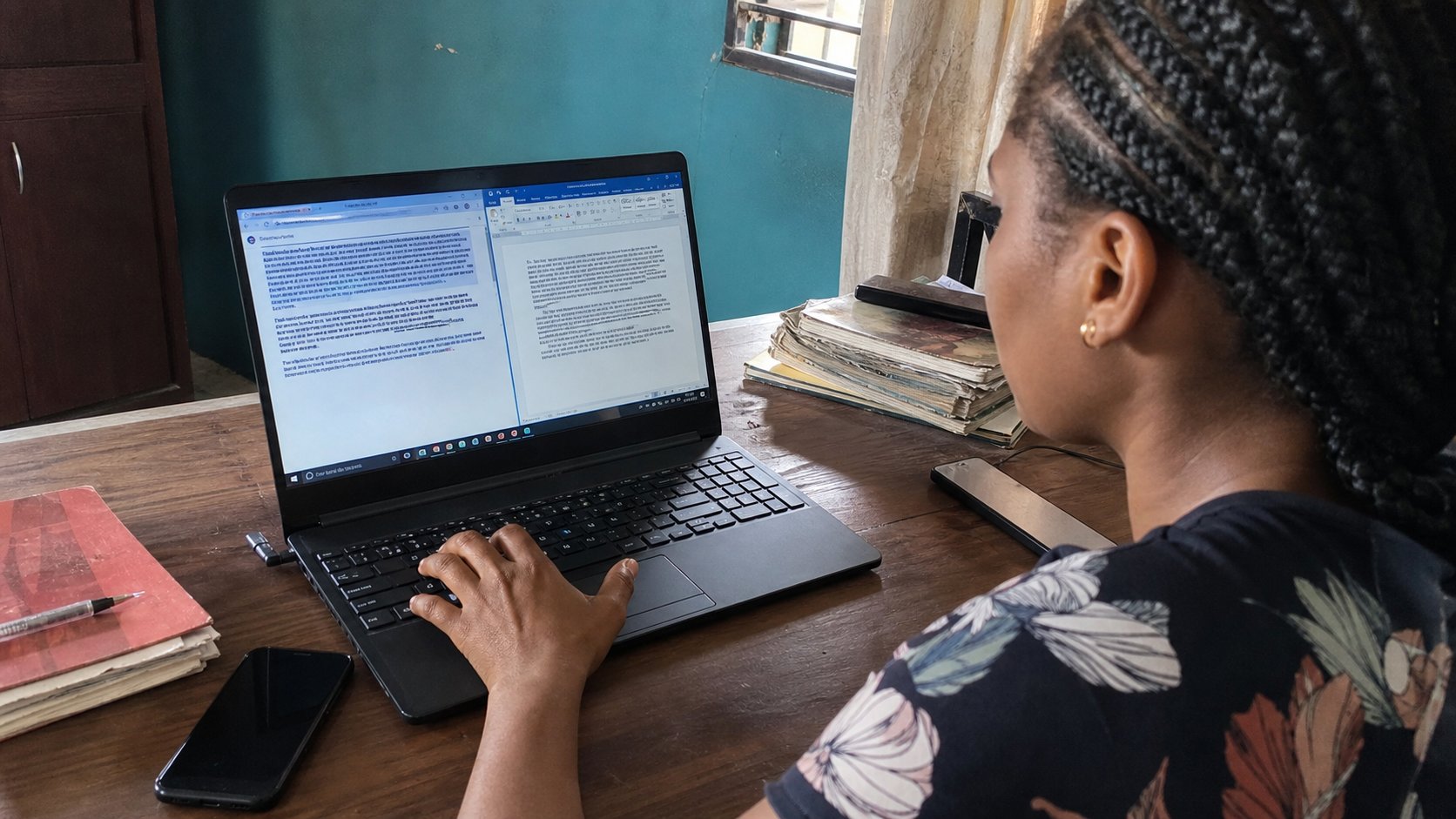
Paste special, and the mess of formatting
Sometimes the words arrive in a wild font, with a blue underline and a yellow background from the website. That is formatting riding along. In Word, Home, Paste, then Keep text only — or Ctrl then a small menu — strips the costume. The words remain. When you paste into a form, the form usually strips it for you. When you paste into WhatsApp from a laptop, you may get extra blank lines. Delete them. The plate is not a designer.
- Open a browser page you trust and a blank Word document.
- Select one sentence on the page. Ctrl+C. Click Word. Ctrl+V.
- Select a different sentence. Copy. Paste again. The first sentence is still in Word; the plate now holds the second.
- Save as copy-practice in Documents. You have stopped retyping.
What the plate will not do
It will not remember ten things unless you use Windows+V, which on newer Windows opens a clipboard history you can turn on. Until then, assume one thing. Do not copy a password, then copy something else, then expect the password still to paste into the bank. The plate moved on. And do not paste a password into a chat to “save it.” You know that room is the wrong room.
If paste is greyed out, the plate is empty or the box refuses it. Copy again. If a website says “do not copy,” that is their wish; a short quote for a form is still ordinary work. Whole books are not. Use the tray for your own life: address, email, the sentence you already wrote. The machine is good at not making you write the same line twice. Let it.