Computer skills from scratch·Other people’s computers·Lesson 47 of 180
History and private windows
 Ellis Dennis GrahamFounder, Cyber Elias Academy 2026-05-09 3 min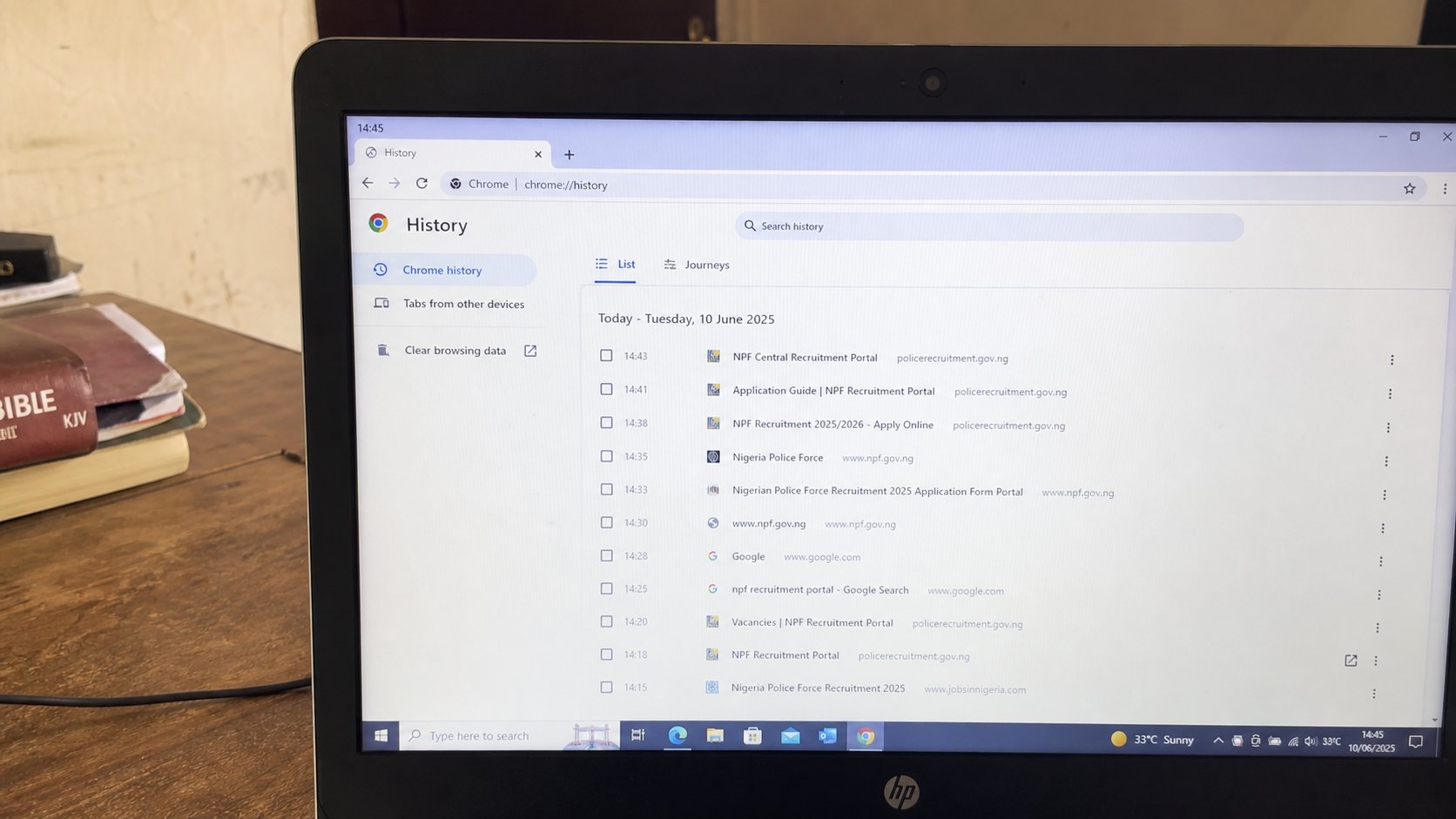
History is a list of rooms you walked through. A private window does not write on that list. It is not invisible to the network, the school, or the café.
The browser remembers where you went. That list is History. It is how you find a page from Tuesday without a bookmark. It is also how a sibling, a shop, or a business-centre clerk can see what you opened. A private window — Incognito, InPrivate — is a sitting that does not add to that list on this computer. It is not a cloak on the internet. This lesson is the list, the broom, and what private actually hides.
Ctrl+H opens History. A list, newest first. Search it like files. Click a line to return. Delete a line if you want that room forgotten here. Clear browsing data is the larger broom: last hour, last day, all time. Cookies you already met. Cached images are leftovers that make pages load faster and can be swept. Passwords and bookmarks are usually separate ticks — do not sweep those by accident.
Private is a clean table, not a mask
Ctrl+Shift+N in Chrome is Incognito. Edge uses Ctrl+Shift+P. A darker window, a hat or a badge. Bookmarks still work. History in this window does not join the main list. Cookies from this sitting die when the last private window closes. Downloads still land in Downloads — files are files. The school Wi‑Fi, the café, your network provider can still see that a connection happened. Private is not a VPN. It is not illegal. It is a clean table on this machine.
Use it on a shared computer for mail if you have no Guest profile. Use it to check a bank if you must, then close every private window — all of them, or the sitting continues. Do not use it to feel invisible while clicking the link you should not open. The trap still traps. Private will not save you from a typed password on a fake street.
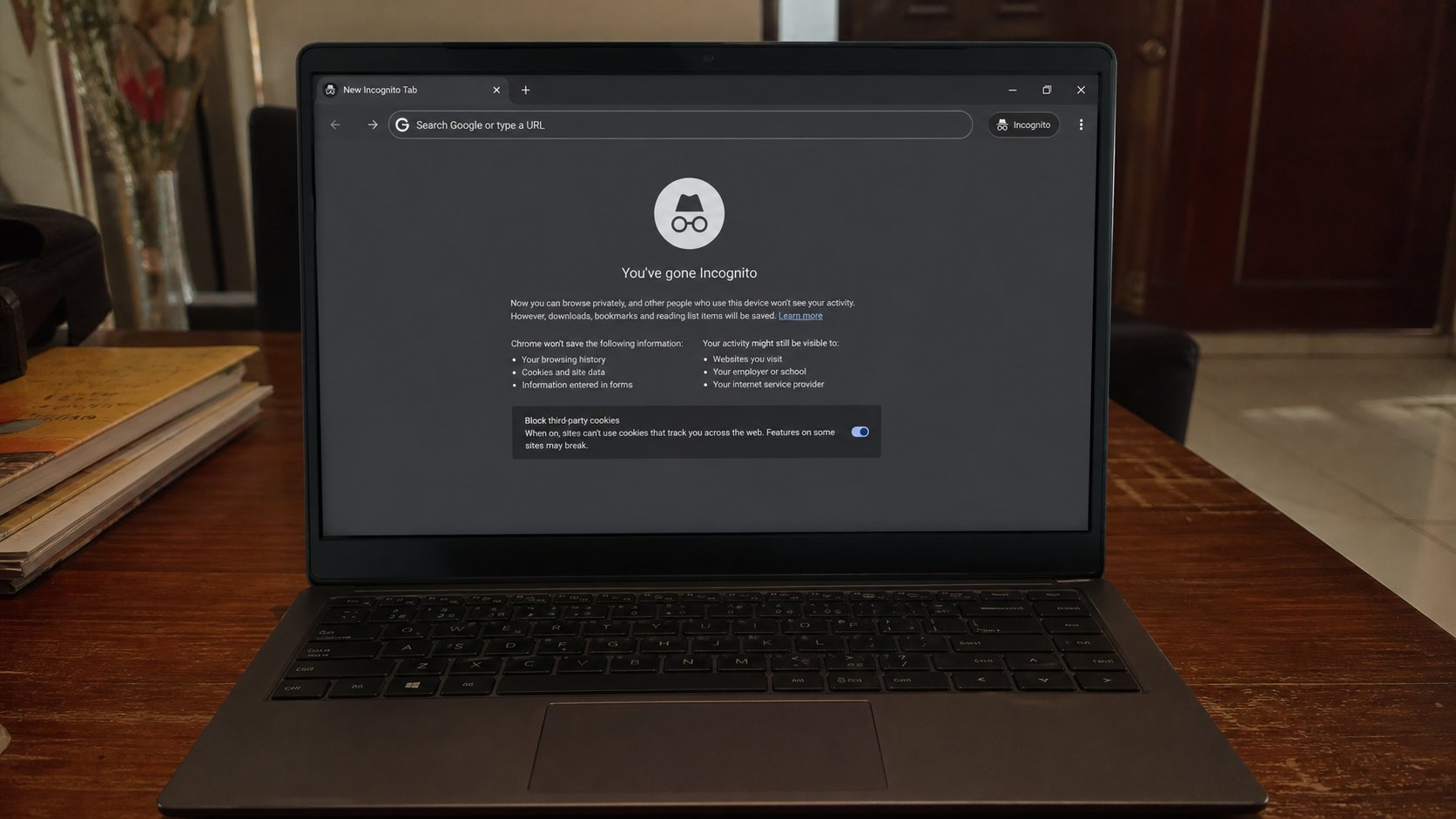
- Open History. Find today's lesson page or cea.ng. That is the diary.
- Open a private window. Visit cea.ng. Close the private window.
- Open History in a normal window. The private visit should not be there.
- On a machine that is not yours, close all windows when you stand up. Private or not.
What still remains
Files you saved. Things you printed. Mail you sent. The other person's computer if you logged into WhatsApp Web and did not log out. Private does not unsend. It does not hide you from a camera over your shoulder. It hides the diary in this browser. That is still worth doing. It is not magic.
If a family needs the history gone on the house profile, clear the last day, then use profiles as you learned. Fighting over History is a sign the bags were mixed. Separate bags beat endless sweeping. The diary is a tool. On your laptop, keep it. On theirs, do not write in it.