Computer skills from scratch·The first sitting·Lesson 6 of 180
Passwords you can keep
 Ellis Dennis GrahamFounder, Cyber Elias Academy 2026-01-25 4 min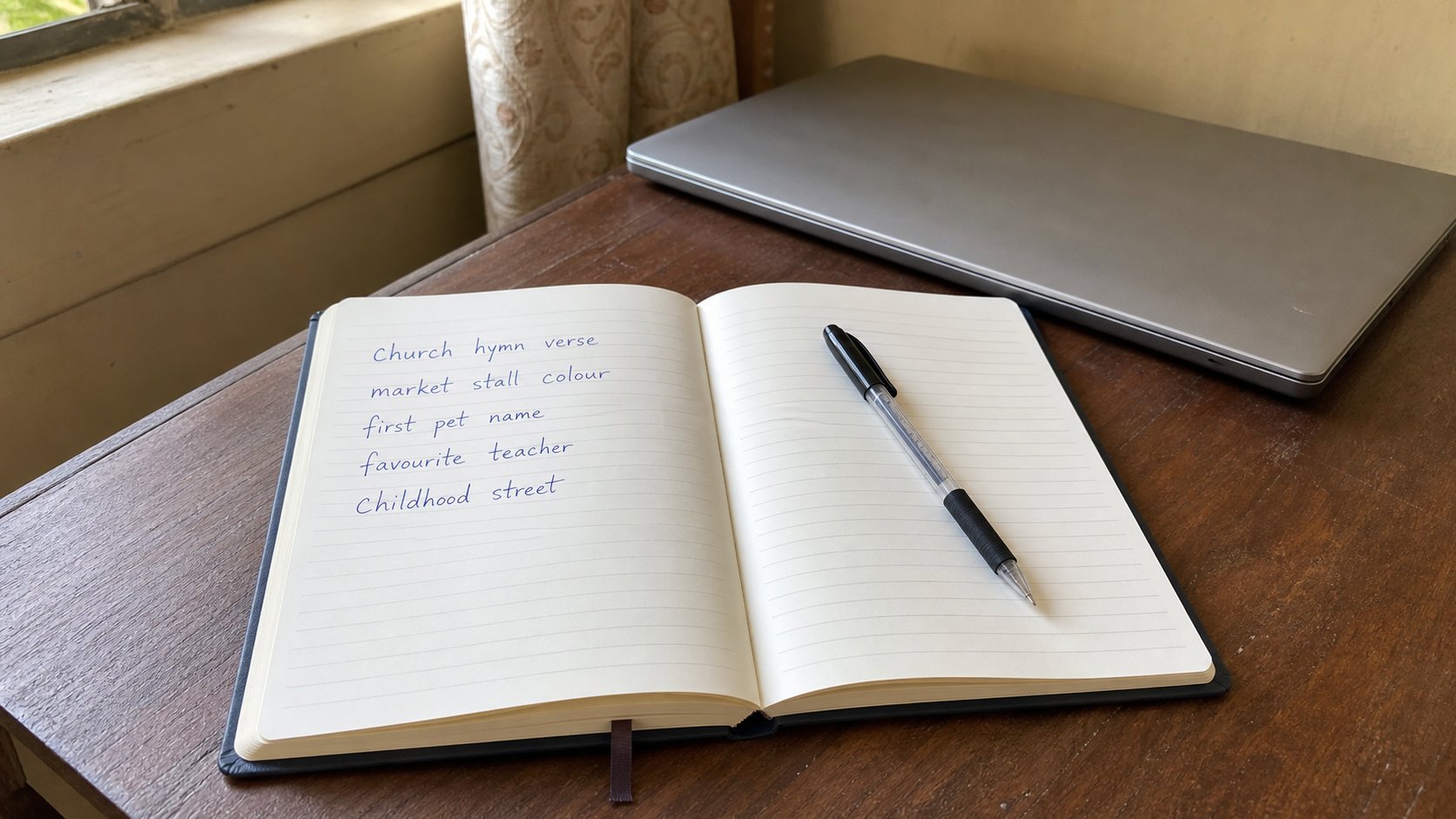
A password is a key, not a motto. Long beats clever. One key per house. A notebook in a drawer beats the same word on every door.
A password is a key. You would not cut one key and hang it on every door in the street. That is what people do when they use their child's name plus 1234 for email, the bank app, and the academy login. The first site that leaks — and sites leak — hands a stranger the rest of the house. This lesson is how to make keys you can still find in the dark, without writing the actual key on the doorframe.
Forget the old advice about one capital, one number, one symbol, eight characters, changed every month. That produced Passw0rd! and a sticky note on the monitor. What actually resists guessing is length, and what actually fails is reuse. A sentence you can say is stronger than a short tangle you will forget and then reset, badly, from a café.
Make a sentence, then hide it
Think of four ordinary words that do not belong together. Rain zinc mango Tuesday. Say them. That is already harder to guess than your birthday. Add a small twist you will remember: the year you started the course, or the bus number you take, in the middle, not at the end. Do not use a proverb everyone knows. Do not use a Bible verse with the reference, because those are in books. The sentence should be boring to anyone who is not you.
Each important house gets its own sentence. Email is one. Bank is another. The computer login is a third. WhatsApp PINs and app locks are more keys. If that sounds like too many, you have named the real problem: memory. Two honest answers exist. One is a password manager — a programme whose only job is to remember keys, locked with one long sentence you do memorise. The other, if you do not want another programme yet, is a notebook that lives in a drawer, not in the bag you take to town.
The notebook rule
If you write passwords down, write hints, not the keys. “Gmail — hymn second line” is useful to you and useless to a thief who finds the book. Do not write the site name beside the full password. Do not photograph the page. Do not keep the book in the laptop bag. A drawer at home is dull, which is the point. Dull is how keys survive.
- Pick four unrelated words. Say them until they are a rhythm.
- Use that sentence only for your email. Email is the master door: reset links for everything else arrive there.
- Make a different sentence for the bank. Do not “just change the last number.”
- Write a hint in the notebook, close the drawer, and try logging in tomorrow from memory. If you fail, the hint was too thin. Fix the hint, not the sentence, unless the sentence itself is gone.
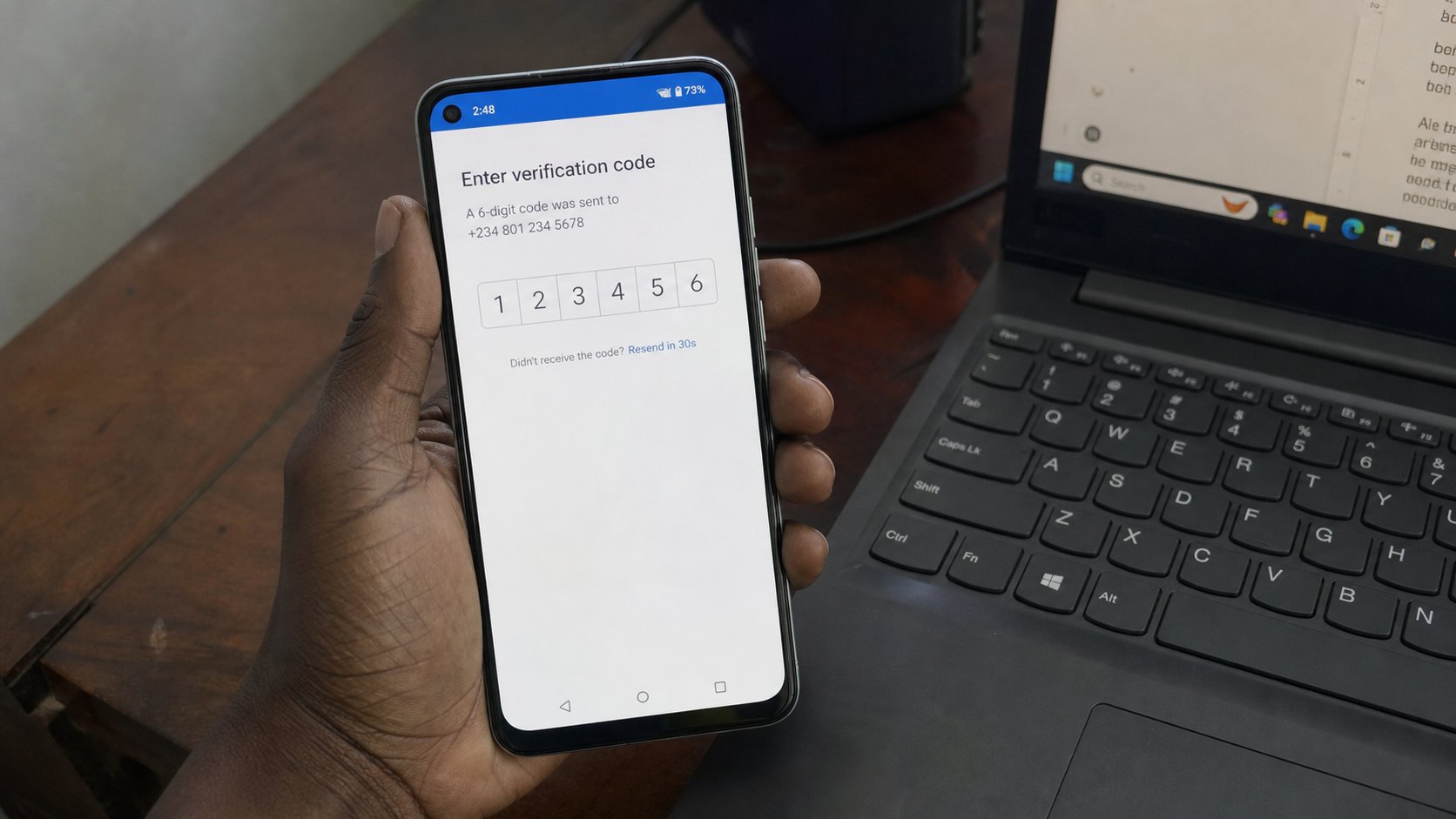
The second lock on the phone
Many sites now offer a second step: after the password, they send a code to your phone, or they ask you to tap a prompt. That is two-factor authentication, which is a long name for a second lock. Turn it on for email first, then for the bank. Use the phone number you actually hold. If the site offers an authenticator app — a small programme that shows rotating codes — that is stronger than SMS, because SMS can be stolen with a swapped SIM. SMS is still far better than nothing.
When a site offers “remember this computer,” say yes only on a machine that stays in the house. Say no in a business centre, a café, or a friend's laptop. The computer will keep you signed in. That is convenient at home and a gift to the next person on a shared machine. Sign out when you are done on any computer that is not yours. Look for your name in the corner, click it, choose Sign out. Closing the window is not always the same act.
What you never type into a surprise
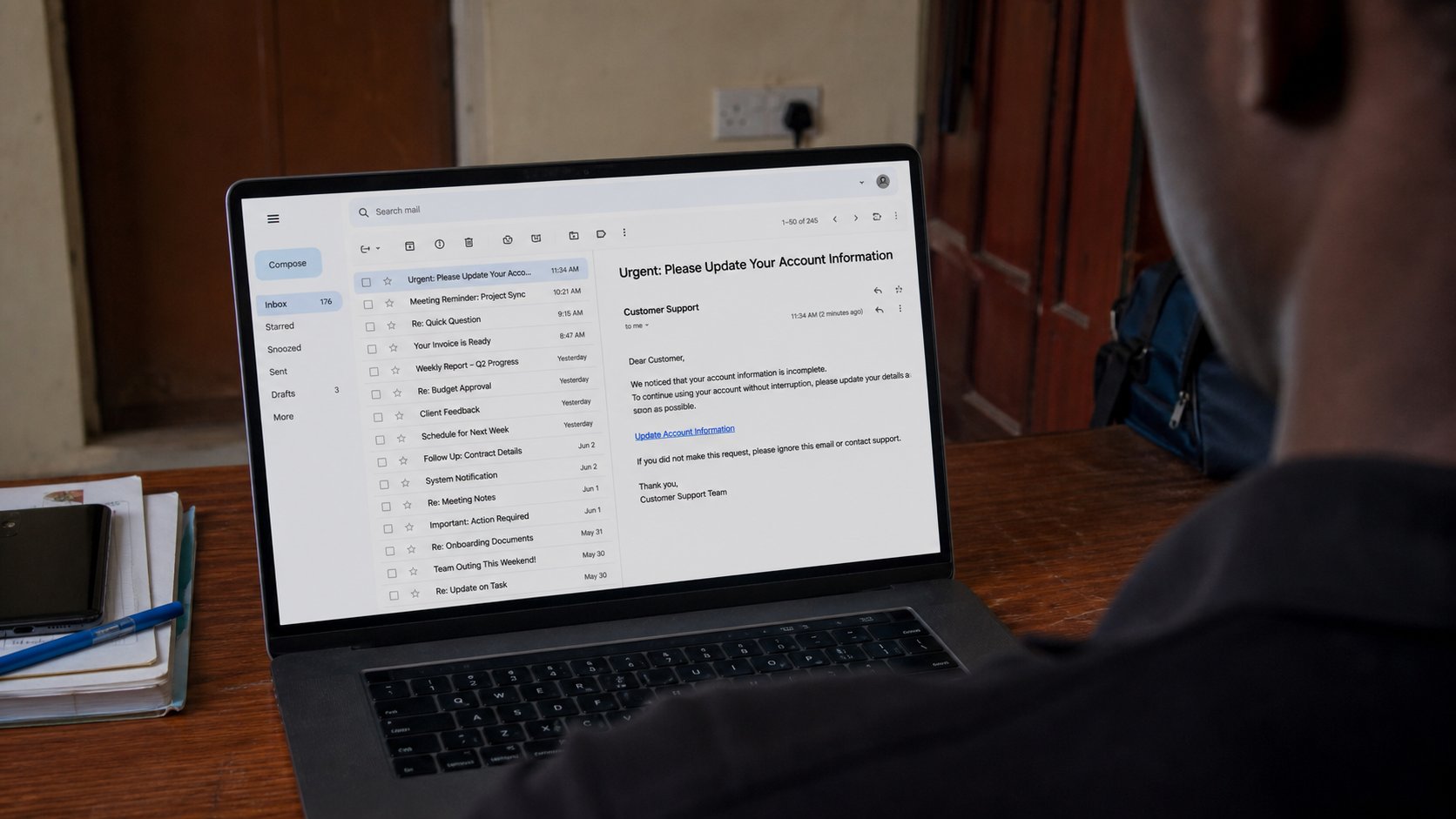
Nobody who actually works at a bank will ask you to reply with your password. Nobody at the academy will. A page that arrived from a link in a mail or a WhatsApp and then asks for the password is the next lesson. For today: if you did not walk to the real site yourself, do not type the key. Open a new tab. Type the address you already trust. If the story was true, it will still be true there.
If you have been using one short password everywhere, change email tonight. That one change closes the master door. The rest can follow this week, one house at a time. You do not need a new personality. You need keys that do not open the neighbour's gate.