Computer skills from scratch·Everyday office·Lesson 51 of 180
A table in a letter
 Ellis Dennis GrahamFounder, Cyber Elias Academy 2026-05-19 3 min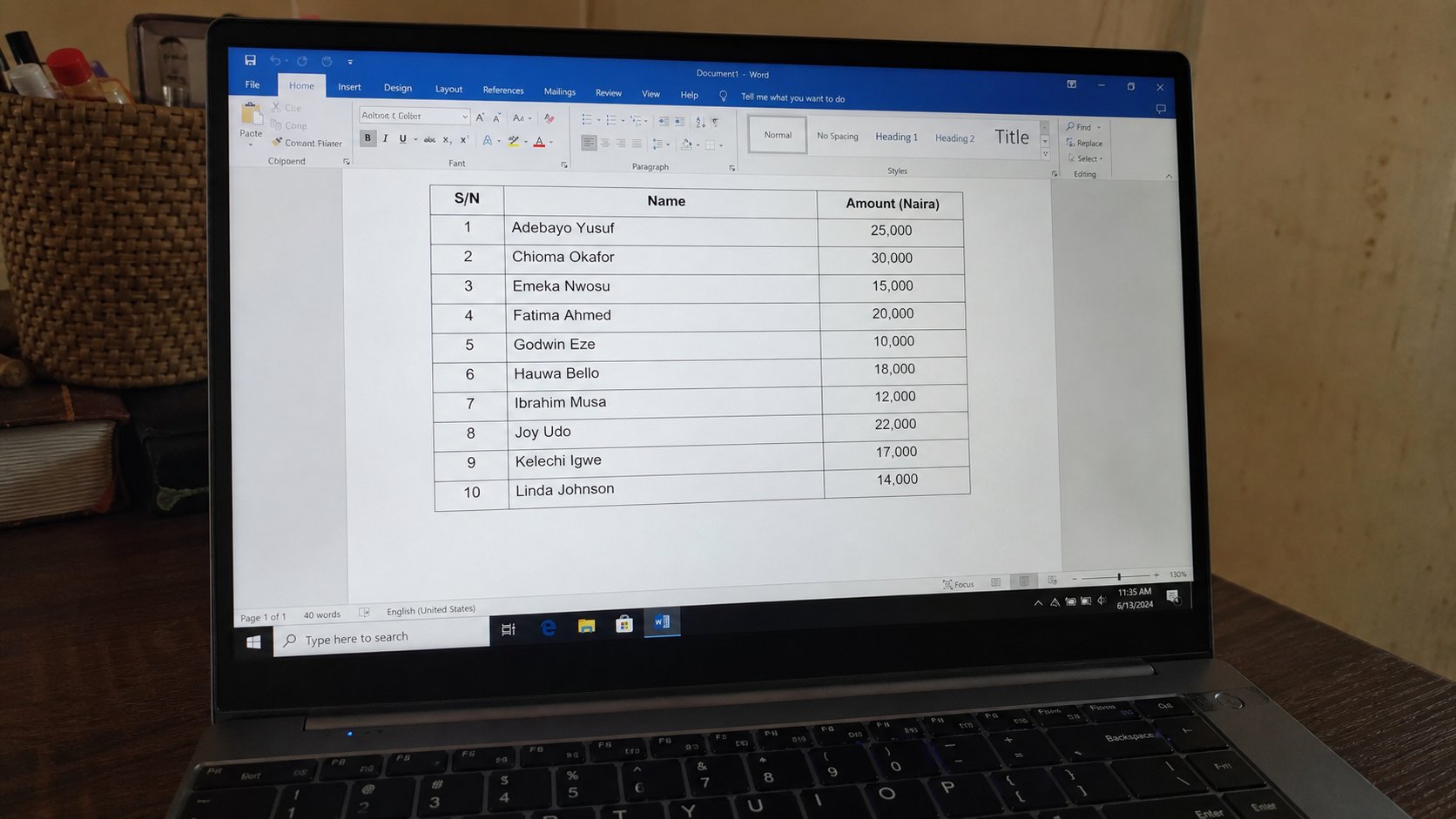
A table is a grid that lives on a page, not in a spreadsheet. Rows, columns, one fact per cell. Tab moves. The borders are for reading, not for decoration.
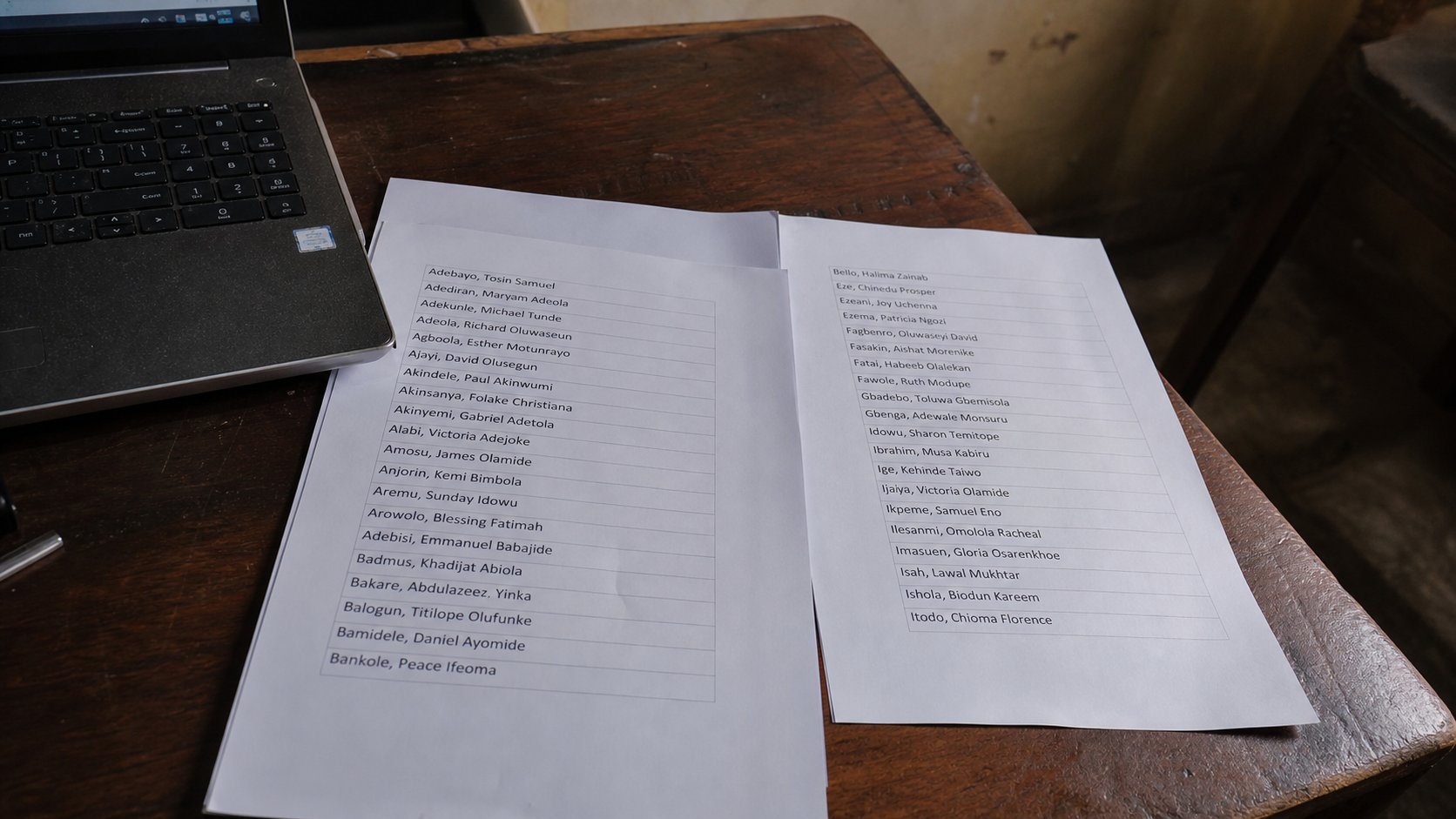
A letter sometimes needs a list that lines up: three fees, four names, a timetable. People hit Tab and Space until the words look like columns, then print, then watch the line collapse because one name was longer. A table is a grid on the page — the cousin of the spreadsheet, but it does not add unless you ask. It holds. This lesson is Insert Table, Tab through the cells, and not drawing the grid with the mouse like a fence.
In Word: Insert, Table, then hover a small grid — 3 columns, 4 rows is enough to start. Click. A box appears in the letter. The first row can be headers: Name, Item, Amount. Click in a cell. Type. Tab to the next cell. At the end of a row, Tab makes a new row. That is the whole trick. You do not need Design until the words are in.
Tab, width, and the page
If a table runs off the right edge, you have too many columns or the font is large. Click inside the table, then drag the lines, or Table Layout, Autofit, Window. Prefer fewer columns. A letter is not Excel. Amounts can be a column. Dates can be a column. A story cannot. Stories stay in paragraphs above the table.
Borders are on by default in Word. That is useful. If a school asked for “no grid,” Table Design, Borders, No border — the cells remain; only the ink of the walls hides. You can still Tab. Do not delete the table to hide the lines. You will be back to Space-bar columns.

- Open a letter. Insert a table, 3 columns, 3 rows.
- Header row: Name, Item, Amount. Two lines of real facts underneath.
- Tab until a fourth row appears. That is enough.
- Save as table-practice.docx in Letters. PDF it if you will email it.
When the spreadsheet is the right tool
If you must add a column of naira, Excel will not forget the formula. A Word table can add with a formula field, and it is a maze. Copy the numbers to a sheet, add, copy the total back as a number. Or keep the whole list in Excel and put a screenshot in the letter only if they asked for a picture. Usually they asked for a list. A table is a list that will not collapse.
Merging cells to make a title across the top is allowed once. Nested tables are not a first-week skill. If the table looks busy, you have too much border, too much colour, too many columns. Black lines, white cells, words. Print preview. If it fits on the page with the greeting still above it, you are done.