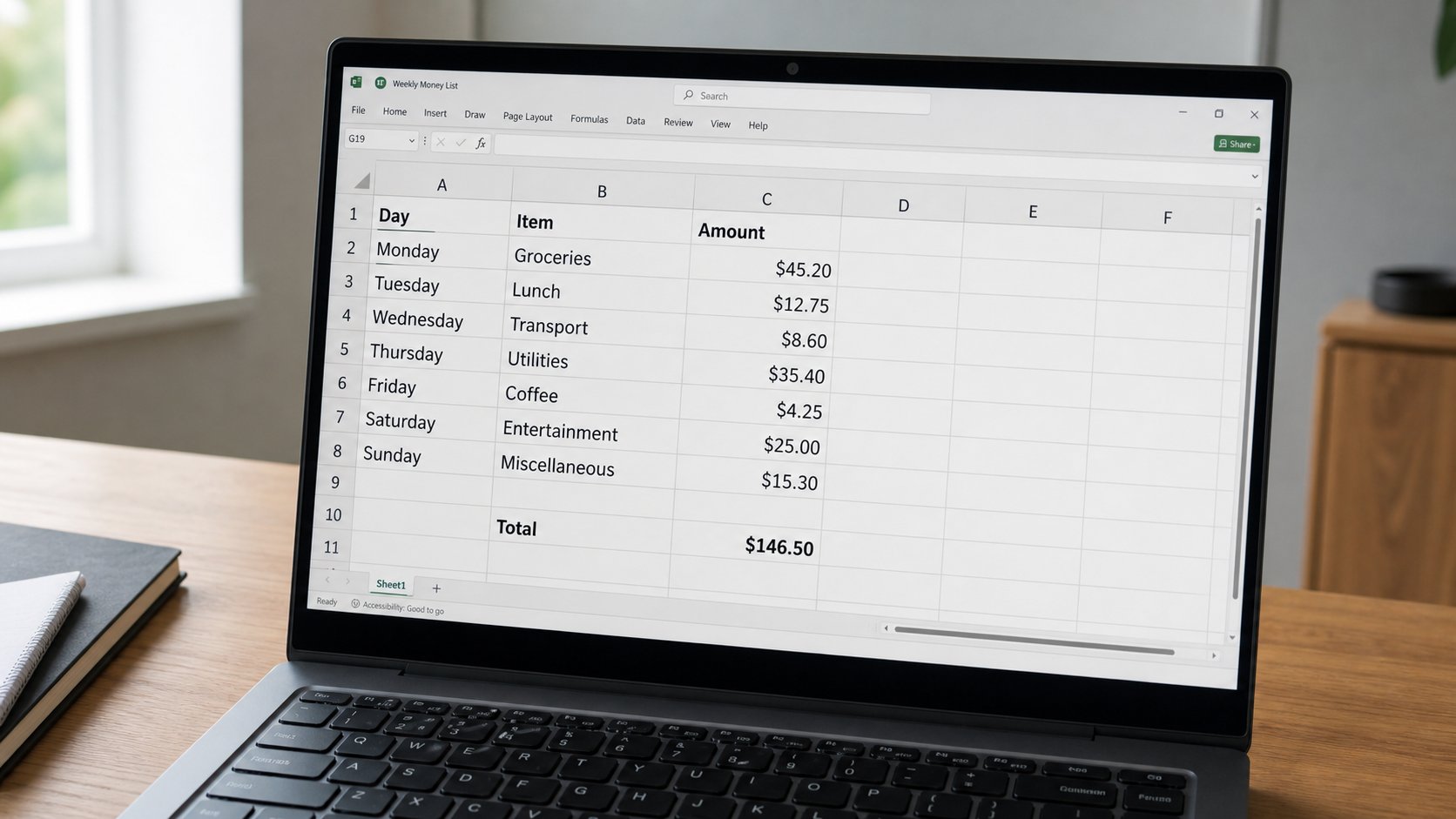
In this lesson you will learn to build a simple weekly money list: what came in, what went out, and what is left. You will set it up in ten minutes and keep it in three minutes a day. You do not need accounting experience, only honesty and a habit.
A money list is not a budget you fail at. It is a record of what actually happened, written down the day it happened. Once the week is visible, the decisions become obvious without anybody telling you what to do.
Before you start
- A spreadsheet, on a computer or a phone.
- Ten minutes, and your memory of the last two days.
- A pen and paper if you prefer to plan before typing.
The columns that matter
- Date: the day the money moved.
- What: a short description, such as transport or sales.
- In: money received, entered as a plain number.
- Out: money spent.
- Category: one or two words, such as food, transport, stock, family.
- Balance: a formula that keeps a running total.
You will see the table look too simple to be useful at first. After seven days it becomes a picture of the week, and the categories tell you more than the total.
The sheet will open with your six columns across the top and an empty row waiting underneath, and the cursor will sit in the first cell ready for today's date.
It looks like a money list needs an app with bank connections. A plain sheet you fill in yourself is more reliable in a week with cash sales and one shared phone.
Set up the totals
- Under the In and Out columns, add =SUM for each.
- Add a row called Left with a formula subtracting Out from In.
- Add a category total using =SUMIF, which adds only the rows matching a category.
- Format the money columns as naira, with no decimals for cash.
- Freeze the header row so it stays visible as the week grows.
- Add a new row at the top of the list each day, so the newest is first.
None of this needs a second sheet. One table, three formulas, and the week adds itself.

Read it honestly
The value comes from reading it without excuses. A money list you argue with is still more useful than one you do not have.
- At the end of the week, look at the category totals rather than the grand total.
- Find the one category that grew without a reason, and name it.
- Compare two weeks before you conclude anything.
- Record cash as carefully as transfers, because cash is where the gaps hide.
- Keep one row for a bill that arrives monthly, so it does not surprise you.
- Do not adjust last week's numbers to look better. The record is the point.
Do not worry about a bad week. A record that shows a bad week is doing its job, and it is the reason the next one is better.
If it goes wrong
Take these one at a time.
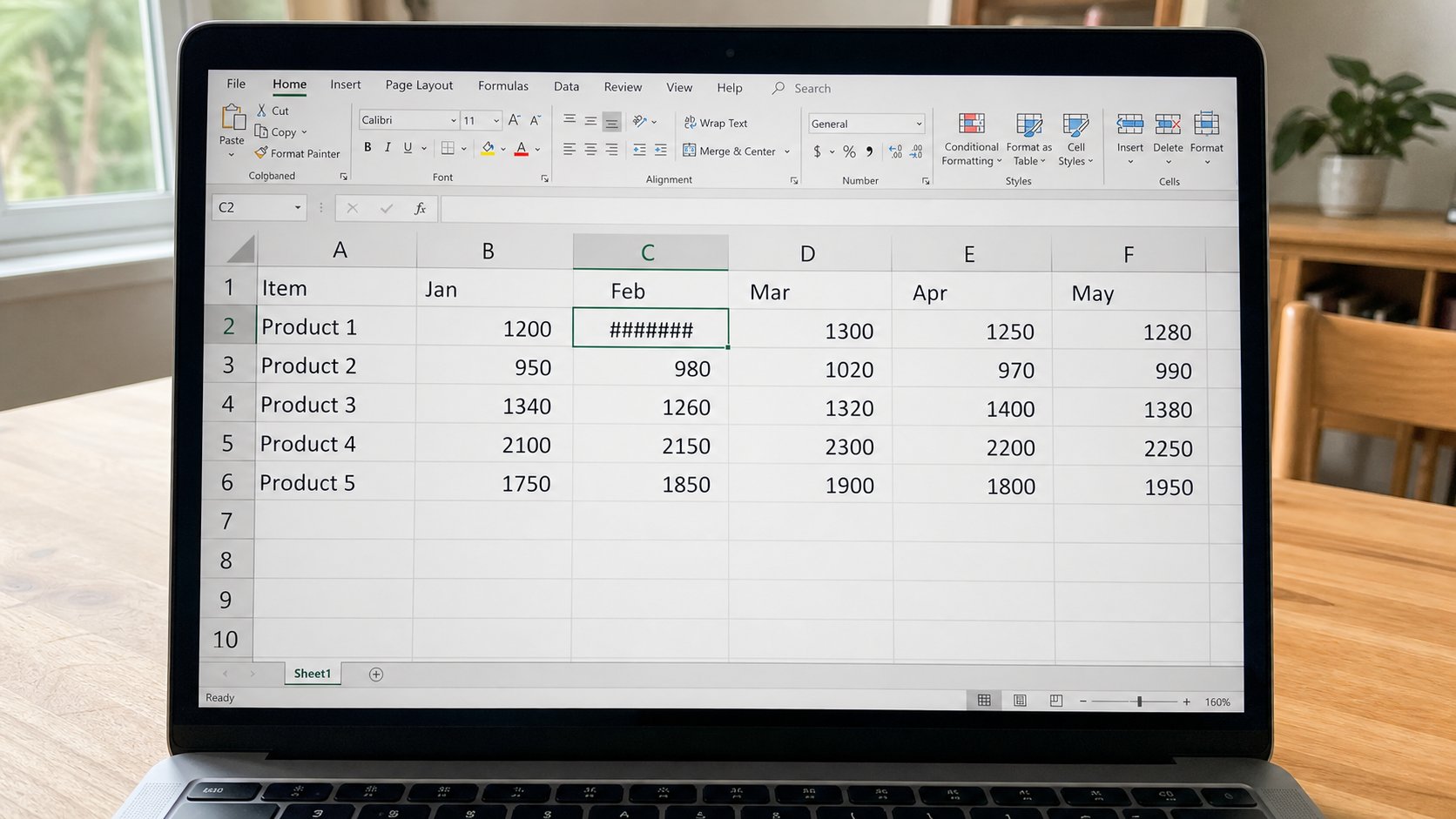
- The total is lower than expected: some numbers are stored as text. Retype one and watch the total move.
- The balance goes negative for no reason: a spend was typed into the In column.
- Categories are spelled three ways: choose from one list, and fix the spellings once.
- You missed three days: enter them from memory, marked with an approximate note, rather than leaving gaps.
- The sheet is on one phone and you use another: use a cloud sheet, or keep a paper copy.
- You stopped after two weeks: reduce it to one line a day, which is enough to keep the habit.
Practice
Build it today, fill in two days, and decide tomorrow whether it stays.
- Build the six columns and the three totals.
- Enter today's money in and out, honestly.
- Add yesterday from memory, marked as approximate.
- Format the money columns and freeze the header.
- Look at the category totals and name the one you would change.
You can now see a week of money instead of remembering it. In the next lesson you will read the error messages a spreadsheet shows and fix them without panic.
Free browser practice lab
Practise formulas in Spreadsheet Lab
Run live SUM, IF, SUMIF, and VLOOKUP drills right in your browser.