Computer skills from scratch·On your own·Lesson 103 of 180
Talking to the keyboard
 Ellis Dennis GrahamFounder, Cyber Elias Academy 2026-01-10 3 min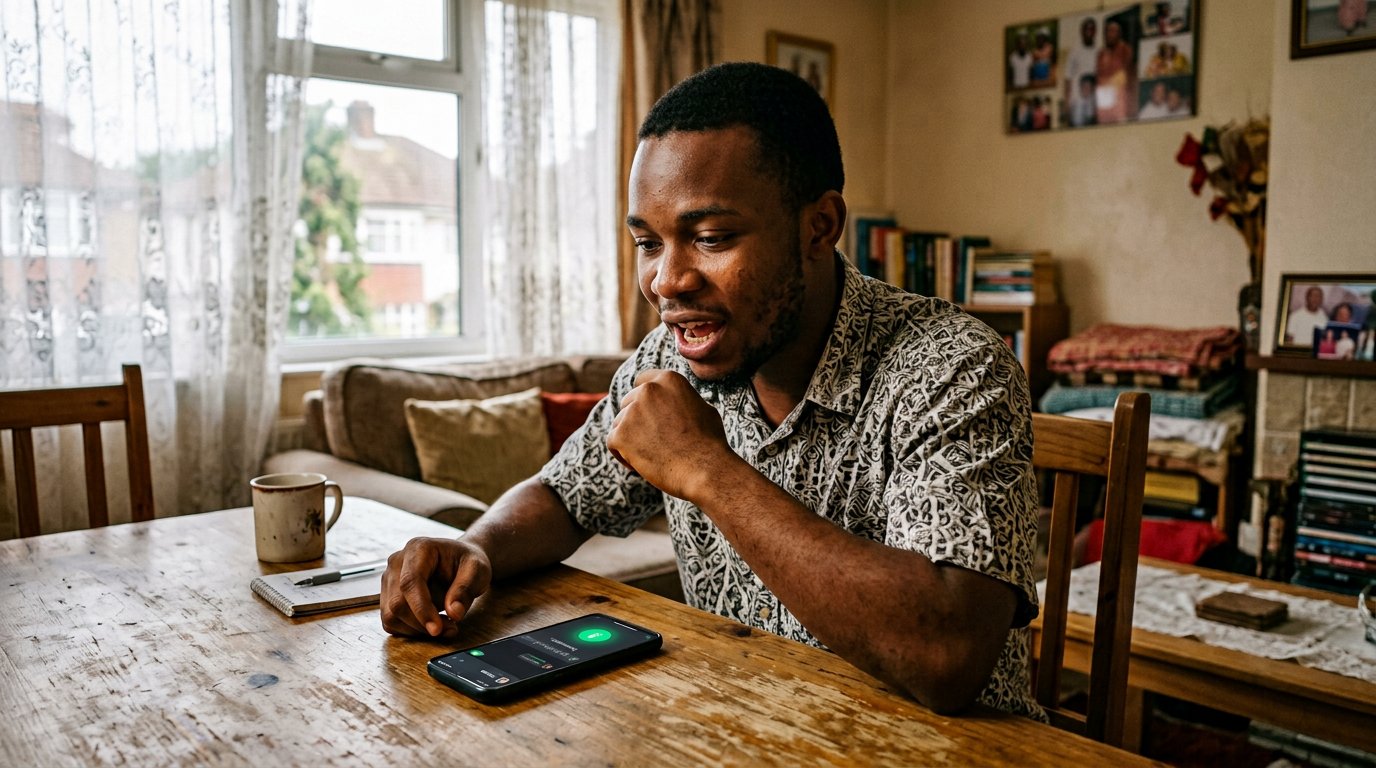
Your voice is faster than your thumbs. The microphone key writes as fast as you speak — where it shines, where it fails, and the codes that must never be spoken aloud.
On every good keyboard, beside the space bar, sits a small microphone. It is not decoration. Tap it, speak at your normal pace, and the words land on the screen as they leave you. This is voice typing, and it is not cheating. The letter still needs your judgement, the message still needs your manners; only the writing by thumb is replaced. For a long message, a first draft, or tired eyes at the end of the day, it is the fastest pen in the house.
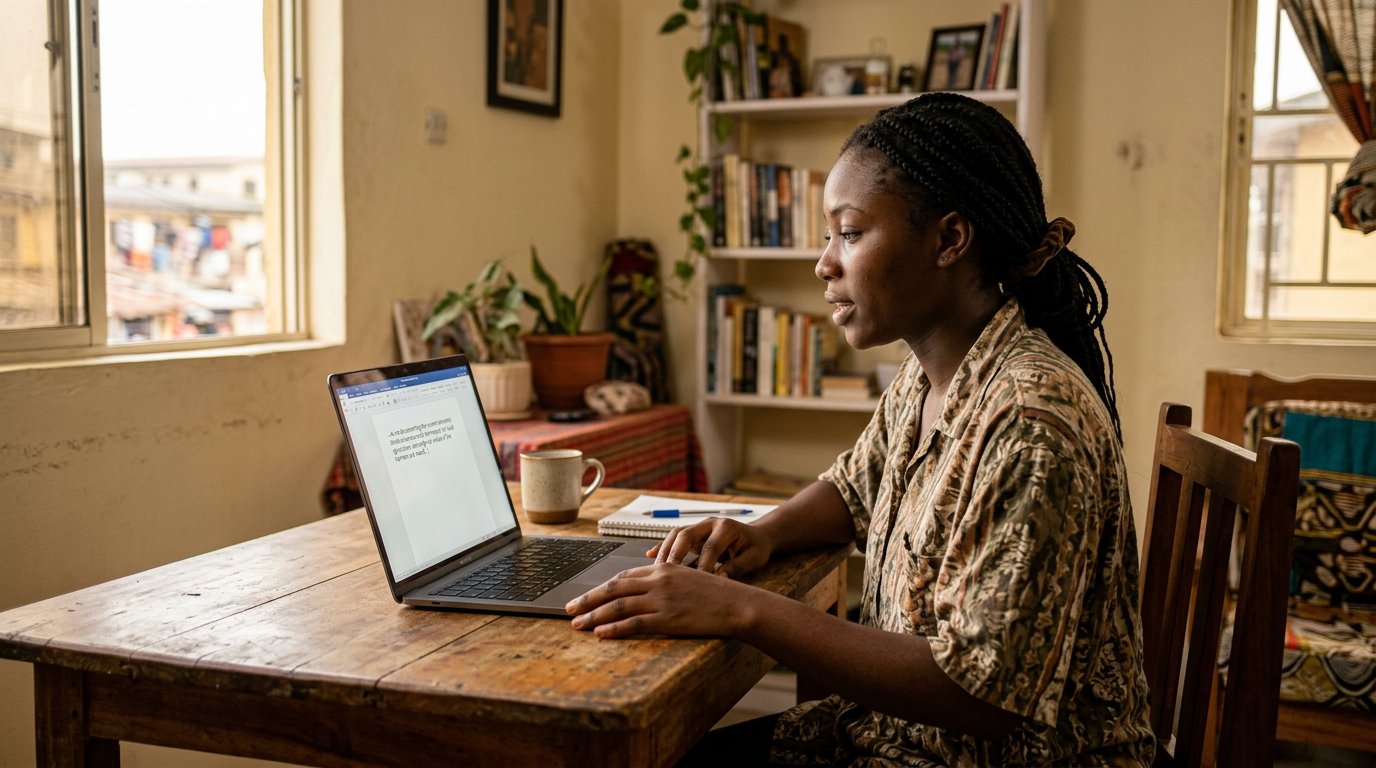
Punctuation can be spoken. Say full stop and one arrives; comma, question mark, new paragraph — the decent keyboards obey. On the computer, the browser carries the same gift: in Google Docs, look under Tools for Voice typing, and speak while it listens. Windows keeps its own under Windows and H. The accent is not a wall — Nigerian English is heard well by the big keyboards. Clarity beats loudness. Speak the way you would speak to a respectful junior: plainly, at your own pace, without shouting.
Where it shines, and where it fails
It shines on length. The two-finger typist writes a paragraph in eight minutes; the voice writes it in two and spends the rest on repairs. It shines on drafts — say the messy first version, then edit with your hands. It fails in noise: a generator, a market, a bus park will sprinkle strangers' words into the sentence. It fails with several speakers; it writes whoever is loudest. And it sometimes stumbles on a heavy Pidgin phrase or an unfamiliar name, which you then repair by thumb. So the rule stands: dictate in quiet, review before sending. The machine types what it hears. You remain the owner of what is sent.
One line is drawn hard. Do not speak passwords, PINs, card numbers, or the codes that die — the OTPs you met in their own lesson. A code said aloud in a quiet room is still said aloud. The keypad exists precisely for secrets. Let the fingers carry those.
- Dictate a WhatsApp message to yourself. Read it once, repair two words, then send it on.
- Say a sentence with two commas and a question mark, spoken aloud, and see whether they land.
- In Google Docs, open Tools, then Voice typing, and dictate one paragraph of anything.
- Practise the hard line: the next OTP goes into the keypad with your fingers, never out of your mouth.
A draft, not a finished letter
Treat dictated text as clay, not pottery. Read it before you send it — the machine will have heard a cousin where you said a name, a sale where you said Sade. Fix, then send. People who trust the first hearing spend their evening on apologies; people who read once send like people who write. The microphone has given your thumbs a holiday. It has not taken over the letter.