Computer skills from scratch·Writing on the page·Lesson 61 of 180
Two windows at once
 Ellis Dennis GrahamFounder, Cyber Elias Academy 2026-06-13 3 min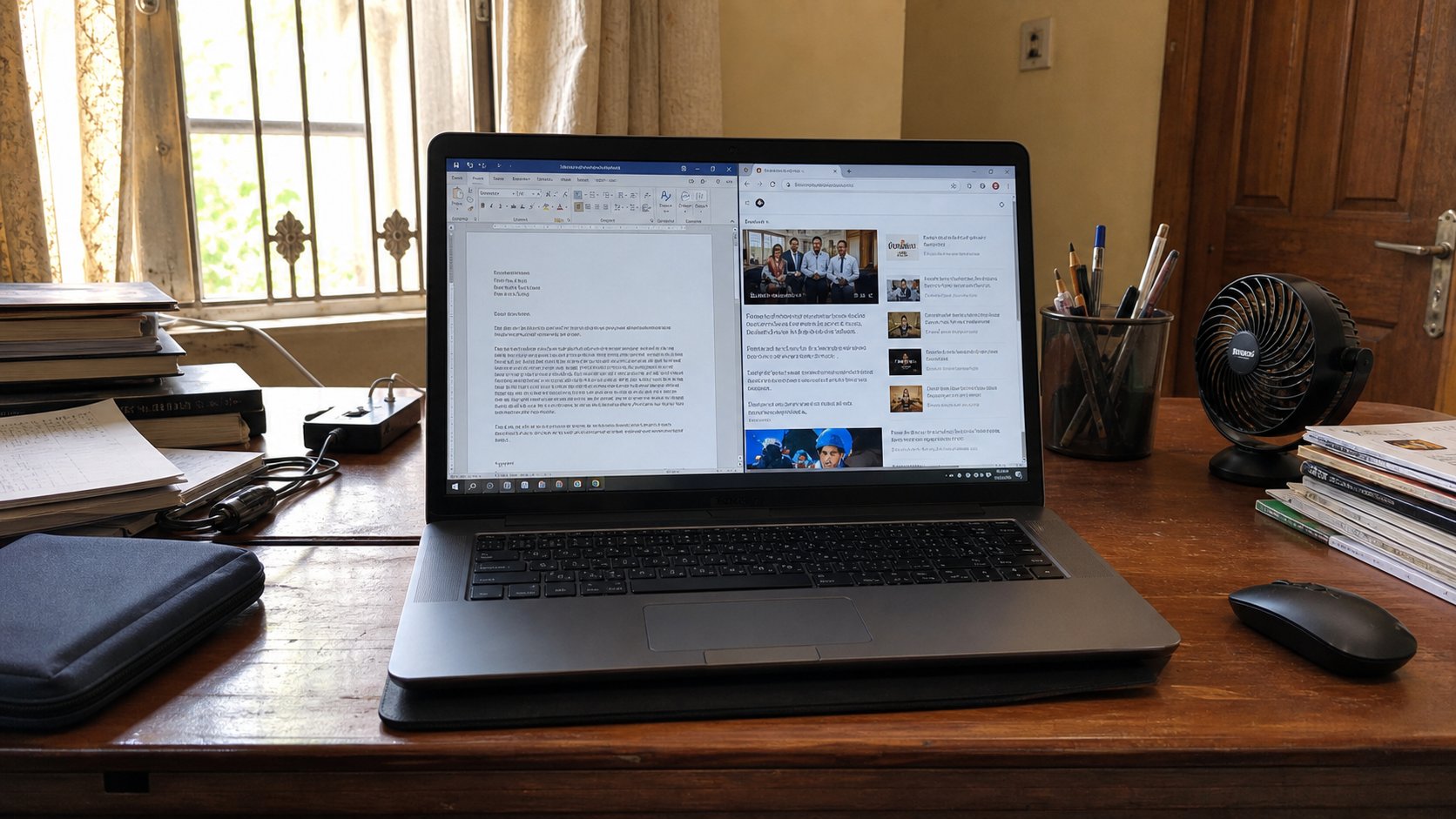
A letter on the left, a page on the right. Snap is not magic. Alt+Tab is the other door. You do not have to close one room to stand in the other.
People type a letter, minimise it, open a browser, copy an address, minimise the browser, hunt for the letter, paste, forget the next line, and do it again. The machine can hold two rooms open at the same time. One half of the screen is Word. The other is the page you are copying from. That is not advanced. It is the desk with two sheets on it instead of one sheet you keep putting in a drawer. This lesson is snap, Alt+Tab, and not losing the letter because you opened a map.
On Windows, click the letter so it is the active window. Hold the Windows key and tap the left arrow. The letter should jump to the left half. Then click the browser, Windows key and right arrow. Two rooms, one desk. Drag the edge in the middle if one needs more width. A click in a window makes it the one that hears the keyboard. Type only after you have clicked the letter. Paste lands where the cursor last sat, not where your eyes are looking.
Alt+Tab is the stack of papers
Hold Alt, tap Tab, keep Alt down. A row of open programs appears. Each Tab hop is the next paper. Let go on the one you want. That is how you return to the letter without hunting the taskbar. Alt+Tab+Tab walks further. If you let go too soon, you land on the neighbour. Do it again, slower. The taskbar glow you learned is the same stack, seen from the floor.
Minimise — the line at the top of a window — hides a room. It does not close it. The X closes it, and unsaved work will ask. People minimise five things, then think the machine is empty. Look at the taskbar. The crowd is still standing. Restore one, or snap two, and send the rest to the line. You do not need six halves. Two is a sitting. Four is a market.
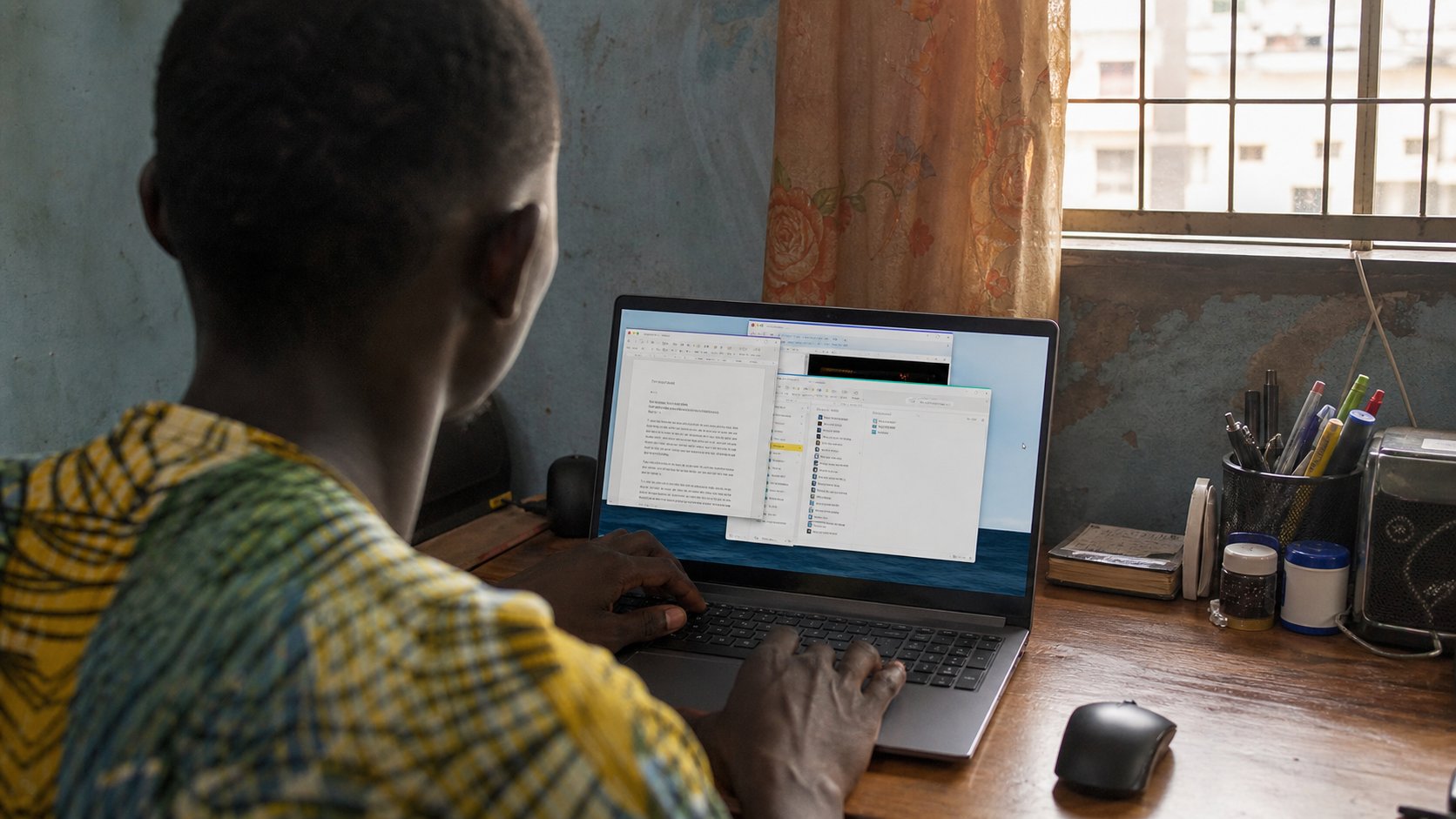
- Open a letter and a browser. Snap one left, one right.
- Click the letter. Type one sentence. Click the browser. You should not be typing in the letter any more.
- Alt+Tab back to the letter. Confirm the sentence is still there. Save.
- Close the extra windows you are not using. Leave two.
When the window vanishes
A window can sit on a second screen that is unplugged, as in the projector lesson. Windows+P, PC screen only, then Alt+Tab. Or Windows+arrow until it walks back. If the letter is “gone,” it is usually minimised, behind another window, or on a wall that went home. Search will not find an unsaved window. Alt+Tab will.
On a small laptop, two halves can feel cramped. Then use Alt+Tab and a larger font, next lesson, instead of snap. The point is not a pretty split. The point is not closing the letter to look at a fee on a website. Two rooms. One save. Then you can stand up.