Computer skills from scratch·On your own·Lesson 102 of 180
The keyboard on the phone
 Ellis Dennis GrahamFounder, Cyber Elias Academy 2026-01-05 3 min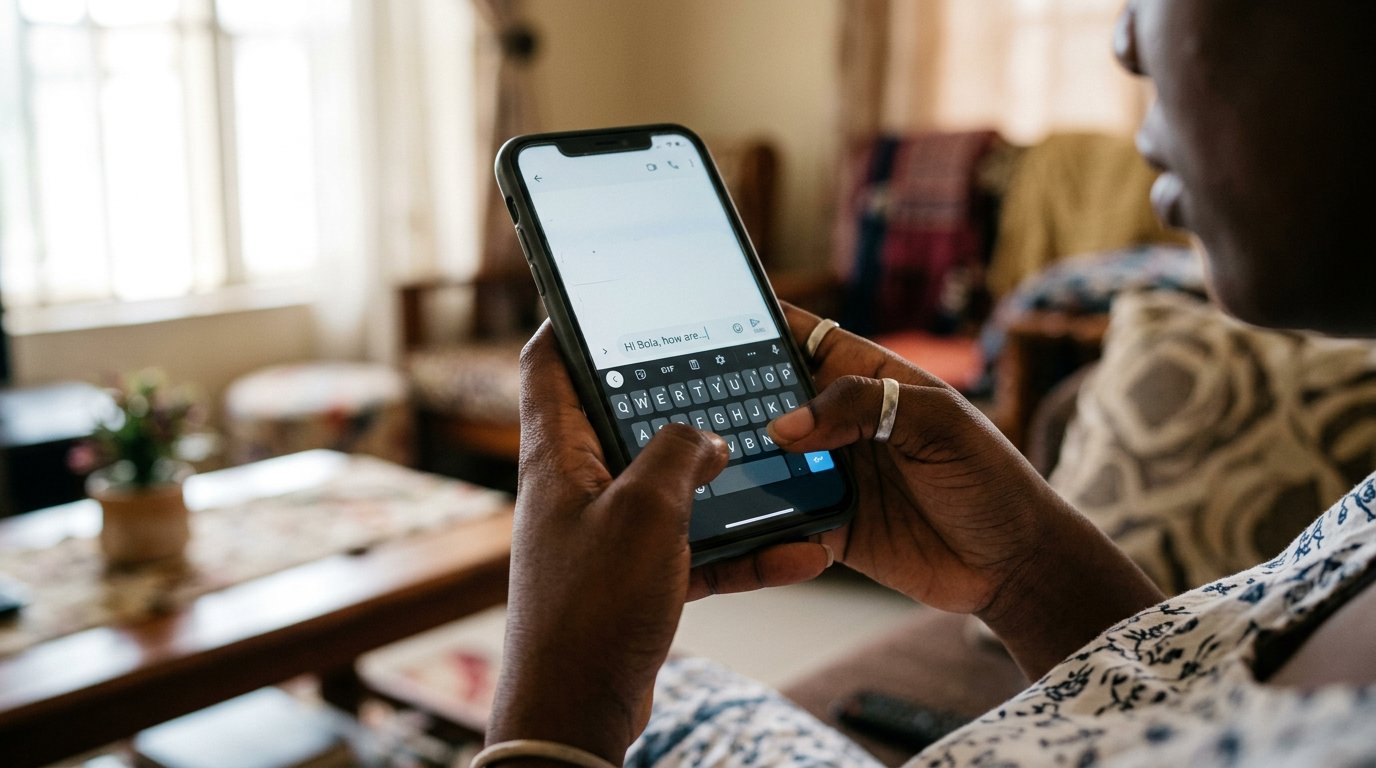
You type more on glass than on any keyboard you will meet. Long-presses, a cursor you can slide, and autocorrect put firmly in its place — one quiet hour with the keys you carry everywhere.
The computer keyboard has a home row and ridges on F and J. The phone has a sheet of glass, and yet it is the keyboard you use most — the transfers, the WhatsApps, the searches, the letters begun on the bus. It deserves the same quiet hour. Most people have typed on it for years and were never shown a single trick, the way people carry keys for years without knowing what the deadbolt is.
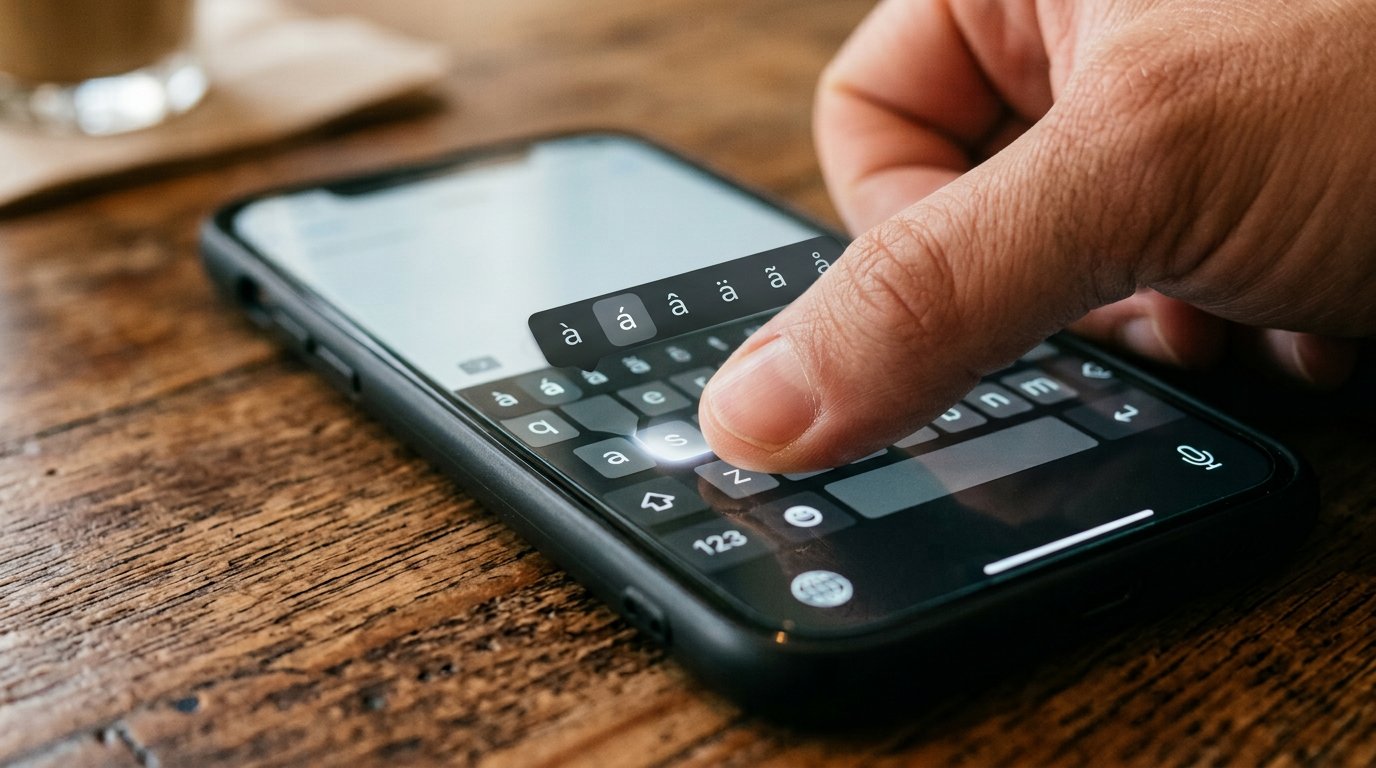
Look at the keyboard as a set of floors. The ground floor is the letters. A key marked ?123 or 123 lifts you to the numbers and the common symbols; a second shift on that floor reveals the rarer ones. The arrow above the letters is Shift — tap once for one capital, as on the computer, and tap twice only if you truly intend to shout. The key that rubs out is Backspace, same as ever. And long-press changes everything: hold a letter and its hidden relatives appear. Hold E and you meet the accents the typing lesson gave you on the computer. Hold N and some keyboards will offer the naira; others keep it on the symbols floor, and now you know where to look.
The tricks that save the thumbs
Hold the space bar. On most keyboards the letters fade and the cursor becomes something you can drag through the sentence — no more stabbing a fingertip between two letters and hoping. Double-tap the space bar and most keyboards hand you a full stop, a space, and a capital at once — a small luxury for the end of sentences. Then swipe typing, if your keyboard offers it: rest a thumb on the first letter and drag through the word without lifting, lifting only at the end. It feels like writing in one stroke of ink. Practise on your own name ten times and you will not go back.
Autocorrect is a cousin, not a teacher
The keyboard will correct your village's name into a European lake and a whole Pidgin sentence into nonsense, with great confidence. You met this manner in the spell-check lesson: it is a cousin, not a teacher. When a word comes out wrong, tap it — the original often appears above, and tapping that returns it. When you spell a name the right way once and refuse the correction, many keyboards remember and stop arguing. Feed it the names of your people, your street, your bank. The keyboard is an app; it can be taught the household.
- Type a sentence that needs a number and a symbol, visiting the number floor no more than twice.
- Hold the space bar and slide the cursor into the middle of a sentence. Fix one letter. Release.
- Long-press five different keys and see what each hides. Note where the naira lives on yours.
- Type your street's name and refuse the correction once. See whether the keyboard learns.
When it misbehaves
The keyboard vanished? Tap the box you were typing into; it is shy, not broken. It switched itself to French overnight? Look for the globe or language key beside the space bar. The clicks and vibrations madden you? That lives in the keyboard's own settings, usually behind a gear or a long-press on the comma. Nothing here needs a technician. The keyboard is the smallest computer you own, and like all of them, it only wants to be introduced properly.