Computer skills from scratch·Everyday office·Lesson 52 of 180
Mail merge, and when you can skip it
 Ellis Dennis GrahamFounder, Cyber Elias Academy 2026-05-21 3 min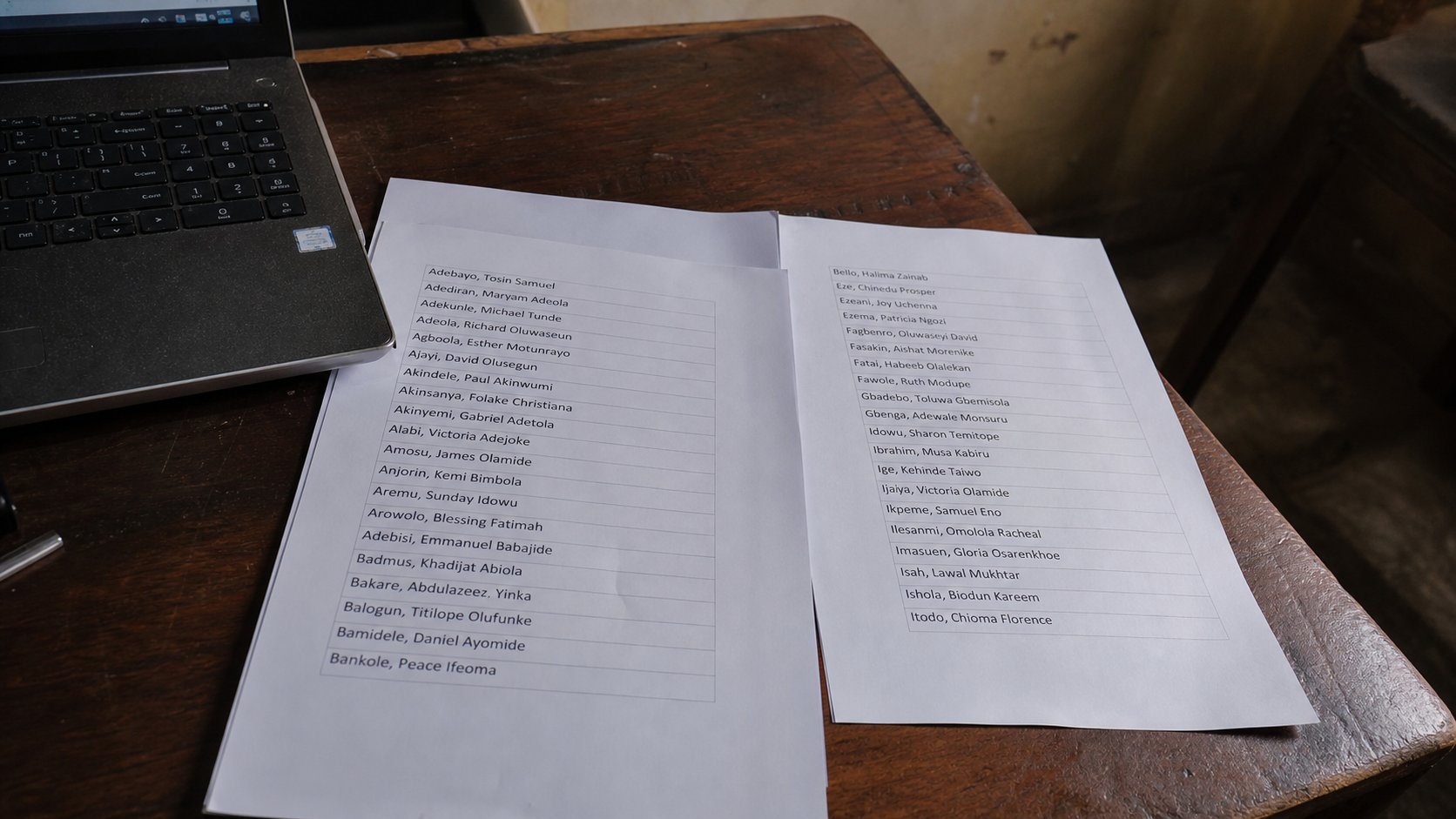
Mail merge is a factory for letters. Thirty names, one template. For three letters, type the name. For thirty, a list and a skip-or-learn moment. You do not owe the factory yet.
Word can take a list of names and pour each one into a copy of the same letter. That factory is mail merge. Offices love it. Beginners are sent to it on day two and drown in “data sources.” This lesson is honest: for three letters, type the name. For a class of thirty identical notes, there is a factory. You may skip it until you have thirty. Knowing it exists is enough to not feel stupid when someone says the words.
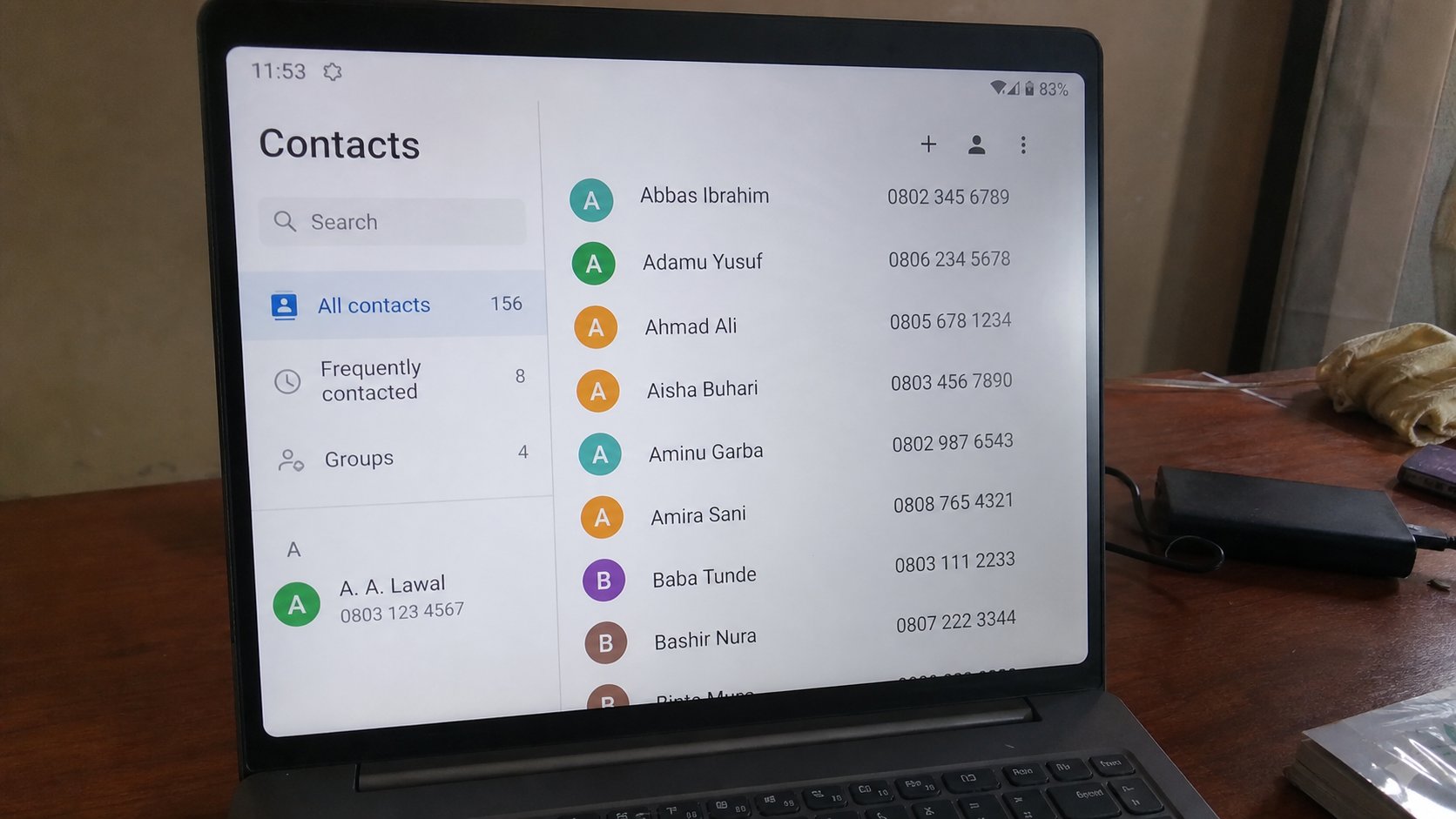
The factory needs two things: a letter with holes — Dear «Name» — and a list, often Excel, with a column called Name. Word walks the list, fills a hole, prints or saves, next row. If the list is dirty — two spellings, a blank, a nickname in the wrong column — thirty letters come out wrong. Cleaning the list is most of the work. The button is the small part.
The small way, and the factory door
Small way: copy the letter, change the name, Save As, next. Three files, three names. You already know Save As. That is skip, and it is correct. Factory door, when you mean it: Mailings in Word, Start Mail Merge, Letters. Select Recipients, Use an existing list, pick the Excel sheet. Insert Merge Field, Name. Preview. Finish & Merge. If any of those words is a wall, close Mailings. You have not failed a computer course. You have refused a factory you do not need.
Labels and envelopes are the same factory with stickers. A church with two hundred names may want it. A tenant writing a landlord does not. Do not let a YouTube thumbnail shame you into Mail Merge for a one-page request.
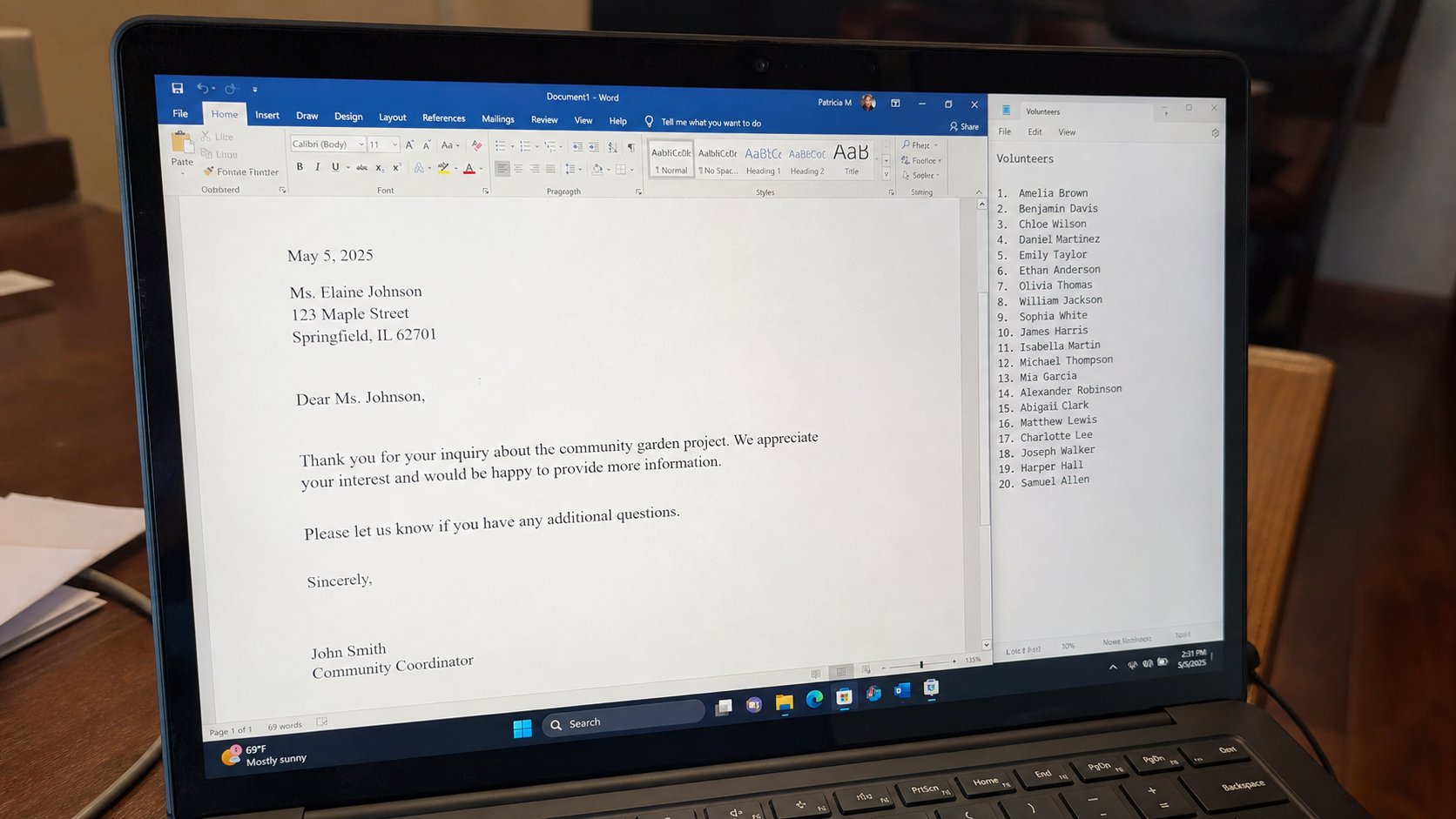
- Write one short letter with a real name in the greeting. Save.
- Save As for a second person. Change only the name. That is the skip, practised.
- If you have an Excel list of more than twenty names you must write to, ask a helper to start Mail Merge beside you — they point, you click.
- Do not download a “mail merge wizard” from a banner.
When you should learn it
A job that prints fees notices. A union. A school office. Then learn it on a copy of the list, not the only list. Preview ten records before you print two hundred. Paper is a tap, you know that. Merge to PDF first if you can, look, then print. The factory is fast at making mistakes too.
You now know the name of the machine so a supervisor cannot use it as a fog. “We will mail-merge” means a list plus a template. Ask to see the list. If there is no list, there is no merge. There is only hope. Skip until the list is real.