Computer skills from scratch·The first sitting·Lesson 9 of 180
Spreadsheets: the grid that counts
 Ellis Dennis GrahamFounder, Cyber Elias Academy 2026-02-02 4 min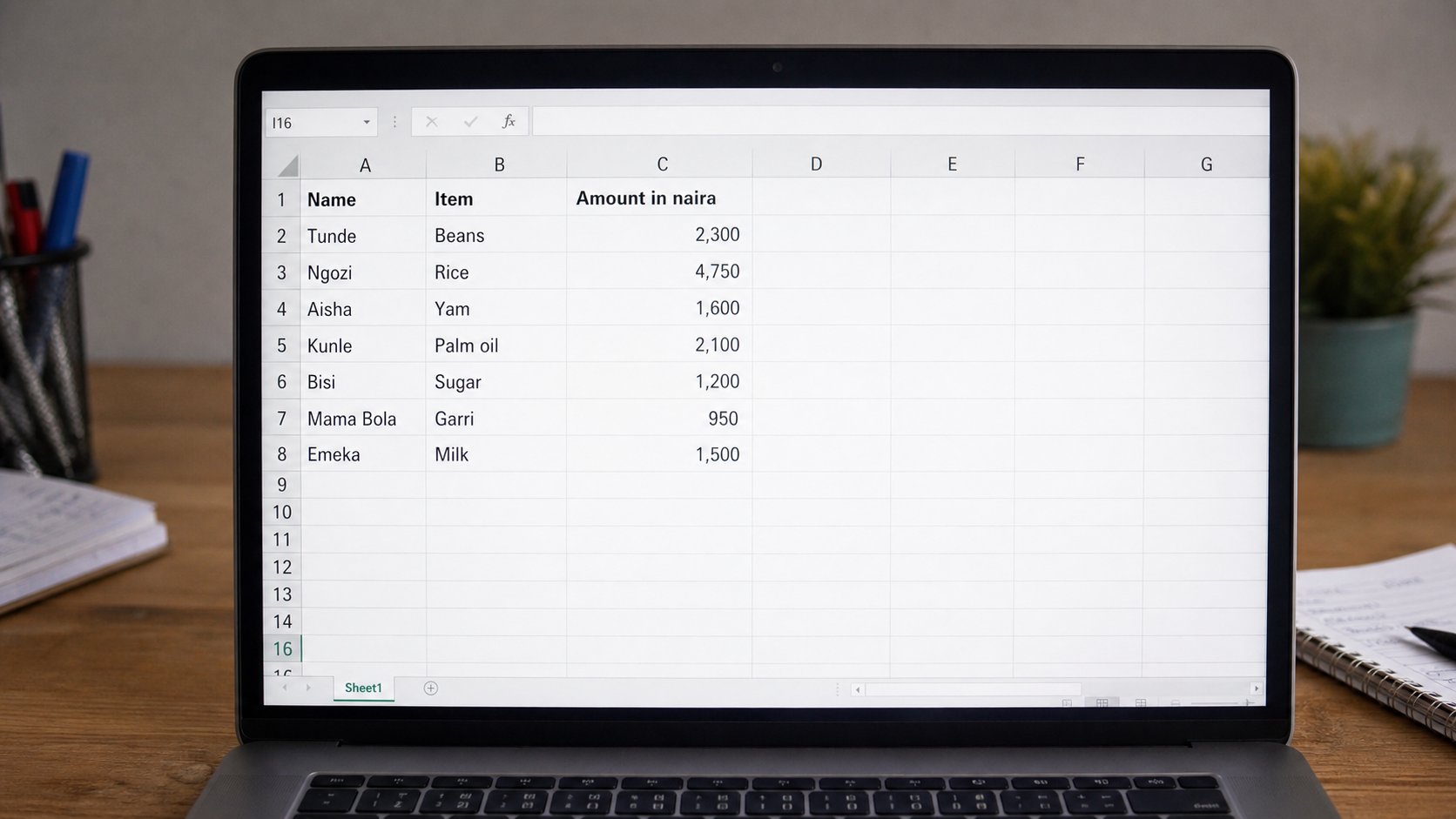
Rows, columns, and one cell where they meet. Type a number, not a picture of a number. Let the grid add, so the total is still right when the light returns.
A spreadsheet is a grid that can count. Lined paper can hold the same numbers. The grid's trick is this: when Friday's figure changes, the total at the bottom can change with it, if you asked the grid to add instead of typing the answer yourself. Microsoft Excel, Google Sheets, and LibreOffice Calc are three names for that grid. The idea is older than all of them: rows across, columns down, a cell where they meet.
You already know the picture if you have kept a shop book or a school fee list. Names down the left. Months across the top. Money in the middle. The spreadsheet is that book, with a machine willing to add until the battery dies. This lesson is not “become an analyst.” It is: open a grid, name the columns, type numbers as numbers, and let one cell do the sum.
The map: rows, columns, cells
Columns wear letters: A, B, C. Rows wear numbers: 1, 2, 3. The box where column B meets row 3 is called B3. Click it. A line appears around it. That is the active cell. Whatever you type next will land there, the way the cursor works in a letter. The long field above the grid is the formula bar. It shows what is really inside the cell, which is useful later, when the cell is showing a total but holding a sum.
Click A1 and type Name. Press Tab — the cell to the right, B1, becomes active. Type Item. Tab. Type Amount. Press Enter. You are now on the next row, often A2. That first row is a header. It is a label for humans. Do not put a number in it. The numbers start underneath, one fact per cell. Chidinma in A2, exercise book in B2, 450 in C2. Not “Chidinma — book 450” all in one box. The grid can add a column. It cannot easily add a sentence.
Numbers are not decoration
Type 450, not ₦450, if you want the grid to add. The naira sign can come from formatting later — a button that says currency, or a format menu. If you type the sign yourself, some programmes treat the cell as a word, and words do not add. The same trap waits with commas and spaces. 1 200 may be a word. 1200 is a number. Start simple: digits only, then make it pretty after the total is right.
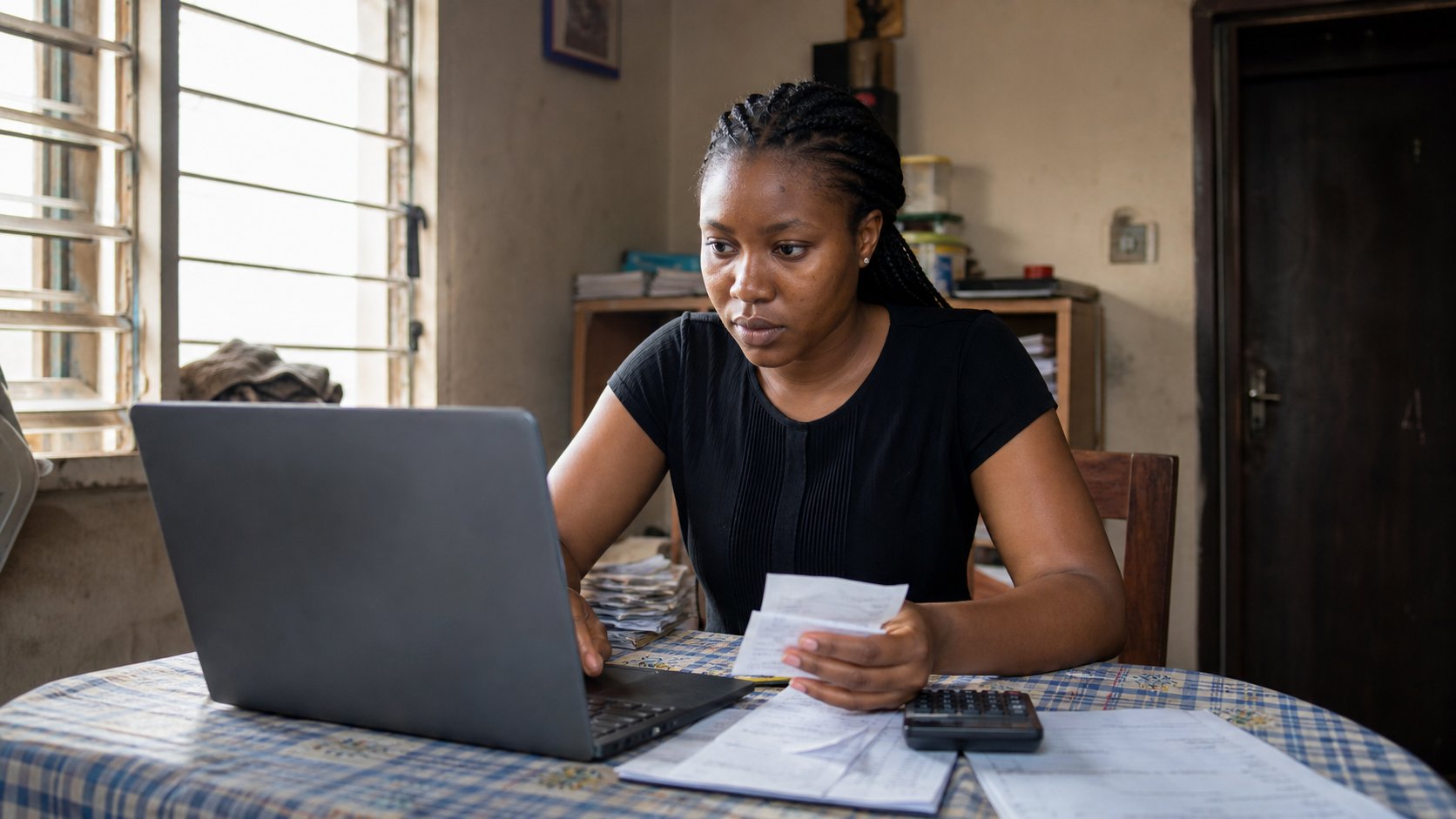
To add a column, click the cell under the last amount — if your amounts are C2 to C6, click C7. Type =SUM(C2:C6) and press Enter. The equals sign tells the grid this is a formula, not a label. SUM is add. C2:C6 means from C2 through C6. The colon is a range, a stretch of cells. If the number that appears matches your calculator, you are done. If you later change C3, C7 should change by itself. That is the whole magic. If it does not change, you typed the total by hand. Undo and put the formula back.
- Open Excel, Google Sheets, or the spreadsheet that came with the computer. File, New.
- In row 1, type Name, Item, Amount.
- Enter three real lines from your week — a transport fare, a photocopy, a recharge.
- In the cell under the amounts, type =SUM( and then drag from the first amount to the last, close the bracket, press Enter.
- Change one amount. Watch the total. Save as week-practice in Documents.
The mistakes that look like maths
A cell that shows ###### is not an error in your life. The column is too narrow for the number. Put the pointer on the line between C and D at the top until it becomes a double arrow, then drag. A cell that shows #DIV/0! means you asked the grid to divide by empty. A cell that shows the formula you typed, instead of an answer, usually means you missed the equals sign, or the cell is formatted as text. Delete, type again starting with =.
One sheet, one job. A tab at the bottom is a page in the same book. Fees on one tab, attendance on another, not both tangled in column Z. Name the file as you would a folder: fees-2026, not Book1. Save as you learned — Ctrl+S, often. Google Sheets saves itself if you are online; that is a kindness, not a reason to work without looking. When a number matters — school fees, a shop tally — print a copy or keep the paper receipts. The grid is a good clerk. It is not the only witness.