Computer skills from scratch·Other people’s computers·Lesson 44 of 180
Cookies and “Accept all”
 Ellis Dennis GrahamFounder, Cyber Elias Academy 2026-05-01 3 min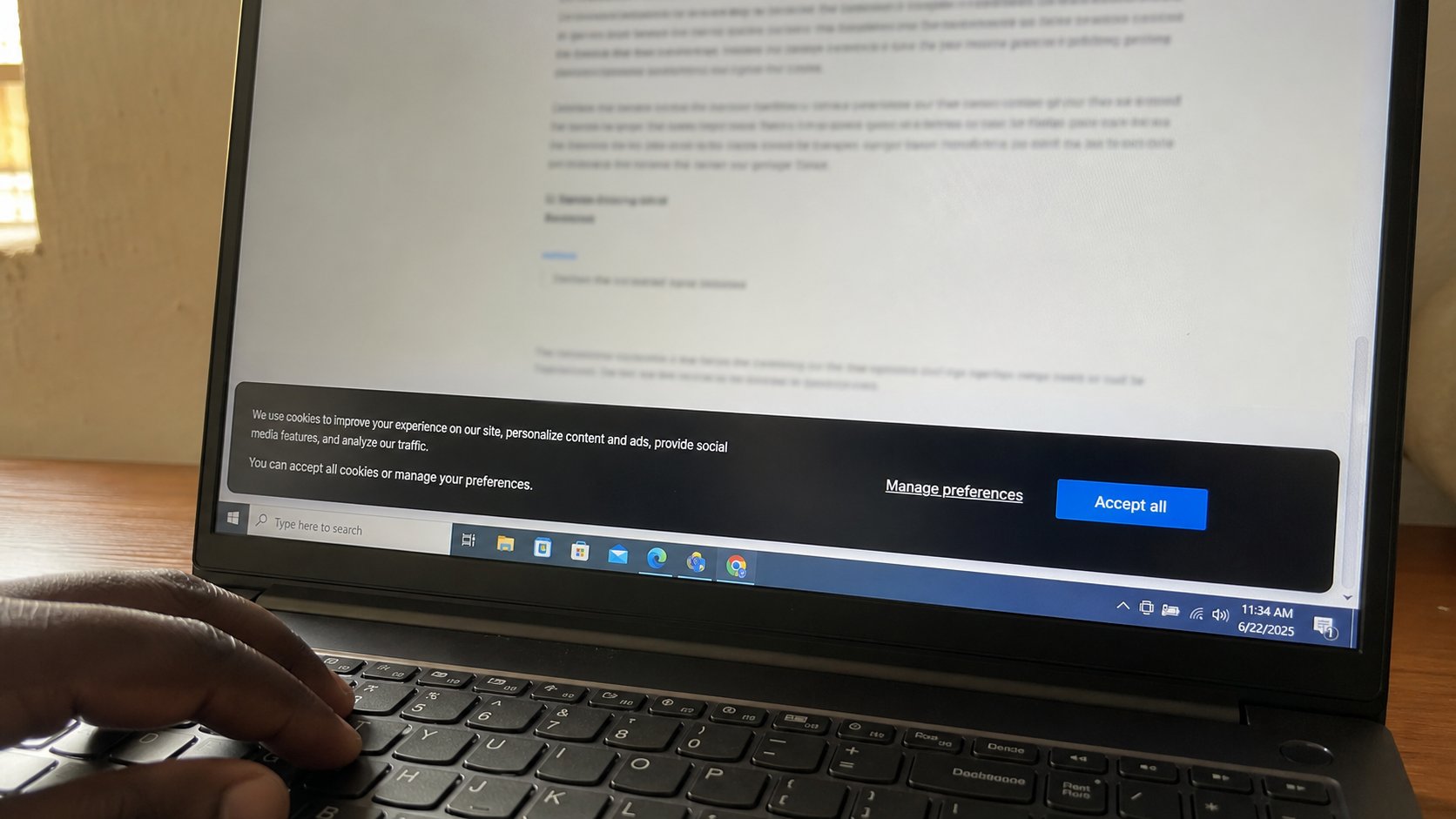
A cookie is a small note a site leaves on your machine. Accept all is a long signature. Necessary is often enough. You can refuse a fair without refusing the page.
A banner at the bottom of a page: Accept all, Reject, Manage. People tap Accept all because it is the big button, then wonder why every shop on the internet seems to know they looked at a generator. A cookie is a small note the site stores on your computer so it can remember you — logged in, a language, a cart. That can be useful. “All” often includes notes for other companies, tracking you from page to page. This lesson is the banner, the difference between necessary and advertising, and when to clear the notes.
Necessary or essential cookies are how a login stays a login while you move from page to page. Without them, a site may forget you at every click. Functional ones remember a language. Analytics count visitors. Advertising and “partners” are the fair. If the banner offers Reject all or Necessary only, that is usually enough to read the news. If it offers only Accept, and the page is a shop you need, you may have to accept to enter. That is a cost. Know you paid it.
Manage, and what you are signing
Manage, or Cookie settings, is a list of taps. Turn advertising off. Turn necessary on — you often cannot turn it off. Save. The banner should leave. If it returns every visit, the site is rude, or you are blocking too much and it cannot remember even your “no.” Allowing necessary is how “no” sticks.
A cookie is not a virus. It is not a program. Clearing cookies logs you out of Gmail and shops until you sign in again. That can be a kindness on a shared computer. It is a nuisance on your own if you do it daily. You do not need a “cleaner” app to wipe cookies. The browser can do it.
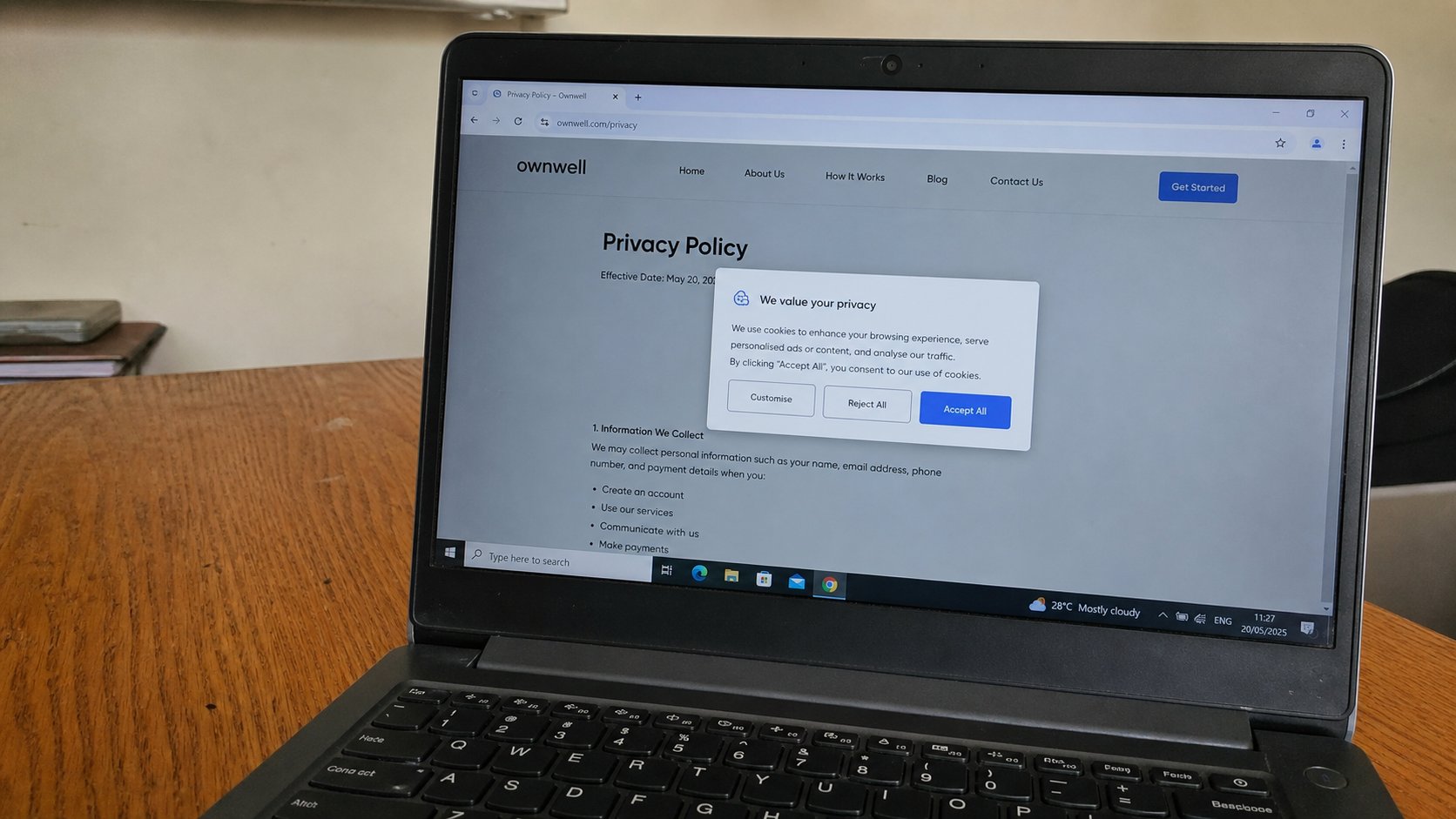
- Open a news site you trust. When the banner appears, find Reject or Necessary. Do not Accept all today.
- Confirm the page still reads.
- In the browser settings, find Cookies. You do not have to clear them now. Know the door.
- On a site you must use that offers no reject, Accept, then remember it is a shop with a guest book.
Shared machines, and fear
On a business-centre computer, do not Accept all, then leave. Sign out of mail. Close the browser. If you can, clear cookies for the hour. You already know not to remember this computer. Cookies are part of that remembering. Your own laptop can keep the notes for sites you live in. A stranger's laptop should forget you.
Ignore pages that say “your cookies are corrupted — download repair.” That is the fake update again. Cookies do not need a doctor from a banner. They need a choice on the banner of the site you meant to visit, and a clear button in your own browser when the computer is not yours. Accept all is easy. Easy is how the fair gets your name.