Computer skills from scratch·Other people’s computers·Lesson 49 of 180
What the cloud is, in ordinary words
 Ellis Dennis GrahamFounder, Cyber Elias Academy 2026-05-14 3 min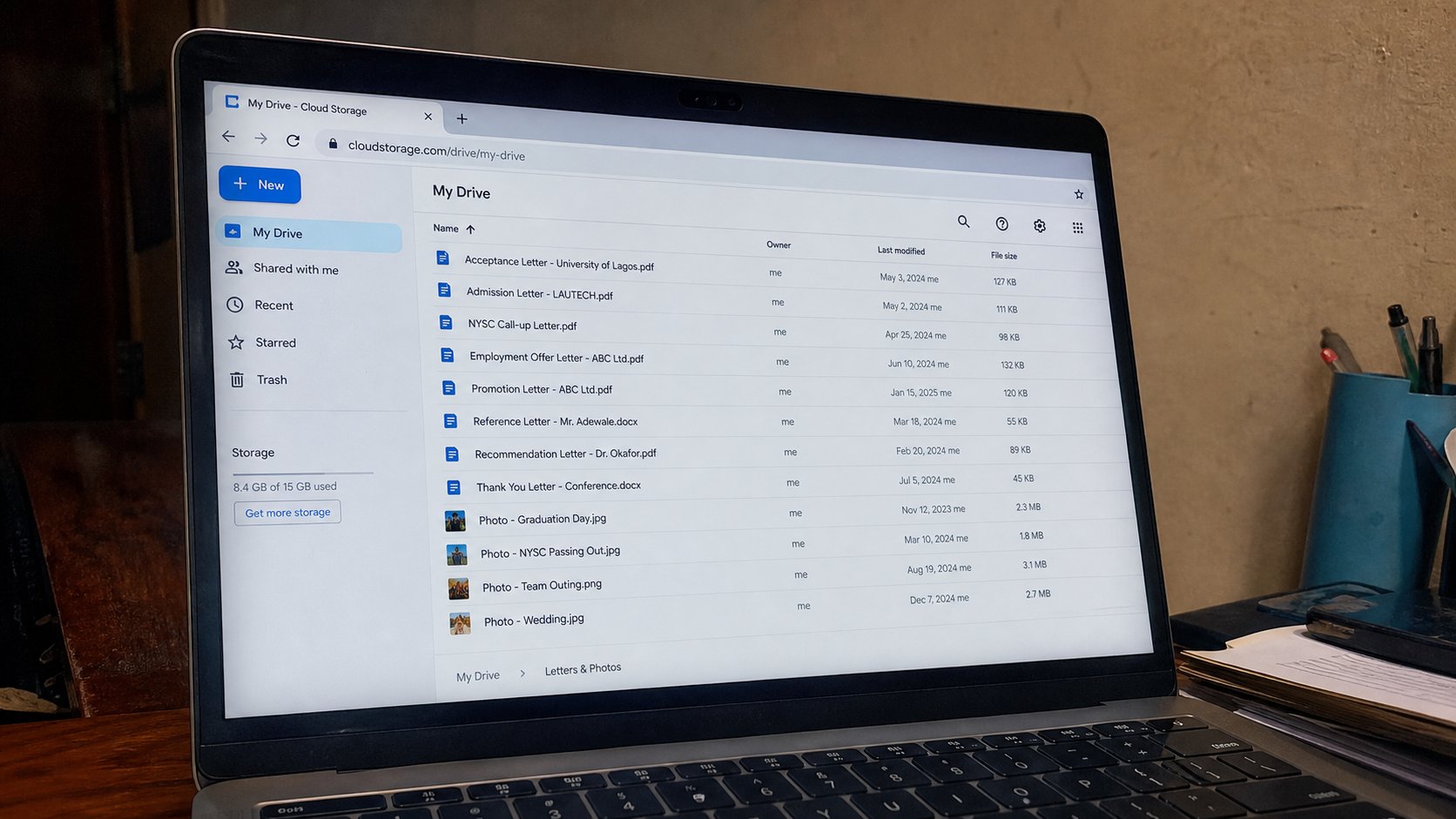
The cloud is a computer that is not in the room, with a door on the internet. Drive, Photos, iCloud are rooms in that building. It is not magic, and it is not a backup until you can open the file on a second machine.
People say “it is in the cloud” as if the file had gone to heaven. It has gone to someone else's computer, in a building you will not visit, behind a password you hold. Google Drive, OneDrive, iCloud, a school portal — those are doors. The internet is the road. If the road is down, the door is down. This lesson is that building, what it is good for, and why it does not replace the USB in the drawer until you have tested it.
You already made a Google account. Drive is a folder that lives with that account. Open drive.google.com on the real street. You will see a list that looks like File Explorer. Upload is copy from your machine into that building. Download is copy back. A file only in Drive is not on your USB. A file only on your USB is not in Drive. Two houses, remember.
What it is for, and what it eats
It is for a file you want on the phone and the laptop without a cable. It is for a second copy that survives a stolen bag, if the password is yours and the second lock is on. It is for sending a large PDF when email refuses the zip. It eats data when you upload photographs. It eats space in the free allotment — Gmail and Drive often share a tank. When the tank is full, mail may stop. That surprise is why you do not dump the whole DCIM there on a school bundle.
Sharing a Drive link is not the same as attaching. Anyone with the link may open it if you set it that way. Anyone with the email you typed may open it if you set it that way. Check the setting. A link in a WhatsApp group is a public tray if “anyone with the link” is on. For a school, prefer email attach or a link to one address.
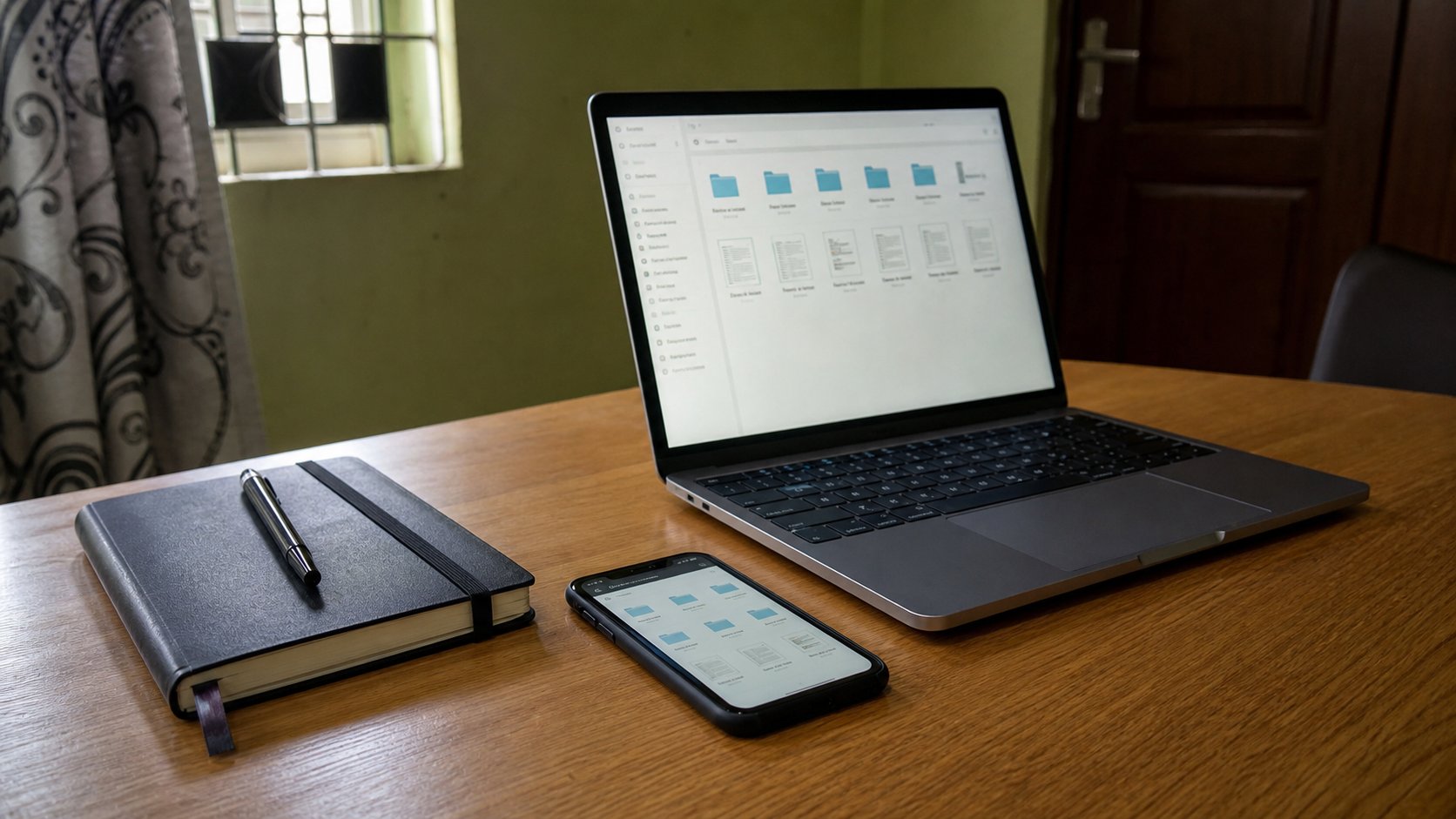
- Open drive.google.com signed into your account.
- Upload one small PDF you own. Open it in the browser.
- On the phone, open Drive or Gmail's Drive, same account. Confirm the file.
- That is the cloud: a building, a door, two rooms you can walk into.
Not a backup until it is a second house
Sync folders that “keep a copy here and there” can empty both sides if you delete in one place and do not understand. Until you do, upload copies. Do not turn on a sync you have not been shown. The USB in the drawer is still the backup you can hold. Drive is the backup that survives fire if you also remember the password. Both is adult. One is a start.
iCloud is Apple's building. OneDrive is Microsoft's. They are not interchangeable bags. A file in one is not in the other unless you copied it. “The cloud” is not one cupboard. It is several landlords. Know which door you used. Write it next to the account in the notebook. Then the word stops meaning magic and starts meaning a street you can type.