Computer skills from scratch·Spreadsheets and sharing·Lesson 73 of 180
The right-click menu is a map
 Ellis Dennis GrahamFounder, Cyber Elias Academy 2026-07-13 3 min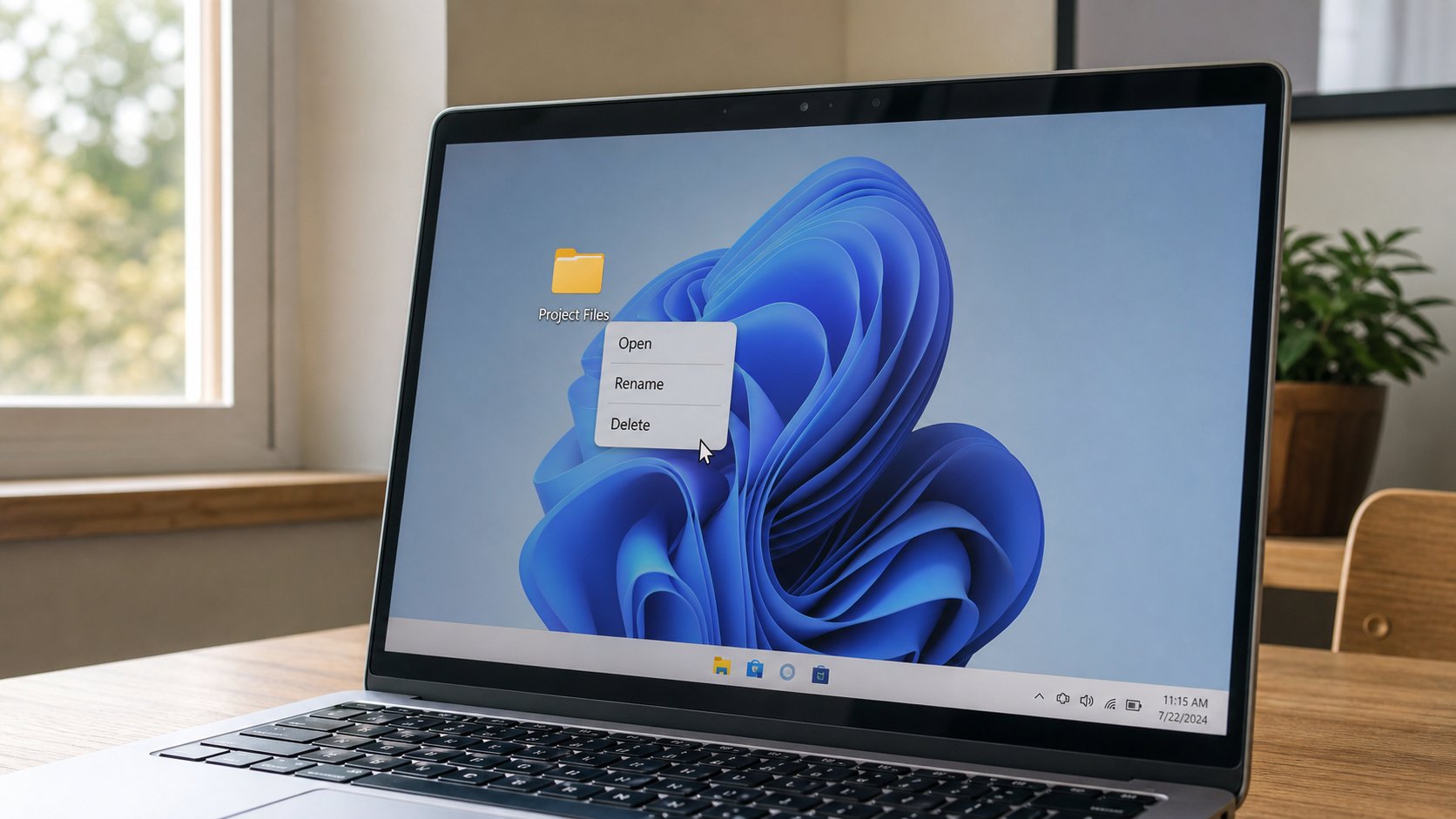
The right button is not a second click. It is a list of extra acts for whatever is under the pointer. Open, Rename, Delete, Open with, Properties. Click empty space to dismiss it.
The first sitting named the right button and told you not to fear the menu. You have used it since: New folder, Compress, Open with, Restore. This lesson is the menu as a map, not a jump scare. Whatever sits under the pointer — a file, a paragraph, the desktop, a browser link — owns a short list of extra acts. Left click selects or opens. Right click asks “what else?” If the list appears and you did not want it, click empty space, or press Escape. The list is not an error. It is a drawer.
On a file: Open, Open with, Rename, Cut, Copy, Delete, Properties, Send to, Compress. On a paragraph in Word: Cut, Copy, Paste, Font, sometimes a translator you did not ask for. On a browser page: Back, Save image, Inspect — Inspect is for builders; you can ignore it. On empty desktop: View, New, Display settings. The list changes because the thing under the pointer changed. That is the whole design. Look at the words. If you do not recognise a word, do not pick it. The drawer will wait.
Trackpad, and the extra guest
A laptop without a mouse: two-finger tap, or a bottom-right corner of the trackpad, or hold Control and click on a Mac. If nothing appears, the pad may be in a mode that wants a physical button. Try a USB mouse for a week if the pad fights you. You already know USB guests.
A menu that offers “Scan with PC Cleaner” or “Upload to MegaSpeed” is a guest talking. You do not owe it a click. Uninstall the guest when you are ready. Right-click is not improved by twelve extra lines. It is worsened. The useful verbs are still near the top: Open, Rename, Delete.
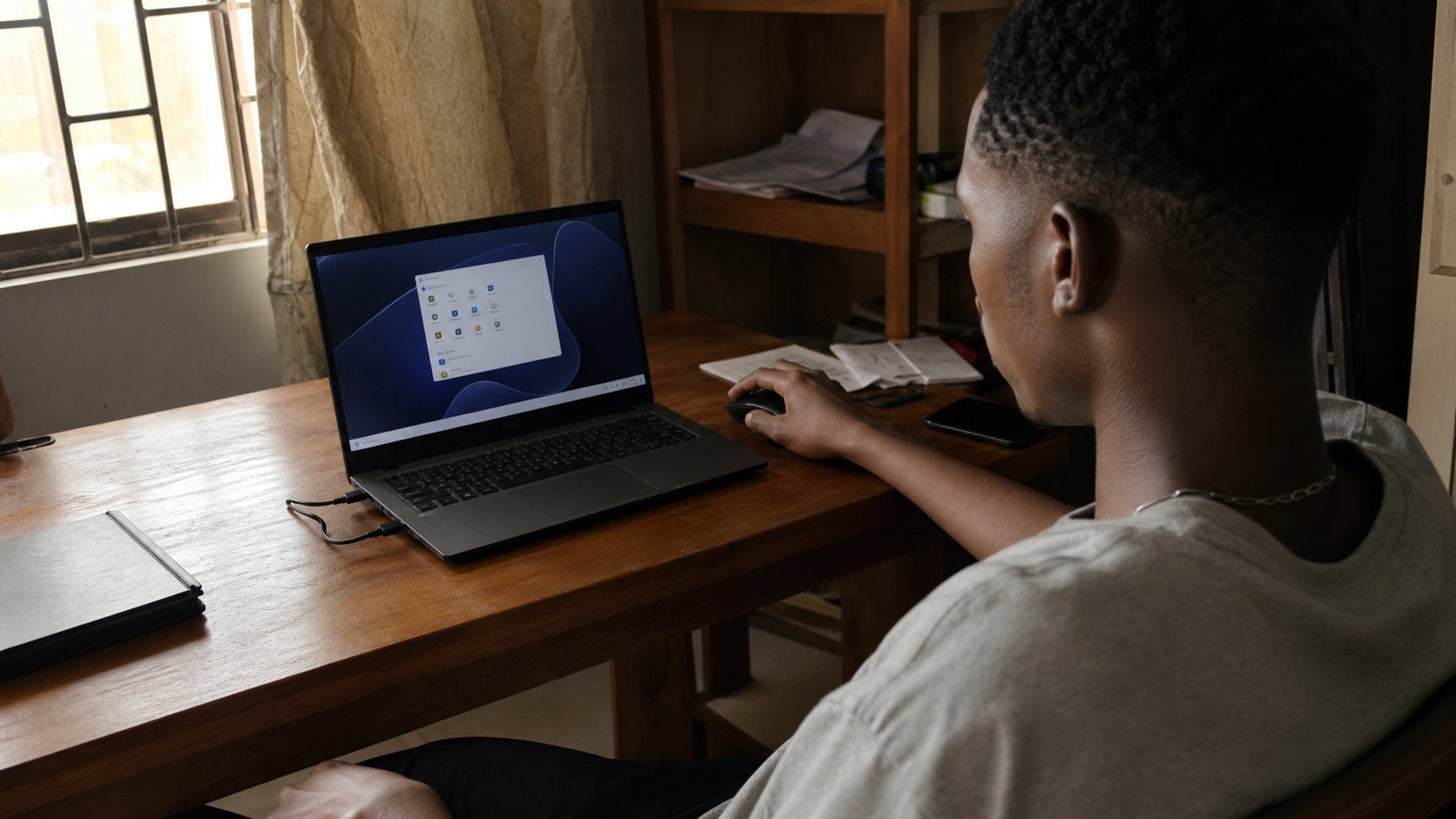
- Right-click the desktop. Look. Escape. Nothing should have changed.
- Right-click a file you can afford to practise on. Read Open, Rename, Delete. Do not Delete it.
- Right-click a blank part of a Word page. See how the list differs.
- If a name in the list is a stranger, write it down. That is a clue for Apps, later, not a reason to click it now.
Properties, and the quiet facts
Properties, at the bottom of many file menus, is a fact sheet: size, type, date modified, sometimes a Security tab you can leave alone. Size you now know. Date modified is when the file last changed — useful when two receipts have similar names. Read-only is a tick that says “do not save over me”; useful on a template. You do not need to live in Properties. Know it exists so a helper who says “check the size” is not speaking a foreign language.
The right button is how a computer hides power in a small list instead of fifty icons. You will not memorise every list. You will look, pick a verb you can defend, or leave. That is the same manners as the installer boxes. Next is not a trance. The menu is not a command. It is an offer.