Computer skills from scratch·Keeping the machine·Lesson 19 of 180
A video call without panic
 Ellis Dennis GrahamFounder, Cyber Elias Academy 2026-02-27 4 min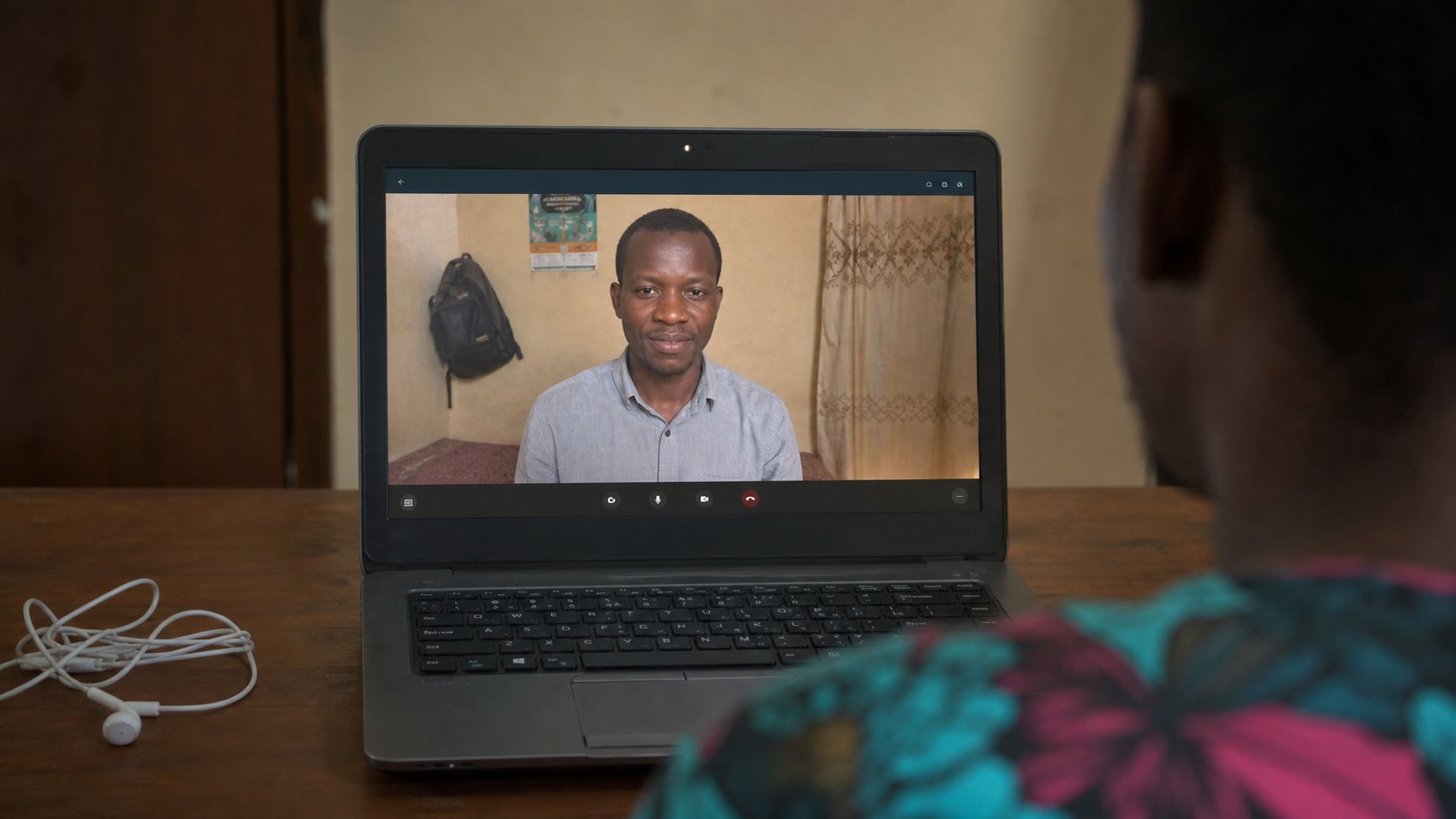
The link is a room. Mute is a kindness. Camera is optional more often than pride admits. Join five minutes early, from the real address, with the kettle elsewhere.
A video call is a room that exists for an hour. Zoom, Google Meet, Microsoft Teams — three doors, same furniture: a camera, a microphone, a red mute button, and a link that should have come from a person you know. Classes, church, a job interview, a family meeting abroad. The panic is always the same: they can hear the generator, the camera is a nostril, the link does nothing. This lesson is a small ritual that makes the room ordinary.
You need a link or a meeting ID, the internet you tested by opening a simple page, and a quiet-enough corner. Earphones with a mic are better than the laptop's own, because they reduce echo — that hollow barrel sound when two devices in one room listen to each other. A phone can join the same meeting. A laptop is easier to read a document on. Either works. Both at once, in the same room, with speakers on, is the echo.
Entering the room
Open the link from email or from a calendar, on the computer you will use. If the browser asks to open the Zoom app, and you have the app, allow it. If you do not, there is almost always a choice that says Join from browser. Prefer the real host's link, not a forwarded bit.ly with no name. For Meet, the address looks like meet.google.com/three-words. Type that if the link is clumsy.
Before you Join, the page usually shows a preview. Camera on or off is a toggle. Microphone on or off is another. Join muted if you are not speaking first — a class of thirty open mics is a market. Your name: type the name the teacher or the interviewer expects, not a nickname from gaming. Then Join. Waiting room means you are in a corridor. Sit. Do not join five times; that is five corridors.
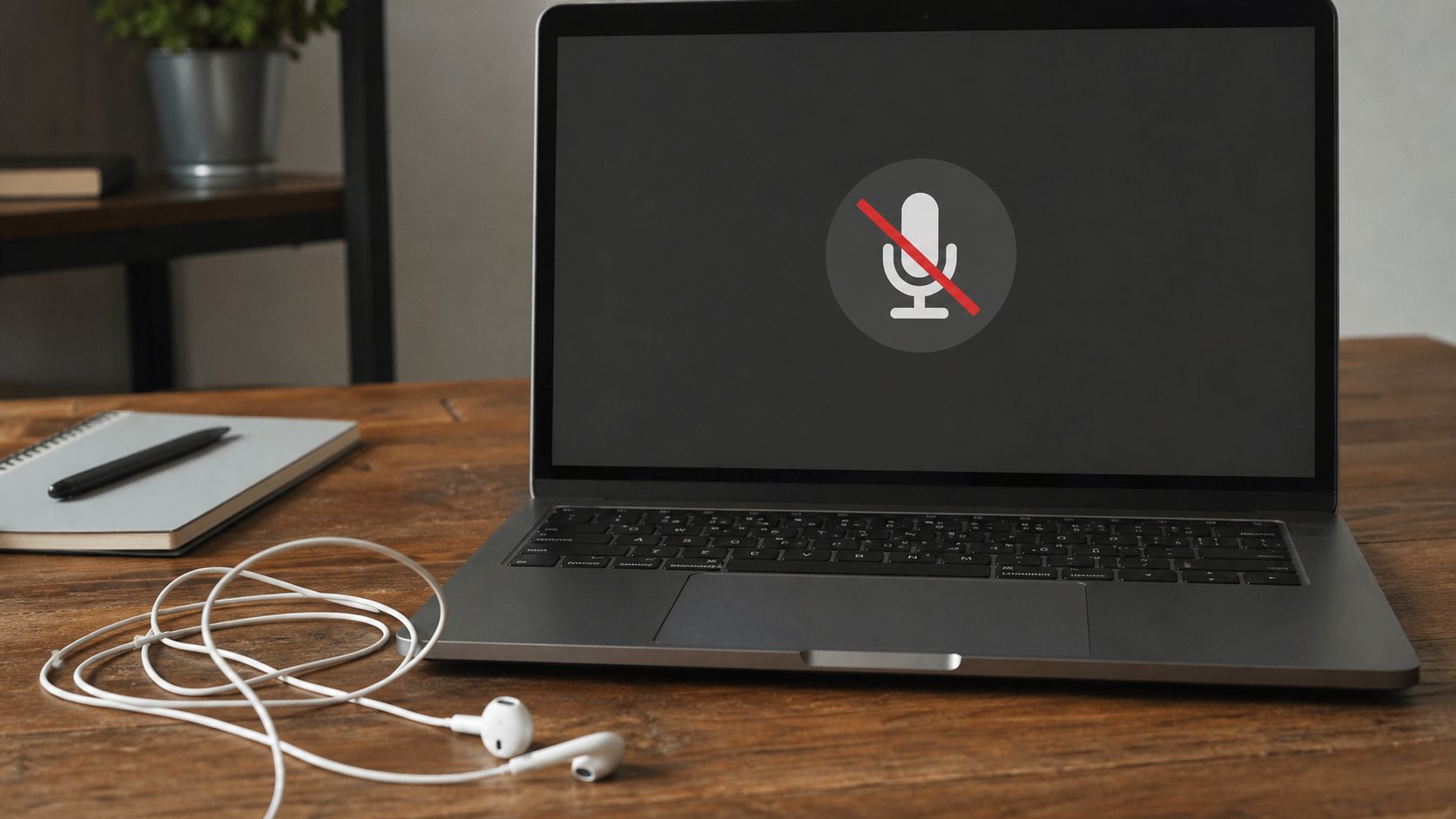
Mute, camera, and the generator
Find mute as soon as you arrive. It is usually bottom-centre. Practise toggling it once if the host has not started. Camera off is allowed in most classes; in an interview, ask or follow what they do. Light from a window on your face is better than a bare bulb behind your head, which turns you into a silhouette. A virtual background is optional and often glitchy; a tidy wall is enough.
- Put on earphones. Close extra tabs. Open cea.ng to prove the internet is alive.
- Five minutes before, open the real meeting link. Check preview. Join muted.
- Find the mute button. Find Leave or End — Leave is you going; End meeting is for the host.
- If they cannot hear you, unmute, then check the tiny sound settings: the right microphone, not “Stereo Mix.”
When you cannot get in
A link that does nothing: copy it, paste it into the address bar yourself. Still nothing: the meeting has not opened yet, or it has ended, or the ID is wrong by one letter. Message the host on the channel they already use — WhatsApp, email — not a second join every ten seconds. Camera not found: close WhatsApp Desktop or another app that might be holding the camera, then rejoin. Echo: mute the laptop speakers and use earphones, or mute one of the two devices in the room.
Data: video eats a bundle. If the picture stutters, turn your camera off. Audio-only still counts as present. A phone hotspot will work for a short call and suffer on a two-hour class; sit near the house router if you can. And when it is over, Leave, then close the tab. A meeting left open in the background is a microphone you forgot. The room should not hear you after you think you have gone.