Computer skills from scratch·Other people’s computers·Lesson 45 of 180
A browser profile on a shared computer
 Ellis Dennis GrahamFounder, Cyber Elias Academy 2026-05-04 3 min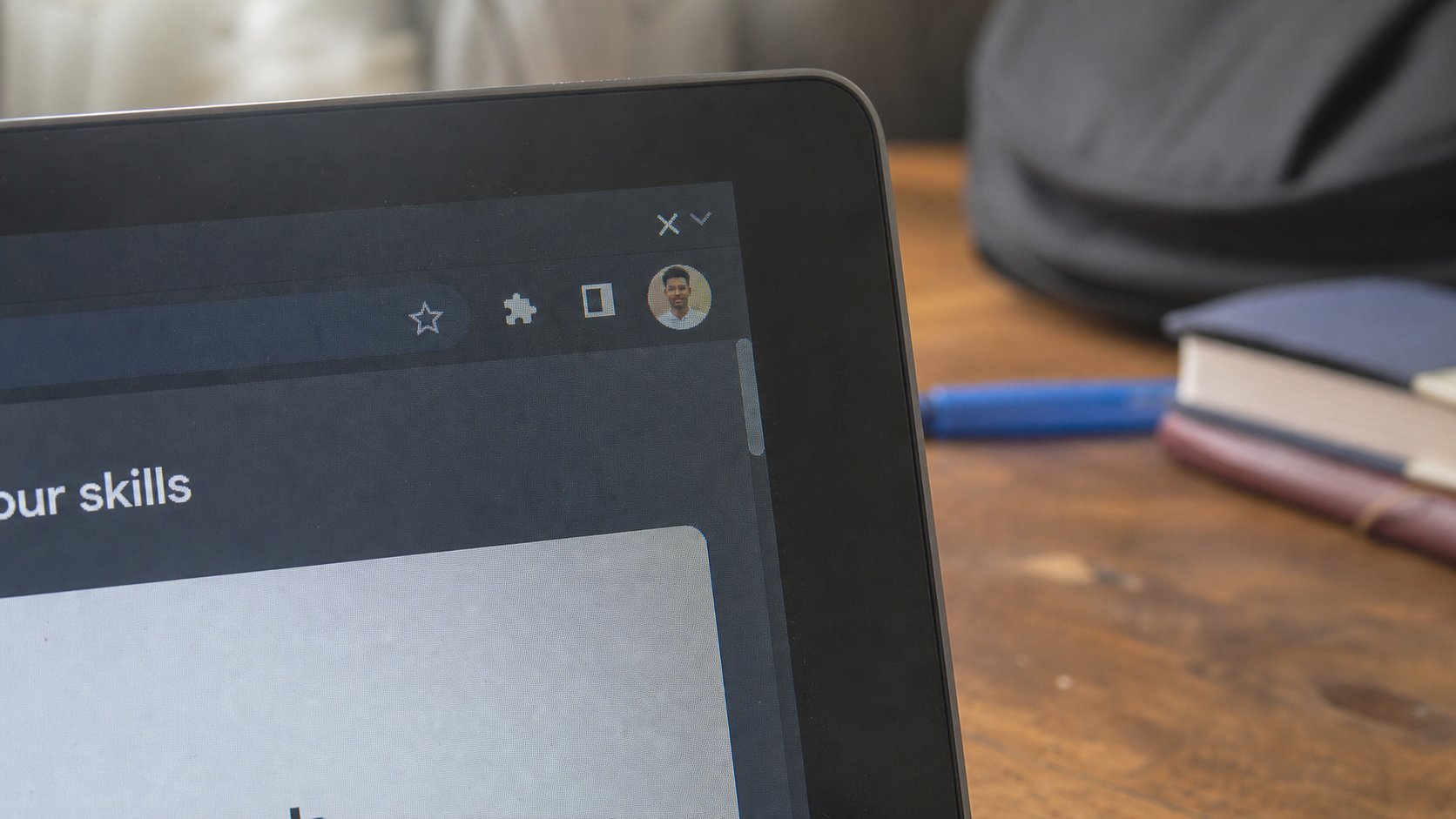
A profile is a schoolbag. Yours holds your mail and your passwords. Guest is a bag that empties. Sign out is not as empty as you think. Use Guest, or your own bag, not the house bag.
A family laptop, a church office, a shop counter — one browser, many hands. If everyone uses the same Chrome window, everyone can open your Gmail with a click, because you stayed signed in. A profile is a separate schoolbag inside the browser: bookmarks, cookies, logged-in sites. Guest is a bag that throws itself away when you close it. This lesson is how to stop leaving your keys in the house bag.
In Chrome or Edge, the circle at the top-right is the person. Click it. You may see your name, Guest, Add. Add is a new bag with its own name — yours. Guest is for the cousin who wants to check one thing. When they close the Guest window, their trail goes. Your bag stays shut if you did not open it. That is the point.
Your bag, Guest, and the house
Create a profile with your name. Sign into Gmail only there. Set a browser profile lock if the machine offers it — a second password just for the bag. Windows sign-in is even better: each person their own Windows user. That is a later, larger room. Profiles are the cheap curtain that works today.
Sign out of Gmail is not the same as closing the bag. Sign out, then close. On a business-centre machine, do not use your profile at all. Guest, or the machine as you found it, then close every window. Do not tick “remember me.” You have heard that. The profile is how “remember me” becomes a trap at home as well as in a café.

- Open the browser. Click the circle. Add a profile with your first name, or open Guest.
- In Guest, visit a site. Close the Guest window. Open the browser again. Guest should be empty.
- If this is your machine, keep your named profile. Do not work in the Default bag if others use it.
- Never save a bank password in a profile that is not locked.
Passwords saved in the browser
The browser will offer to remember passwords. On your locked profile, on your laptop, that can be a help — one more keyring, with a risk if someone opens the bag. On a shared profile, never. The keyring is then a public hook. You already have a notebook in a drawer, and a sentence password. Use those on a shared machine. Let the browser forget.
If you find you have been living in the house bag with three relatives, create your profile today, sign into mail there, sign out of the old window. It is not rude. It is the same as not leaving your ATM card on the table. The circle in the corner tells you whose bag is open. Look at it the way you look at ENG on the taskbar. Then type.