Computer skills from scratch·Spreadsheets and sharing·Lesson 80 of 180
Printing a spreadsheet so it fits
 Ellis Dennis GrahamFounder, Cyber Elias Academy 2026-07-31 3 min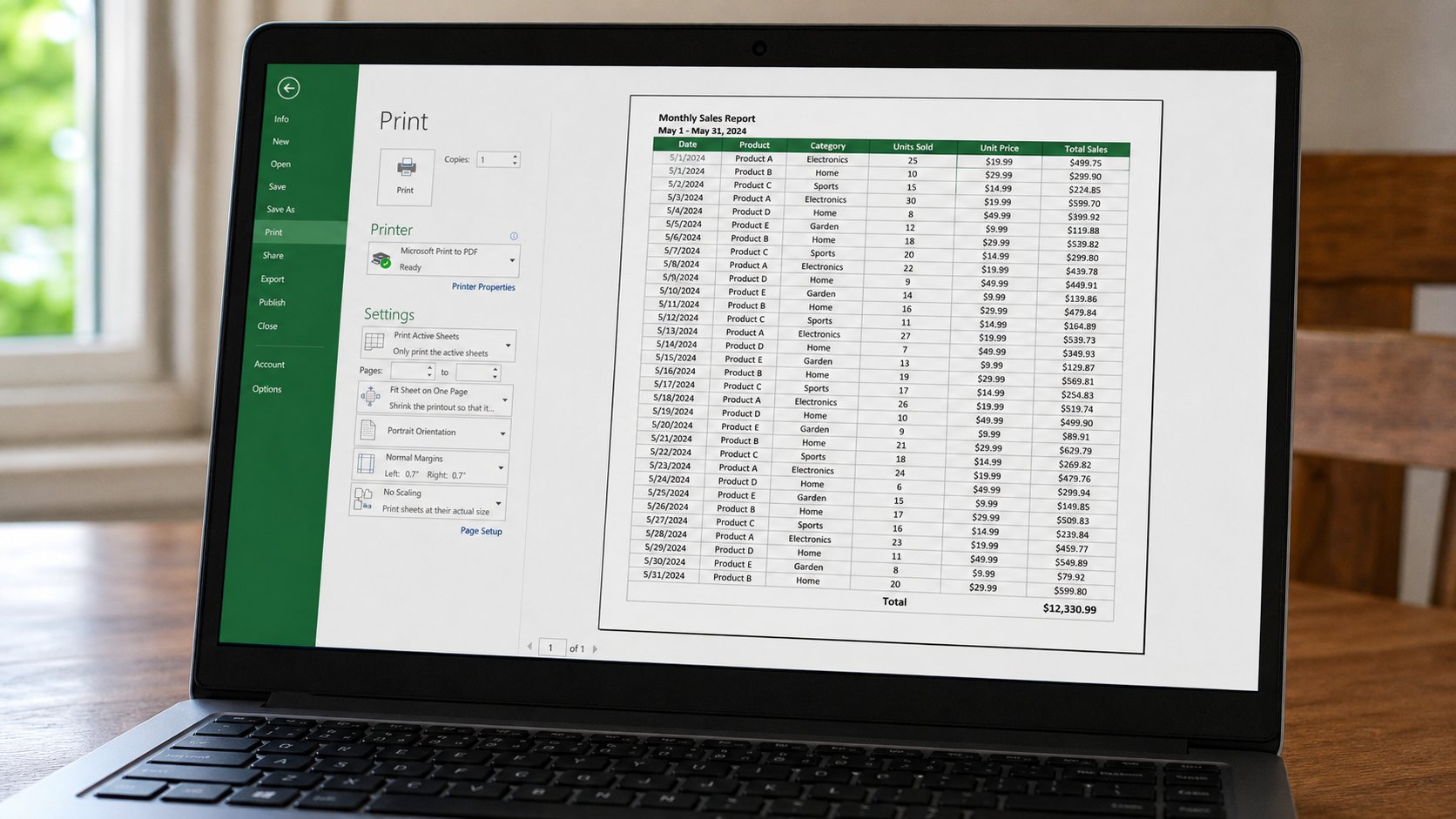
A grid is wider than a letter. Preview, landscape, fit to one page wide. A shrunk ant-stack is not a register. Cut columns, or take two sheets on purpose.
Excel will print what you asked, including twelve columns of ants across two centimetres, or one column alone on a lonely page. The printer is still a tap. Preview is still looking at the sink. A spreadsheet is just wider than a letter, so the same Print button needs extra manners: orientation, fit, and which rows you meant. This lesson is that preview, landscape, and refusing a page nobody can read.
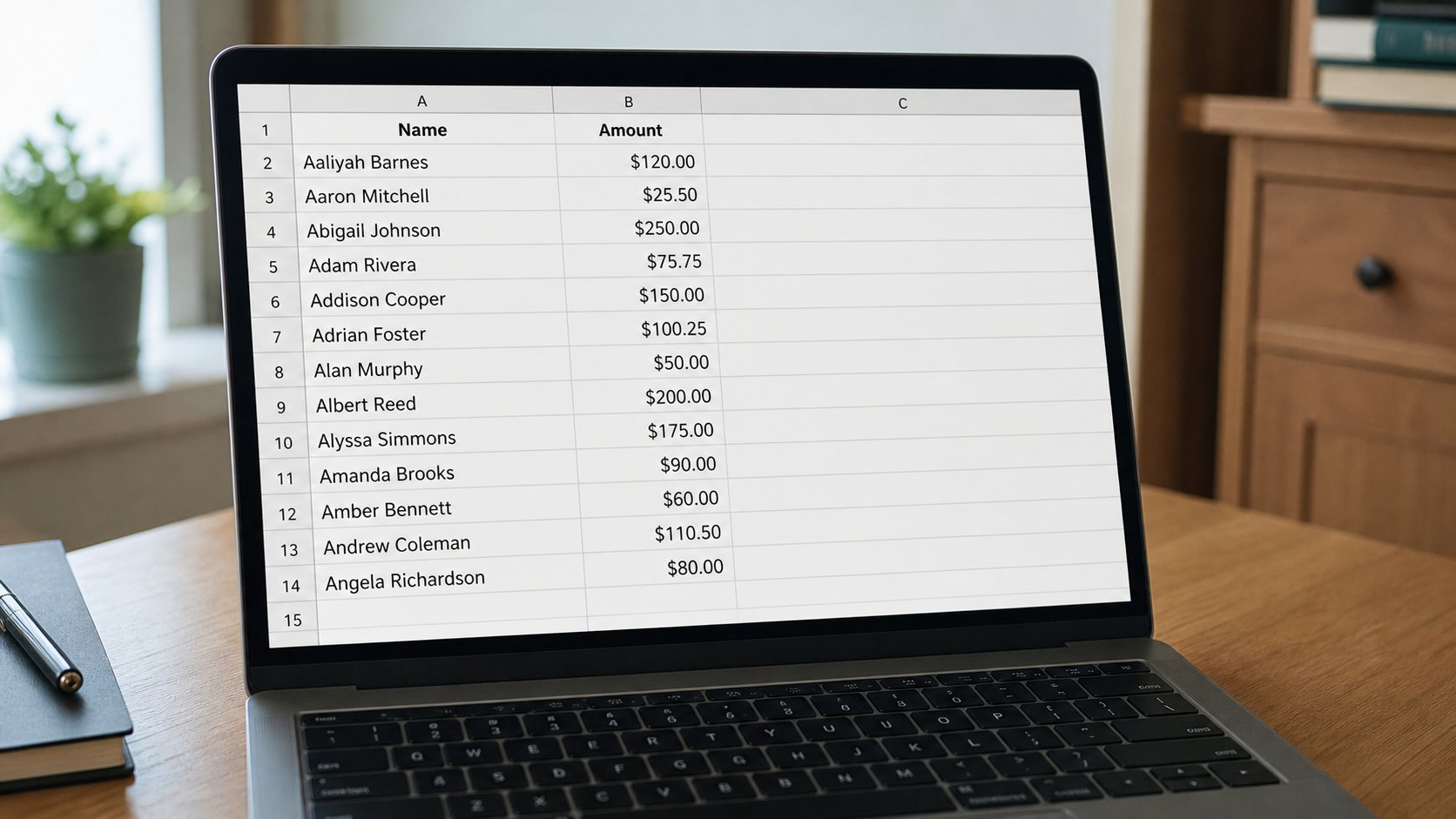
Ctrl+P. Look at the miniature. If columns vanish off the right, the paper is too narrow. Layout, Orientation, Landscape — the wide way. If it still spills, Page Setup, Fit to 1 page wide by 1 page tall — or “fit all columns on one page.” Then look again. If the type is too small to read a naira amount, Fit is a lie. Undo the fit. Hide or delete columns you do not need on paper. A register of Name and Amount may not need a phone, an email, and a remark on the same sheet.
Print area, titles, and the header row
If you only wanted the fees table, not the scratch numbers in column Z, select the table, Print area, Set print area. Preview should show only that. Repeat the header row on each page: Page Setup, Sheet, Rows to repeat at top. Then page 2 still says Name, Amount. Without that, page 2 is a pile of numbers with no names. People invent the names from memory. Memory is how books drift.
Gridlines: tick print gridlines if the page looks like free-floating words. Black and white is enough. Colour in a sheet is extra ink and often a grey mess. Draft quality for a working copy; a clearer setting for something you will stamp. You know Economy from the printing lesson. It still spends paper if you print twenty copies. Copies: 1, then look.
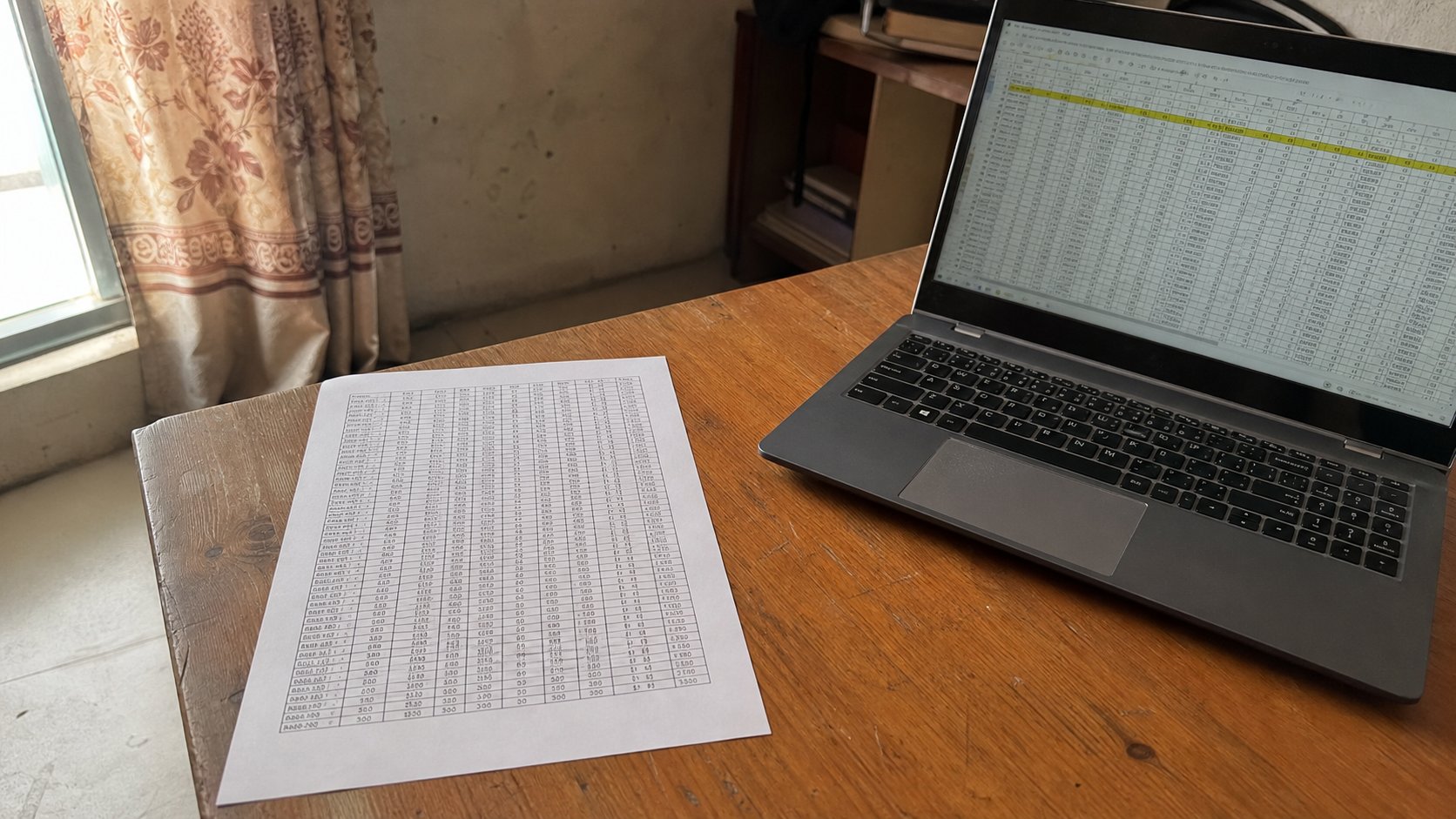
- Open a small table. Ctrl+P. Note whether it spills.
- Landscape. Preview. If needed, fit to one page wide. Preview again. Read a number in the miniature.
- If the number is a speck, cancel. Remove a column. Preview again.
- Print one copy if you can. Write the date on it. Paper is still a witness.
PDF of a sheet
Save as PDF from Print, or Export. The PDF is a picture of the grid, not a grid that adds. For an office that must add, send the Excel or Sheets file. For an office that must see, send the PDF. Do not send both “in case” unless they asked. One job, one attachment. The sheet on the screen can be as wide as you like. The sheet on the tray has to fit a hand. Preview until it does. Then the tap.