Computer skills from scratch·The phone·Lesson 86 of 180
Watching a video without getting lost
 Ellis Dennis GrahamFounder, Cyber Elias Academy 2026-08-15 3 min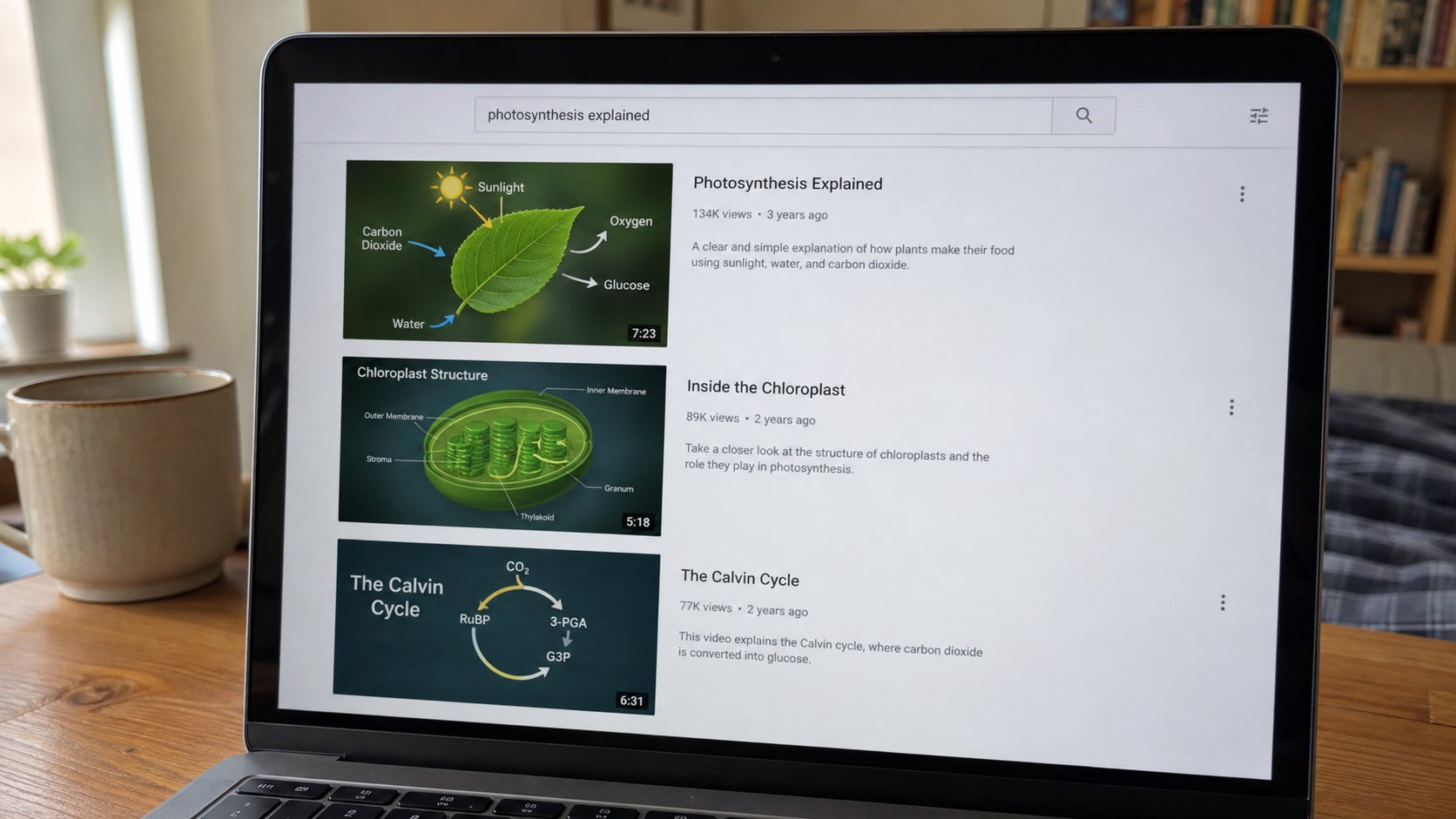
A video site is a market with a search box. Type the thing you came for. Full screen is not a new street. The sidebar is a stall shouting. You may leave.
YouTube, and the other places that play film, are useful and noisy. You came to see how to print a page. An hour later you have watched a lottery and a quarrel. The machine did not kidnap you. The sidebar did what a market does: shout. This lesson is search, the address, full screen, and leaving when the job is done. The internet lesson still applies. A video is a page that moves.
Walk to youtube.com yourself, or open the app you installed on purpose. The box at the top is search. Type a full thought: how to save a Word document as PDF, not “computer.” Add Nigeria when the answer depends on here. Read the channel name under the result the way you read the grey address under a Google result. A ten-year-old upload from a school can be better than a loud new one that wants you to download a fixer.
Play, full screen, and the wrong door
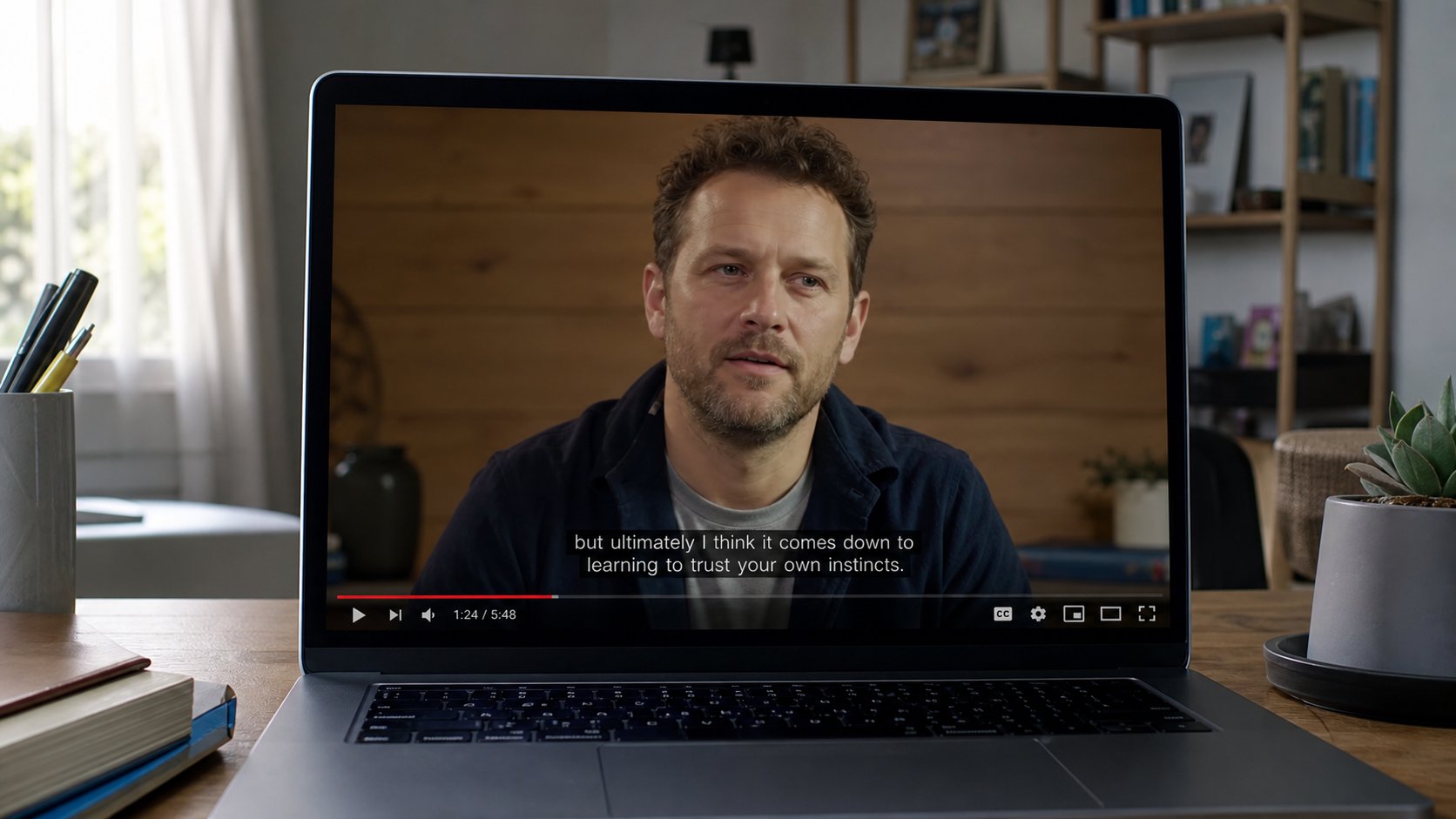
Click the video you meant. Space bar pauses. The square in the corner is full screen — the picture uses the whole monitor. Esc leaves full screen. Full screen is not a new website. The address bar may hide; move the pointer to the top if you need it. If a video asks you to install a player, or a codec, or to “enable flash,” you are not on the real street. Back. Search again. You already play video in the browser.
Autoplay will start the next film. Turn it off if you can see a toggle. The queue is a list the site wants. Your list is the search you typed. On a phone, Wi‑Fi is kinder than a bundle for a long lesson. Download in the app, if you pay for that, is a parcel; a random “download MP4” button under the video is a cousin of the fake update. Do not.

- Search a thing you already know — how to copy and paste — so you can judge the result.
- Open one video. Pause. Full screen. Esc. Confirm you are still on the same page.
- Do not click a download button under the video. You did not come for a file.
- When the step is clear, pause, try it on your own document. Then come back if you must.
Comments, and what a video cannot do
Comments are a crowd. A PIN, a “WhatsApp me for the file,” a link in a comment, are the phishing lesson wearing a film. The description can hold a real link to a school; it can also hold a trap. Prefer the site you already trust. A video will not see your computer. A file you download because the video shouted will.
You now have a way to learn a button you forgot, at 10 p.m., without a shop. Search, one film, pause, try, leave. The sidebar will still shout. You do not have to answer. The search box is the map. Everything else is a stall on the way to the door.