Computer skills from scratch·Writing on the page·Lesson 62 of 180
Making the page larger without breaking it
 Ellis Dennis GrahamFounder, Cyber Elias Academy 2026-06-16 3 min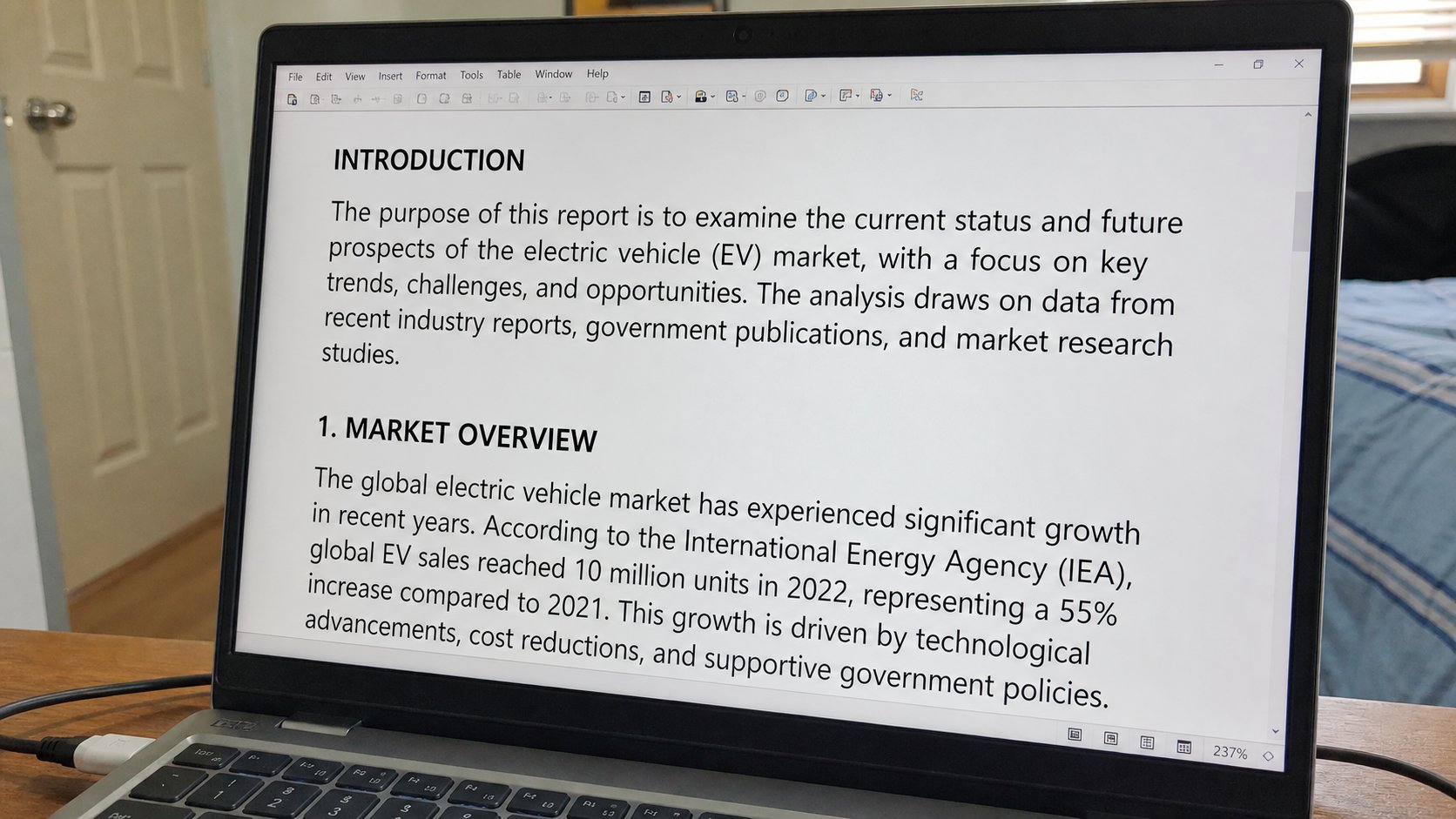
Ctrl and plus is a magnifying glass on this page. It is not a new font. Accessibility is a lamp you are allowed to turn up. Squinting is not a virtue.
A page can be too small. People lean in until their neck hurts, then buy glasses they already own, then blame the machine. The machine has a magnifying glass. In a browser, Ctrl and the plus key makes this page larger. Ctrl and minus makes it smaller. Ctrl and 0 puts it back. The website did not change for the world. Only your window did. This lesson is zoom, the Display slider, and the difference between a bigger page and a bigger Windows.
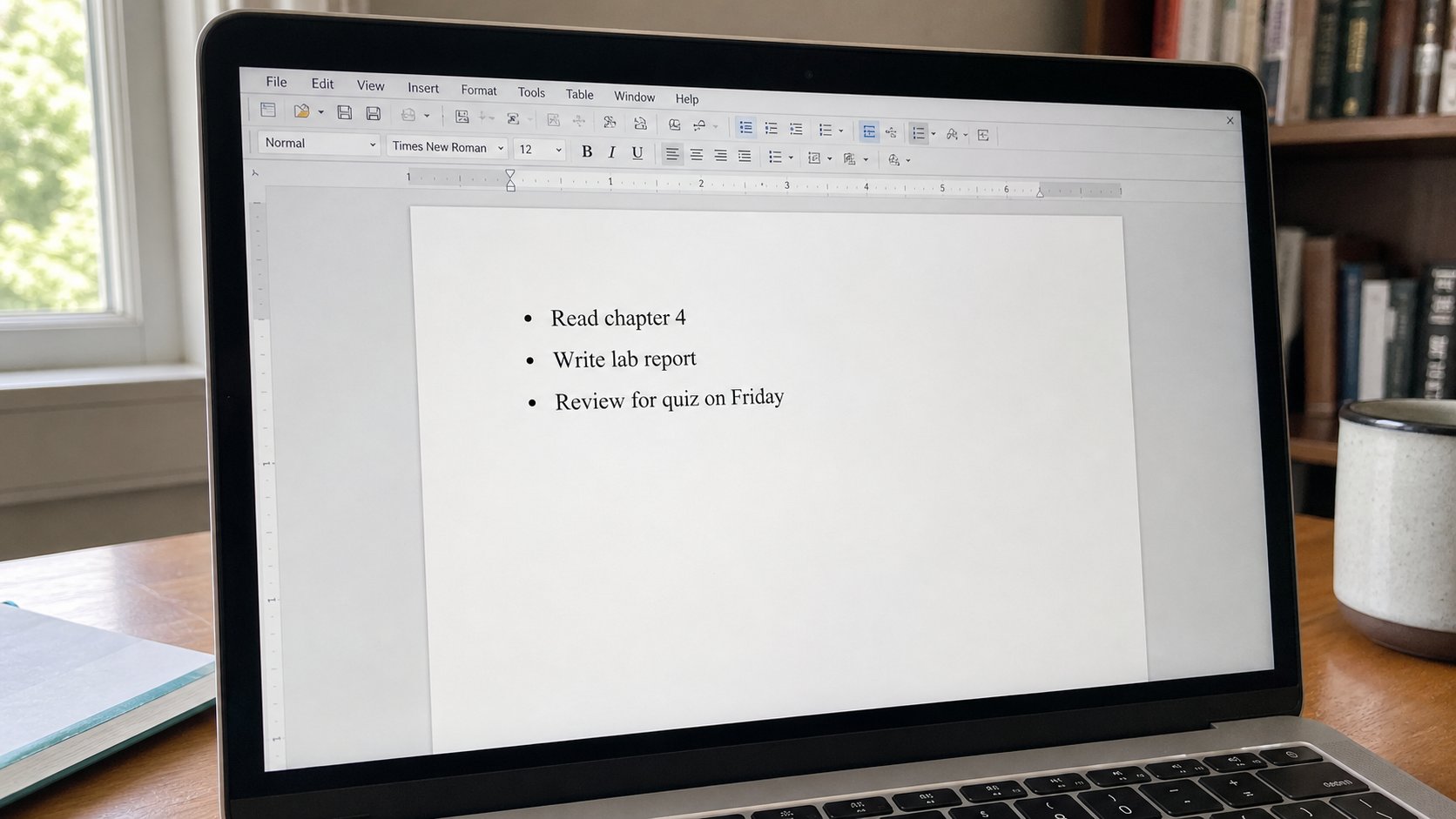
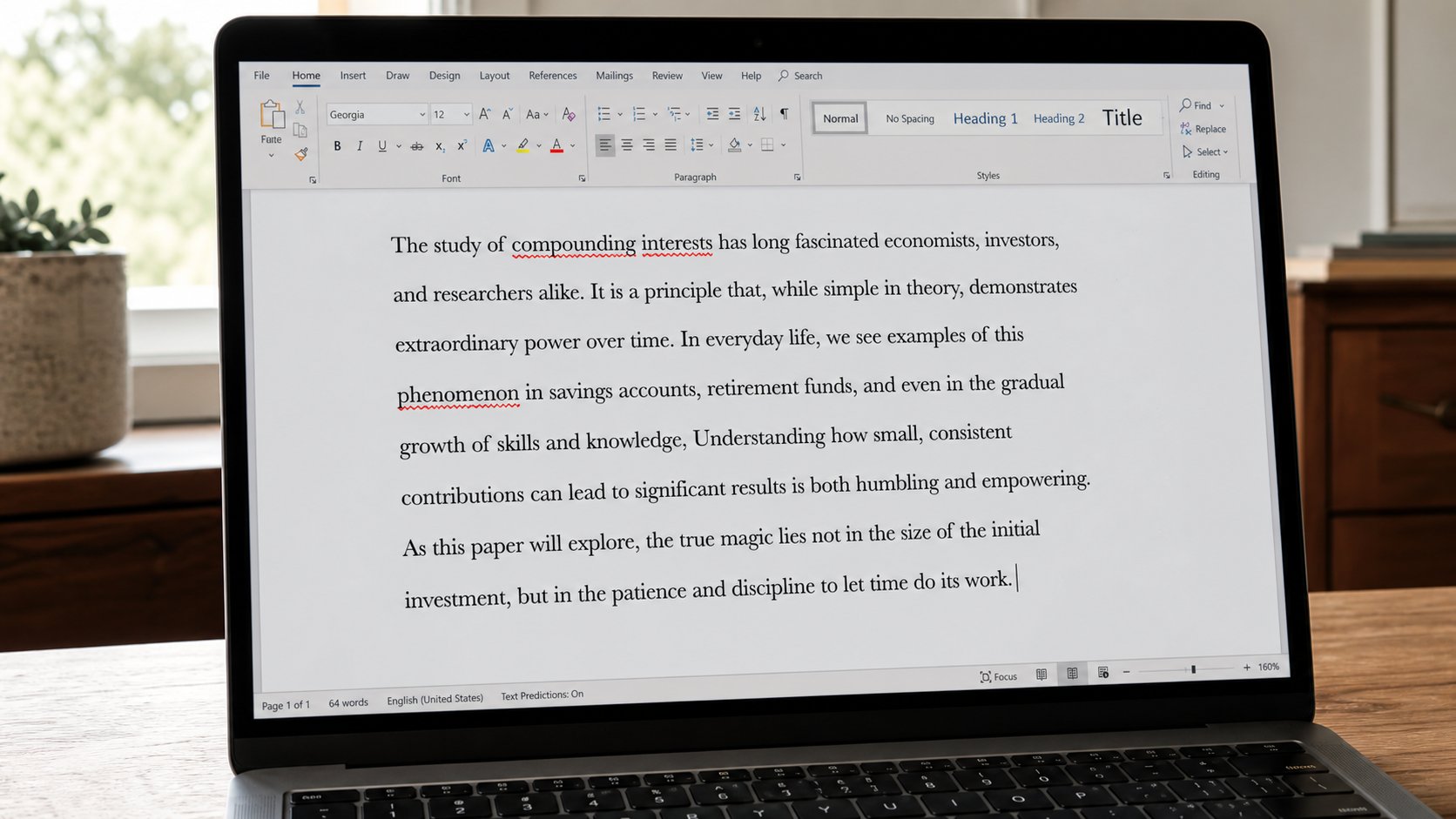
Word has its own zoom in the bottom-right corner — 100 percent, 120, 150. That is how the page looks while you type. It is not how it prints. Print preview is still the truth, as you learned. A letter at 200 percent on screen can still be size 12 on paper. Do not raise the font to 28 because you could not find zoom, then email a poster to a school. Zoom for your eyes. Font size for the reader.
Windows itself, and Magnifier
If every program is tiny, the lamp is the display scale, not each page. Settings, System, Display, Scale — 125 percent or 150 on a small laptop is ordinary. It enlarges buttons, the taskbar, the Start menu. Restart a stubborn program if it looks blurry after. This is not “making Windows for old people.” It is matching the lamp to the room, like brightness.
Magnifier is a stronger glass: Windows and the plus key, or Start, Magnifier. A lens follows the pointer. Windows and Esc closes it if you opened it by accident — a common fright. You are allowed to use it for a form with grey-on-grey type. You are allowed to sit at a comfortable distance. Squinting through a whole JAMB page is not toughness. It is how people tick the wrong box.
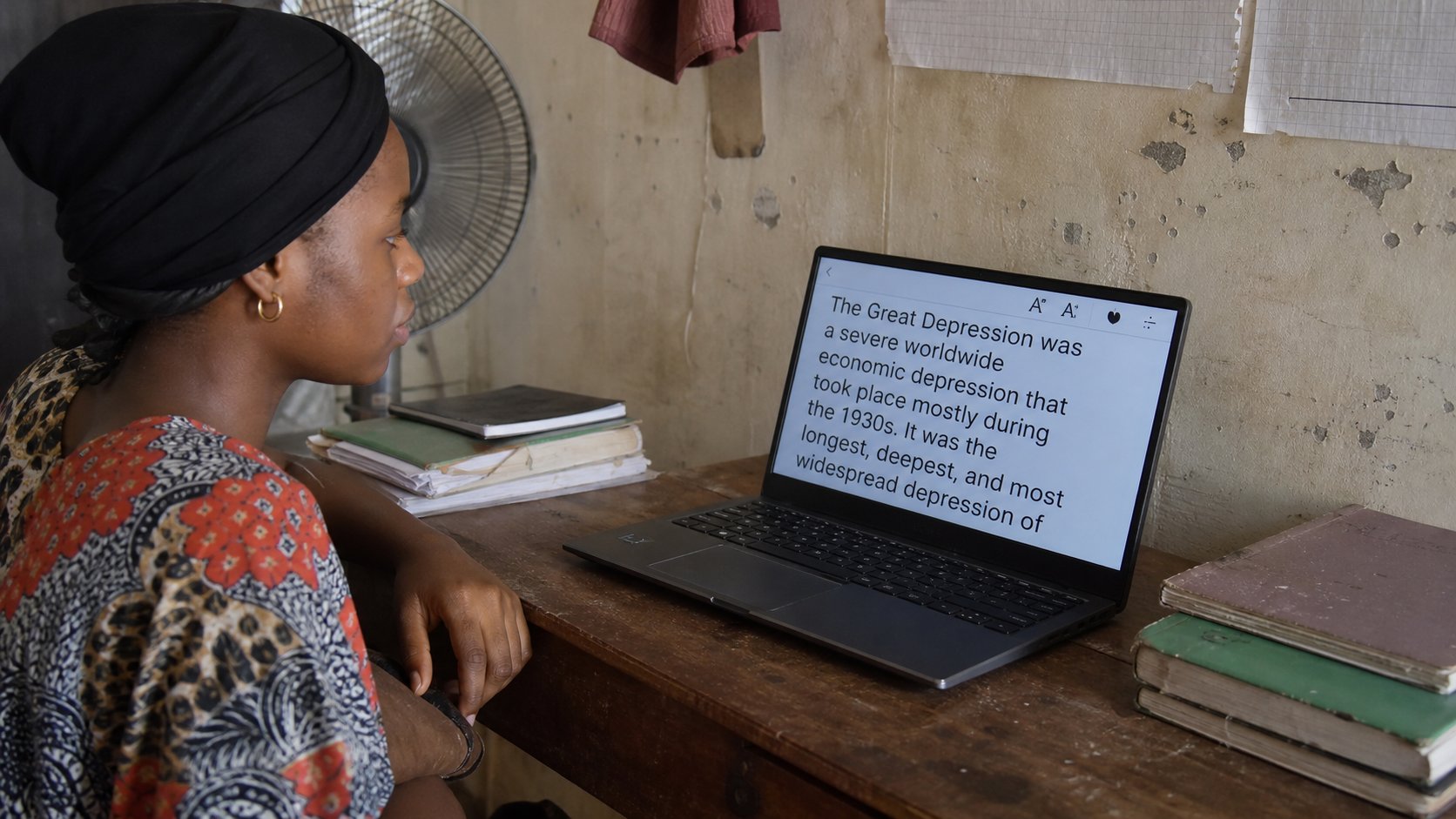
- Open cea.ng. Press Ctrl and plus a few times. Read. Ctrl+0 to return.
- Open a letter. Find the zoom percentage at the bottom. Try 130. Type. Print preview — the paper should still be ordinary.
- If the whole machine is tiny, try Display, Scale, 125 percent. Look at Start. If you hate it, 100 is still there.
- Do not change a font to “fix” a website. Zoom the website.
What zoom will not do
A photograph zoomed in becomes cubes. That is the dots, not a broken file. A PDF of a scan may never become sharp. A form that uses tiny grey type may still print tiny; zoom is for you, on the glass. If a site forbids zoom, that site is rude. The browser still often allows Ctrl+plus. Try.
High contrast and narrator are extra doors in Accessibility, for people who need them. You do not have to use them to be allowed a larger page. Ctrl and plus is the everyday glass. Use it at the academy, on a phone (pinch), in a café. The words were always that size. You have only walked closer without moving the chair.