Computer skills from scratch·Keeping the machine·Lesson 14 of 180
Backup before the light goes
 Ellis Dennis GrahamFounder, Cyber Elias Academy 2026-02-14 4 min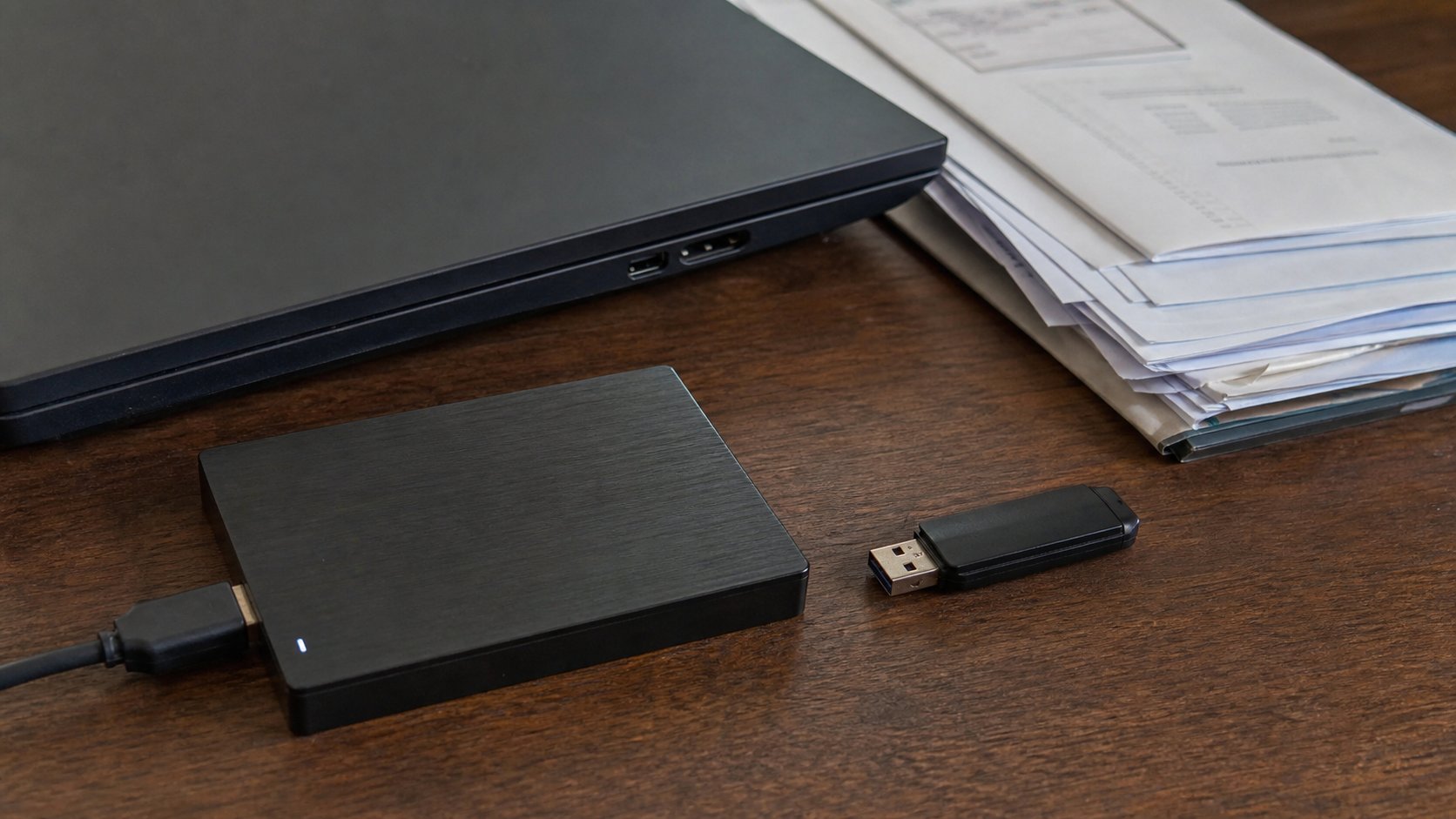
One copy is a rumour. Two copies is a backup. A USB, a folder you named, and a date you will actually repeat.
A computer is a house that can burn. Theft, a dead drive, a cup of water, a format at the repair shop — any of these can empty Documents in an afternoon. The photographs you copied off the phone, the letter, the fees spreadsheet, the password notebook if you typed it: if they live in only one place, they are not kept. They are hoped. This lesson is the unglamorous habit of a second house.
Backup is not the Recycle Bin. It is not emailing yourself a file once in 2023. It is a copy, on a different object, that you could open if the first object vanished. A USB flash drive is enough to start. An external hard disk is better for photographs. A cloud folder — Google Drive, OneDrive — is a second house that is not in the same room, which matters when the room is the thing that floods. You do not need all three on day one. You need one extra copy of the work you would cry about.
What is worth copying
Not the whole machine. Not every installer in Downloads. The human work: Documents, Pictures you named, a Desktop if you still keep letters there against advice. School, church, shop, family. If you have a folder called 2026, copy that. If you have nothing named, this is the week to make the folders, then copy them. A jumble copied to a USB is still a jumble, but it is a jumble you still have.
Do not back up the only copy of a password list onto a USB that lives in the laptop bag. If you keep hints in a notebook, leave the notebook in the drawer. If you use a password manager, its own backup is a separate conversation. The principle is the same: the key and the house should not travel together.
The monthly hour
Plug in the USB. Open it. Open Documents. Copy the folders that changed. If the drive already has last month's copy, you can replace files with the same names, or keep a folder called 2026-09 and next month 2026-10, until the drive fills. Dated folders are easier to understand when you are frightened. Eject, as you learned. Put the drive somewhere that is not the laptop bag — a drawer, a different room, a trusted person's house if the files are a shop's whole year.
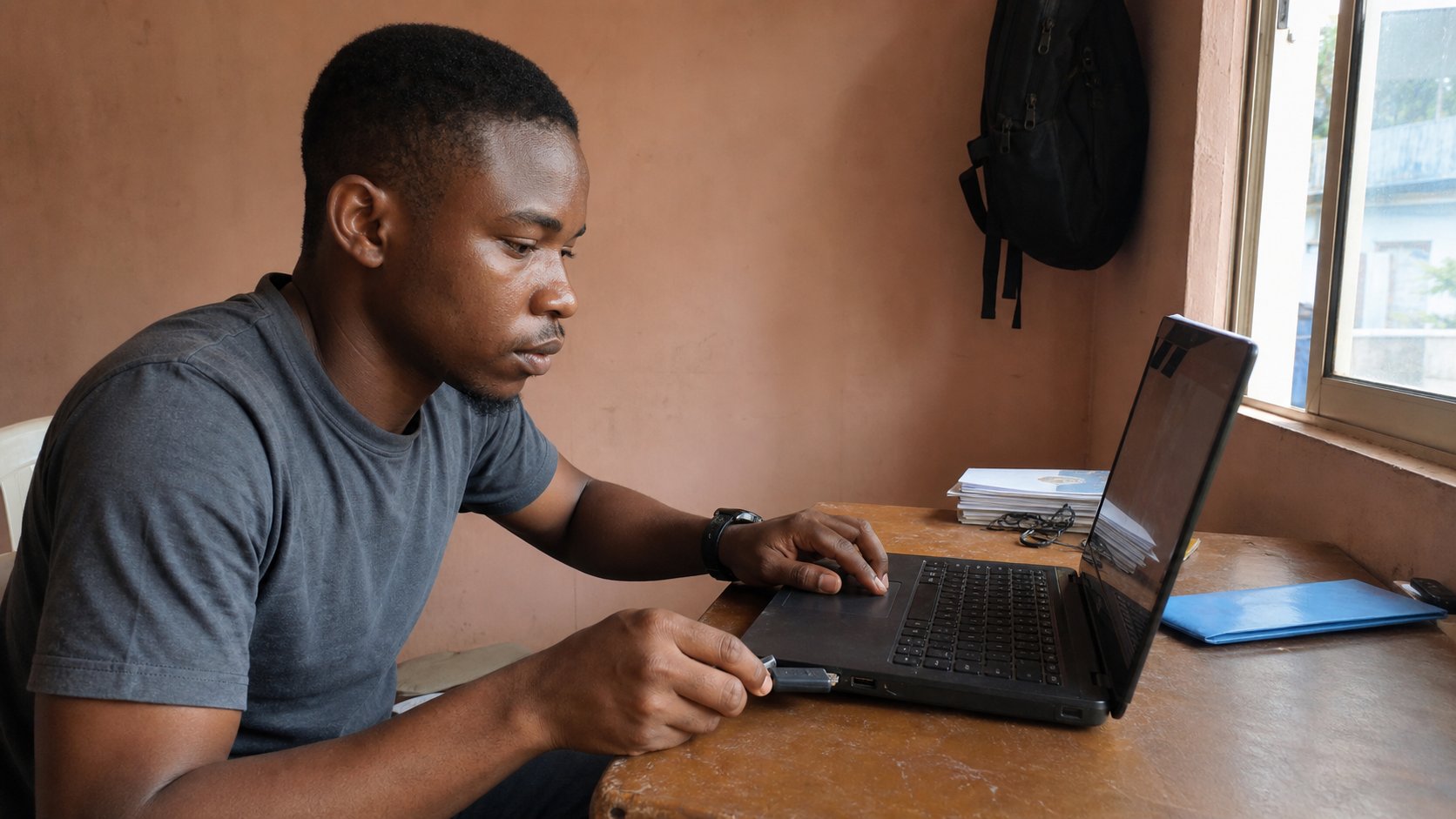
- List, on paper, three things you would hate to lose. Find them on the computer.
- Plug in a USB. Make a folder called backup-2026.
- Copy those three things into it. Open one from the USB. Eject.
- Write the next date on the calendar — a month from today — and the words copy the drawer.
Cloud, theft, and the repair shop
If you have a Google account, Drive can hold the same folders. That is a backup that survives a stolen bag, if you also had a password you can keep and a second lock on the phone. Use it for the small, important files first: the PDF of a certificate, the passport photograph, the fees sheet. A full photograph library will eat data and space; the cable-and-USB copy is still the workhorse in Port Harcourt when the network is tired.
Before a machine goes to the shop, copy first. Say it out loud to the technician: the files have been copied; do not format unless you tell me. Shops format because it is fast. Fast is not your friend if the only wedding photographs were on that disk. After a theft, the backup is the whole point. If you have none, start now with whatever is left. The light will go again. The second house is how you do not start the letter from memory.