Computer skills from scratch·The first sitting·Lesson 8 of 180
Printing without waste
 Ellis Dennis GrahamFounder, Cyber Elias Academy 2026-01-30 4 min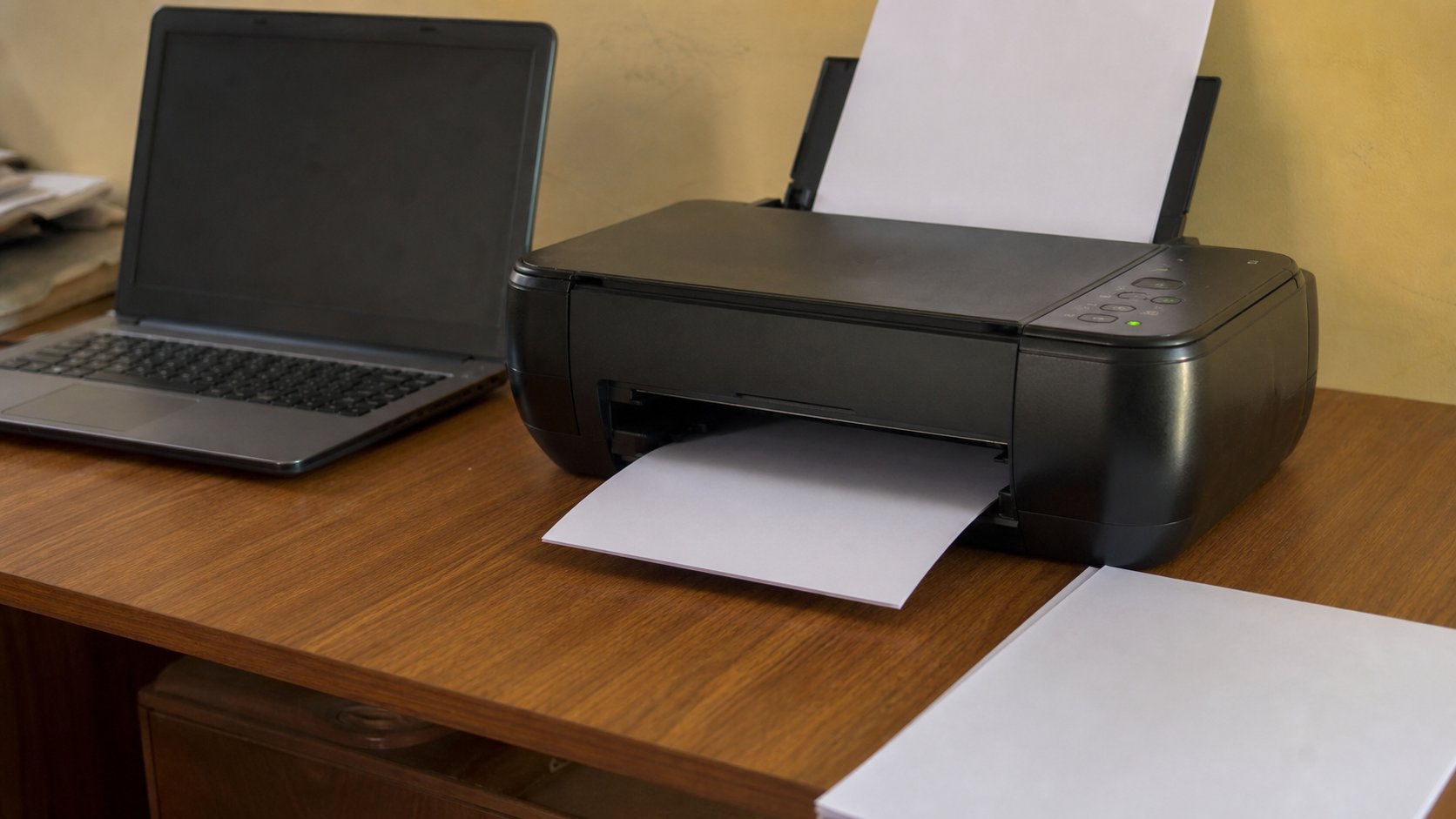
The printer is a tap. Preview is looking at the sink before you open it. One page, the right side of the paper, and ink that is not a rumour.
A printer is a tap. Leave it open and you flood the desk: twenty copies of a page you meant once, the back of a form printed on the front, a photograph that ate a week's ink to look like fog. The machine is not stubborn. It prints exactly what it was last told. This lesson is how to look at the water before you turn the handle.
You will meet printers at the academy, in business centres, in church offices, at home if someone bought one. The buttons change. The idea does not. Somewhere on the computer there is a command called Print. Somewhere on the printer there is paper, power, and a warning light. Your job is to join those two only after you have seen a picture of the page.
Before you press anything
Check the tray. A4 is the ordinary sheet in Nigeria — the size of a letter, not the long roll of a receipt. If the tray is empty, the printer will either wait or chew the next thing it finds, including the cardboard leftover from the last ream. Fan the paper once so the sheets separate. Put it in the way the icon on the tray shows, usually face down on home inkjets, sometimes face up on office machines. When in doubt, print one test page on cheap paper and look.
Check the lights. A steady power light is waiting. A flashing one often means it is hungry for paper or ink, or the lid is open. Opening the lid to stare does not refill ink. If the computer says the printer is offline, it is usually unplugged, asleep, or connected to a different Wi-Fi than the laptop. On a USB printer, the cable is the whole conversation. Wiggle it once, the way you would a kettle that will not boil.
Print means preview
In Word, in a browser, in almost any page, Ctrl and P (Command and P on a Mac) opens Print. Do not hit Enter yet. Look. You should see a small picture of the page, the name of the printer, the number of copies, and whether you meant all pages or only this one. That small picture is the truth. If it shows two pages and you wanted one, you still have time. If it shows a huge empty margin and three words, the paper will look the same, only more expensive.
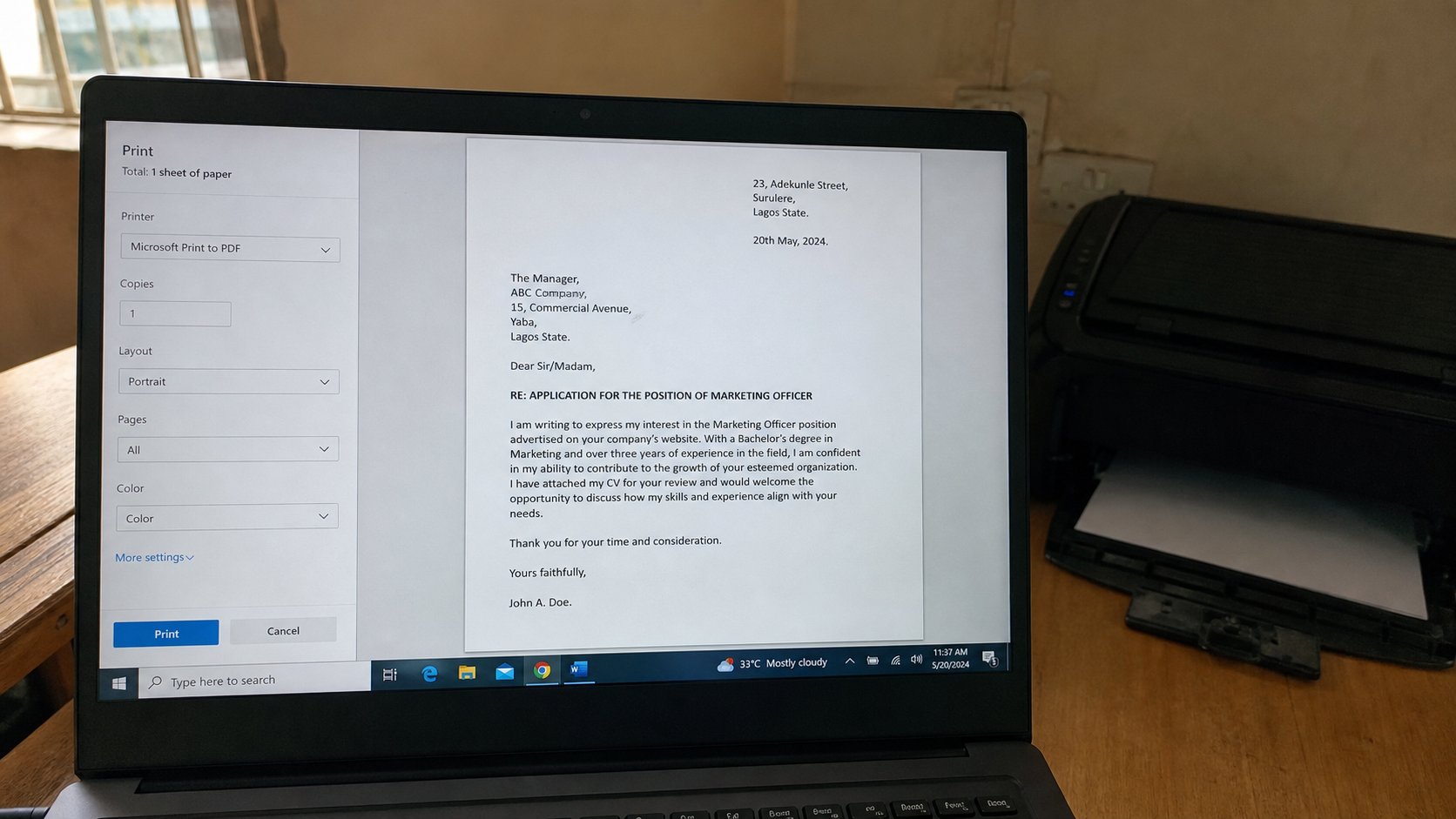
Copies default to 1 on a good day and to whatever the last person chose on a shared machine. Look every time. Pages can be All, Current, or a range like 1-2. Colour uses more ink than black. For a form, a receipt, a letter, black is enough. Draft or Economy, if you see it, is the pale setting for things you will not keep. Fit to page stops the right edge from vanishing. Portrait is the tall way. Landscape is the wide way, for a table that is too broad.
- Open a one-page letter you already saved.
- Press Ctrl+P. Confirm copies is 1, and the preview is one page, the right way up.
- If you are on a shared printer, read the name. Printing to “Office upstairs” from downstairs is how pages go missing.
- Print. Walk to the machine. If nothing comes, look at the lights before you press Print again. Twice is two copies, not one copy faster.
Ink, jams, and the business centre
Ink runs out in the middle of a sentence. The computer may warn you; it may not. A streaked page is often a clogged nozzle, not an empty tank — but do not shake a cartridge over the desk to find out. At home, run the printer's own cleaning routine from its software once, not five times, because cleaning spends ink. At a business centre, pay for the page you got, and ask them to reprint if the streak is theirs.
A jam is a folded sheet in the path. Switch the printer off. Open the doors the arrows point to. Pull the paper in the direction it was travelling, slowly, so it does not tear and leave a tooth behind. If you leave a tooth, the next ten pages jam too. Never use a knife. The rollers are rubber.
PDF is your friend when the other person's computer is not yours. File, Save As, PDF, then print the PDF. What you see is what the machine will draw, fonts included. For a form that must stay on one page, preview until it does. For photographs, know that a full-page colour picture can cost more than the document it was meant to illustrate. Ask the price before you send twenty wedding pictures to the shop printer. The tap is patient. You do not have to open it all the way.