Computer skills from scratch·The phone·Lesson 88 of 180
Airplane mode
 Ellis Dennis GrahamFounder, Cyber Elias Academy 2026-08-20 3 min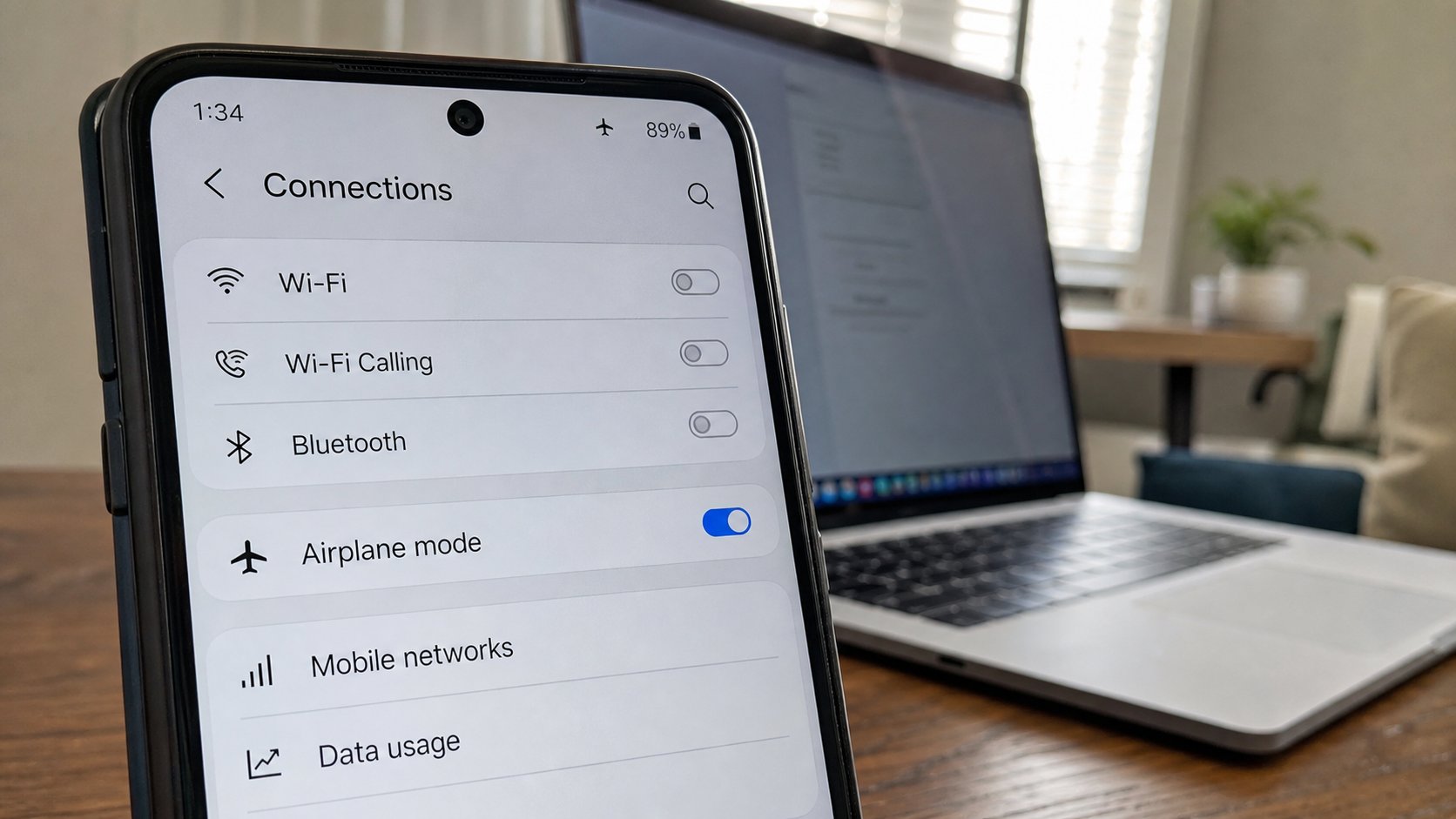
The plane icon mutes the radios: calls, data, Wi‑Fi, Bluetooth. The phone is still a clock, a camera, a torch. Use it in a hall, in a queue, and when the bundle must sleep.
Airplane mode is a master mute for the phone's radios. It was built so a plane's instruments would not argue with a pocket. On the ground it is still useful: a class, a church, a meeting, a bundle you refuse to feed overnight, a child watching a downloaded film. The phone does not die. It stops talking to masts and to Wi‑Fi until you say so. This lesson is the tap, what still works, and turning Wi‑Fi back on without opening the whole house.
Swipe down from the top of an Android, or down from the right on many iPhones. A plane icon. Tap it. The icon lights. The signal bars go. You will not receive WhatsApp until you switch it off. Calls will fail. That is the point. To undo, tap the plane again. If you cannot find the shade, Settings, Network, Airplane mode — the same lamp, a longer walk.
What still works, and a hole you can open
Camera, torch, clock, photos already on the phone, a downloaded video, a PDF in Files, the calculator. GPS may sulk. Bluetooth often goes off with the plane; some phones let you switch Bluetooth back on after, for earphones, while the mast stays muted. Wi‑Fi can sometimes be turned on on top of airplane mode — a plane with a café network, no SIM data. That is a useful knot in a hall with Wi‑Fi and a greedy bundle. Look: plane on, then Wi‑Fi on. Data should stay dead.
Alarms still ring on most phones. Do not trust that with your life until you have tested it once the night before. A power-off is ruder than the plane: nothing rings. The plane is a sleep for the radios, not a shutdown. Battery lasts longer because the phone stops hunting a mast in a weak area. That hunt is why a phone dies in a bus between towns. Plane, then you arrive, then off.
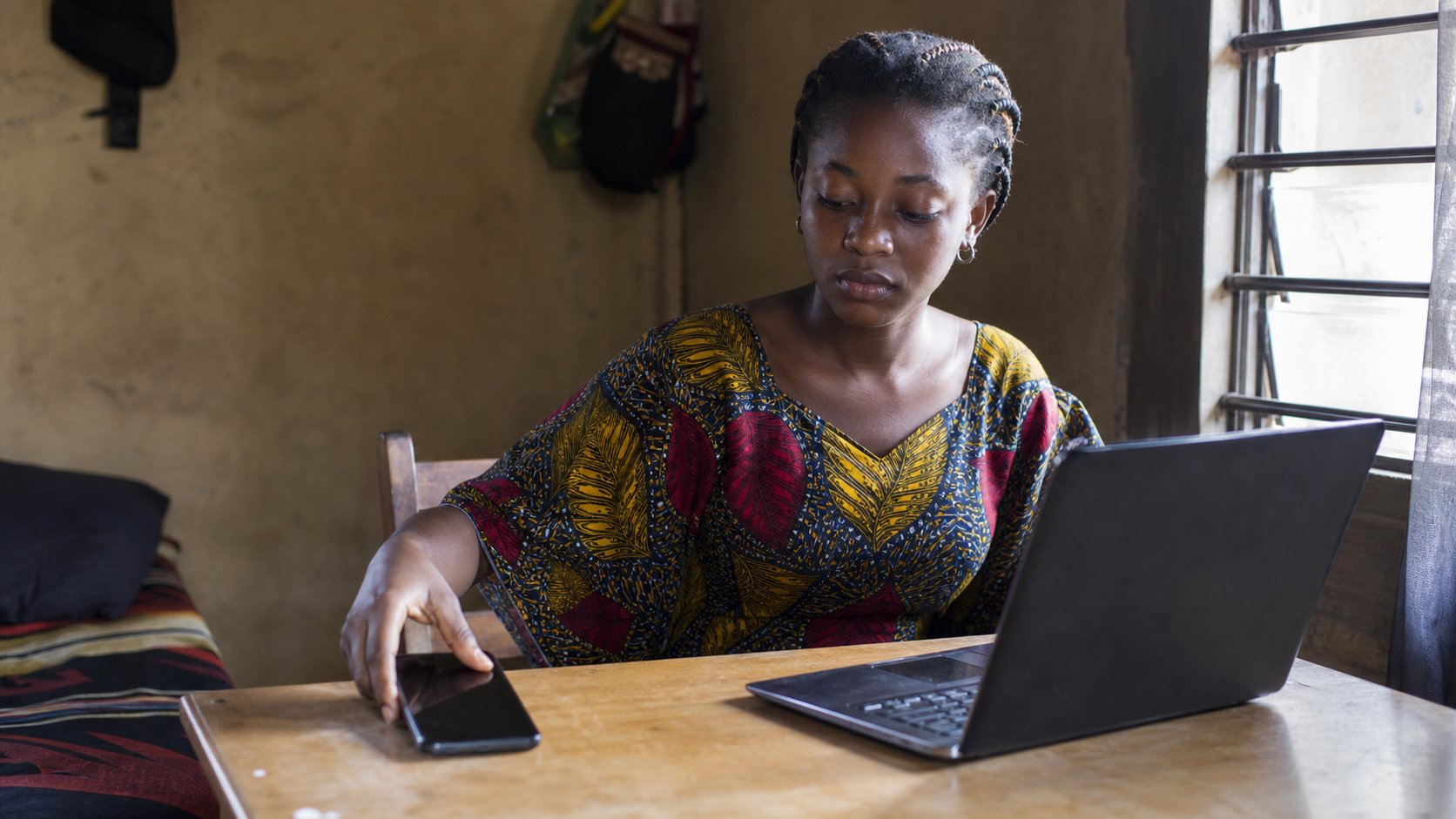
- Swipe to the plane. Switch it on. Try to open WhatsApp. It should fail or stall.
- Open the camera. Take a picture. That should work.
- Switch the plane off. Wait a few seconds. Signal should return.
- If you only wanted silence, practise Do not disturb once, so you do not use a sledgehammer for a fly.
When it is the wrong tool
A bank OTP will not arrive on the plane. Switch off before you pay. Maps that need live data will freeze; an offline map, from the maps lesson, still shows streets. WhatsApp Web on the laptop dies if the phone is on the plane, because the phone is the key. You know that handshake.
The plane is a door you close on purpose. It is not broken signal. It is not a virus. If a relative says the phone “has no network,” look for the plane before you buy data. The icon is small. The effect is large. Look, then tap.