Typing & Computer Basics
Go from nervous around a computer to independently confident with one.
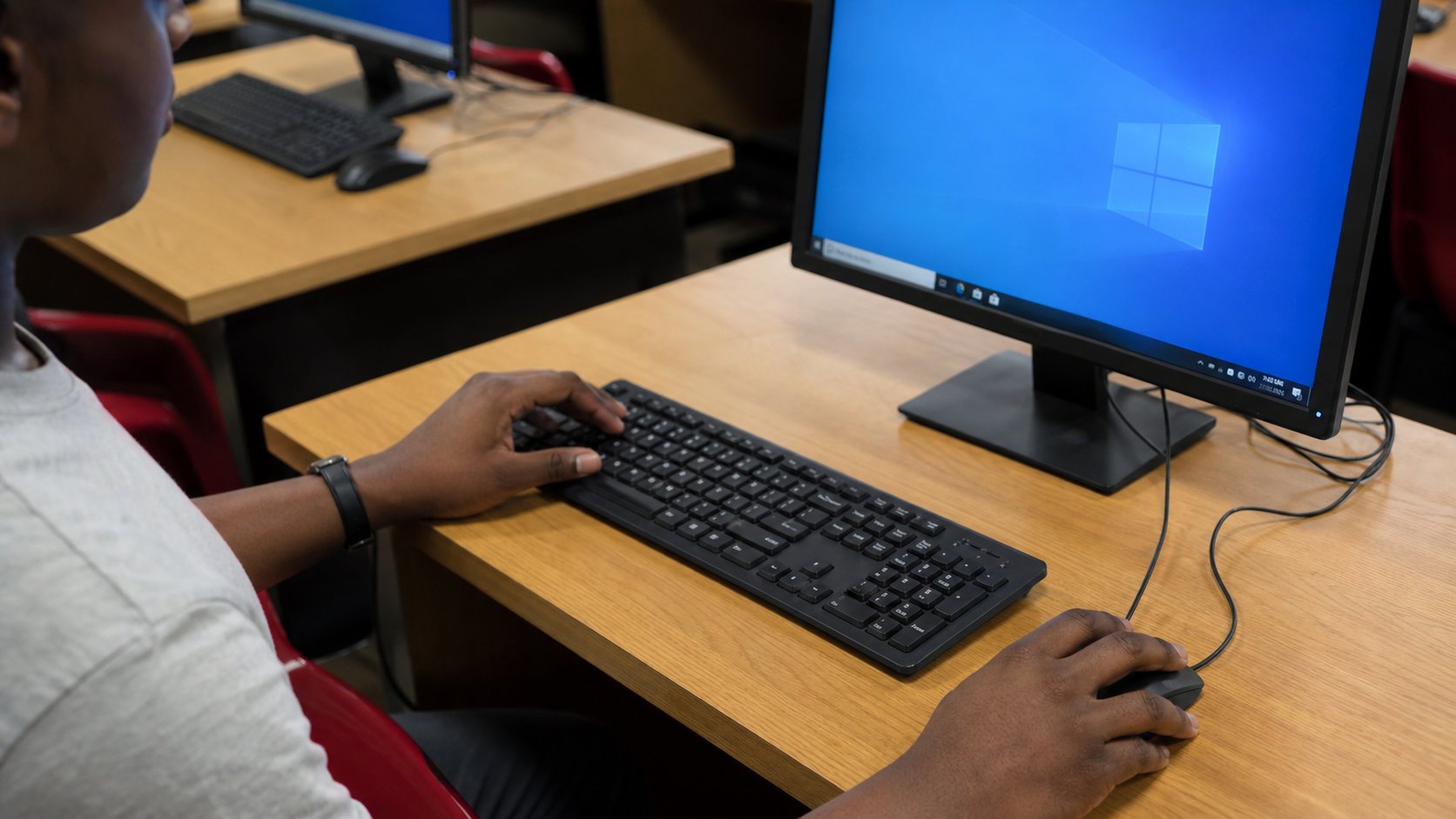
- Course fee
- ₦20,000
- Duration
- 2 weeks
- Sessions
- 4 · 2 per week
- You leave with
- Demonstrated independence
About this course
Give a complete beginner confidence using a computer — turning on and off correctly, managing files, using the internet safely, creating and using email, and typing at a speed that makes every other course possible.
This is the on-ramp course. Every other practical skill on this page assumes you can sit down at a machine, find a file, download something without breaking it and send an email with an attachment. Four sessions remove that fear permanently.
What you will be able to do
- Use a computer independently: power, login, windows and applications
- Create, name, organise, move and back up files and folders
- Search the internet effectively and download safely
- Create and use an email account with attachments and online forms
- Type with the correct finger placement and measurable speed
The deliverable
Certificate requirement
Demonstrated independence
You finish by performing a set of computer tasks on your own — create a folder, save a document into it, find a file online, download it, attach it to an email and send it — while the instructor observes and signs off. No prompts, no help.
How the course is assessed
Level 1
Know
You can explain the concept, name the tools involved and recognise the difference between doing it well and doing it carelessly.
Level 2
Do
You can perform the task independently, without the instructor repeating the steps, and fix the obvious problems when they appear.
Level 3
Create
You can use the skill to produce something a real person would pay for — a document, a design, a website, a report, a repaired machine.
Week by week
2 weeks, 4 practical sessions. Click any session to read the complete class lecture — objectives, taught content, the instructor demonstration, practice, mistakes to avoid, homework and the marking rubric.
Week 1 — The machine and the hands
What the hardware is and what it does, correct power and login procedure, the desktop environment, then keyboard and mouse control with typing drills.
- Session 1105 min · 14 min read
Understanding the Computer
- What a computer is
- Desktop vs laptop
- Monitor
- Keyboard
- Mouse
- CPU/system unit
- +12 more
- Session 2105 min · 14 min read
Keyboard & Mouse
- Left/right click
- Double click
- Drag and drop
- Scroll
- Keyboard layout
- Letters
- +14 more
Week 2 — Files, internet and digital independence
File and folder management, safe downloading and searching, then email, forms, online meetings, cloud storage and scam awareness — ending in an unaided practical.
- Session 3105 min · 15 min read
Files & Internet
- Files
- Folders
- Creating folders
- Renaming
- Moving
- Copying
- +11 more
- Session 4105 min · 15 min read
Digital Independence
- Creating an email
- Sending email
- Attachments
- Downloading attachments
- Basic online forms
- Online meetings
- +4 more
Typing & Computer Basics — questions
The things prospective students actually ask before enrolling.
Am I too old for this course?+
No. Our oldest students are in their sixties and seventies, and they usually finish this course faster than they expected because the material is practical rather than theoretical. The only thing that matters is that you get supervised time on a machine, which is exactly what the sessions provide.
Do I need my own laptop?+
Not for this course. Practice happens on academy machines during the sessions, and the typing drills can be done on any keyboard. If you plan to continue into Microsoft Office, Graphic Design or Web Design, you will want your own machine or reliable access to one from week one of that course.
How fast will I be able to type by the end?+
Two weeks establishes correct finger placement and home-row habit, which is the part that cannot be self-taught reliably. Most learners leave typing accurately at 15–25 words per minute and continue improving on their own afterwards. Reaching 40+ wpm typically takes another month of daily 15-minute drills, and we give you the drill plan to do it.
Will you teach me how to use a smartphone too?+
The course is built around a computer because file management, typing and desktop workflow are the transferable skills. However the email, cloud storage, scam-awareness and online-form sessions apply directly to phones, and we cover the phone equivalents as we go so you are not left translating on your own.
Other courses in Office & Data
Microsoft Office
Documents, spreadsheets and presentations you can actually produce.
₦30,000 · 3 weeks
Data Entry
Accuracy first: handle real business data without introducing errors.
₦20,000 · 2 weeksDigital Productivity
Google Workspace, email discipline and cloud storage that saves hours weekly.
₦30,000 · 2 weeks