Computer skills from scratch·Spreadsheets and sharing·Lesson 79 of 180
Sorting a column without scrambling the rows
 Ellis Dennis GrahamFounder, Cyber Elias Academy 2026-07-28 2 min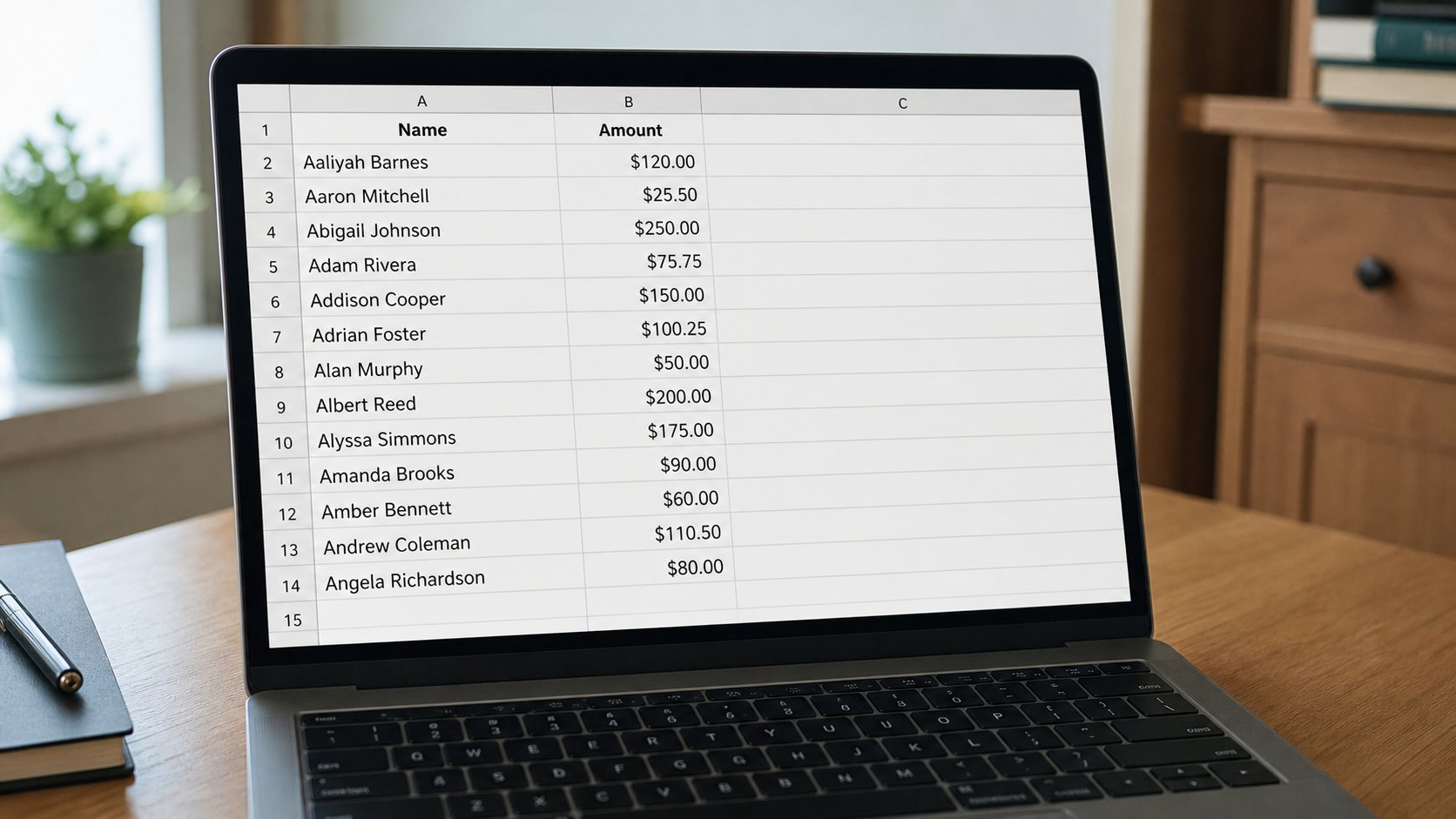
Sort is lining up a register. Select the whole table, then sort by one column. Sorting a single column on its own is how names leave their amounts.
A register in a book is in the order people arrived. A spreadsheet can line the same rows up by name, or by amount, or by date. Sort is that lining up. The danger is sorting one column while the neighbours stay still — Amaka keeps 500, the 500 slides under Chidi, and the book is now a lie. This lesson is select the table, sort by one header, and undo if the amounts look drunk.
Click any cell inside the table. Data, Sort, or the small A↓Z button. Tell it which column is the key — Name, or Amount. A to Z, or smallest to largest. Expand the selection if it asks. Yes, expand. That is the machine saying “do you mean the whole register?” You do. Headers: tick “my data has headers” so Name does not sort into the middle of the list as if it were a person.
Numbers, text, and mixed cells
Amounts stored as numbers sort by size. Amounts stored as words — ₦500, or 500 with a space — sort as text, which puts 1000 before 200 because 1 is before 2. You met this in the grid lesson. Format the column as number, or type digits only, then sort. Dates need to be real dates, not “March 3” typed as a story in some cells and 03/03 in others. Clean, then sort. Sorting will not clean.
A filter — the funnel — hides rows that do not match. It is not sort. It is a pair of blinkers. Useful when the list is long. Clear the filter when you are done or you will print a half register and call it complete. Undo undoes a sort in Excel and Sheets if you have not closed. Save a copy before you sort a fees book you cannot rebuild. Save As, fees-2026-sorted, leave fees-2026 alone.

- Make a tiny table: three names, three amounts. Save.
- Sort by Name, whole table. Confirm each name kept its amount.
- Undo. Sort by Amount. Confirm again.
- On a copy, sort only the Name column if the program lets you. See the lie. Undo. Never do that to a real book.
Print after, not before
Sort, look, then print. A printed pile in arrival order may be what the meeting wants; a sorted pile may be what the accountant wants. Ask. The grid will do either. It will not know which truth you meant. You are still the clerk. Sort is a tool for the eyes. The rows must stay married to their facts. That marriage is the whole lesson.