Computer skills from scratch·Stay safe·Lesson 95 of 180
Wi‑Fi or mobile data — which tap is open
 Ellis Dennis GrahamFounder, Cyber Elias Academy 2026-09-07 3 min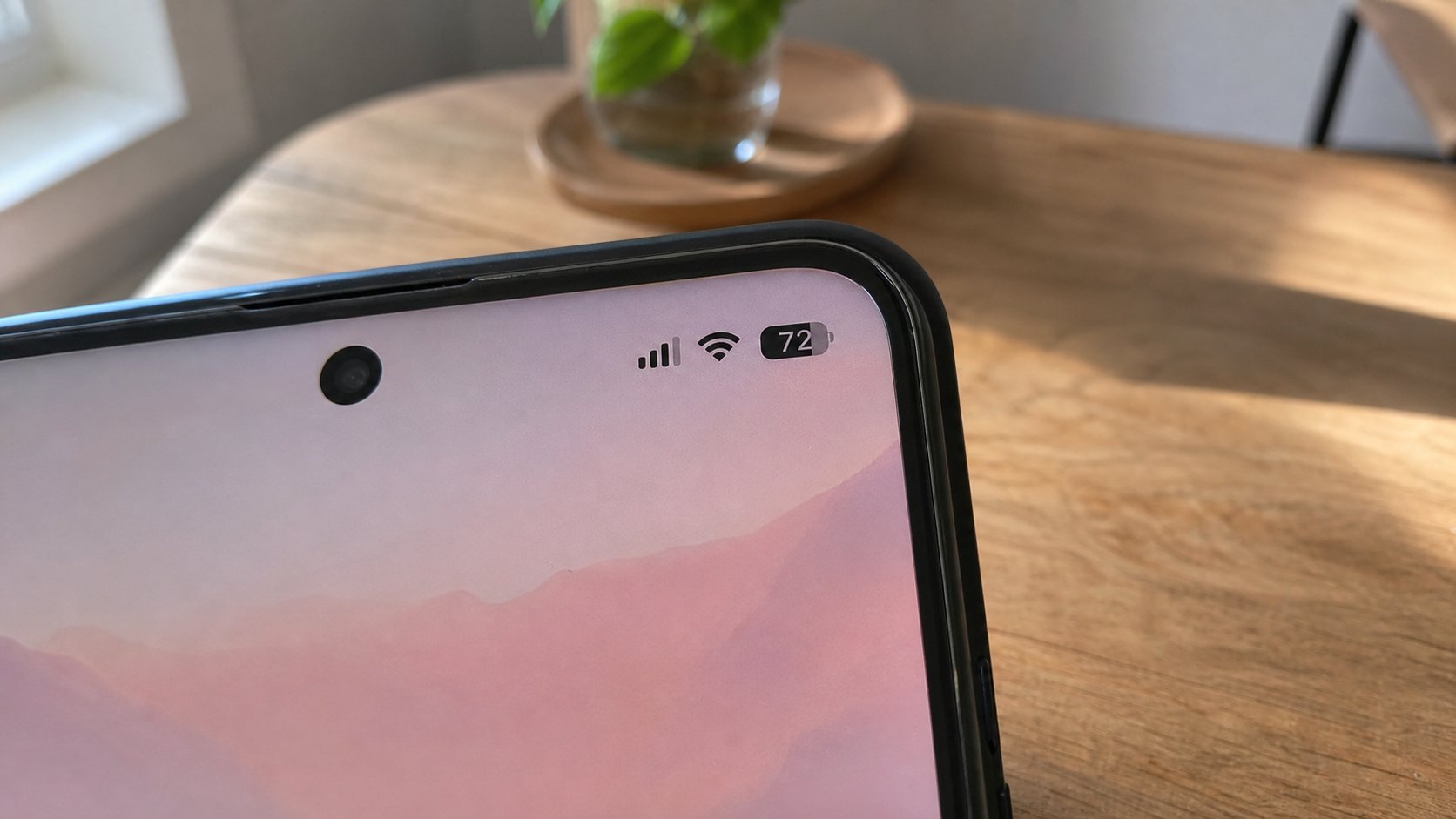
The fan is house radio. The arrows are the SIM. Both can be on; one is used. Look at the top of the phone before a video. A download on the wrong tap is a bill.
Two pipes can reach a phone: the house Wi‑Fi, and the SIM’s mobile data. The top of the screen tells you which one is actually drinking. A fan or waves means Wi‑Fi. LTE, 4G, 5G, H, E, or two arrows means the SIM. If both radios are on, the phone prefers Wi‑Fi when the fan is connected. When the fan is a lie — connected with no internet — some phones sit there thirsty and do not fall back to the SIM. This lesson is reading the icons, switching a tap, and not starting a film until you know who is paying.
Swipe the shade. The Wi‑Fi tile, the data tile. If you are at home and the fan is on, data can stay on as a spare; the phone should use the fan. If you are on the road, Wi‑Fi off saves it hunting for every shop’s radio. If a page fails at home, look: is the fan connected to the wrong name, or to a network with no pipe? Forget the network, join the sticker name, or switch Wi‑Fi off so the SIM can work. You already restarted a router. Do that before you buy more data because a page was slow.
Downloads, updates, and apps that ignore you
Play Store and iOS can be told: updates only on Wi‑Fi. WhatsApp: Settings, Storage and data, use less data, download media on Wi‑Fi. A child can still start a film. The icon at the top is the parent’s check. Some apps have their own “HD on mobile data” greed. YouTube: settings, quality, or data saving. A form, a PDF, a map — small. A live stream — a tank.
Wi‑Fi that asks you to log in through a page — a hotel, a bus, some estates — is a captive portal. Data may pause until you finish that page, or both may fight. Complete the page on the real network, or use your SIM and ignore their radio. Do not type a bank password on a portal that is not your bank. You know the street.
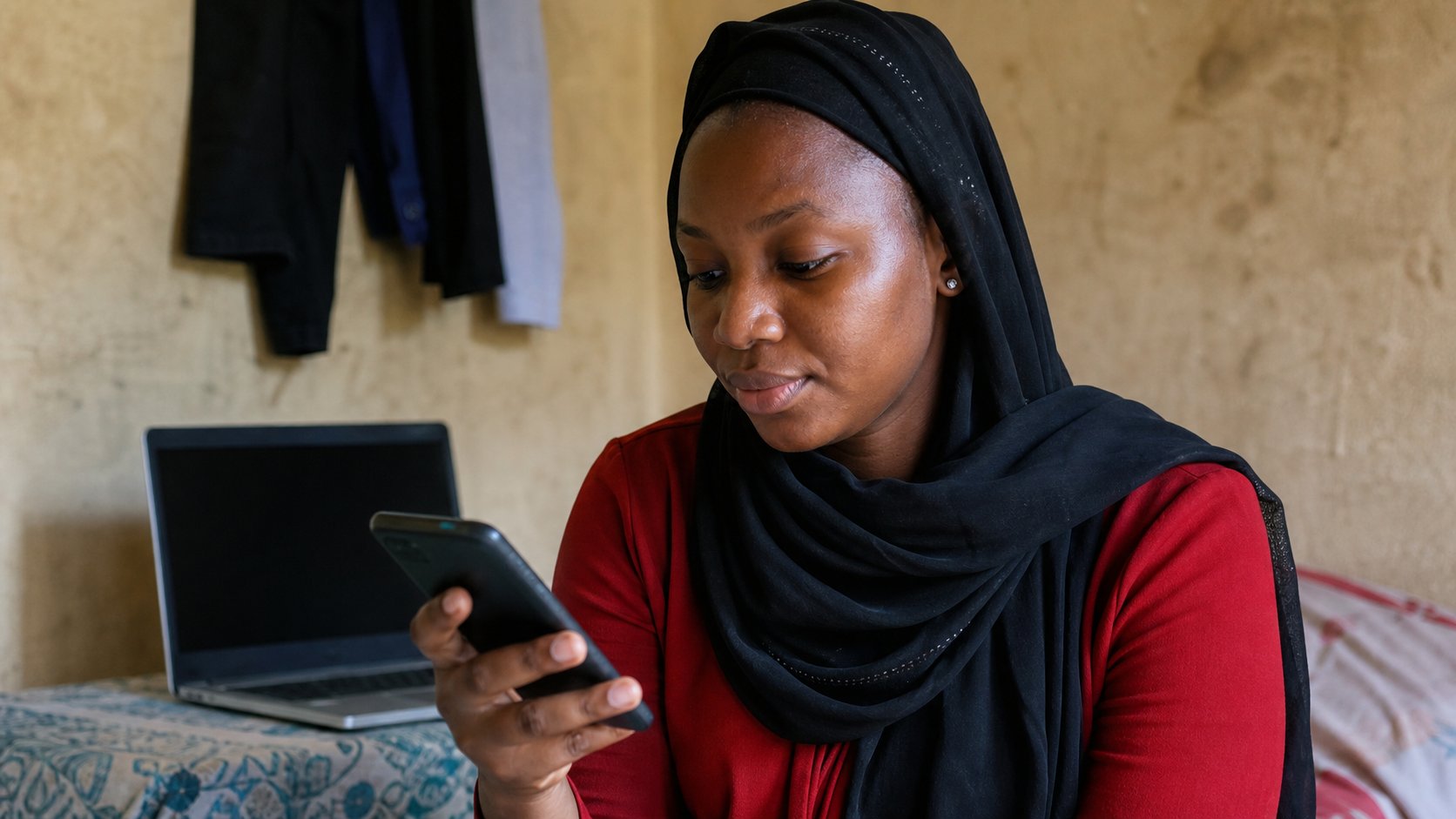
- At home, confirm the fan is on and a page loads. Note the icon.
- Switch Wi‑Fi off. Confirm the SIM icon appears and the page still loads, if you have data.
- Switch Wi‑Fi back on. Prefer the fan for a download.
- Open one app’s data settings — WhatsApp or Play Store — and tick Wi‑Fi for heavy things if you can find it.
When both are lying
Airplane mode, then off, is a reset of both radios. It is cheaper than a shop. If the fan shows connected and nothing loads, the router’s internet light is the next look. If the SIM shows 4G and nothing loads, the bundle may be zero, or the APN is wrong after a new SIM — a shop or the network can set APN; you should not download an “APN tool.”
You now have names for the two taps, the plane, the moon, the hotspot. Glance at the top of the phone the way you glance at ENG on the taskbar. Then type, or watch, or wait. The bill is a consequence of that glance, not of bad luck. Look. Then open the film, or do not.