Computer skills from scratch·Files that travel·Lesson 25 of 180
Asking for help without handing over the password
 Ellis Dennis GrahamFounder, Cyber Elias Academy 2026-03-14 3 min
A helper can look. A helper does not need the keys. You type, they point. Remote “support” from a pop-up is not a nephew.
Sooner or later the machine will confuse you, and another person will stand at your shoulder, or a voice on the phone will say “let me take over.” Help is good. Help that includes your Gmail password, your bank OTP, and a remote-control program from a pop-up is how the house is emptied. This lesson is the manners of asking: you keep the keys, they keep the knowledge, and the screen can be seen without being owned.
At the academy, in a family, at a church office — a person you can see is the ordinary case. Let them sit beside you, not in your chair with you in the corridor. You stay signed in as you. You type the password, if one is needed, with their eyes elsewhere. They point. You click. That feels slower. It is how you still know your own machine on Tuesday.
What you never read out loud
Password. PIN. OTP from SMS. BVN. The numbers on the back of a card. Recovery phrases for anything. A real helper at a school or a shop that only needed to install a printer does not need those. If they ask, stop. A bank will not phone you to request an OTP. You have had that lesson. It does not change because the voice is kind, or because they know your name from a form you filled.
If Windows needs an administrator password to install, and this is your machine, you type it. If it is an office machine, the office types it. If a “Microsoft support” number on the screen asks you to buy a voucher or to install AnyDesk, that is not Microsoft. Close. Real Windows help does not start from a red banner.
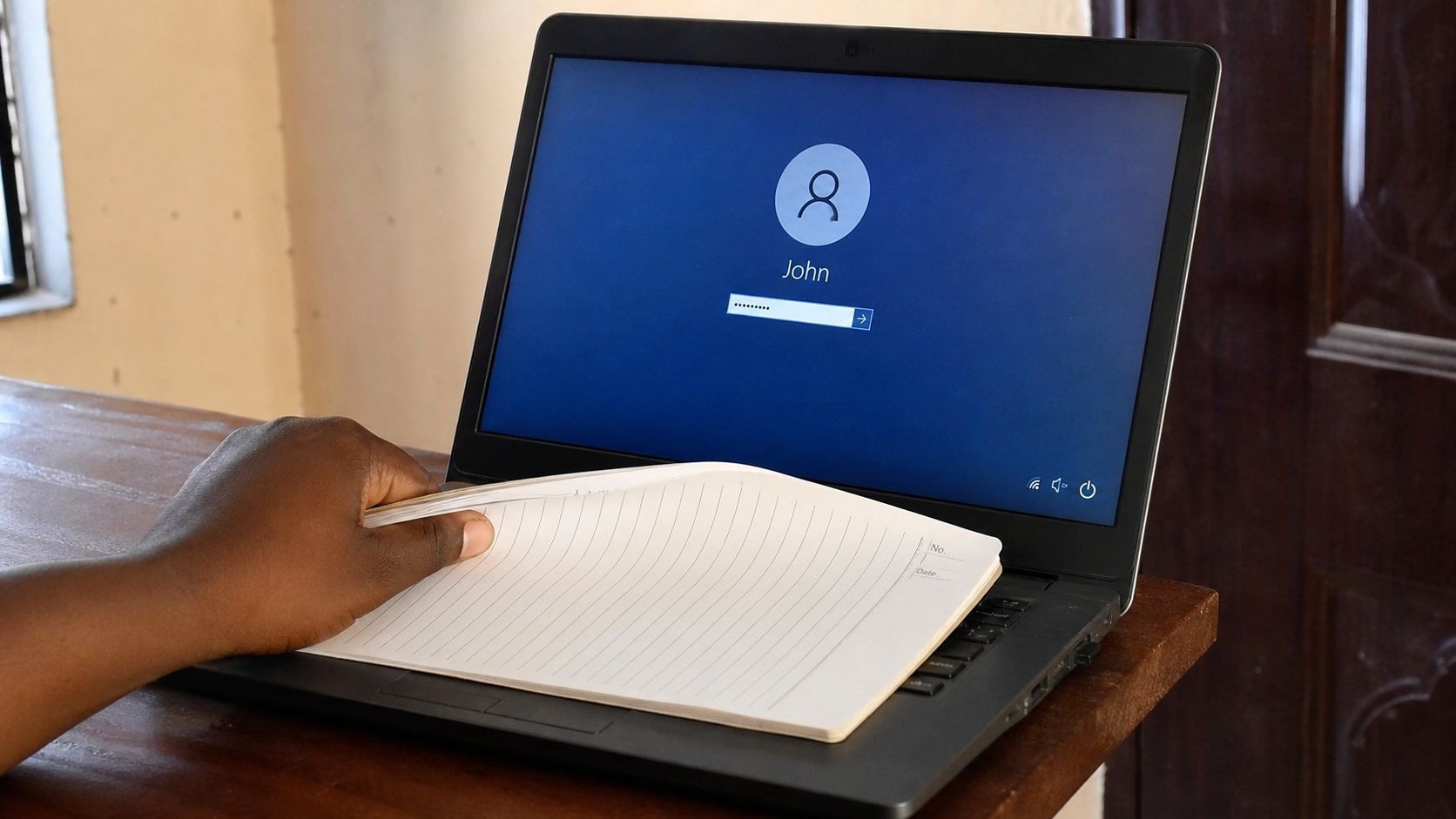
- The next time someone helps, you sit, they stand or sit beside.
- They name the button. You move the mouse. If a password box appears, they look away. You type.
- If they need to type, they can — after the box is past. Watch what they install. Names you can repeat.
- When they leave, you should be able to say what changed: a printer, a setting, a program. If you cannot, ask them to say it once more before the door.
Remote help, shops, and the academy
Remote control — AnyDesk, TeamViewer, Quick Assist — means someone far away moves your pointer. Use it only with a person you already know, on a channel you already use, and watch the screen the whole time. When they are done, disconnect. Do not leave the program set to start forever. Do not give a code from a pop-up to a stranger who phoned you.
A shop that asks to “just sign into your Google to test the Play Store” can test with a guest or with you standing there. You sign in, they work, you sign out. You met this in the Google-account lesson. Backup before the shop, as you also learned. And at the academy: ask. That is what the room is for. Bring the machine if you can. Bring the question in one sentence. Bring what you already tried. Keep the keys in your pocket. A person who will not teach without the password is offering a service you should not buy.