Computer skills from scratch·On your own·Lesson 106 of 180
Papers the bag cannot lose
 Ellis Dennis GrahamFounder, Cyber Elias Academy 2026-01-24 3 min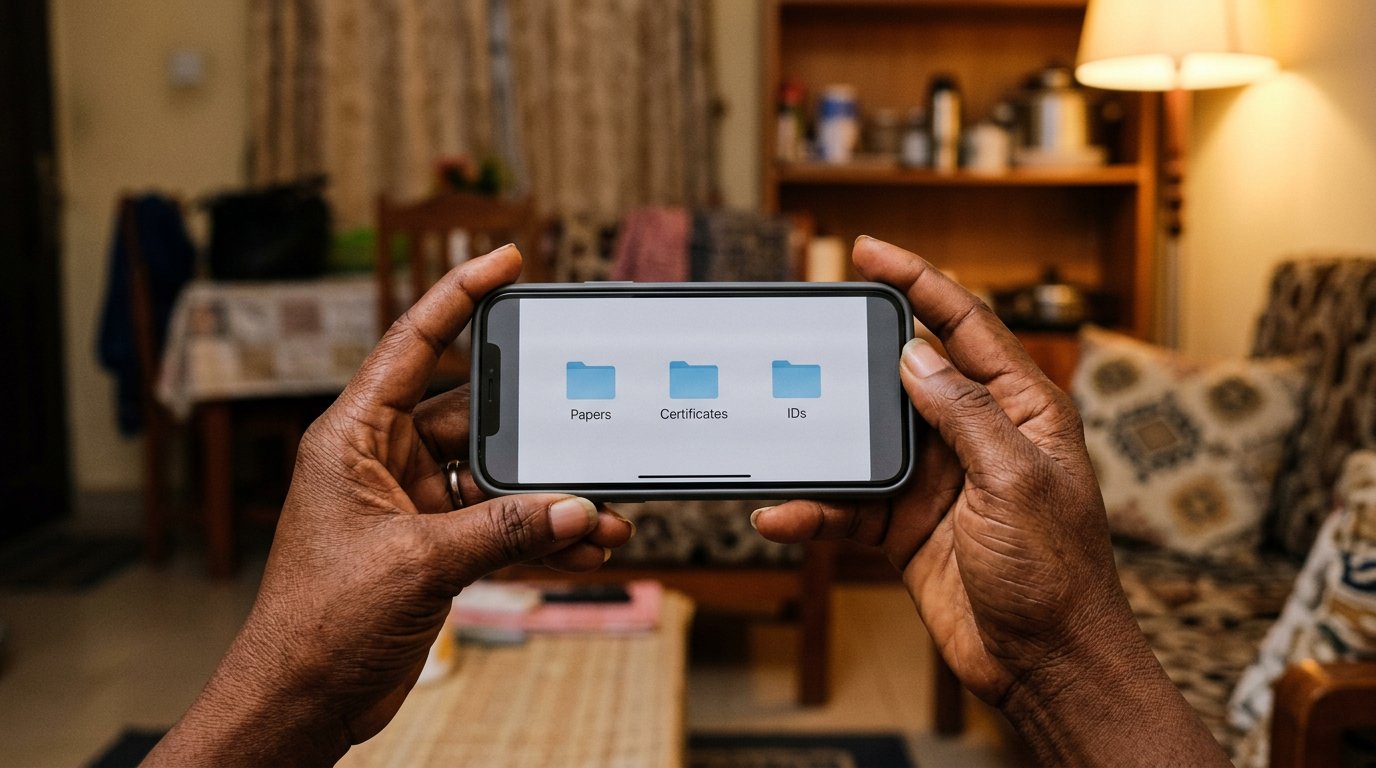
Certificates drown, burn, and walk out of bags. Scanned, named, and parked in Drive, they survive all three — one quiet evening of work, private until you say share.
Consider what sits in that bag: birth certificate, WAEC, the degree, NYSC, the CV. One bag. One rain. One theft on a Thursday. The drawer at home holds the originals, but the drawer is in the same house as the leaking roof, and papers do not swim. What the cloud lesson explained, this lesson does: one evening of scanning gives you a set of papers no bag can lose and no rain can reach.
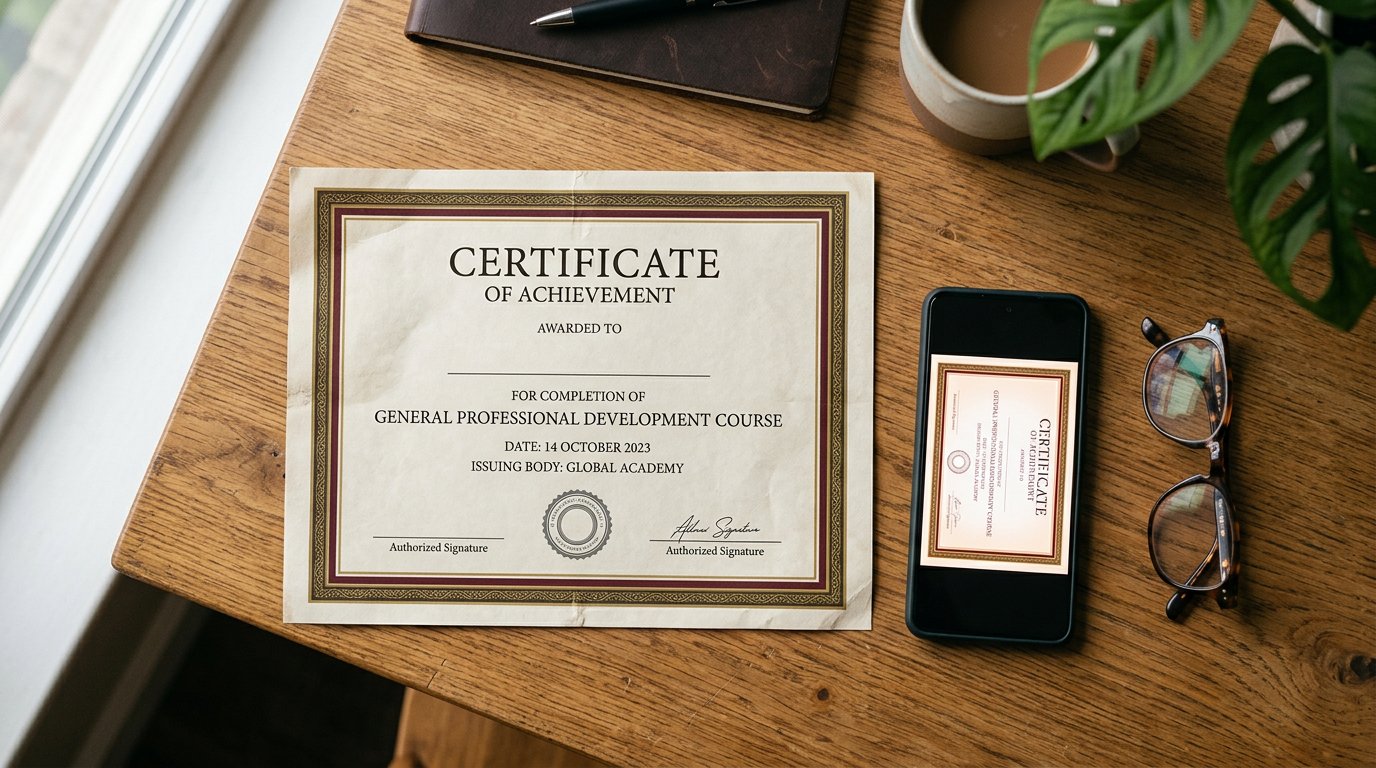
The work is plain. Scan each paper properly — good light, flat surface, all four corners, the way the scanning lesson taught — or photograph it squarely if a scanner is far. Then give each one a name that will still make sense in ten years: waec-certificate-2014, not scan12, not IMG_0093. Renaming matters more than scanning; a good paper with a bad name is lost in your own cupboard. Put them in Drive, in a folder called Papers, with rooms inside it: Certificates, IDs, Work. One evening. Done for life.
What this buys you
A cyber café at eight in the morning, before an interview, with no flash drive: you sign in, the papers are there, you download, you print, you walk in calm. A form that wants the certificate: you upload straight from Drive, no cables, no borrowing a neighbour's laptop. The bag can be stolen in Owerri and the papers still arrive in Lagos by nightfall. This is what backup before the light goes meant — applied to the papers that carry your name.
Now the other half, which is where people hurt themselves. A file in Drive is private until you say share, so say it carefully. Certificates and IDs go to the school, the employer, the portal — one address at a time, or a link set so only they can open it. They do not go to groups. They do not go to a helper's WhatsApp. The spirit of the OTP lesson applies: a thing that proves you are you is a key, and keys are not posted on walls.
- Tonight, scan one certificate — just one — and name it with the document and the year.
- Create the Papers folder in Drive and put it there. Ten more evenings will finish the drawer.
- Try the café drill once: on any other machine, sign in, find the paper, download it. That is the whole miracle.
- Share one file with yourself, by your own address, and open it. Then leave everything else unshared.
One evening, then a habit
Do not attempt the whole drawer in one heroic night. One paper each evening, the way the keyboard was learned — ten honest minutes. The originals stay where your mother can find them; the copies sit above the flood line, above the fire, above the thief. A house may stand for eighty years without trouble. The papers cost you one week of evenings to make sure that if it does not, your name survives the trouble.