Computer skills from scratch·Everyday office·Lesson 54 of 180
Contacts versus the phone book
 Ellis Dennis GrahamFounder, Cyber Elias Academy 2026-05-26 3 min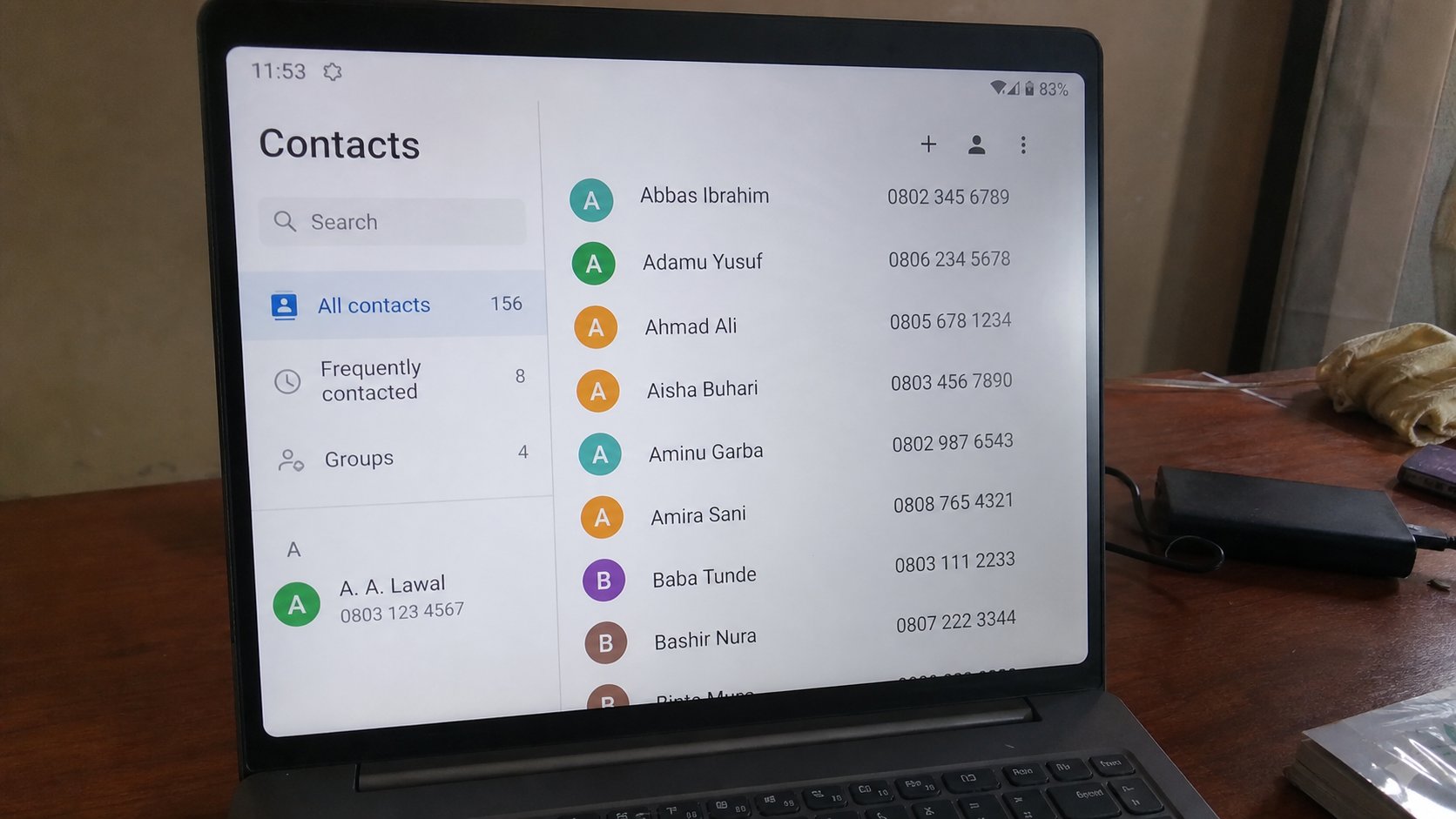
A contact is a card: name, number, maybe email. The SIM is one drawer. The Google account is another. Two drawers is how numbers vanish when the phone dies.
The phone book on a feature phone lived on the SIM. Android and iPhones keep cards in an account if you let them. People lose a hundred names at a repair shop because the names lived only on a dead handset. A contact is a small file: name, number, email, maybe a photo. This lesson is one card, where it is stored, and copying the drawer before the basin.
On the phone, Contacts, add. Name as you would search — Amaka Okoro, not AMK. Number with the country code if they are not beside you every day: +234… Email if you have it, so the card can open a letter. Save. Then look at the save location: Phone, SIM, or Google. Google is the drawer that survives a new handset if you sign in. Phone-only is the basin risk. SIM holds few names and fewer emails.
The laptop, and the same house
contacts.google.com on the real street shows the same cards if the phone used Google. You can add from the laptop, with a proper keyboard, for a list you were given on paper. Export is a backup file. A CSV is a spreadsheet of names. That file in Drive or on a USB is a second house. Do not email your whole book to a stranger who asked nicely.
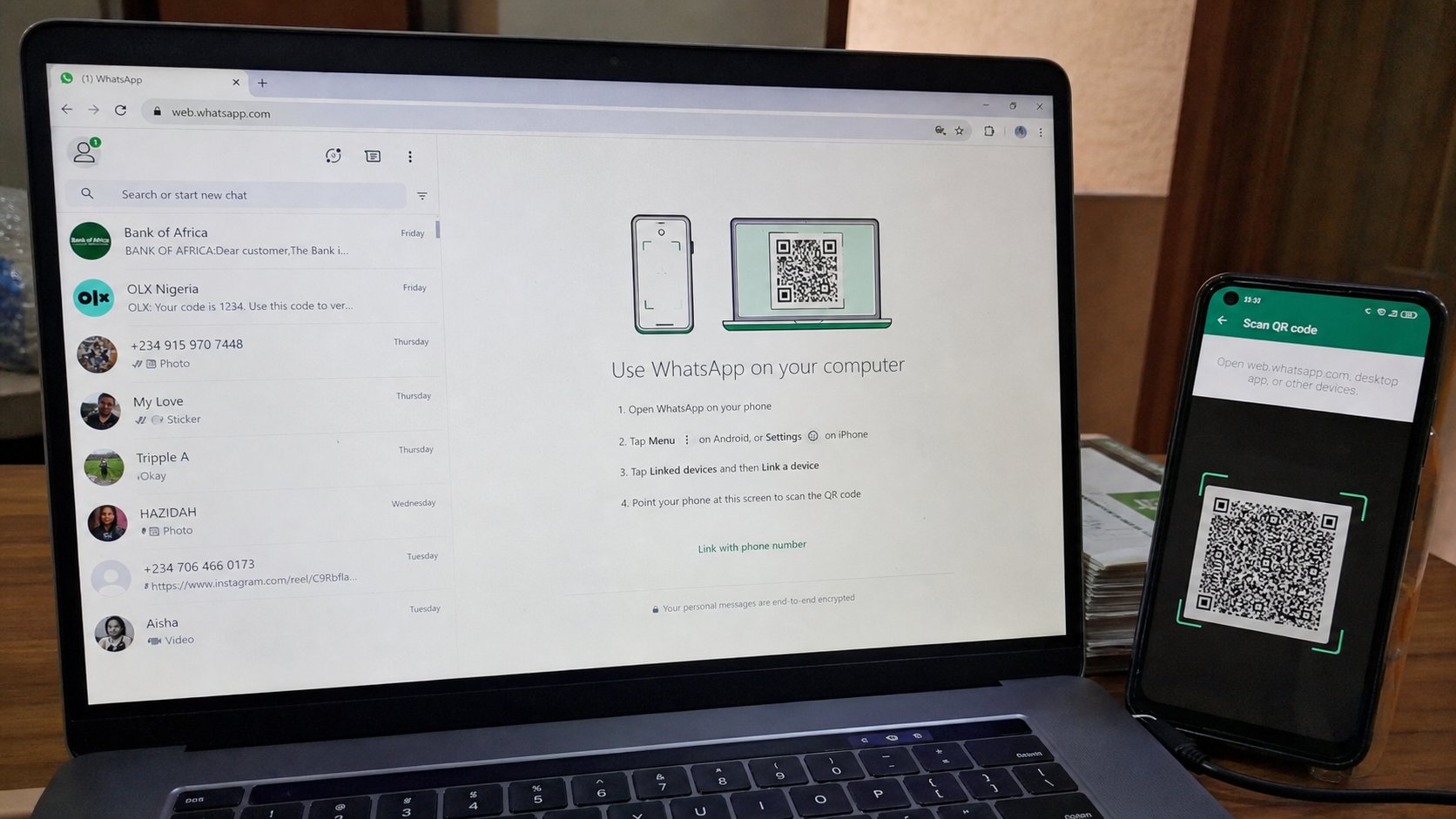
WhatsApp is not the phone book. It reads the book and shows who has the app. If you delete a WhatsApp chat, the number may still be in Contacts. If you “delete contact,” some apps forget the name and keep the number as digits. Look twice. The green app is a room. The book is a drawer.
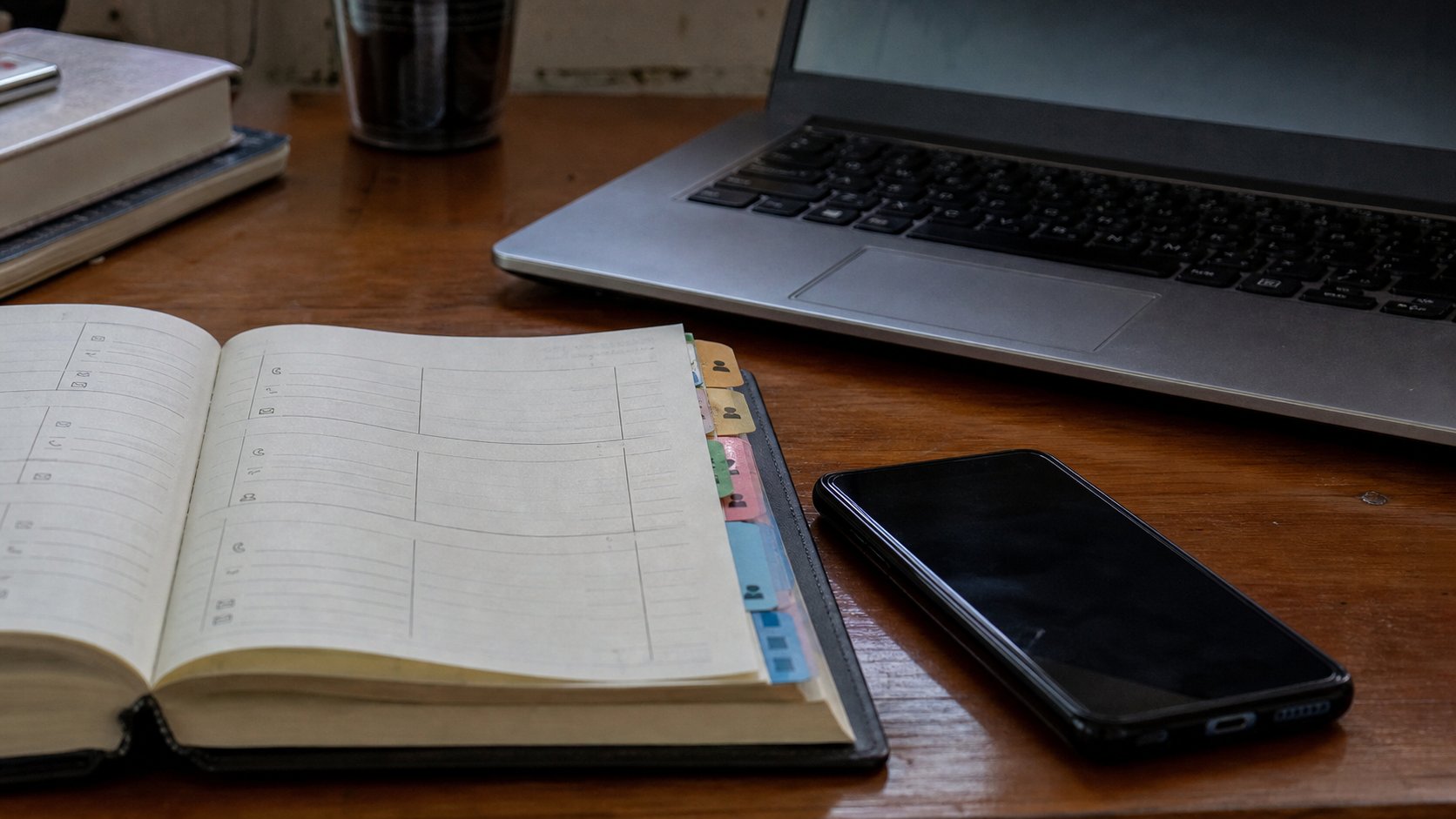
- Add one new contact with a full name and number, saved to Google if you can.
- Open contacts.google.com on the laptop. Confirm the card is there.
- If it is not, the phone saved to Phone only. Edit the contact, move it to the account.
- Do not grant a random app your whole book because a banner asked.
When the phone dies
A new handset, same Google account, Contacts on: the cards come back. That is the test of the cloud, in names. If they do not, you had saved to the old phone. A shop that “transfers contacts” is copying drawers. Watch which drawer. SIM to SIM is small. Account to account is the real move.
Write the academy, the landlord, and two family numbers on paper anyway. Electricity and accounts fail. The book on the computer is a tool. The paper in the drawer is how you still phone a person when the tool is in the shop. You do not need five hundred cards on paper. You need the few that open a door.