Computer skills from scratch·Keeping the machine·Lesson 13 of 180
Updates without panic
 Ellis Dennis GrahamFounder, Cyber Elias Academy 2026-02-12 4 min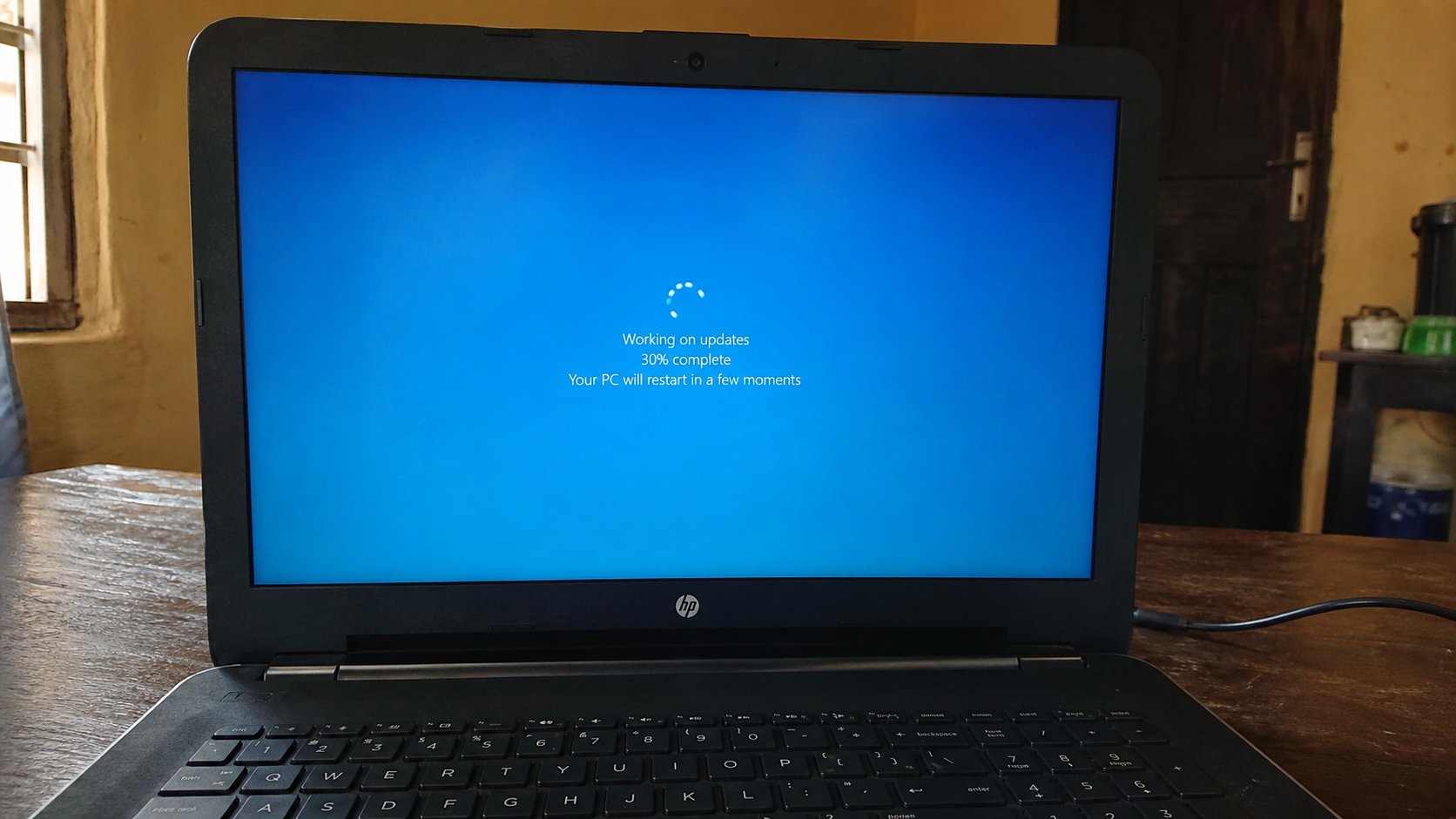
The restart is not a punishment. Save first, plug in the charger, let the bar finish. An update is a repair the machine already knows how to fetch.
Sooner or later the computer will ask to restart. A bar will crawl. People pull the plug because the wait feels like a freeze, and then the machine wakes half-repaired, if it wakes. An update is not a virus. It is the manufacturer sending a patch for a hole someone found, or a fix for a printer, or a new date on the clock. This lesson is how to let that happen without losing the letter you had not saved.
Windows calls it Windows Update. A Mac calls it Software Update. A browser updates itself more quietly. Phone updates are cousins: same idea, smaller screen. The feeling is the same — a request to stop working for ten minutes. Ten honest minutes beat a machine that will not start on Monday.
Save, plug in, then say yes
When a box offers Restart now or later, look at your open windows first. Save every document. Unsaved work dies in a restart the same way it dies when the light goes. Then plug the laptop in. Updates that die at 12 percent because the battery died are how machines spend a day in the shop. On a desktop, ignore the generator for a moment only if you know the light is stable. If NEPA is flickering, choose later and wait for a calmer hour.
Later is allowed. “Remind me in 4 hours” is a real button. What is not allowed is later forever. The machine will nag because the patch is sitting in the house unapplied, like medicine on the table. Pick an evening. Let it run while you eat. A long update can take twenty or forty minutes. The screen may go black. The fan may rise. A percentage may freeze at 37 for a while. Frozen is not the same as dead. Give it half an hour before you assume the worst.
What you must not do while the bar is moving
Do not hold the power button. That is a force shutdown, and during an update it can leave Windows unable to start. Do not unplug. Do not close the lid hoping it will sleep; some laptops will sleep in the middle of a write. Do not start a download of something else “since the internet is on.” Sit. If you must leave the room, leave the machine open and charging.
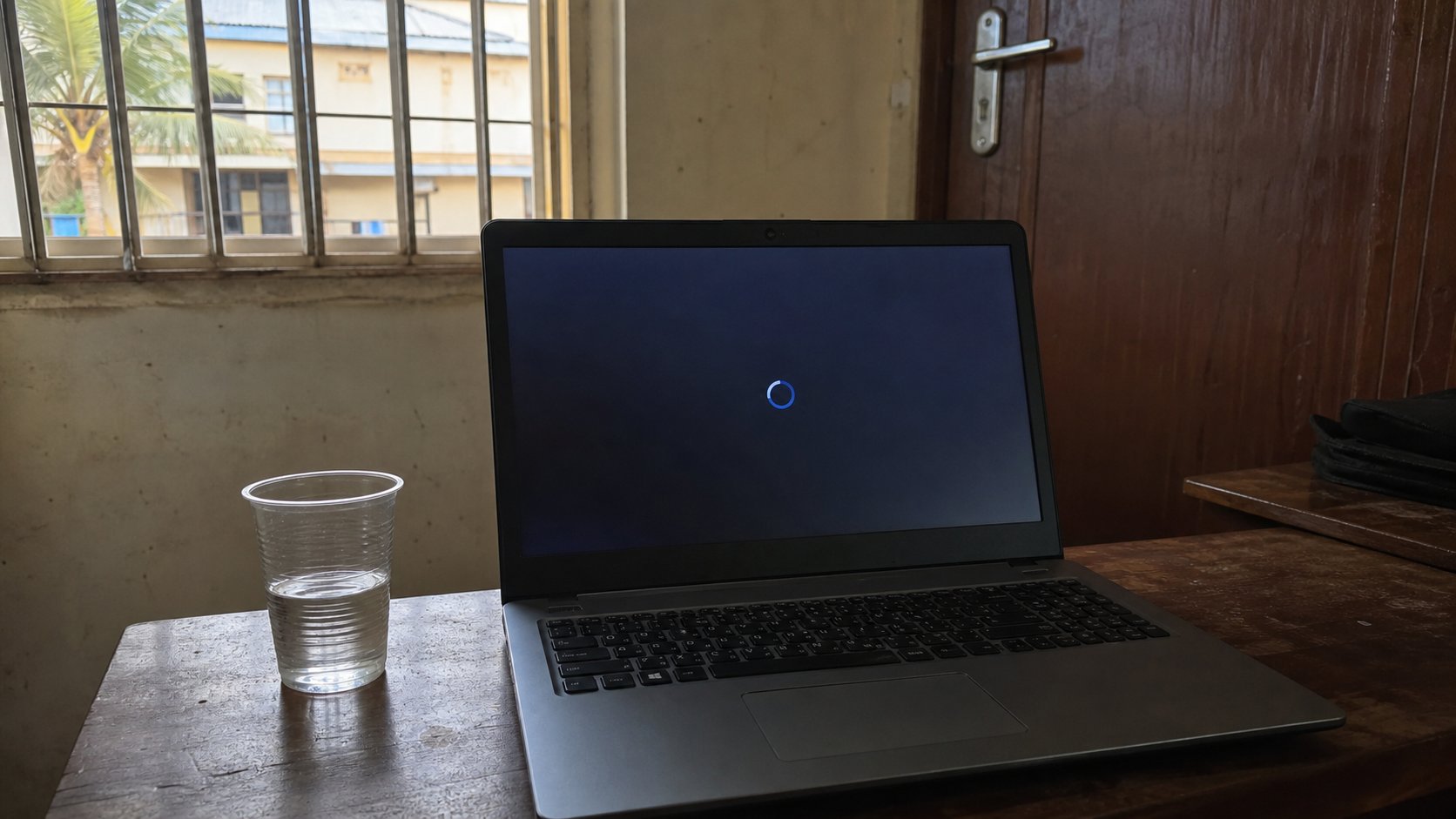
- Save everything that is open. Close the browser if you like; it is not required.
- Plug the laptop in. Start, type Windows Update, Enter. On a Mac, System Settings, General, Software Update.
- If updates are waiting, choose Download or Restart when you have twenty quiet minutes.
- Stay until the desktop returns. Sign in. Open one file to prove the house is still standing.
When it goes wrong, and when it is a trick
If the computer boots to a recovery screen after a failed update, do not click random options. Shut down if you can, plug in, start again, and wait. Windows often finishes on the second try. If it asks to restore to an earlier point, that is a last resort, not the first. At the academy, stop and ask. At home, a second restart is cheaper than a guessed reset.
A page or a pop-up that says your Windows is expired and you must call a number, or download a repair tool from a banner, is not Windows Update. Real updates live in Settings, not in an advert. You already met this cousin in the lesson about links. Close the banner. Open Settings yourself. If nothing is waiting, nothing is waiting. Fear is a product someone is selling.
Phones: at night, on Wi-Fi, charging. Let the system update. App stores can wait their turn. The principle is identical. Save what you can, give the machine a full cup of power, and do not snatch the cup away because the bar is slow. The bar is the repair.