Computer skills from scratch·Writing on the page·Lesson 68 of 180
Page numbers and a quiet header
 Ellis Dennis GrahamFounder, Cyber Elias Academy 2026-07-01 3 min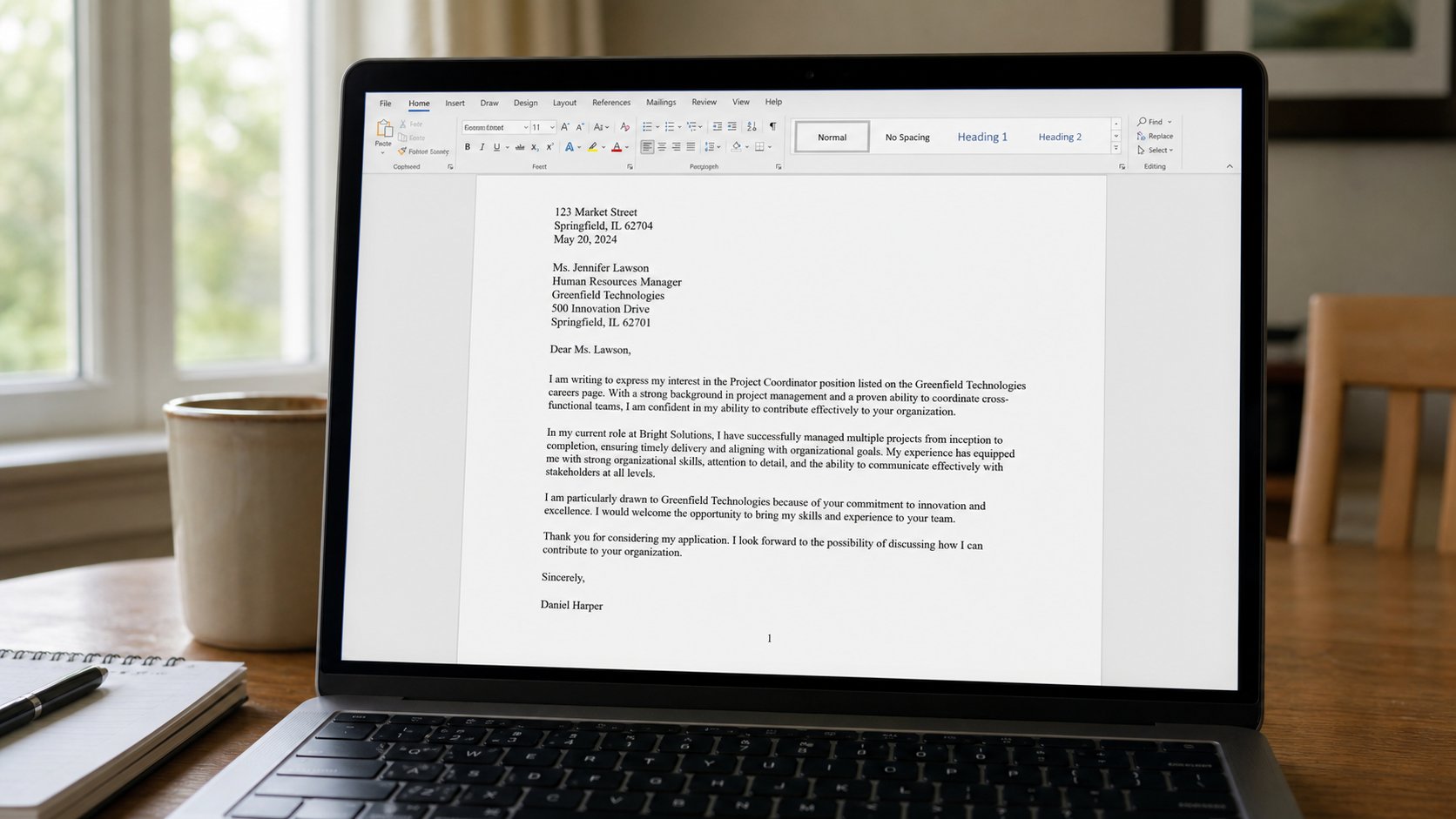
A header is a small line that repeats. A page number is a counter, not a number you type at the bottom of each sheet. Insert it once. The next page will count.
A one-page letter does not need a number. A three-page request, a report, a list of names — the person who drops the staple needs to know which sheet is two. People type “2” at the bottom of page two, then add a paragraph, and “2” is now in the middle of page three. A page number is a field that counts. You insert it once. Word walks it forward. This lesson is that field, a quiet header, and not building a second letter in the margin.
In Word: Insert, Page Number, Bottom of page, a simple centre or right. Close Header and Footer, or double-click the main letter, to return to the body. The number sits in a footer — a strip at the bottom that repeats. A header is the strip at the top. Double-click near the top of the page to type there. Your name, or the title of the document, once, small. Size 10 is enough. The body stays size 12. If the header is as loud as the greeting, it is not a header. It is a poster in the wrong place.
Different first page, and too much
A letter often wants no number on the first sheet, then 2 on the second. Header & Footer, Different first page. Leave the first footer empty. Put the number on the second. That is enough. Do not invent “Page 1 of 3” unless someone asked. The extra words eat the margin and look like a manual.
A header that contains a logo, a slogan, a phone number, an email, a coloured bar, and a line is a letterhead. Schools and offices have those as templates. You do not need to design one for a request to a landlord. Your name at the top of the body is enough, as in the letter lesson. If you must, one line in the header: Amaka Okoro — March fees. Then stop.
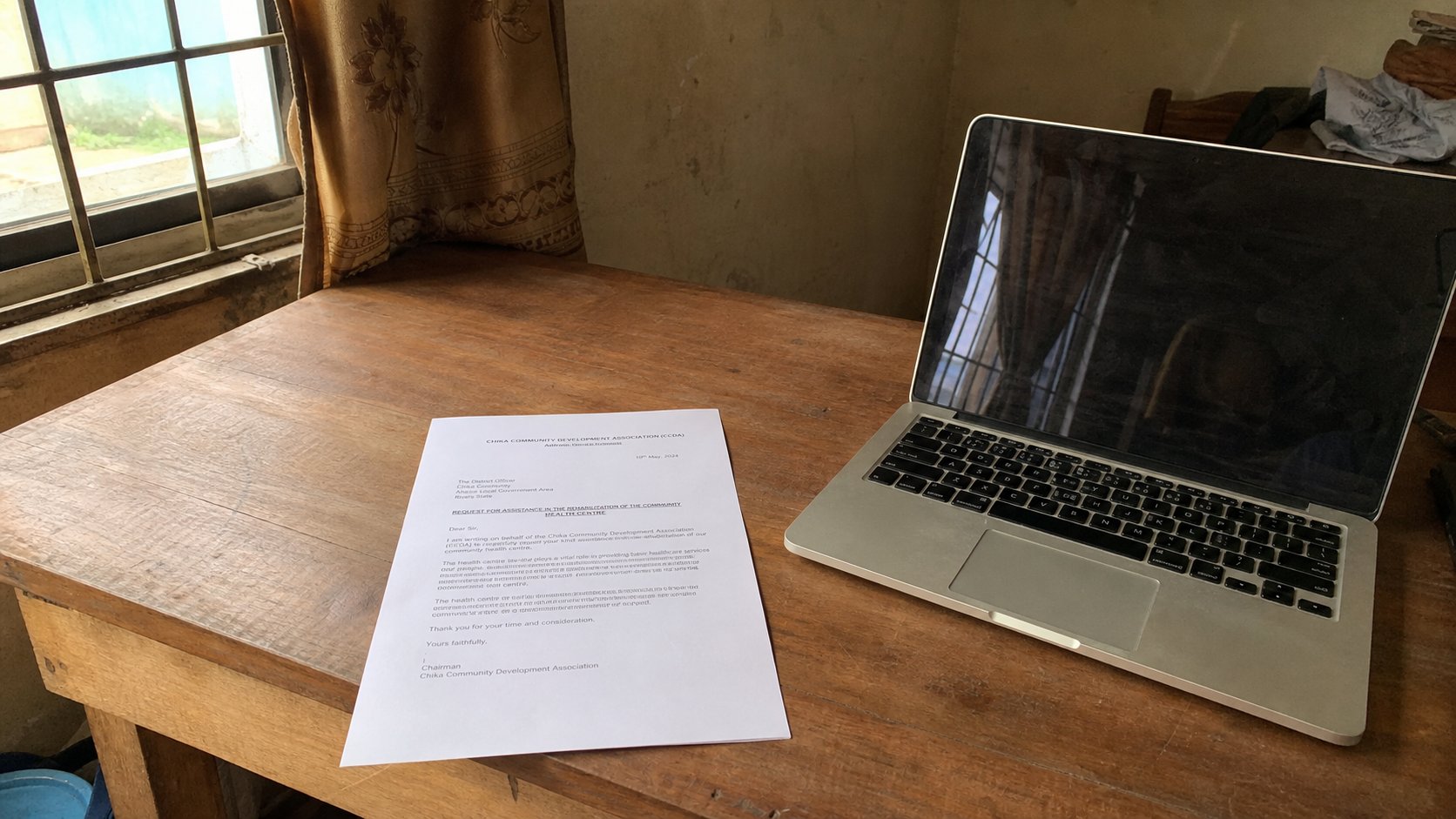
- Open a two-page practice by pressing Enter until you have a second sheet.
- Insert a page number at the bottom. Scroll. Page 2 should say 2 without you typing 2.
- Double-click the header. Type one short line. Close the header. Confirm the body is still the body.
- Print preview. If the number sits on the text, increase the bottom margin a little.
PDF, and when to skip
Save as PDF after the numbers look right. A PDF keeps the footer. If you number in Word then export, do not also stamp numbers in a second program. Two counters fight. For a one-page PDF of a receipt, skip the header. For a ten-page notes file, the number is kindness.
Headers are not a place to hide a second essay. They repeat on every page, which is how a joke becomes a punishment. Name, or title, or nothing. Number at the bottom. Body in the middle. You already know white space. The strips at the top and bottom are more of it, with one small fact each.