Computer skills from scratch·The workshop and the bench·Lesson 180 of 180
Ten years from one machine
 Ellis Dennis GrahamFounder, Cyber Elias Academy 2026-09-22 4 min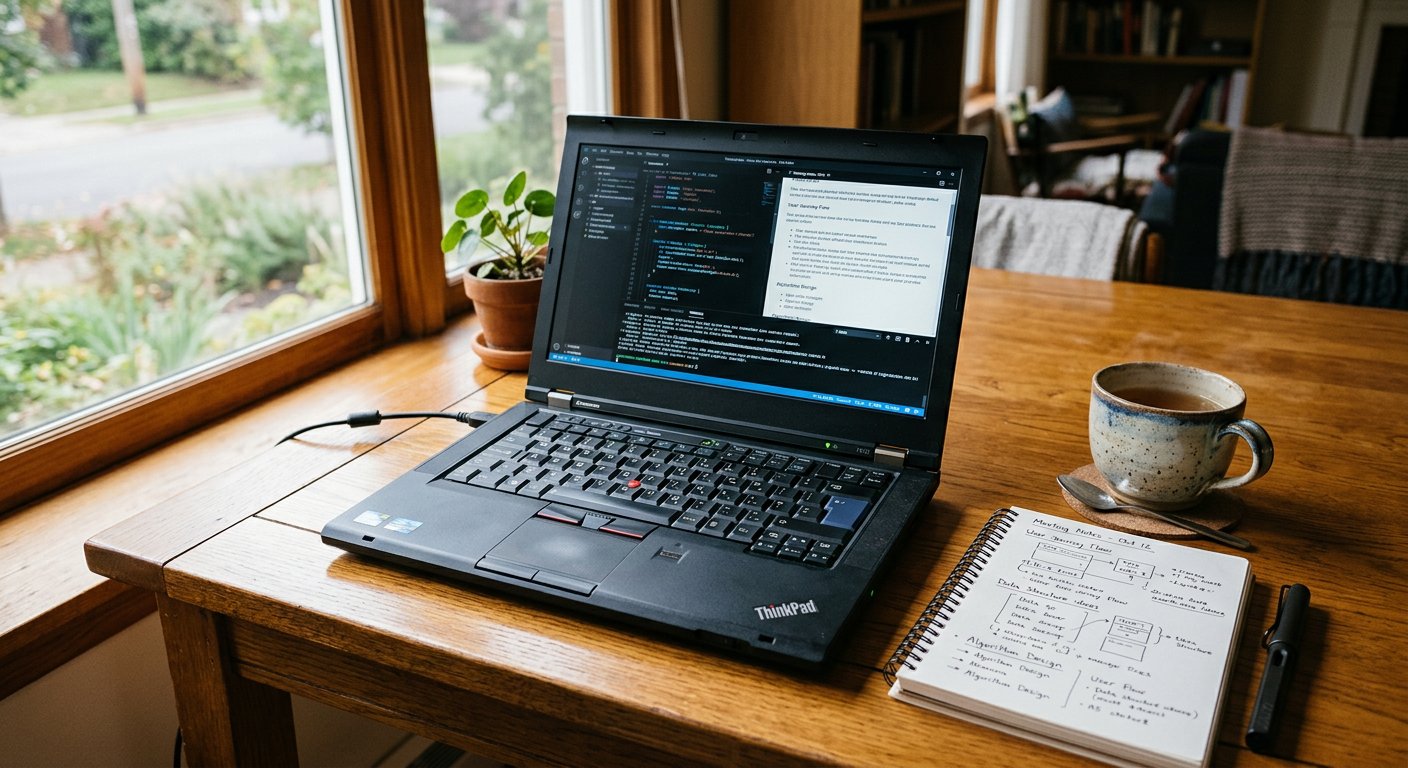
Every advert tells you to buy a new laptop every two years; the workshop bench knows the quiet dignity of maintenance. Battery thresholds, lightweight software, and the tool that lasts.
Every television commercial, social media advertisement, and technology billboard preaches the exact same gospel of rapid obsolescence: your three-year-old laptop is hopelessly outdated, its borders are too thick, its processor lacks the newest artificial intelligence chip, and your life will only begin when you spend seven hundred thousand naira on this season's paper-thin model. But if you walk into the quiet back rooms of experienced programmers, network engineers, writers, and university researchers, you will see something completely different. Sitting on their wooden desks are sturdy black ThinkPads, thick aluminum HP EliteBooks, and business Latitudes built in 2015 and 2016, humming quietly, typing books, running spreadsheets, and making honest money every single day.
A computer is not a yam that rots in the cupboard; it is a durable instrument made of copper, silicon, glass, and steel. Except for chemical battery cells that wear out from charging and moving mechanical fans that gather dust, silicon computer chips do not decay with time. A processor made ten years ago can calculate arithmetic today just as accurately and quickly as the day it left the assembly line. If a computer is kept cool, protected from violent electrical voltage surges, cleared of dust, and given an honest solid-state drive, it can write letters, process accounting books, browse the web, and manage databases for a decade or more without complaint.
The eighty percent battery rule and the lightweight cure
The first pillar of the ten-year machine is protecting the battery. Modern laptop batteries suffer the most chemical stress when they are kept pinned at one hundred percent charge while plugged into the wall in a warm room. Most major laptop makers (like Lenovo, Dell, HP, and Asus) provide a free battery management setting that lets you set a charging limit — for example, 'Stop charging at 80%'. Capping your maximum charge at eighty percent reduces chemical swelling and heat stress, extending the lifespan of your battery from two short years to six or seven years.

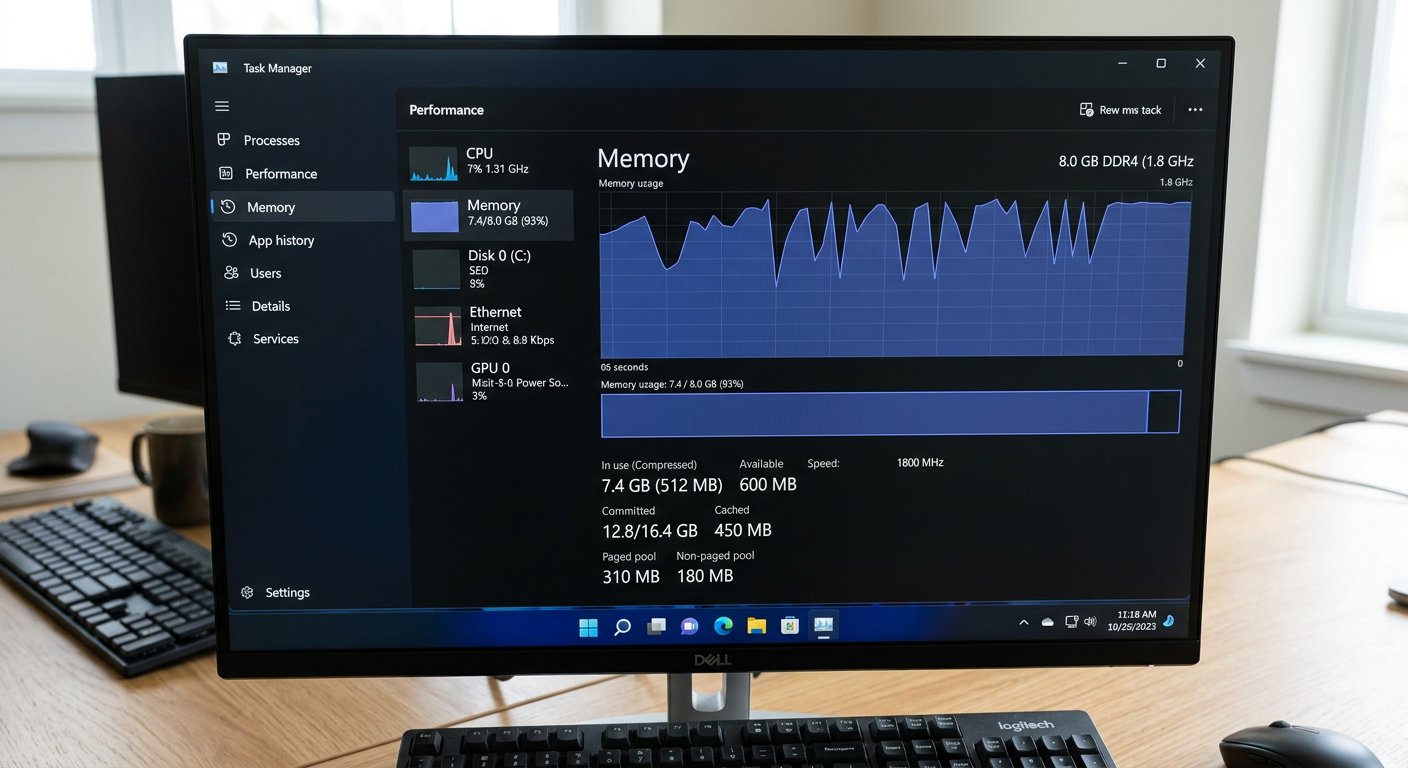
The second pillar is software minimalism. Modern bloated operating system updates and background advertisement trackers consume gigabytes of memory just to show you an empty desktop. If an older laptop with an older dual-core chip begins to struggle under the weight of heavy Windows updates, do not throw the machine into the trash! Install a clean, lightweight operating system like Linux Mint. On Linux Mint, an older laptop with four gigabytes of RAM boots in fifteen seconds, uses only 600 megabytes of memory at rest, opens Firefox and Google Chrome smoothly, types letters in LibreOffice, plays YouTube videos without stuttering, and is completely immune to common Windows viruses. A machine that was heading for the scrap heap becomes a fast, capable workstation for your child's schooling, your own writing, or a small shop's bookkeeping.

- Set battery charging limits to 80% if your laptop stays mostly plugged into wall power: double battery lifespan.
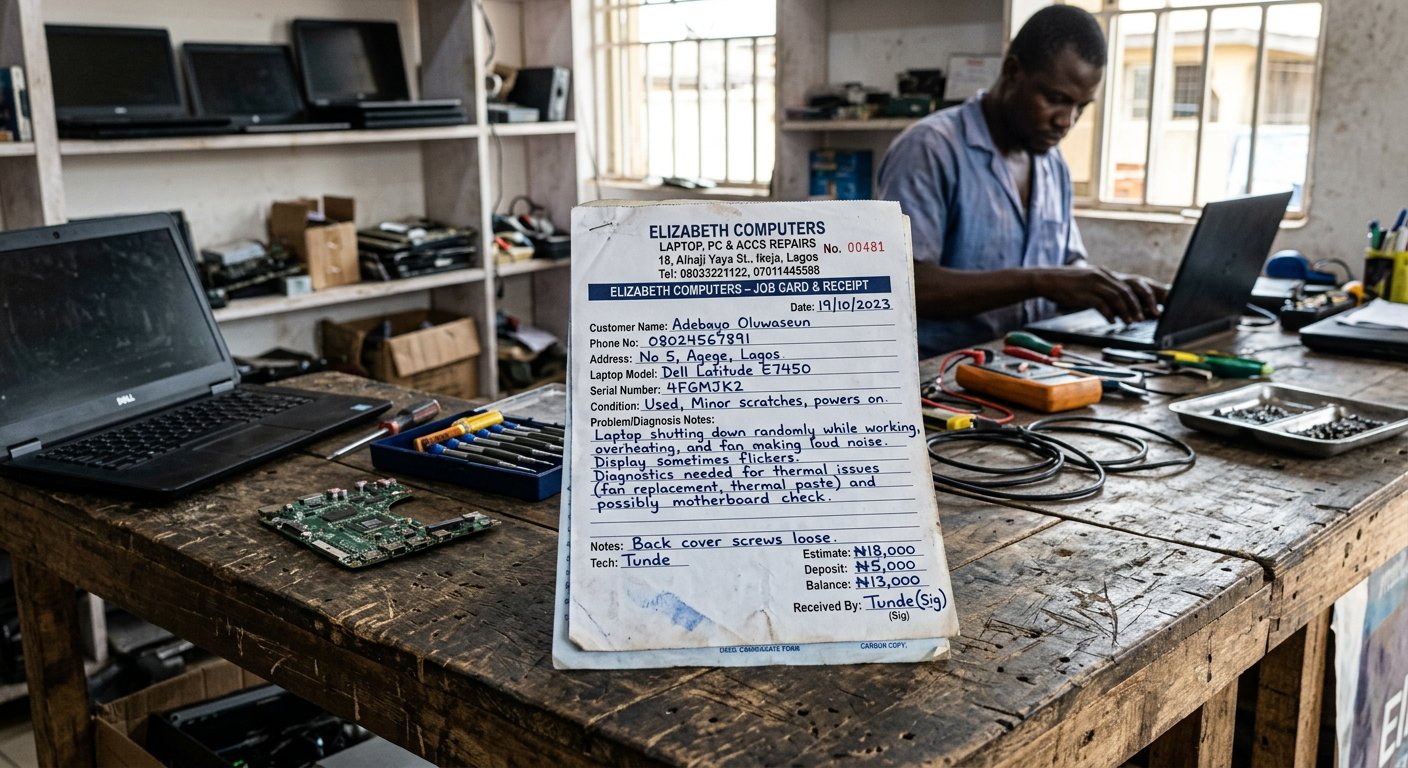
- Clean out heatsink dust once a year and renew thermal paste every three years to keep silicon running cool and quiet.
- Resist marketing pressure: 95% of everyday knowledge work requires nothing more than a good keyboard, clear screen, and SSD.
- Consider lightweight operating systems like Linux Mint to give older family or school computers another decade of productive life.
The bench closes, the tool endures
One hundred and eighty lessons. We began at the very first sitting: your fingers learning to rest gently on the home row keys, the mouse learning not to wander off the table, the mystery of the yellow folder, and your first honest email. We walked through office documents, spreadsheets that balance money, phone security, networks, career paths, freelance clients, and now the workbench where physical machines are understood, diagnosed, and respected. The machine in front of you is no longer a strange, scary black box full of magic and fear. You know what lives inside its casing, you know what it eats, you know how it speaks, and you know how to defend it. Keep the machine clean, keep your head clear, and do good work.