Computer skills from scratch·Writing on the page·Lesson 63 of 180
Bullets and numbered lists
 Ellis Dennis GrahamFounder, Cyber Elias Academy 2026-06-18 3 min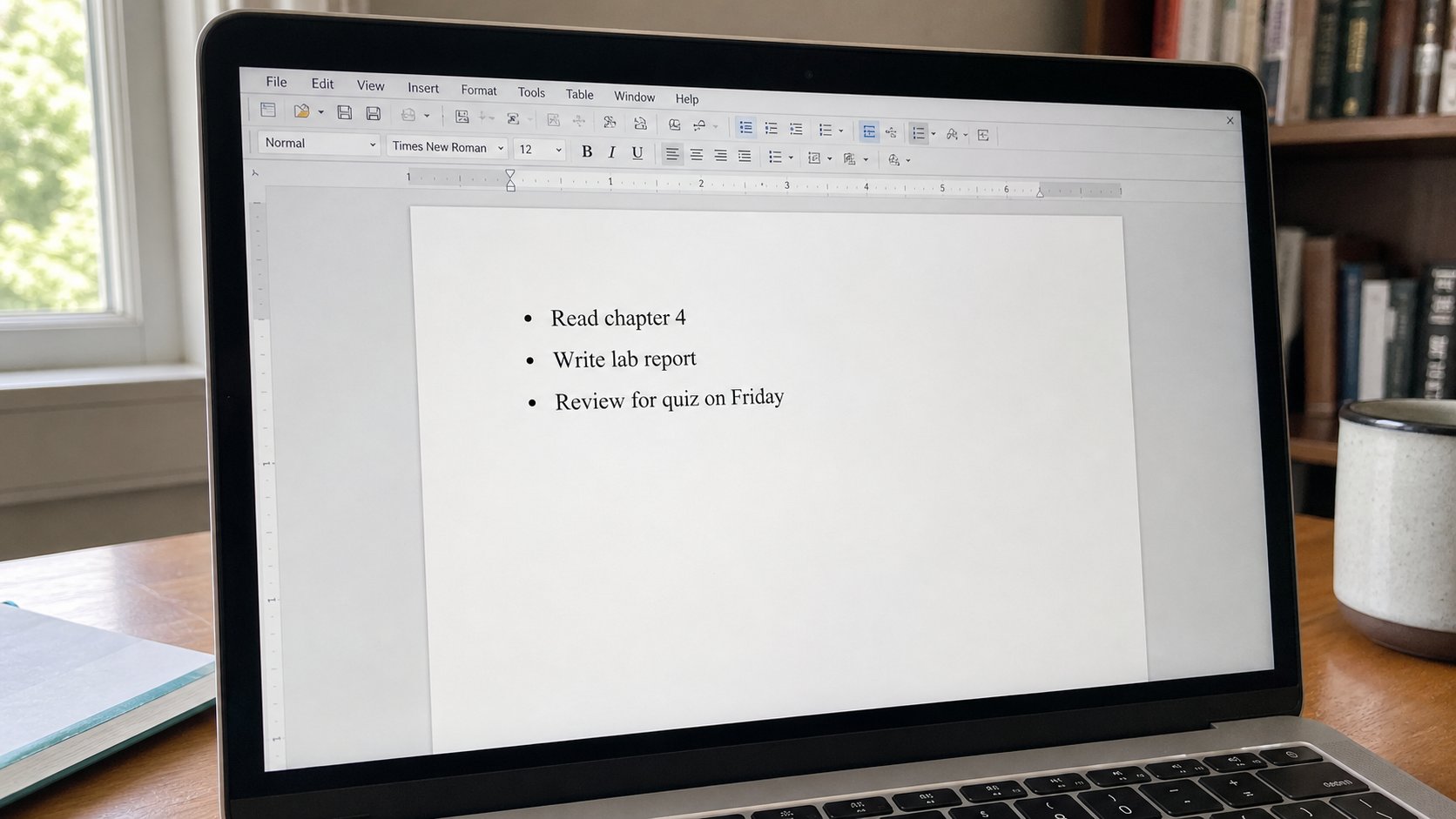
A list is a set of steps or a set of things. Numbers mean order. Dots mean a pile. Tab nests. Enter twice gets you out. Space-bar art is not a list.
A paragraph is a thought. A list is a set of things or a set of steps. People make lists with a hyphen and a hope, then add a line, then watch the hyphens wander. Word already knows lists. A dot — a bullet — means these items are a pile, not a sequence. A number means do this, then that. Mixing them is how a recipe becomes a shopping list in the middle. This lesson is the two buttons, Tab to nest, and how to leave the list when the thought is over.
Type a line. On the Home ribbon, the dots button is bullets, the 123 button is numbers. Click one. Enter makes the next item. Type. Enter. When the list is finished, Enter on an empty item, or Enter twice — you should be back in ordinary paragraphs. If you stay trapped in dots, click the same button again to switch it off. That is the lamp, not a ghost.
Numbers, nested lists, and Tab
Numbers restart if you make two lists with a paragraph between them. That is correct. If you want 4 after a break, right-click the number, Continue numbering — when you mean it. If the numbers go 1, 1, 1, you have three lists, not one. Select them, click Numbering once. For steps — how to pay fees — use numbers. For what to bring — card, biro, passport photograph — use bullets.
Tab at the start of an item nests it under the one above, a smaller pile. Shift+Tab climbs out. That is how “bring” has “two copies of the receipt” underneath. Do not nest three deep in a letter. A letter is not a legal tree. One nest is plenty. Space-bar indent is the cousin of Space-bar columns. It will break when the font changes.
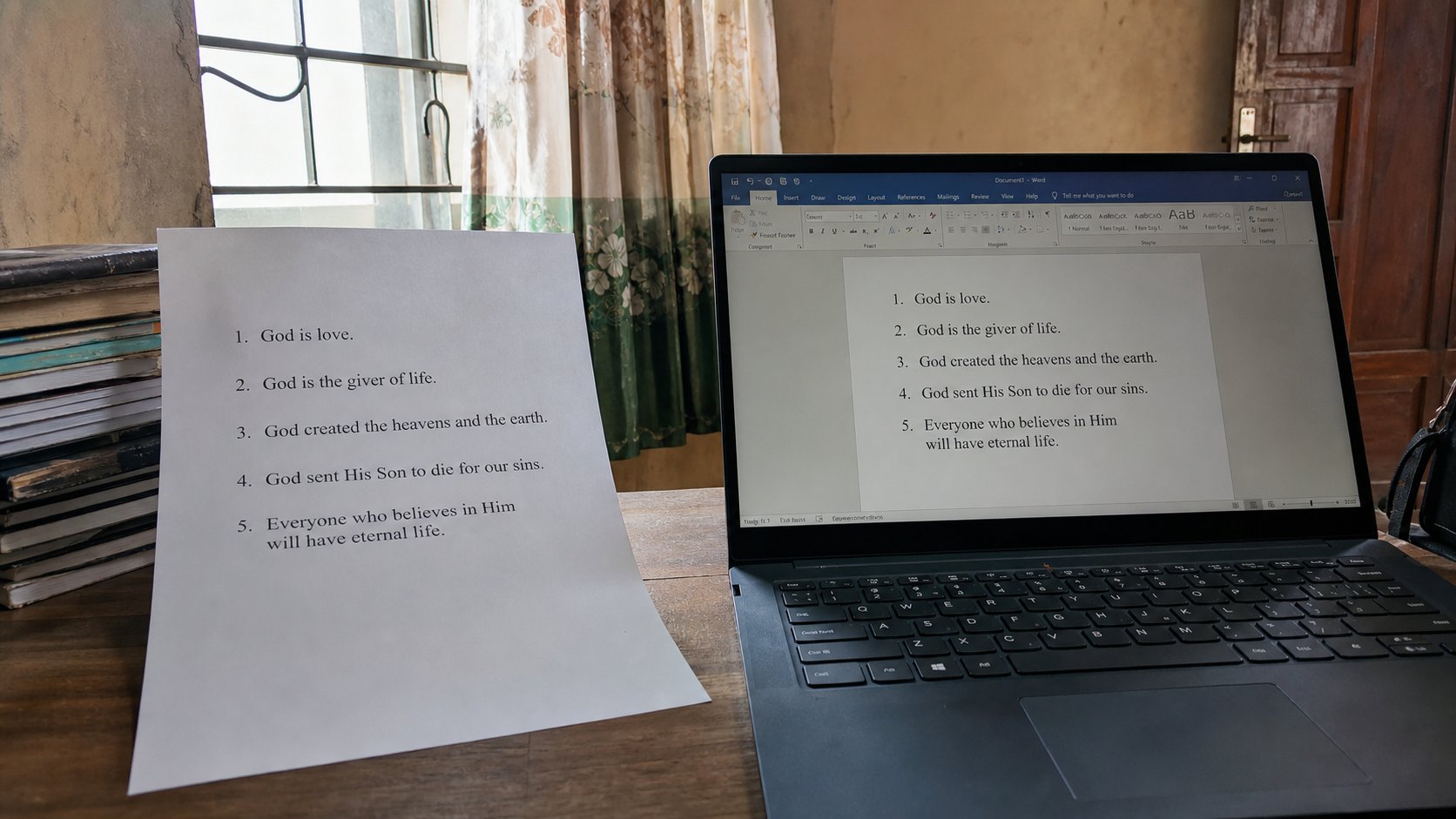
- In a blank document, make three bullets: card, biro, photograph.
- Enter twice. Write one ordinary sentence.
- Make a numbered list of three steps you actually know — save, print preview, print.
- Save as list-practice in Letters. PDF if you will send it.
On the web, and in WhatsApp
Email and many websites have the same two buttons. WhatsApp does not. In chat, a hyphen and a line break is all you get, and that is fine for a pocket. For a school, a list in Word, then PDF, still looks like a list on their printer. Do not screenshot a WhatsApp list and call it a document.
A list that is longer than a thumb is probably a table, or two lists. Fees with amounts belong in a table, as you learned. A list is for names of things and names of steps. When the walker can say them aloud, you are done. When you are decorating with wings and arrows from a clip-art pane, you have left the lesson. Dots or numbers. Then stop.