Computer skills from scratch·Stay safe·Lesson 97 of 180
Scanning a page to PDF on the phone
 Ellis Dennis GrahamFounder, Cyber Elias Academy 2026-09-12 3 min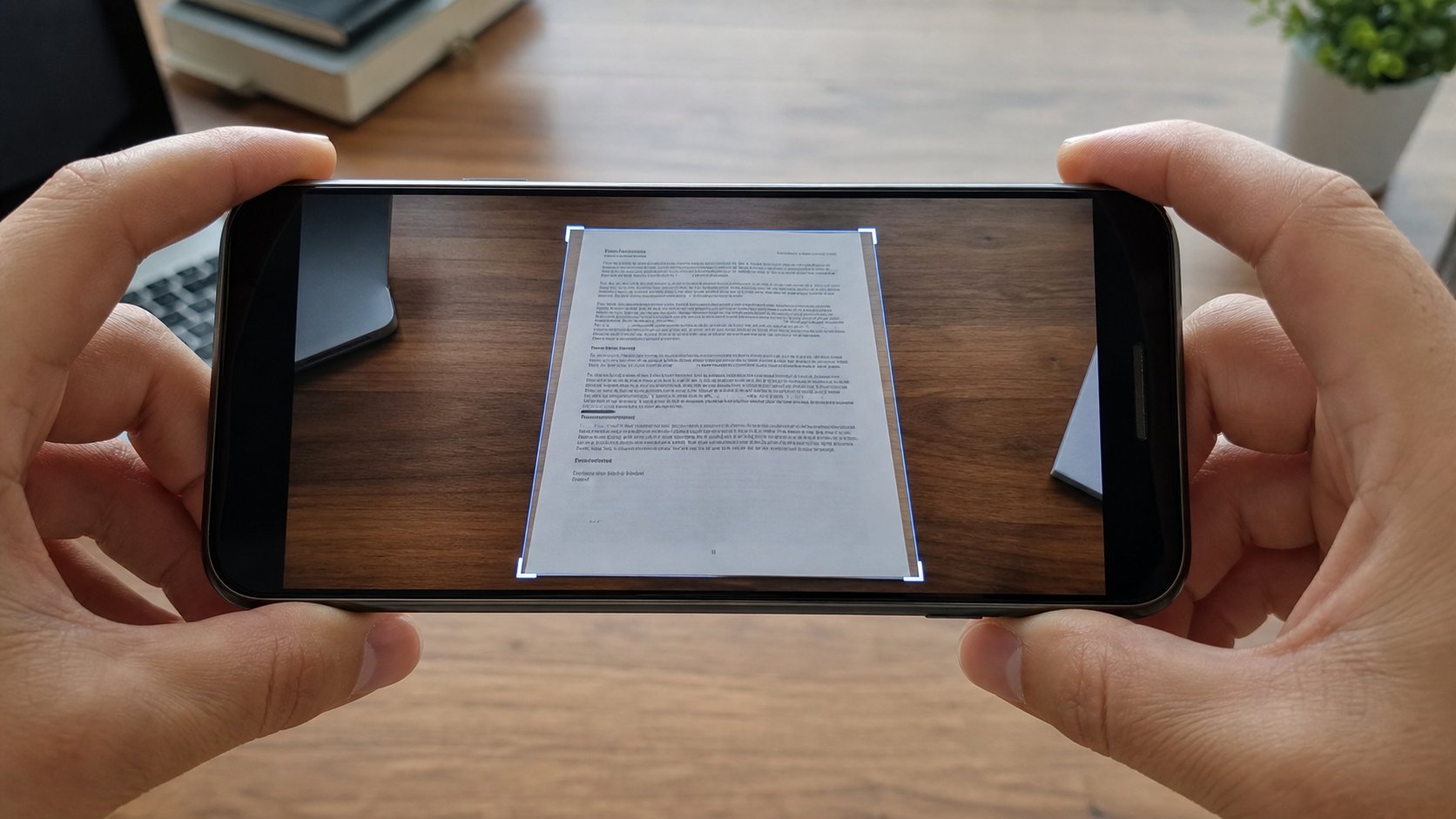
A scan is a photograph with manners: edges found, a page, a PDF. Notes, Drive, and the camera's document mode are enough. A random scanner app from an advert is not.
A scan is what a photocopier does: a flat page, honest edges, a file an office can print. Phones can do this without a shop. Google Drive, Google Notes, Apple Notes, many camera apps — Document or Scan. The machine finds the four corners, greys the table, and can save PDF. This lesson is that walk, two pages into one file, and not giving a stranger app your camera roll to “scan better.”
Drive on Android: the + or camera, Scan. Hold above the page, as in the last lesson. When the frame hugs the paper, shoot. The preview should look like a page, not a rug. Retake if a corner is missing. Add another page if they asked for front and back. Save as PDF, a human name, into the folder you use for Fees or IDs. On iPhone: Notes, New, the camera, Scan Documents. Same idea. The file should open as a PDF on the laptop, not as a photograph that still shows your bed.
Colour, size, and two sides
Black and white or greyscale is enough for a letter and a receipt. Colour for a passport photograph if they asked for colour. More contrast is not always more readable; it can eat faint ink. Look at the preview. A two-page ID is one PDF with two pages, not two chats. Offices lose the back. You already know one attachment, one job.
The PDF may still be heavy. If the portal refuses, the shrinking lesson applies in spirit: a smaller scan, or a compress that is not an advert. Drive's own quality settings, or a second scan from higher with less colour. Do not screenshot the scan. That puts a taskbar on a copier page.
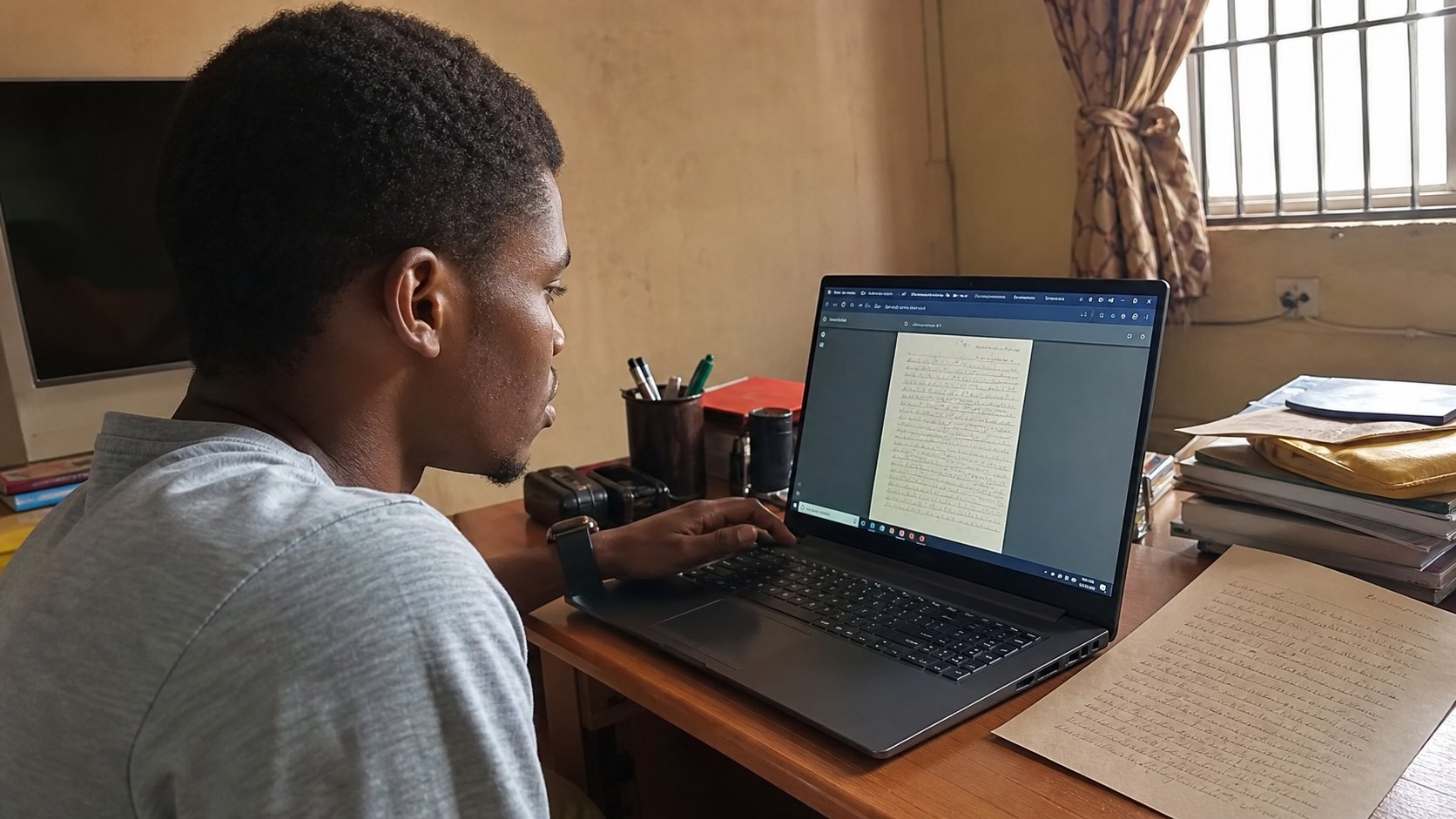
- Scan one throwaway page to PDF. Open it on the laptop or in Drive.
- Confirm it is a page, not a photo of a room.
- Name it. Move it off the phone's default pile if you can.
- Do not install CamScanner-from-an-advert. The Notes or Drive you already have will do.
What a scan is not
It is not a signed original if they asked to see ink in person. It is not encryption. A PDF of an ID in Anyone-with-the-link is still an ID on the street. Mail it to the address they gave, or upload to their portal, Restricted. And a scan of a screen — a phone pointed at a laptop — is a photograph of pixels. Use a screenshot on the laptop, or Download the real file. The copier is for paper. The screenshot is for glass. You now have both.