Computer Repairs
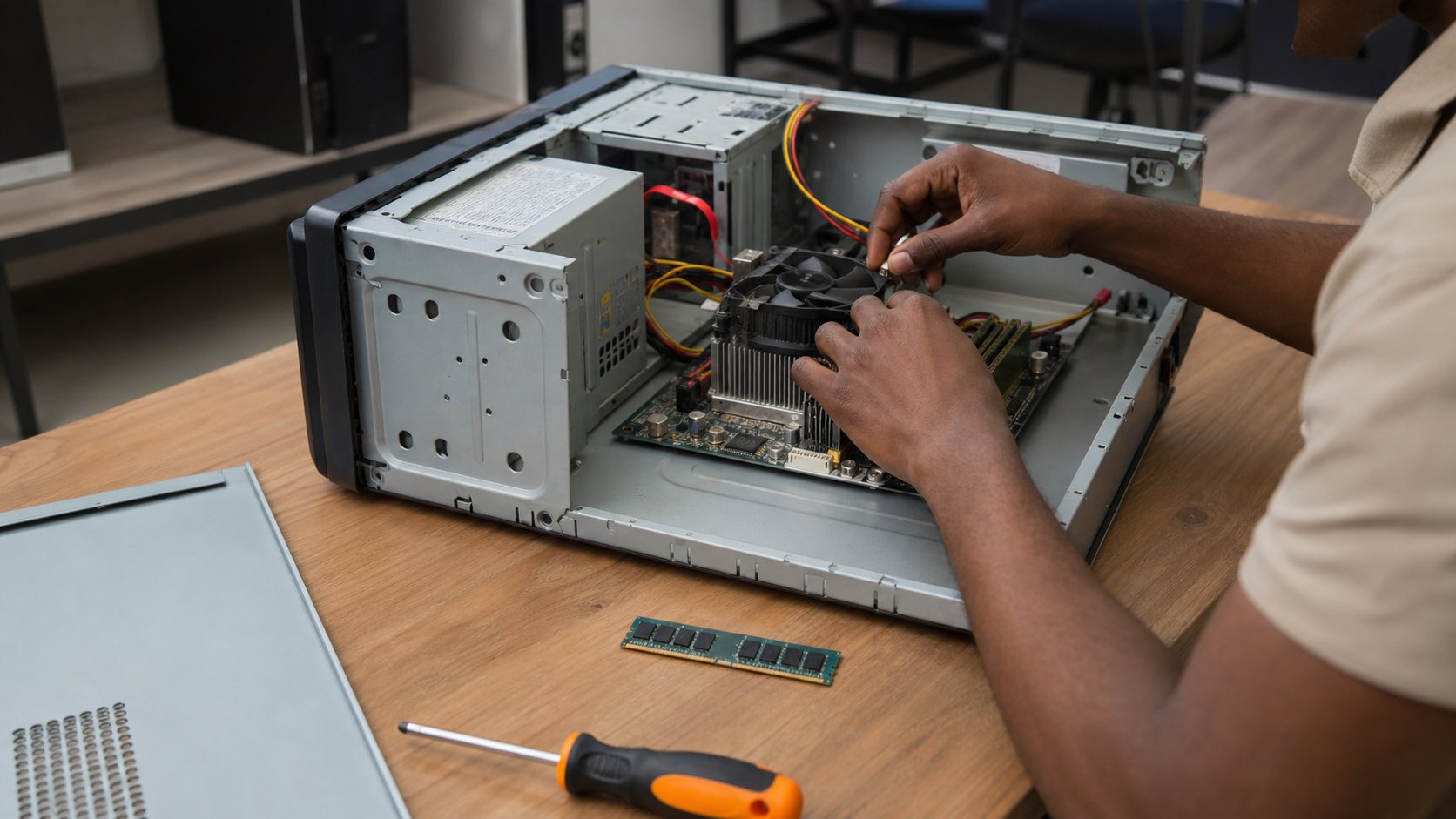
Hands-on hardware training: diagnose, service and fix real machines.
- Course fee
- ₦50,000
- Duration
- 4 weeks
- Sessions
- 8 · 2 per week
- You leave with
- A diagnosed and serviced machine
About this course
Hands-on hardware training. You open real machines, identify every component, clean and maintain them, install RAM and storage, diagnose faults from symptoms, and service a deliberately broken computer as the final practical.
Repair work is one of the most immediately self-employed skills in Nigeria: businesses, schools, cyber cafés and households all need machines fixed, and the person who can diagnose accurately is rare.
What you will be able to do
- Identify every major component in a desktop and a laptop
- Work safely with electrostatic discharge, batteries and power supplies
- Disassemble, clean, upgrade and reassemble a machine correctly
- Diagnose no-power, no-display, overheating, storage and boot faults systematically
- Install an operating system and drivers, back up data and document a service
The deliverable
Certificate requirement
A diagnosed and serviced machine
You receive a deliberately prepared faulty computer, diagnose the fault from symptoms alone, fix it, install and configure the software, and write the service documentation a customer would receive.
How the course is assessed
Level 1
Know
You can explain the concept, name the tools involved and recognise the difference between doing it well and doing it carelessly.
Level 2
Do
You can perform the task independently, without the instructor repeating the steps, and fix the obvious problems when they appear.
Level 3
Create
You can use the skill to produce something a real person would pay for — a document, a design, a website, a report, a repaired machine.
Week by week
4 weeks, 8 practical sessions. Click any session to read the complete class lecture — objectives, taught content, the instructor demonstration, practice, mistakes to avoid, homework and the marking rubric.
Week 1 — Computer hardware
Every component and what it does — motherboard, CPU, RAM, storage, PSU, cooling, GPU, ports and cables — plus laptop components, ESD and workshop safety, ending in hands-on identification.
- Session 1105 min · 15 min read
Inside the Machine
- Computer components
- Motherboard
- CPU
- RAM
- Storage
- Power supply
- +5 more
- Session 2105 min · 15 min read
Laptops, Safety & Identification
- Laptop components
- ESD safety
- Workshop safety
- Proper handling
- Practical: identify components from actual computers
Week 2 — Disassembly & maintenance
Opening a desktop safely, laptop maintenance concepts, cleaning and dust removal, thermal paste, RAM and storage installation, cable management, fan maintenance, battery safety and reassembly.
- Session 3105 min · 15 min read
Disassembly & Cleaning
- Opening a desktop safely
- Laptop maintenance concepts
- Cleaning
- Dust removal
- Thermal paste concepts
- Cable management
- +3 more
- Session 4105 min · 15 min read
Upgrades: RAM & Storage
- RAM installation
- Storage installation
- Compatibility checking
- Cloning and reinstalling
- Post-upgrade verification
Week 3 — Troubleshooting
Systematic fault diagnosis: no power, no display, slow machines, overheating, keyboard, mouse, storage, RAM, boot, Windows and driver problems — practised on controlled scenarios.
- Session 5105 min · 15 min read
Power, Display & Heat Faults
- Computer not powering on
- No display
- Overheating
- Power supply testing
- Thermal faults
- Session 6105 min · 15 min read
Storage, Memory & Boot Faults
- Keyboard problems
- Mouse problems
- Storage problems
- RAM problems
- Boot problems
- Windows problems
- +2 more
Week 4 — Software & servicing
Operating system installation, drivers, updates, backups, malware awareness, optimisation, user accounts, software installation, a repeatable troubleshooting workflow and service documentation.
- Session 7105 min · 15 min read
Software & System Servicing
- Operating-system installation concepts
- Drivers
- Updates
- Backup
- Malware awareness
- Basic system optimization
- +2 more
- Session 8105 min · 15 min read
Service Workflow & Final Practical
- Troubleshooting workflow
- Service documentation
- Final practical: diagnose and service a deliberately prepared faulty computer
Computer Repairs — questions
The things prospective students actually ask before enrolling.
Is this course dangerous?+
Handled correctly, no — which is why safety is taught in session two before you open anything. You learn electrostatic discharge practice, how to work on a machine that is disconnected from mains, and why you never open a power supply unit. Batteries and swollen cells are treated as supervised work only.
Do I need to bring my own tools or computer?+
No. The academy provides screwdrivers, testers, thermal paste and the practice machines, including deliberately faulty units for the troubleshooting sessions. You will be told which basic toolset to buy when you start taking customer work.
Will I learn laptop and phone repair?+
Laptop components, disassembly and maintenance are covered, with the differences from desktops made explicit. Phone repair — screens, batteries, board-level work — is a separate specialisation and is not part of this course.
Can I earn from this right after the course?+
Yes, more directly than most skills here. Cleaning, RAM and SSD upgrades, operating system reinstalls and straightforward fault diagnosis are common paid jobs, and the final practical is deliberately the kind of machine customers bring in. Business & Freelancing will teach you to quote, invoice and document that work properly.
Other courses in Hardware & Security
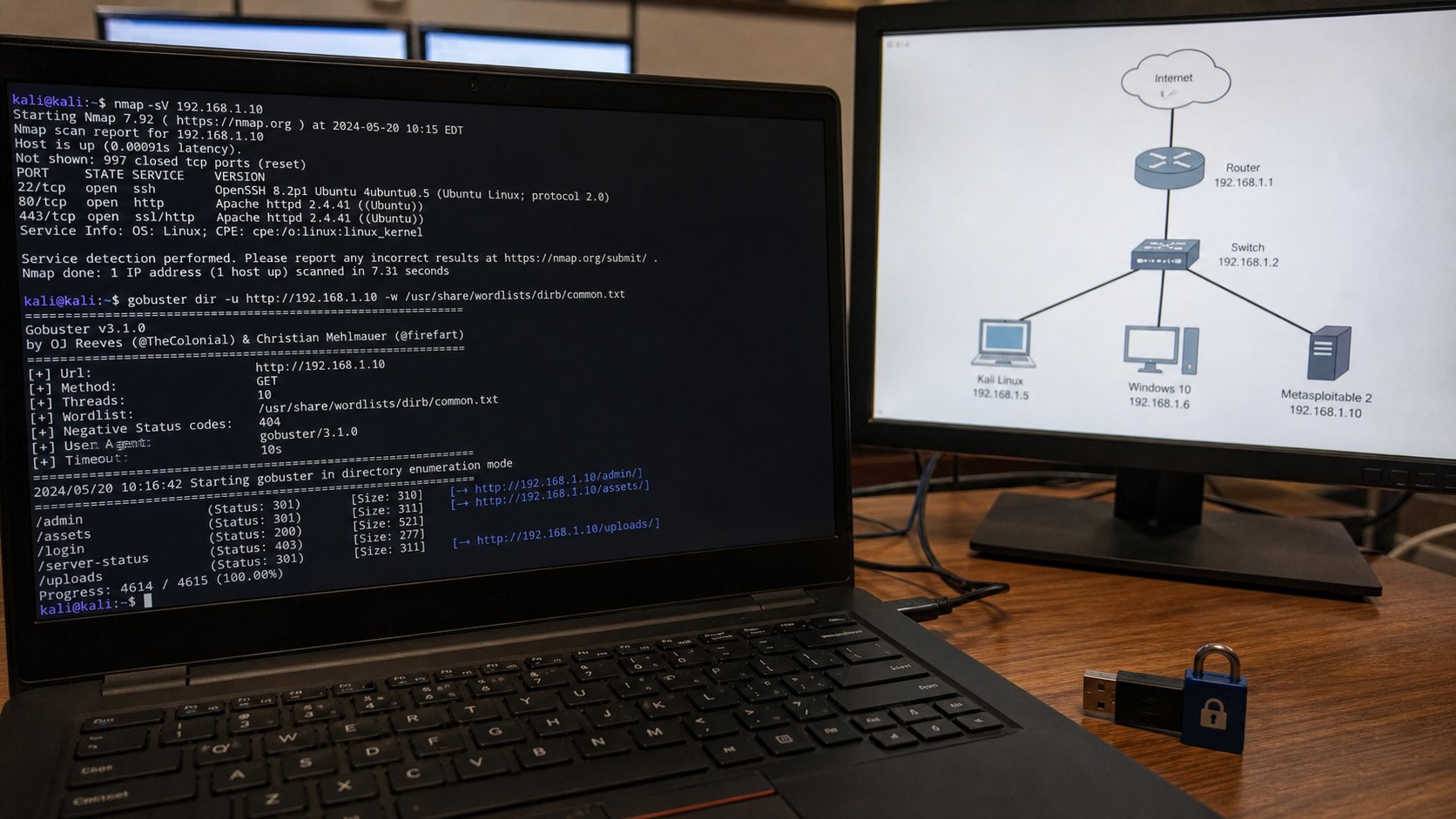
Cybersecurity
Defensive and ethical: understand threats and protect real people and data.
₦50,000 · 4 weeksComputer Networking
Understand, build and troubleshoot the networks every business depends on.
₦50,000 · 3 weeksIT Support
The helpdesk skills that get you hired: troubleshooting, support and documentation.
₦40,000 · 3 weeks