Computer skills from scratch·Files that travel·Lesson 29 of 180
Sending a file to a phone with Bluetooth
 Ellis Dennis GrahamFounder, Cyber Elias Academy 2026-03-24 3 min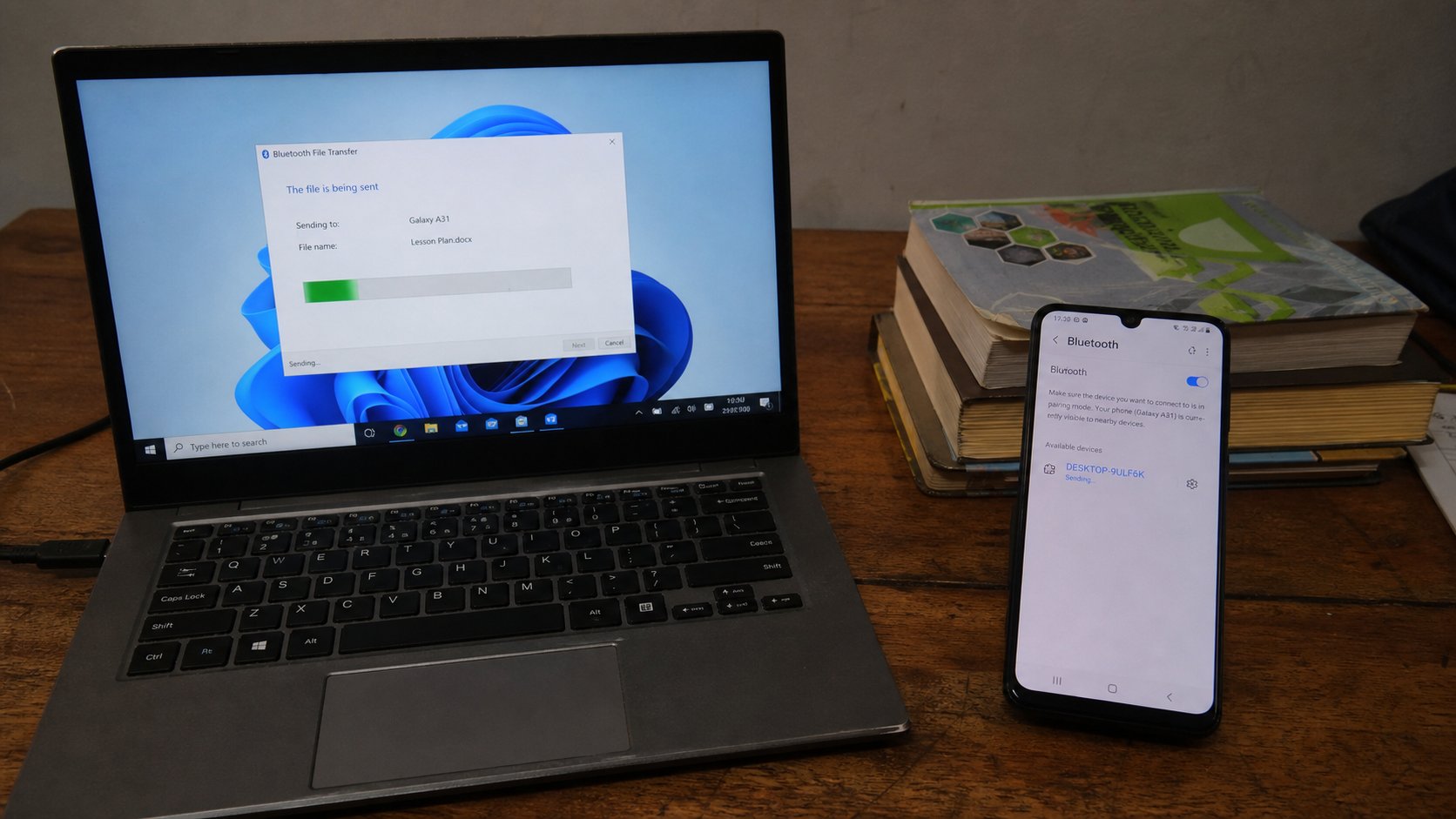
Bluetooth is a short handshake. Pair once, send a file, turn it off. The cable is still better for a wedding. The radio is enough for one PDF across the desk.
Bluetooth is a short radio, shorter than Wi‑Fi, meant for a handshake across a desk: earphones, a mouse, one PDF to a phone. It is not the internet. It does not use your bundle. It is slow for a folder of photographs and fussy about pairing. Use it when you have no cable, no data, and one file that must leave the laptop. Use the cable when you have many files. You already know that road.
Pairing is introductions. Each device must be willing to be seen, then they exchange a code or a tap, then they remember each other for next time. If they will not see each other, they are too far, Bluetooth is off, or one is already busy with a speaker. Turn the speaker off in your head. Then try again.
Pair, then send
On the phone: Settings, Bluetooth, on, and Make visible or Pair new device. On Windows: Start, type Bluetooth, turn it on, Add device, Bluetooth. The phone's name should appear. Click it. Accept on the phone if a code matches. Paired is not sent. It is only introduced.
To send: on Windows, right-click the file, Send to, Bluetooth device, choose the phone. Or Share if you see it. The phone should ask to accept. Accept. Wait. A 2 MB PDF is seconds. A 50 MB video is a kettle. If it fails at 90 percent, they drifted or a call interrupted. Send again. On a Mac, Bluetooth in Control Centre, send a file from the Bluetooth menu, or AirDrop if both ends are Apple — a cousin, easier when it works.
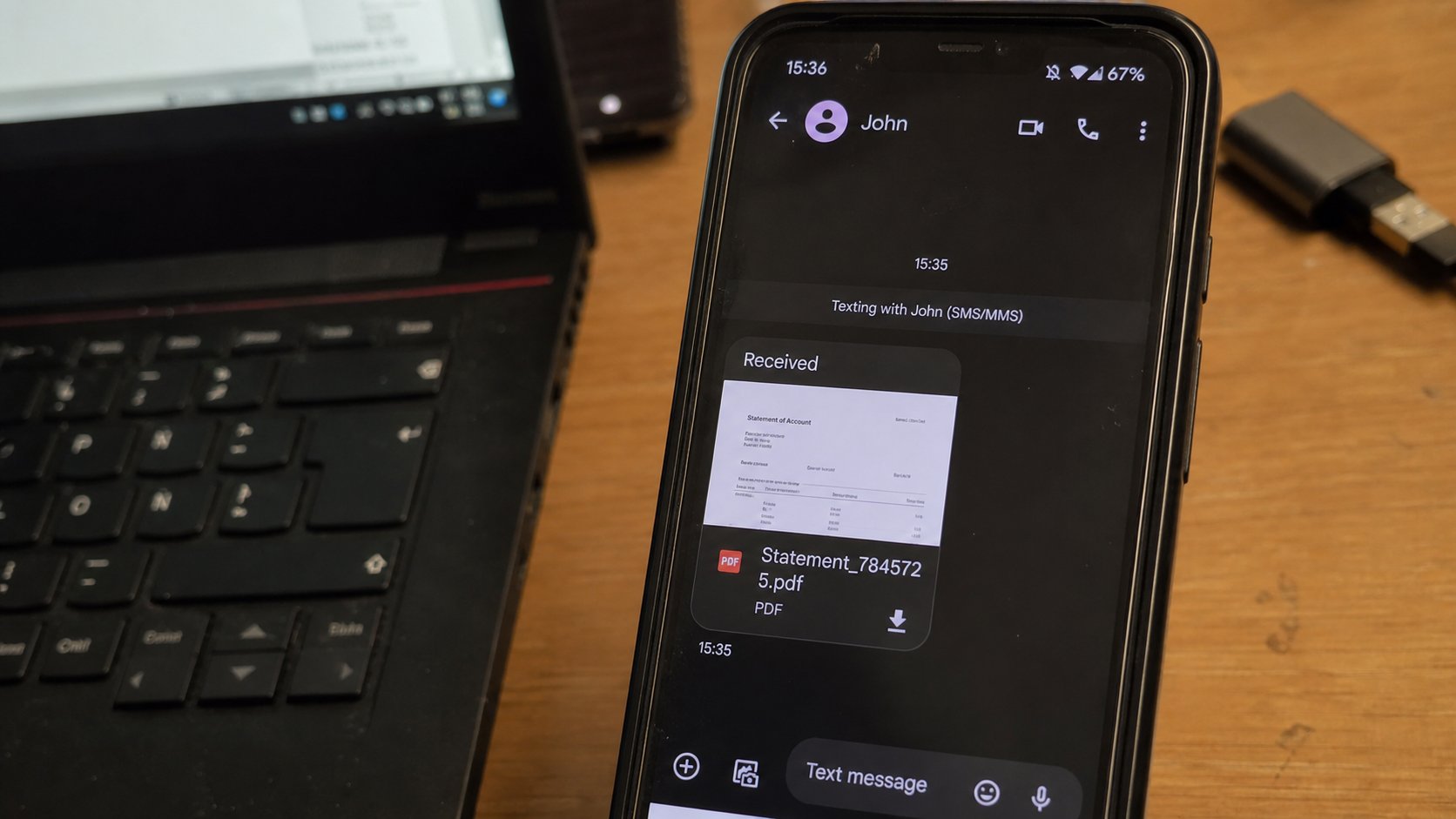
- Turn Bluetooth on, both sides. Pair. Send one small PDF you own to yourself.
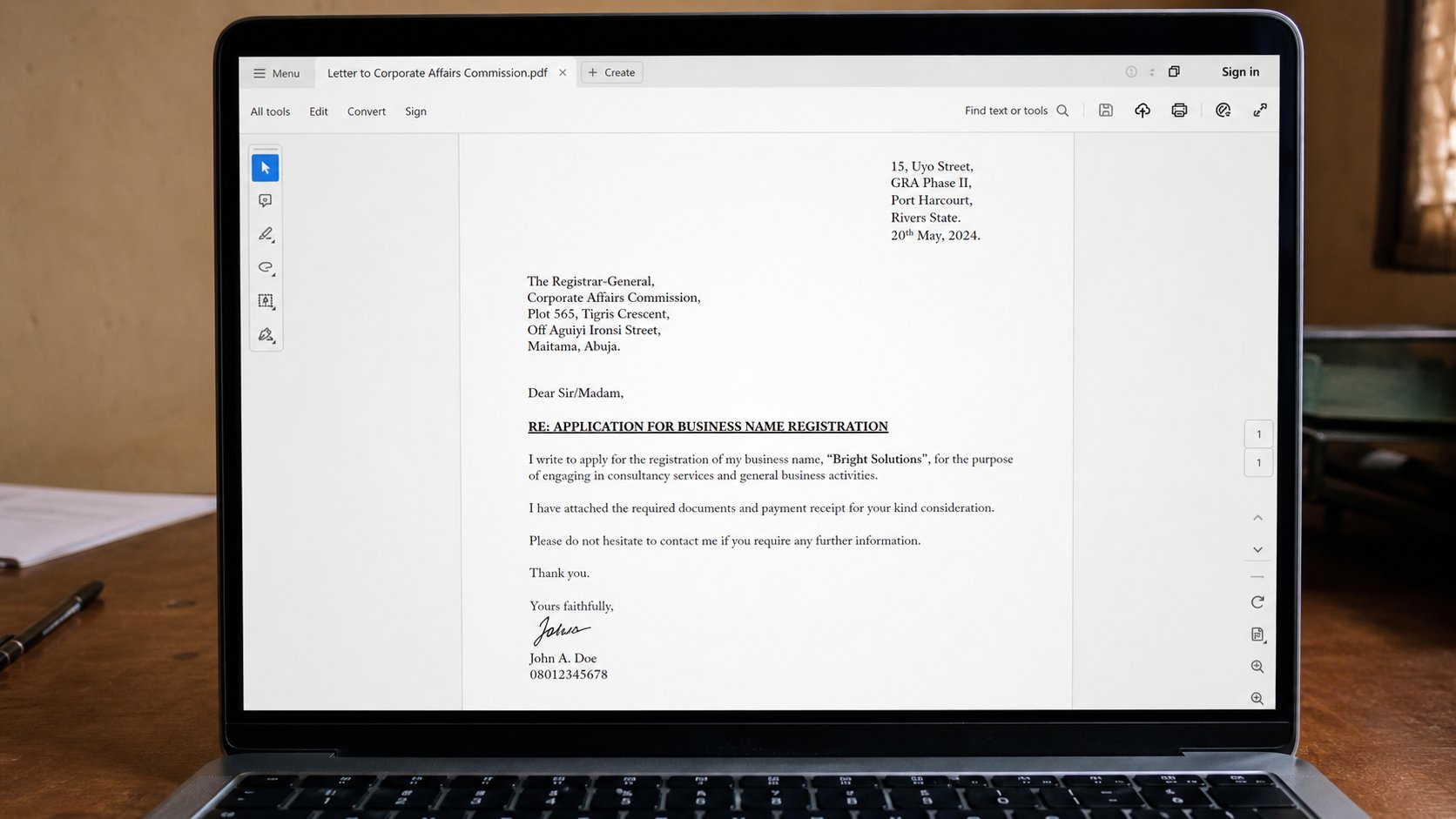
- Open it on the phone. If it is a letter, confirm you can read the words.
- Turn Bluetooth off on the laptop when you are done. The radio uses a little power and is one more door.
- If pairing fails twice, use the cable or email the file to the Gmail you can open on the phone.
When it is the wrong tool
A whole DCIM folder: cable. A file for someone in another city: email or Drive, not Bluetooth. Bluetooth will not stretch to the next street. Earphones pairing is the same radio — one pair at a time on many phones. If the laptop steals the earphones, disconnect them from the laptop's Bluetooth list.
Do not leave the phone discoverable all day in a market. Pair, send, switch discoverable off. The file on the phone is now in the pocket. If it matters, copy it off the phone later, as you learned. Bluetooth moved it. It did not file it.