Computer skills from scratch·On your own·Lesson 108 of 180
The second lock
 Ellis Dennis GrahamFounder, Cyber Elias Academy 2026-02-01 3 min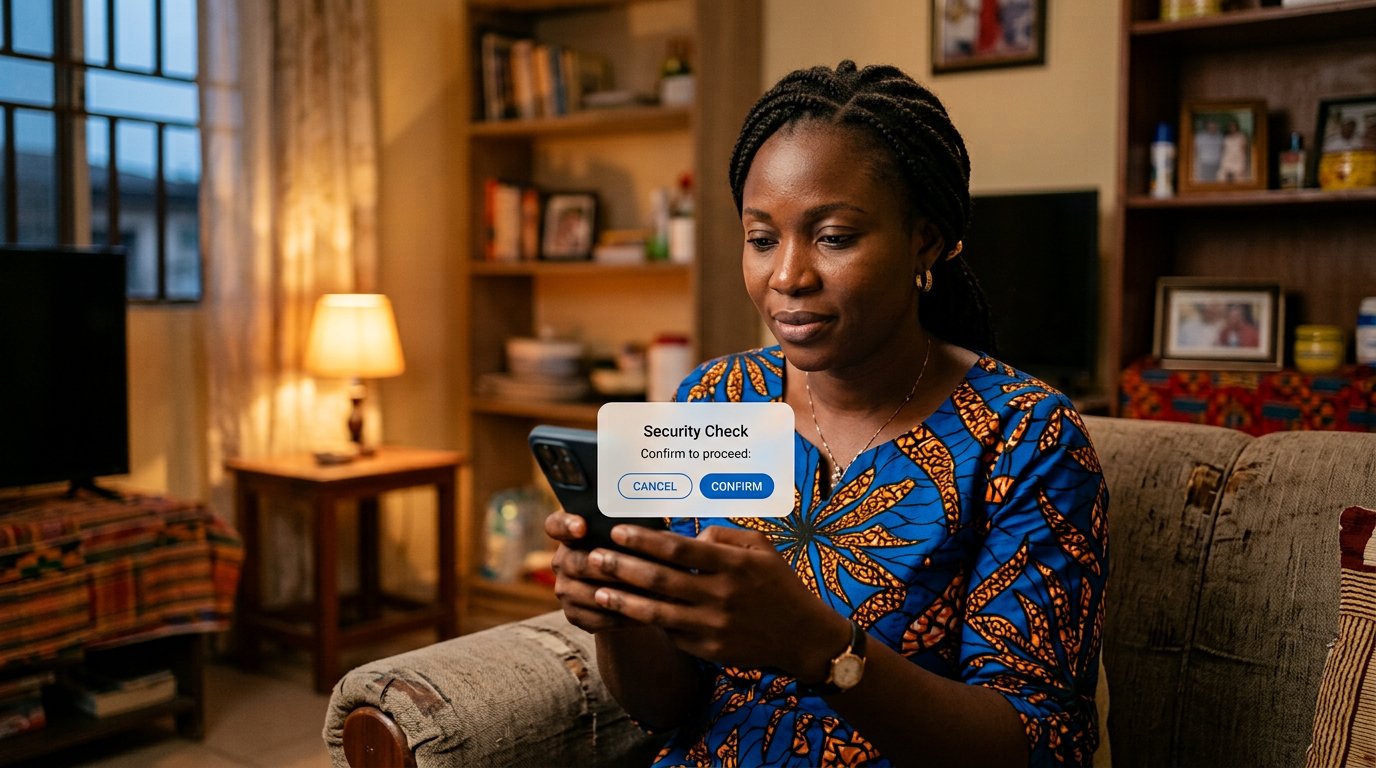
A stolen password should not be enough to be you. Two-step verification, backup codes on paper, and the rule for prompts you did not start.
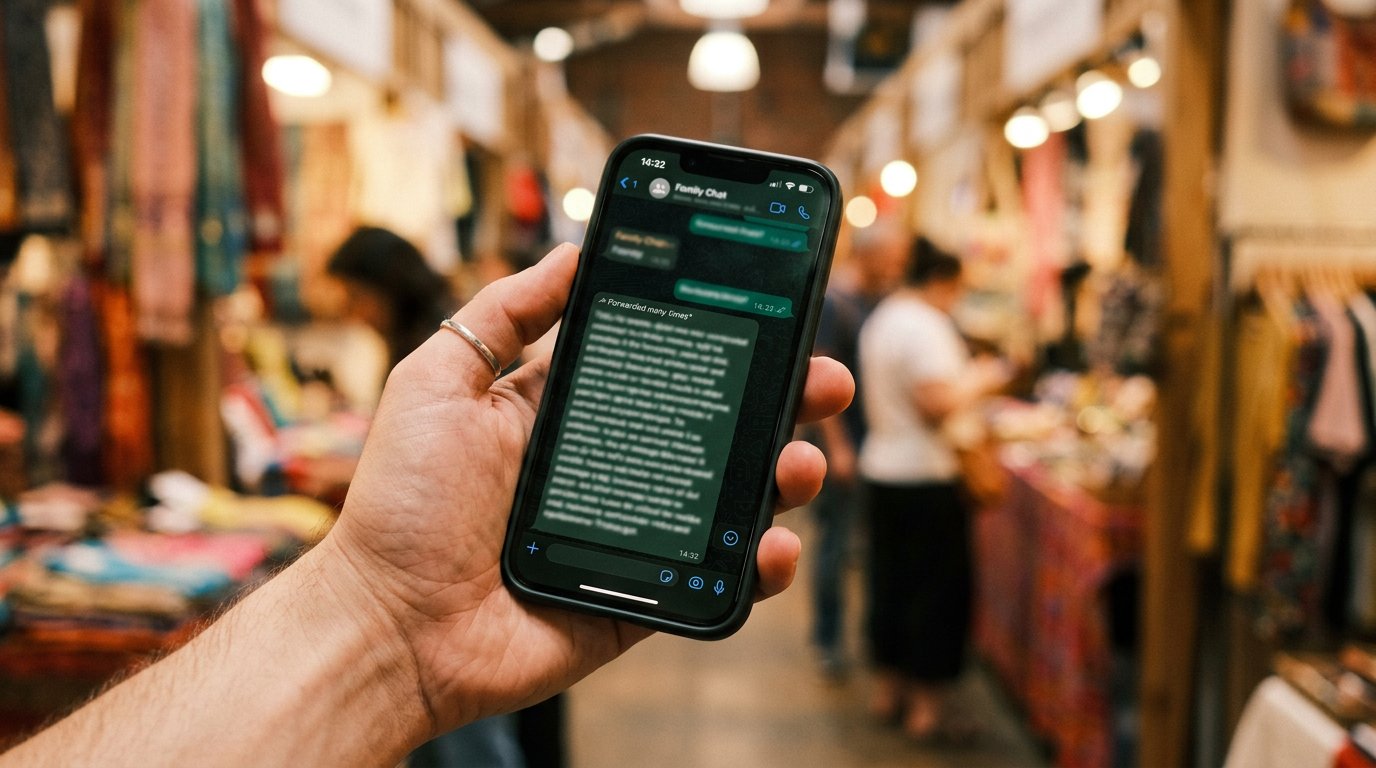
A password is one lock. Whoever learns it, buys it, or guesses it walks straight in, and you will not see them enter. Two-step verification is the second lock: after the password, the account insists on a code that reaches only your hand — the phone in your pocket, not the thief's laptop. You have watched such codes arrive all your digital life, and the OTP lesson taught you never to read one out. This lesson is the quiet reversal: you start the knock yourself, on purpose, on your own door.
Begin with the account that owns the rest. Google: sign in, Security, 2-Step Verification, follow it through, and let it learn the phone you actually carry. WhatsApp: Settings, Account, Two-step verification — a PIN you choose, which is not your birthday and not 1234, because the password rules never retired. Your bank app likely added its own device lock on the day you activated it. Leave it exactly as it is.
Where the code should come from
By default the code arrives by SMS. That is good enough to start tonight, and starting tonight matters more than the perfect version. The stronger form is an authenticator app, which generates the code on the phone itself every thirty seconds, so that a SIM swap — a stranger convincing the network that your number is theirs — cannot intercept what never travels. When the SMS habit feels like home, spend one evening moving the main account across. Perfection is a poor excuse for refusing the first lock.
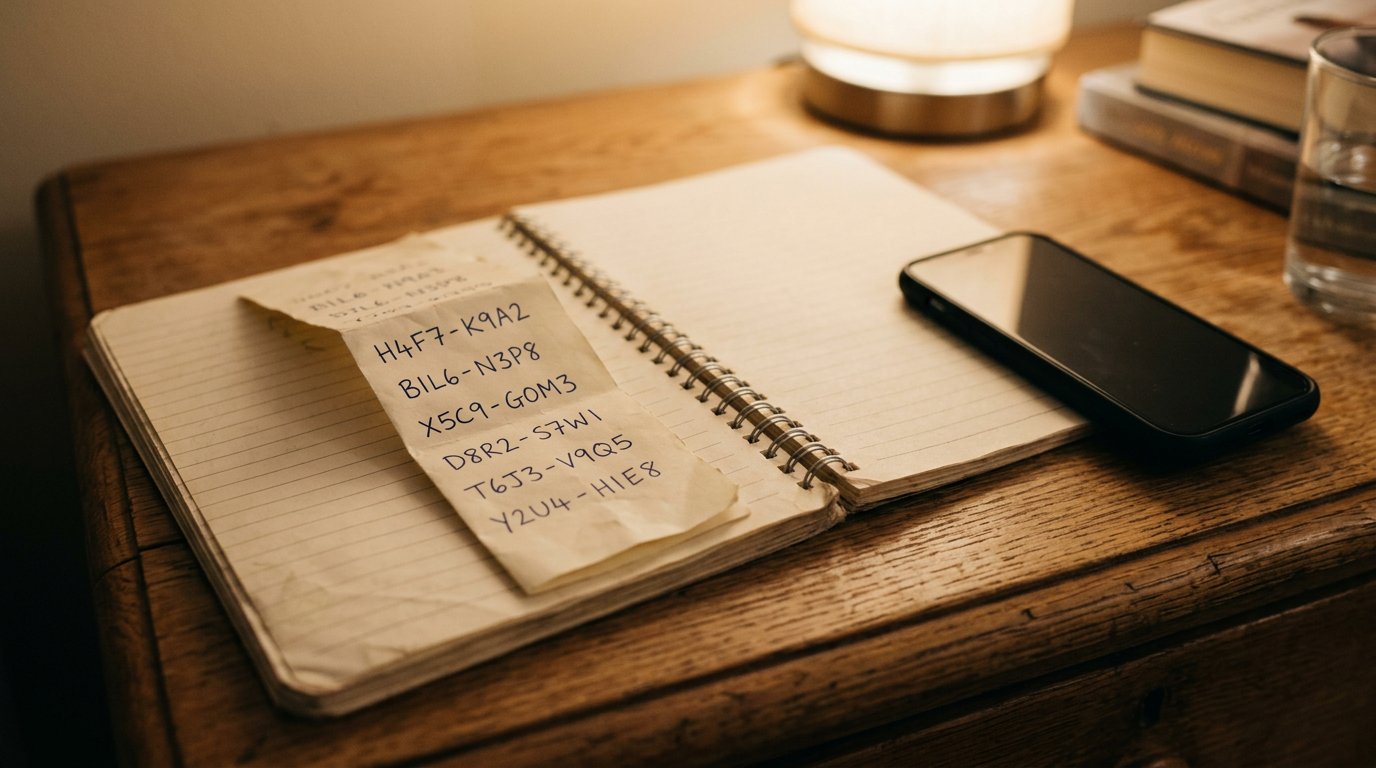
Before the setup closes, the account will offer backup codes: ten one-use keys, shown once, for the day the phone itself is lost — because the second lock locks you out too, if the phone is at the bottom of a river. Screenshot them, then write them by hand into the password notebook, and keep them where the notebook lives. Losing the phone without the codes means a long, cold proof that you are you. You already built that proof in the recovery lesson; the codes are its fast lane.
- Tonight: turn on 2-Step Verification on your main Google account. Ten minutes, once in a lifetime.
- Turn on WhatsApp's two-step PIN while the kettle boils.
- Write the backup codes into the notebook by hand — not a photo in the gallery the phone will lose with it.
- Tell no one your WhatsApp PIN, including people who say they are helping you set it up.
The prompt you did not start
The second lock brings one new danger, and one new rule. A thief with your password can press sign in, which sends an approval prompt to your phone — a question asking, may I come in? If it is 2 a.m. and you are asleep and not signing in, the answer is no: deny, then change the password, because the password is out there now. Never approve a knock you did not knock; never read out a code you did not ask for. The two sentences are the same sentence. The first lock keeps out the lazy. The second keeps out the lucky. After that, what protects you is the habit of pausing.