Computer skills from scratch·Other people’s computers·Lesson 48 of 180
The Downloads pile
 Ellis Dennis GrahamFounder, Cyber Elias Academy 2026-05-11 2 min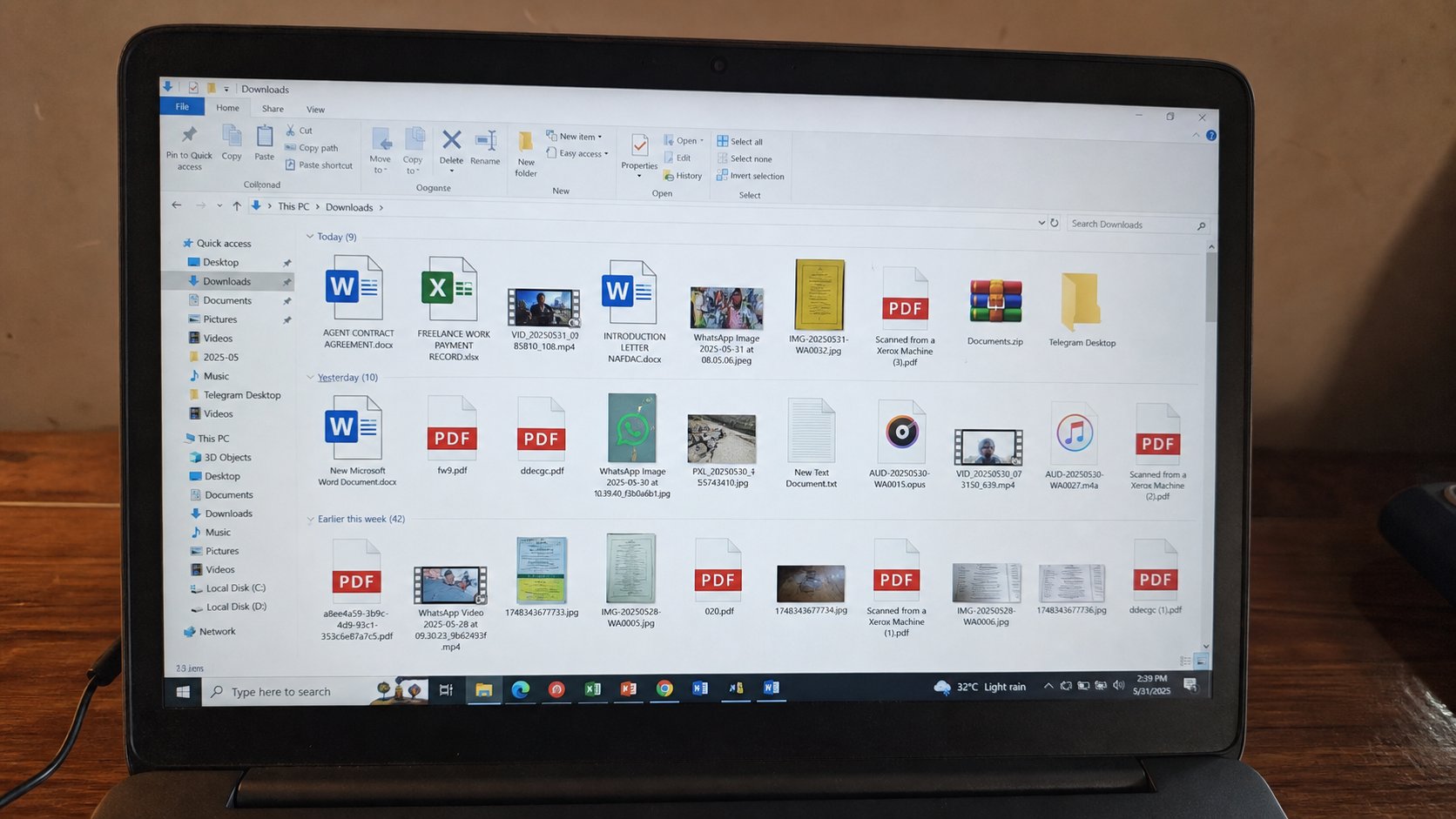
The mat by the door fills. A file that matters should walk into Documents the same day. The pile is not a folder structure. It is a habit of not finishing.
Every browser, every phone cable, every “save this PDF” drops a parcel on Downloads. You named it a mat in the files lesson. Mats disappear under shoes. Three files called invoice.pdf, a setup.exe you forgot, a photograph of a chalkboard. Then search cannot help because everything is named by someone else. This lesson is a weekly walk from the mat to the rooms, and how to download into the right room the first time.
Open File Explorer, Downloads. Sort by date. Newest at the top. That is what landed this week. Anything you still need: cut, walk to School/2026/Fees or Pictures, paste. Anything you already installed: the installer can go to Recycle Bin. Anything you do not recognise from a banner: do not open it. Delete it. You know that guest.
Save As, not Save wherever
When the browser asks where to put a file, look. Choose Documents, then the room, then a name. Chrome can be told to ask every time: Settings, Downloads, “Ask where to save.” That extra click is the whole skill. A PDF of a receipt that lands already in Fees will still be there in March. A PDF that lands on the mat will be invoice (4).pdf by Friday.
Phones have a Downloads too. The same walk applies when you copy off the phone: do not dump DCIM into Downloads on the laptop. Pictures has a room. Installers from the internet should not live in Pictures. Kind with kind. You built the rooms. Use them on the way in, not only in a guilty sort at midnight.
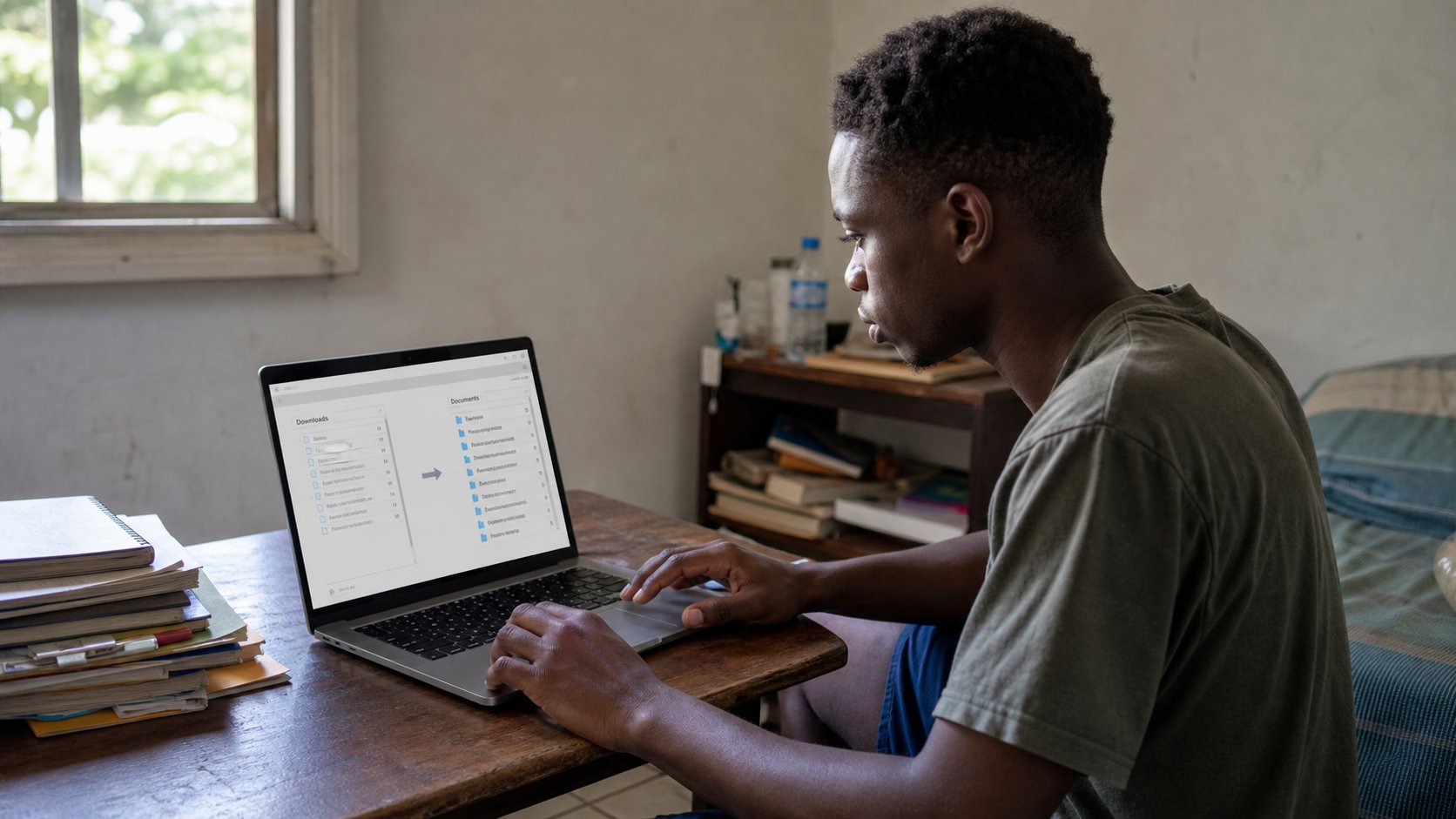
- Open Downloads. Sort by date. Move one real file into the room it belongs in.
- Delete one installer you have already used, through the Recycle Bin.
- In the browser, turn on “Ask where to save” if you can find it.
- Download a small PDF on purpose into Documents/School. Confirm it is not on the mat.
When the mat is the disk
If C: is red, Downloads is often the fat. Videos, installers, zoom recordings. Sort by size. The largest files are the first to walk or to leave. Empty Recycle Bin after you have looked. Do not delete Windows folders because Downloads was scary. You have had that warning.
A zip on the mat is still a suitcase. Extract into Documents, then you may bin the zip. Opening a file from inside Downloads and editing it there means Save will keep it on the mat. Save As, room, name. The pile is not a personality. It is unfinished walking. Finish the walk the same sitting you downloaded.