Computer skills from scratch·Other people’s computers·Lesson 42 of 180
Heat and the vents
 Ellis Dennis GrahamFounder, Cyber Elias Academy 2026-04-26 3 min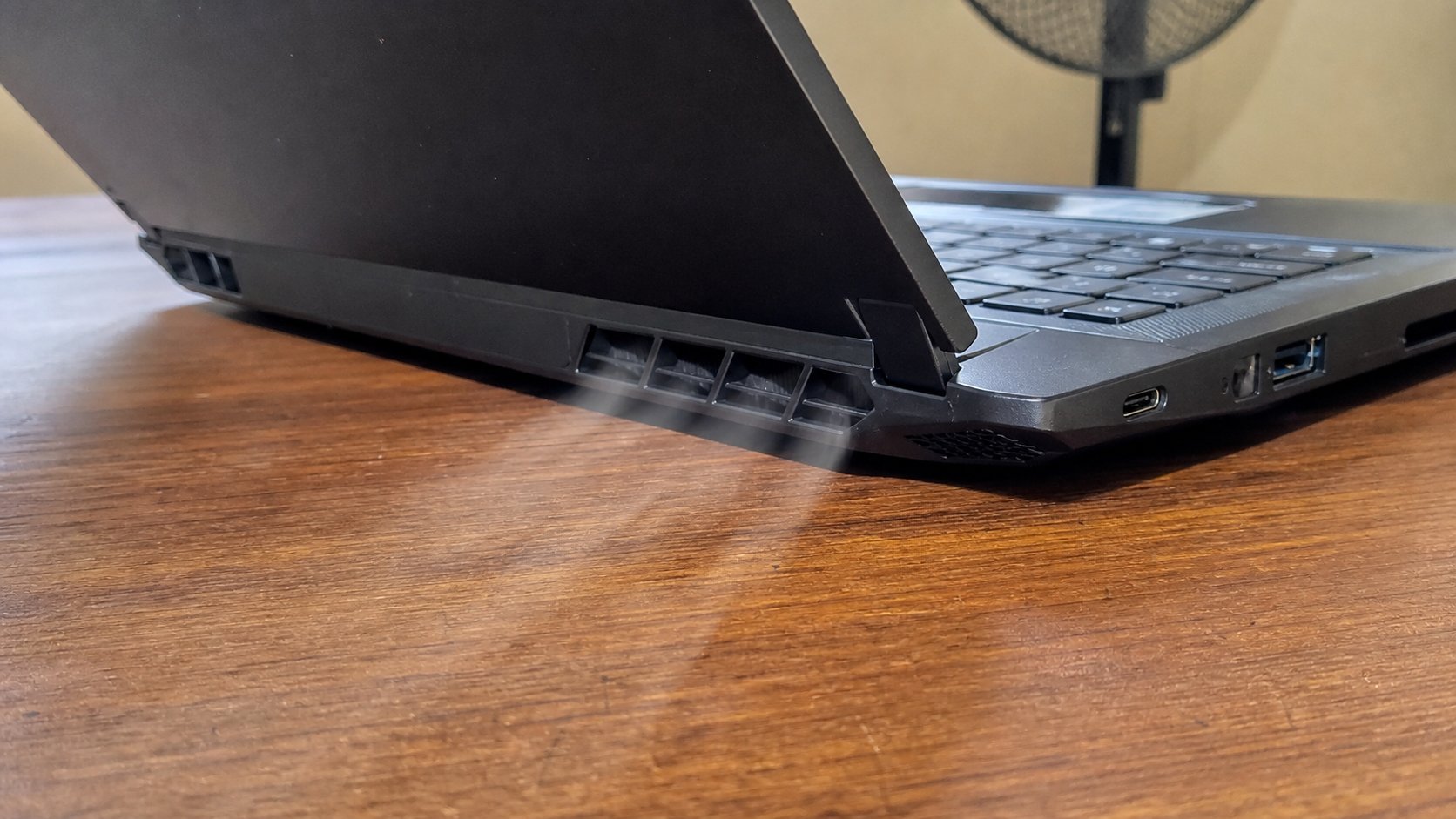
The fan is a lung. Beds and cloths are pillows over the lung. A table, a few centimetres of air, and a shutdown when it is too hot to touch.
A laptop makes heat the way a generator makes heat: work. The vents are how it breathes. Put the machine on a bed, a prayer mat, a sofa, and the cloth blocks the vents. The fan screams. The machine slows, as you saw in the slow-computer lesson. Then it dies in the middle of a letter. This lesson is where the lungs are, what not to sit them on, and when heat is a warning rather than a personality.
Look at the sides and the underside. Slits, a grille, sometimes a sticker that already peels into the grille. Those must see air. A hard table is enough. A “cooling pad” is optional. A stack of books that leaves the grille in space is a village solution that works. A closed bag with the machine on is a slow oven. If you must move, shut down first.
The bed is the enemy
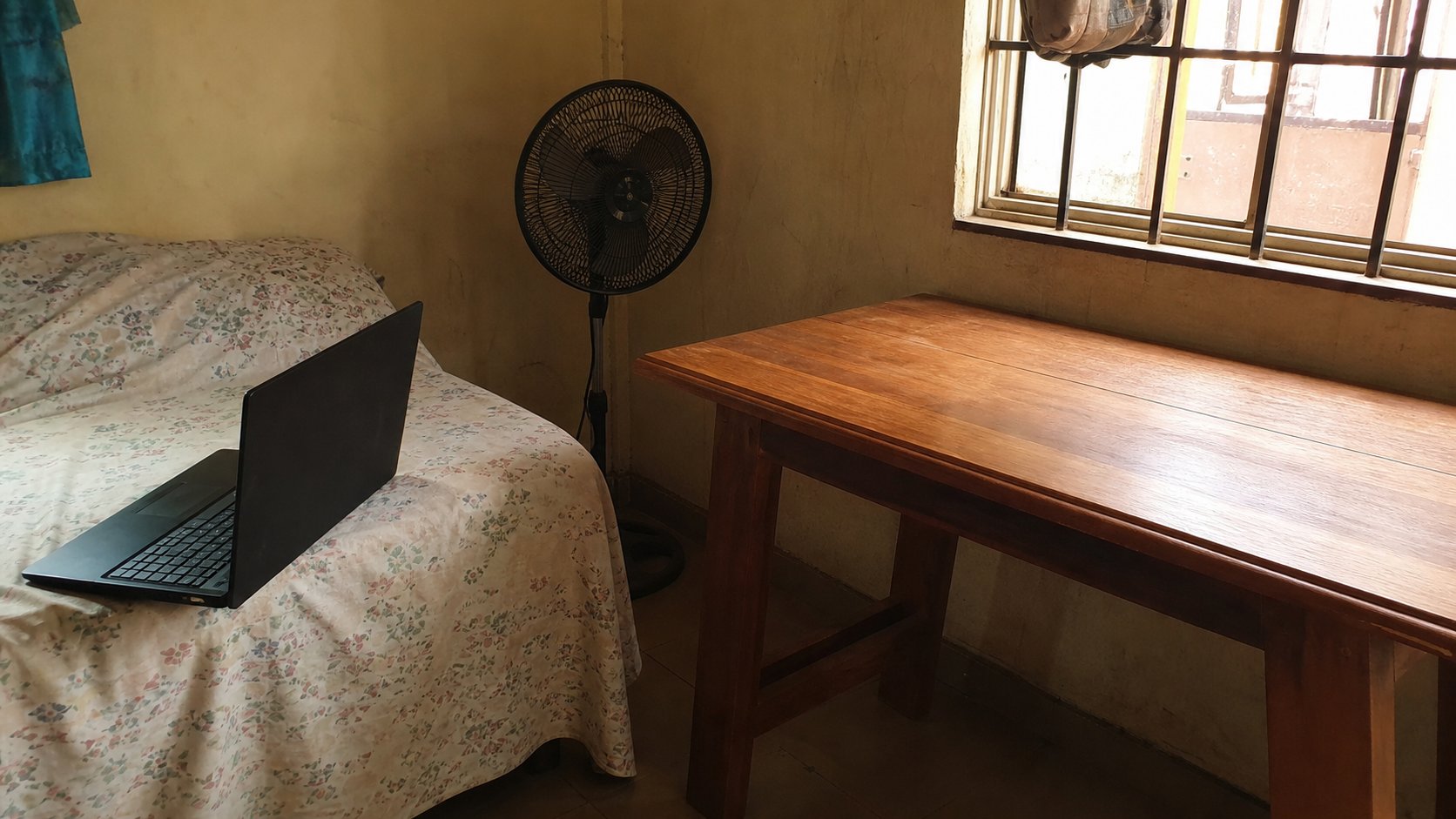
Laptops on thighs for ten minutes are a habit. Laptops on duvets for an hour are how fans eat lint. If the underside is too hot to rest a hand, shut down, lift it onto a table, wait. Do not pour water on it. Do not put it in a fridge. Cold drinks next to it are how keyboards drink. Heat leaves through air, not through drama.
When the fan is loud and you are only typing a letter, something else is working — a download, an update, a browser with too many tabs. Save, close the crowd, listen again. If the fan is loud at rest, on a table, after a restart, that is dust or a dying fan. Backup, then a shop. A shop that “re-pastes” is sometimes telling the truth. Ask the price first.
- Turn the laptop over, unplugged and off. Find the grille. Remember its face.
- Work on a table for one sitting. Notice the fan.
- If you have been on a bed, move to the table and wait one minute. The pitch of the fan should fall.
- Never block the grille with paper under the machine “to look neat.”
Outdoor sun, and the car
Direct sun on a black lid is a second heater. Shade, even a veranda, is better. A closed car at noon will cook a pack until it swells. Take the machine with you, or do not leave it there. This is not delicate. It is the same as not leaving a bottle of perfume on a dashboard.
If Windows says it is too hot and goes off, believe it. Let it cool on a table, lid open a little, before you start again. Starting immediately to “see if it works” is how you meet a shutdown loop. Heat is a message. The vents are the mouth. Give them air.