Computer skills from scratch·Stay safe·Lesson 94 of 180
The phone as a hotspot
 Ellis Dennis GrahamFounder, Cyber Elias Academy 2026-09-04 3 min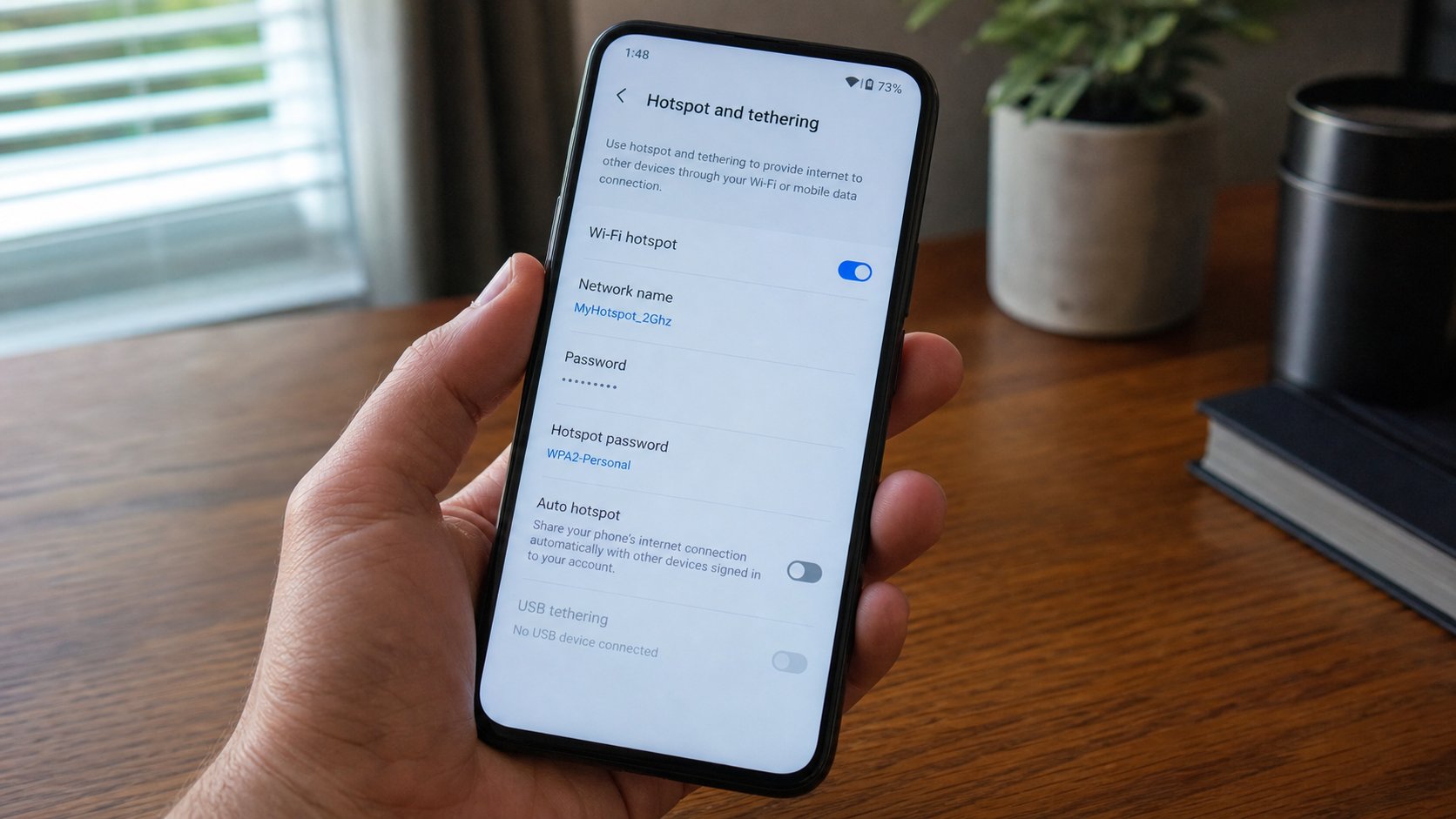
The pocket can be a router. A name, a key, the laptop joins. The bundle pays. Heat and battery follow. Switch it off when the sitting ends.
You met this as a sentence in the Wi‑Fi lesson: the phone can share its data with a laptop. The name is hotspot, or tethering. The phone becomes a small router. The laptop joins it like a house network. The bundle is the pipe. This lesson is switching it on, a password that is not 12345678, one laptop not a compound, and switching it off so the battery and the naira do not leak overnight.
Settings, Network, Hotspot and tethering, Wi‑Fi hotspot. Set a name you will recognise — not “Android” in a hall of Androids. Set a password, eight characters at least, a sentence fragment, not the phone’s unlock PIN. Turn the hotspot on. On the laptop, open the fan list, join that name, type the key. Private network if Windows asks; it is your pocket, not a café. When the page loads, the pipe is the SIM.
Who joins, and what it costs
One laptop is the point. If the list of connected devices shows names you do not know, change the password, switch off, on again. A neighbour can join an open hotspot the way they join an open house Wi‑Fi. Do not leave it without a key. USB tethering — a cable from phone to laptop — is a quieter cousin: no radio for the neighbours, uses the cable you already own. Turn USB tethering on after you plug in. It still spends the bundle.
Video will eat a week’s data in an evening. Updates on the laptop will try to drink. Pause Windows Update if you are on a thin bundle, or let it wait for house Wi‑Fi. The phone will get hot. That is the radio working. Take it off the bed, as with a laptop. Charge while you share if you can. A dead phone is a dead pipe, and WhatsApp Web will die with it.
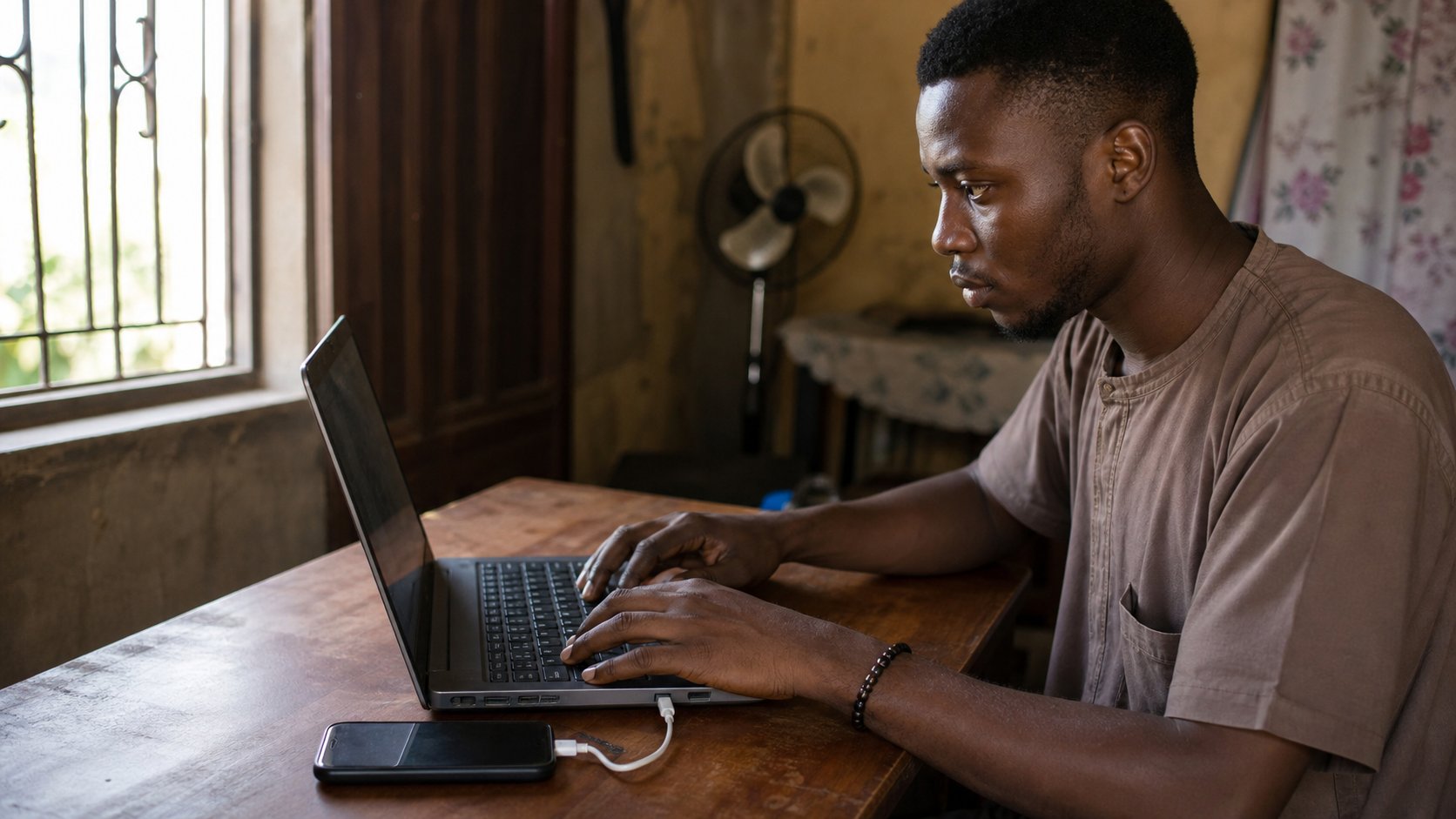
- Set a hotspot name and password. Switch on. Join from the laptop. Load cea.ng.
- Look at the phone’s connected-devices list. You should see one machine.
- Switch the hotspot off. Confirm the laptop has no internet, or has returned to house Wi‑Fi.
- Do not lend an open hotspot to a shop “for a minute.” Give a key, or use USB, or refuse.
When the house Wi‑Fi exists
Prefer the house pipe. It is cheaper by the gigabyte, cooler, and does not kill the phone. Hotspot is a spare tyre: a form that must go in tonight, a café with a password you do not trust for a bank, a generator night when the router is off. Spare tyres are not daily drivers. If you live on hotspot, you are paying phone prices for a home. Ask the house about data on the router. That is another bill, not this lesson.
Off when you stand up. The plane is another off. The hotspot is a tap. Close it. The bundle is not a river. It is a tank you can see in the phone’s data usage if you look. Look once after a hotspot evening. You will learn what a PDF costs, and what a film costs, without a speech.