Computer skills from scratch·Stay safe·Lesson 92 of 180
If the phone is stolen
 Ellis Dennis GrahamFounder, Cyber Elias Academy 2026-08-30 3 min
Call the network. Change mail and bank from another machine. Find My Device is a map, not a miracle. The lock you set yesterday is today’s whole defence.
A stolen phone is a stolen gate to WhatsApp, mail, and sometimes the bank. Panic wants you to chase the street. The useful hour is elsewhere: the network, the accounts, a second machine. This lesson is that hour, what Find My Device can and cannot do, and why yesterday’s lock and yesterday’s copies matter more than a shop’s “tracker app” from a banner.
From another phone or a laptop: call your network — MTN, Glo, Airtel, 9mobile — and block the SIM. The number stops. OTPs stop arriving on the thief’s table. Then mail: from a computer you trust, change the password, sign out other sessions, as in the café lesson. Then the bank, from the real app or the real street, not from a link in a “we saw your phone” SMS. Then WhatsApp: if you still have another phone and the same SIM later, verify; there is also a way to log out other devices from the phone you no longer hold, if you set it up before. Linked devices you already know. Remove what you can from a remaining phone or from Web if a session is open.
Find, ring, erase
Google: android.com/find, or Find My Device, signed into the same account the phone used. Apple: iCloud, Find. If the phone is on and on a network, a map may show a neighbourhood, not a house number. You may ring it. You may lock it with a message. You may erase it — a last tap that wipes the pocket if the machine still hears the cloud. Erase after you have copied what you could, which, if the phone is gone, means yesterday’s copies. Do not erase before the SIM is blocked if you still hope to call it; in practice, block first, then find, then lock or erase.
If the map is empty, the phone is off, on a plane, or already wiped. The account steps still matter. A police report may be needed for a new SIM with the same number. A tracker app you never heard of until a Facebook post is the virus costume. You do not install new guests on a remaining laptop in this hour.
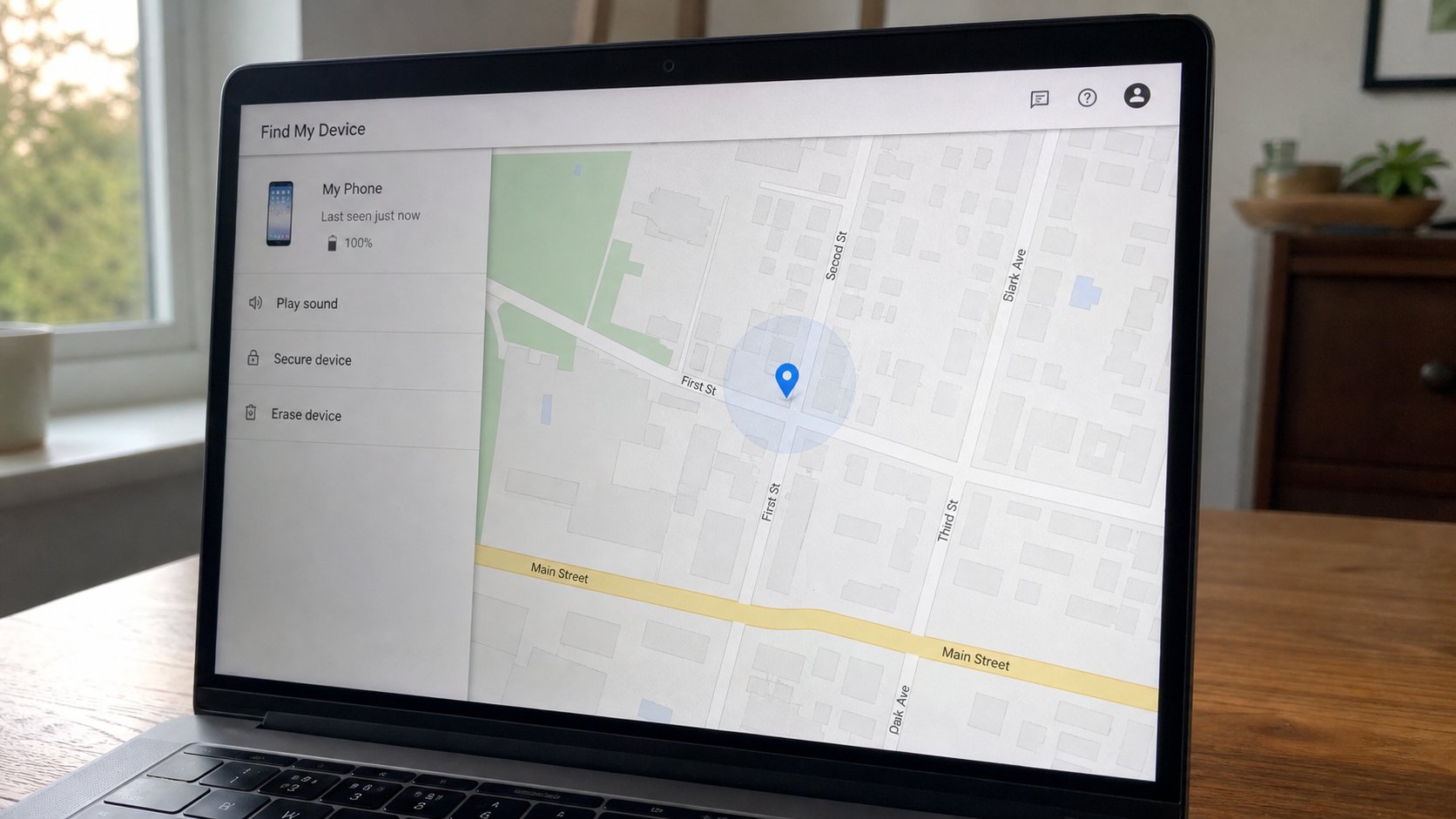
- Today, while the phone is in your hand: confirm you can sign into Find My Device or iCloud from a laptop.
- Confirm the phone has a lock. Confirm photos you care about are on the computer.
- Write the network’s official number in the notebook, not a number from a search advert.
- If it happens: SIM, mail, bank, find, lock or erase. In that spirit. Shame later. Speed now.
After
A new handset, same Google account, contacts and some apps come back if they lived in the account. WhatsApp backups, if you had Drive or iCloud on, may restore chats. If you had none, the chats are the price. The money in the bank is not, if you were fast. Tell family the old number may be in a thief’s hand until the SIM dies; they should not send OTPs or “urgent” airtime to a message that sounds like you.
The lock from the last lesson is the whole difference between a brick and an open mail. The copies are the whole difference between a lost pocket and a lost life. You cannot do those after. You can do them this evening. Then the hour, if it comes, is a list, not a freeze.