Computer skills from scratch·Other people’s computers·Lesson 50 of 180
Signing out of a machine that is not yours
 Ellis Dennis GrahamFounder, Cyber Elias Academy 2026-05-16 3 min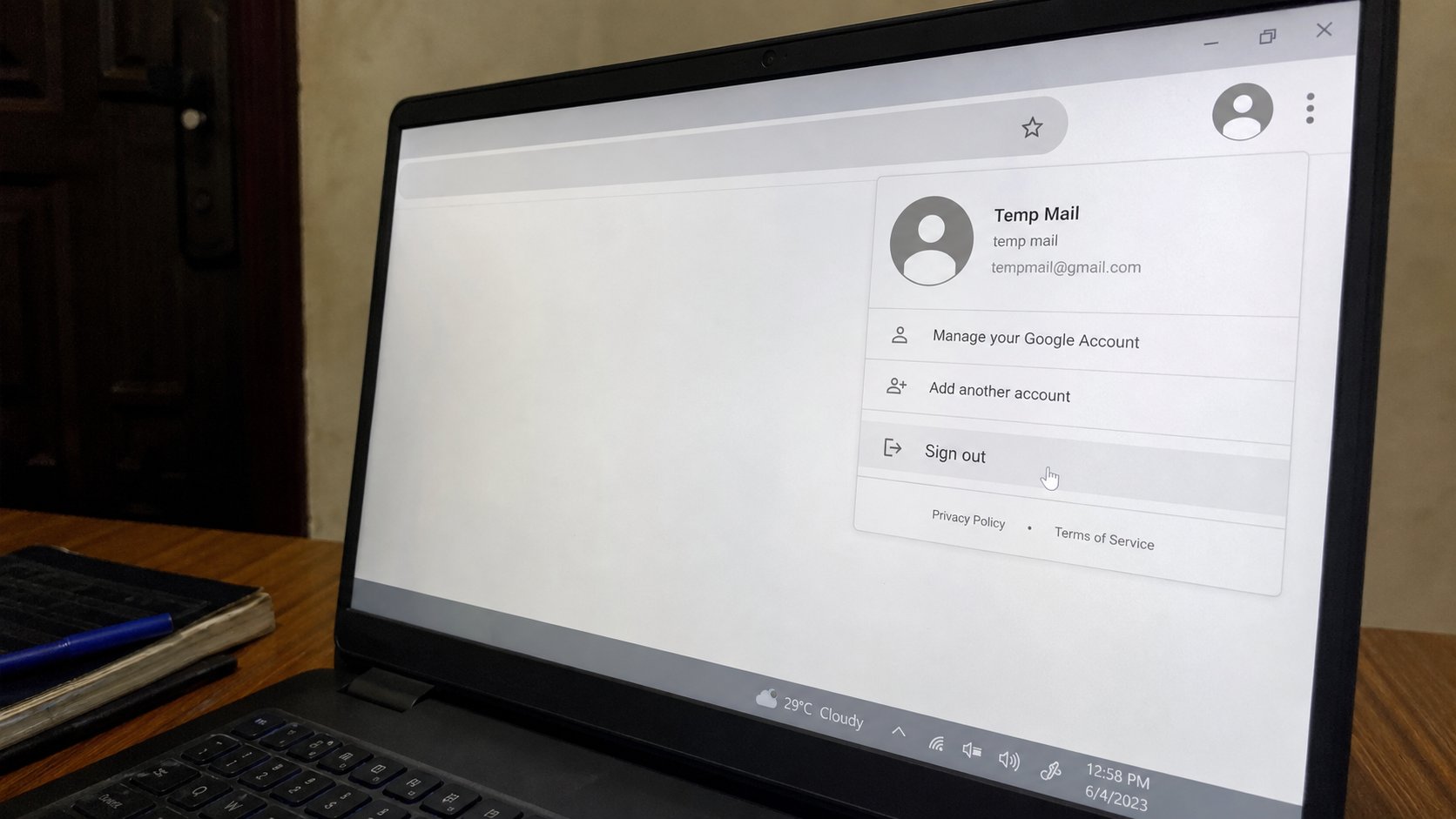
Close is not sign out. Remember me is a trap you tick once. A last five minutes: mail, Drive, WhatsApp Web, browser, Guest. Then stand up.
A business centre, a church office, a friend's house, the academy's own machines if you are a visitor — the sitting ends. Closing the laptop lid is not leaving. The next person opens the lid and is you, in Gmail, in Drive, in a bank tab you forgot. This lesson is a short ritual for the last five minutes, so your keys do not stay on someone else's table. You have met the pieces. This is the order to walk them.
Sign out is a sentence in an account menu: your picture or name, then Sign out, Log out, or Sign off. Gmail has one. Drive is the same Google, so one Google sign-out often covers both. WhatsApp Web has a menu, Log out. Windows itself may have a user you should not shut down if it is not your PC — Sign out of your sites first, then leave Windows as you found it. Do not shut down a shop's counter machine unless they asked.
The five-minute walk
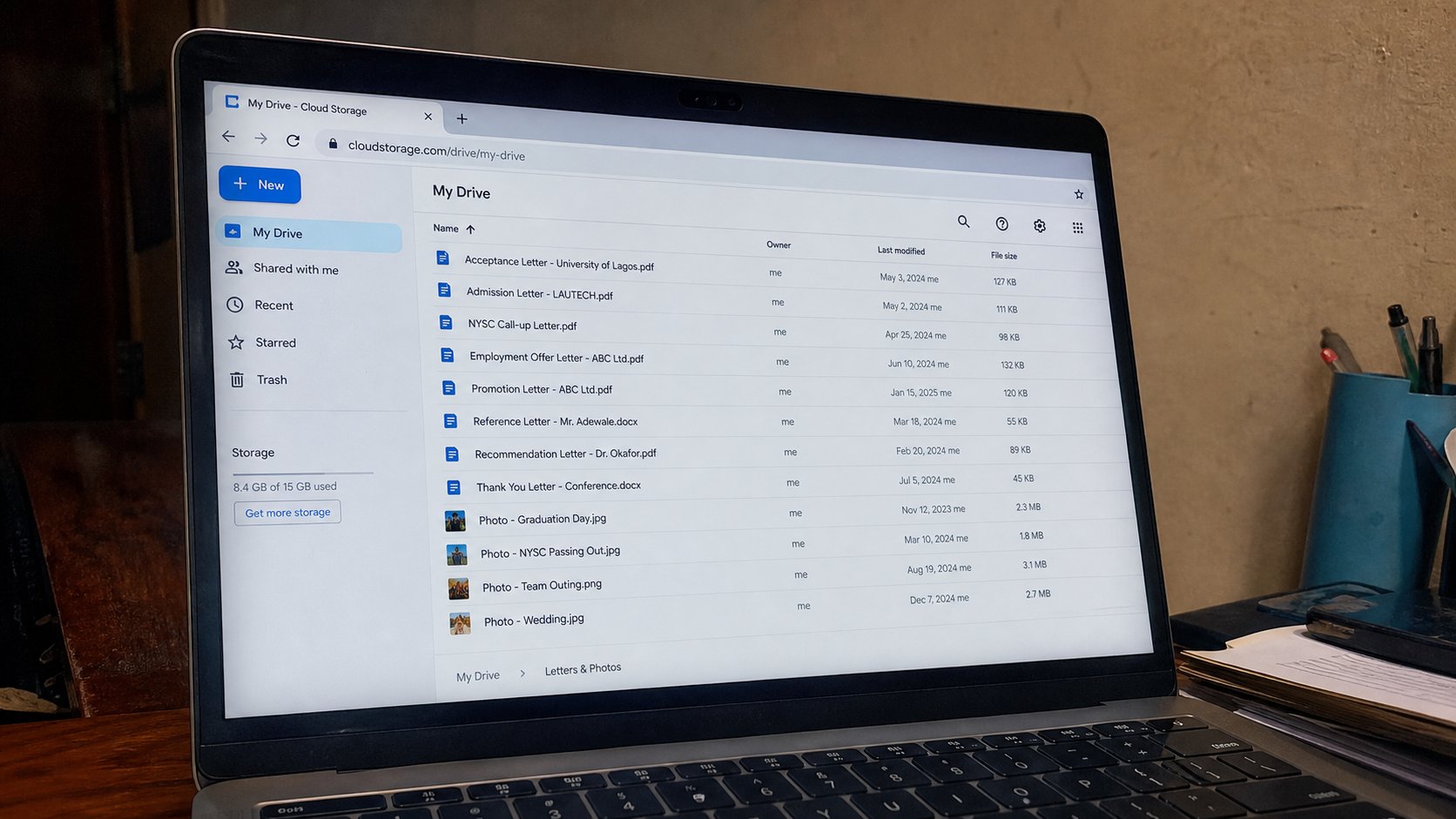
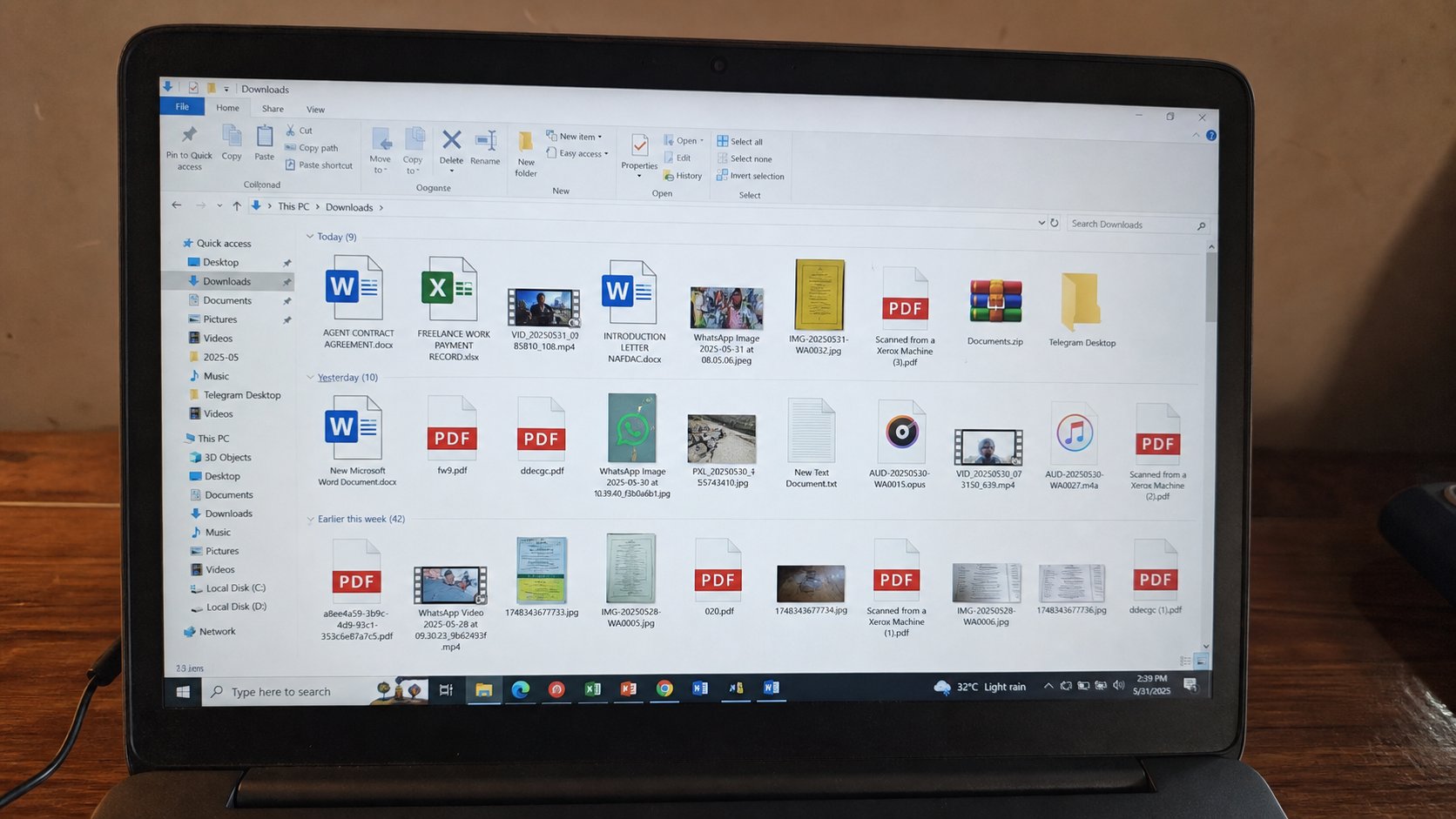
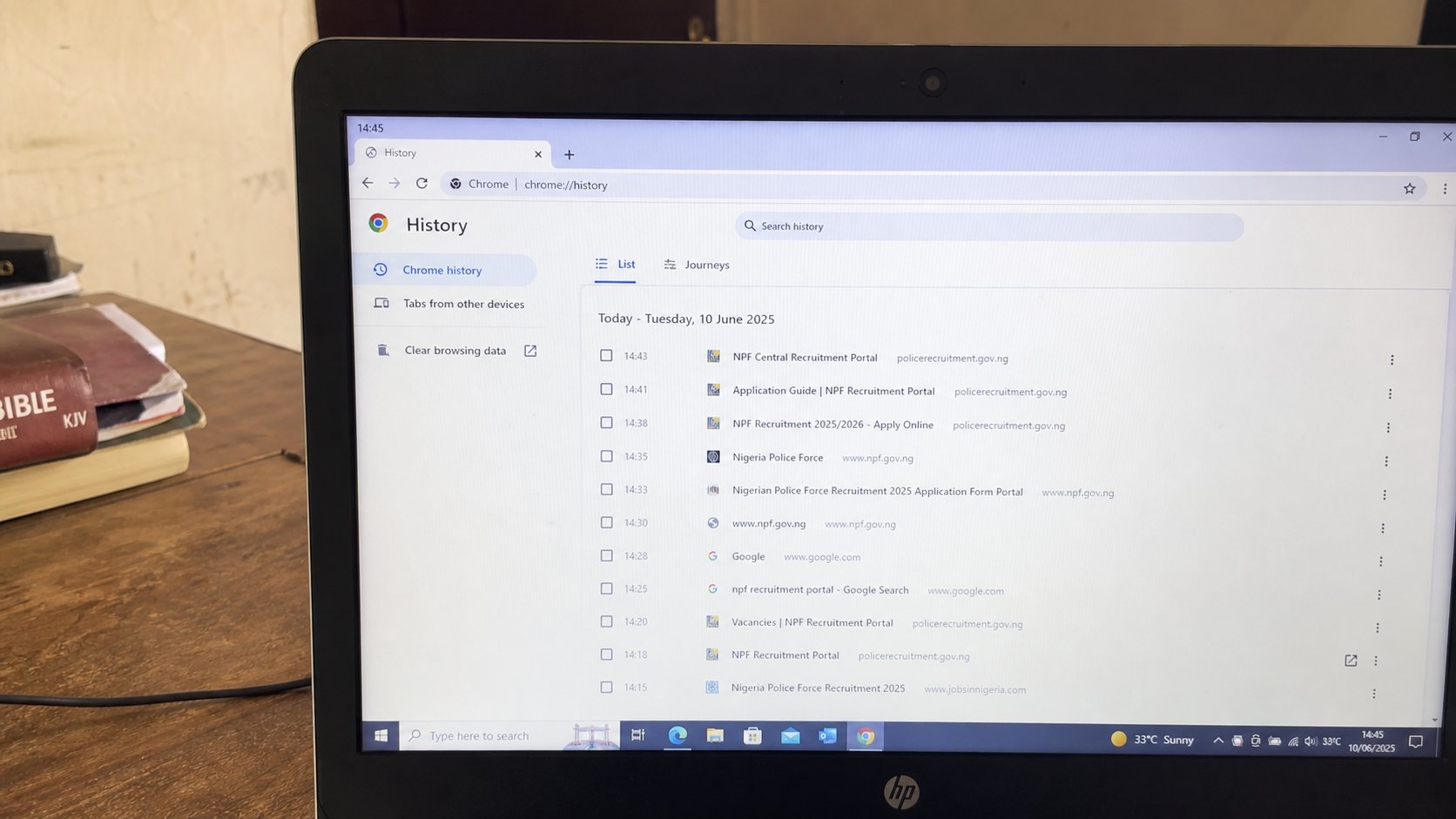
Mail: picture, Sign out. Confirm the browser is asking for a password again. WhatsApp Web: three dots, Log out. Bank: the bank's own logout, not only the tab's X. Browser: if you used Guest, close all Guest windows. If you used a profile, sign out of the profile or close it. If you used the house browser, clear the last hour of cookies if you can do it without a fight, or at least close every tab. Downloads: copy your files to your USB, then delete those copies from their Downloads if the machine is public. Recycle Bin if you deleted.
Remember me, Stay signed in, Trust this device — you should have said no on the way in. If you said yes, sign out is still required, and you may need to remove the device from Google's account later, from a machine that is yours: myaccount.google.com, Security, your devices. That is homework for the evening, not a reason to skip sign-out now.

- Practise on your own machine: sign out of Gmail, then sign in again. Feel the extra step. That step is what you owe a shared machine.
- Next time you sit at a computer that is not yours, start from Guest or a private window.
- Before you stand: mail, WhatsApp Web, bank, USB, close.
- Do not leave a phone charging in their USB “for a minute” with the phone unlocked.
What still leaks
A file on their Desktop. A print they have not collected. A photo in their WhatsApp if you sent it to yourself from their app. Paper in the printer tray. Look. The ritual is not paranoia. It is leaving a borrowed room as you found it, plus not leaving your ATM card in the sofa.
If you forgot, from home, change the mail password, then the bank if you touched it. Google can sign out other sessions. Do it the same day. Shame is how this one finishes badly, like the phishing lesson. You are not the first person to leave a tab open in a café. You can still lock the door from the other street. Then the next sitting, walk the five minutes. Lid last.