Computer skills from scratch·Stay safe·Lesson 91 of 180
Locking the phone and the laptop
 Ellis Dennis GrahamFounder, Cyber Elias Academy 2026-08-28 3 min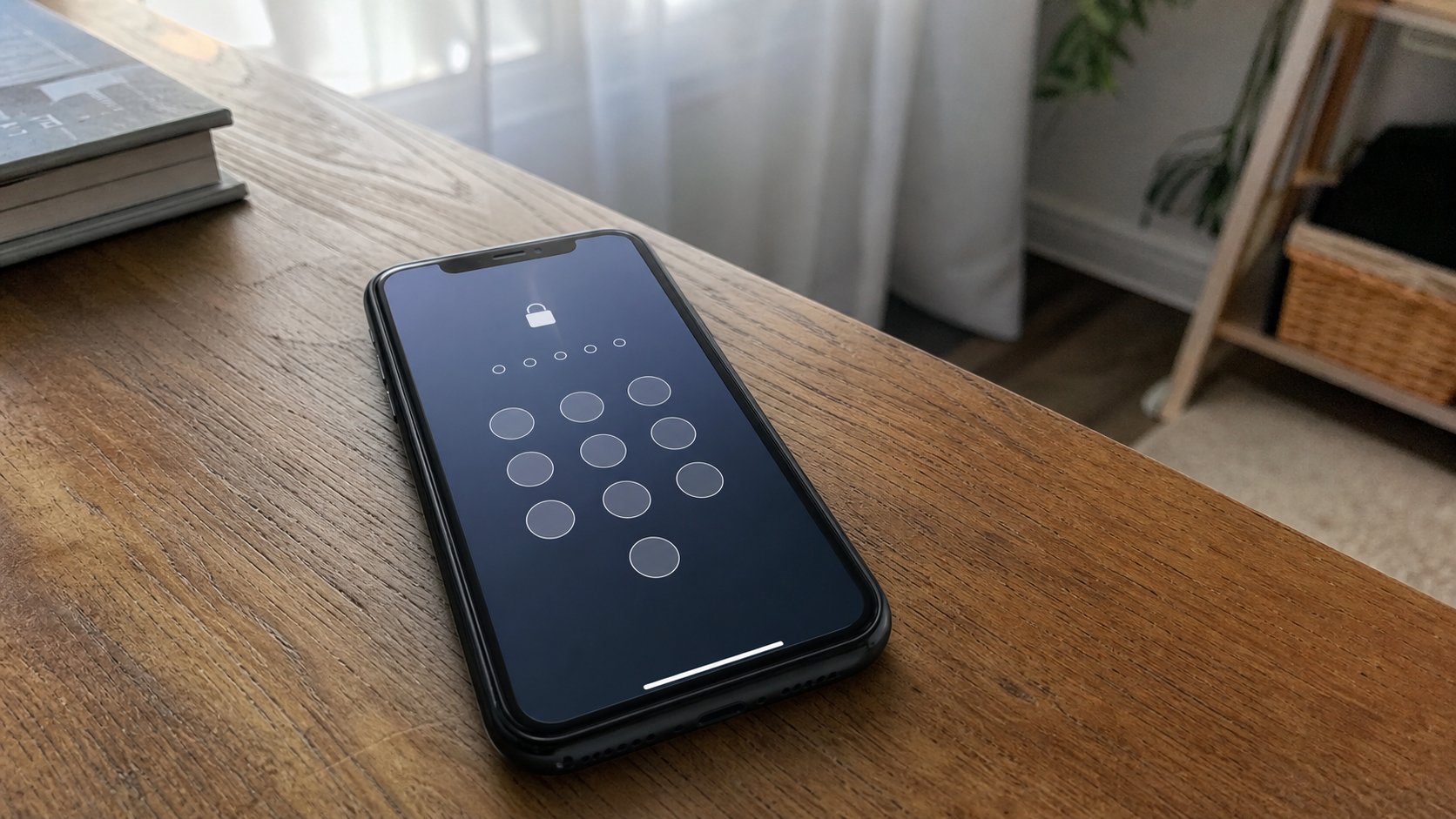
A lock is a gate, not a decoration. PIN, pattern, fingerprint, Windows+L. The screen going dark is not a lock. A cousin should meet a gate, not your mail.
A phone without a lock is a house with the gate open. Anyone who picks it up is you: WhatsApp, mail, the bank app if it does not ask again. A laptop the same. The screen going dark is only a lamp. The lock is a gate that asks for a key when the lamp comes back. This lesson is a PIN you can remember, a pattern that is not a letter Z, Windows+L when you stand up, and why “none” is not a time-saver.
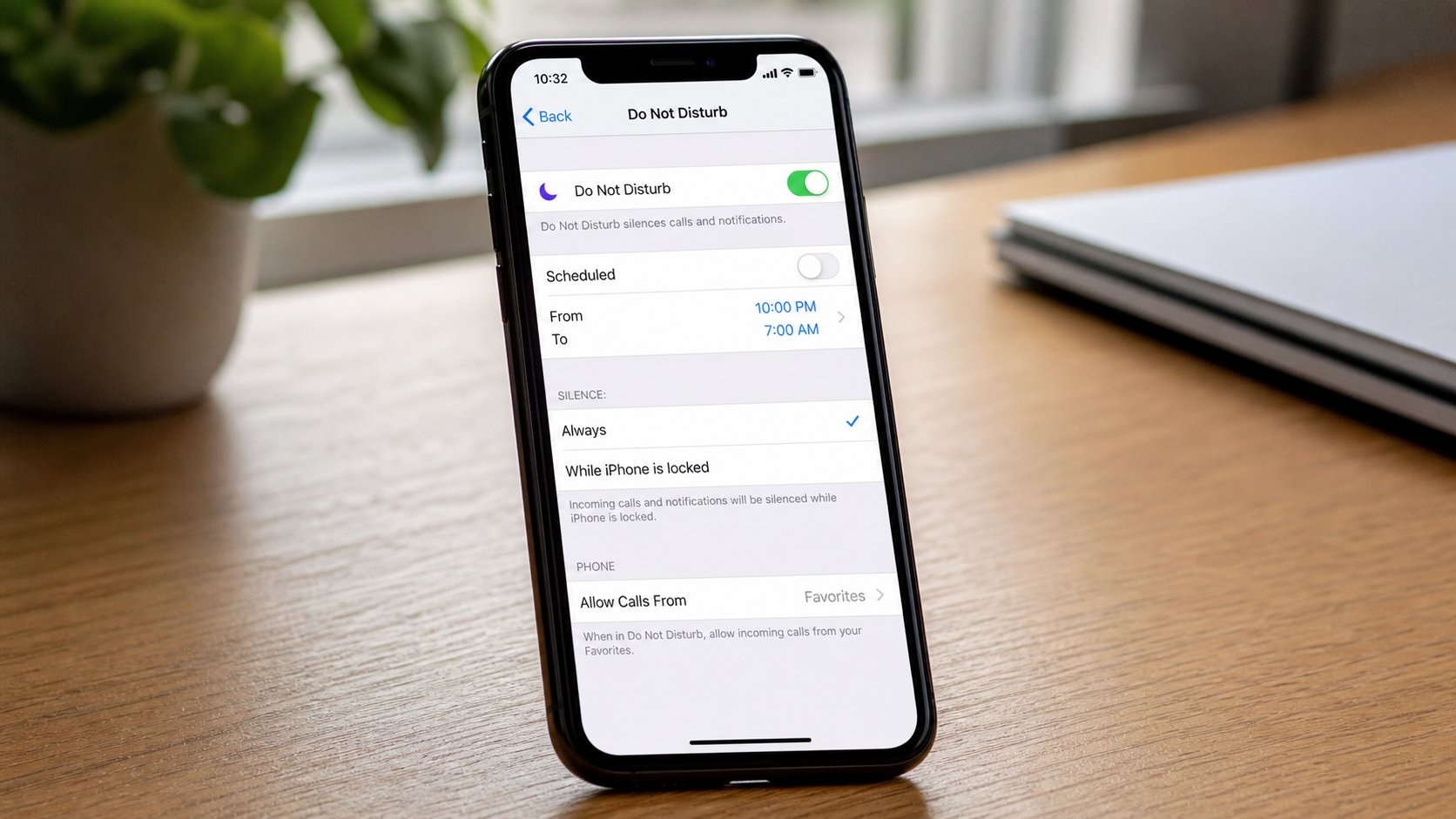
On the phone: Settings, Security, Screen lock — PIN, password, pattern, or fingerprint if the machine has a pad. A PIN of six digits you do not use for the ATM is enough for most people. Four is weak and still better than none. A pattern that is a straight line or your initial is a pattern a shoulder can steal. Fingerprint is convenient; it still needs a PIN as backup when a wet hand fails. Face unlock is a cousin: fine at a desk, weaker in a crowd with a photograph. You choose. You write the PIN hint in the notebook in the drawer, not on a sticky on the phone.
The laptop, and standing up
Windows: Settings, Accounts, Sign-in options. A PIN for this machine is not your Microsoft password; it is a local gate. Use a different number from the phone if you can bear it. Windows+L locks at once — lamp off, gate on — without shutting down. Practise it every time you leave the chair, even to the kettle, on a shared desk. A Mac: Control+Command+Q, or close the lid if the lid is set to lock. The lid is not a lock until you have checked that it asks for a password on wake.
Require a sign-in when the PC wakes from sleep. A screen saver that does not lock is a curtain. Auto-lock after a few minutes is kindness when you forget Windows+L. On a business-centre machine, do not set your PIN. Guest, then the five-minute walk. Their gate is not yours to change.

- Put a PIN or password on the phone if it has none. Unlock it twice to prove you remember.
- On the laptop, Windows+L. Unlock. Do it again.
- Set a short lock time — one or two minutes on a phone in a compound.
- Do not use 1234, your birthday, or the phone number. You know why.
When the key is forgotten
Phone: the Google or Apple account you made on purpose is the rope, plus a wait. A shop that “opens it” without that account is often formatting. Backup first, always, if you still can. Windows: the PIN can be reset from the account if you set one; a local account with a forgotten password is a harder day. The notebook in the drawer is cheaper than that day.
A lock is not encryption of the whole disk. It is still the difference between a stranger reading your mail and a stranger holding a brick. Use it. The extra three seconds when you sit down are the whole rent. Pay them.