Computer skills from scratch·The wider street·Lesson 111 of 180
Your bank in your hand
 Ellis Dennis GrahamFounder, Cyber Elias Academy 2026-02-15 3 min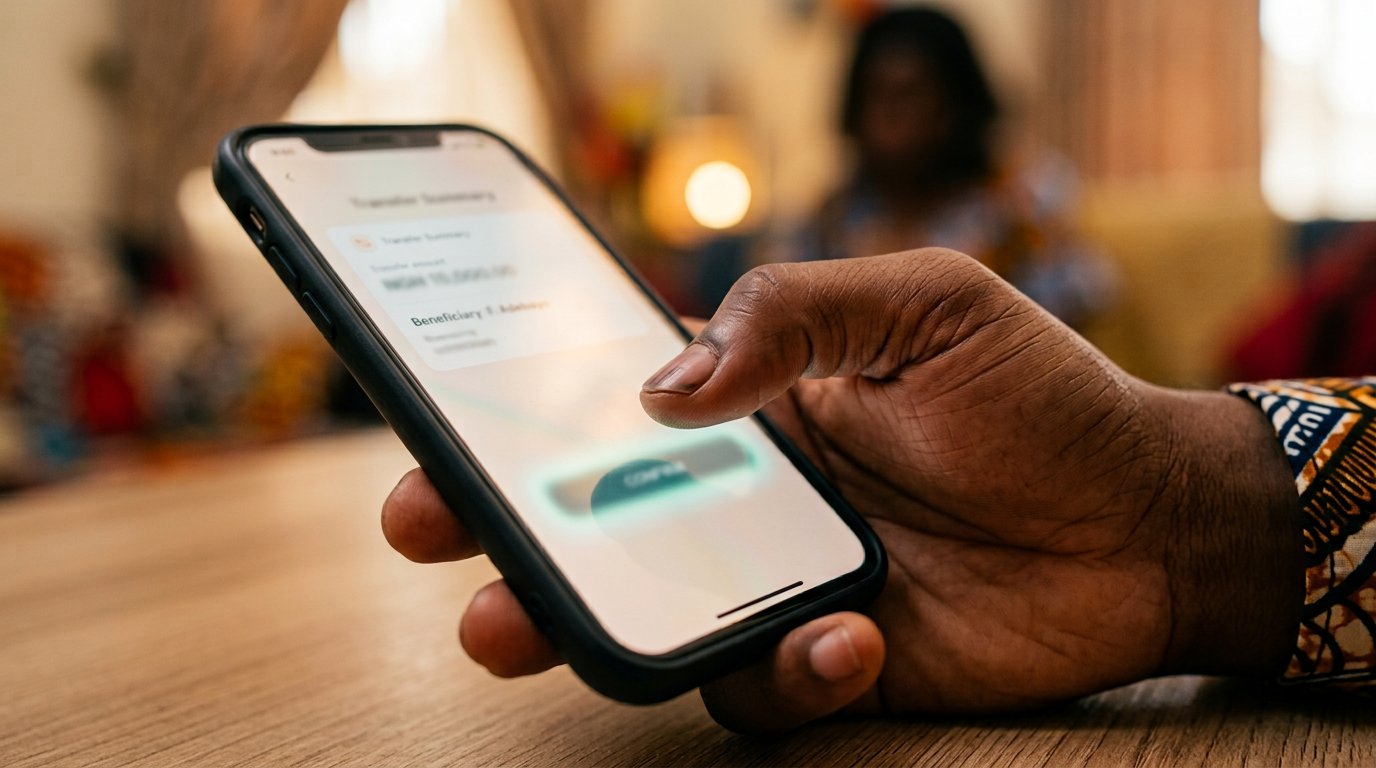
The bank in your pocket, used with market sense: the name before the confirm, the receipt kept, the card switch found in daylight. Your money's front door, locked properly.
Most money here never becomes notes. It moves as a message between banks, and the bank app is where the message is written. You have watched it in other people's hands for years: the queue that used to fill the banking hall now stands in a pocket. This lesson is that app, treated with the market sense you already have — because the app is a market bag, and a market bag is only as safe as the hand that closes it.
Get the real one first. The app store listing shows the developer — your bank's own name, millions of downloads; the bank's own website links to it; a message a strange "staff" sends you on WhatsApp does neither. First open, it will ask for your account number and send a code to the SIM the account was registered with — the codes that die, arriving for a knock you started, which is the only kind worth typing. Then it asks for a PIN or password: the old rules hold. Not your birthday. Not 1234. Written in the notebook.
The name before the confirm
You type the account number; the app shows you the name attached to it. Read the name. Every time, even for your own brother — especially for your own brother, because ten digits typed in a hurry can belong to a stranger who shares two of them with him. This is the change-counting of this market. Wrong name, Cancel, type again; the app does not sulk. Right name, Confirm — and then screenshot the receipt before the screen moves on. The receipt is the teller's slip of this age, and the bank's own record is the truth of what happened, not anybody's say-so.
Learn the rest of the app in daylight, while nothing is wrong. Where the statement lives — a PDF you can download for the rent, the visa, the audit of yourself. Where the card switch is: most apps carry a control that freezes your card in one tap, and the day a POS text arrives for a purchase you did not make, you want your thumb to know the road without searching. Where the beneficiary list is, so that a name you do not recognise can be deleted instead of wondered about. An app explored in peace is a vault. An app met during a crisis is a maze.

- A brand-new beneficiary? Send the smallest note first, watch it land, then send the rest.
- Find the card freeze switch today. Practise on nothing. That is the whole drill.
- Keep receipts in one album named Money, and a statement in Drive with the other papers.
- Nobody else's thumb in the app, and the PIN is never spoken — not to staff, not to family, not to anyone.
When the alert is quiet
Networks delay in both directions. Money you sent and the receiver has not seen: it usually lands within minutes; check your receipt first, then wait a little, then the bank's line — the number on their own site, not one a caller gave you. Money someone claims to have sent you: believe it when your balance moves, in your own app, with the sender's name on it. An SMS tone is not a promise. A screenshot in a chat is not a promise. The balance is the promise. You learned the habit last chapter; this is where it earns its keep.