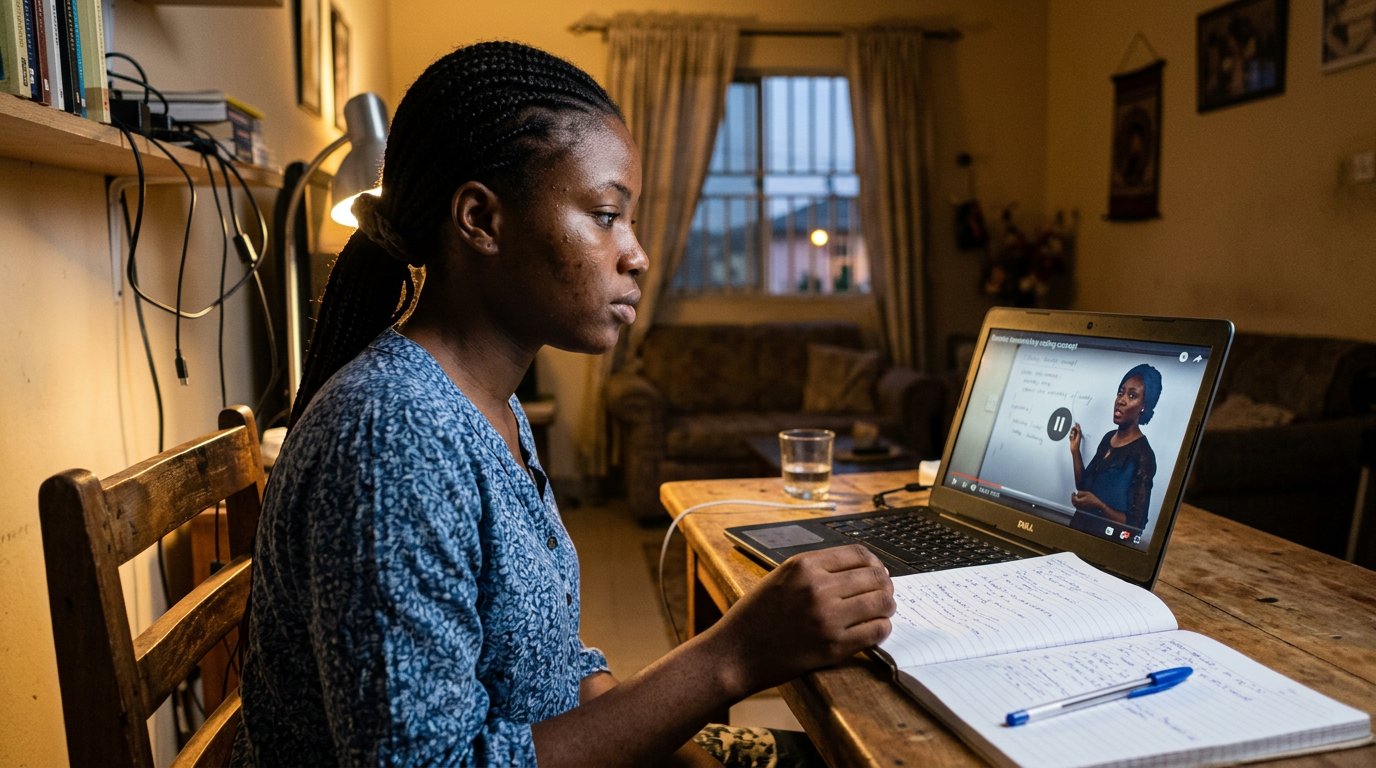
Computer skills from scratch·The wider street·Lesson 115 of 180
Government things, done online
 Ellis Dennis GrahamFounder, Cyber Elias Academy 2026-03-05 3 min
NIN, passports, company names: the paperwork of a Nigerian life, on screens. Finding the real gov.ng door, surviving the fakes advertised above it, and keeping every reference number.
The queue at the office and the queue on the portal are cousins, but only one of them is in your house. NIN slips, passport renewals, company names, tax records: the paperwork of a Nigerian life has been walking to the screen for years now, and filling a form — lesson eighteen, of all lessons — has quietly become a civic skill. This lesson is how to deal with the state online without paying anybody's cousin for the privilege.
Find the real door first, because fakes are parked next to it. The official address ends in gov.ng. Check even then, and check above all the advertisements: a fake "help centre" will buy the top advert slot in the search results, dress itself in the agency's colours, and charge you a processing fee the agency never asked for. It is the prize message wearing a suit of flags. The safe road: type the agency's address yourself, or reach it from the agency's own verified page, then bookmark it — lesson forty-six — so that next time the door is yours, not the advertiser's.
What the portal will ask, and what it will never ask
Expect: your details typed carefully — spelling exactly as they sit on your certificate, because the papers lesson's folder is only as useful as its names are true. Your documents uploaded: the upload lesson is the whole game, size limits, the bar that must finish, the tick screenshotted. A fee, paid on the portal's own checkout — one known amount, one known page, receipted. What no portal will ever ask: your bank password, your card PIN read to a caller, or an OTP typed for a stranger who phones to help you complete your application. No agency calls you to complete anything. The email that says your application will die in twenty-four hours unless you act through this link is the hurry tell — lesson seven — wearing a government tie.
Keep everything the portal gives you. The reference number is your application's name; write it in the notebook the same hour. The acknowledgement slip: print it at the café, or PDF it into the Papers folder in Drive, where the certificates already live. Check your application's status on the portal itself, not by hoping and not by paying an agent to hope on your behalf. The café earns its fee honestly here — scanner, printer, and a person who has walked this particular form before — but the portal account, the password, and the reference number remain yours alone.
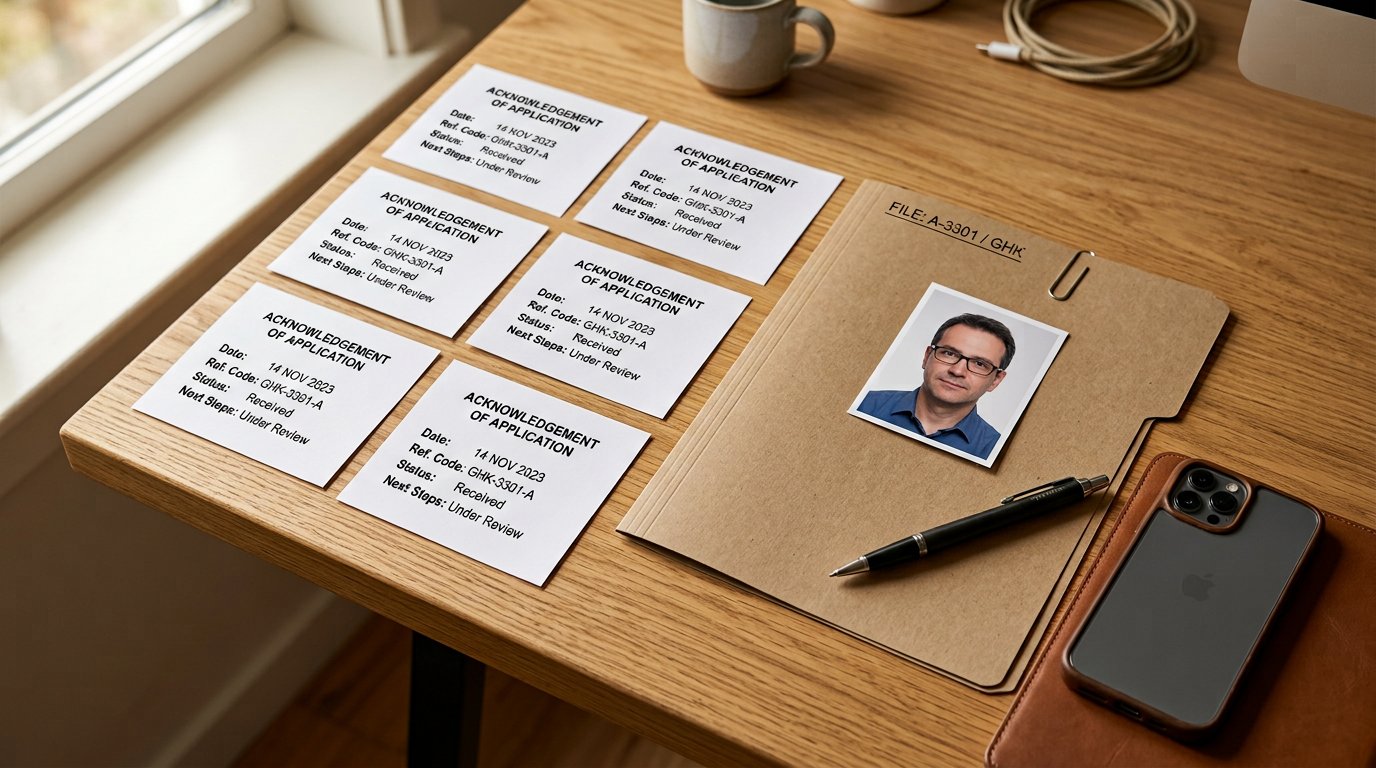
- Type the agency's address yourself and bookmark it. Ignore the adverts above the real result.
- Spelling exactly as on the certificate; uploads within the size; payment only on the portal's own page.
- Reference number into the notebook; acknowledgement slip into Drive.
- No agency telephones for an OTP or a fee. Hang up, and continue on the portal at your pace.
The queue you can see
Portals are sometimes slower than their promises, and always slower than the touts standing beside them claim. But they are visible: a status page that moves, a slip that says received, a date you can point at. Visible beats a cousin's cousin's promise every day of the year. The state is learning the screen the way you learned it — slowly, then suddenly — and every form you fill yourself, receipt and all, is one less door that needs an intermediary to open.